Spray Madness
Java mod listed for Minecraft 1.18–1.19. Downloads from the MC Java Mods app on Android.
I don't know my version or loader
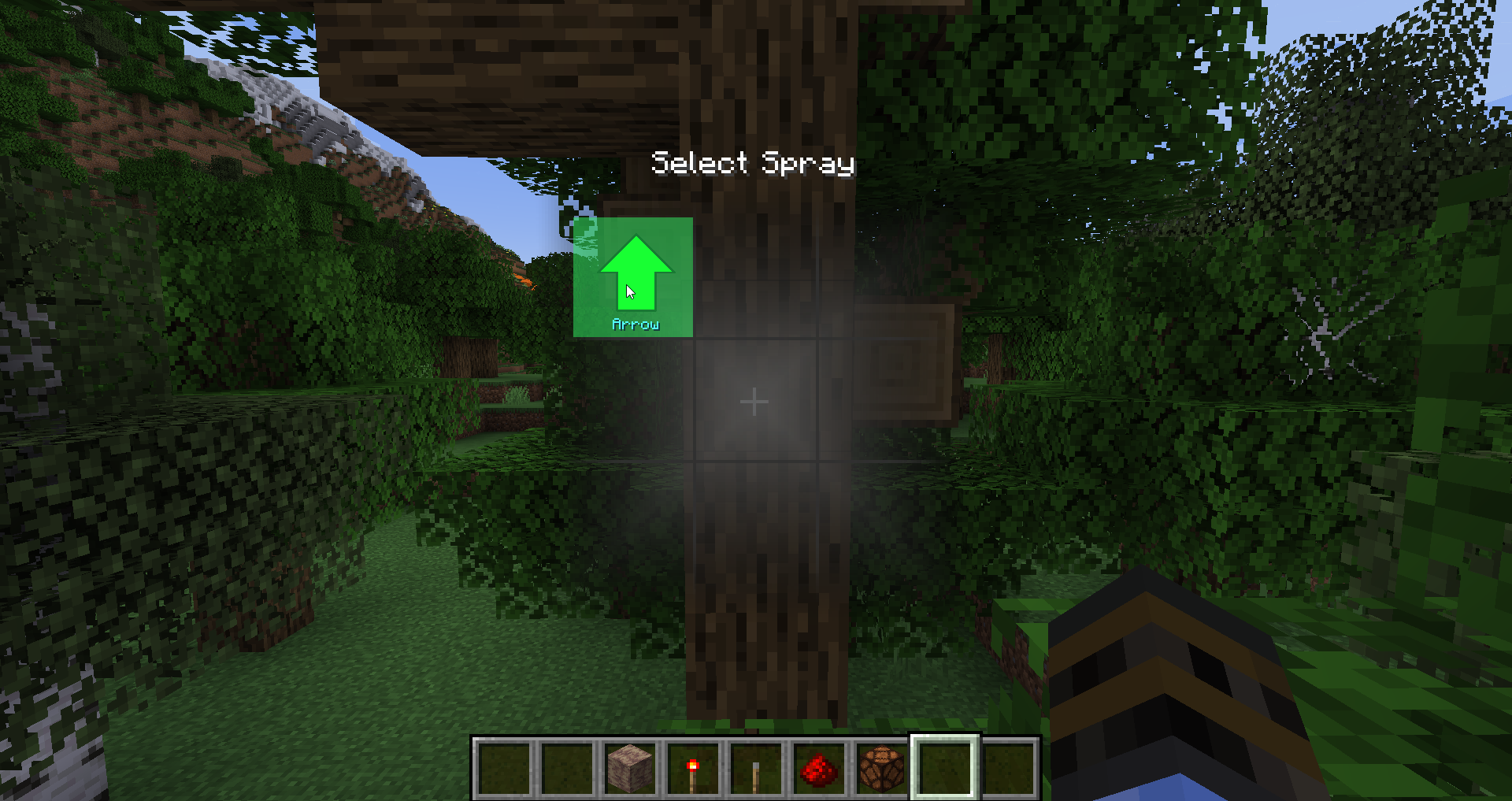
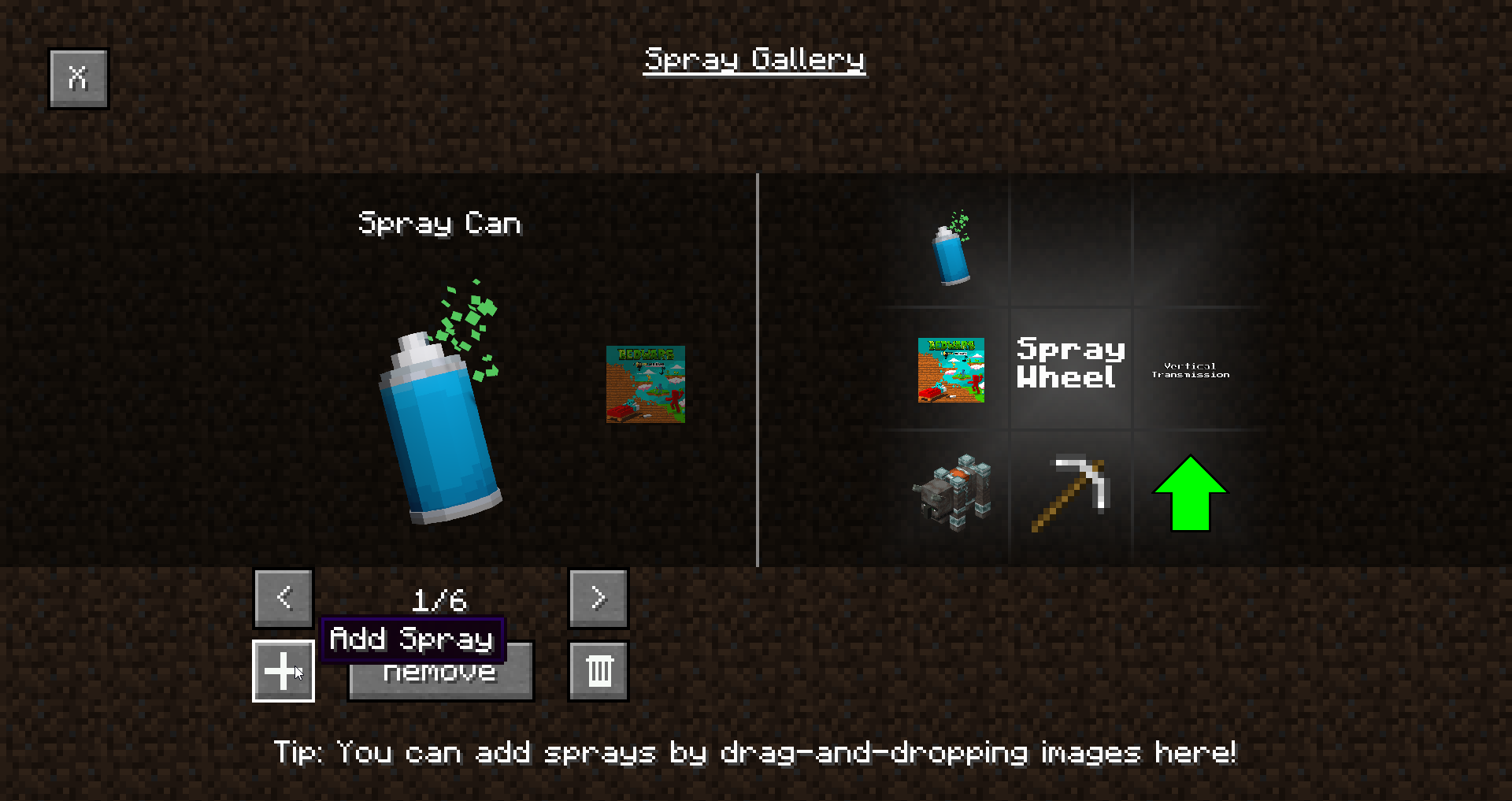
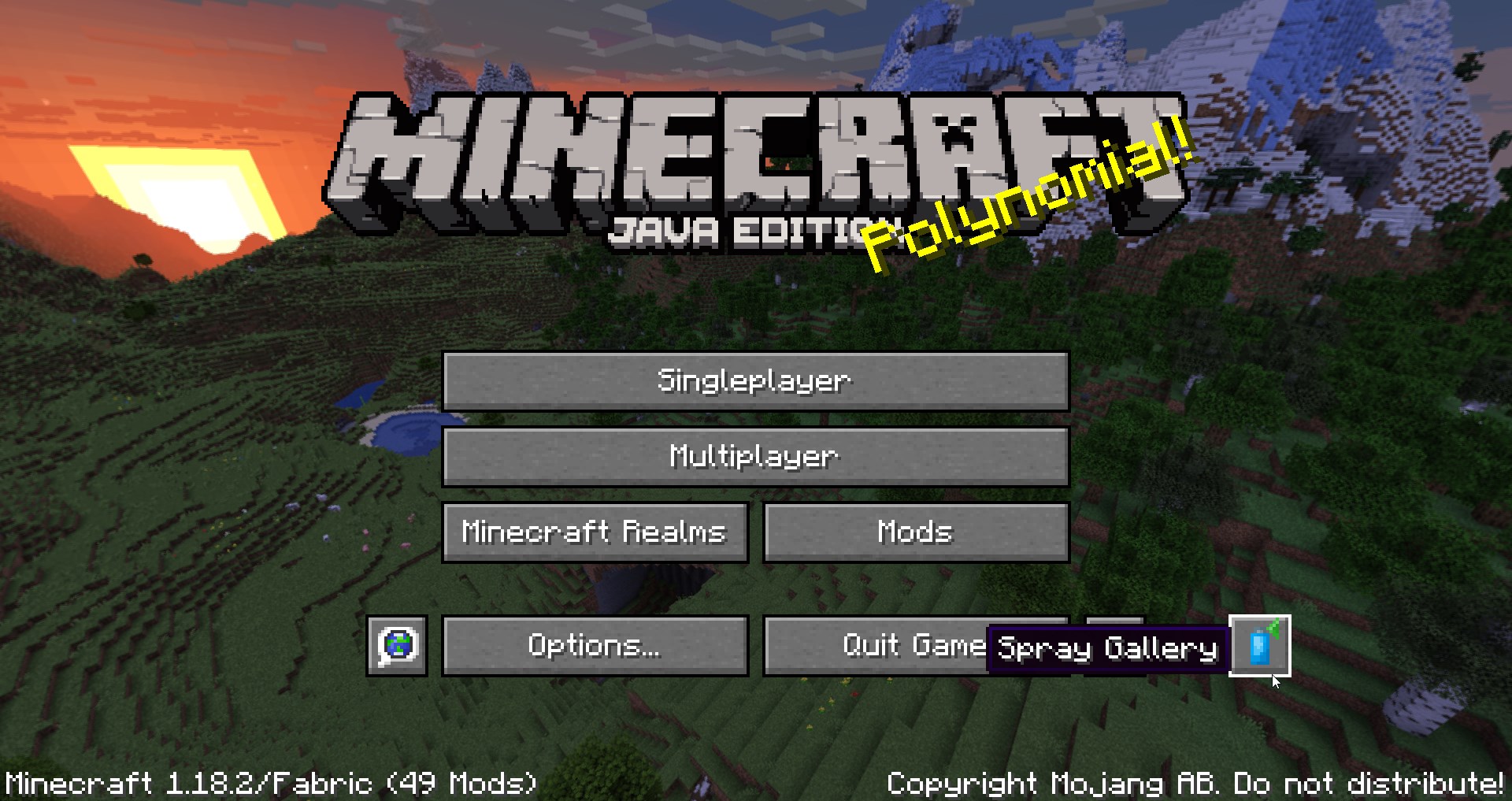
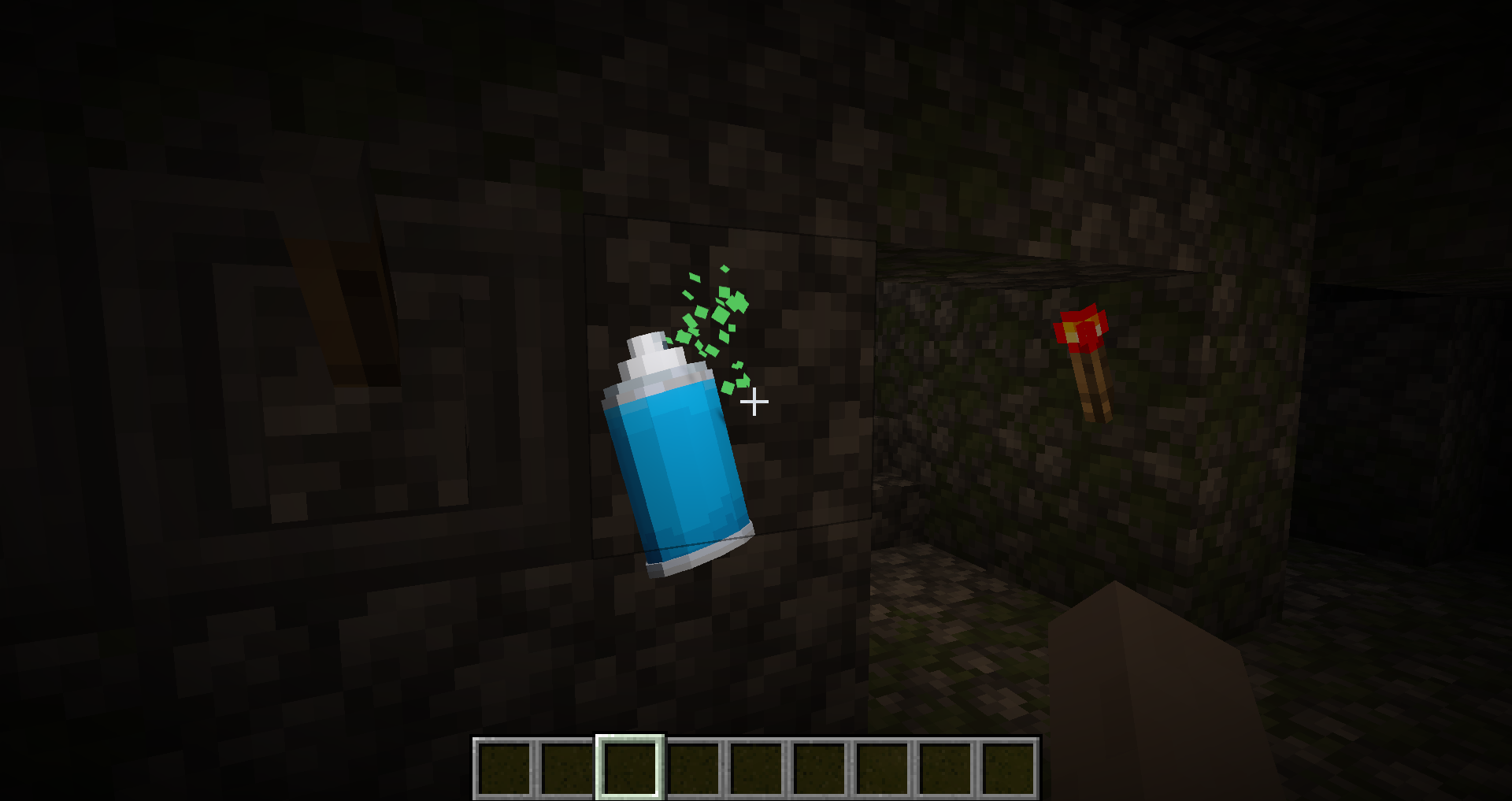
Spray whatever, wherever you want with Spray Madness! This mod allows you to import custom images as graffiti and allows you to spray all surfaces in the game with them! Mark important locations, annotate Redstone contraptions, or decorate your base with fancy art! The best part? Everything is saved client-side, meaning if you spray something on a server or on a Realm, it will be saved!
Key Features
- Ability to load custom images as graffiti and spray them in singleplayer worlds, servers and Realms
- Spray Wheel that can hold 8 sprays at once for quick access in-game
- Emissive sprays that glow in the dark!
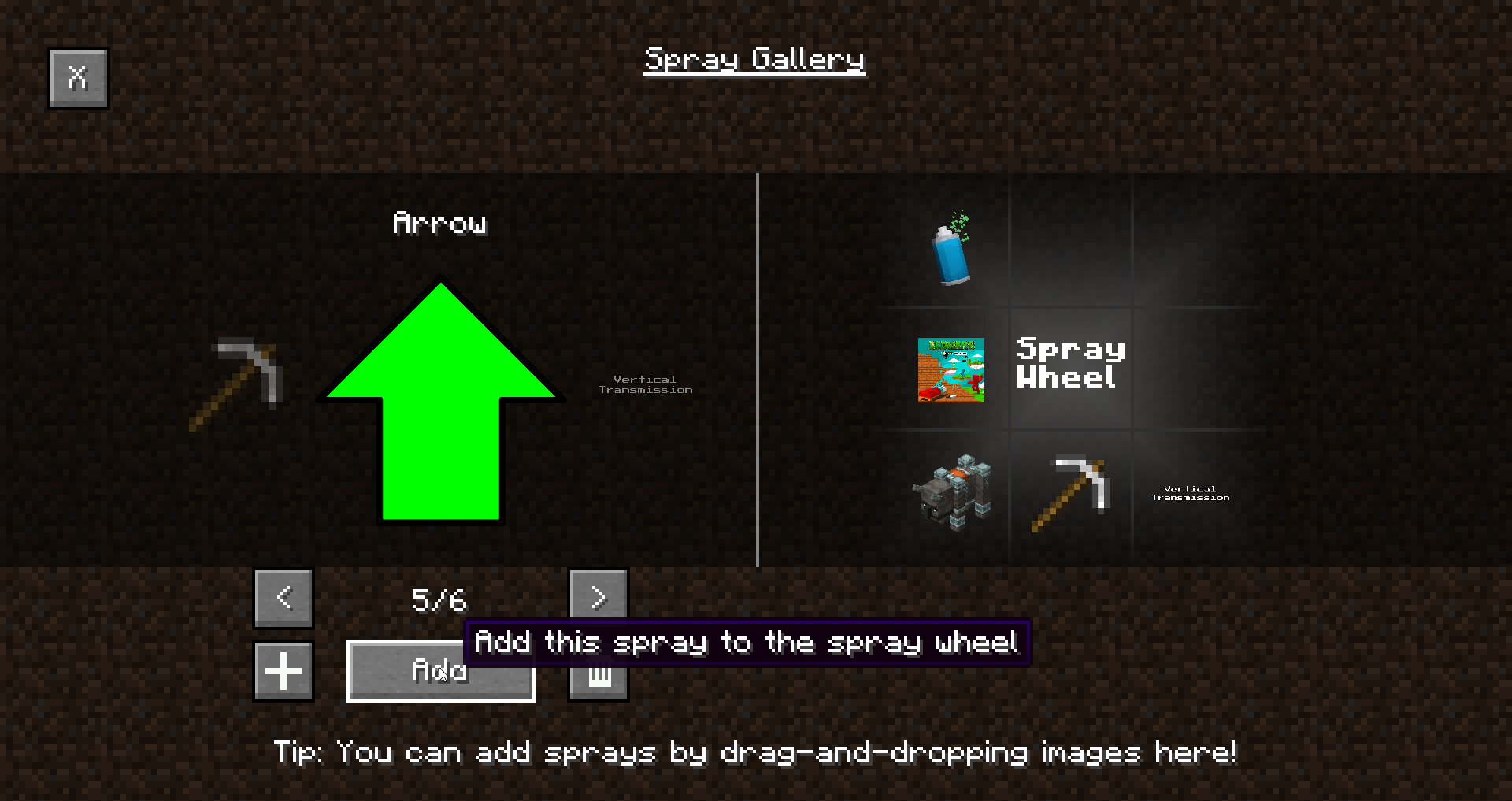
- Spray Gallery to manage all your sprays, accessible from the main menu and while playing!
- Everything you spray will be saved locally
- Custom sprays can also be loaded through resource packs, allowing you to create spray packs!
Q&A
Q: What kind of images can I load?
A: Any image as long as it's a PNG or a JPG!
Q: Can I modify what my sprays look like beyond images?
A: Strictly speaking, you can create a resource pack that overrides the spray shader to add whatever you want to it. Better support for shaders is planned.
Q: Why can't other players see my sprays?
A: Spray customization was the initial goal of this mod - allowing players to import custom sprays was the most important milestone for me. Making custom sprays visible to other players however would introduce the need to moderate and filter all uploaded sprays, or limit them in some other way. I don't have the ability to moderate sprays by hand, and I believe doing so automatically is wrong. I also feel like limiting options isn't the right solution. Thus, if there is enough demand, I may add support for server-defined sprays that everyone will be able to see, but for now, the mod will remain client-side.
Planned Features
- Ability to define sprays on a server and restrict clients only to those sprays, to let players see each other's sprays
- Animated sprays
- Custom shaders for sprays
How to load sprays
1. Locate the Spray Gallery button in the main menu
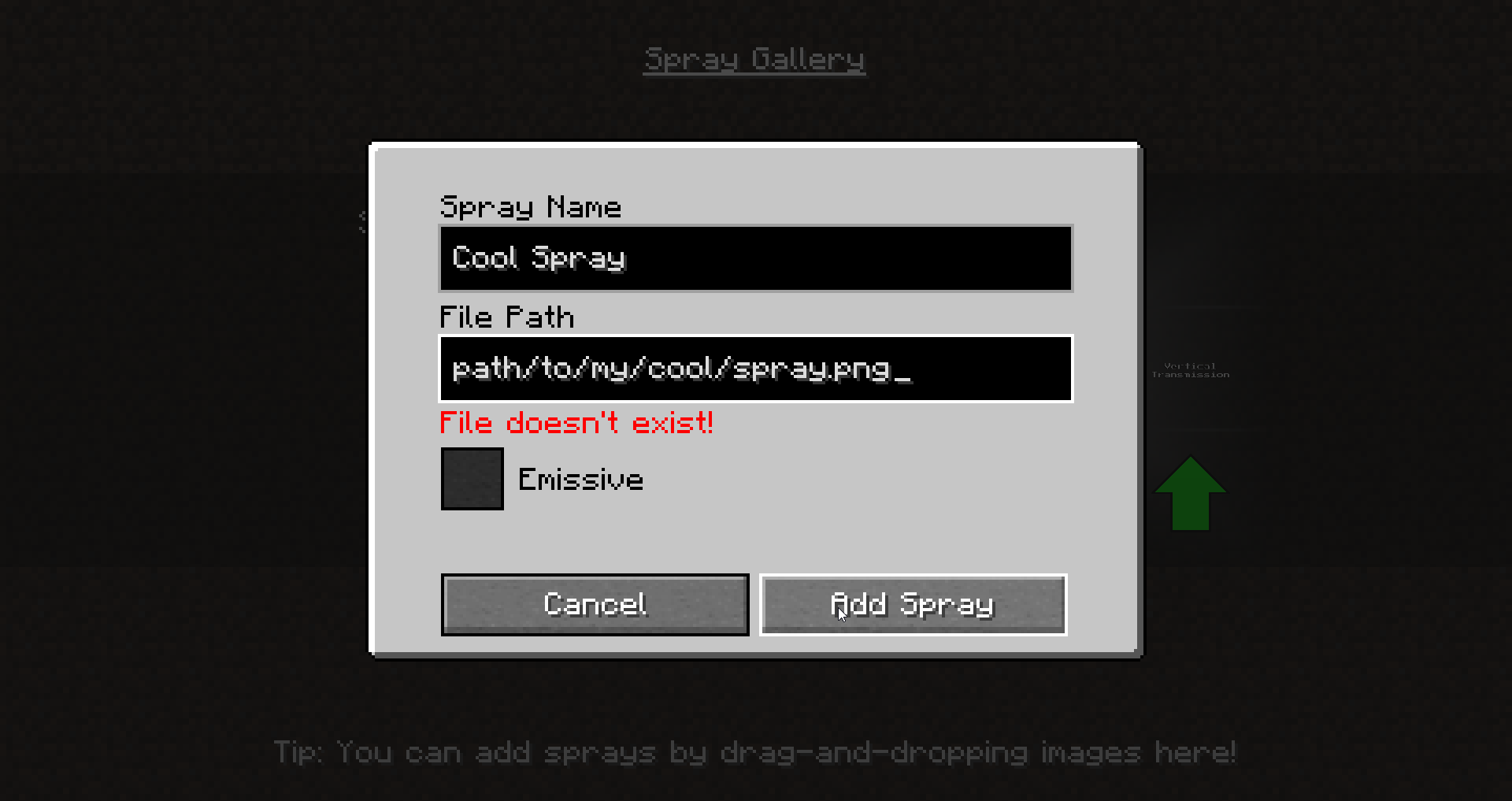
2. Press the "+" button or drag and drop an image
3. In the dialog that pops up, enter the name of your spray, the path to the image, and check whether you want it to glow in the dark. Remember that you can drag and drop images if you don't want to enter the precise file path!
4. Now press the "Add" button under the spray you have just imported to add it to the spray wheel. This will allow you to use it in-game.
5. Press Y (by default, can be changed in keybind settings) to bring up the Spray Wheel in-game
Issues & Feedback
Have an issue with the mod? Got some feedback? Or do you simply want to be updated on my mods? Join my Discord server!
- Edition: Minecraft Java
- File type: .jar
- Minecraft versions listed: 1.19, 1.19.1, 1.18.2
- How to install: Install the matching mod loader (Forge, Fabric or NeoForge) for your Minecraft version. → Download the .jar. → Put it in the .minecraft/mods folder and launch that loader profile.
- Where to get it: Opens on CurseForge — not every file is mirrored on our own servers.
Install steps are the general flow for this file type — How to install Minecraft Java mods & modpacks walks through it step by step.
- Ships as spraymadness-1.0.1+1.18.2.jar — drop this file into the mods folder
- Download size: 624 KB
- Download link checked 15 Oct 2026 — working
These come from our own check of the pack file, not from the source page.