
Lapidarist
Java mod listed for Minecraft 1.18–1.20. Downloads from the MC Java Mods app on Android.
I don't know my version or loader
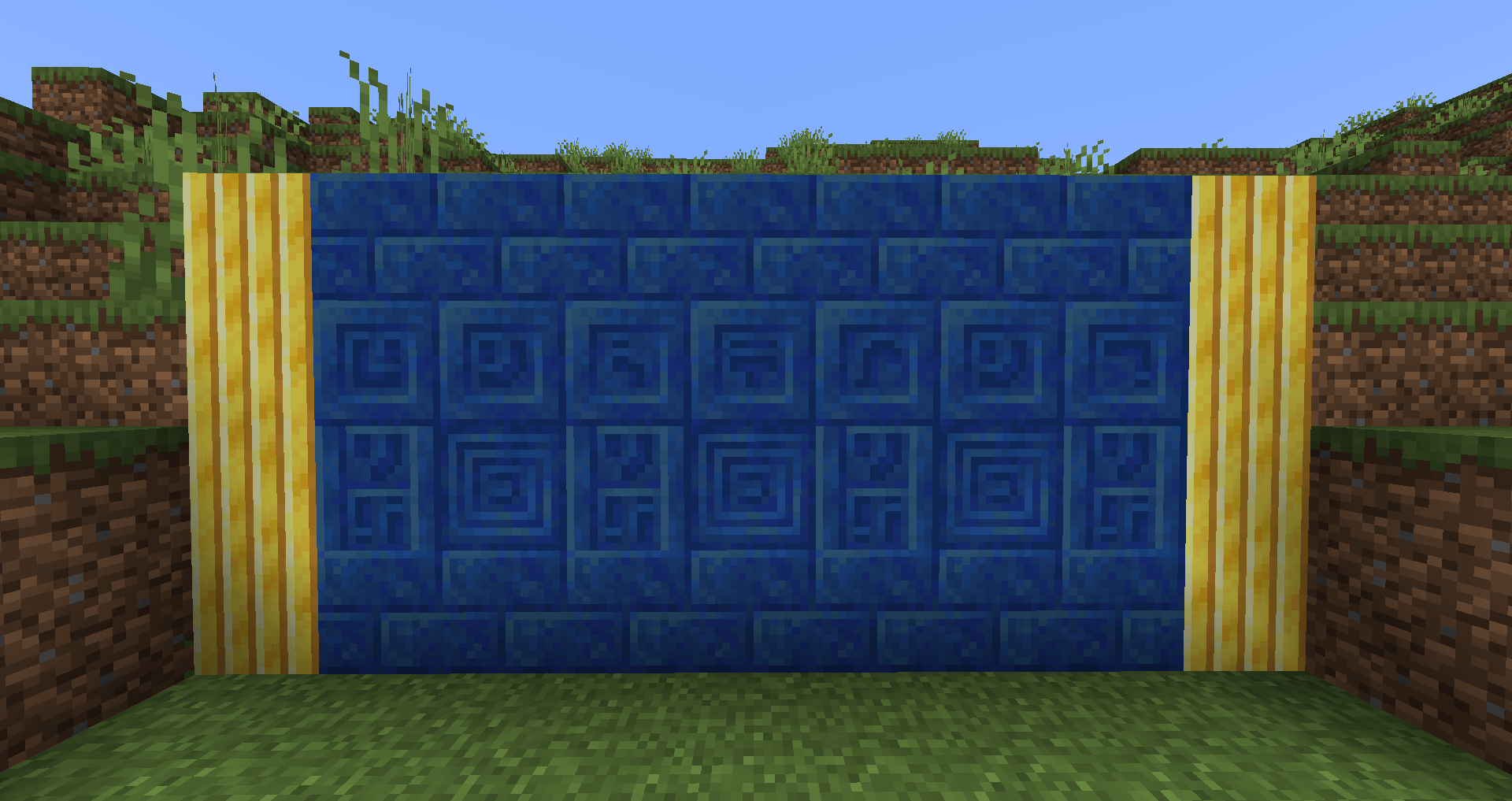
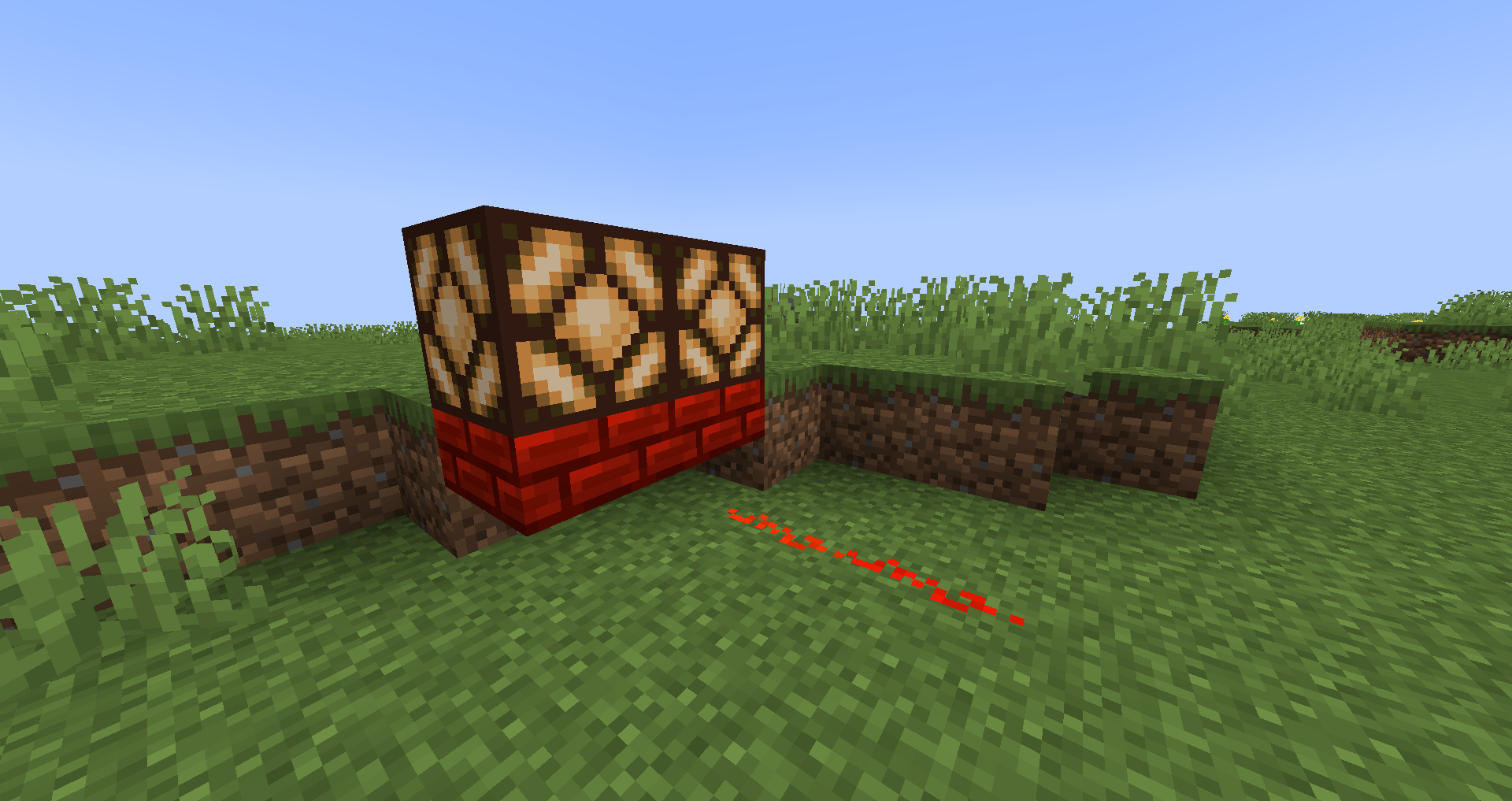
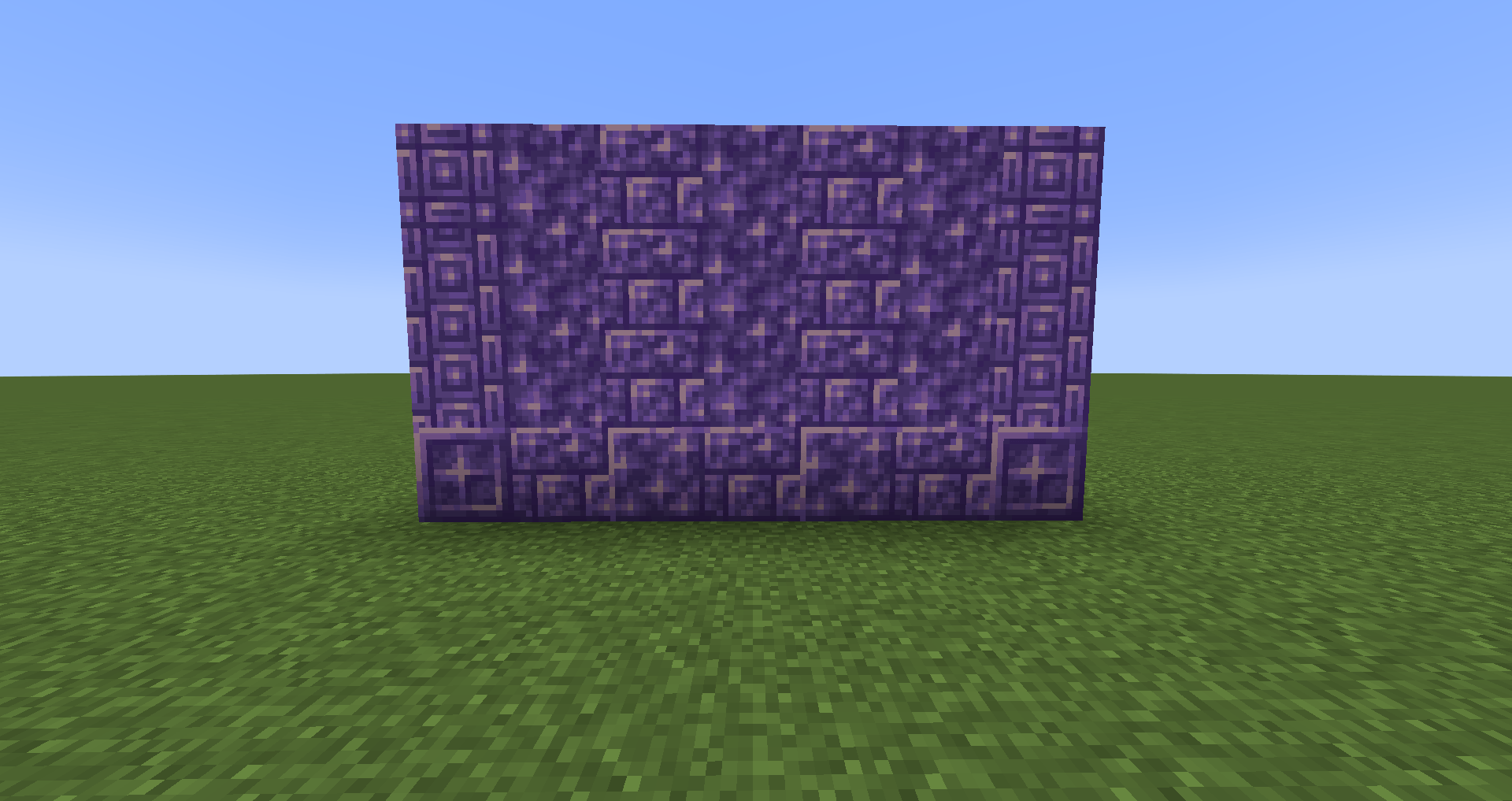
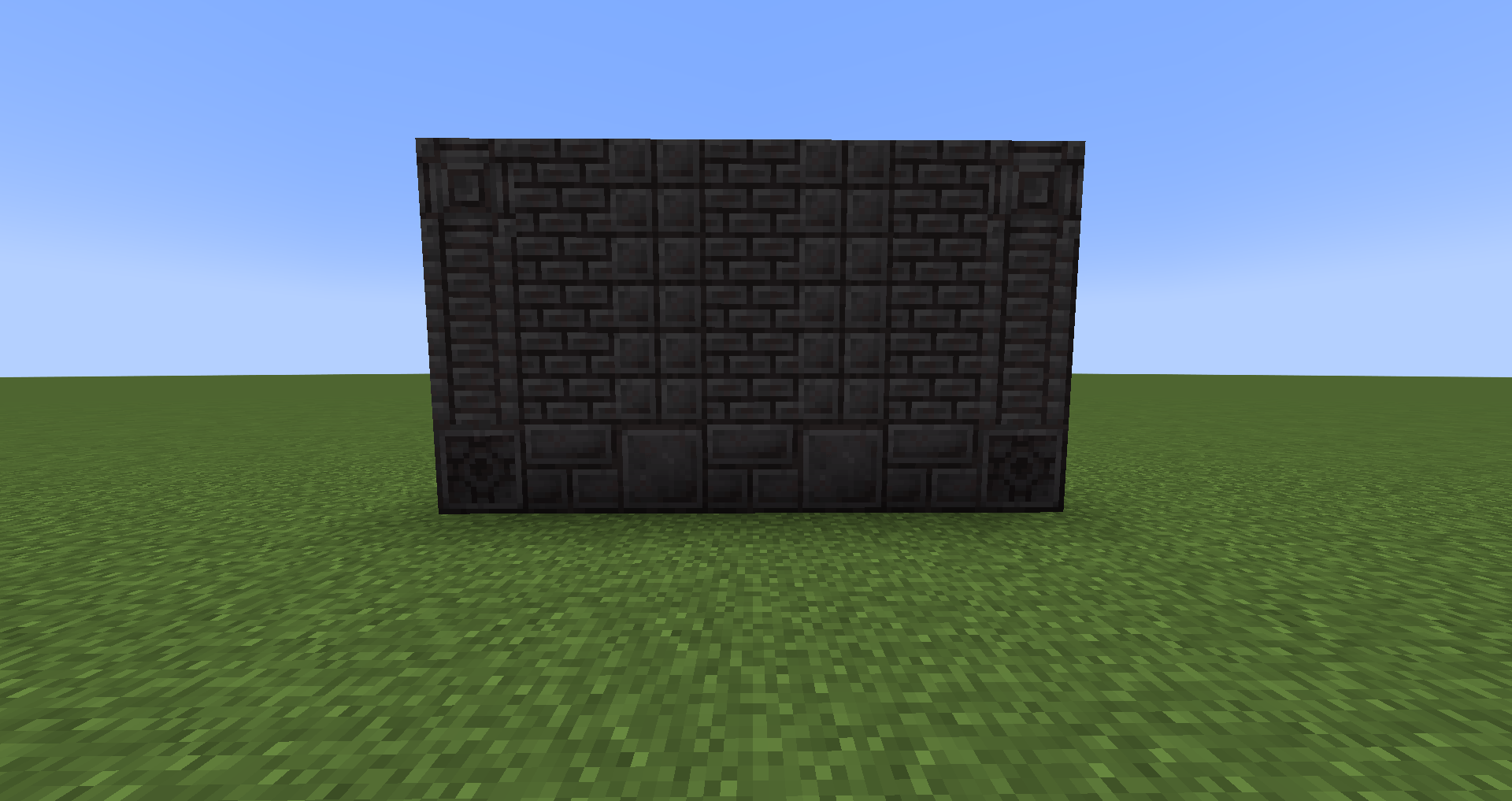
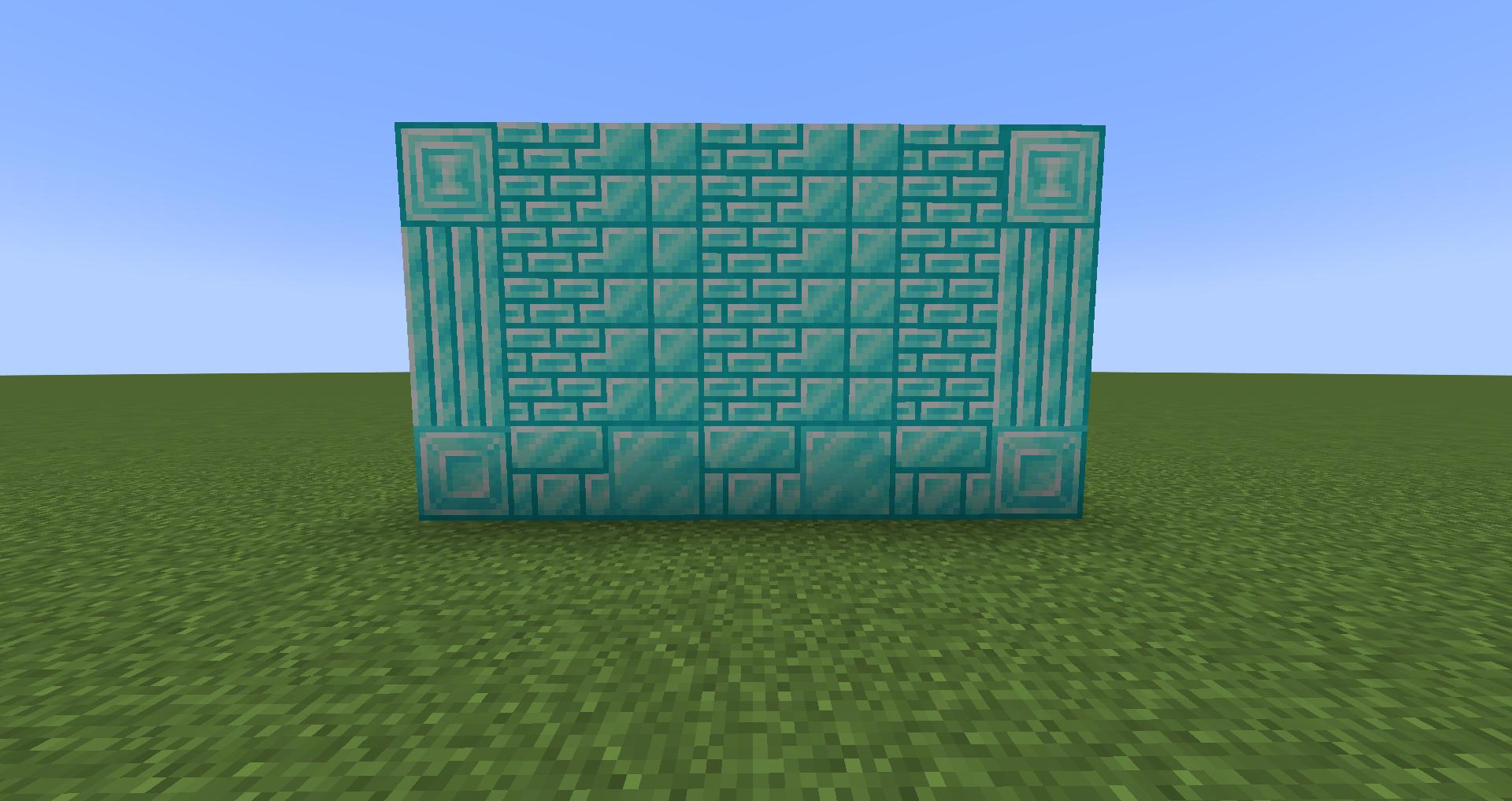
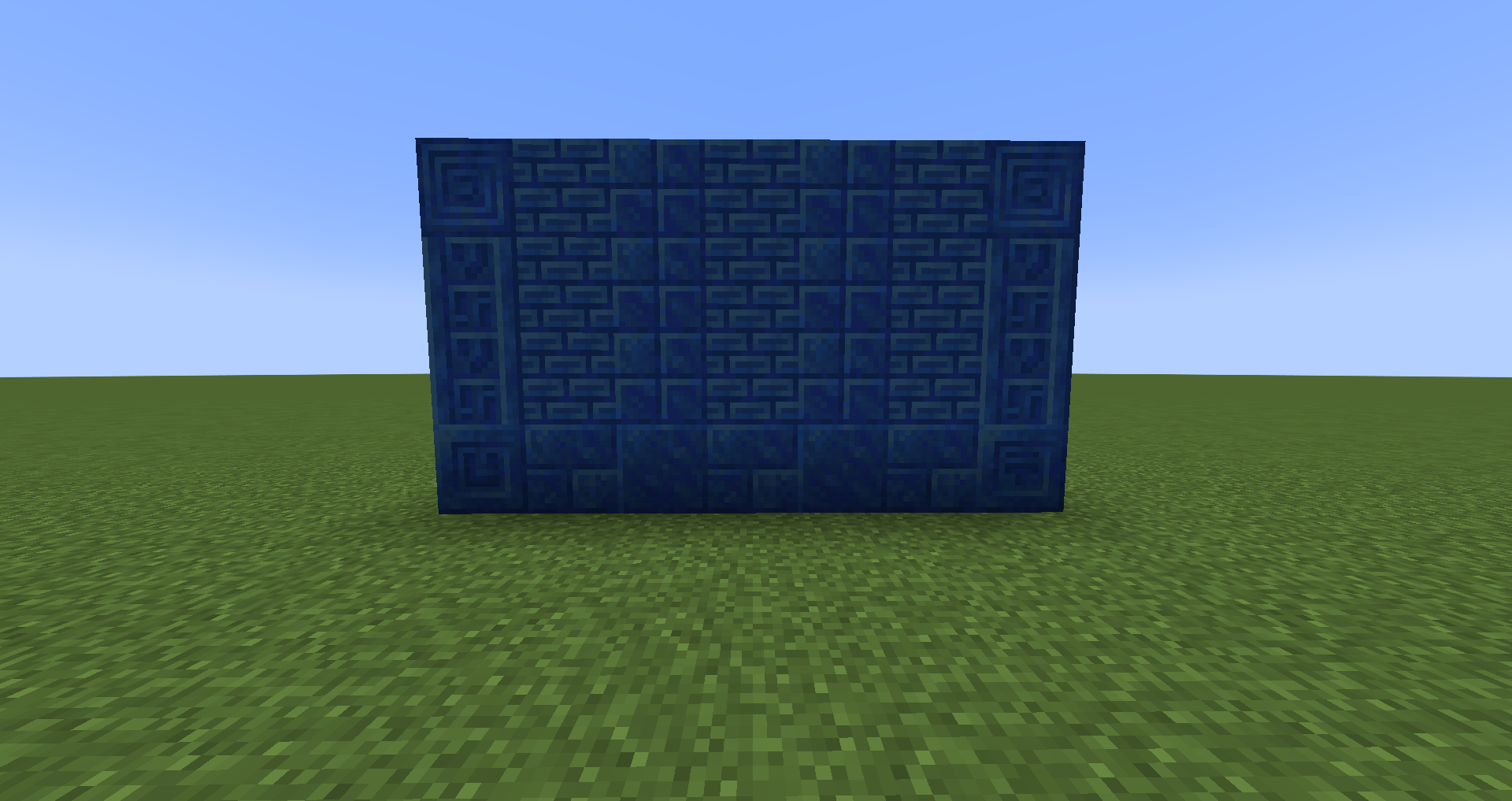
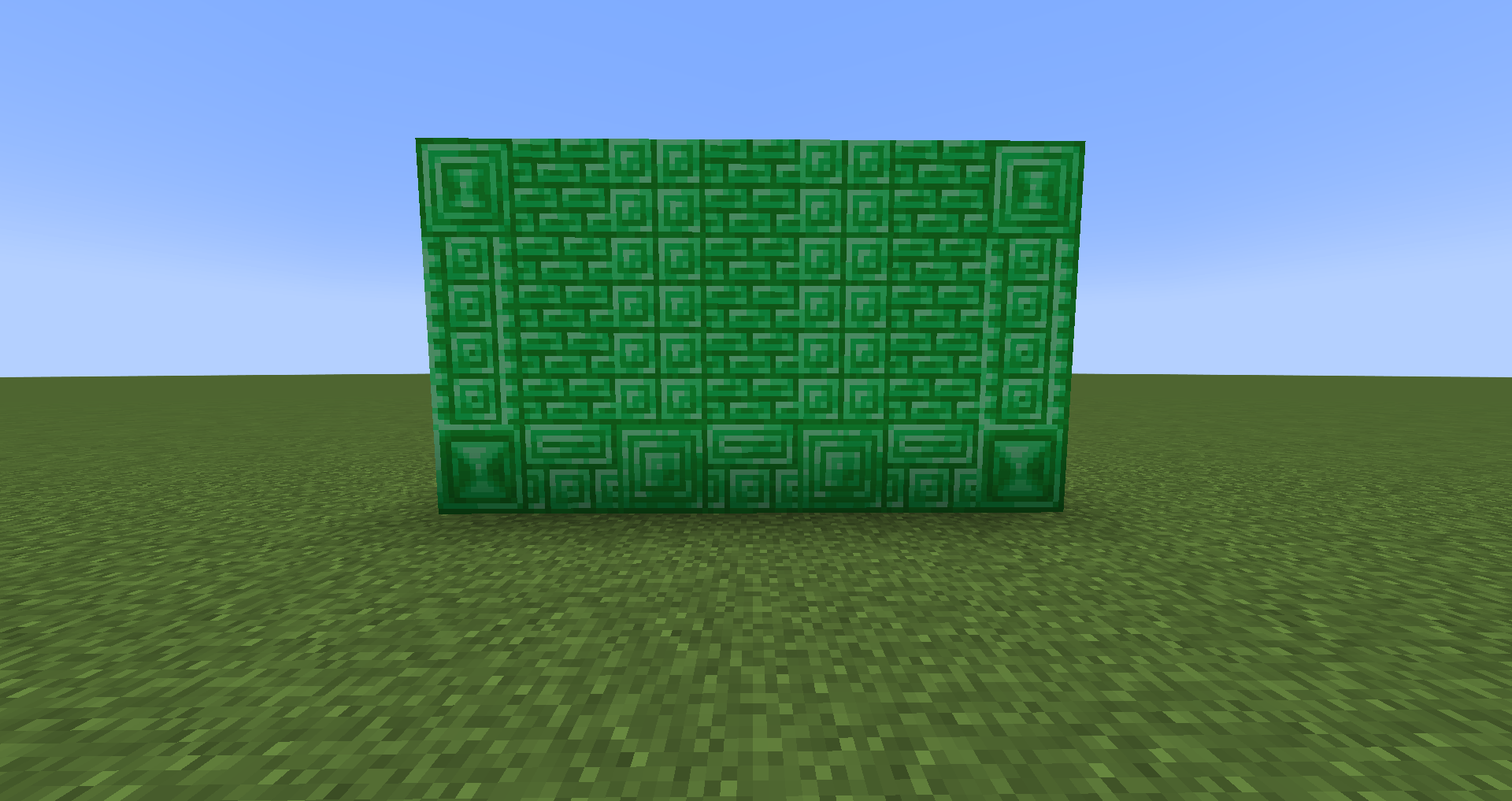
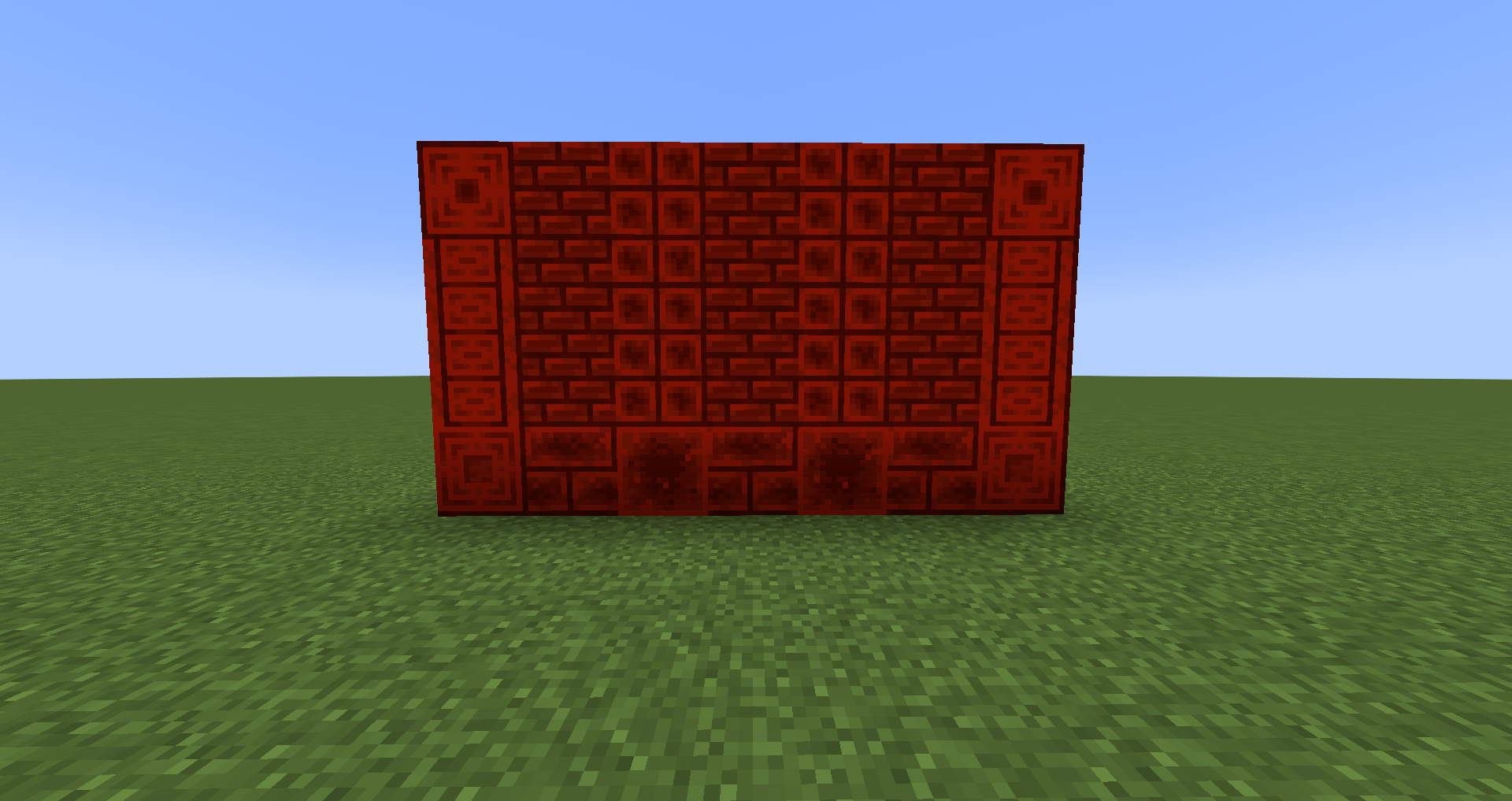


Description: Lapidarist is a relatively small mod that allows you to transform resource blocks which were mostly unusable, into blocks perfect for building. This includes blocks such as Gold Tiles, Cut Diamond, Emerald Pillars, and Netherite Bricks (the ultimate flex). All new blocks are obtainable through a Stonecutter, giving it another interesting use besides more cost-effective Stone block recipes. The new blocks are also obtainable with a Crafting Table but similar to Copper will yield a lower output, making Stonecutters much more cost effective.
Current Features: As of 3.3 this mod contains:
- Gold Tiles, Cut Gold, Gold Bricks, Chiseled Gold, and Gold Pillar
- Iron Tiles, Cut Iron, Iron Bricks, Chiseled Iron, and Iron Pillar
- Diamond Tiles, Cut Diamond, Diamond Bricks, Chiseled Diamond, and Diamond Pillar
- Emerald Tiles, Cut Emerald, Emerald Bricks, Chiseled Emerald, and Emerald Pillar
- Netherite Tiles, Cut Netherite, Netherite Bricks, Chiseled Netherite, and Netherite Pillar
- Lapis Lazuli Tiles, Lapis Lazuli Bricks, and Cut Lapis Lazuli, Chiseled Lapis Lazuli, and Lapis Lazuli Pillar
- Coal Tiles, Coal Bricks, and Cut Coal, Chiseled Coal, and Coal Pillar
- Redstone Tiles, Redstone Bricks, and Cut Redstone, Chiseled Redstone, and Redstone Pillar
- Polished Amethyst, Amethyst Bricks, Chiseled Amethyst, Amethyst Pillar
Misc Info and Planned Features:
- Feel free to include this mod in modpacks - if you let me know I'll promote it :)
- Some new variants of existing blocks are planned for small updates but figuring out Copper will be the main focus going forward
- May include some variants of raw ore blocks but not sure yet
- Glass
DO NOT REPOST OR REUPLOAD
CHECK OUT MY OTHER PROJECTS:


- Edition: Minecraft Java
- File type: .jar
- Minecraft versions listed: 1.20.1, 1.19.4, 1.19.3
- How to install: Install the matching mod loader (Forge, Fabric or NeoForge) for your Minecraft version. → Download the .jar. → Put it in the .minecraft/mods folder and launch that loader profile.
- Where to get it: Opens on CurseForge — not every file is mirrored on our own servers.
Install steps are the general flow for this file type — How to install Minecraft Java mods & modpacks walks through it step by step.
- Ships as lapidary-1.1 SNAPSHOT.jar — drop this file into the mods folder
- Download size: 135 KB
- Download link checked 24 Sept 2026 — working
These come from our own check of the pack file, not from the source page.