
Structure Palettes
Java mod listed for Minecraft 1.18–1.20. Downloads from the MC Java Mods app on Android.
I don't know my version or loader
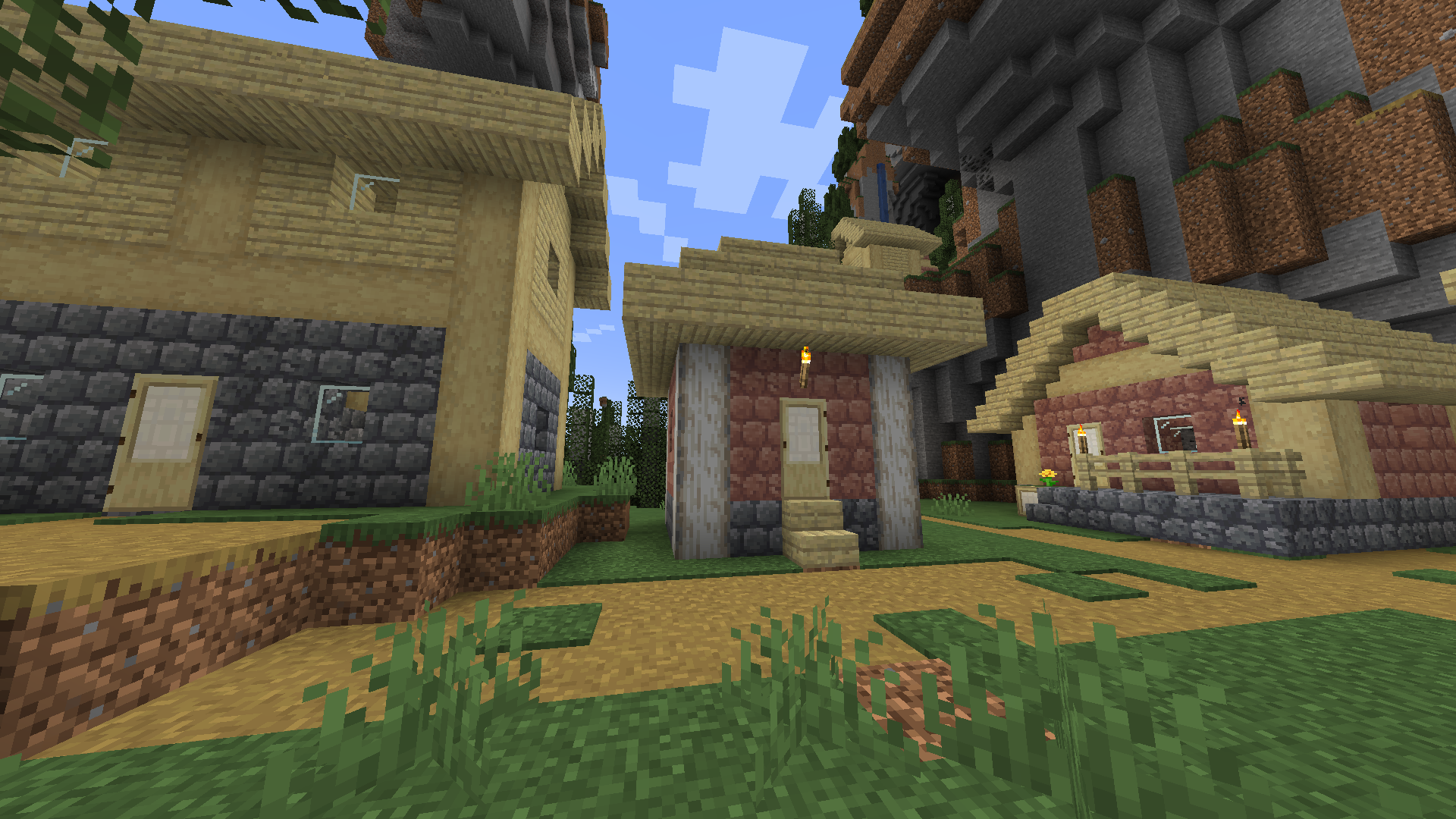
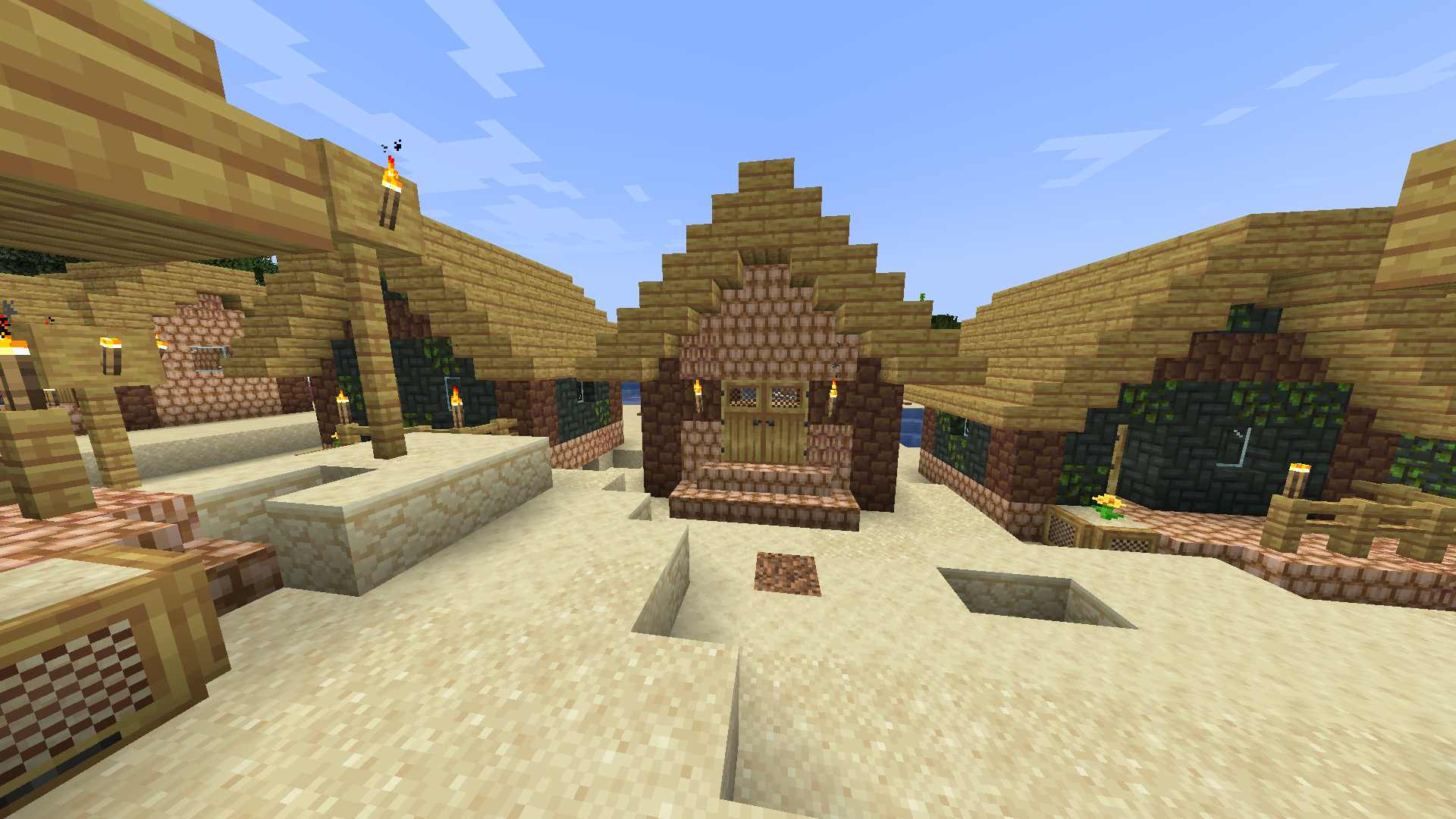
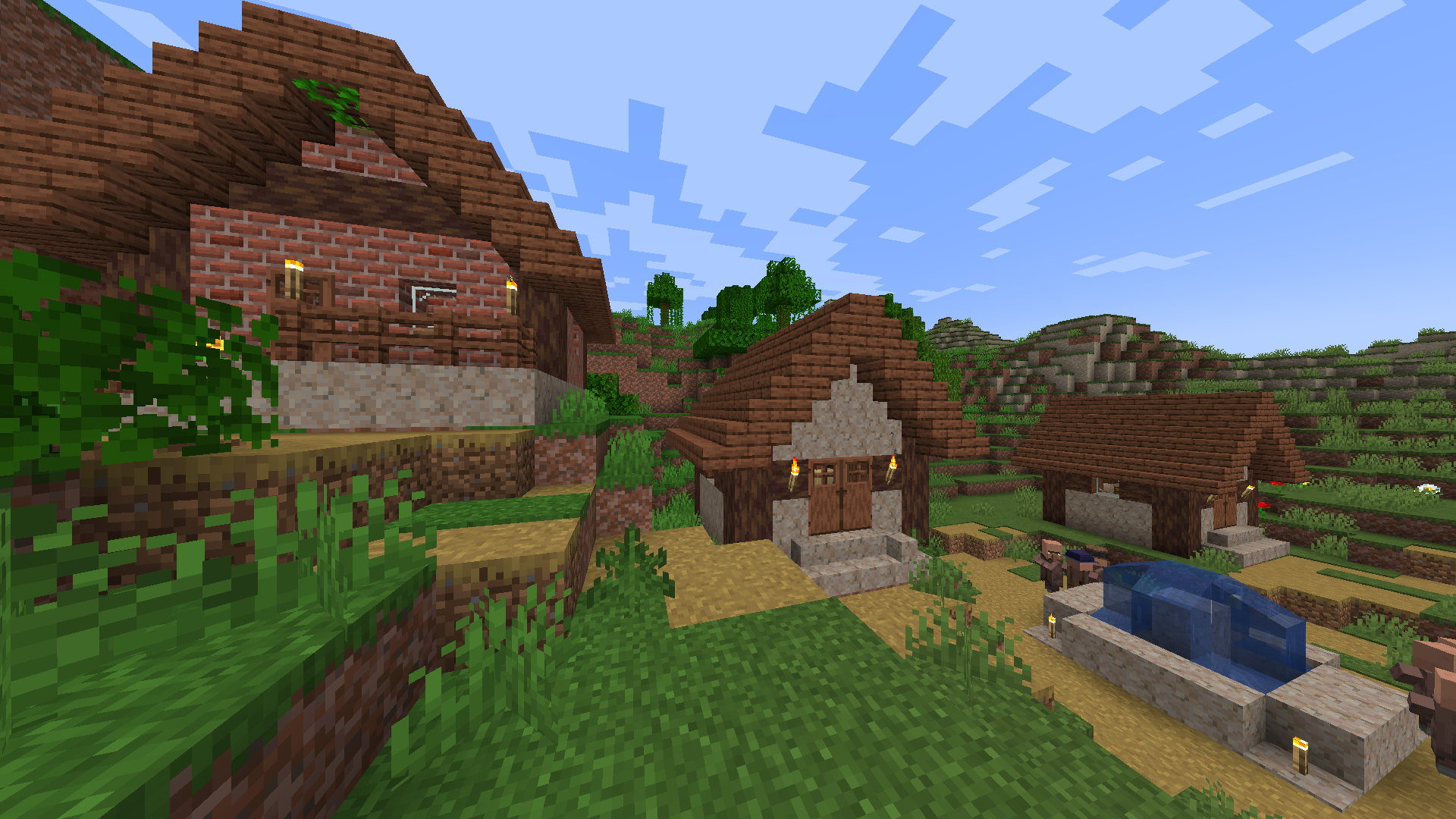
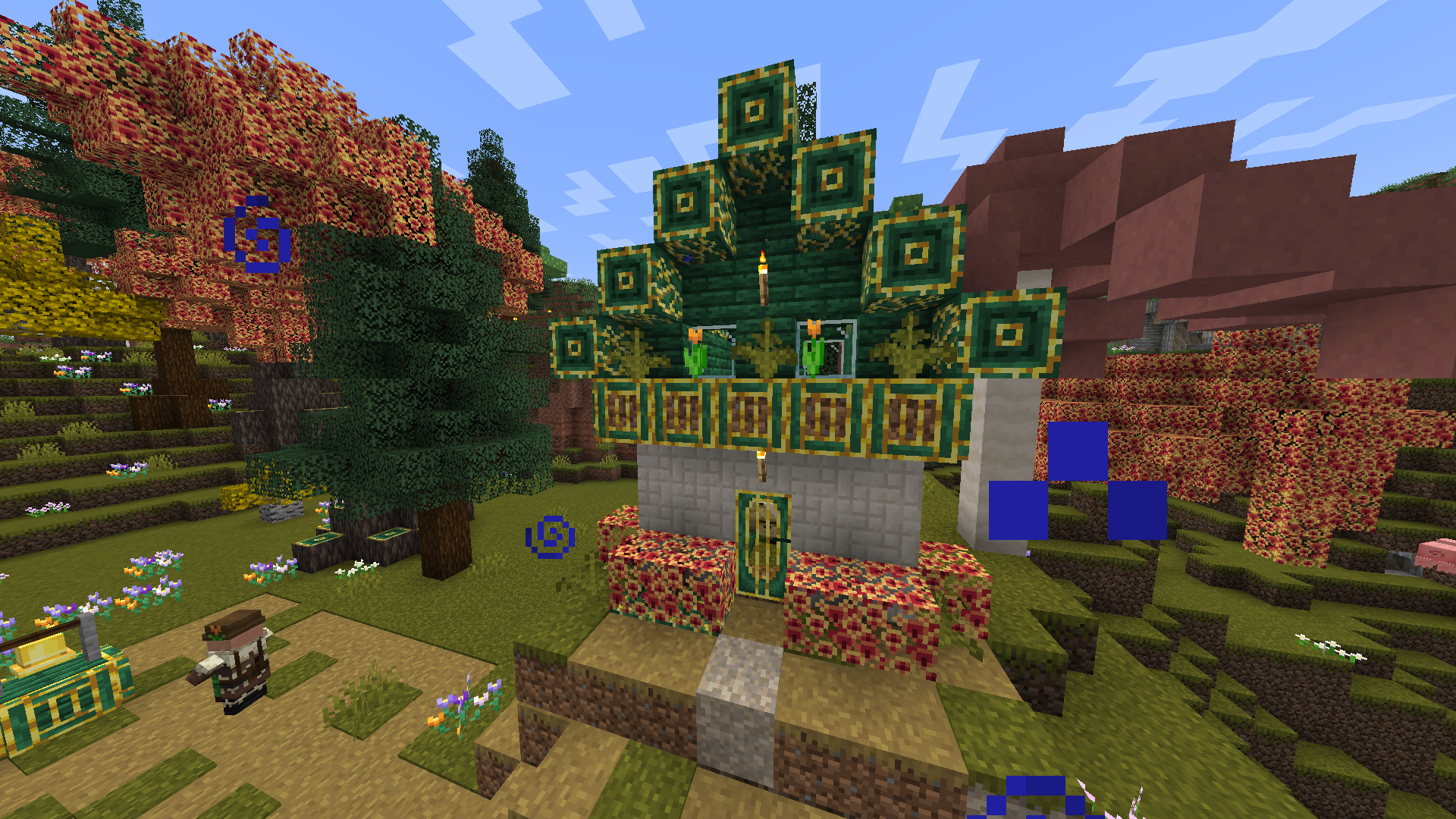
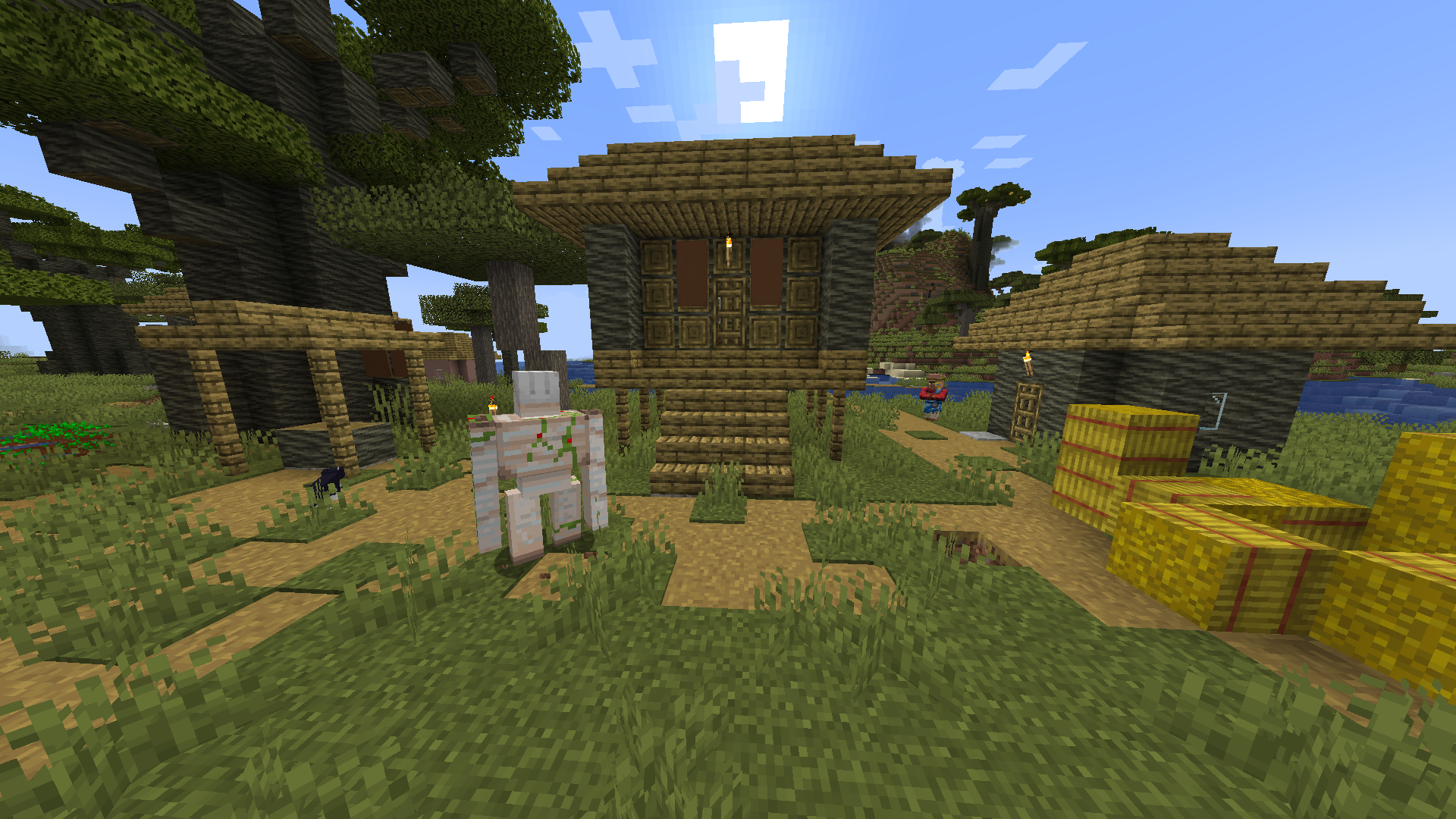
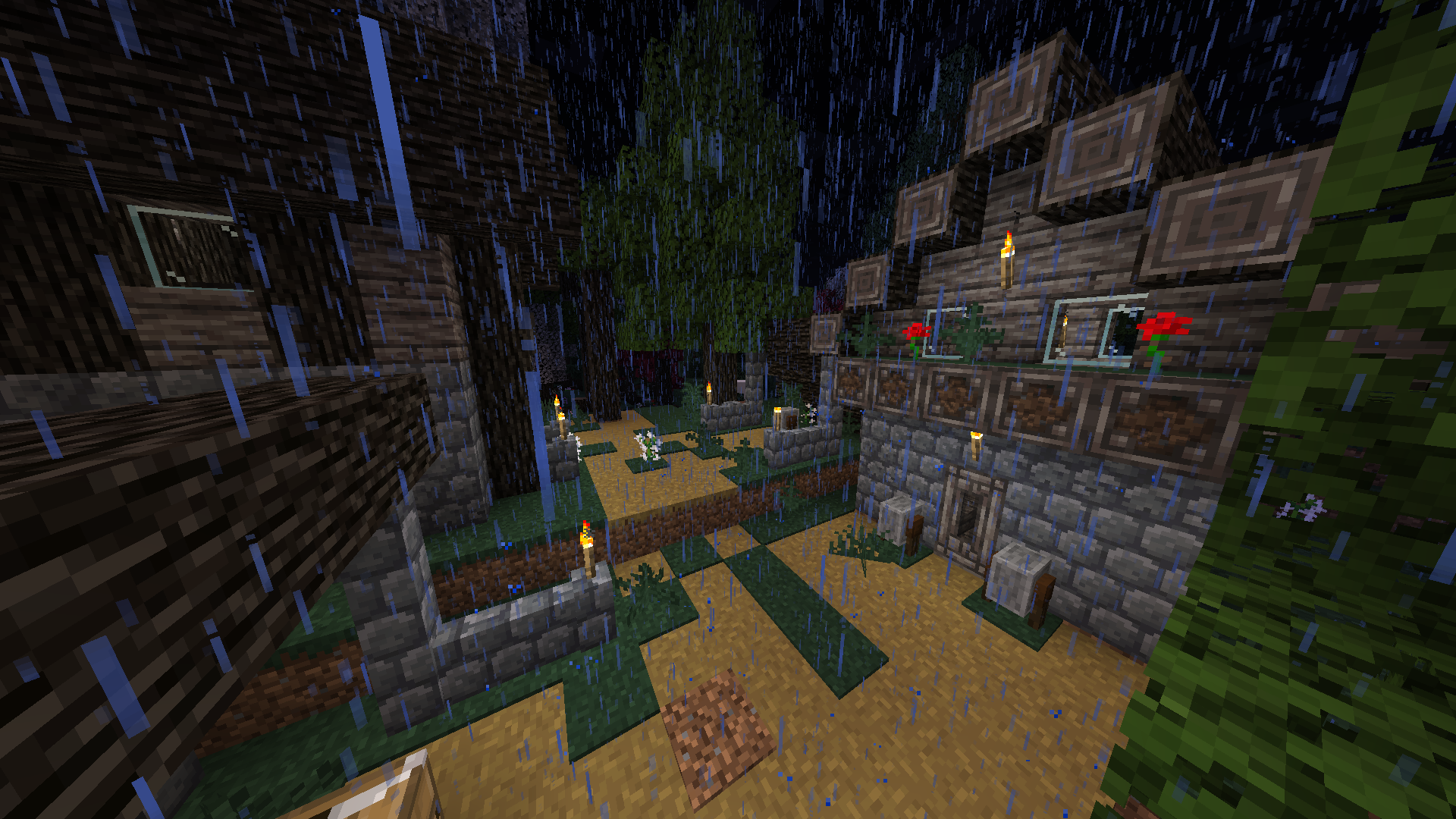
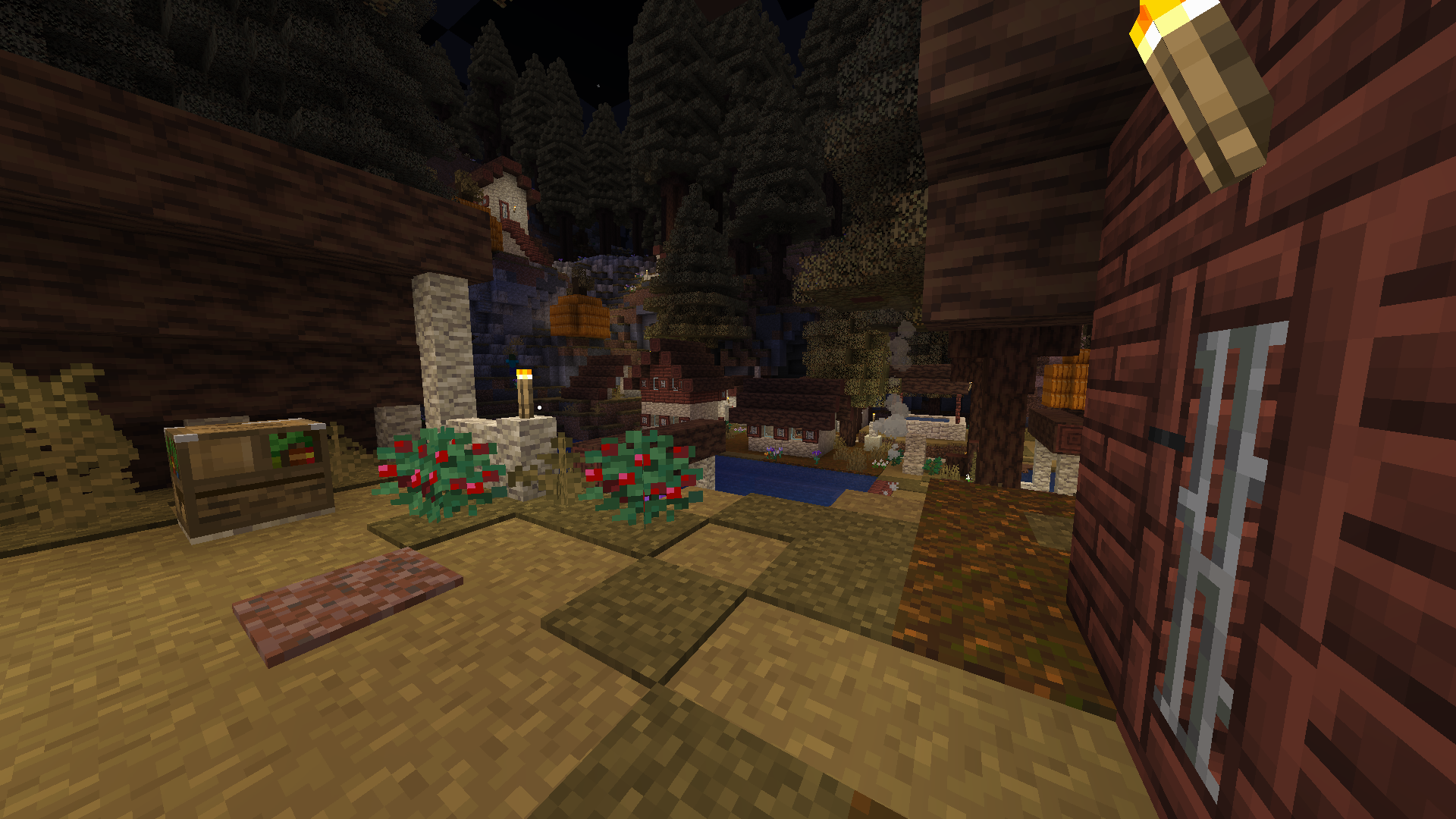
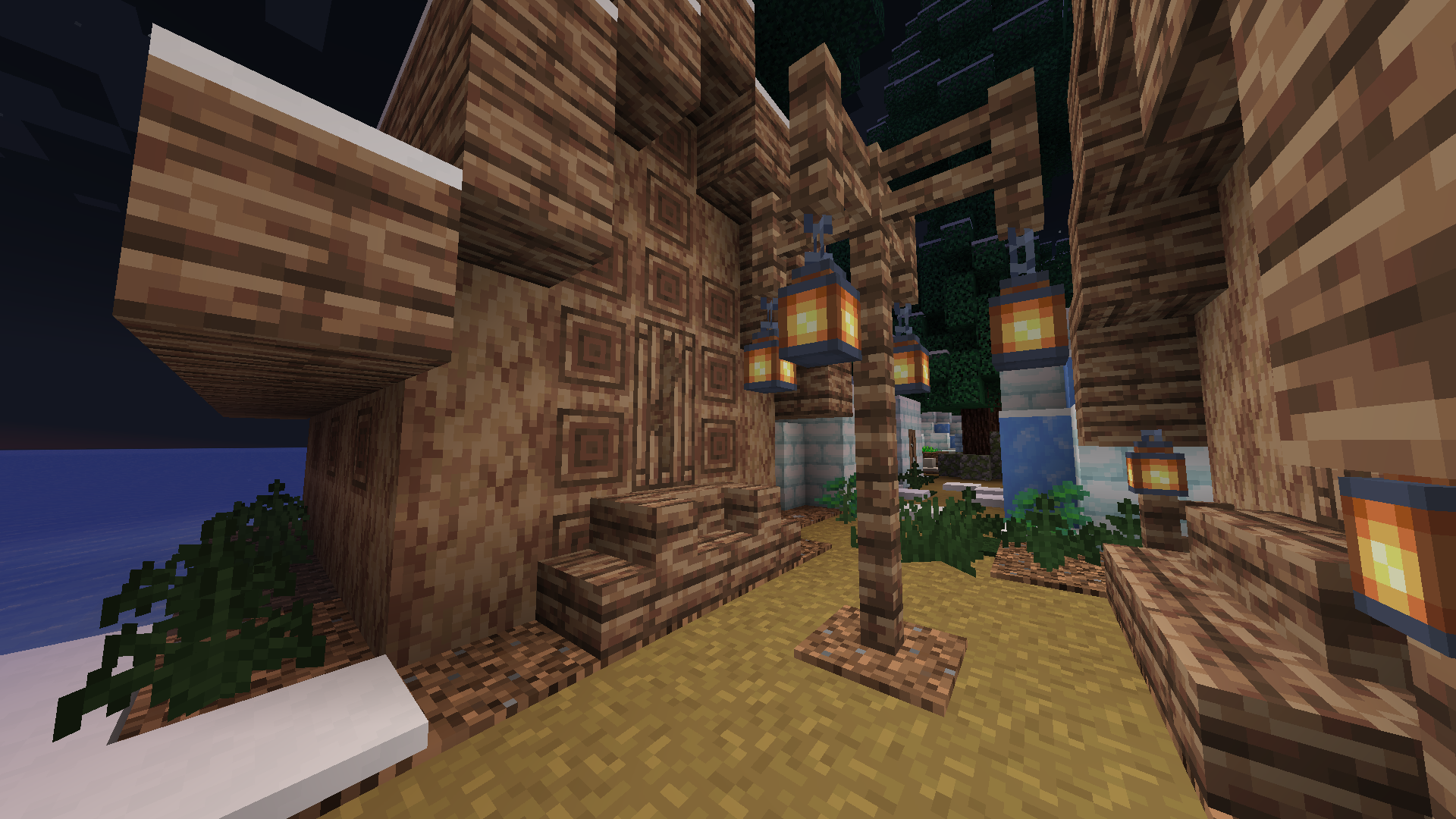

This mod allows you to add variants of existing structures by replacing some blocks during world generation. By default, the mod does nothing, you have to configure it to actually change the structures.
You can either learn how to write your own configuration files here, or you can use the ones that have already been made (see below).
In multiplayer, the mod only needs to be installed on the server. In fact, it can be removed from the server as well if the world has been pregenerated.
Village Variations
Village Variations is a set of configuration files that add variants of vanilla villages that combine both vanilla blocks and blocks from different mods (BYG, Unearthed, Architect's Palette, Biome Makeover and Ecologics). You don't need to have all those mods installed for it to work, but you do need to delete the configuration files relative to the mods you aren't using.
To use it, download the latest version from here and unpack the zip into the structurepalettes config folder.

More screenshots available in the Images section.
- Edition: Minecraft Java
- File type: .jar
- Minecraft versions listed: 1.20.1, 1.20, 1.19.3
- How to install: Install the matching mod loader (Forge, Fabric or NeoForge) for your Minecraft version. → Download the .jar. → Put it in the .minecraft/mods folder and launch that loader profile.
- Where to get it: Opens on CurseForge — not every file is mirrored on our own servers.
Install steps are the general flow for this file type — How to install Minecraft Java mods & modpacks walks through it step by step.
- Ships as structurepalettes-1.0.0.jar — drop this file into the mods folder
- Download size: 67 KB
- Download link checked 24 Sept 2026 — working
These come from our own check of the pack file, not from the source page.