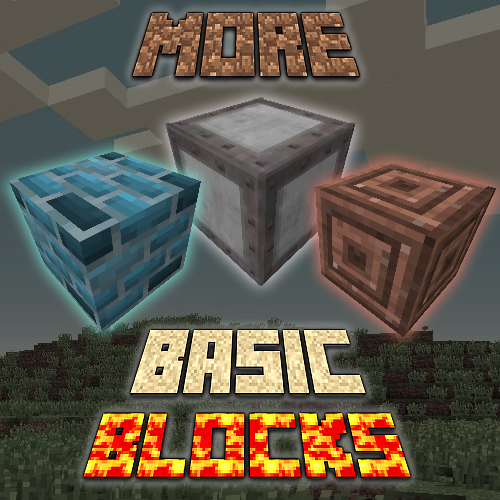
More Basic Blocks
Java mod listed for Minecraft 1.16. Downloads from the MC Java Mods app on Android.
⬇ Download on CurseForgeThe author built this one for Minecraft 1.16.5 on Forge. On other versions it may install and then do nothing.
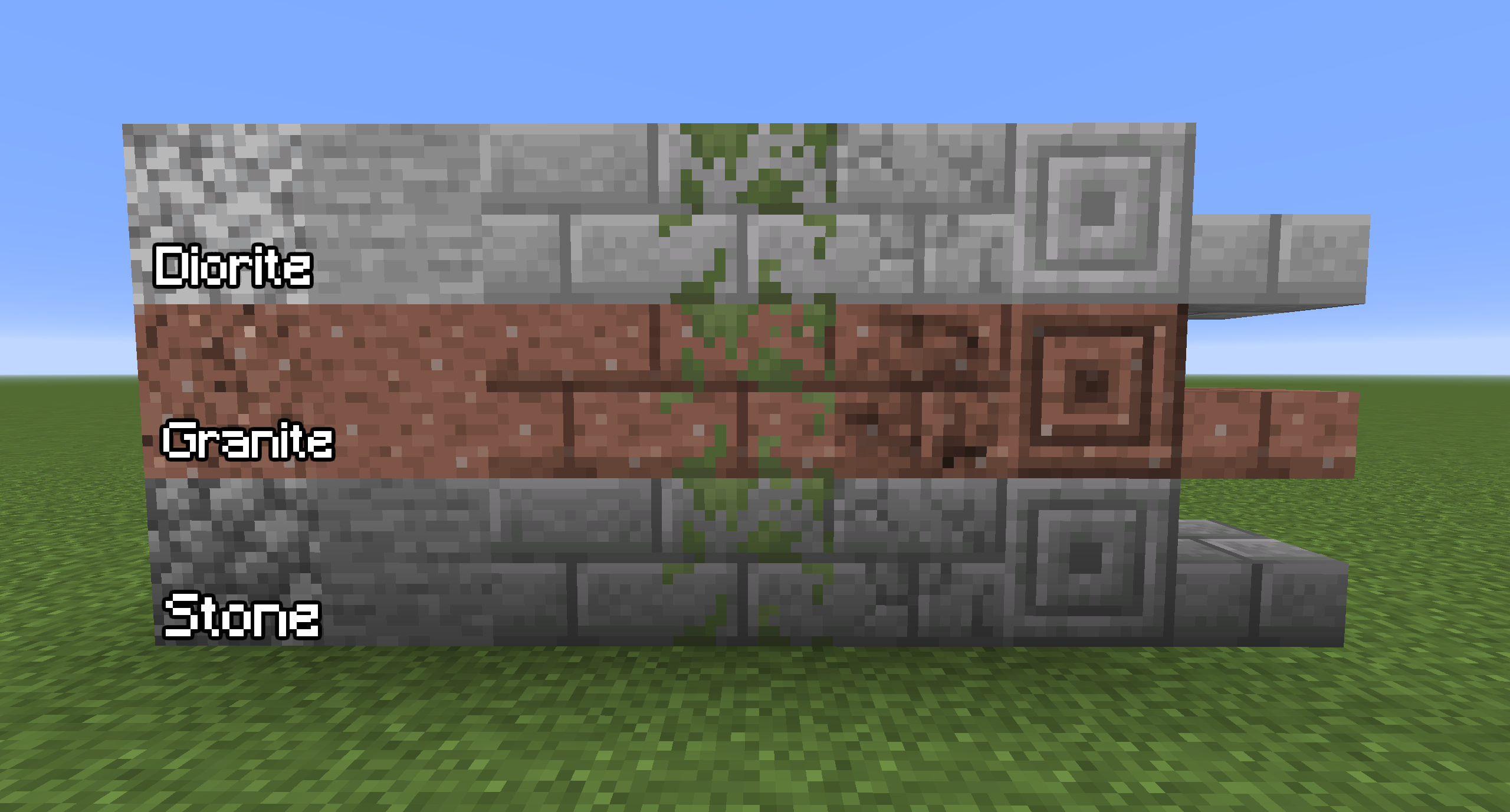
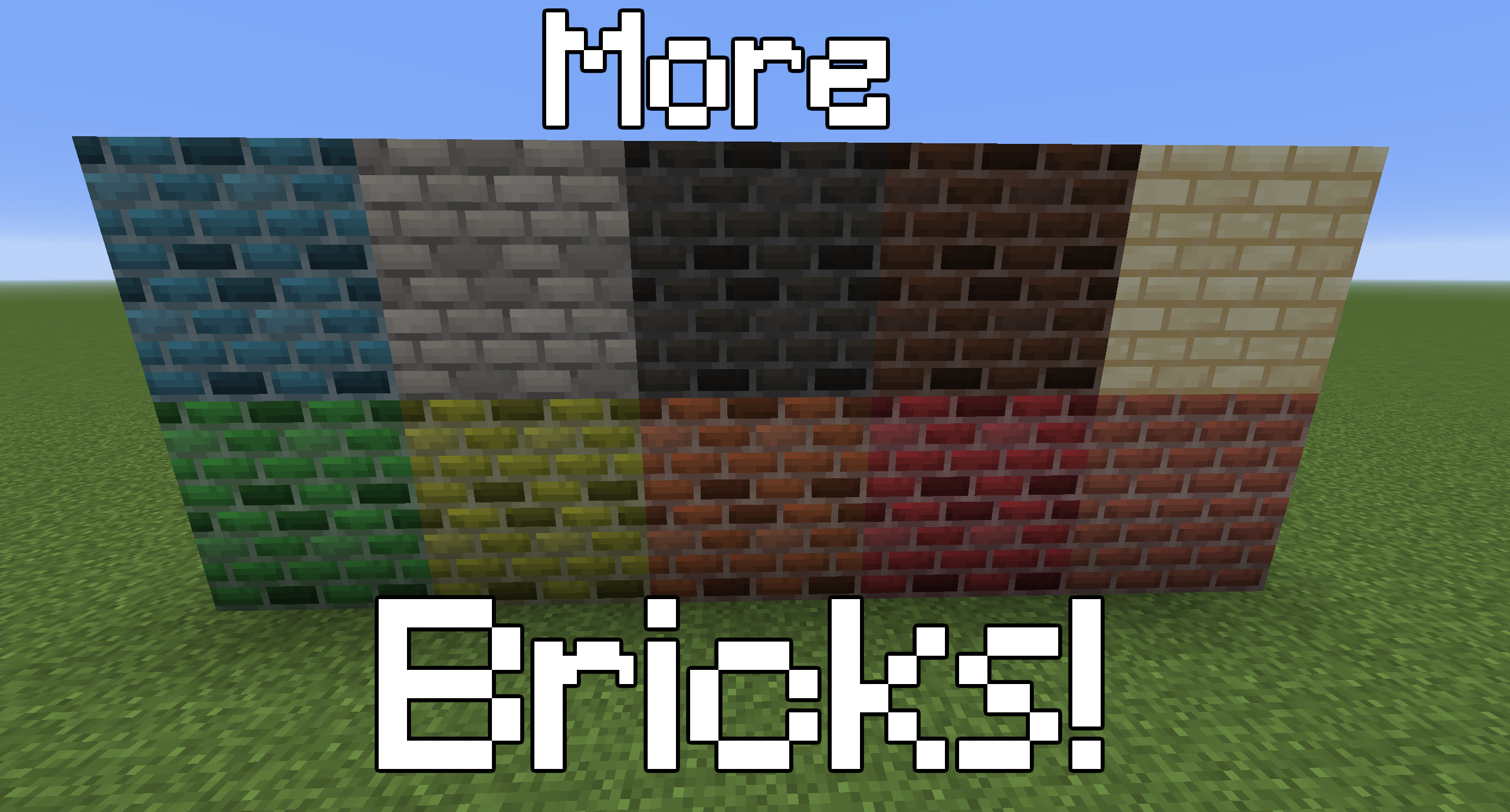
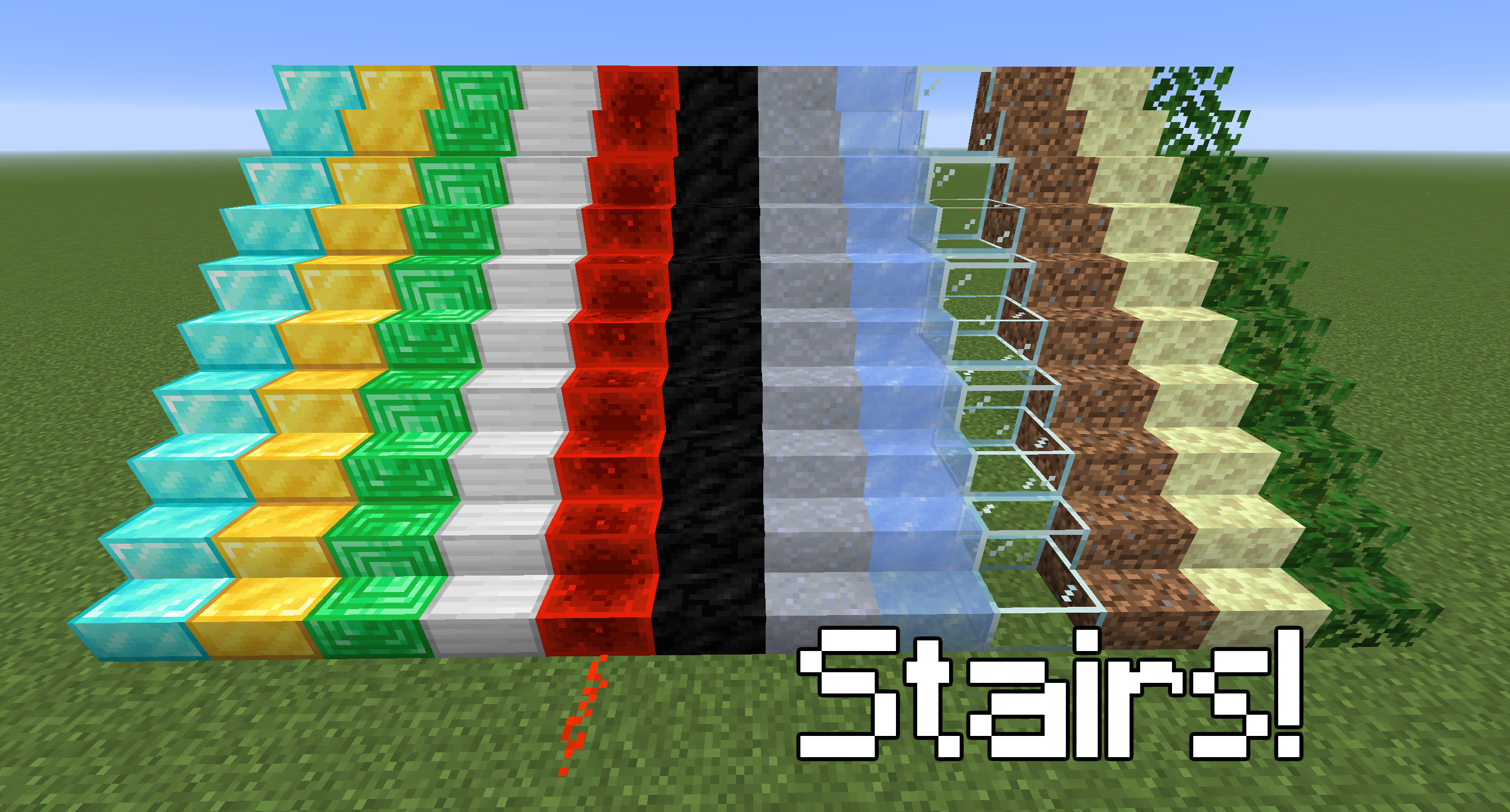
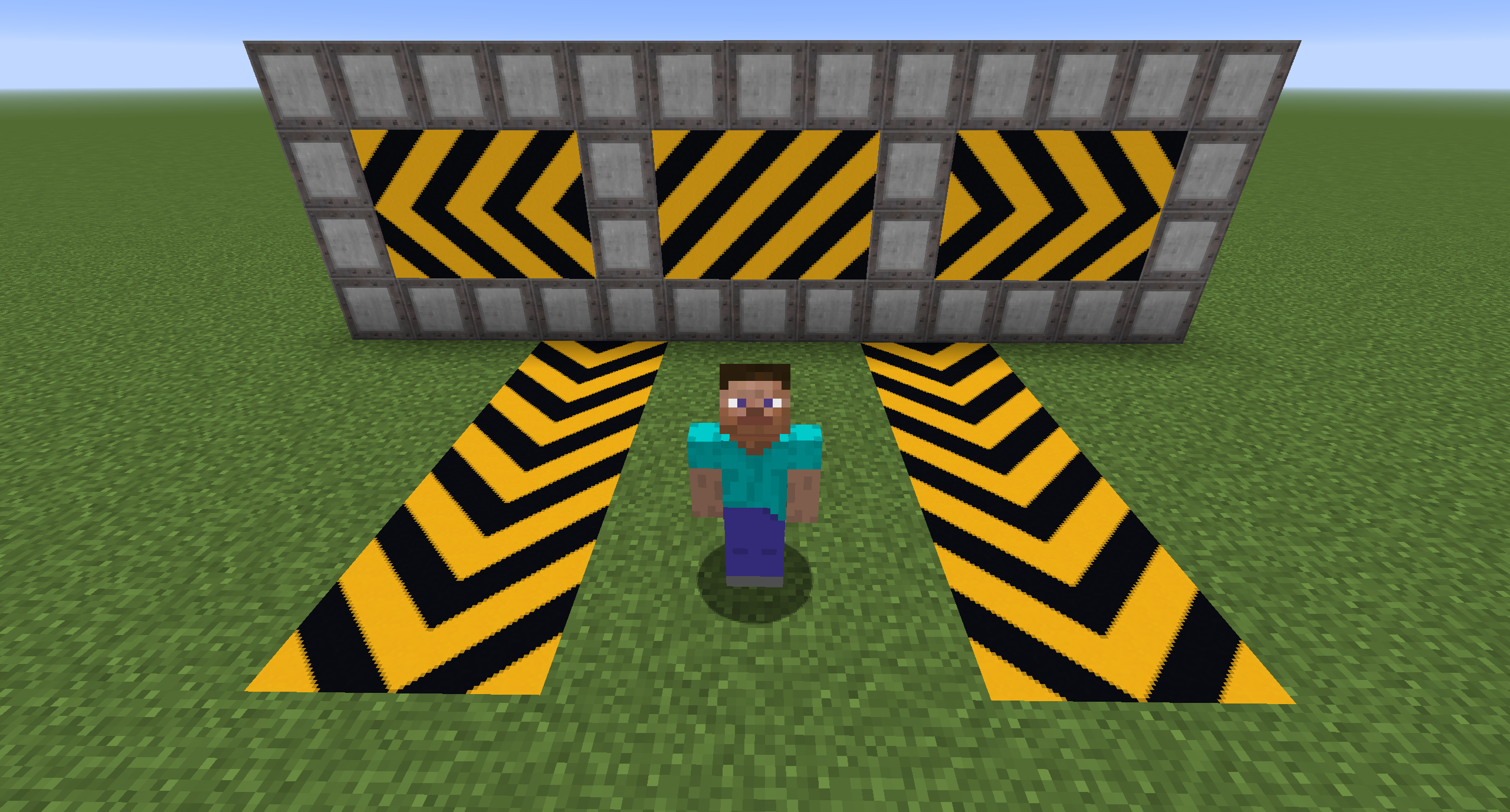
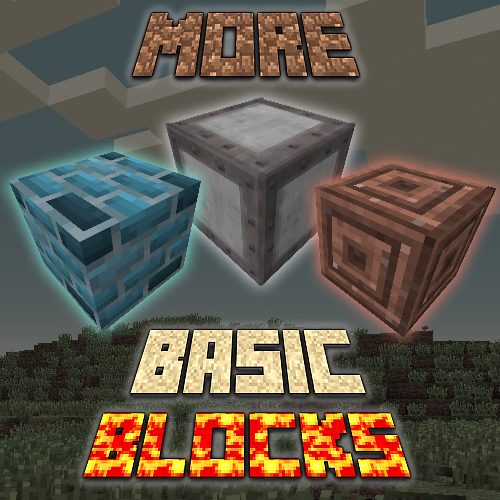
More Basic Blocks is a mod that, as its name says, adds more blocks to the game taking into account the default basic blocks that are already in the game
v1.0
Blocks:
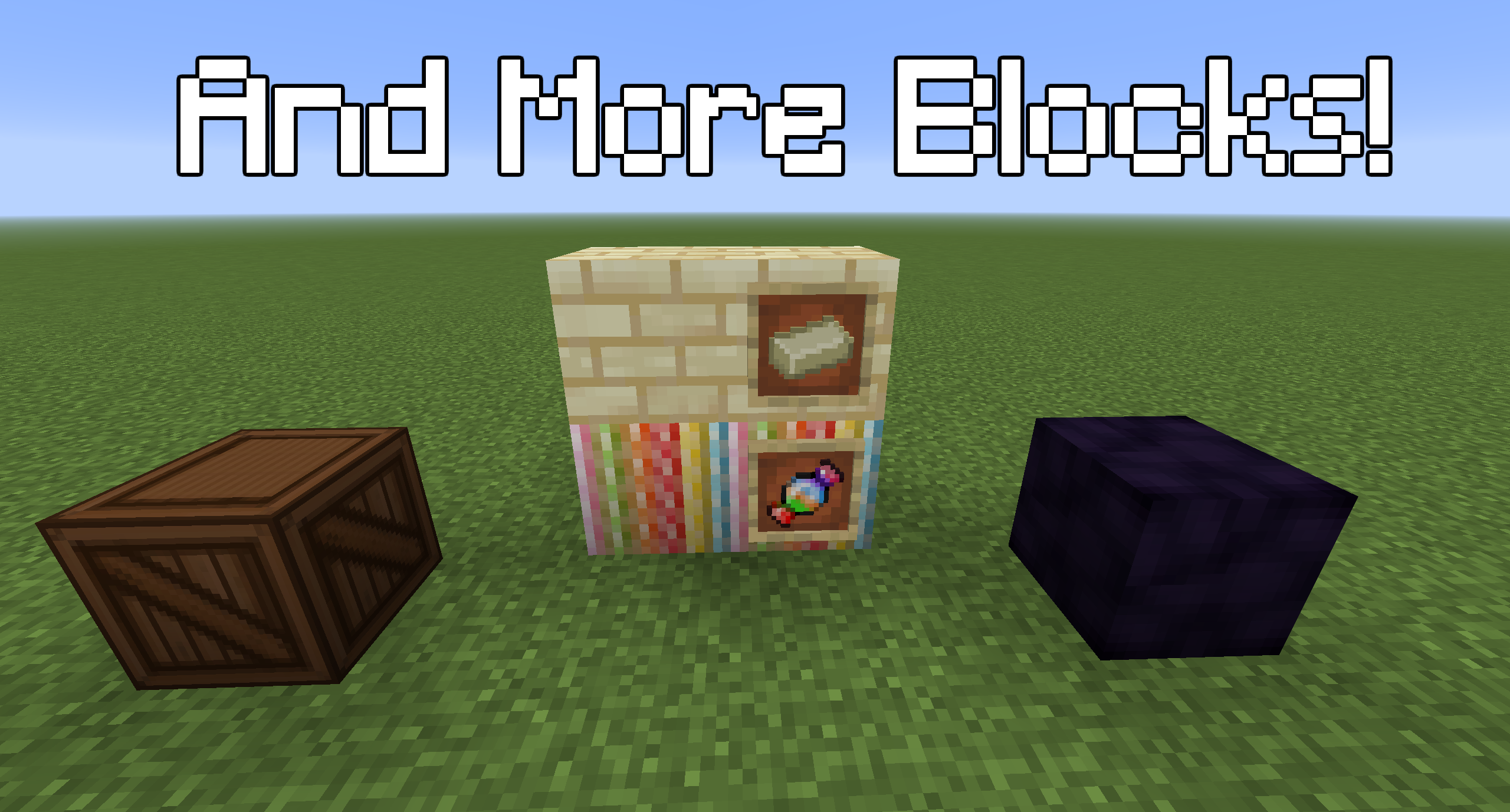
Candy Block: A delicious block made with candy
Tungsten: A block created from the alloy of several metals, it has a great resistance against explosions.
Danger Block: A decorative block that serves as a guide, warning the player,etc, can be rotated in different ways to make patterns to your liking
WoodenBox: Items can be stored, its space is greater than a chest, but less than a double chest, it is heavy therefore only 4 can be carried in each inventory slot
Polished Obsidian
All stone crafting with Diorite
All stone crafting with Granite
STAIRS:
Diamond stairs
Golden stairs
Emerald stairs
Iron stairs
Redstone stairs (Can activate Redstone)
Coal stairs (Flamable and can be fuel)
Clay stairs
Ice stairs
Glass stairs
Dirt stairs
Endstone stairs
Oak leaves stairs (Flamable)
BRICKS:
Sandstone bricks
Cyan bricks
White bricks
Black bricks
Brown bricks
Green bricks
Yellow bricks
Orange bricks
Pink bricks
Red bricks
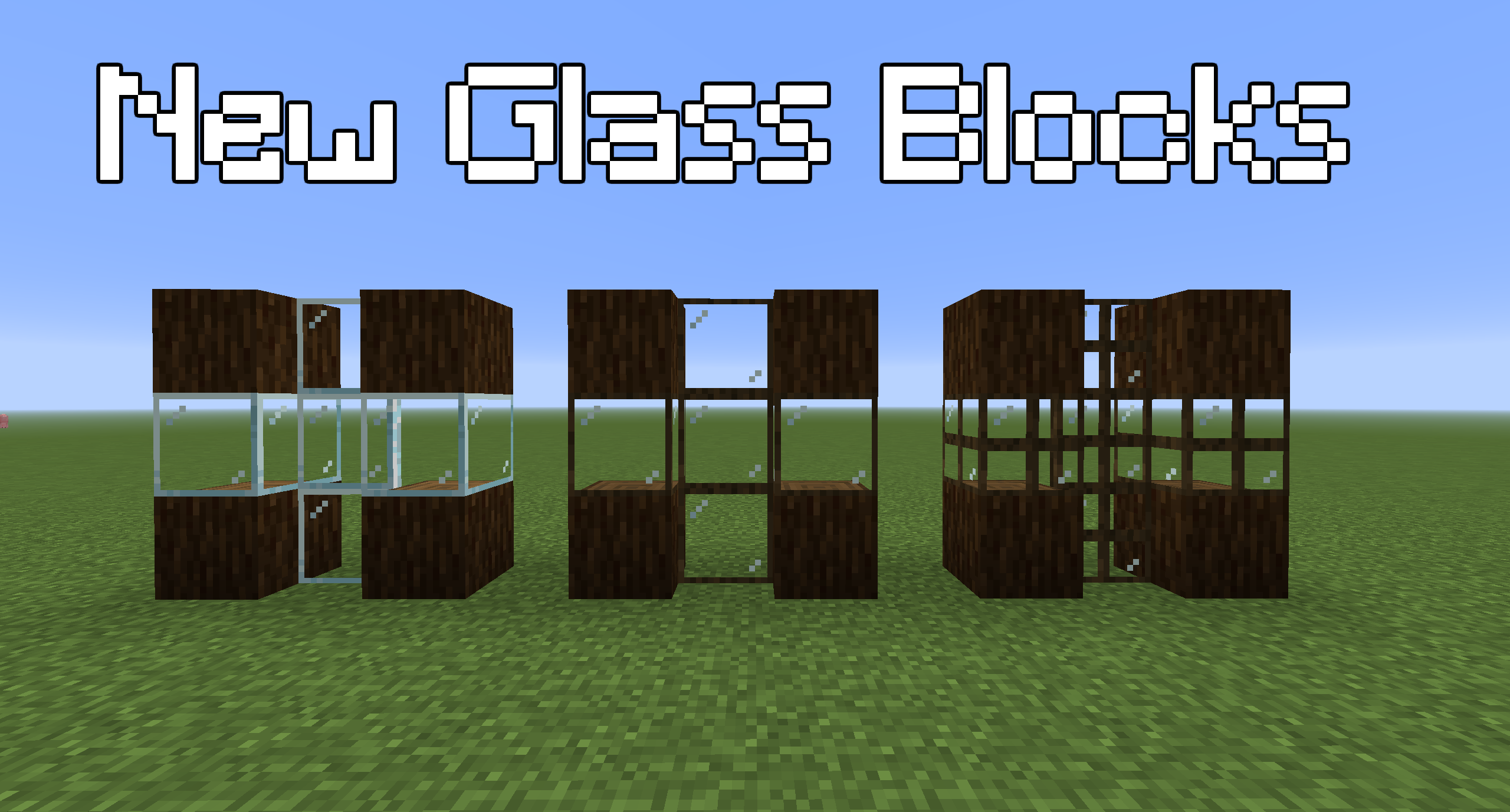
GLASS:
Reinforced Glass (Slightly stronger than ordinary glass)
Reinforced Glass pane (Slightly stronger than ordinary glass)
Double Glass (More stronger than ordinary glass)
Double Glass pane(More stronger than ordinary glass)
ITEMS:
SandyBrick
Candy (it can be eaten)
CRAFTING
I recommend to see the recipes of the new blocks to use Just Enough Items (JEI) Download JEI Here or some other mod to see the crafting.
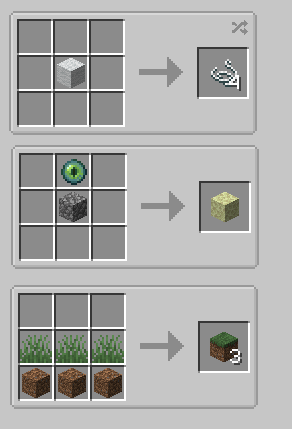
Useful Crafts (Look Screenshots):
Whool > 4 Strings
EnderEye + Cobblestone > Endstone
3Grass + 3Dirt > 3 Grass blocks
- Edition: Minecraft Java
- File type: .jar
- Minecraft version listed: 1.16.5
- How to install: Install the matching mod loader (Forge, Fabric or NeoForge) for your Minecraft version. → Download the .jar. → Put it in the .minecraft/mods folder and launch that loader profile.
- Where to get it: Opens on CurseForge — not every file is mirrored on our own servers.
Install steps are the general flow for this file type — How to install Minecraft Java mods & modpacks walks through it step by step.
- Ships as MoreBasicBlocks1.0.jar — drop this file into the mods folder
- Download size: 1.0 MB
- Download link checked 15 Oct 2026 — working
These come from our own check of the pack file, not from the source page.