Turtlematic
Java mod listed for Minecraft 1.18–1.21. Downloads from the MC Java Mods app on Android.
I don't know my version or loader
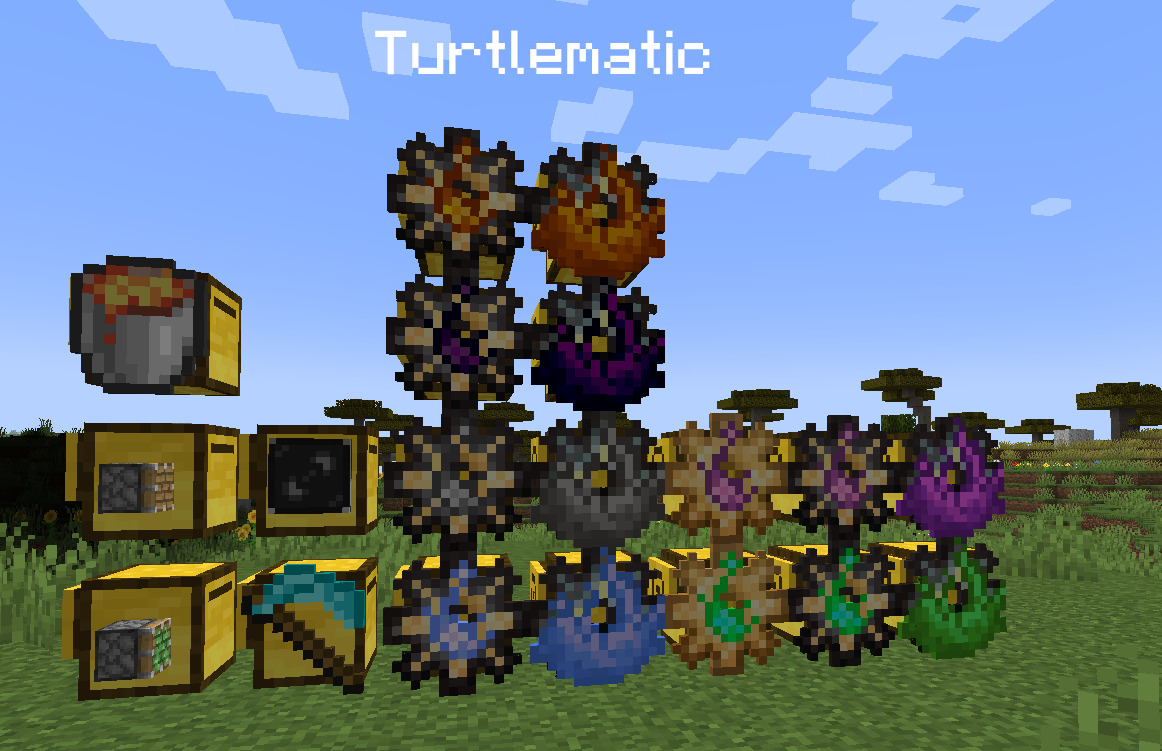
Turtlematic - is ComputerCraft about making turtles so useful, so you will never need any other automation mod!
List of features, that available for turtles with this mods:
- Simulate player right and left click with items on blocks and mobs
- Gathering experience
- In-place smelting and stonecutting (with mod interactions) for blocks
- Capture and release blocks and mobs
- Searching for mobs or items around turtle
- Harvest crops without block breaking
- Enchanting items and extract enchantments to books
- Smelting items
- Smithing recipes
- Teleporting to previously stored points in world
- Placing chat bubbles on top of themself
- Voiding item in inventory
and more feature comes
Required dependencies:
- CC: R
To read more, please, visit documentation page.
If you have any questions, you can join discord.
If you have any issues or suggestions, please, visit Github.
- Edition: Minecraft Java
- File type: .jar
- Minecraft versions listed: 1.21.1, 1.20.1, 1.19.2
- How to install: Install the matching mod loader (Forge, Fabric or NeoForge) for your Minecraft version. → Download the .jar. → Put it in the .minecraft/mods folder and launch that loader profile.
- Where to get it: Opens on CurseForge — not every file is mirrored on our own servers.
Install steps are the general flow for this file type — How to install Minecraft Java mods & modpacks walks through it step by step.
- Ships as turtlematic-forge-1.19.4-0.6.5.jar — drop this file into the mods folder
- Download size: 607 KB
- Download link checked 24 Sept 2026 — working
These come from our own check of the pack file, not from the source page.