
Fluidlogged (Forge/Fabric)
Java mod listed for Minecraft 1.18–1.20. Downloads from the MC Java Mods app on Android.
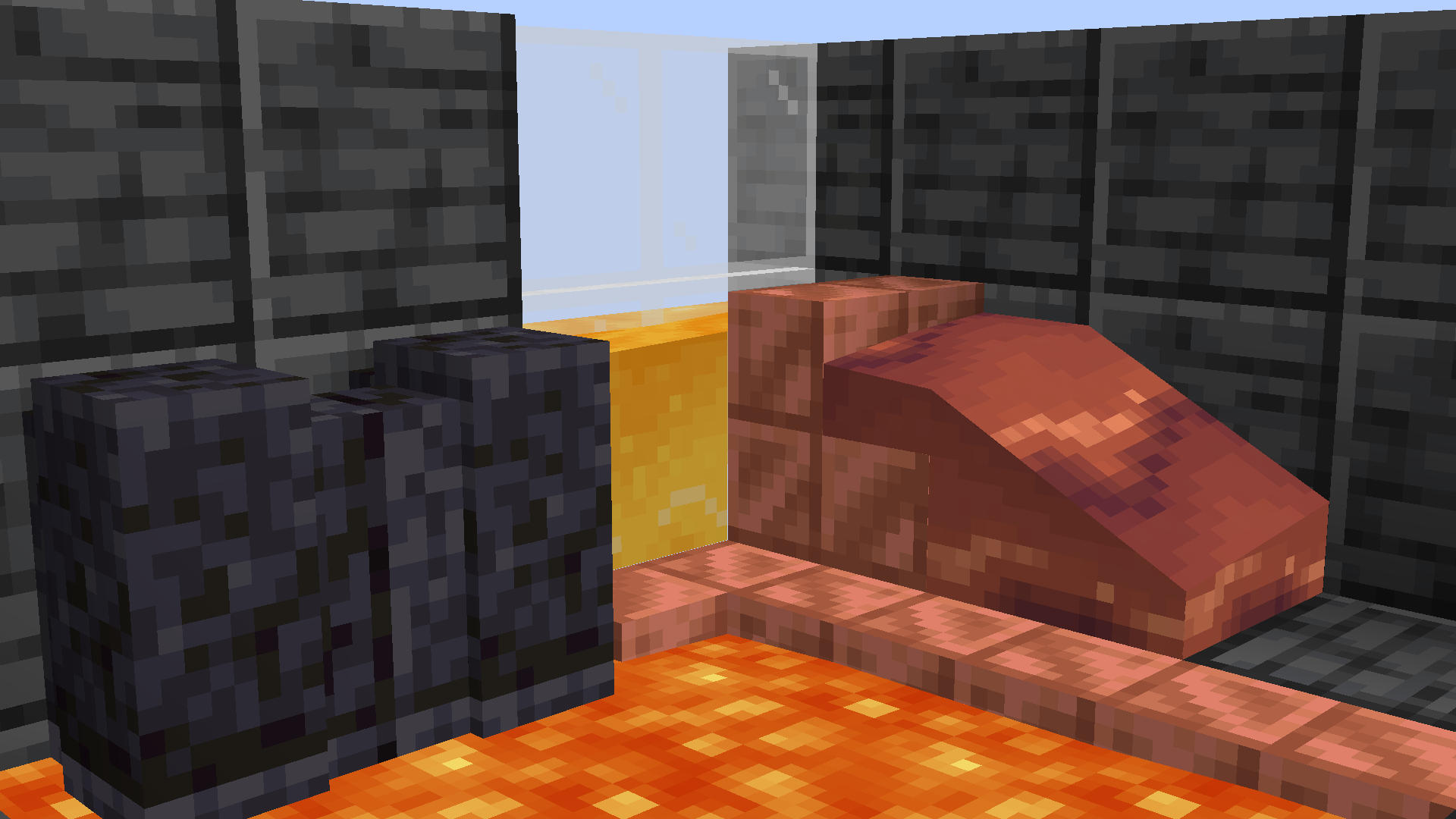
Allows waterlogging with any block and fluid and also allows fluids to pass through blocks. Everything without the usage of blockstates.
I don't know my version or loader

Fluidlogged
Note: I've moved on from developing mods, this mod will receive no further updates. Fortunately, if you're looking for a replacement for minecraft versions 1.21.1 and above. You can check out the mod Fluidloggable by NightEpiphany which is a fork of this mod. Thanks to them!
This description is only for version 2.0.0 and above. The old description can be found here. This is because the newer versions work completely different!
Requires YetAnotherConfigLib and Fabric API on Fabric
This mod allows literally any block to be waterloggable with any fluid and also allows them to pass through blocks. This done by separating fluids from all blockstates in each chunk which solves startup time and memory usage when a lot of mods are installed.
Many non-waterloggable blocks are fluidloggable by default. If you don't like some features such as, fluids passing through blocks, you can disable this in the config. Changes to the config are applied immediately to your world!
There's also a command to place fluids in every block without updating the config: /setfluid
IF YOU EXPERIENCE ANY INCOMPATIBILITY WITH A MOD PLEASE REPORT IT TO ME AND NOT TO THE MOD YOU ARE EXPERIENCING THE ISSUE WITH!
Why beta?
This mod interacts with chunk saving/loading which is one of the main reasons. There might also be some drastic changes to this mod's code.
Can this corrupt my world?
Even though it seems stable, please create a backup of the worlds you care about!
Can I use it in a modpack?
Feel free to use any of my mods in a modpack!
Resourcepacks I used for the gallery images:
Shader: Complementary Reimagined
Texturepack: Bubble (Plastic Inspired texture pack)
- Edition: Minecraft Java
- File type: .jar
- Minecraft versions listed: 1.20.1, 1.19.3, 1.19.2
- How to install: Install the matching mod loader (Forge, Fabric or NeoForge) for your Minecraft version. → Download the .jar. → Put it in the .minecraft/mods folder and launch that loader profile.
- Where to get it: Opens on CurseForge — not every file is mirrored on our own servers.
Install steps are the general flow for this file type — How to install Minecraft Java mods & modpacks walks through it step by step.
- Ships as fluidlogged-1.2.0-fabric-mc1.19.3.jar — drop this file into the mods folder
- Download size: 65 KB
- Download link checked 15 Oct 2026 — working
These come from our own check of the pack file, not from the source page.