ModsJava
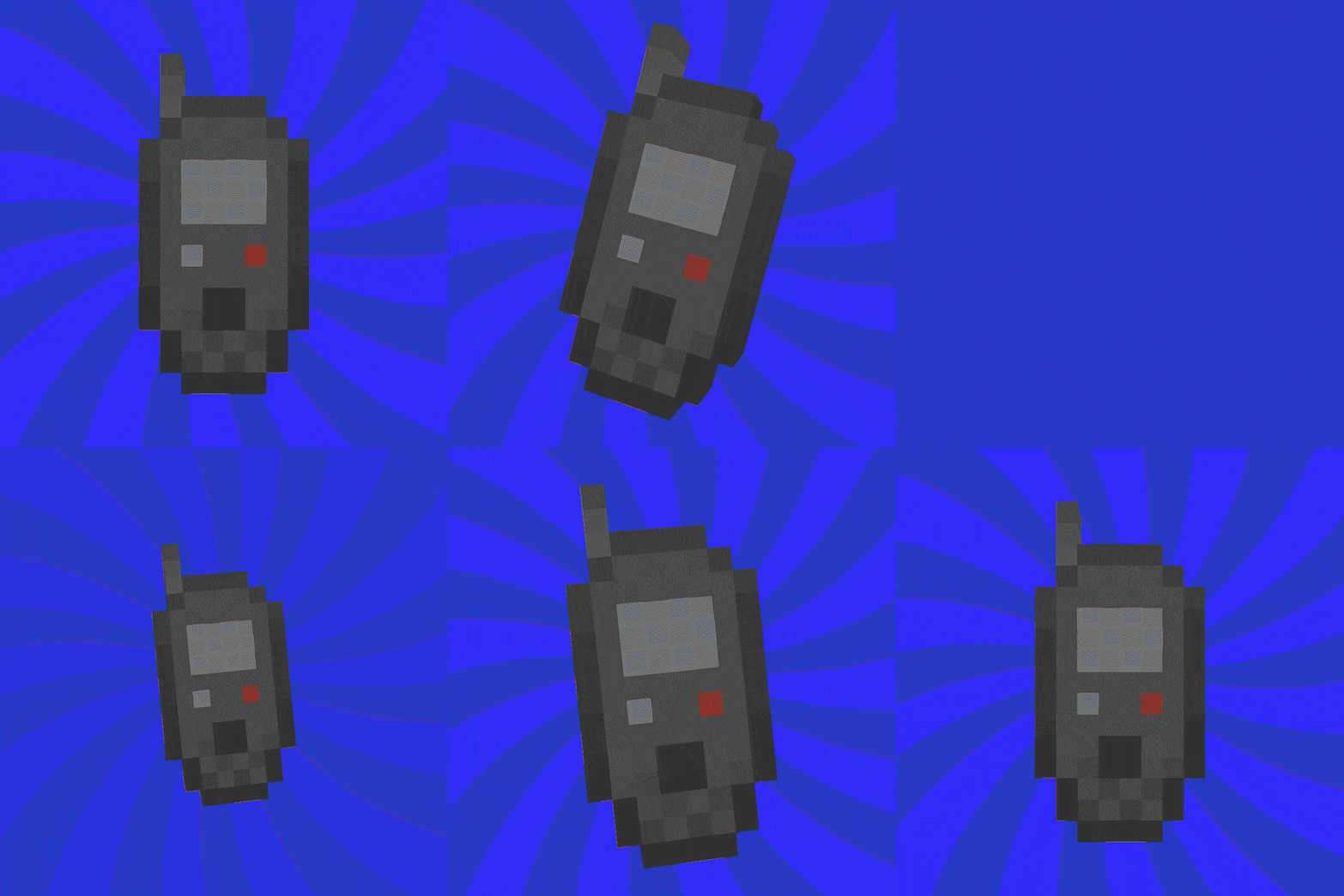
FURC (Fabric Universal Remote Control)
Java mod listed for Minecraft 1.18–1.19. Downloads from the MC Java Mods app on Android.
I don't know my version or loader
Open the Minecraft launcher and look at the profile you play on — it names both, like fabric-loader-1.21.4. The version also shows in the bottom-right corner of the game's main menu.
No loader in the profile name? Then it's plain Minecraft, and these mods won't run — you need Fabric or NeoForge installed first.
 The one remote to control them all.
Shift + Right Click your favorite block to suddenly be able to access/control it from anywhere.
Examples of how to use:
- Sync to a lever to remotely control the lever.
- Sync to a crafting table for a remote crafter.
- Sync to a furnace to smelt your ores on the go.
- Sync to your your favorite modded block to access it anywhere you desire.
- The possibilities are endless!


- The possibilities are endless!
*Energy version of remote available without recipe. You must give it a recipe or spawn it in.

- Better compatibility with other mods. (Please report any issues with other modded blocks on discord)
- Suggest something in the discord below!


Quick facts
- Edition: Minecraft Java
- File type: .jar
- Minecraft versions listed: 1.19.3, 1.19, 1.19.2
- How to install: Install the matching mod loader (Forge, Fabric or NeoForge) for your Minecraft version. → Download the .jar. → Put it in the .minecraft/mods folder and launch that loader profile.
- Where to get it: Opens on CurseForge — not every file is mirrored on our own servers.
Install steps are the general flow for this file type — How to install Minecraft Java mods & modpacks walks through it step by step.
File checked by MCModsHub
- Ships as universal_remote-0.0.1-1.18.2.jar — drop this file into the mods folder
- Download size: 16 KB
- Download link checked 15 Oct 2026 — working
These come from our own check of the pack file, not from the source page.