Health Bar Plus
Java mod listed for Minecraft 1.16–1.20. Downloads from the MC Java Mods app on Android.
I don't know my version or loader
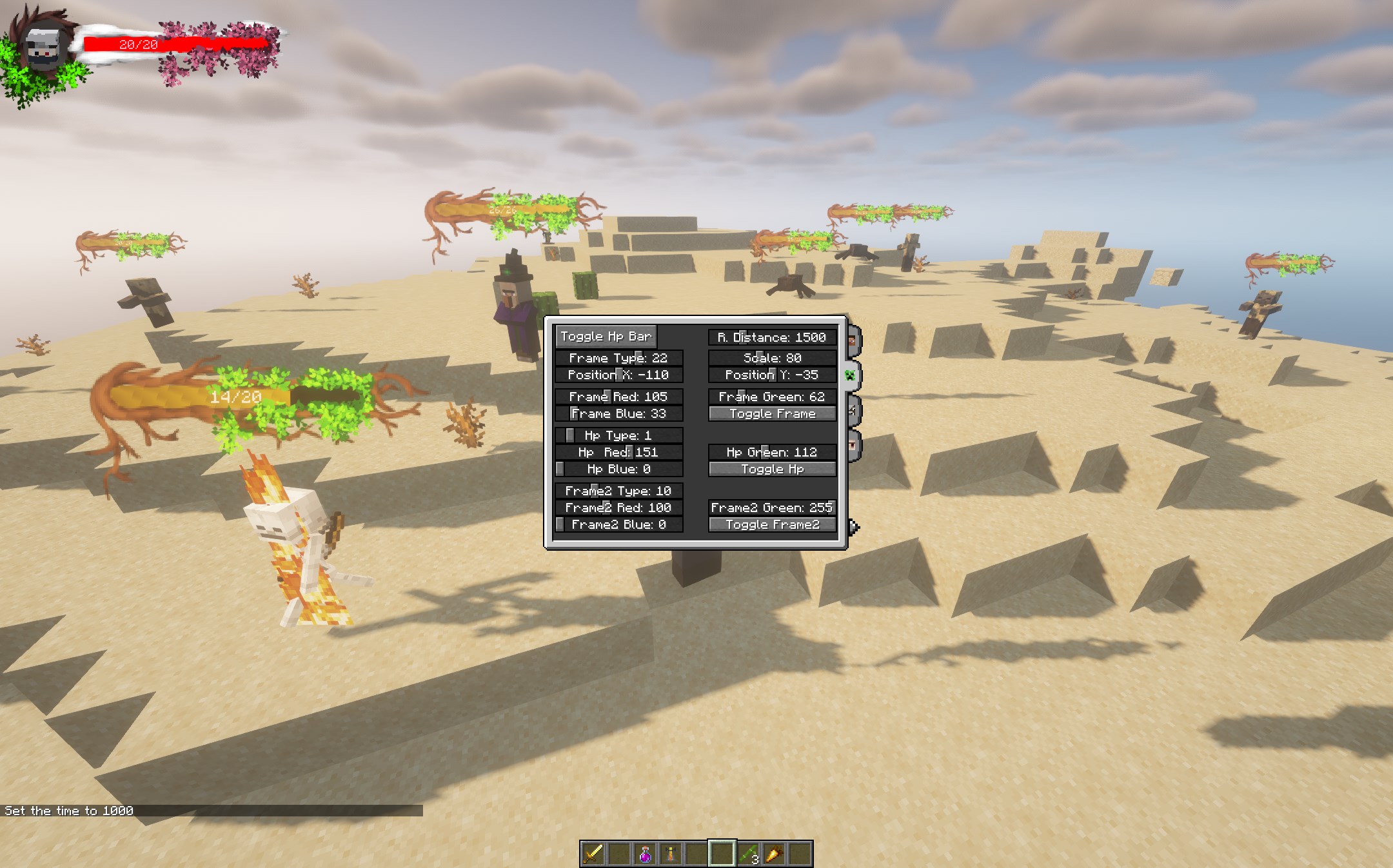
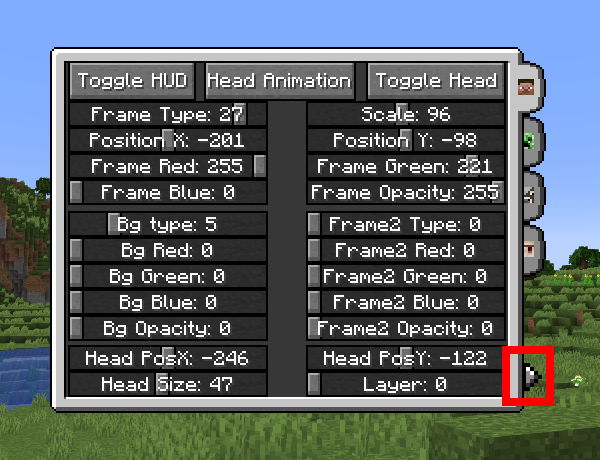
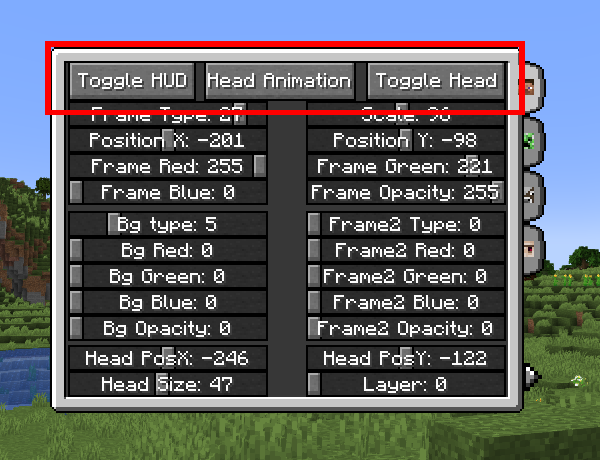
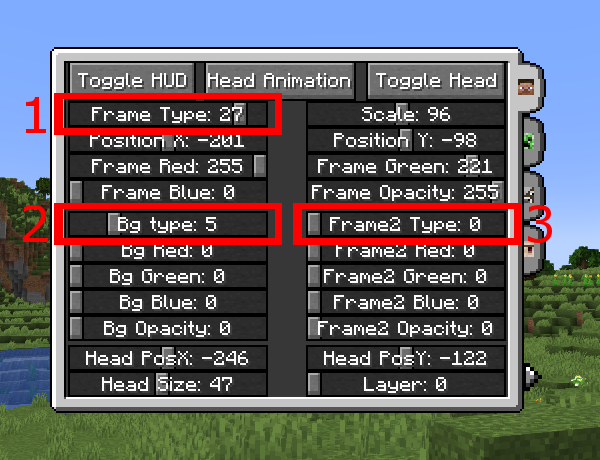
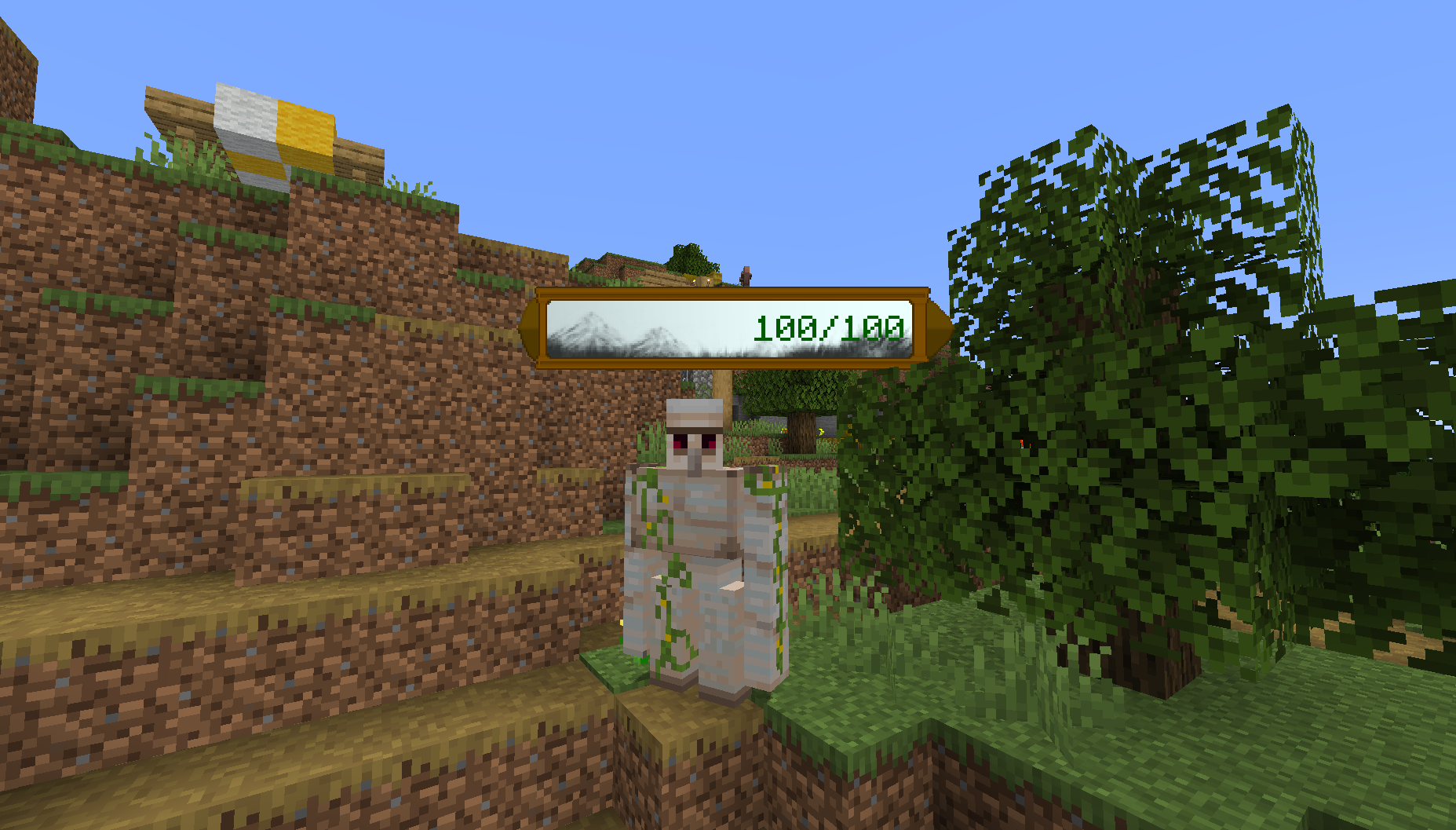
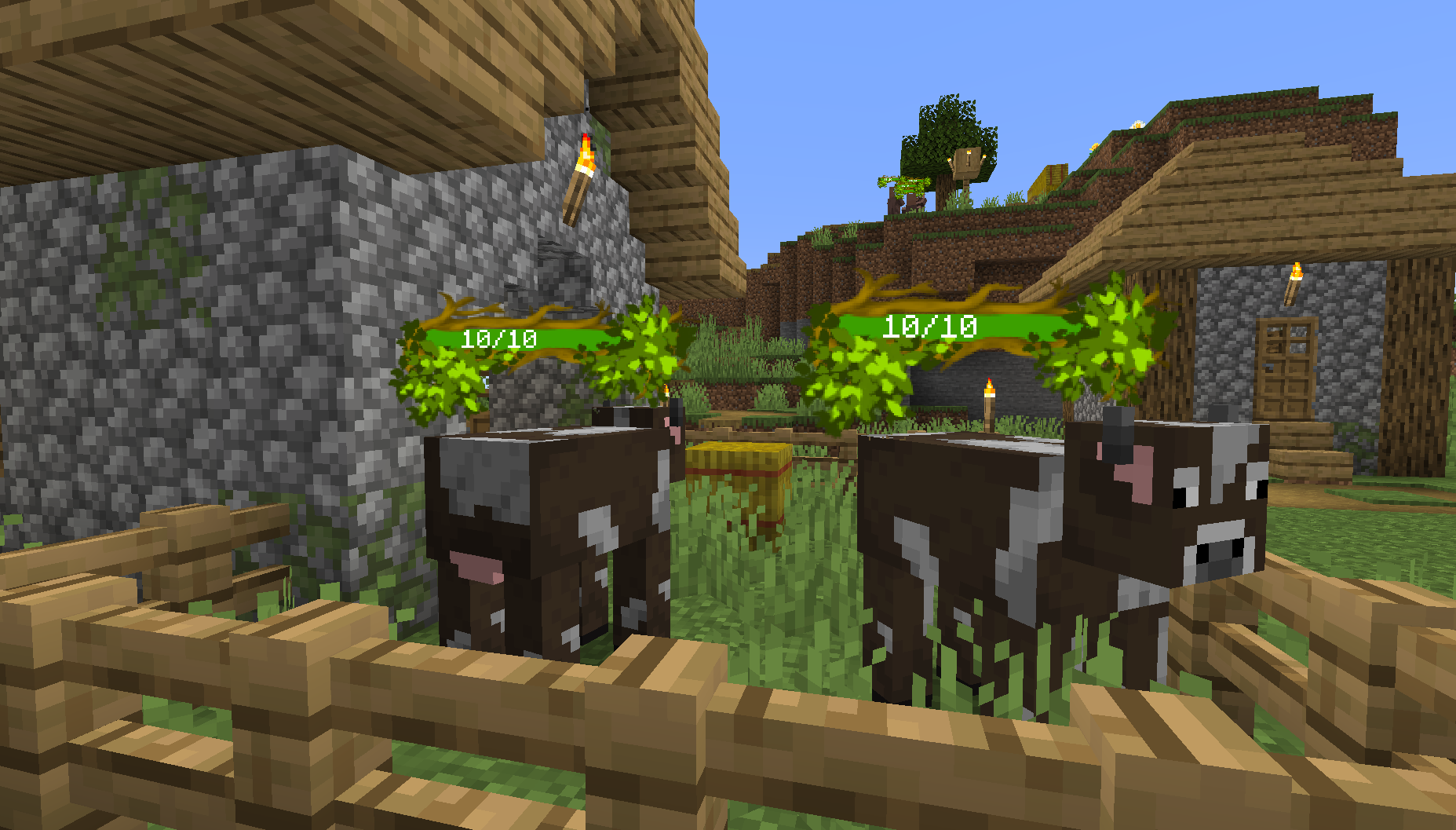
This is a HUD and hp bar editor and is currently available for FORGE/FABRIC
As you can see it in the pictures, you can create some new things for your HUD like:
- adding the player head to the screen
- creating a circle or square frame, second frame and background as a "head holder"
- creating a health bar (frame, hp, bg, second frame)
- changing the size, position, color, opacity for most of these elements
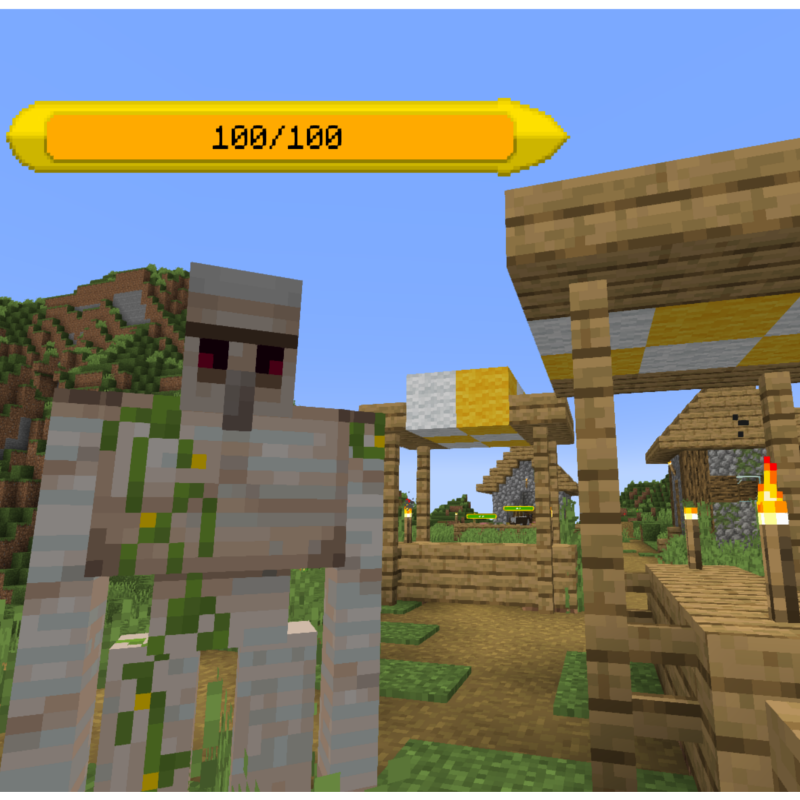
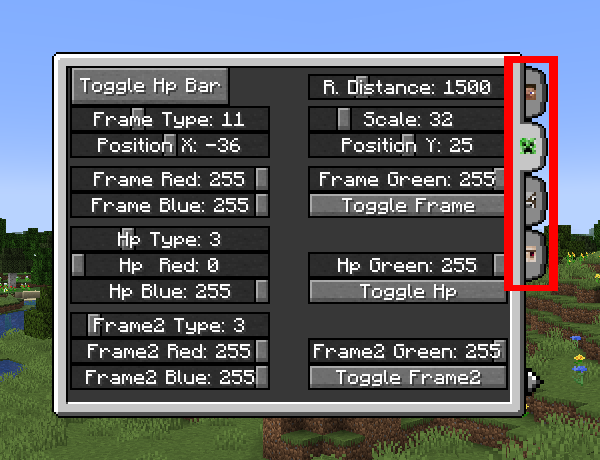
Health bars can be made for mobs too.
You can create the hp bars for passive, neutral and hostile mobs separately.
You can choose from:
- 33 health bar frame type (You can use 2 frame type at the same time)
- 11 health bar background
- 11 health indicator bar
- 30 head holder frame type (You can use 2 frame type at the same time)
- 24 head holder background
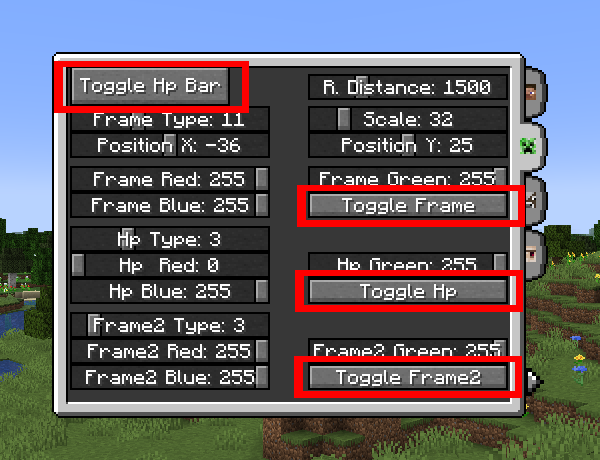
These are all colorable, positionable, scalable and can be turned on or off.
Opacity can not be changed for mob hp bars, but you can turn every single element on or off if you want.
You can open the settings window for these with the "B" keyboard key by default.
- Edition: Minecraft Java
- File type: .jar
- Minecraft versions listed: 1.20.1, 1.19.3, 1.19.2
- How to install: Install the matching mod loader (Forge, Fabric or NeoForge) for your Minecraft version. → Download the .jar. → Put it in the .minecraft/mods folder and launch that loader profile.
- Where to get it: Opens on CurseForge — not every file is mirrored on our own servers.
Install steps are the general flow for this file type — How to install Minecraft Java mods & modpacks walks through it step by step.
- Ships as healthbarplus-fabric-1.19.3-1.0.1.jar — drop this file into the mods folder
- Download size: 1.4 MB
- Download link checked 15 Oct 2026 — working
These come from our own check of the pack file, not from the source page.