Ender Porter
Java mod listed for Minecraft 1.19. Downloads from the MC Java Mods app on Android.
⬇ Download on CurseForgeThe author built this one for Minecraft 1.19 on Fabric. On other versions it may install and then do nothing.
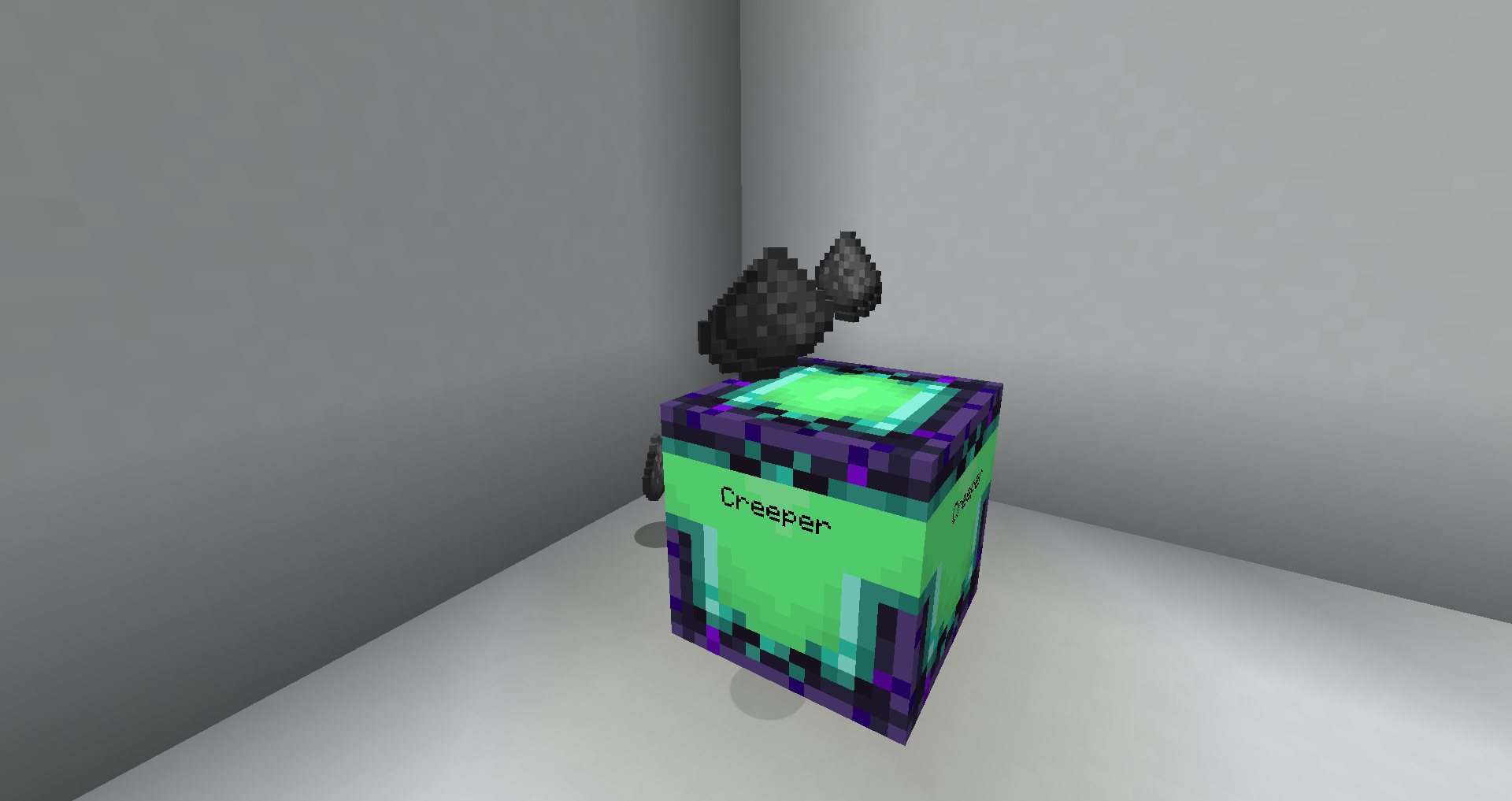
This is a vanilla-friendly teleportation mod. It is an attempt to add teleportation and travel to the game without it becoming overpowered. The mod also adds some other fun and useful teleportation-inspired items and blocks.
The Ender Porter
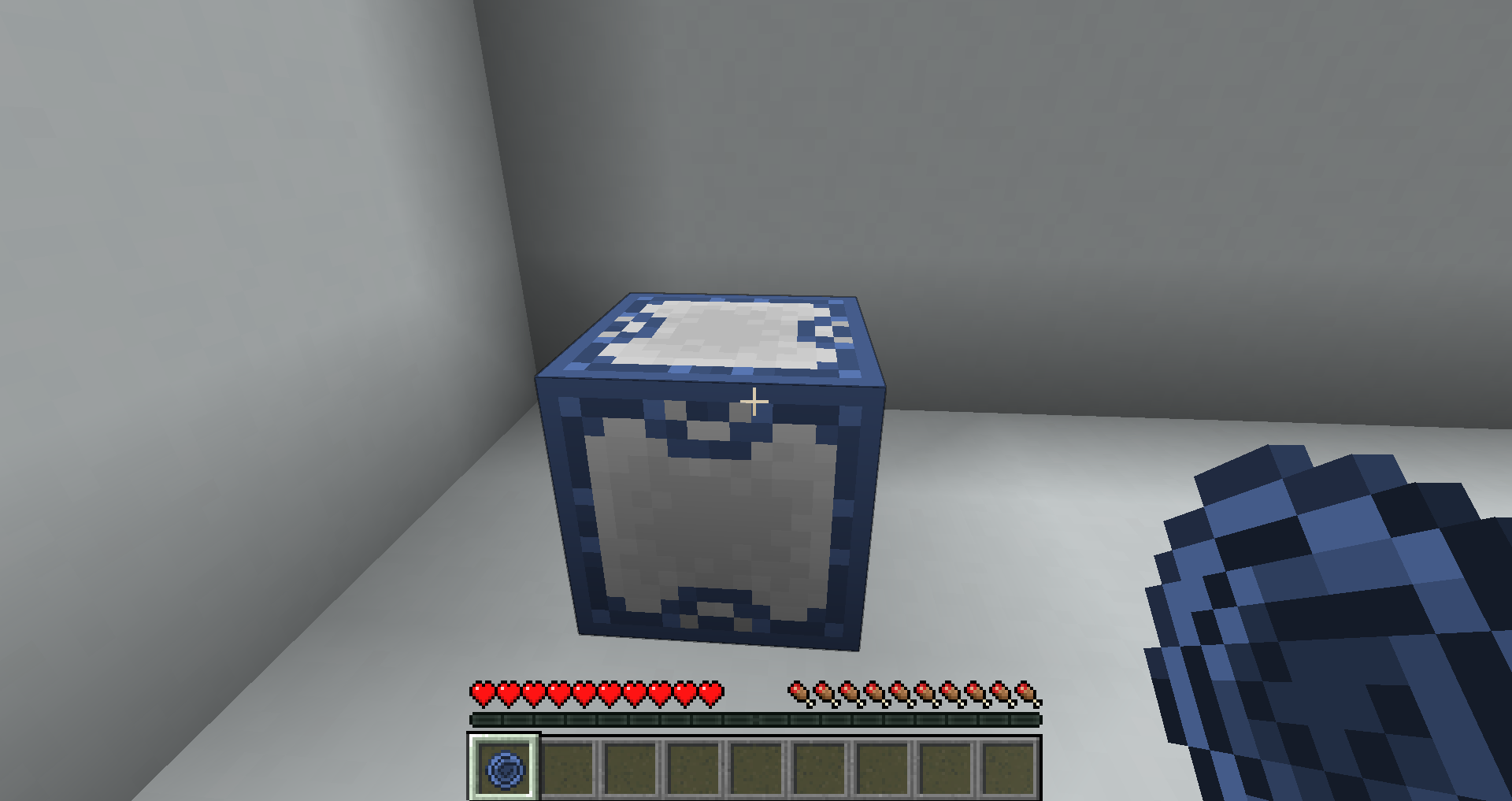
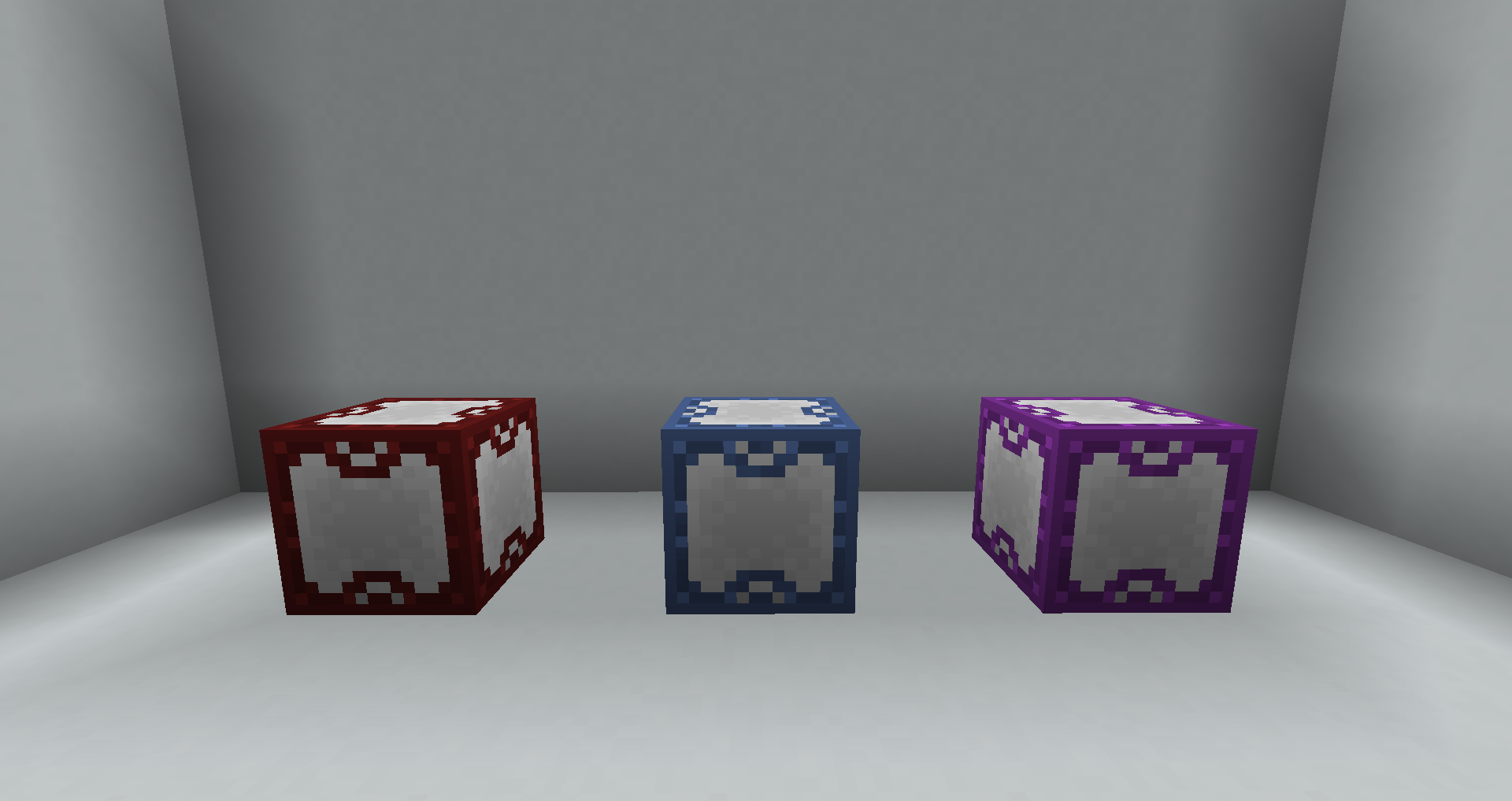
The mod revolves around its main block: the "Ender Porter". Their functionality shines when used in conjunction with other items and blocks in this mod.
Giving the Ender Porter a redstone signal will teleport the Ender Porter's owner (the player who placed it down) to the Ender Porter.
Ender Porters can be dyed by right-clicking them with dye in your hand.
Ender Fruit
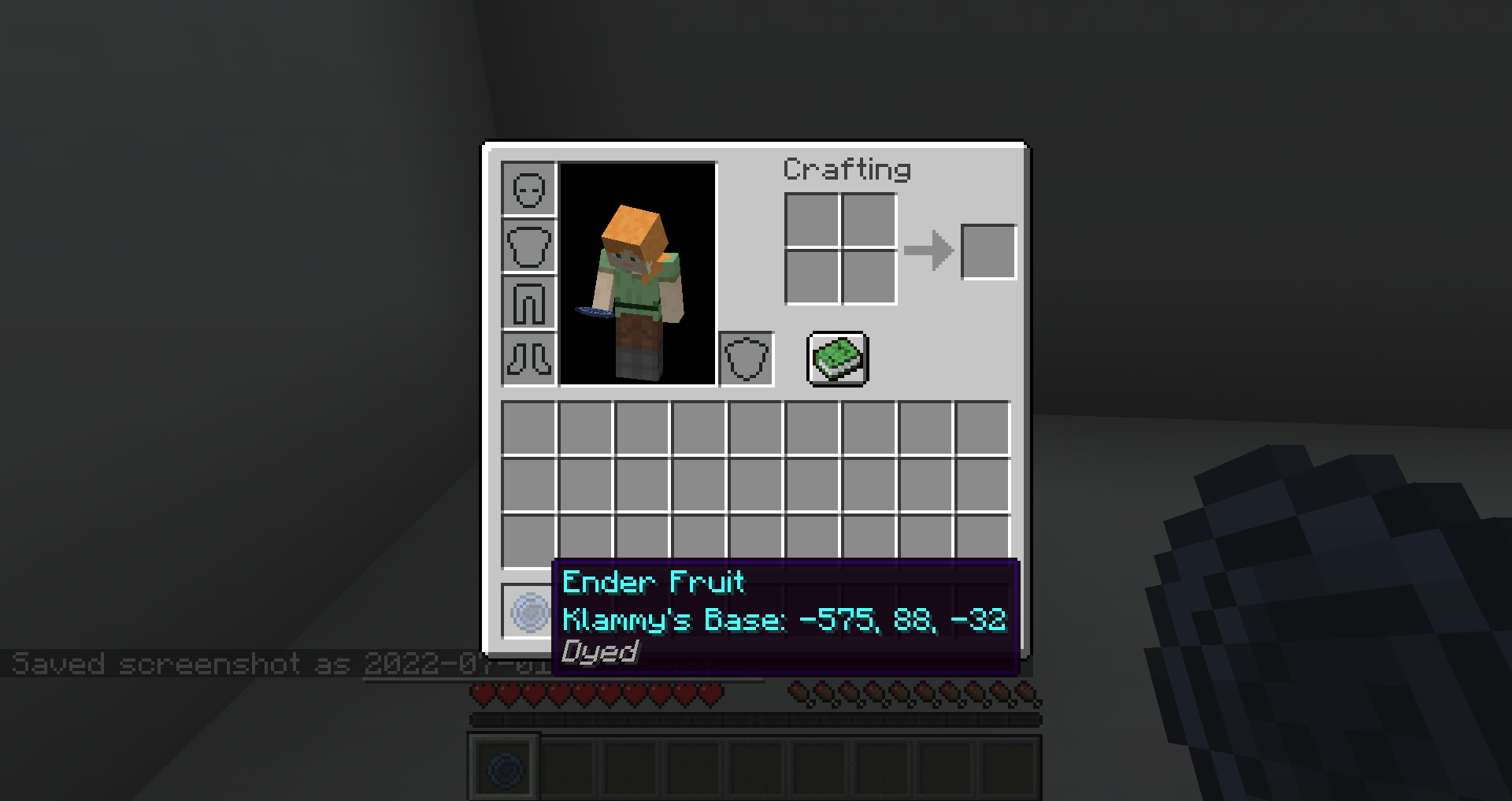
Link an "Ender Fruit" to an Ender Porter by right-clicking the Ender Porter while holding Ender Fruit. Eating this fruit will teleport you to its linked Ender Porter.
An Ender Fruit will adopt the color of its linked Ender Porter. If an Ender Porter is named in an anvil before it was placed down, an Ender Fruit will also adopt the name of its linked Ender Porter.
Ender Pressure Plate / Ender Button
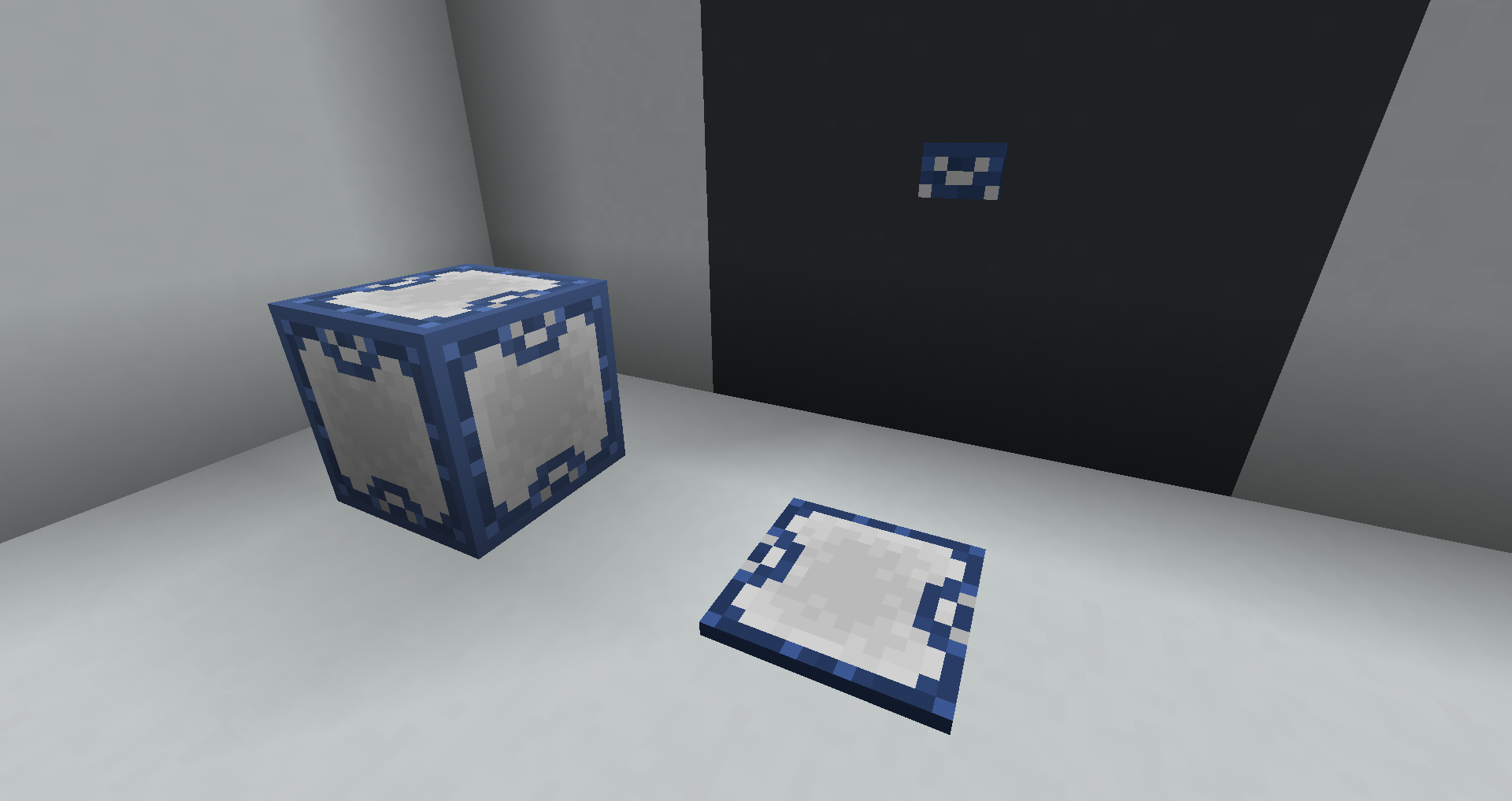
When activated the "Ender Pressure Plate" and "Ender Button" will teleport the player to their linked Ender Porter.
To link an Ender Porter to a pressure plate or button, right-click on the pressure plate or button while holding an Ender Fruit that has already been linked to your desired Ender Porter.
Mob Porter / Advanced Mob Porter
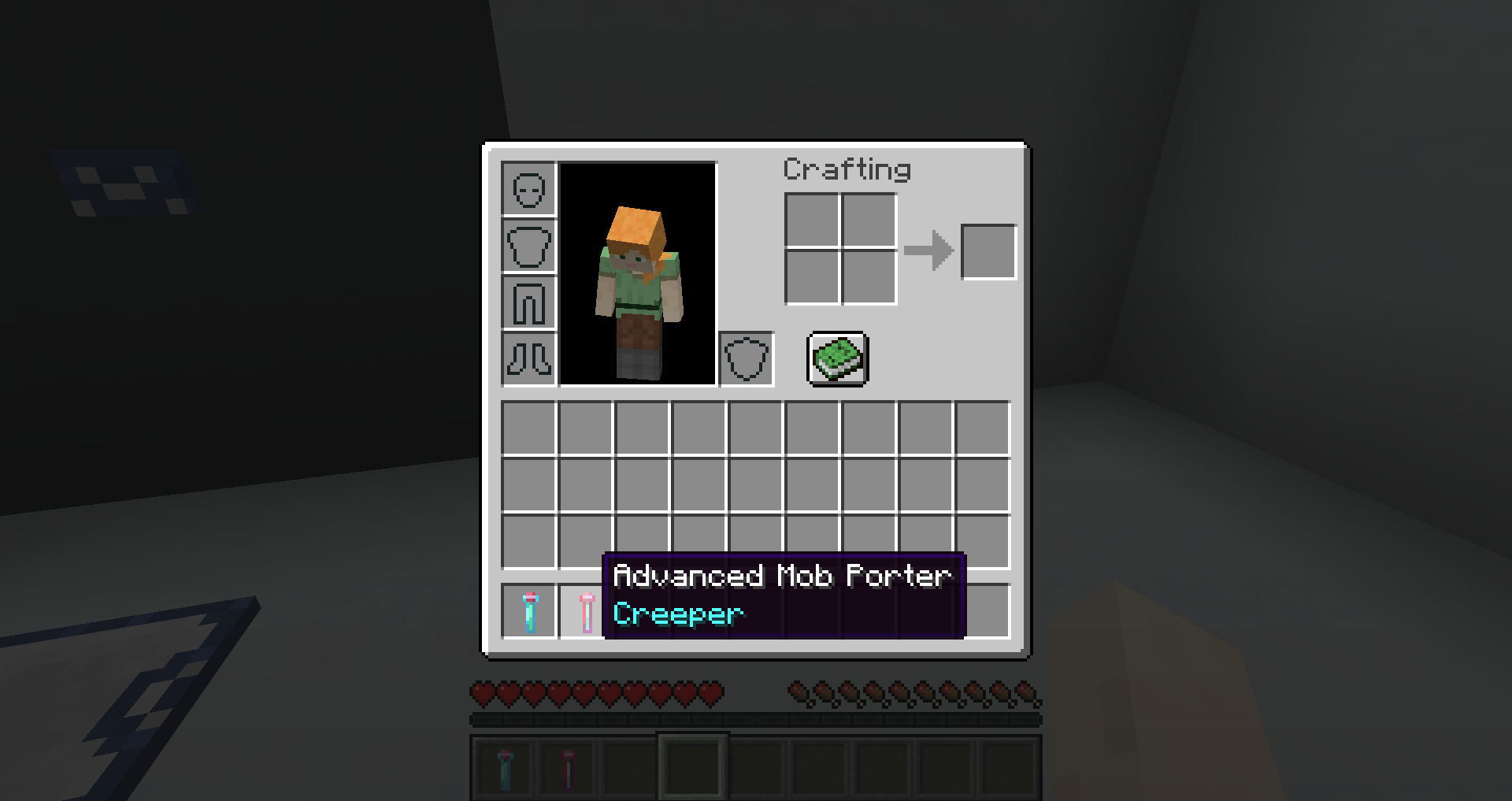
The "Mob Porter" is a standard tool that allows the player to pick up mobs. The "Advanced Mob Porter" is needed for Hostile enemies.
The Loot Constructor
The "Loot Constructor" is a block that can be used as a simple mob farm. Fill the Loot Constructor by right-clicking it with a full Mob Porter. The Loot Constructor will begin slowly to spawn mob drops.
- Edition: Minecraft Java
- File type: .jar
- Minecraft version listed: 1.19
- How to install: Install the matching mod loader (Forge, Fabric or NeoForge) for your Minecraft version. → Download the .jar. → Put it in the .minecraft/mods folder and launch that loader profile.
- Where to get it: Opens on CurseForge — not every file is mirrored on our own servers.
Install steps are the general flow for this file type — How to install Minecraft Java mods & modpacks walks through it step by step.
- Ships as ender-porter-1.0.0.jar — drop this file into the mods folder
- Download size: 66 KB
- Download link checked 15 Oct 2026 — working
These come from our own check of the pack file, not from the source page.