
SkinMC: Custom Minecraft Capes
Java mod listed for Minecraft 1.18–1.21. File opened and checked on 3 Oct 2026; downloads from the MC Java Mods app on Android.
I don't know my version or loader
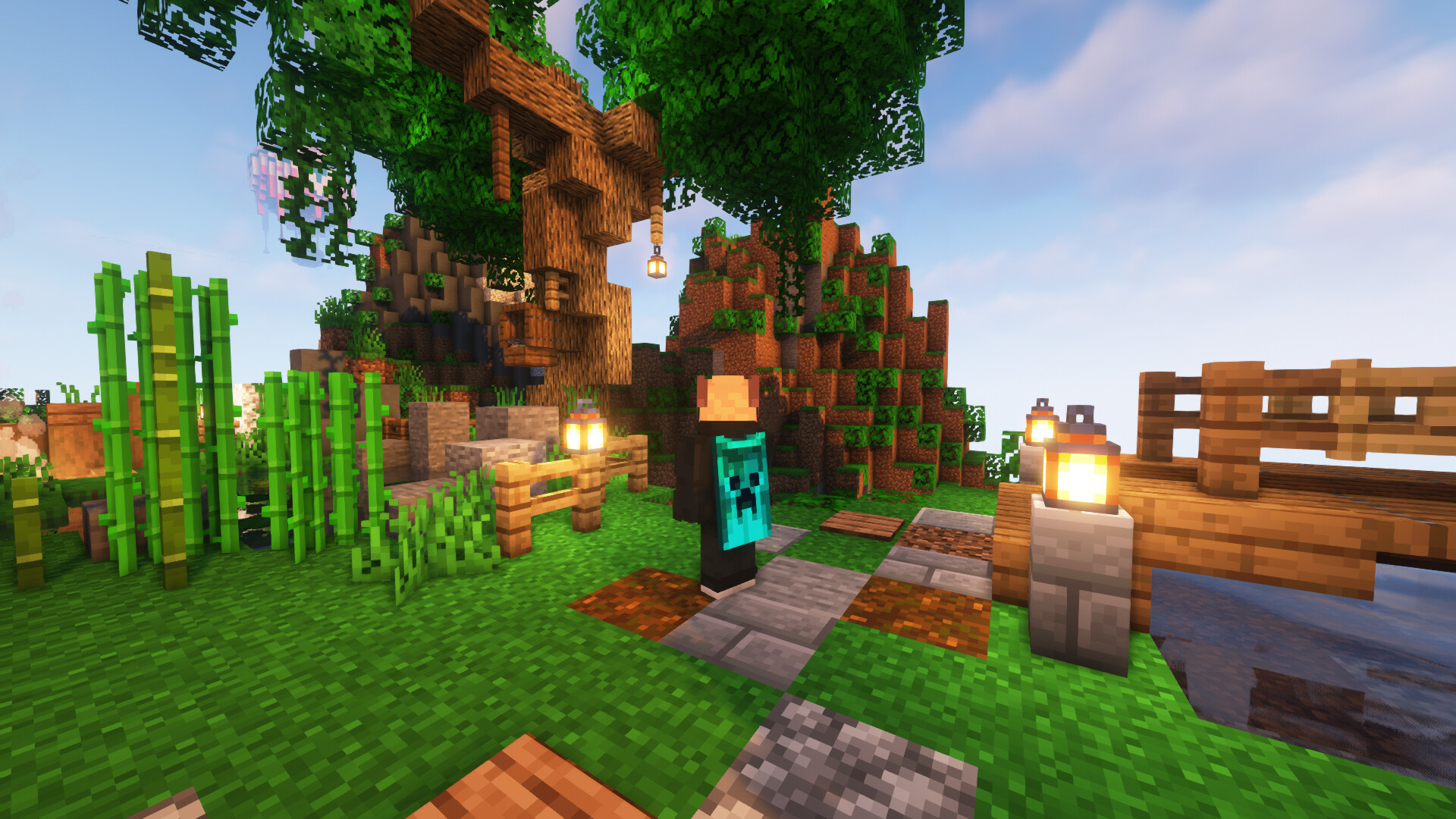

SkinMC-Mod
Create your cape on SkinMC. Wear it in-game with the SkinMC Mod.
Requirements
- Minecraft 1.21.5
- Fabric or NeoForge (choose one; use the matching mod build)
Features

- Displays your SkinMC cape in-game in singleplayer and multiplayer
- Choose how capes are shown: SkinMC overrides default capes, default only, or SkinMC only
- Shift + right-click a player to open their SkinMC profile (optional, can be turned off)
- Works on both Fabric and NeoForge
Configuration
Settings are in Mod Menu (Fabric) or the mod list config button (NeoForge), under SkinMC Cape Settings. You can also edit config/skinmc_mod.json:
| Option | Description |
|---|---|
| Cape display | SkinMC overrides (default) — SkinMC capes replace Mojang/OptiFine capes when set; Default only — only show Mojang/OF capes; SkinMC only — only show SkinMC capes (hide default when no SkinMC cape) |
| Shift + right-click player | When enabled, shift + right-clicking a player opens their SkinMC profile |
How to install it
The SkinMC Mod is available for Fabric and NeoForge. Pick the loader that matches your setup.
- Download the latest release from https://skinmc.net/p/mod (choose the Fabric or NeoForge version).
- Install a mod loader:
- Put the SkinMC mod
.jarfile into your Minecraftmodsfolder.
How to get a cape
- Go to https://skinmc.net
- Sign up / Sign in
- Link your Minecraft account via Microsoft
- Go to Account, then choose SkinMC Capes
- Select a cape .png file and hit upload and use
You can also create your own cape in the SkinMC Cape Editor.
Links
- Upload a cape: https://skinmc.net/account/capes
- Discord: https://skinmc.net/go/discord
Where to get capes from?
You can find a large selection of Minecraft capes on the following pages, or make your own:
- https://skinmc.net/capes/custom
- https://www.planetminecraft.com/mob-skins/?op2=8
- SkinMC Cape Editor — create your own custom cape
- Feel free to add more here!
What format does it support?
Currently capes must be
- .png, .jpg, .jpeg
- 64x32px
Contribute
Contribute code on GitHub or submit your ideas for future versions!
License
This project is licensed under the GNU Lesser General Public License v2.1 (LGPL-2.1).
Credits
This mod is built with Architectury, which enables a single codebase to run on both Fabric and NeoForge.
Do you need support?
Please open a support ticket
- Edition: Minecraft Java
- File type: .jar
- Minecraft versions listed: 1.21.11, 1.21.4, 1.20.1
- How to install: Install the matching mod loader (Forge, Fabric or NeoForge) for your Minecraft version. → Download the .jar. → Put it in the .minecraft/mods folder and launch that loader profile.
- Where to get it: Opens on CurseForge — not every file is mirrored on our own servers.
Install steps are the general flow for this file type — How to install Minecraft Java mods & modpacks walks through it step by step.
- Ships as skinmc_mod-neoforge-2.1.1.jar — drop this file into the mods folder
- Download size: 108 KB
- Download link checked 24 Sept 2026 — working
These come from our own check of the pack file, not from the source page.