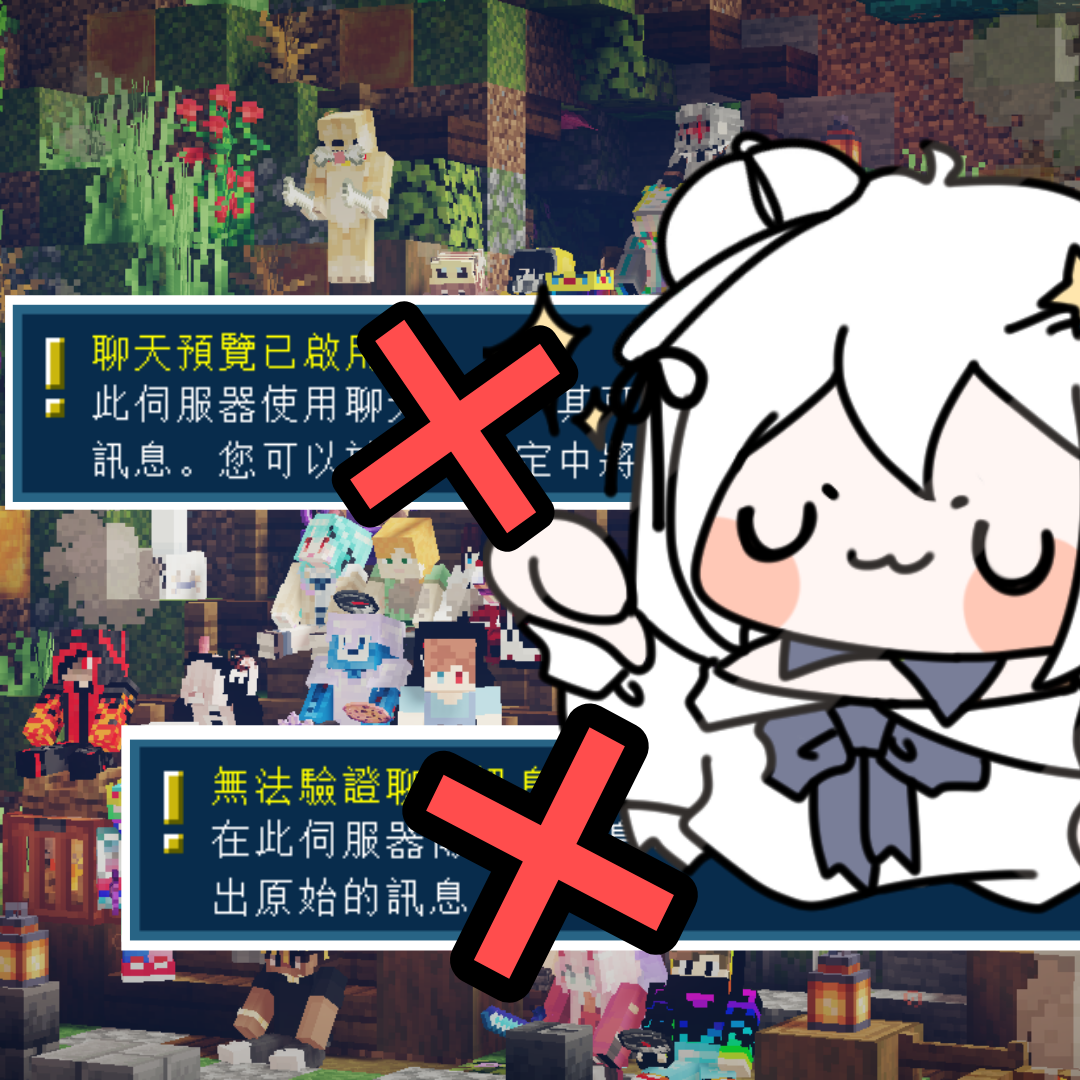
Hide Chat Preview Notifications 1.19 ~ 1.19.2
Java mod listed for Minecraft 1.19. Downloads from the MC Java Mods app on Android.
Version: Fabric - 1.19 ~ 1.19.2 / Forge - 1.19 ~ 1.19.1 -> Support <- ─────────────────────────────────────────────────────────────────────────────────────…
I don't know my version or loader

After the game version is upgraded to 1.19.1, many servers may have turned off the Secure Chat system and functioning the chat preview.
As a Minecraft Server-manage team, we also noticed that the alert of “chat preview is enabled” and “chat message cannot be verified” will pop out when the players enter the server since the 1.19.1 updating.
This is annoying enough to twist you up, so the HCPN mod is developed.
If there is something missing, please give feedback here.

To install HCPN, you need to install a mod toolchain at first.
Here’s two toolchain usually used:
- Fabric
1. Minecraft version 1.19 ~ 1.19.2 installed
2. Fabric has been installed
3. Make sure Fabric-API has installed and placed in the mods file
- Forge
1. Minecraft version 1.19 ~ 1.19.1 installed
2. Forge installed

- Edition: Minecraft Java
- File type: .jar
- Minecraft versions listed: 1.19.2, 1.19.1, 1.19
- How to install: Install the matching mod loader (Forge, Fabric or NeoForge) for your Minecraft version. → Download the .jar. → Put it in the .minecraft/mods folder and launch that loader profile.
- Where to get it: Opens on CurseForge — not every file is mirrored on our own servers.
Install steps are the general flow for this file type — How to install Minecraft Java mods & modpacks walks through it step by step.
- Ships as HideChatPreviewNotifications-1.1.jar — drop this file into the mods folder
- Download size: 810 KB
- Download link checked 5 Nov 2026 — working
These come from our own check of the pack file, not from the source page.