Welcome To The Backrooms
Java mod listed for Minecraft 1.16. Downloads from the MC Java Mods app on Android.
Welcome To The Backrooms, you have no clipped through reality and found yourself in a new dimension full of yellow hall ways
⬇ Download on CurseForgeThe author built this one for Minecraft 1.16.5 on Forge. On other versions it may install and then do nothing.

Welcome To The Backrooms

Levels:
Level 0: The Lobby
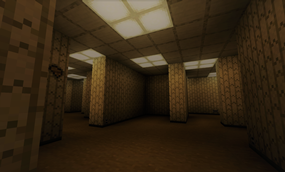
-Level 0 is the first level of the backrooms, and as of currently the only level in the mod
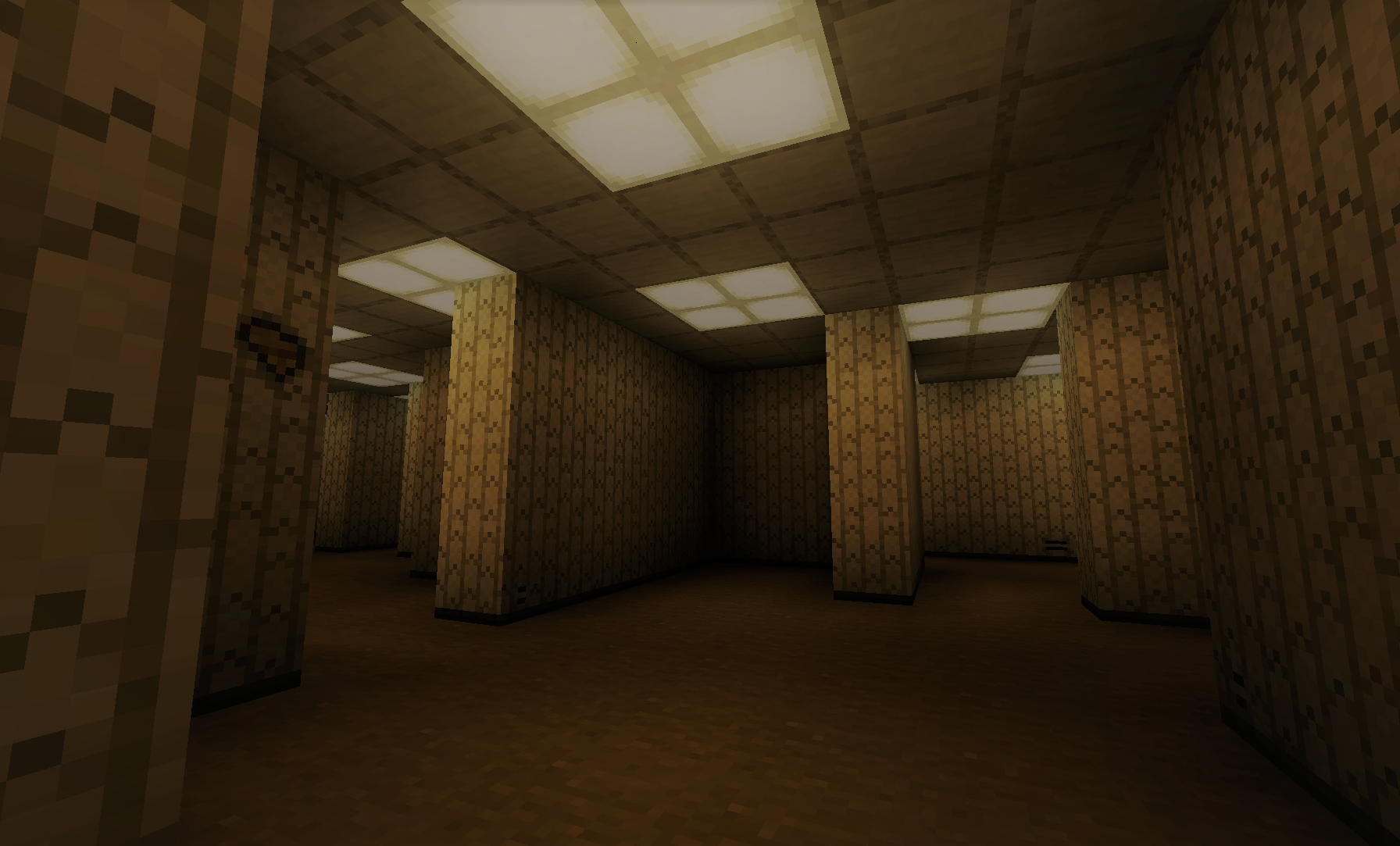
-Level 0 consists of endless yellow walls, moist carpet, and yellowish white florescent lights, it is home to two new entities, The Bacteria, and Smilers
Entities
The Bacteria:
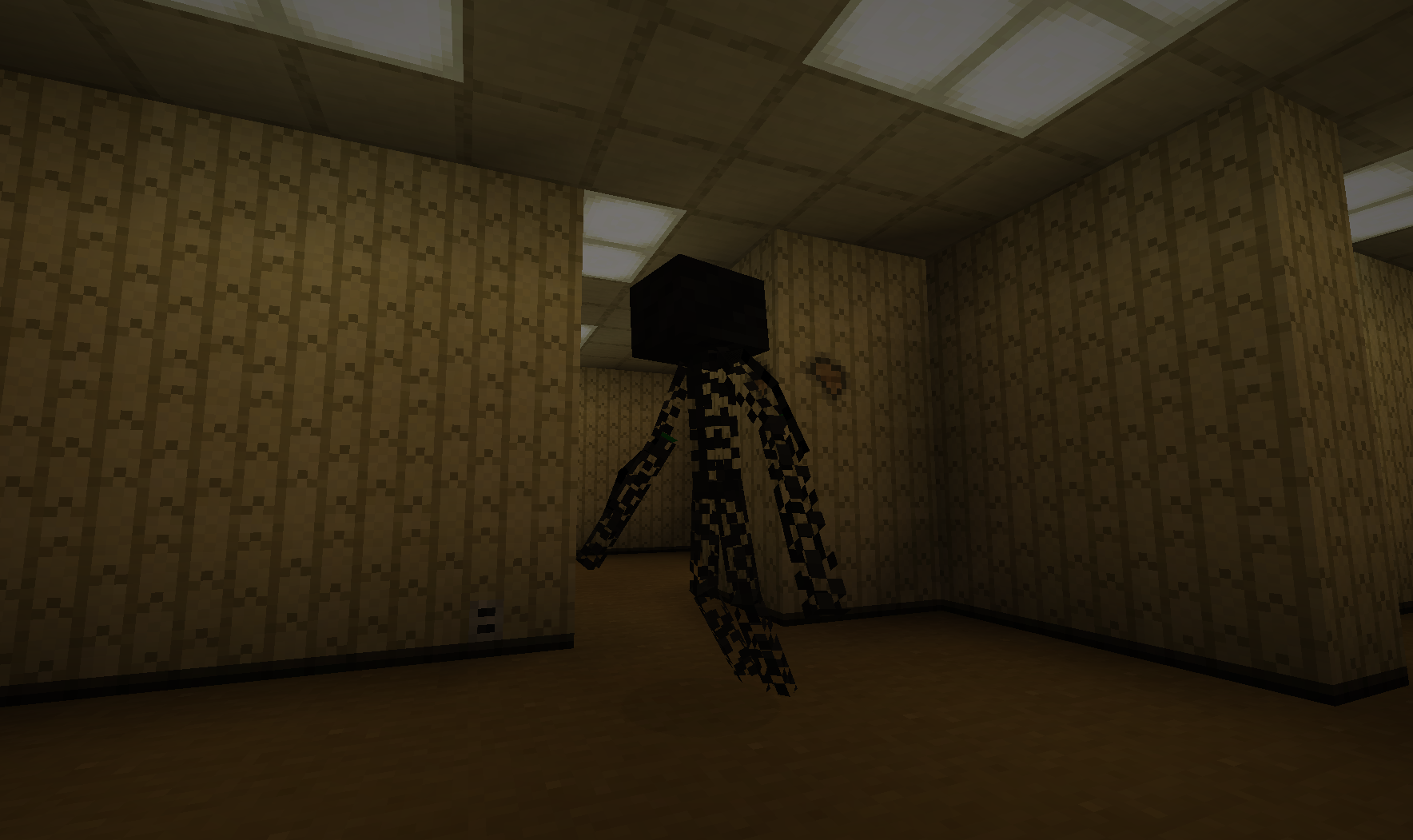
-The Bacteria roams the backrooms, it has found it's way to the hallways after traveling to the 1st floor, meaning you may find the exit nearby it. The Bacteria is a tall, and fast wired bipedal entity. If it sees you it will attack you viciously. The entity is killable, but would be a heavy challenge to do so.
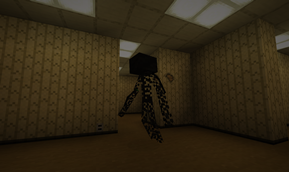
Smilers:
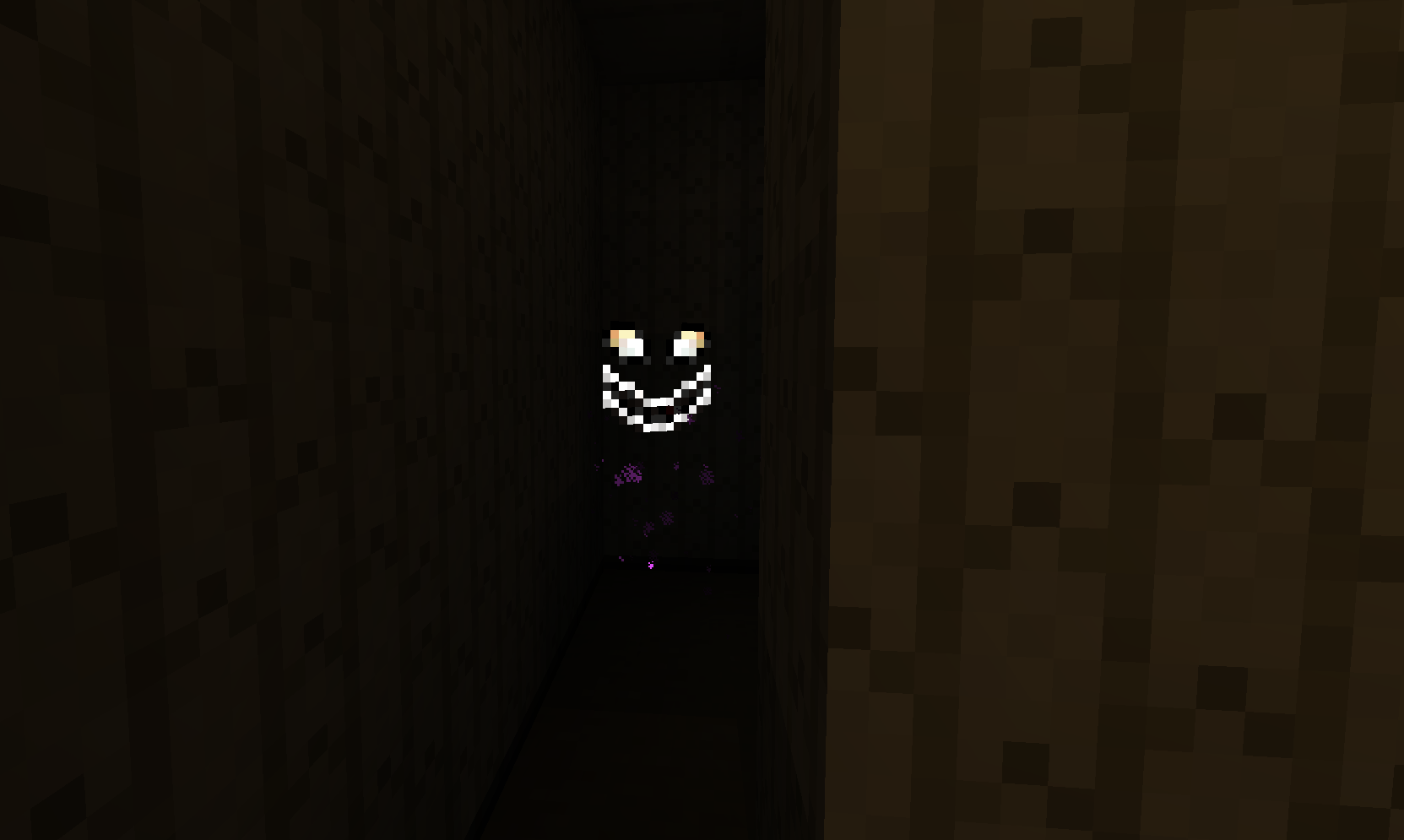
-The Smilers like hiding in dark places, some times if curious will emerge out of there dark huddles. If you get to close the Smiler will attack you. The Smiler has lower health than the bacteria but holds more of a fight in it. You can stay weary of these smiling entities by avoiding the sounds of groaning.

Upcoming Content In The Next Update:
-Smilers being scared of light
-Level 1 through 3
-Entities of Level 1 through 3
-Accessible way to get Almond Water
- Edition: Minecraft Java
- File type: .jar
- Minecraft version listed: 1.16.5
- How to install: Install the matching mod loader (Forge, Fabric or NeoForge) for your Minecraft version. → Download the .jar. → Put it in the .minecraft/mods folder and launch that loader profile.
- Where to get it: Opens on CurseForge — not every file is mirrored on our own servers.
Install steps are the general flow for this file type — How to install Minecraft Java mods & modpacks walks through it step by step.
- Ships as WelcomeToTheBackrooms-0.1.jar — drop this file into the mods folder
- Download size: 371 KB
- Download link checked 15 Oct 2026 — working
These come from our own check of the pack file, not from the source page.