Lunar Pack Display
Minecraft Java mod. Downloads from the MC Java Mods app on Android.
Displays your current resource pack with thumbnail, name, and customizable HUD. Features draggable position, scalable size, and toggleable options.
⬇ Download on CurseForge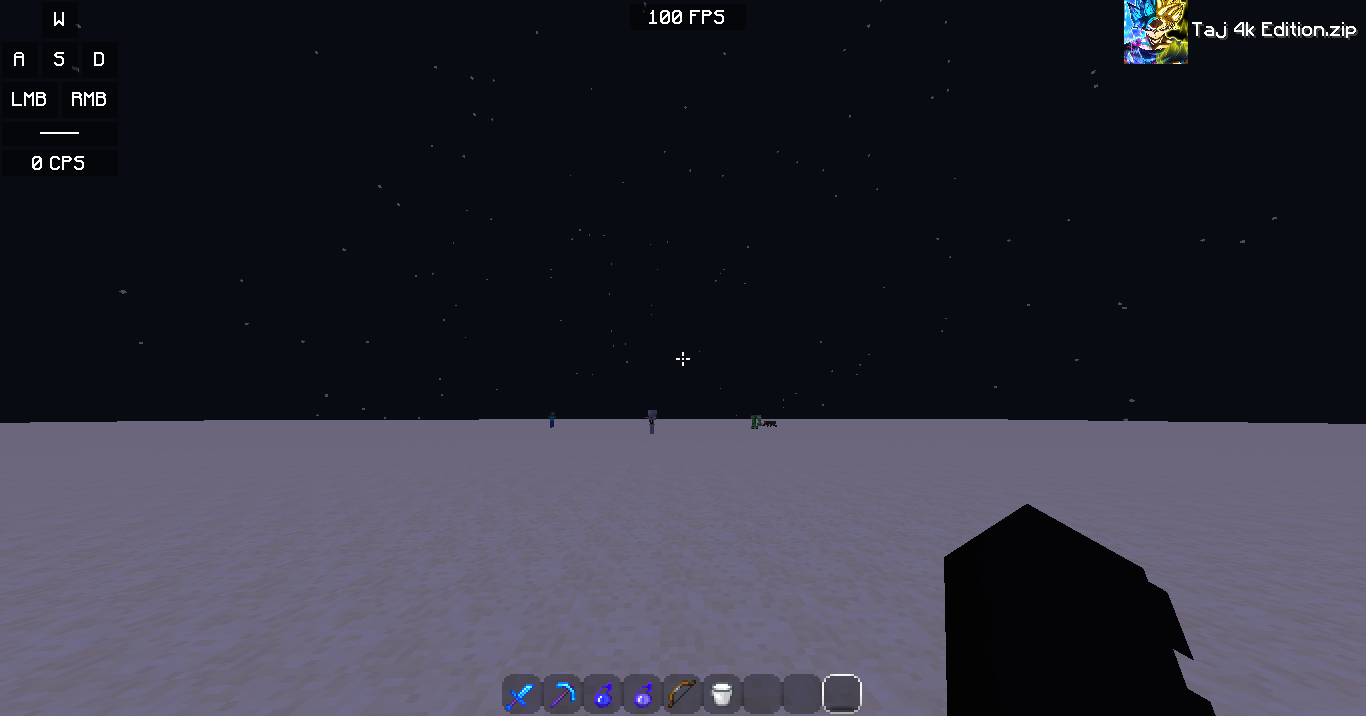
How to use it
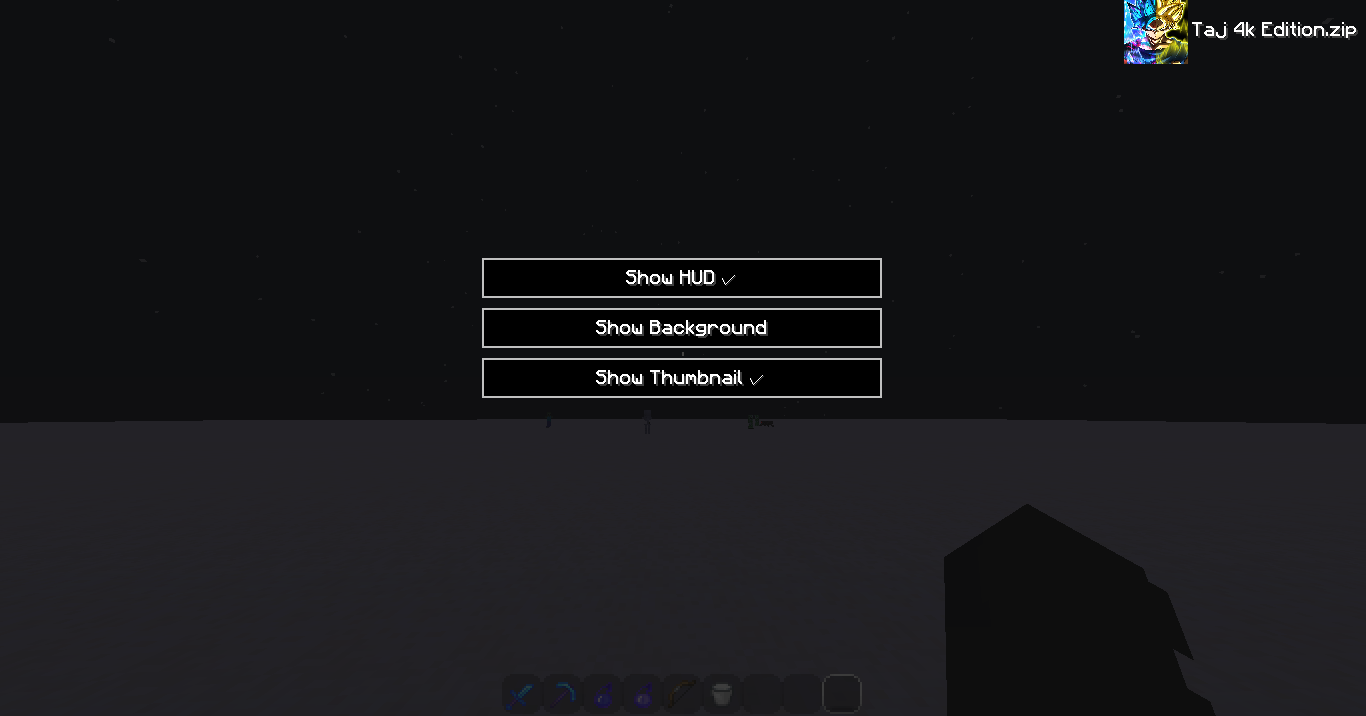
just use /packdisplay to get UI
then you will get 3 option
1. Show HUD: if you turn it off, the mod will get turned off.
2. Show Background: if you turn it on, you will get a transparent black background in the back of your pack thumbnail and name and off for nothing behind your texture/resource pack.
3. Show Thumbnail: If you turn it on, you will get the thumbnail of your texture/resource pack.
How it Works
It just checks your texture pack files and check which texture/resource pack you are using.
Description
I was thinking about to make a new lunar client mod for forge 1.8.9 and watching some bedwars gameplay then I saw he had packdisplay from lunar client, So that's it, I was decided to make the mod and I made it. I hope you all like this mod. If there is any problem with English I'm so sorry I'm not that much good at English so if you face any problem with this mod contact with me on my discord Worst Boy#5804. Thank you...
Credits
HeightLight, AnikDas Gaming, __Tajbiul__
Again Thank you all
- Edition: Minecraft Java
- File type: .jar
- How to install: Install the matching mod loader (Forge, Fabric or NeoForge) for your Minecraft version. → Download the .jar. → Put it in the .minecraft/mods folder and launch that loader profile.
- Where to get it: Opens on CurseForge — not every file is mirrored on our own servers.
Install steps are the general flow for this file type — How to install Minecraft Java mods & modpacks walks through it step by step.
- Ships as [1.8.9] Lunar Pack Display-2.0.jar — drop this file into the mods folder
- Download size: 942 KB
- Download link checked 15 Oct 2026 — working
These come from our own check of the pack file, not from the source page.