PlumePack: SW
Minecraft Java mod. Downloads from the MC Java Mods app on Android.
⬇ Download on CurseForge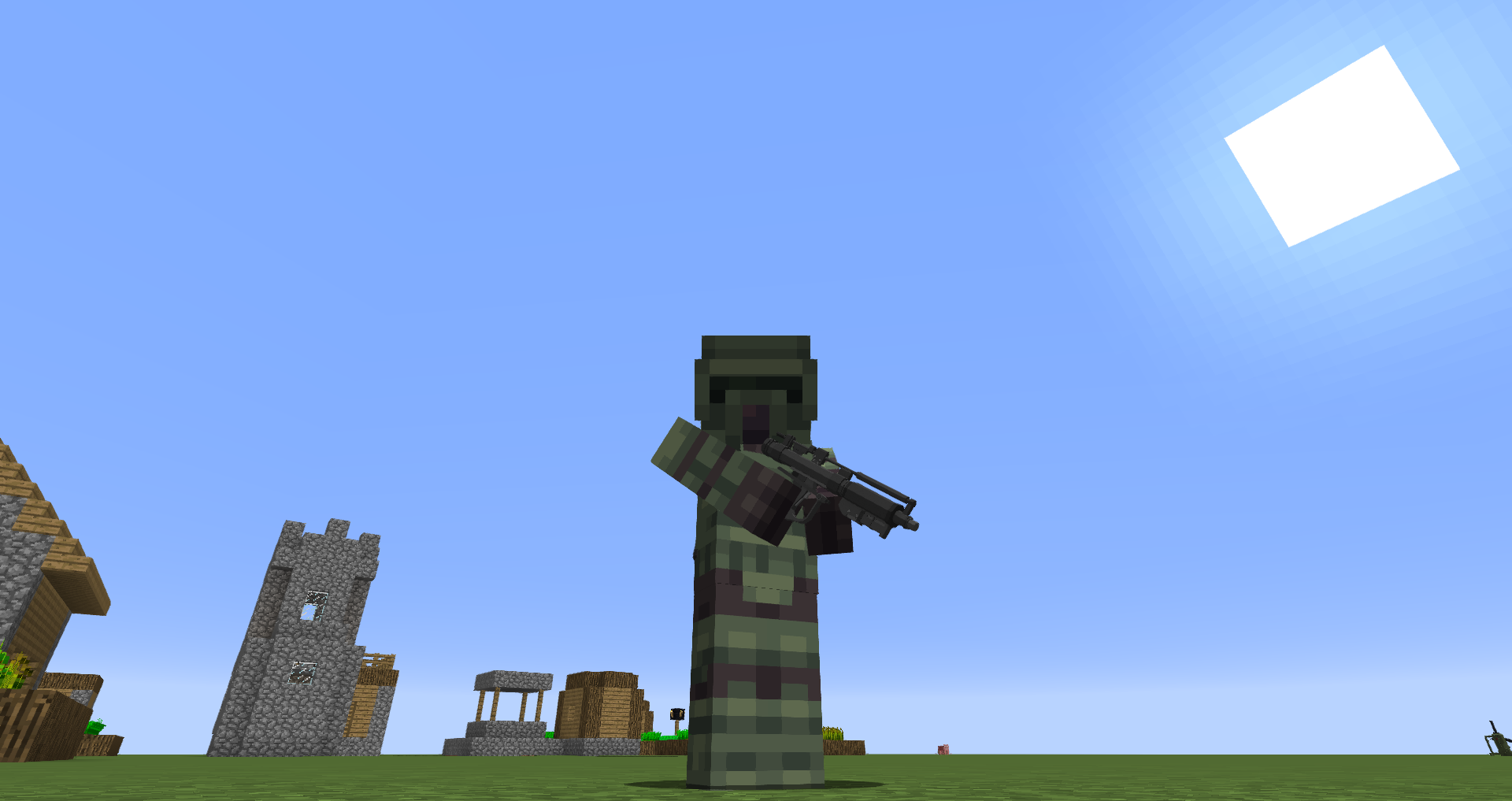
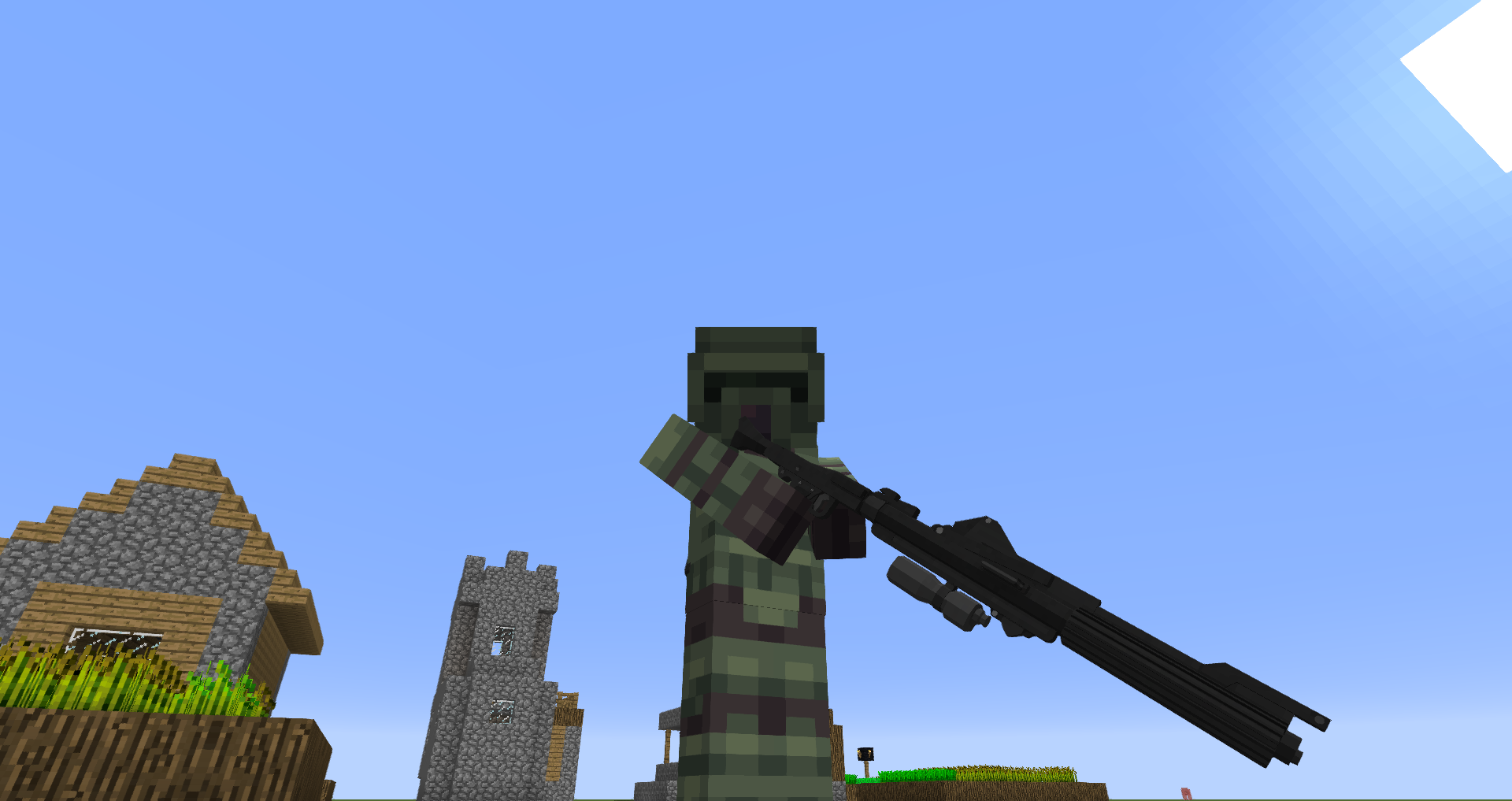
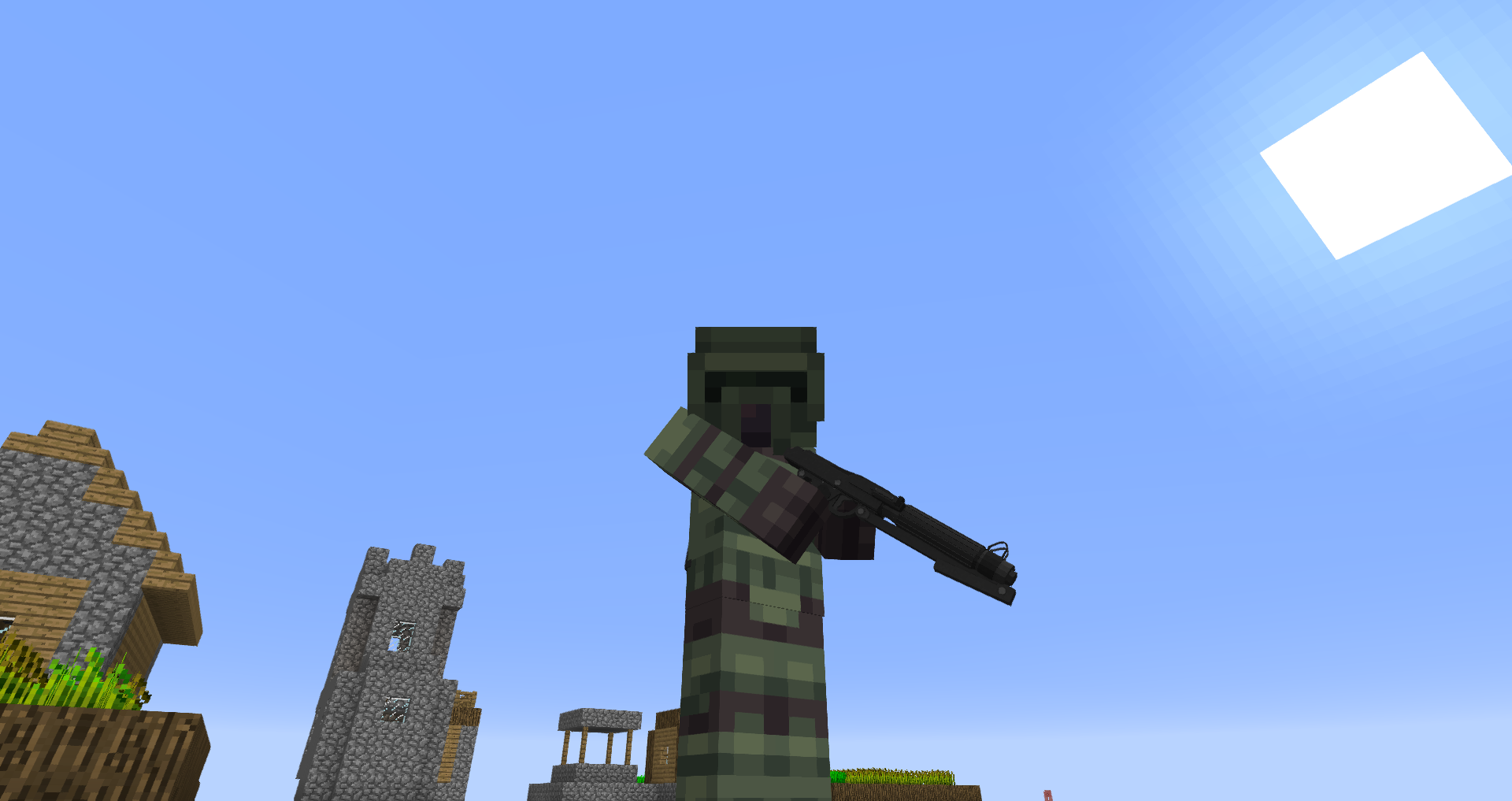
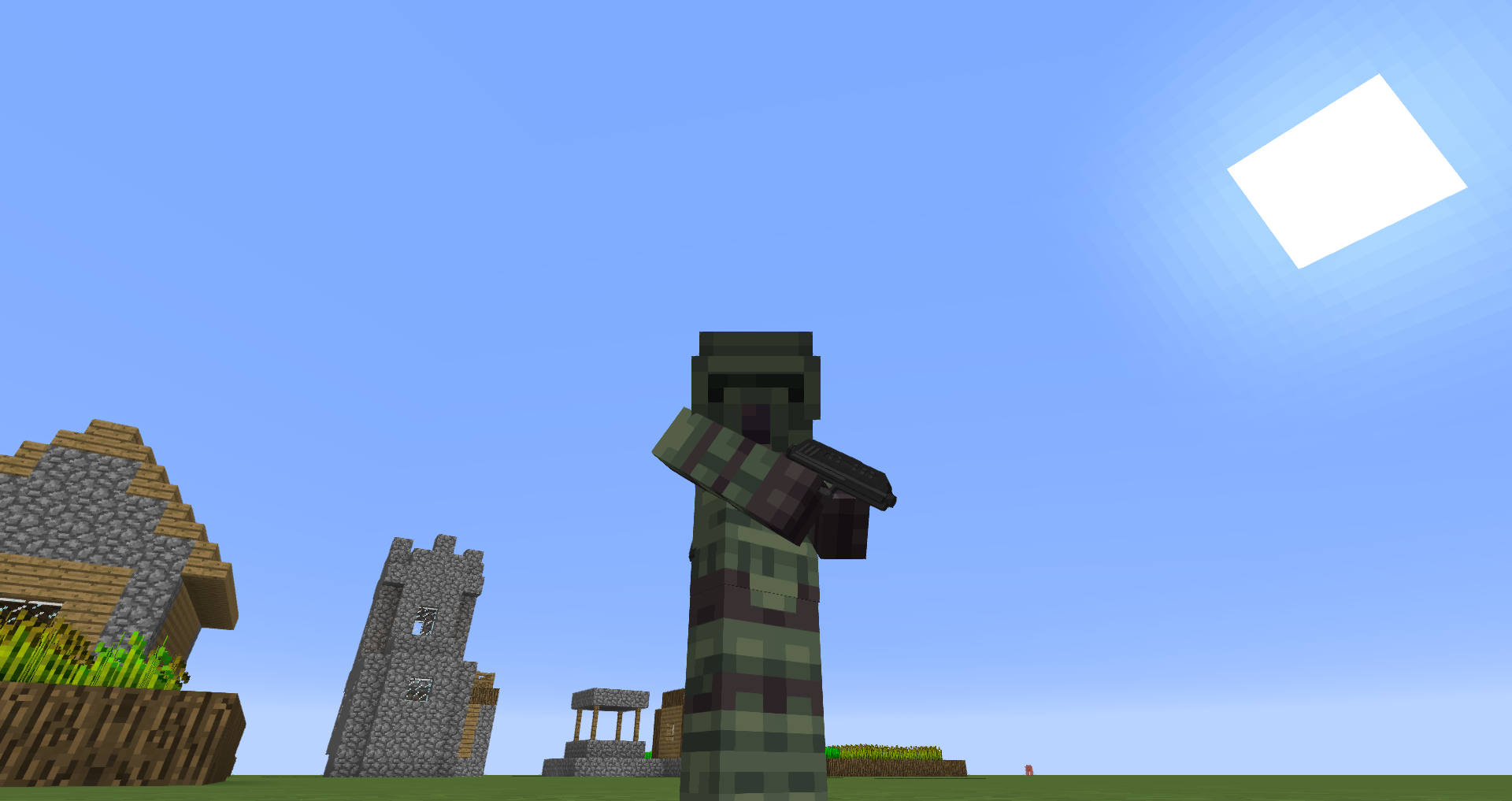
PlumePack: SW is our latest addition to the bunch of content packs we have!
Started to feature some easter egg guns for the other packs, it became it's own thing after multiple weapon models were brought together!
The first release version of PP:SW contains 3 guns:
- The DC-15A Blaster
- The DC-15 Rifle
- The DC-17 Pistol
- The E-5 Blaster
(Check the changelogs on updates to have a complete list of guns)
As of now, no armors or vehicles are planed, the pack only aims to provide weapons from the clone wars and star wars!
I plan on releasing content pretty often for this pack!
Installation:
1. Download PlumePack: SW
2. Download Modular Warfare for 1.12.2
3. Run minecraft forge 1.12.2 with Modular Warfare installed
4. Add the PlumePack: SW JAR file to the Modular Warfare folder in your .minecraft folder
5. Run the game and enjoy!
- Edition: Minecraft Java
- File type: .jar
- How to install: Install the matching mod loader (Forge, Fabric or NeoForge) for your Minecraft version. → Download the .jar. → Put it in the .minecraft/mods folder and launch that loader profile.
- Where to get it: Opens on CurseForge — not every file is mirrored on our own servers.
Install steps are the general flow for this file type — How to install Minecraft Java mods & modpacks walks through it step by step.
- Ships as plumepacksw.jar — drop this file into the mods folder
- Download size: 13.9 MB
- Download link checked 15 Oct 2026 — working
These come from our own check of the pack file, not from the source page.