Zilla's Pack
Minecraft Java modpack. File opened and checked on 10 Oct 2026; downloads from the MC Java Mods app on Android.
⬇ Download on CurseForge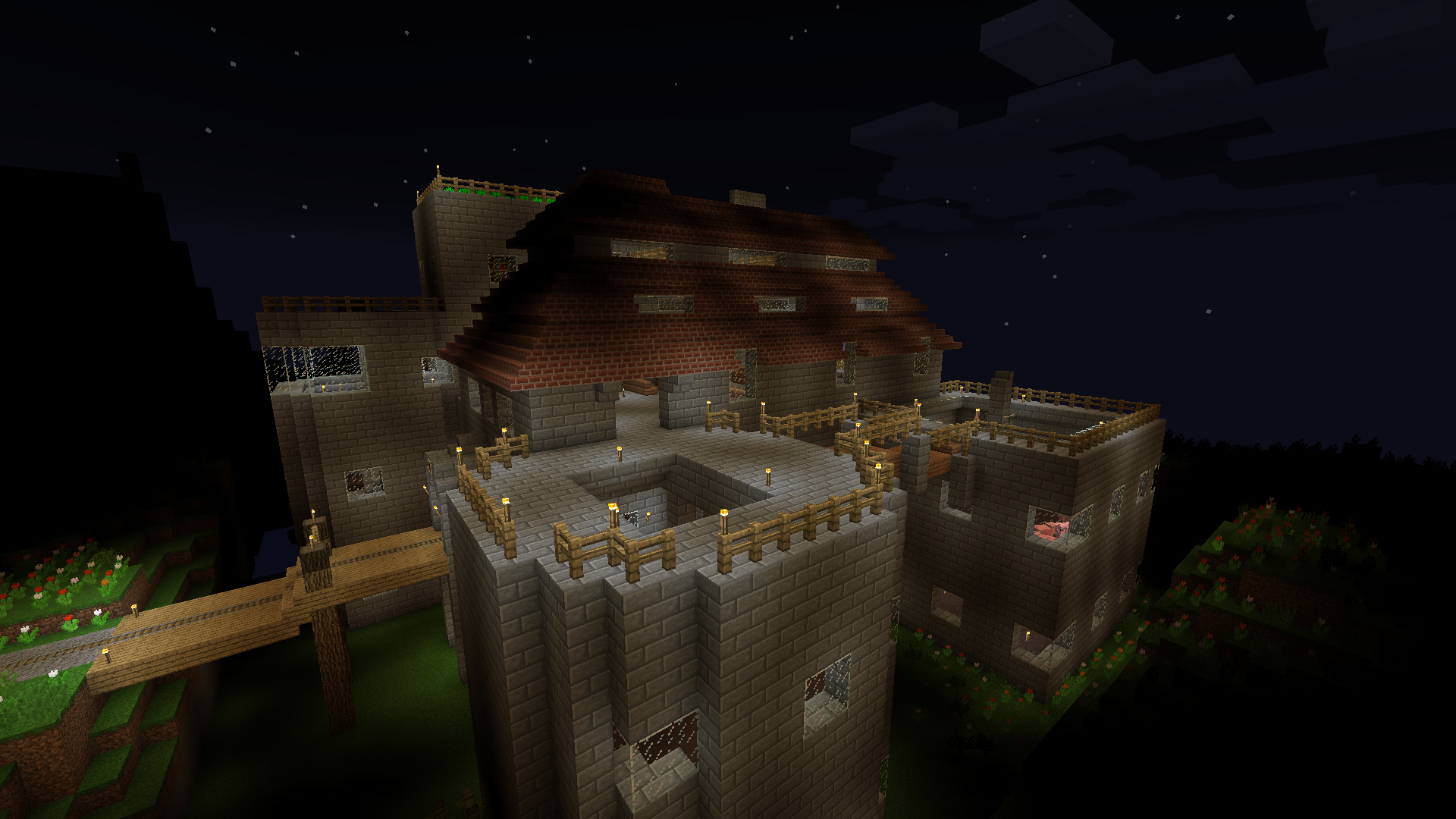
Zilla's Pack
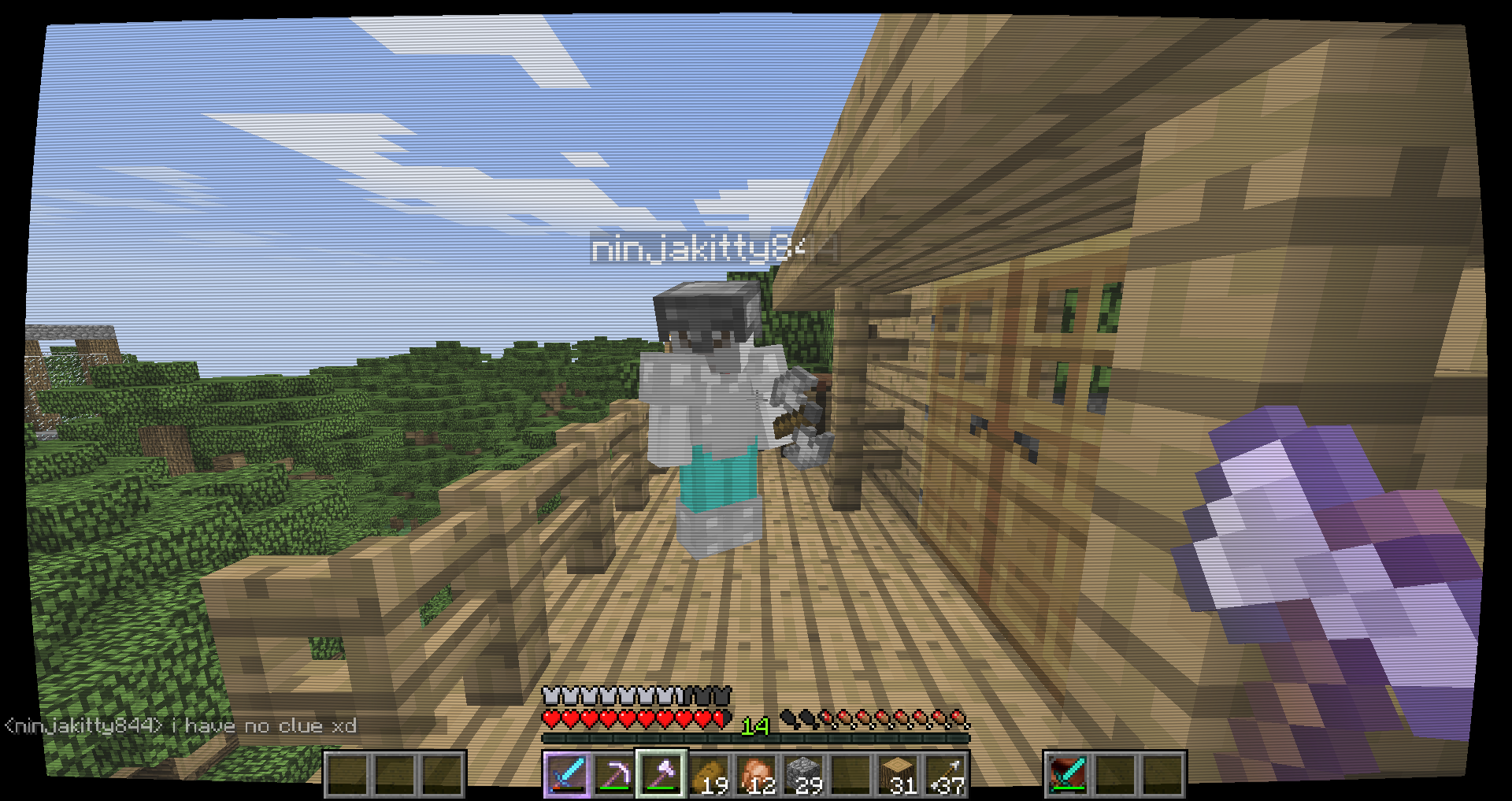
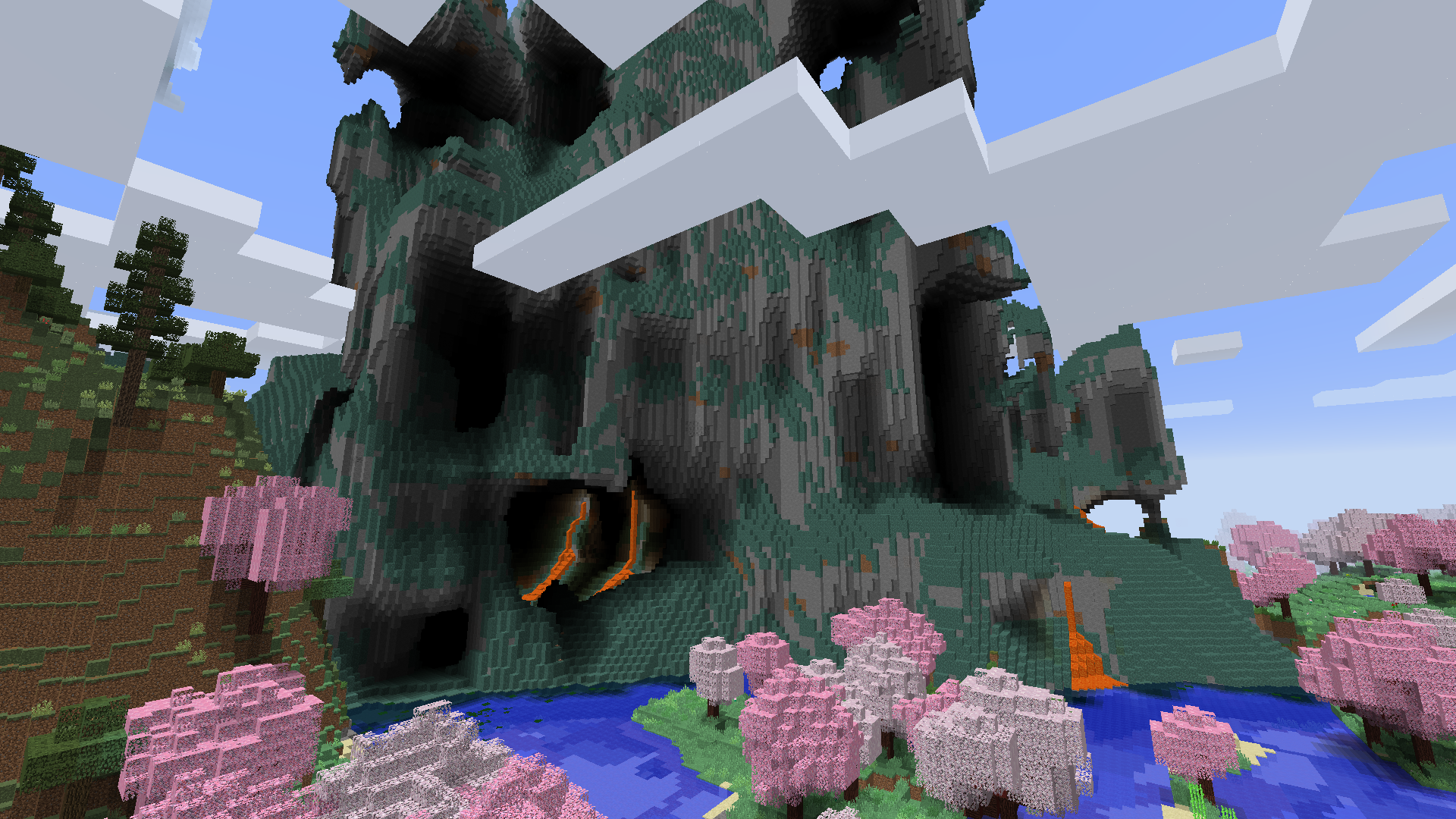
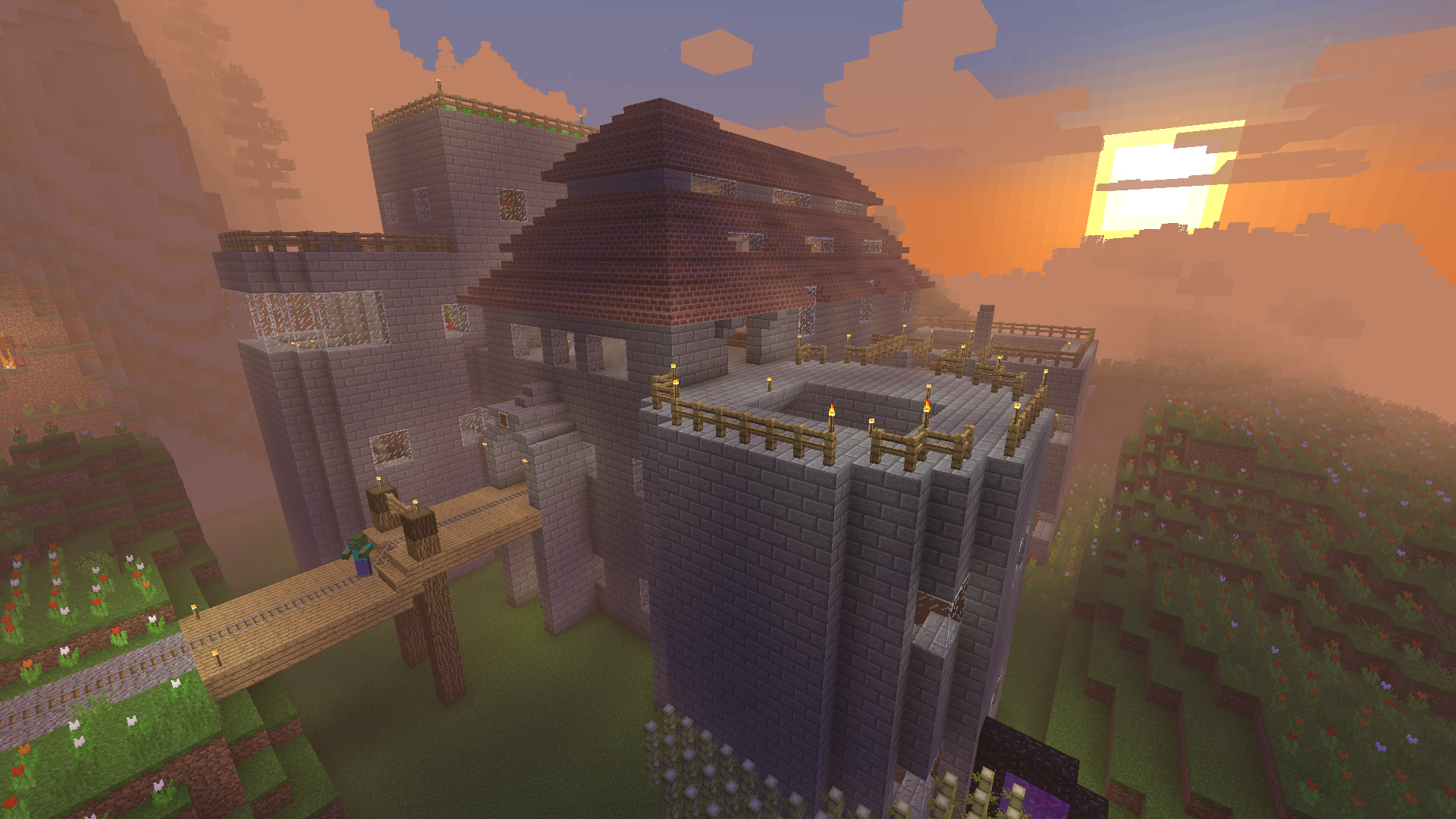
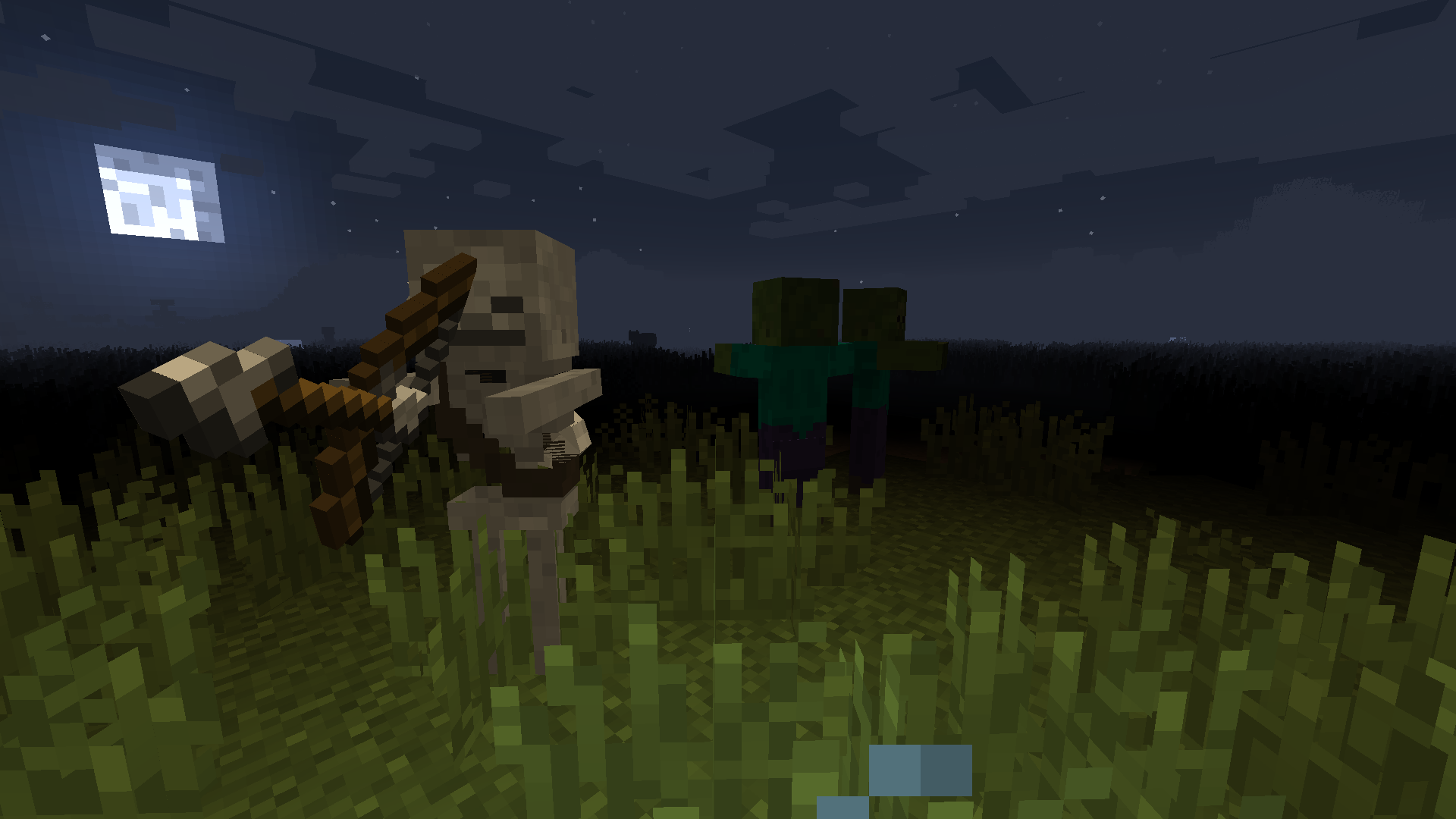
Encouraging all kinds of playstyles! RPG, Building, Exploration, Tech, Shooting & Looting!
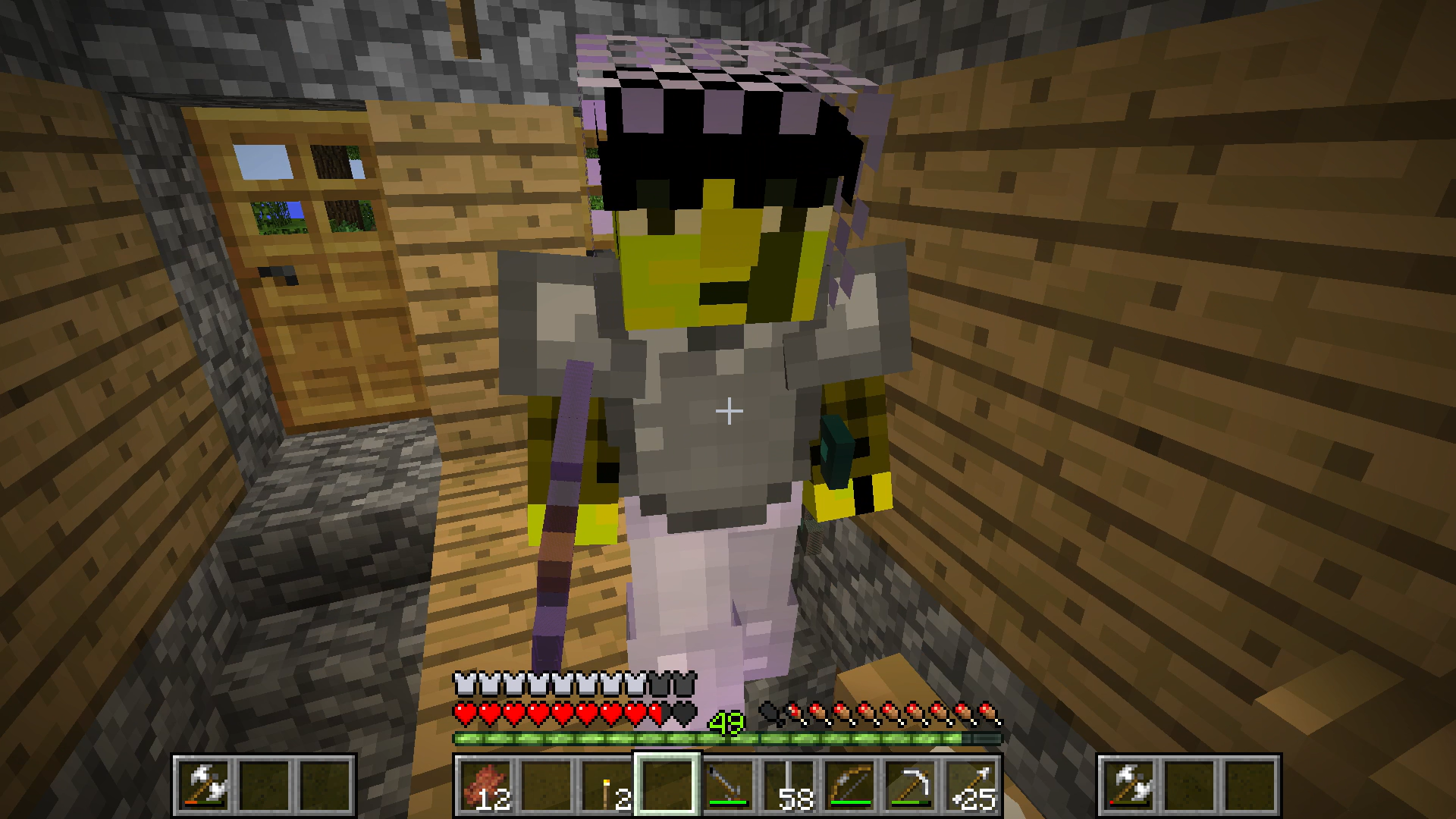
Zilla's Pack is an old fashioned modpack with many of the greatest mods from 1.7.10
- Shoot a boomstick, or throw spears like a caveman.
- Decorate your house with furniture, or take over dungeons and fortresses instead.
- Mine with a pickaxe, or with a machine.
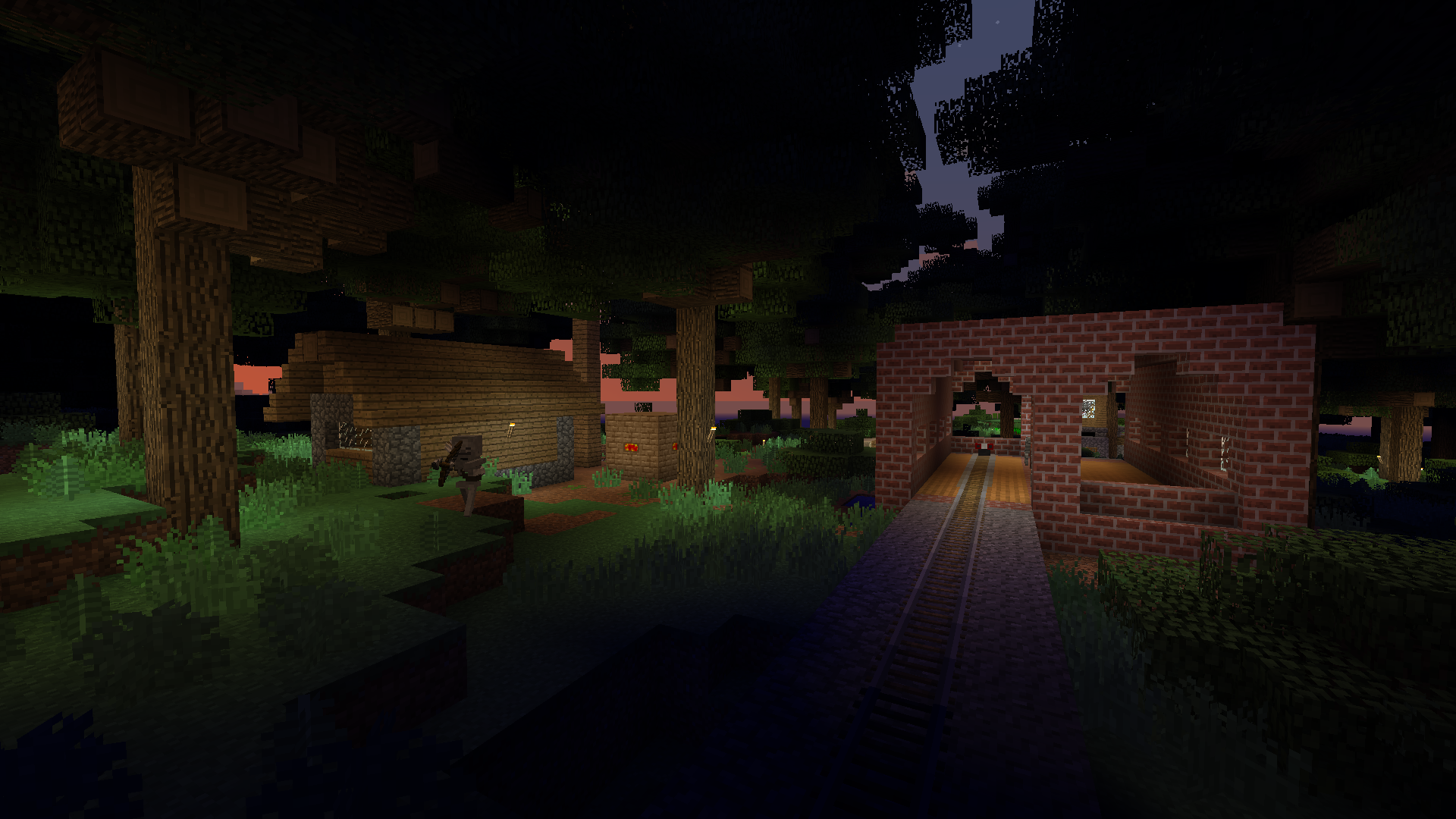
- Travel by horse, or by train.
Zilla's Pack gives you options :]
Installation
You can import and run the modpack with CurseForge launcher, Prism launcher, GDLauncher, or ATLauncher (ATlauncher is preferred). Other launchers aren't guaranteed to work.
On first launch:
- Click the button that says "Download Optifine" and download it.
- Click the button that says "Open Mods Folder" and put Optifine in your mods folder.
- Quit and restart the game for the changes to take effect.
(Optifine unfortunately couldn't be included in the pack due to licensing restrictions, this is why you must download and install it separately)
The Community Discord
Features
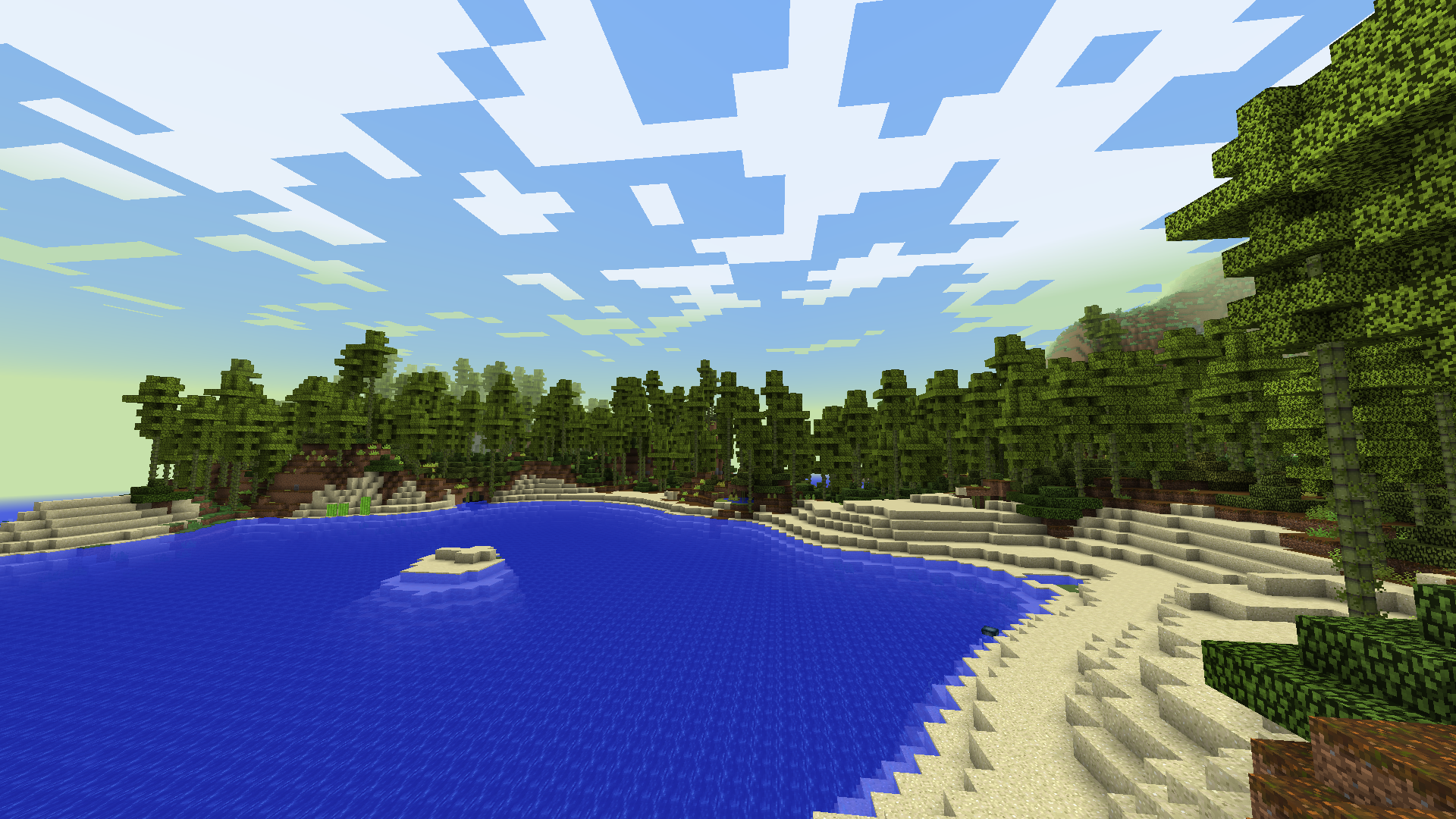
- Modded worldgen! Huge underground caverns, impressive above-ground cliffs, tons of different biomes, and impressive randomly generating structures.
- Large roguelike dungeons and fortresses! With tougher mobs at deeper levels and tons of loot.
- A large selection of weaponry! Including katanas, flails, battleaxes, dynamite, muskets, and cannons.
- Many new building blocks! New brick types, new variants for many existing blocks, and some entirely new materials and blocks.
- Furniture for interior decoration! Make your bases look nice and comfy :]
- Trains, computers, and other technology! Allowing for creative farming and automation!
- Dedicated server! There is a dedicated server already in the server list, so you can join and play with friends!
- Old nostalgic Minecraft atmosphere! (and all the creepiness that comes with it ;] )
Gameplay Tips
- 'G' opens the crafting guide, and clicking "Set item" in the crafting guide allows you to search for items to craft.
- 'R' toggles battlegear mode (allows you to dual wield weapons).
- The battlegear mode inventory is accessed by clicking the 'BG' button inside of your inventory.
- Explore the list of mods and look at their curseforge pages to see what they add to the game.
Notable Mods
- Biomes O' Plenty
- Railcraft
- Chocolate Quest (previously known as "Better Dungeons")
- ComputerCraft
- Mine and Blade Battlegear 2
- Balkon's Weapons
- Invasion Mod
- Aether
Credits
- Kutomi1: Miscellaneous textures and tons of help with modpack configuration and testing
- The Zilla's Modded Players: For making it worth it to update this pack, and giving (mostly) balanced feedback
:]
- Edition: Minecraft Java
- File type: .jar
- How to install: Install the matching mod loader (Forge, Fabric or NeoForge) for your Minecraft version. → Download the .jar. → Put it in the .minecraft/mods folder and launch that loader profile.
- Where to get it: Opens on CurseForge — not every file is mirrored on our own servers.
Install steps are the general flow for this file type — How to install Minecraft Java mods & modpacks walks through it step by step.
- Downloads as Zilla's Pack 2.3.9.zip
- Download size: 1.3 MB
- Download link checked 15 Oct 2026 — working
These come from our own check of the pack file, not from the source page.