Useless Reptile
Java mod listed for Minecraft 1.19–1.21. Downloads from the MC Java Mods app on Android.
I don't know my version or loader
Description
Useless Reptile is a Fabric mod that aimed to bring some dragons into your world that you can tame (or kill). Warning: mod is Work-in-Progress and a lot of stuff may change in the future updates.
The following description is relevant for mod version 0.13.x
To report issue with mod, either do that on Discord Server or GitHub Issues page
Minecraft version support:
- 26.1
- Latest Minecraft Version
Versions between 26.1 and latest are automatically discontinued when new game version is released. Everything below 26.1 is also not supported
If you ask for backport, I'll steal your kneecaps
Dependencies
YetAnotherConfigLib and Fabric API are required.
Mod versions below 0.12.0 require Geckolib.
For mod versions below 0.3.0 Cloth Config API is required instead of YetAnotherConfigLib.
Some mod versions for 1.19.2 may require AzureLib instead of Geckolib
Features
Note: older versions may not contain all features listed.
Mobs
-
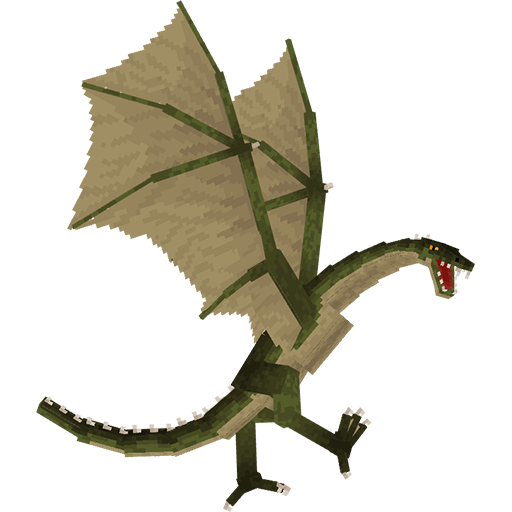
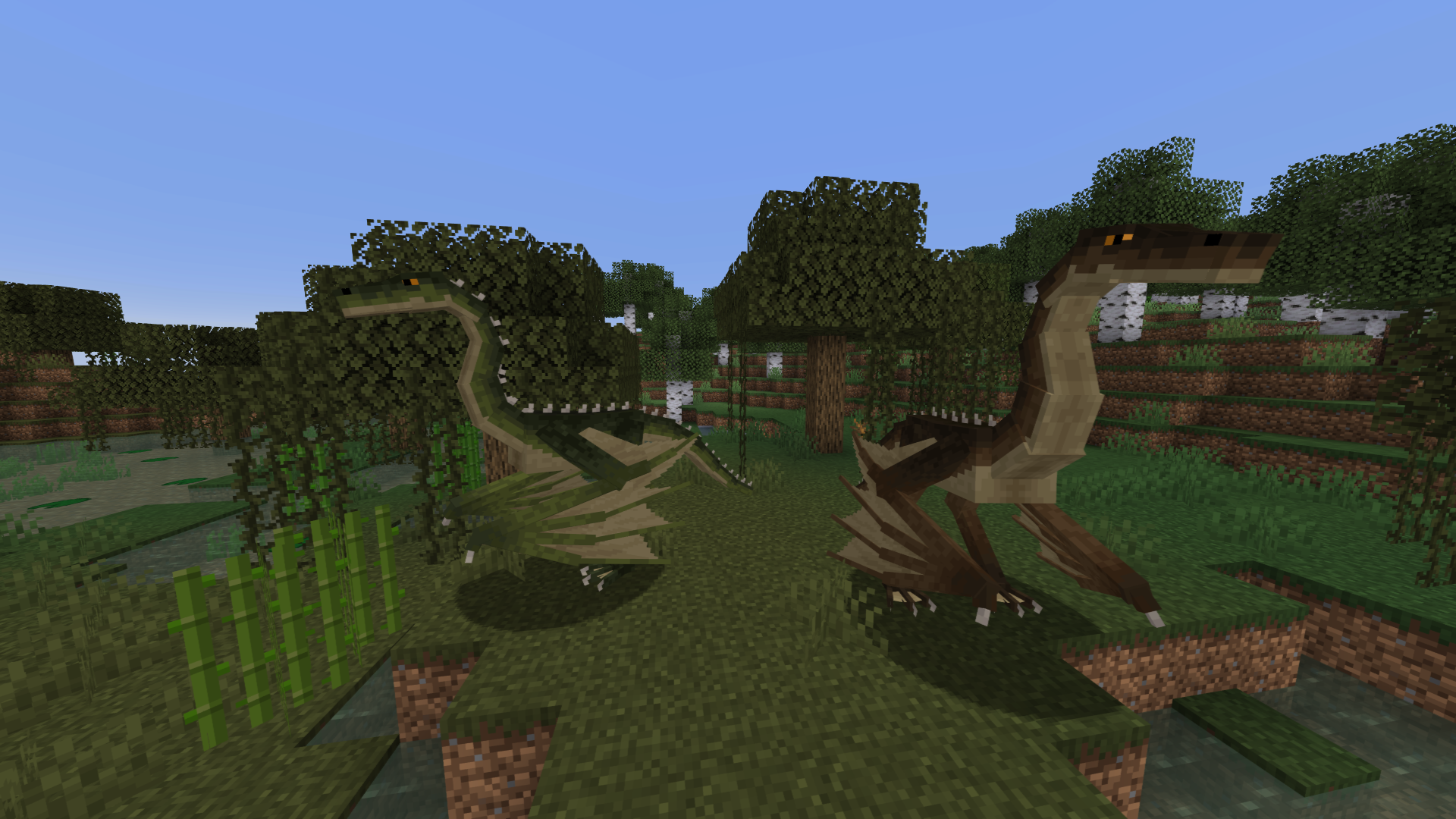
Swamp Wyvern - can be found on swamps and tamed with 1-2 stacks of raw or cooked chicken or 4 stacks of any other meat (rotten flesh included). You can ride tamed Swamp Wyverns with use of a saddle. You can also get acid from it by right-clicking with empty bottle and use the acid later as any other potion. Cannot equip armor, but can equip saddle that can hold 2 passengers.
Can shoot acid blasts with mediocre accuracy and bite. -
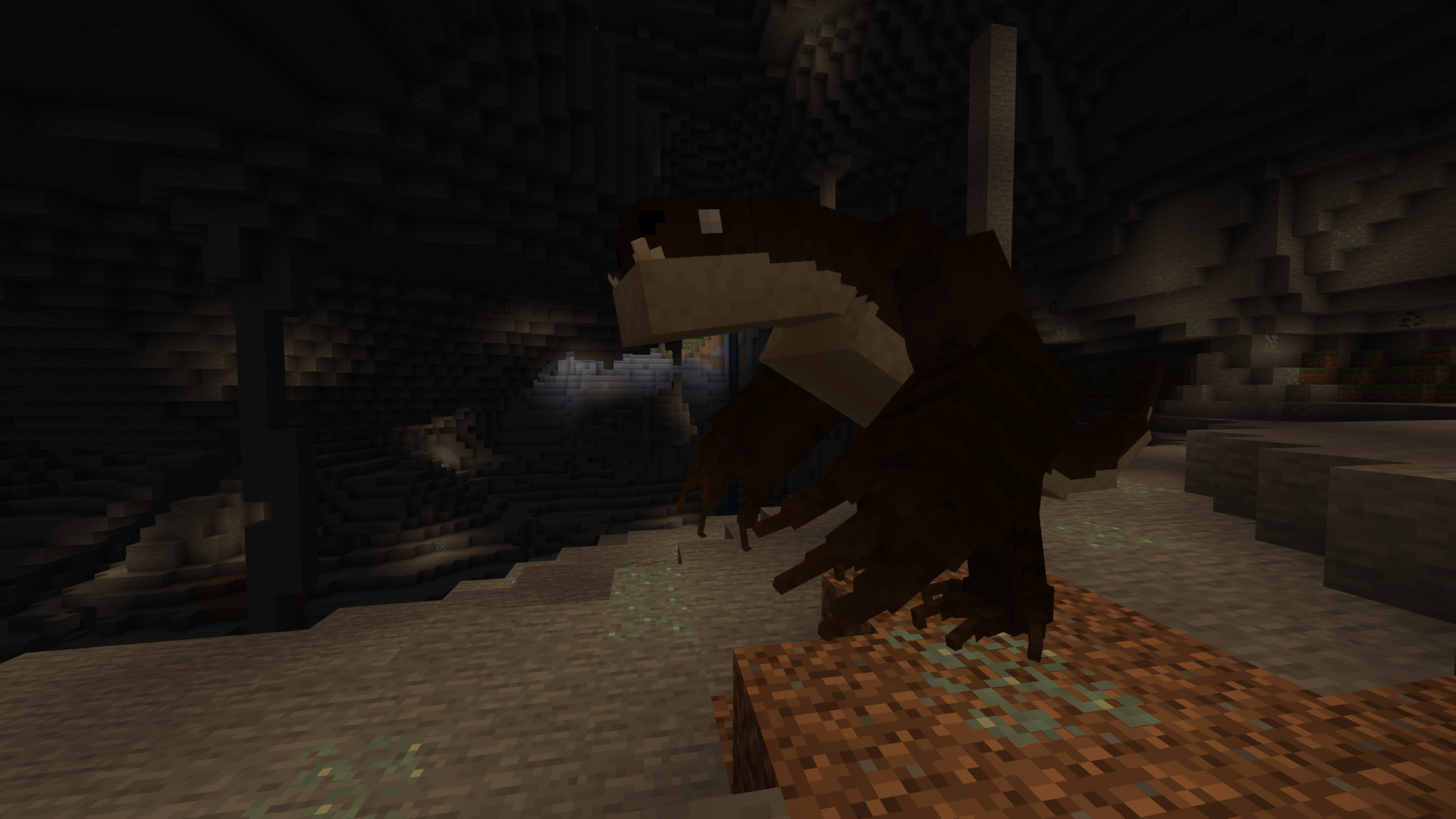
Moleclaw - can be found in caves and tamed with 0.5-1 stacks of beetroot. Needs saddle to be ridden, useful for digging. Afraid of light, but can ignore it if Moleclaw Helmet is equipped.
By default can only destroy blocks that wooden pickaxe can break. You can use strength or weakness potions to break blocks requiring stronger tool or to completely prevent block breaking.
Has only melee AoE attacks. -
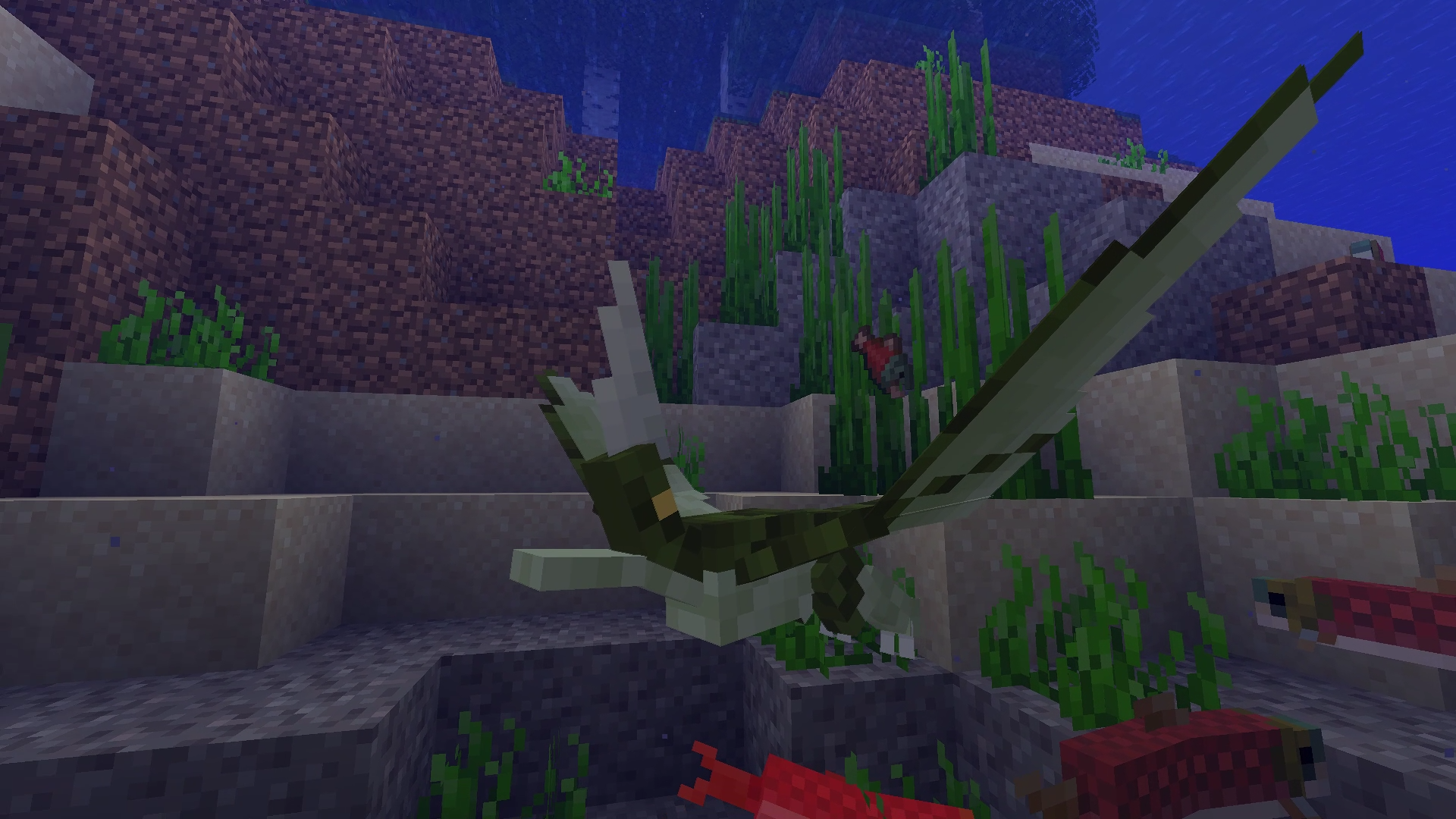
River Pikehorn - can be found near non-frozen rivers and beaches. You can tame it with bucket of tropical fish or 4-8 tropical fish (as item). Also you can use flute for extra level of control over your Pikehorns, like sending them to fish for you or attack some mob. Oh, and also you can put one on your head (you have to crouch and click on block with to put dragon on and off).
Has only melee attacks. -
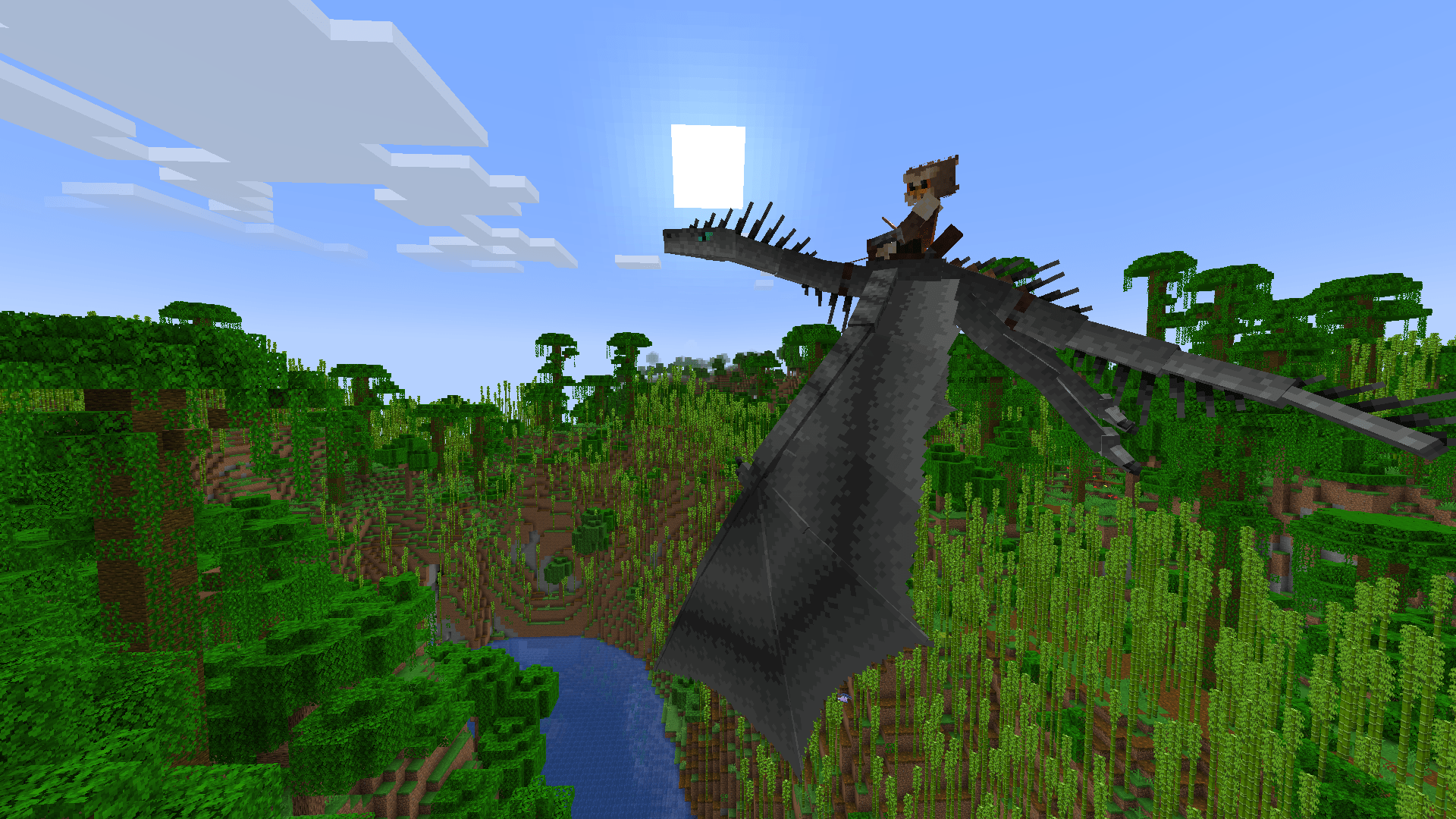
Lightning Chaser - can appear during thunderstorms near any player. To tame it you have to defeat it in a fight by taking down to low HP and successfully hitting it with lightning at least 3 times (you can use Trident with Channelling enchantment for that). Can be ridden with saddle on.
Lightning breath attacks can trigger same effect as normal lightning strike (i.e. transforming Villagers into Witches, creating charged Creepers, e.t.c.), but without setting target on fire. And also destroys blocks. Shockwave attack can be used to deflect projectiles and push back mobs. Shockwave can be used only if dragon is flying, otherwise dragon can use bite.
Both shockwave and lightning breath inflict shock effect that decreases attack and movement speed and obscures vision. -
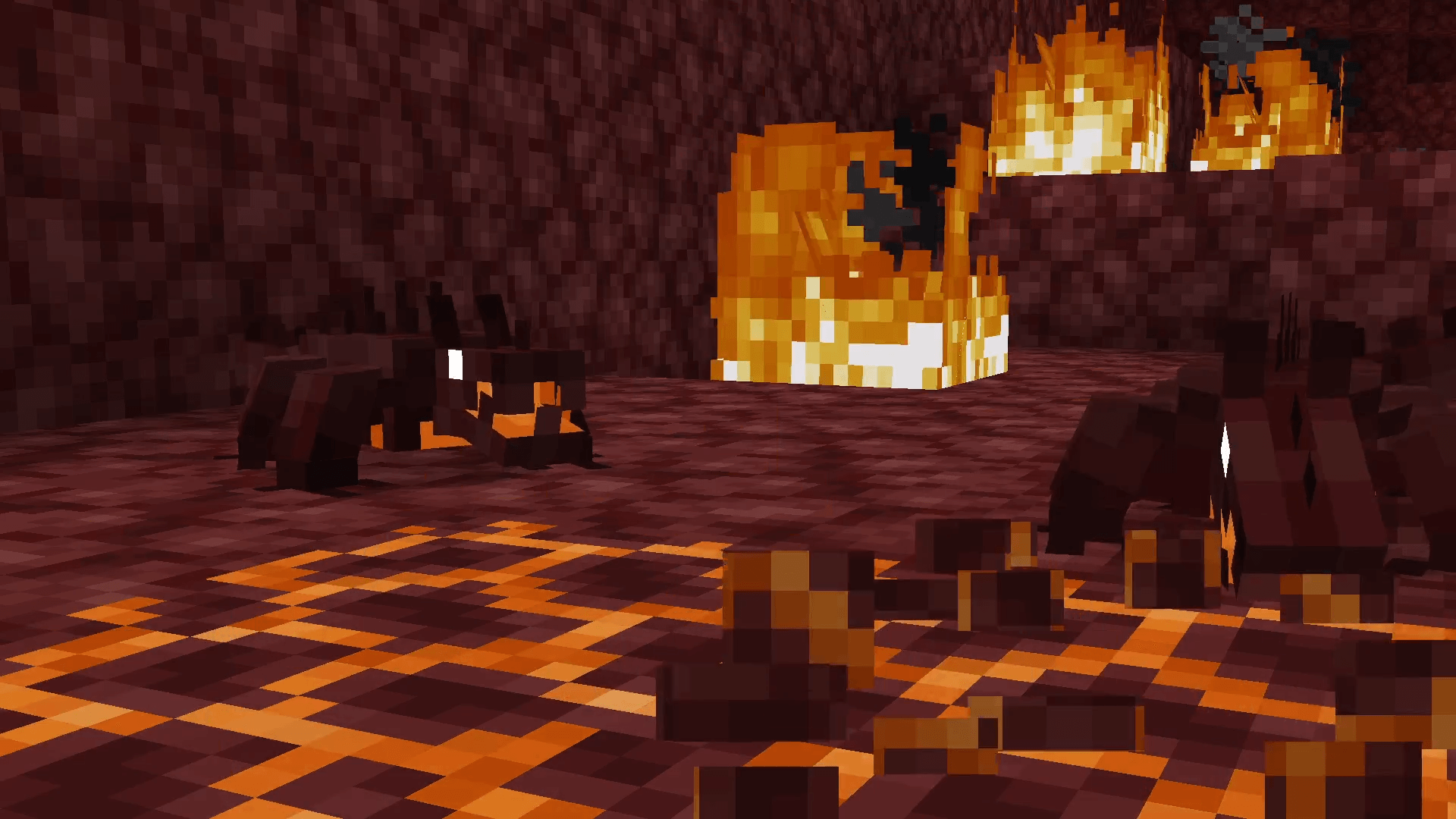
Magmamuncher - can be found in The Nether near lava lakes. To tame you have to give it 4-12 Blaze Rods. From time to time will attempt to dig up Magma Blocks, turning those into Depleted Magma blocks and sometimes digging up coal in process. Depleted Magma can turn back into magma over time if placed in either The Nether or near lava.
Dragon itself can be put on head similarly to River Pikehorn. When on head, if it has any furnace fuel items in inventory, it can consume those to apply Fire Resistance effect on its owner if they manage to catch on fire.
Dragon has only melee attacks with chance to set target on fire. Immune to fire.
Items
- Vortex Horn - upgraded version of Goat Horn that can be used to store your dragons inside it
- Flute - special item, that allows you more versatile control over your River Pikehorns
- Wyvern Skin - initially supposed to be a crafting material for something, but currently can only be used to get 2 Leather
- Dual Saddle - upgraded version of normal saddle. Can be equipped on Swamp Wyvern and used to ride with another player together
- Variant Changing Orb - utility item, obtainable only via Creative Mode or commands. Allows to easily change any dragon variant
Interaction with dragons
- You can use goat horns (or anything that is considered an instrument by game) to call up dragons even if they're sitting. For that, you have first to "bind" instrument sound to the dragon by right-clicking with the instrument item on the dragon. After that, dragon will respond exclusively on this specific instrument sound.
- To sit down/up your dragon, use stick or goat horn while crouching. Alternatively you can do that via command menu in dragon's inventory
- You can give normal potions to your dragon while crouching.
- To open dragon's inventory, crouch and right-click on dragon with something that is not stick, potion or goat horn.
- Rideable dragons can equip banners and display them as long as saddle is presented.
Command menu
Once you open inventory, you can notice several buttons on the left. This is dragon's command menu. Each button does the following:
- Order to follow - dragon now will follow you
- Order to stay - dragon will wander around point where it was left at
- Order to sit - dragon will sit down
- Wander radius - defines how far dragon will wander away from staying point or owner if it's following
- Unbind instrument sound - unbinds goat horn or other instrument sound, so dragon will not respond to it when it's used
Controls
- W/S - forward/backwards
- Left ctrl - fly down (can be rebinded)
- G - primary attack/ability (can be rebinded)
- R - secondary attack/ability (can be rebinded)
- Z - free look around when riding (can be rebinded)
Rideable dragons cannot move sideways
Custom dragon variants, equipment and spawns
You can add custom dragon variants and dragon equipment via power of data and resource packs, that Mojang gladly made very useful for mod makers too.
You can read more about those features and see examples here:
Note: if you need to see example packs for another game version, change branch to one with name that matches your game version
FAQ
Q: I found a bug! How can I report it?
A: If you found a bug, please report it in #mod-feedback-bug-reports at the Discord server, following the instructions.
Q: I have some ideas for this mod, where I can leave one?
A: Leave your ideas at the Discord server. Can't say that I'll listen to all of them, but who knows me.
Q: I want to share my resource/data pack that I made for this mod, where I can do so?
A: You can promote your packs at the Discord server in #mod-user-generated-content as well as upload to other platforms.
Q: Can you backport mod to 1.18/1.16/1.7.10/Beta 1.0/insert-some-old-version-of-your-choice-here?
A: No. They are old, lack performance and features that latest versions have
Q: Can you port this mod to Forge/other mod loader?
A: I'm not going to do it myself because this is too much for me, and I'm personally not a big fan of Forge bloatness (kinda includes NeoForge too). But I'm open for anyone who is wishing to make port themselves. But if you wish to use this mod with NeoForge here and now, you can use Sinytra Connector. Warning: no complaints about incorrect work of the mod in this case will be reviewed. I'll accept bug reports only if you were using mod on Fabric/Quilt
Q: When is update?
A: I can't give any ETA on any update. I have real life stuff to deal with (more specifically my study at university) and I never know how it'll turn out and how much of free time I'll have. Also keep in mind there's only one person (me, the owner) working on this project.
Usage of the mod and the source code
You are allowed:
- Make monetized videos and streams with the mod
- Use mod for modpacks (excluding ones distributed exclusively in pay-2-play model (i.e. requiring user to buy Patreon subscription in order to play the modpack), I'll count that as attempt to profit of my work, not talking about that it's also technically against Minecraft EULA)
- Make submods, addons for the mod or any other project that relies on this mod and publish them, as long as this project is not a modified version of this mod
- Redistribute modified versions of assets within resource packs for this mod
- Partially use the code for your project from this one (by this I mean just don't rip off the whole thing, at least mind what you copy)
- Make modified versions of the mod for private use (don't publicly distribute those)
Translations
Mod is currently fully translated into the following languages:
- English
- Russian
Following translations are presented in the mod, but may be outdated or/and not complete:
- Portuguese - translation by rauanrochabarbosa and giotm0833 (last updated 0.4.0)
- Turkish - translation by double_axe (last updated 0.1.11)
- Spanish - translation by kota_araya and pvpeuve (last updated 0.13.3)
- Polish - translation by karolofgutovo (last updated 0.3.0)
- French - translation by thefiredragon, carputelechat, daelyx and coucoufe (last updated 0.13.0)
- Japanese - translation by mash1133 (last updated 0.6.3)
- Vietnamese by godkyo98 (last updated 0.8.0)
- Hungarian by bombadil6870 (last updated 0.7.4)
If you want to contribute into translating the feel free to suggest your help at Discord Server :)
Alternatively, you can make Pull Request to dev branch with translation file ready
- Edition: Minecraft Java
- File type: .jar
- Minecraft versions listed: 1.21.11, 1.21.8, 1.21.7
- How to install: Install the matching mod loader (Forge, Fabric or NeoForge) for your Minecraft version. → Download the .jar. → Put it in the .minecraft/mods folder and launch that loader profile.
- Where to get it: Opens on CurseForge — not every file is mirrored on our own servers.
Install steps are the general flow for this file type — How to install Minecraft Java mods & modpacks walks through it step by step.
- Ships as useless-reptile-0.14.1-26.2.jar — drop this file into the mods folder
- Download size: 4.1 MB
- Download link checked 15 Oct 2026 — working
These come from our own check of the pack file, not from the source page.