Recomposted Addon
Java mod listed for Minecraft 1.19. Download on the author's site.
⬇ Download on CurseForge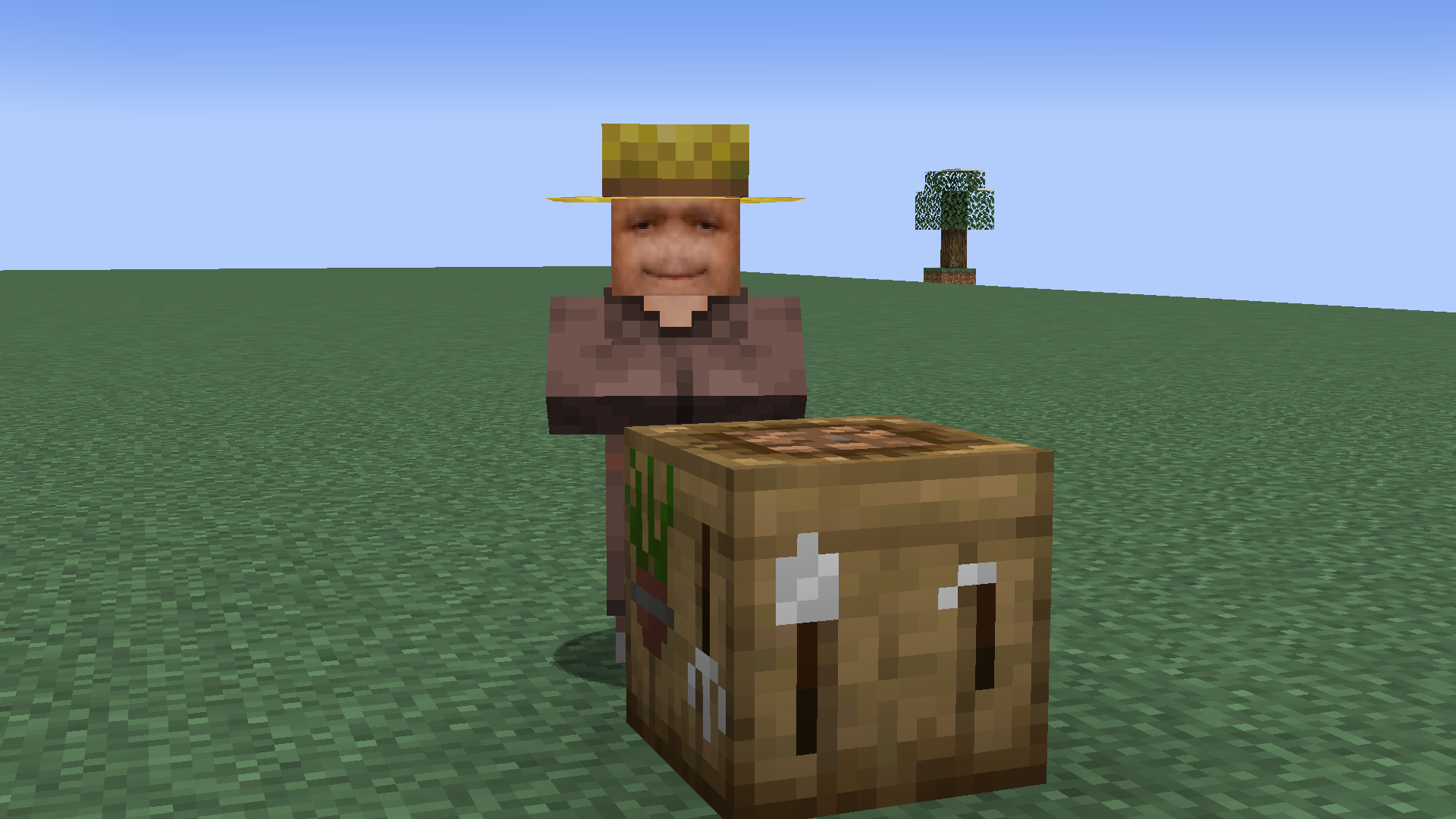
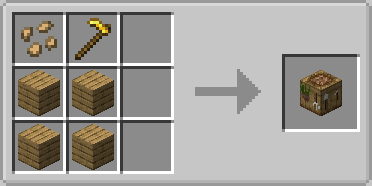
This is an Addon for my mod Composter: Recomposted;
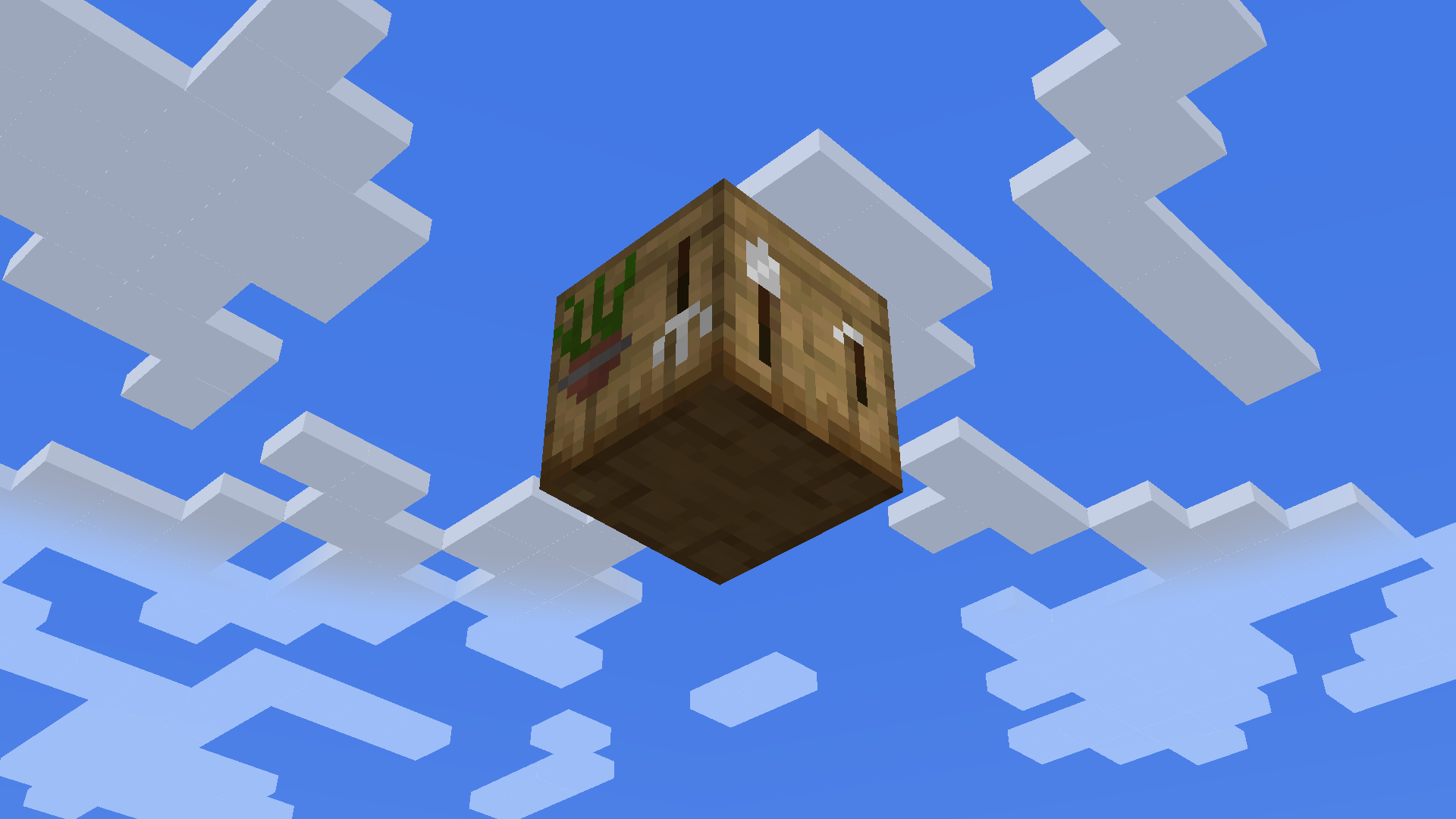
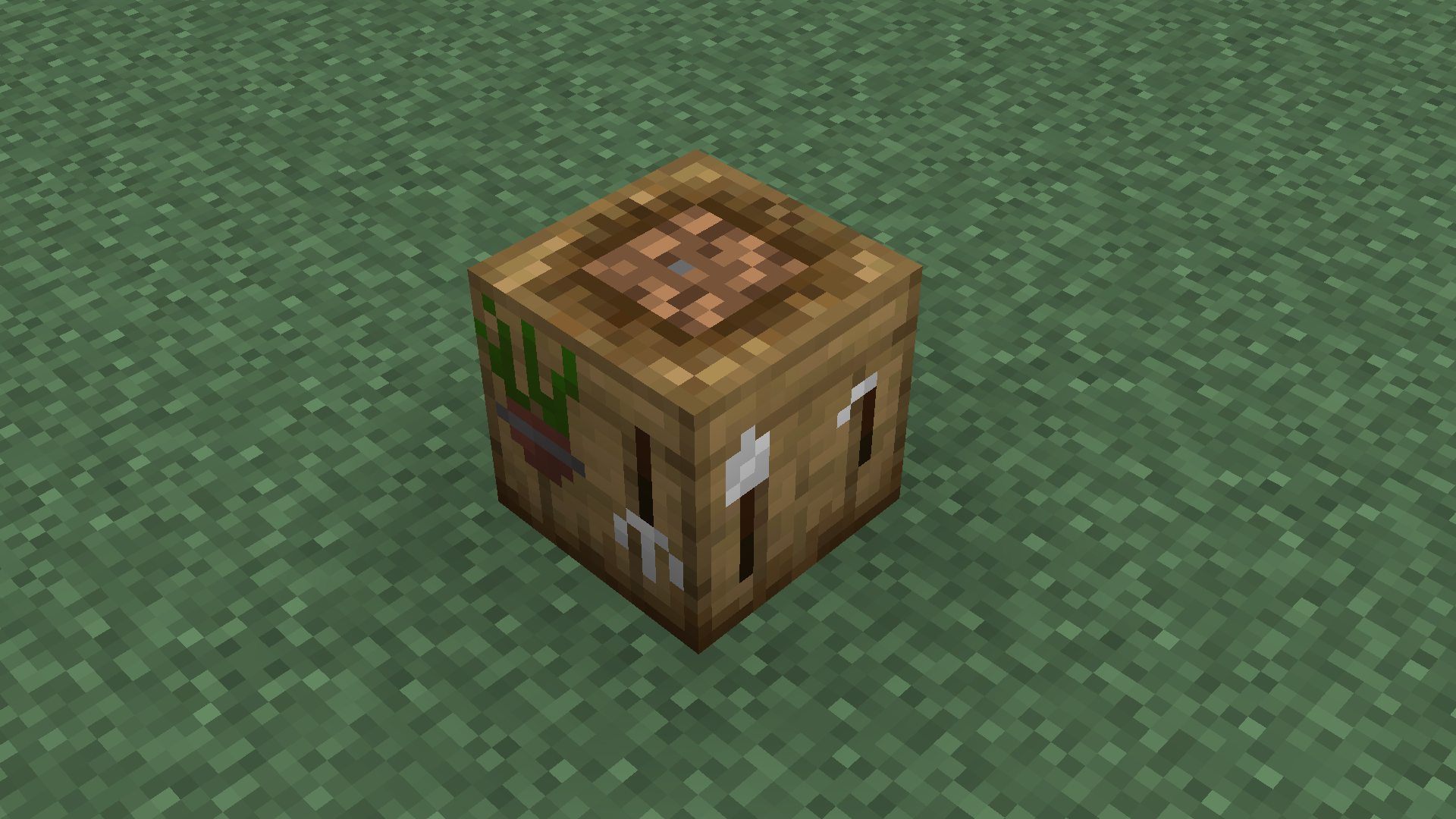
This Addon Makes the old Composter unusable by Players or Hoppers, renaming it to "Farming Table" and changes it's model to a simple Block with a custom textures that makes it look like it's one of those seemingly useless Villager Workstation, with a new fitting recipe;
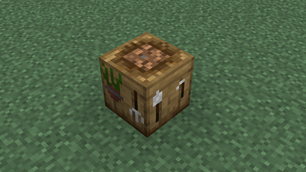
More images in the "Images" tab;
It also replace the recipe of the Recomposter to be identical to the old Composter, and changes it's name to "Composter";
Make sure you check out My Other Mods, I'm sure you'll find them useful!
- Edition: Minecraft Java
- File type: .jar
- Minecraft version listed: 1.19
- How to install: Install the matching mod loader (Forge, Fabric or NeoForge) for your Minecraft version. → Download the .jar. → Put it in the .minecraft/mods folder and launch that loader profile.
- Where to get it: Opens on CurseForge — not every file is mirrored on our own servers.
Install steps are the general flow for this file type — How to install Minecraft Java mods & modpacks walks through it step by step.
Recomposted Addon is a free Minecraft Java mod. Compatible with Minecraft 1.19. Downloaded 4,666 times (via CurseForge). Download it and open it directly in the game.