
Project Arsenal
Java mod listed for Minecraft 1.16–1.19. File opened and checked on 17 Oct 2026; downloads from the MC Java Mods app on Android.
I don't know my version or loader
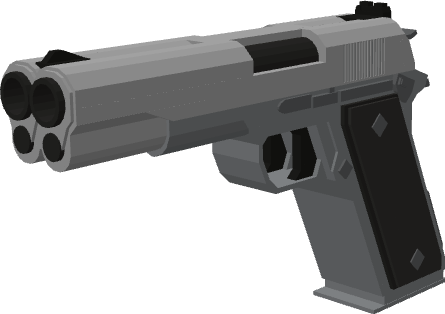
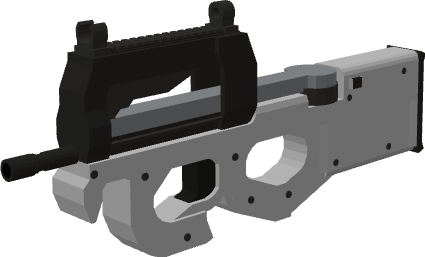
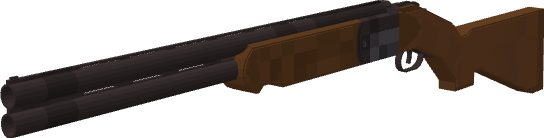
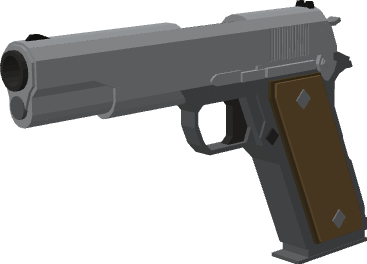




Project Arsenal
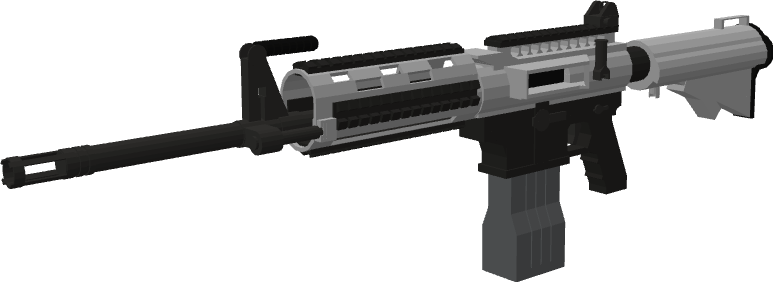
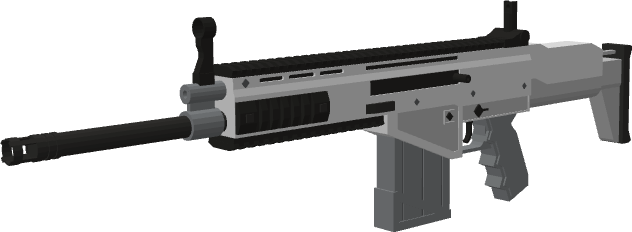
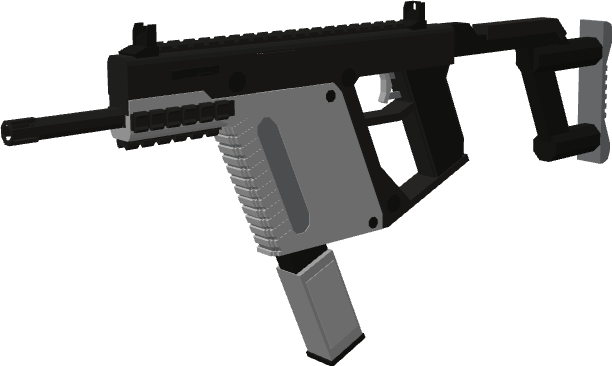
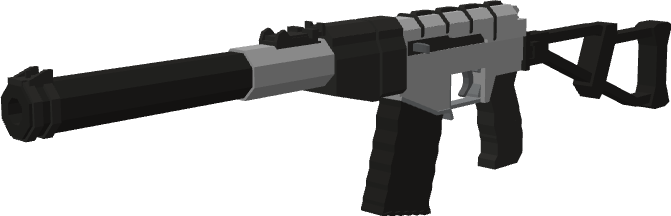
Project Arsenal is a Gun Mod and addon to MrCrayfish's Gun Mod adding new guns and unique features that are not already available in the base mod. The mod will receive updates over time with more content, enhancements, and features to better improve the overall Gun Mod experience.
📦 Required dependencies
- MrCrayfish's Gun Mod
- Framework (1.18.x and above)
- Obfuscate (1.16.x only)
✅ Features
- 30+ community made guns, ranging from battle rifles to a double-barreled pistol
- A working Fire Mode Selector, with new fire modes such as Burst and Safety
- HUD overlay showing ammo in magazine, ammo in inventory, and selected fire mode
- Over 20+ different HUD overlay themes to choose from
- Configuration options related to what information is shown on gun tooltips
- All guns are obtainable in survival!
🔔 Stay updated!
Join Project Arsenal's dedicated community on Discord! Chat with our community members, suggest enhancements/new features, and get news about updates early.
❗ Disclaimer
The goal of this mod is not to create an ultra-realistic gun mod experience, but simply a more unique and enhanced experience within the already existing MrCrayfish's Gun Mod ecosystem. We are actively working to expand and improve the mod over time. Feel free to leave feedback and/or suggestions regarding the project.
Note: The gun sounds used are loud and may cause discomfort or damage to hearing. Gun volume can be turned down in Options > Music and Sounds > Player
- Edition: Minecraft Java
- File type: .jar
- Minecraft versions listed: 1.19.4, 1.19.2, 1.18.2
- How to install: Install the matching mod loader (Forge, Fabric or NeoForge) for your Minecraft version. → Download the .jar. → Put it in the .minecraft/mods folder and launch that loader profile.
- Where to get it: Opens on CurseForge — not every file is mirrored on our own servers.
Install steps are the general flow for this file type — How to install Minecraft Java mods & modpacks walks through it step by step.
- Ships as projectarsenal-0.4.0-1.19.4.jar — drop this file into the mods folder
- Download size: 1.5 MB
- Download link checked 15 Oct 2026 — working
These come from our own check of the pack file, not from the source page.