ModsJava
Control Flex Controller Support Mod (26.2, 1.20.1) – Play Big Modpacks
Control Flex Controller Support Mod gives you complete gamepad support for Minecraft Java Edition. It maps your controller buttons to game actions and mod…
⬇ Download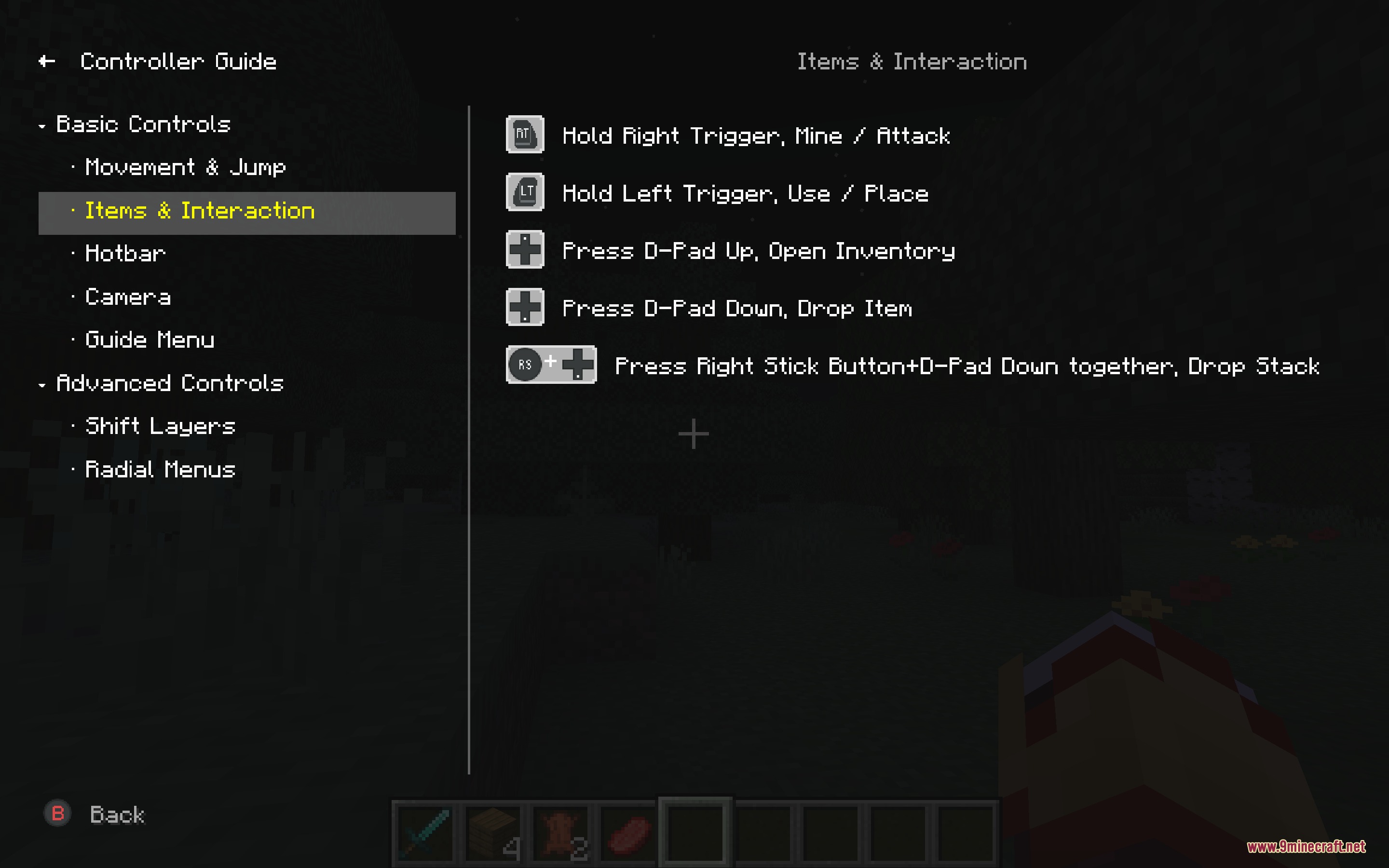
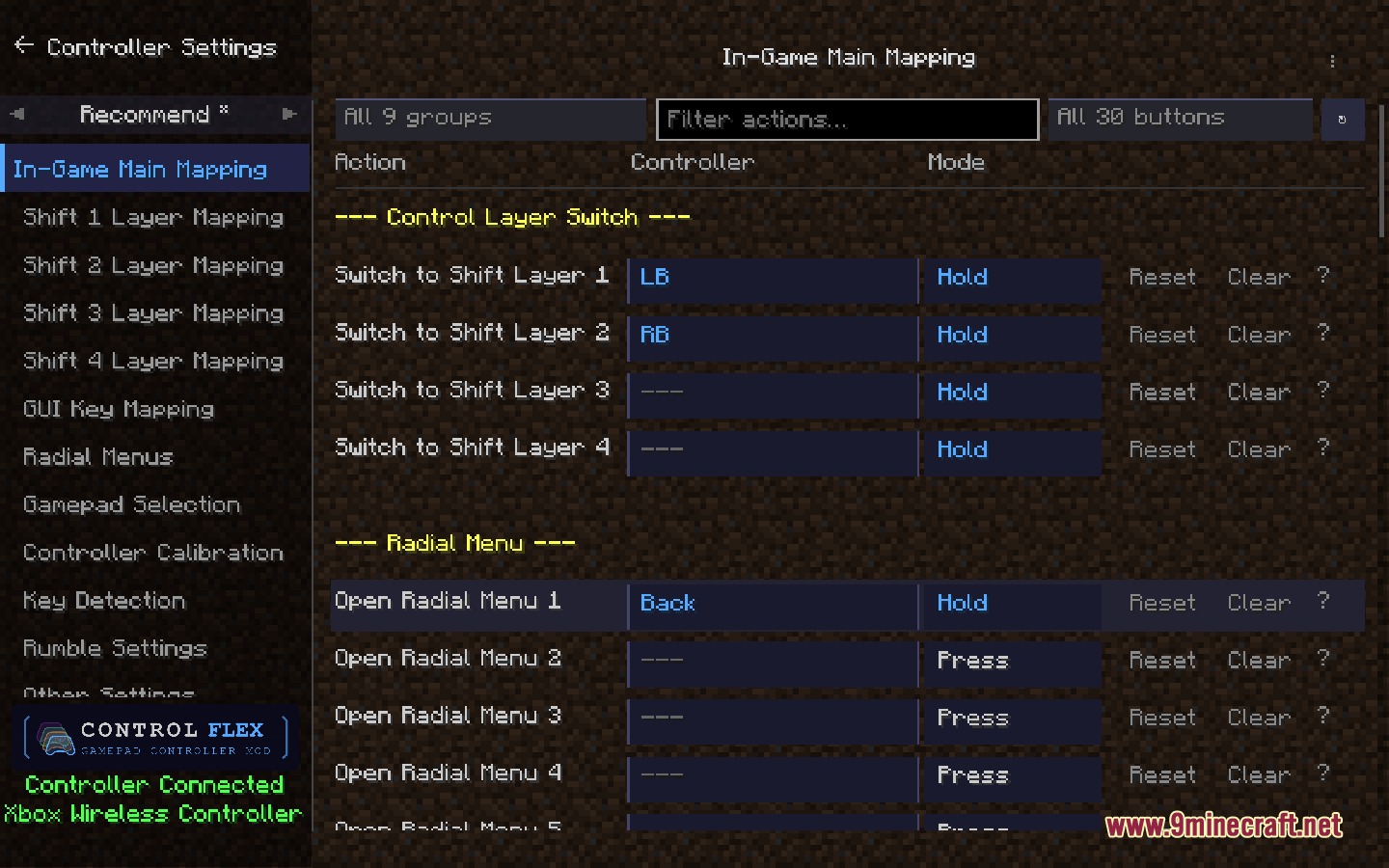
Control Flex Controller Support Mod gives you complete gamepad support for Minecraft Java Edition. It maps your controller buttons to game actions and mod features. This mod solves the problem of having too many modded controls and not enough buttons. You can set up different button layers, combine keys, and use radial menus to play big modpacks without touching a keyboard.
Features:
- Six Trigger Modes: Lets you set buttons to activate on a press, release, hold, tap, long press, or toggle.
- Multiple Input Layers: Adds a main layer for normal gameplay, shift layers for extra controls, and a separate GUI layer for menus.
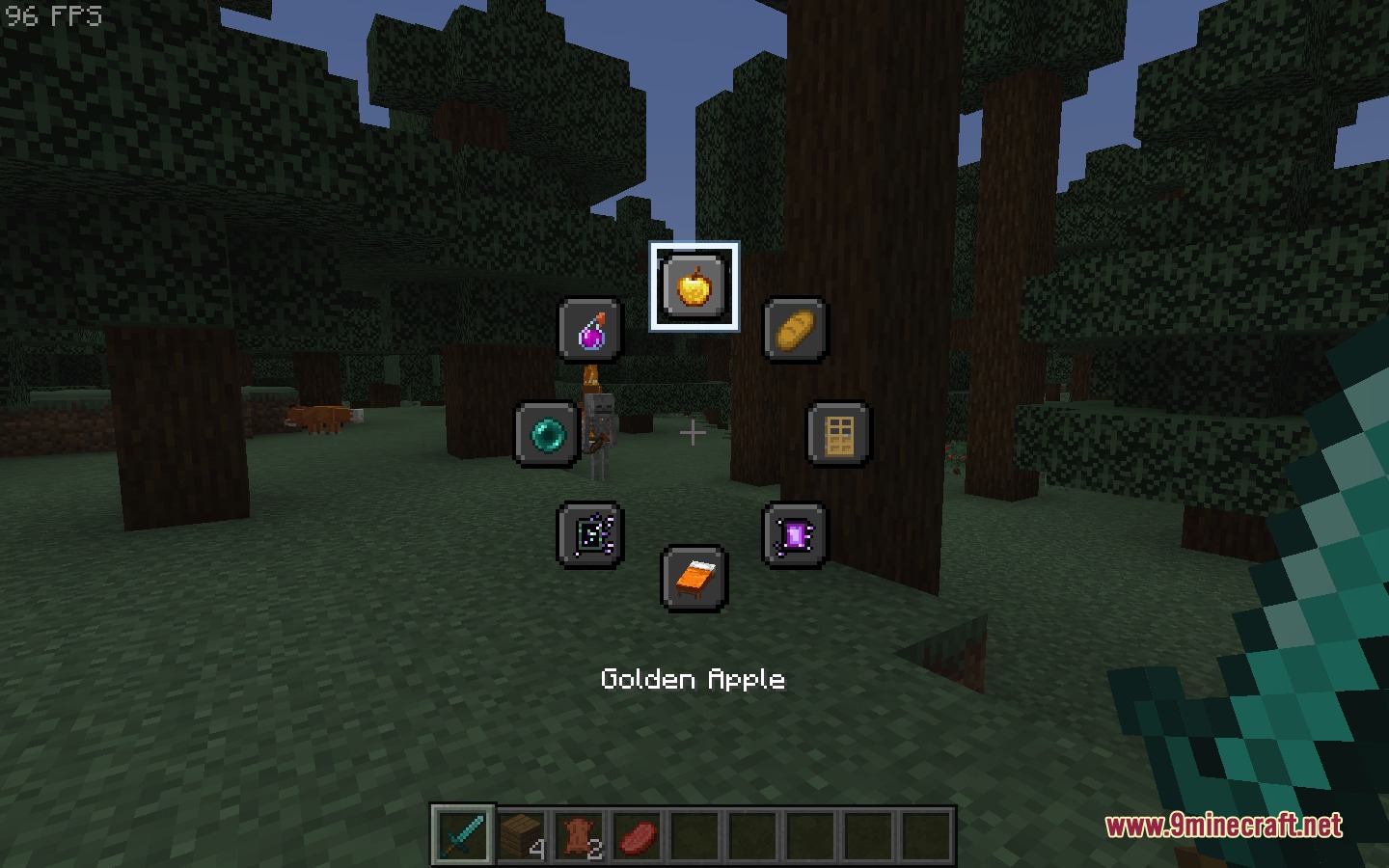
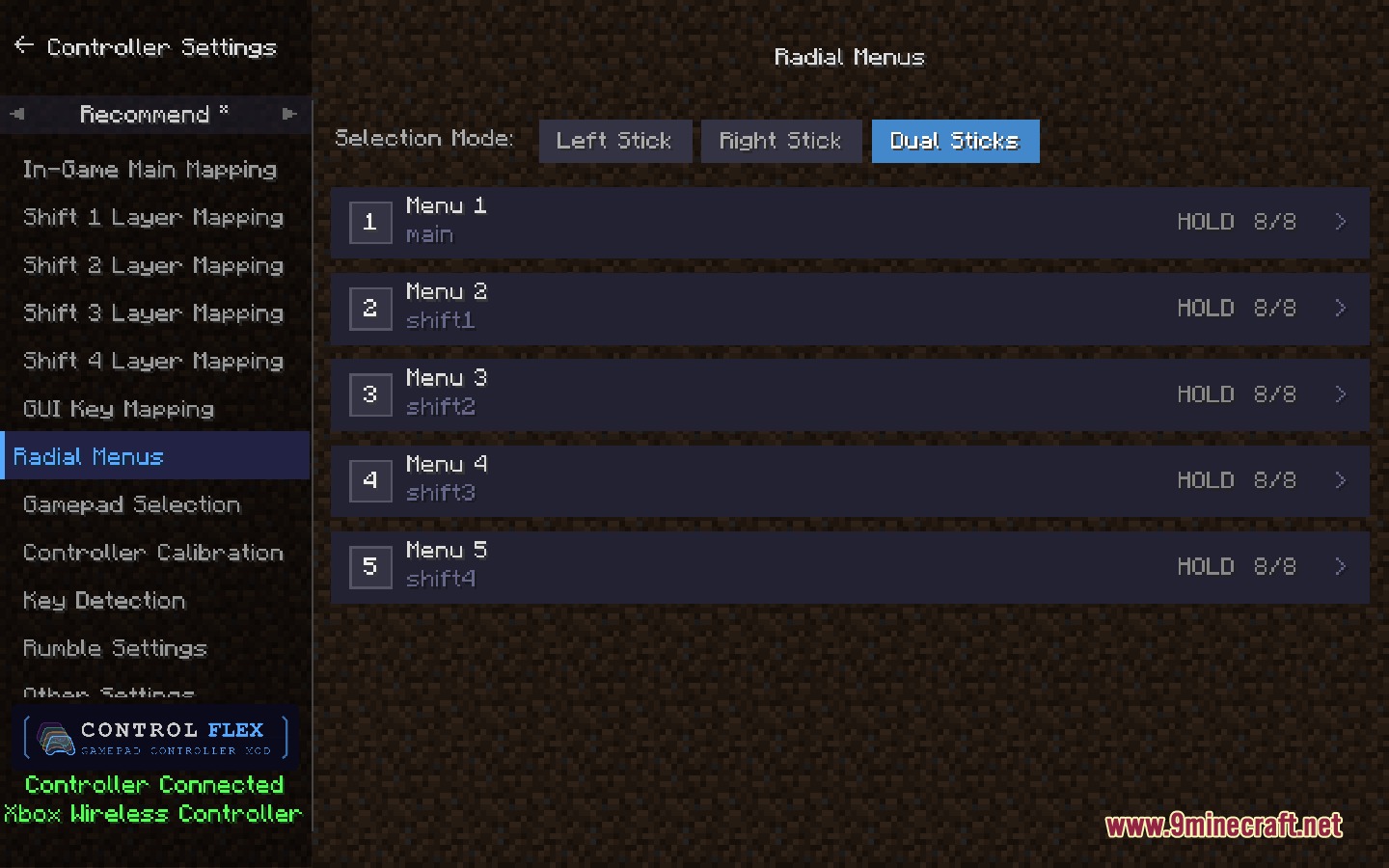
- Radial Menus: Gives you up to five wheels with eight slots each for quick access to items, commands, or keys.
- You can combine multiple buttons into one action, like pressing two triggers at the same time.
- Includes built-in templates to help you set up your controls quickly.
- Makes the left stick act as a virtual mouse cursor when you open chests or crafting tables.
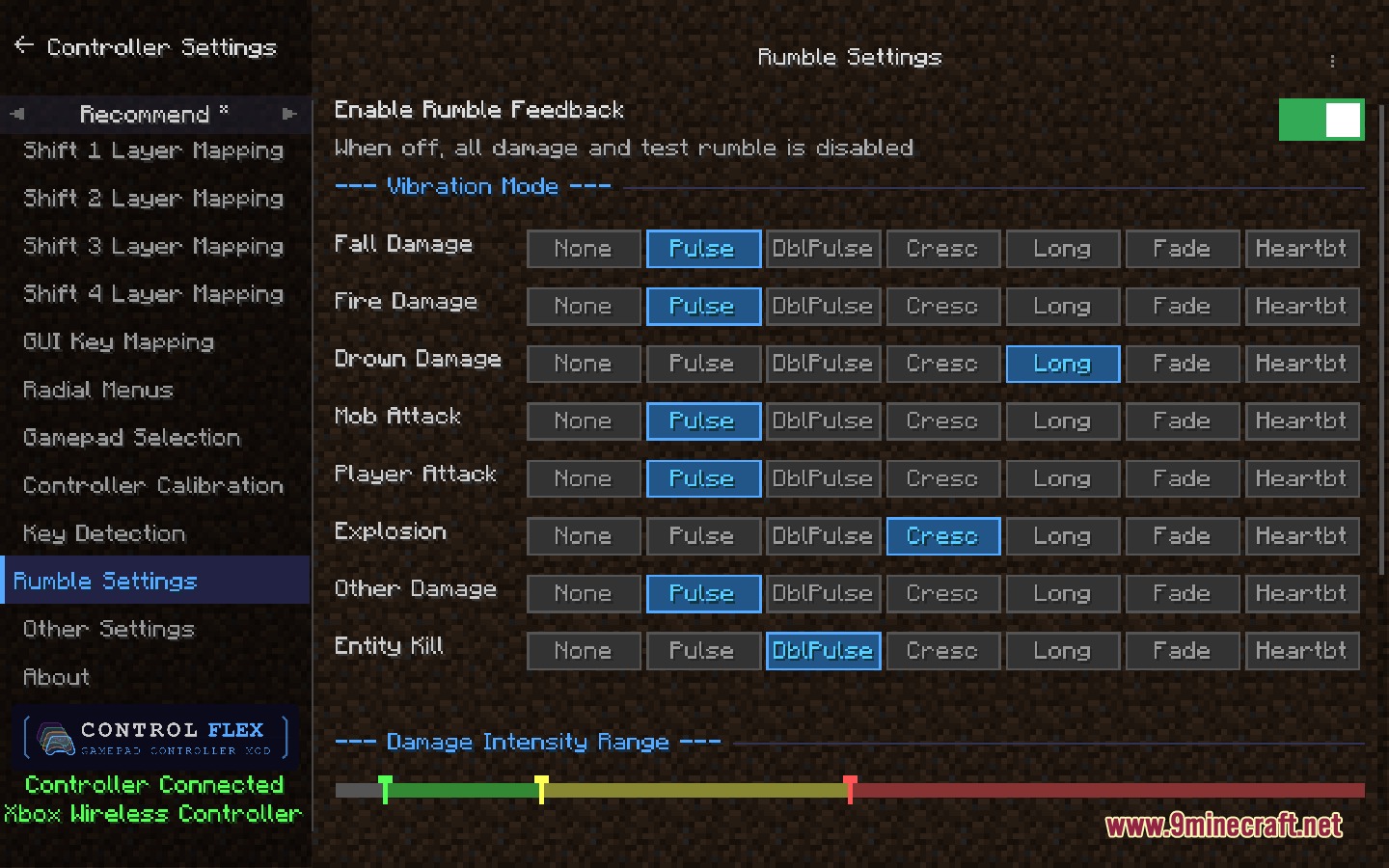
- Adds vibration feedback that changes depending on the type of damage you take.
- Automatically finds key bindings from other mods so you can assign them to your controller.
Configuration:
config/controlflex/radial_menu/radial_menus.json: saves your custom radial menu layouts.
How to Use:
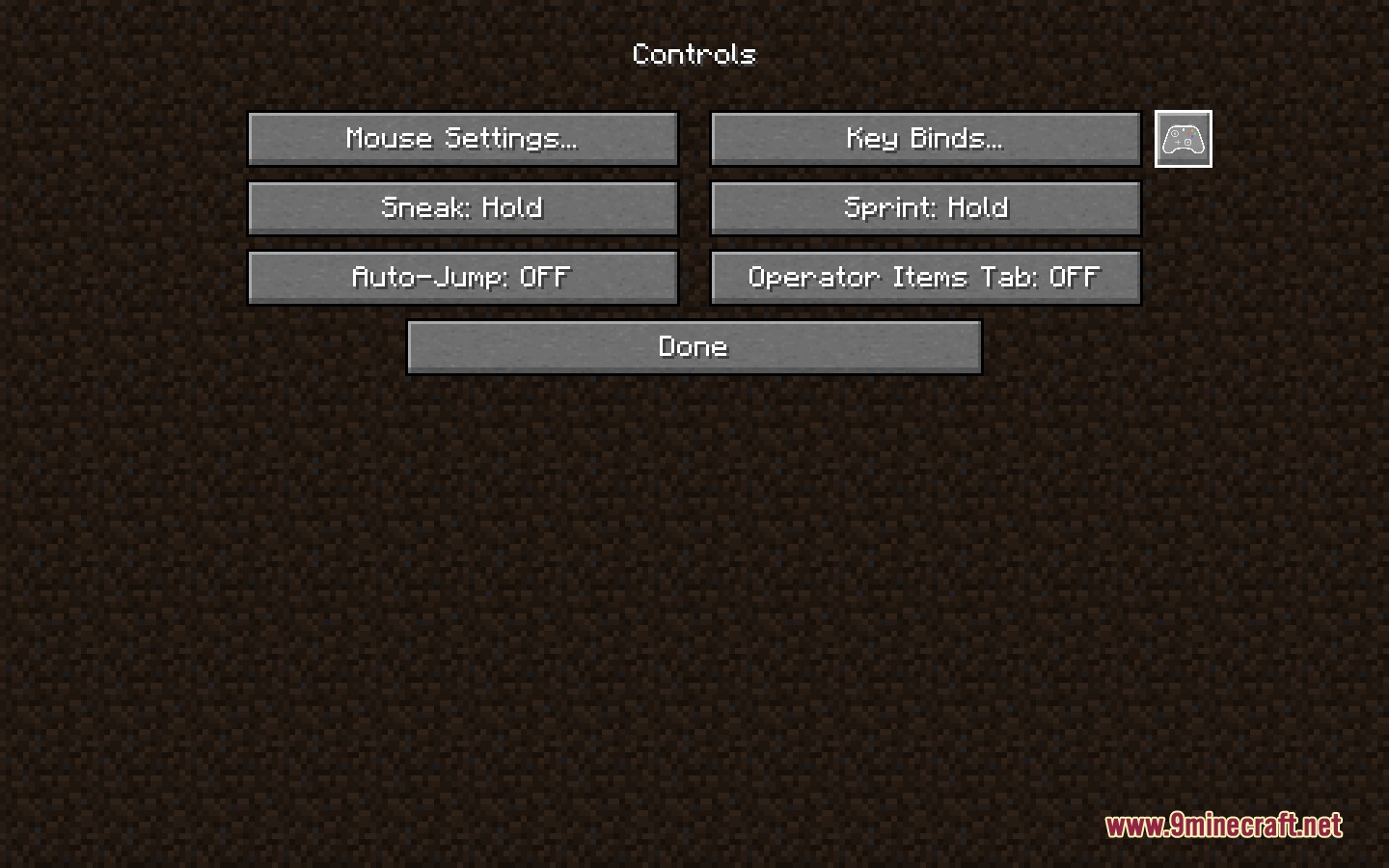
- Open the Minecraft options menu and look for the gamepad button next to Key Binds to open the settings.
- To create a combo, press the first button and add more within half a second.
- Hold your assigned shift button (like LB or RB) to switch to a different control layer.
- Assign a radial menu to a button, then press or hold that button to open the wheel.
- Use your joystick to point at a slot in the radial menu and press A to confirm.
Screenshots:
Control Flex Controller Support Mod Download Links
Control Flex Controller Support Mod (26.2, 1.20.1) – Play Big Modpacks is a free Minecraft Java mod. Compatible with Minecraft 1.20.1. Download it and open it directly in the game.