Zach's Liminal Backrooms Blocks Mod (1.21.8, 1.20.1) – Build Your Own Creepy
Java mod listed for Minecraft 1.20–1.21. Downloads from the MC Java Mods app on Android.
Zach's Liminal Backrooms Blocks Mod gives you the building materials needed to create creepy liminal spaces in your world. The mod adds special blocks so…
⬇ Download
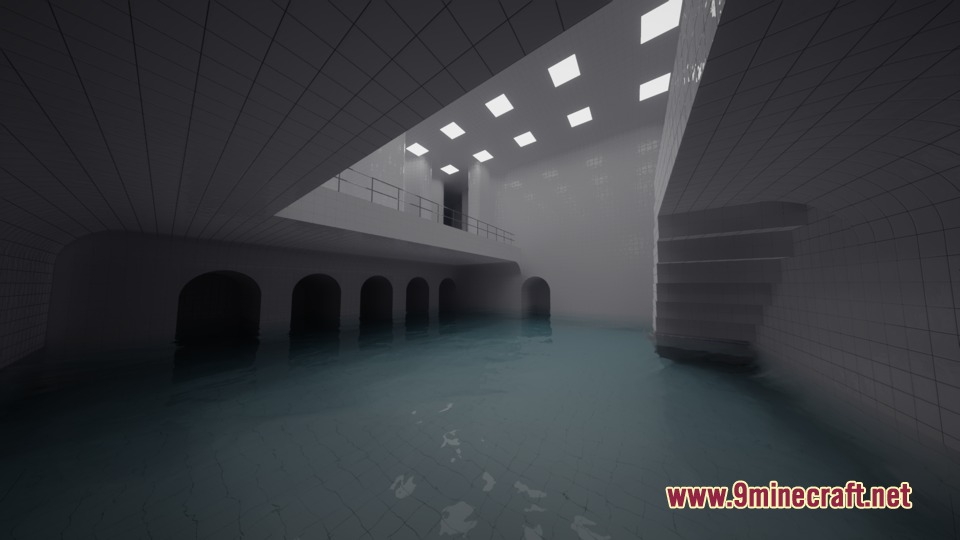
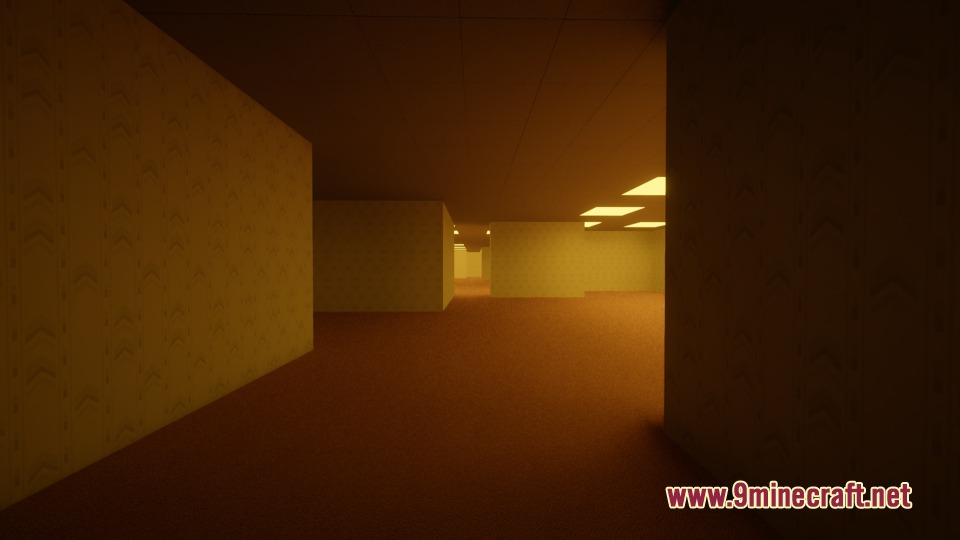
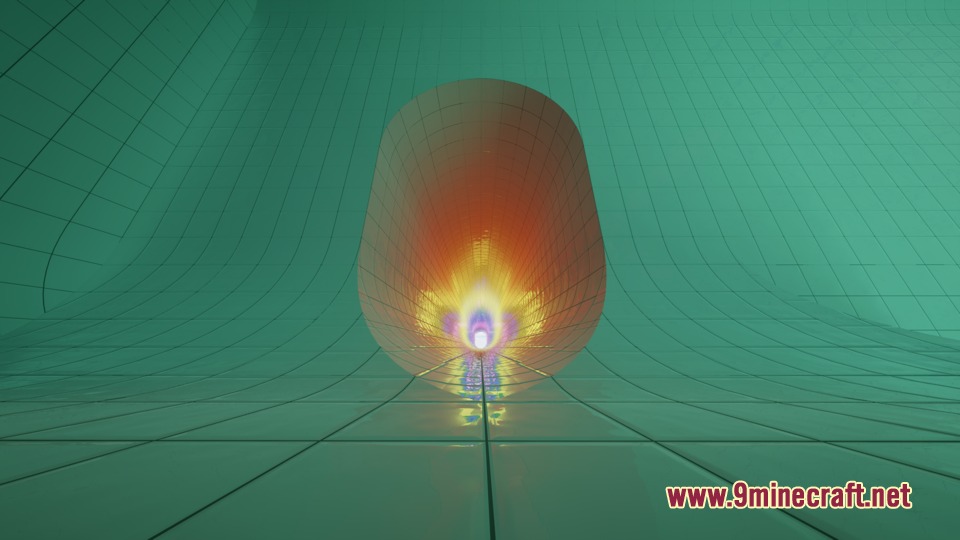
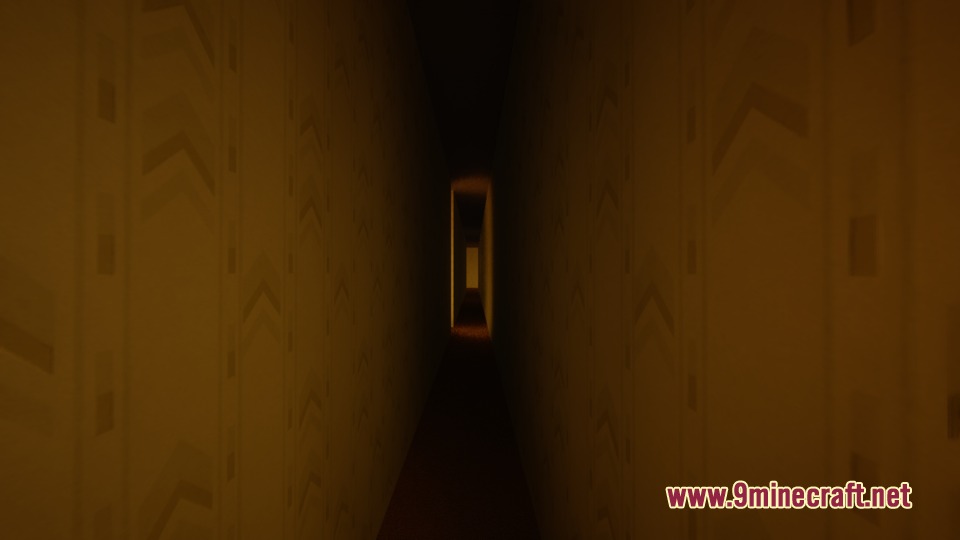
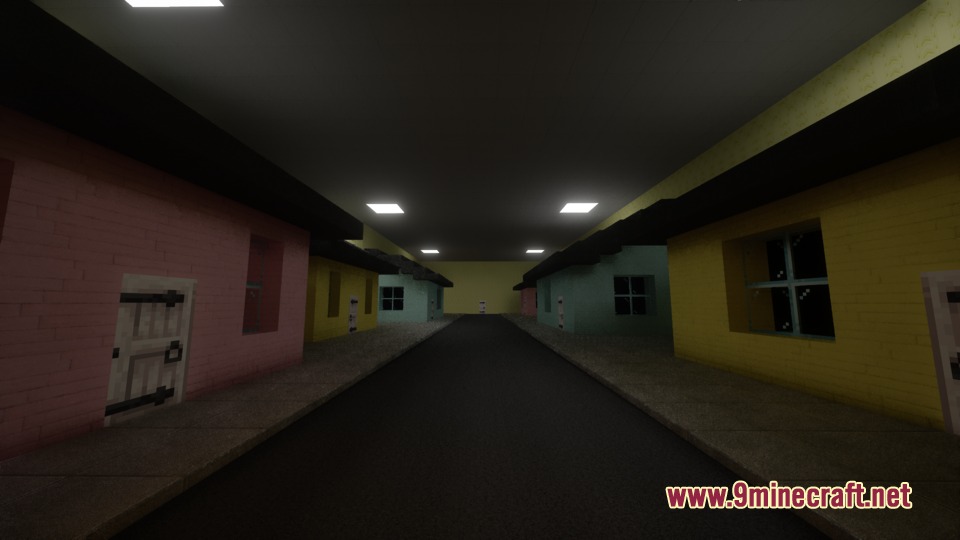
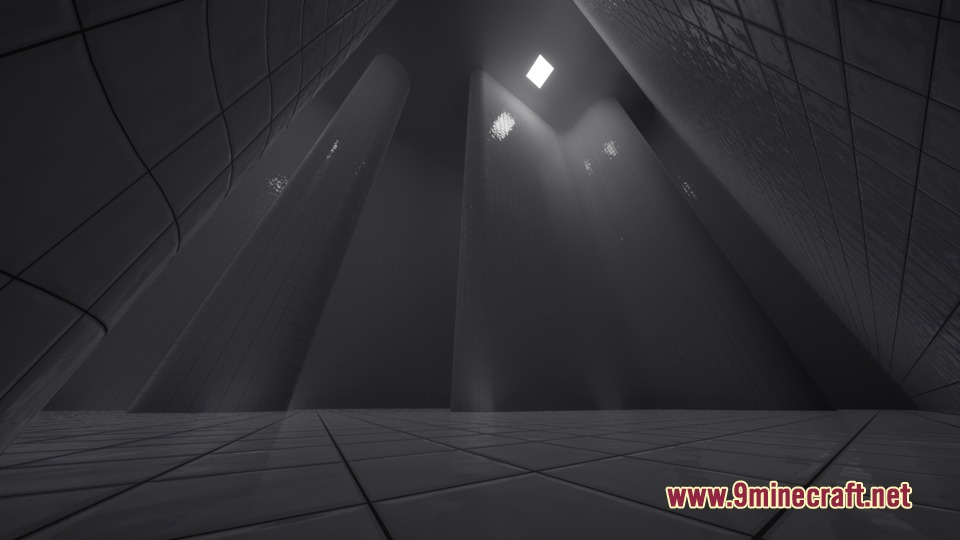
Zach’s Liminal Backrooms Blocks Mod gives you the building materials needed to create creepy liminal spaces in your world. The mod adds special blocks so you can build popular backrooms levels directly in the game. You get everything required to make yellow office rooms, endless pool areas, and other weird spaces. It also includes blocks for specific floors like Level 0, Level 1, and the Poolrooms.
Features:
- Backrooms Levels: Includes blocks to build famous areas like Level 0, Level 1, and Level FUN.
- Poolrooms Blocks: Adds specific tiles and materials to recreate the endless water areas of Level 37.
- You can build scary escape areas like the run-for-your-life hallway.
- The mod adds colored lights to make your empty rooms look more unsettling.
- Players get special carpet blocks that match the classic yellow backrooms floor.
- Adds materials to build the weird outdoor spaces of Level 94.
How to Use:
- Place the new backrooms blocks to build your own custom levels.
- Use shaders like IterationRP or Kappa to see the colored lights properly.
- Turn on the Advanced Materials setting in your shader menu to make pool tile reflections show colors.
- Enable POM in your shader settings if you see strange lines on the backrooms carpet blocks.
Screenshots:
Zach’s Liminal Backrooms Blocks Mod Download Links
- Edition: Minecraft Java
- File type: .jar
- Minecraft versions listed: 1.21.8, 1.20.1
- How to install: Install the matching mod loader (Forge, Fabric or NeoForge) for your Minecraft version. → Download the .jar. → Put it in the .minecraft/mods folder and launch that loader profile.
- Where to get it: In MC Java Mods, or directly above on this page.
Install steps are the general flow for this file type — How to install Minecraft Java mods & modpacks walks through it step by step.
- Downloads as 440423.mcaddon
- Download size: 48.6 MB
- Download link checked 24 Sept 2026 — working
- Mirrored on our own servers — the download does not depend on the original host
These come from our own check of the pack file, not from the source page.
Related Java mods

Water City Map (26.2, 1.20.1) – Oceanic Metropolis

Mental Hospital Find The Button Map (26.2, 1.20.1) – A Horror Find
n8 M4x Fullbright Mod (26.3, 1.20.1) – Panoramic Lighting Mod
Castle On The Mountain Map (26.2, 1.20.1) – Fantasy Build

Dreadfort Map (26.2, 1.20.1) – Menacing Winter Stronghold