ModsJava
Project End Mod (26.1.2) – Explore New Biomes and Craft Endgame Gear After
Minecraft Java mod. Downloads from the MC Java Mods app on Android.
⬇ Download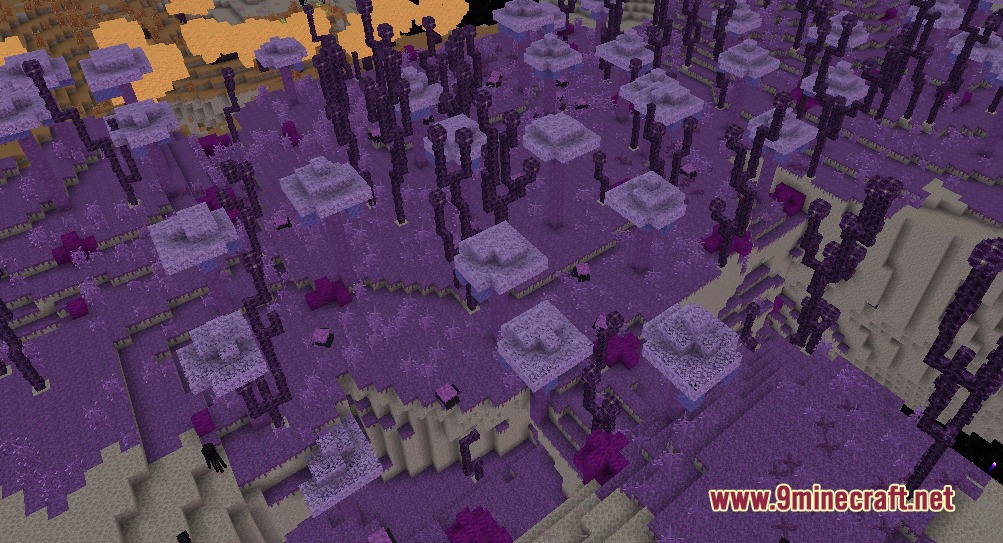
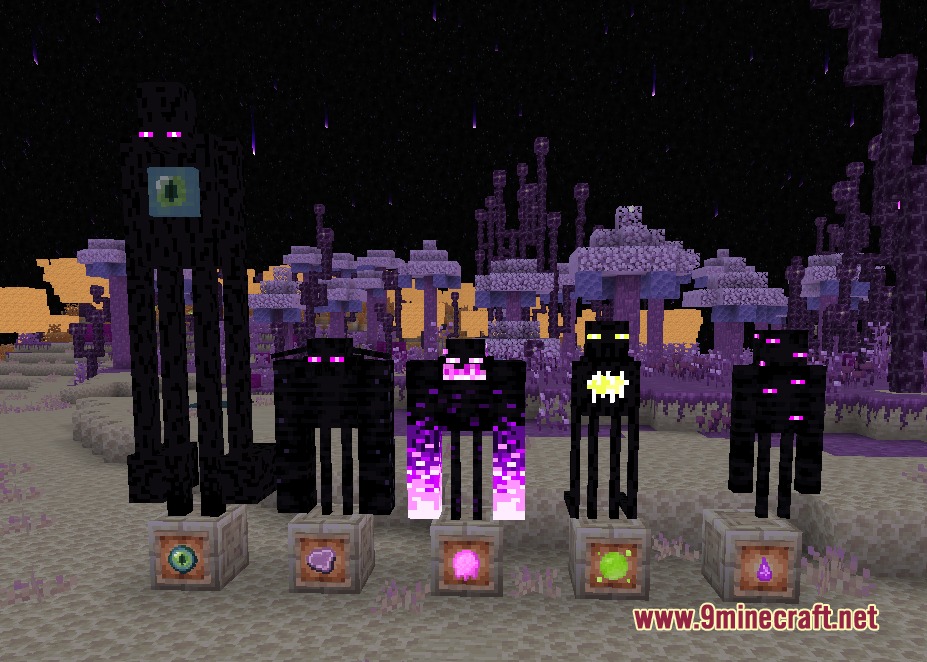
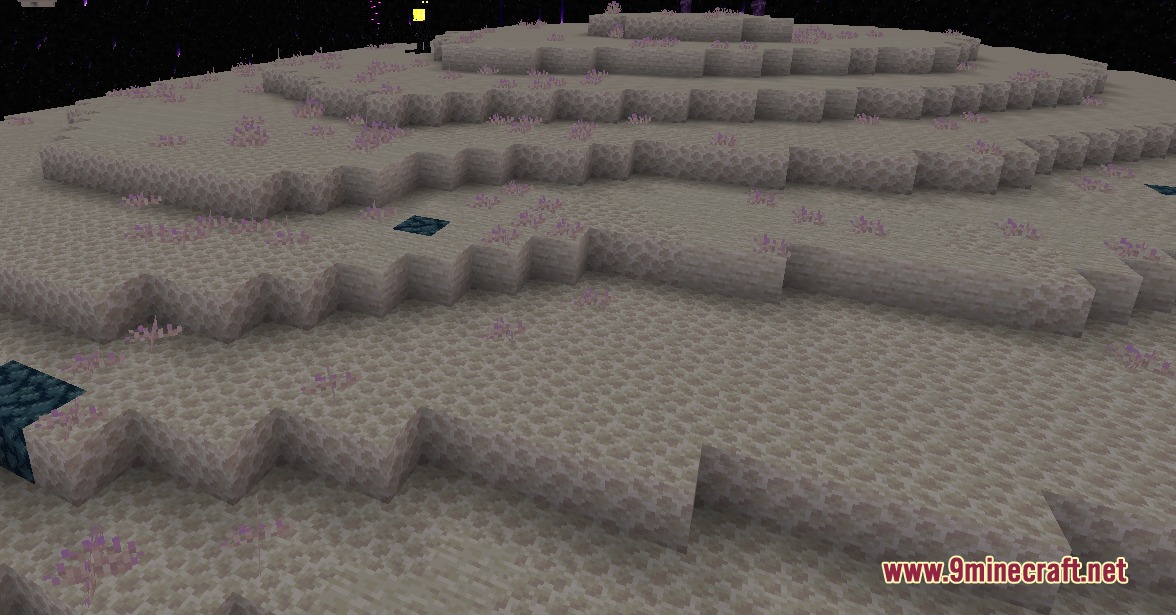
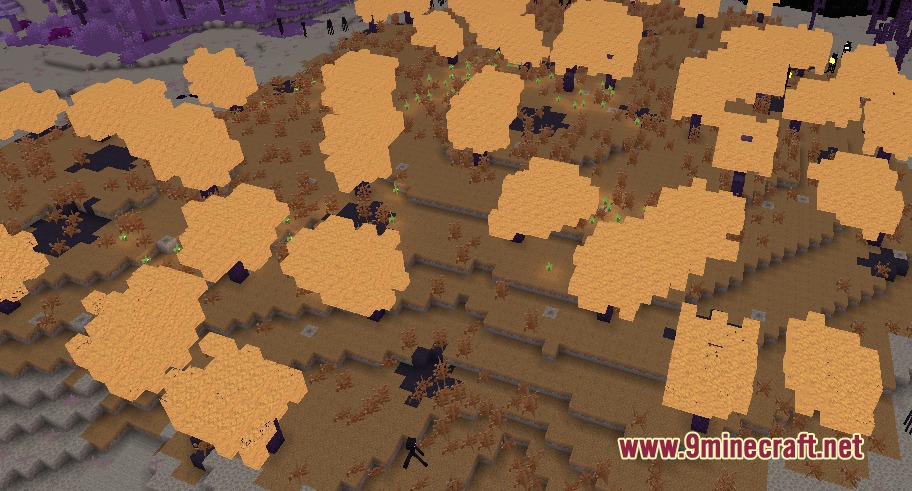
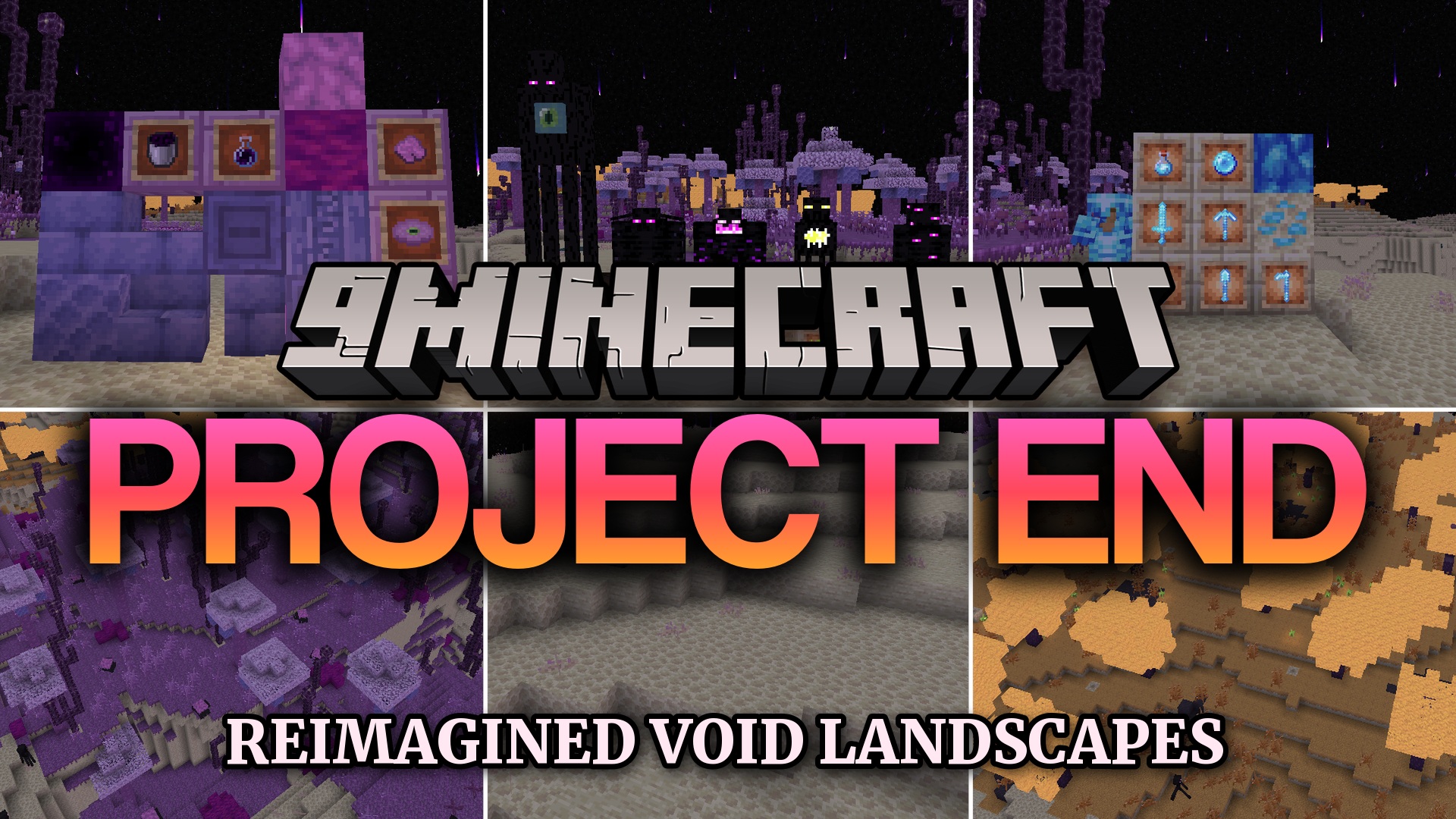
Project End Mod updates the empty End dimension and fills it with new things to explore. It brings fresh biomes, strange plants, and dangerous mobs to the floating islands. You get new building blocks and a powerful armor set to craft after you defeat the dragon.
Features:
- Two New Biomes: Generates the End Wilds and Orchestra Thickets across the outer islands.
- Dungeons Mobs: Spawns creatures like Watchlings, Snarelings, and Blastlings to make the world feel alive.
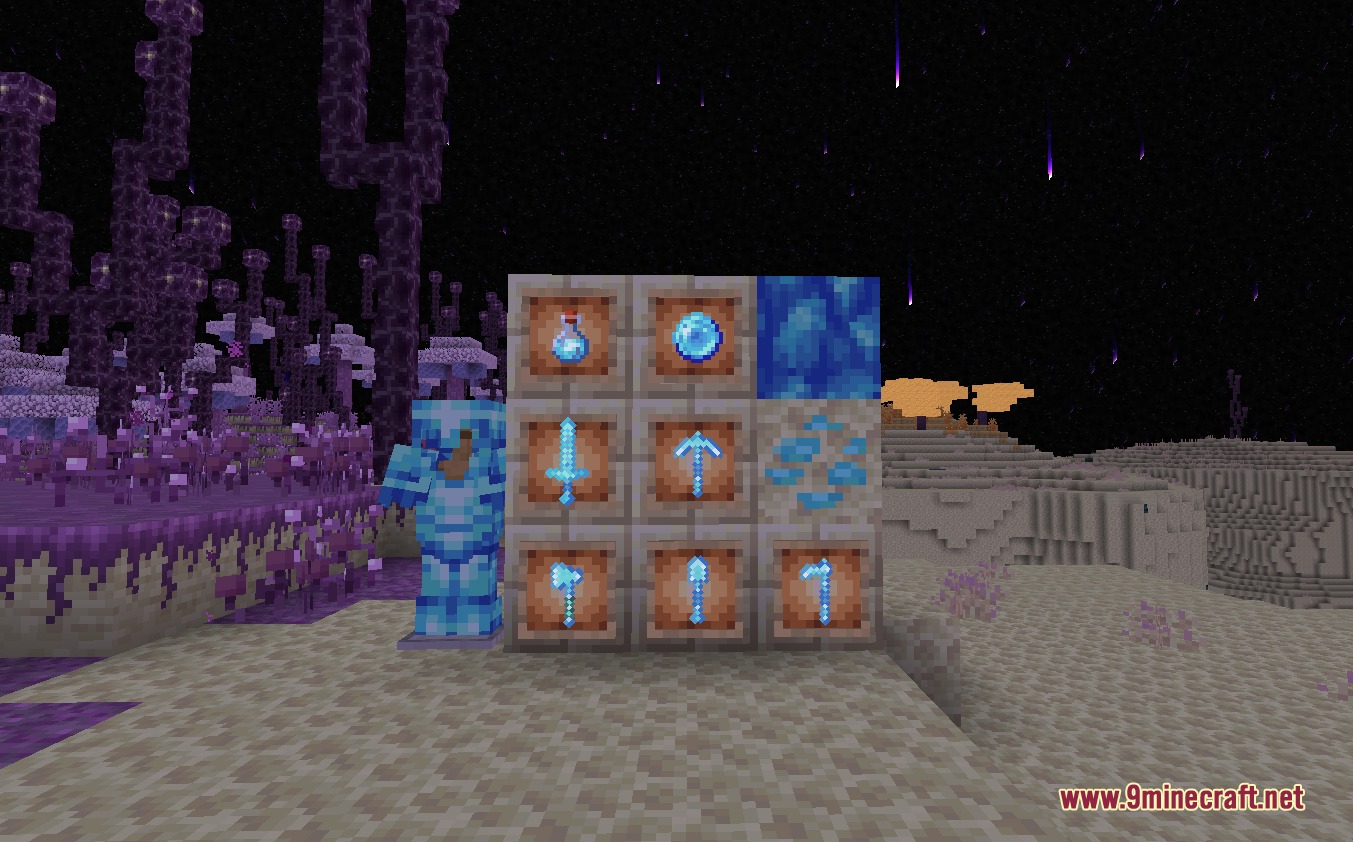
- Lonsdaleite Gear: Lets you upgrade diamond tools and armor using a smithing table.
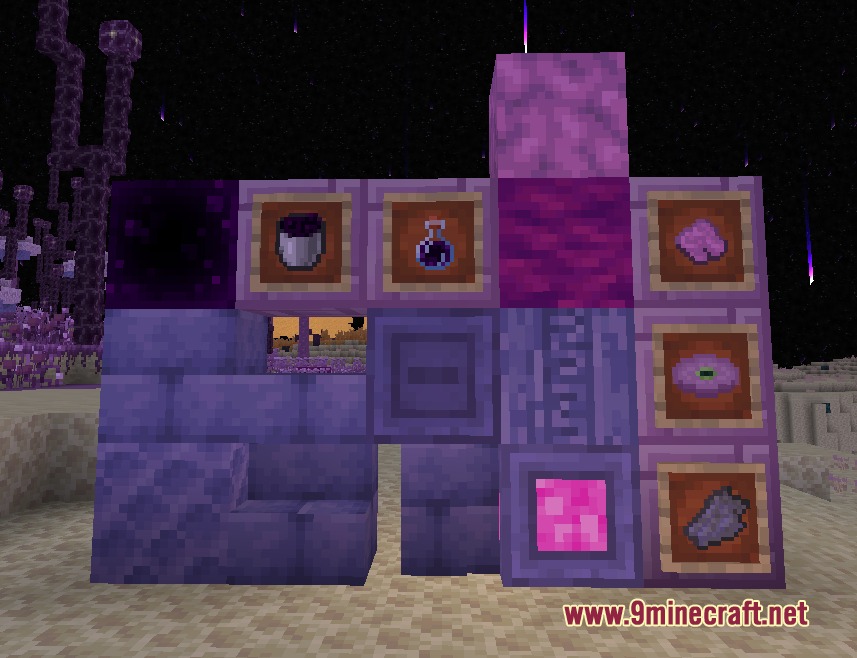
- Adds new building blocks like Smooth End Stone and Chiseled Purpur for your bases.
- Challenges you with a tough new mini-boss called the Endersent.
- Gives you Null Bottles when you right-click an empty glass bottle into the void.
- Allows you to craft special items like the Crystal Pearl and Ender Checkpoints.
End Biomes:
- The End Wilds feature geysers and Ghostbark trees.
- Orchestra Forests contain Orchestra trees, Endermite nests, and Enderpods.
New Mobs:
- Watchlings, Snarelings, Blastlings, and Thumplings roam the islands.
- The Endersent acts as a dangerous mini-boss.
How to Use:
- Find Lonsdaleite bits and Amethyst shards while exploring the new biomes.
- Combine them to make Lonsdaleite items.
- Place your diamond armor or tools into a smithing table with the new material to upgrade them.
- Hold an empty glass bottle and right-click the void to collect Null Bottles.
Screenshots:
Project End Mod Download Links
Quick facts
- Edition: Minecraft Java
- File type: .jar
- How to install: Install the matching mod loader (Forge, Fabric or NeoForge) for your Minecraft version. → Download the .jar. → Put it in the .minecraft/mods folder and launch that loader profile.
- Where to get it: In MC Java Mods, or directly above on this page.
Install steps are the general flow for this file type — How to install Minecraft Java mods & modpacks walks through it step by step.
File checked by MCModsHub
- Downloads as 440425.mcaddon
- Download size: 9.8 MB
- Download link checked 24 Sept 2026 — working
- Mirrored on our own servers — the download does not depend on the original host
These come from our own check of the pack file, not from the source page.