ModsJava
Location Tooltip Mod (26.2, 1.20.1) – Give Custom Names to Every Base and Town
Java mod listed for Minecraft 1.20. Downloads from the MC Java Mods app on Android.
⬇ Download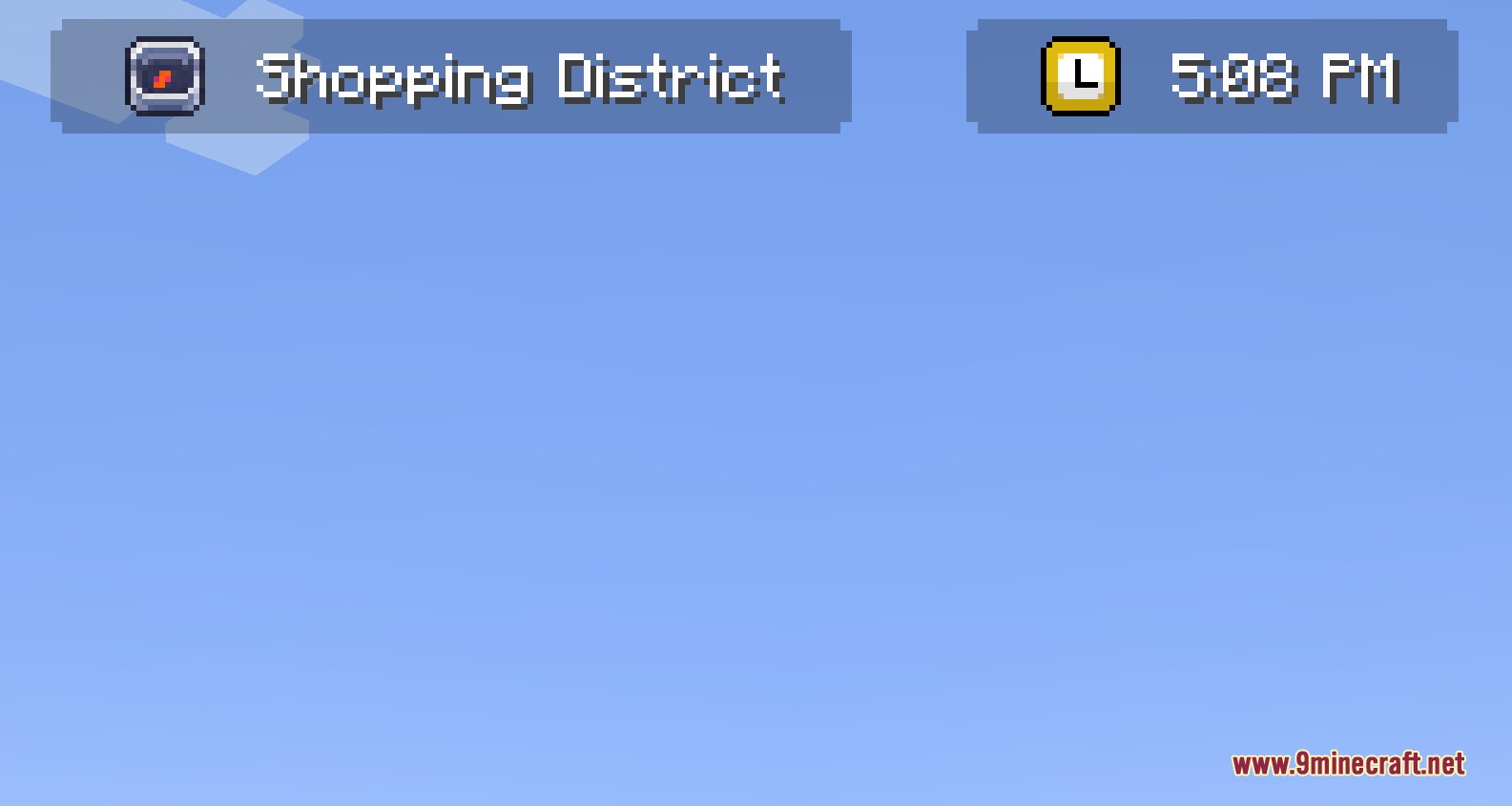
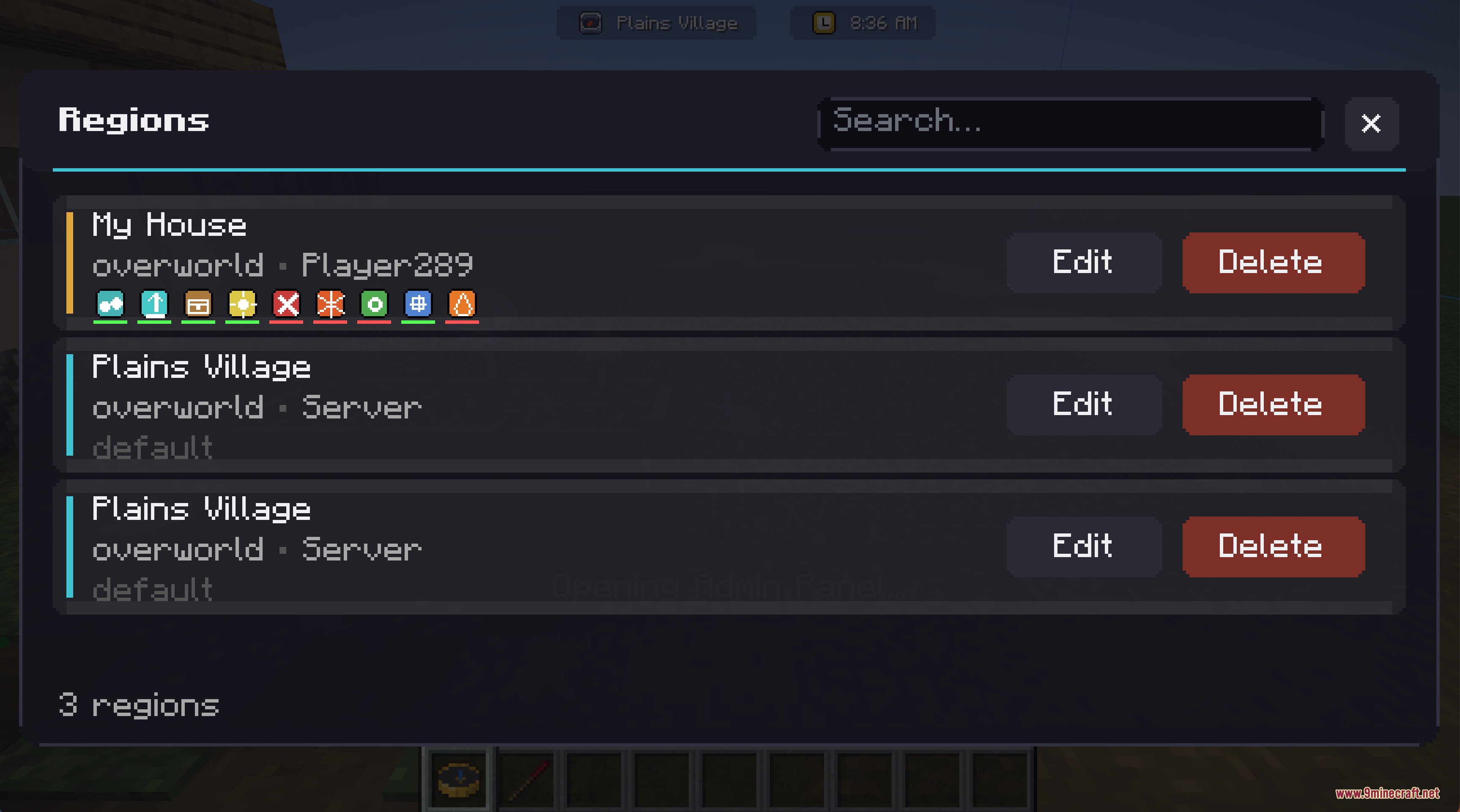
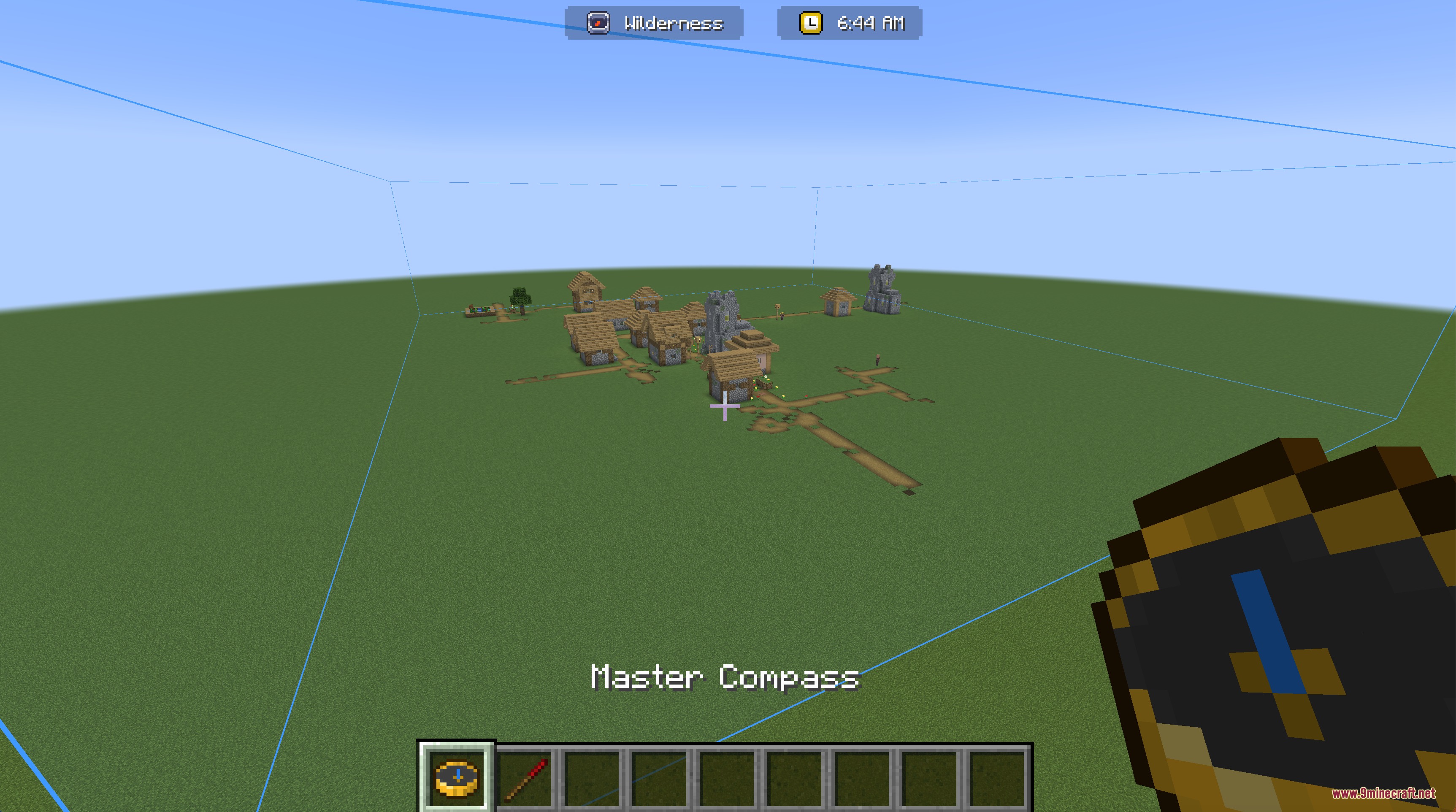
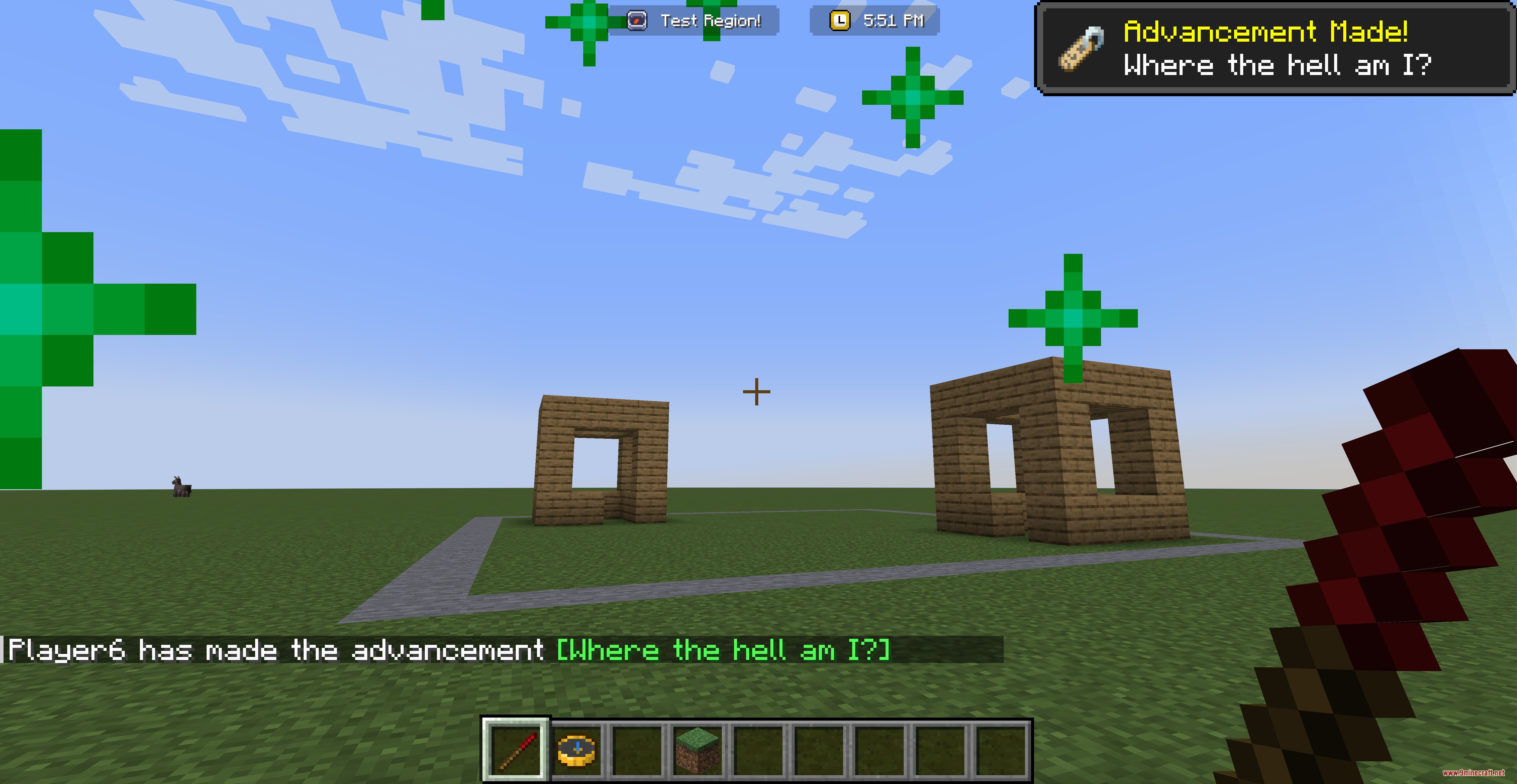
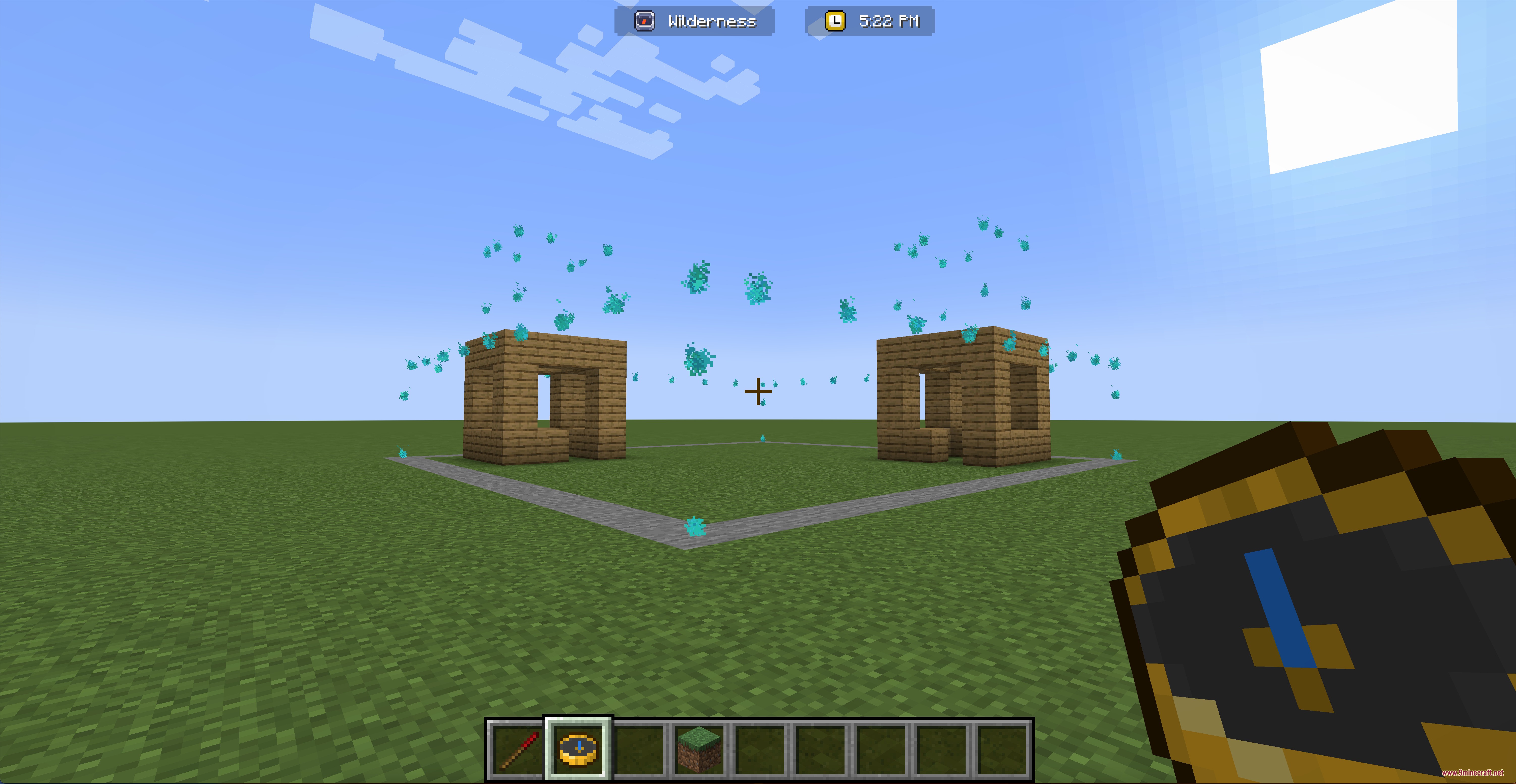
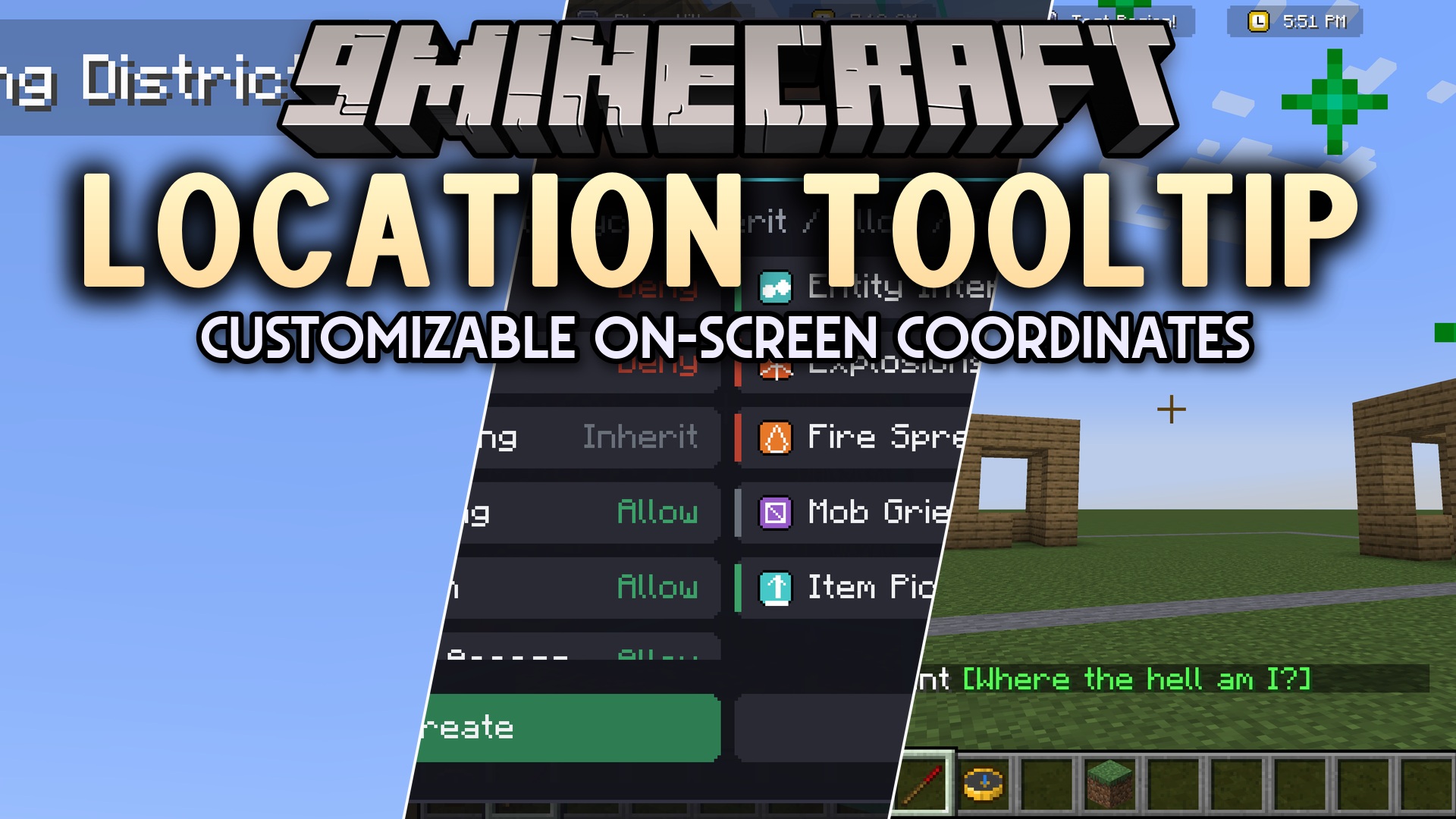
Location Tooltip Mod puts a helpful display at the top of your screen that shows exactly where you are. It lets you draw custom areas in your world, like a shopping district or a secret base, and gives them a special name. When you walk into these areas, the name pops up on your screen. This tool makes exploring large servers or organized maps much easier for everyone.
Features:
- Custom Text Display: Puts a neat text box at the top of your screen showing your current area and the in-game time.
- Visual Region Editor: Lets you click and drag to draw 3D boxes around your buildings or towns.
- Automatic Structures: Detects natural structures or villages and gives them a region name right away.
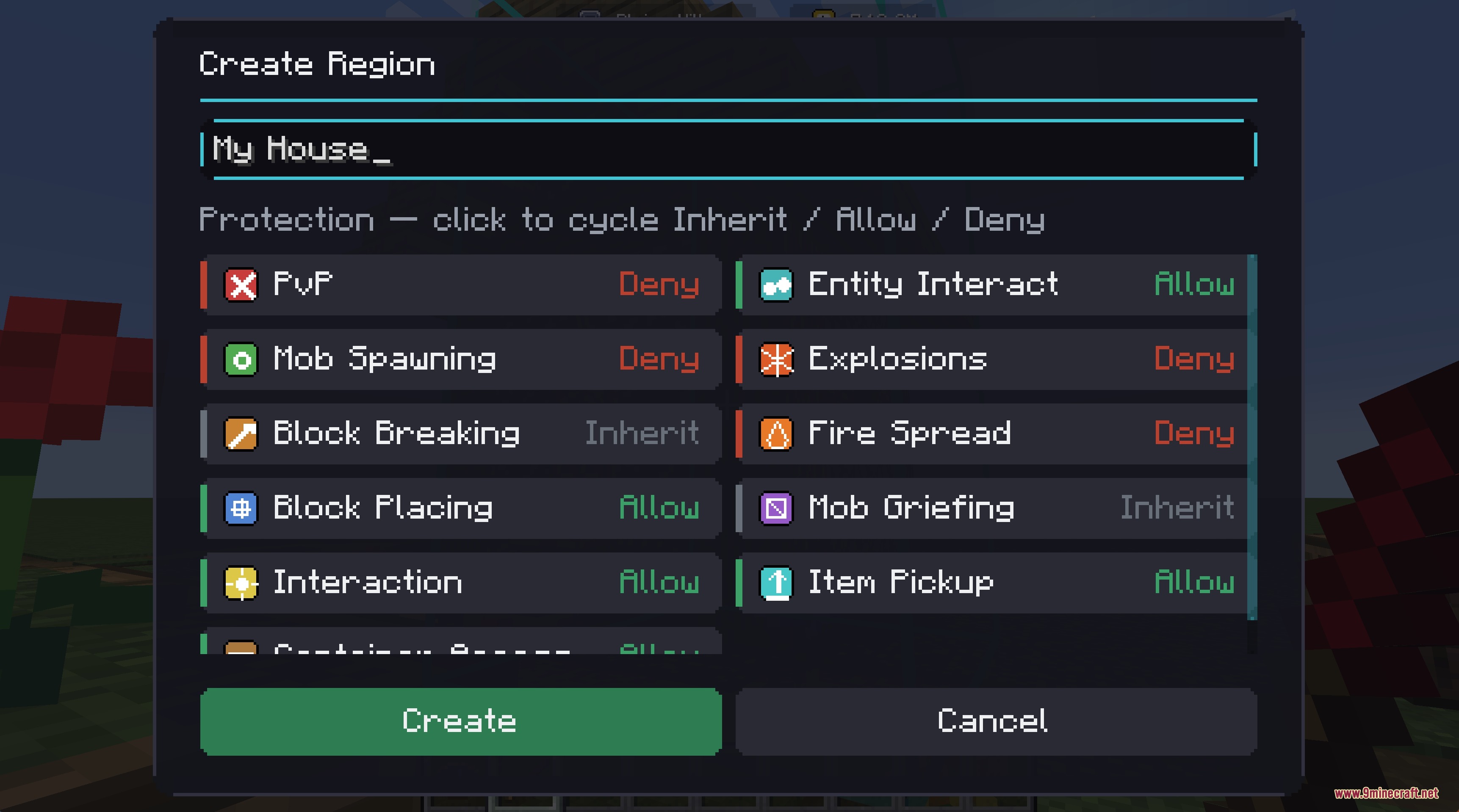
- Players can name their own lands and get a fun advancement and sound effect for their first one.
- Admins get special tools to manage all areas and change the rules for other players.
- Supports nested areas, so you can put a small shop inside a big city and the screen will update correctly.
- Fades the text in and out smoothly when you cross the border of a region.
How to Use:
- Hold the Master Compass, then hold Shift and Right Click to open the main menu.
- Draw your region boundaries using the visual tools on the screen.
- Type a name for your new area in the naming screen.
- Use the Admin Compass item if you need to see the invisible borders of nearby regions.
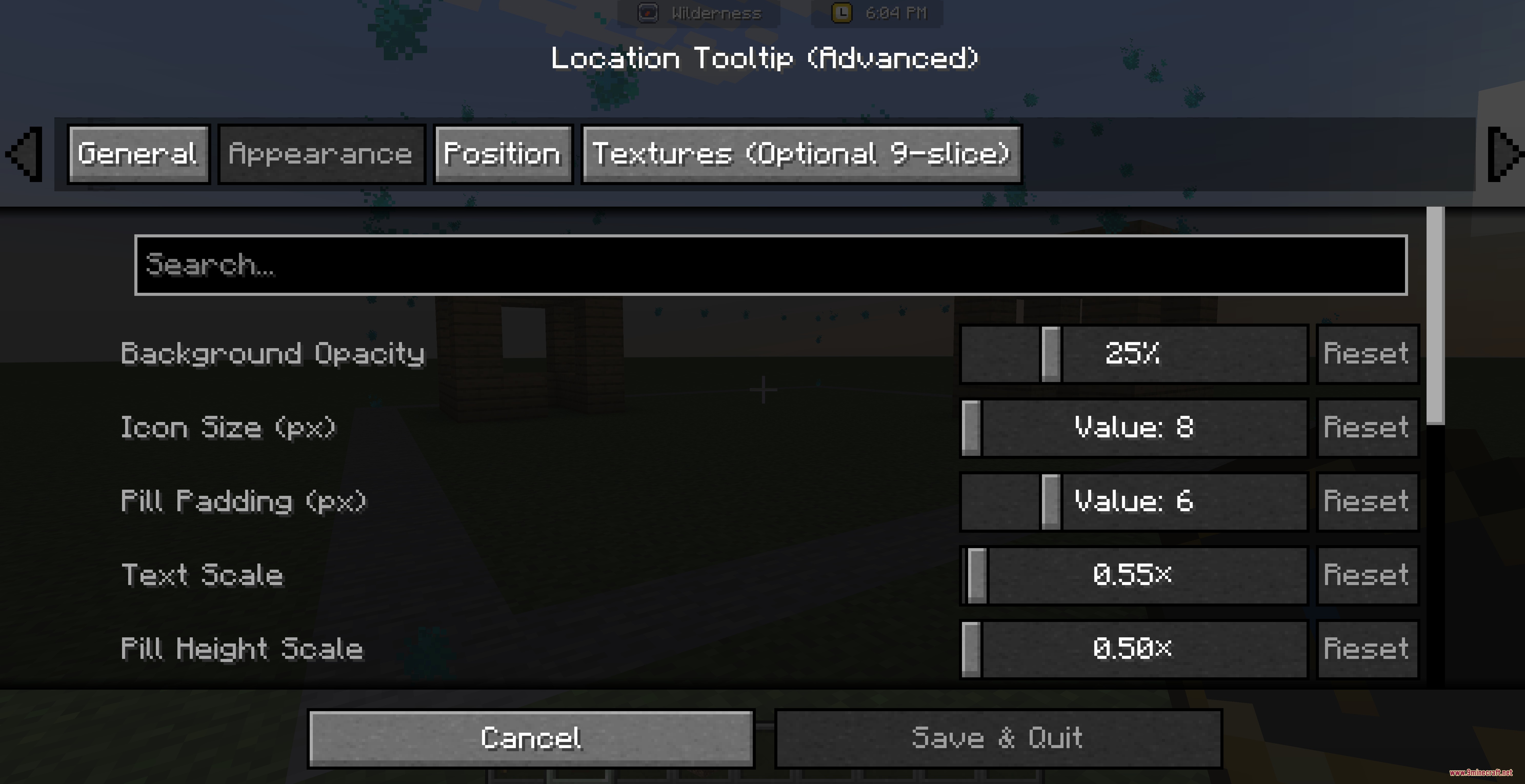
- Open the Mod Menu settings to change the color, size, and position of the text on your screen.
Screenshots:
Location Tooltip Mod Download Links
Quick facts
- Edition: Minecraft Java
- File type: .jar
- Minecraft version listed: 1.20.1
- How to install: Install the matching mod loader (Forge, Fabric or NeoForge) for your Minecraft version. → Download the .jar. → Put it in the .minecraft/mods folder and launch that loader profile.
- Where to get it: In MC Java Mods, or directly above on this page.
Install steps are the general flow for this file type — How to install Minecraft Java mods & modpacks walks through it step by step.
File checked by MCModsHub
- Downloads as 440426.mcaddon
- Download size: 247 KB
- Download link checked 25 Sept 2026 — working
- Mirrored on our own servers — the download does not depend on the original host
These come from our own check of the pack file, not from the source page.