ModsJava
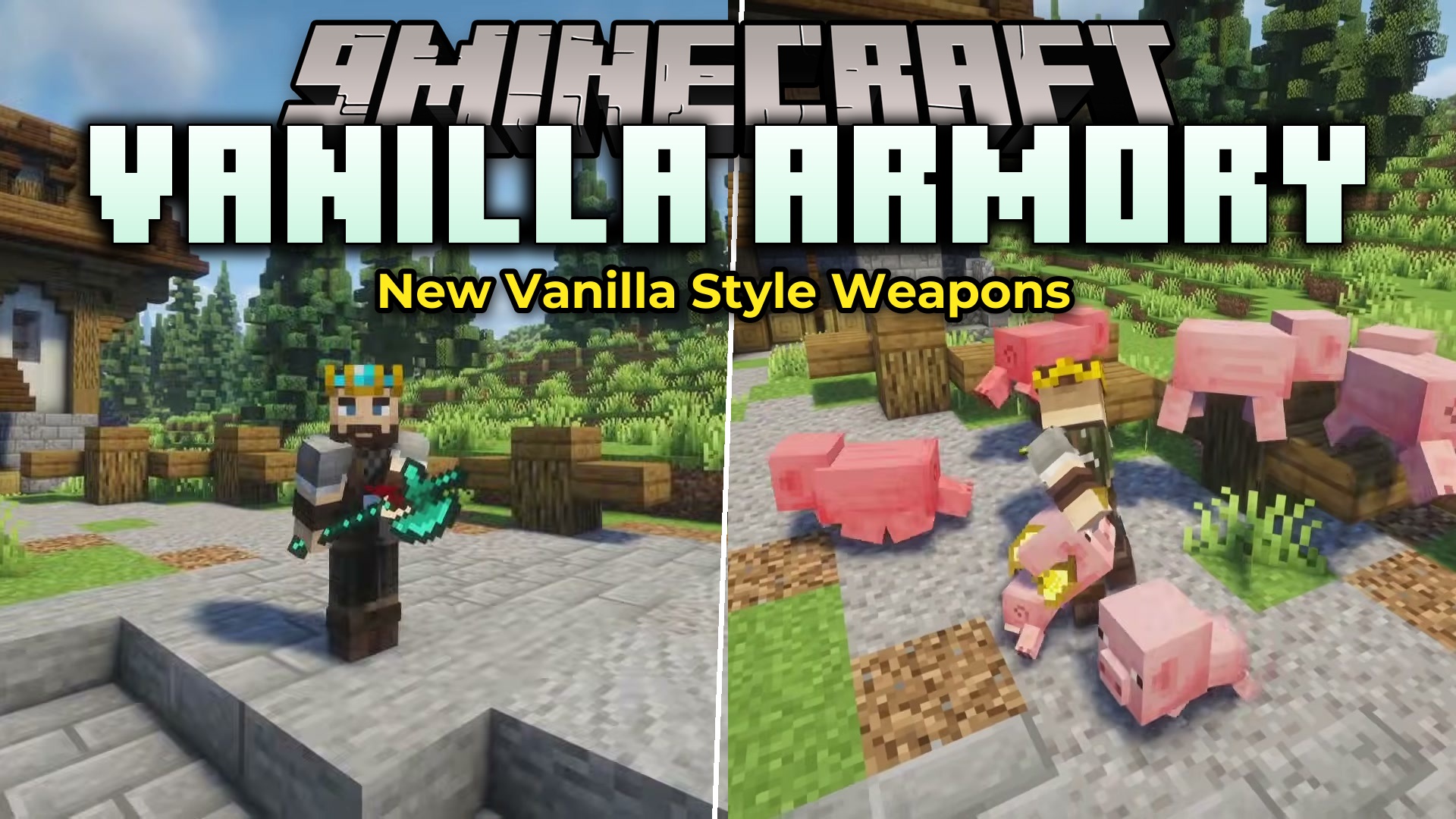
Vanilla Armory Mod (26.2, 1.20.1) – Master New Combat Styles with Custom Melee
Java mod listed for Minecraft 1.20. Downloads from the MC Java Mods app on Android.
⬇ Download
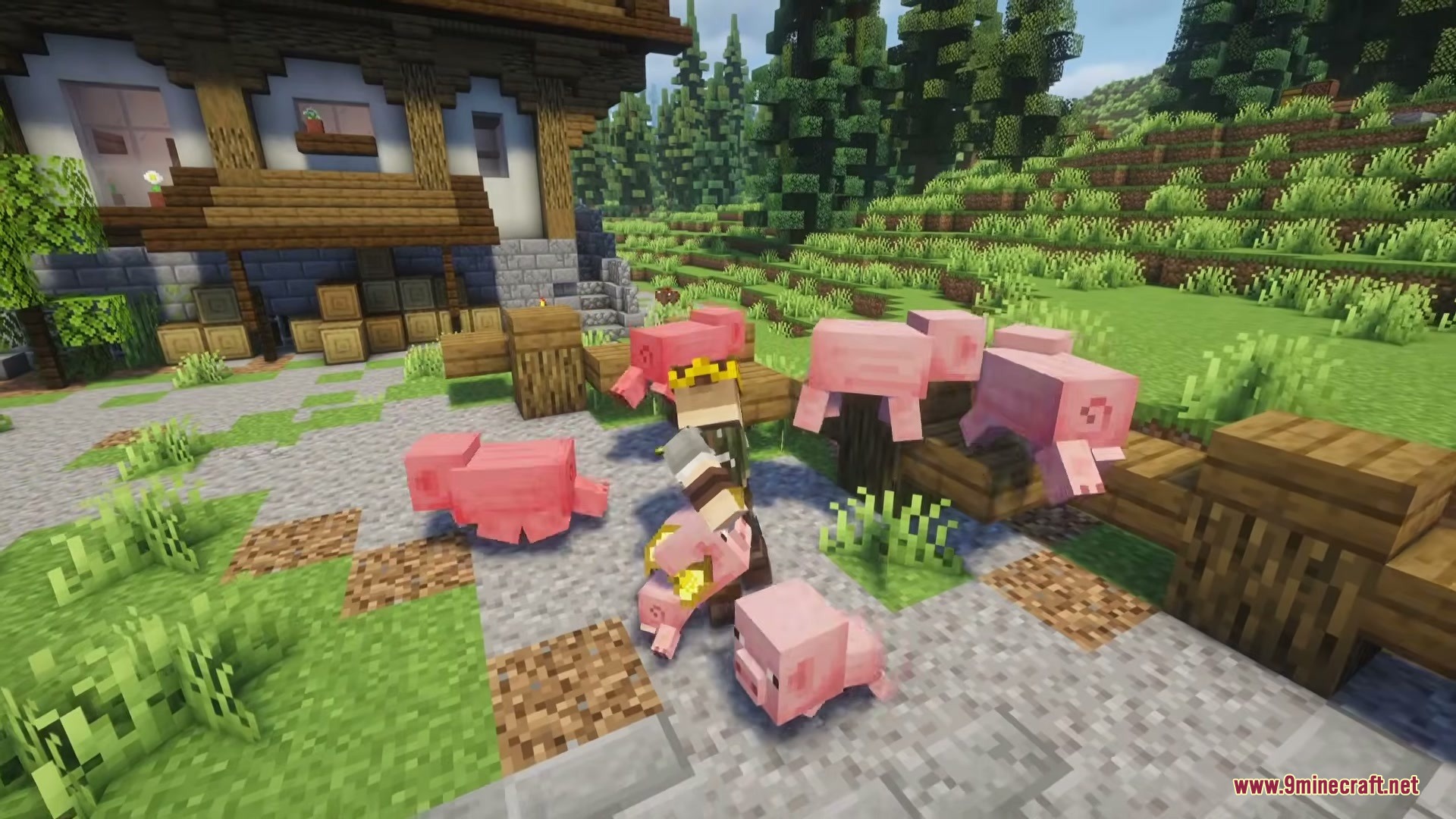
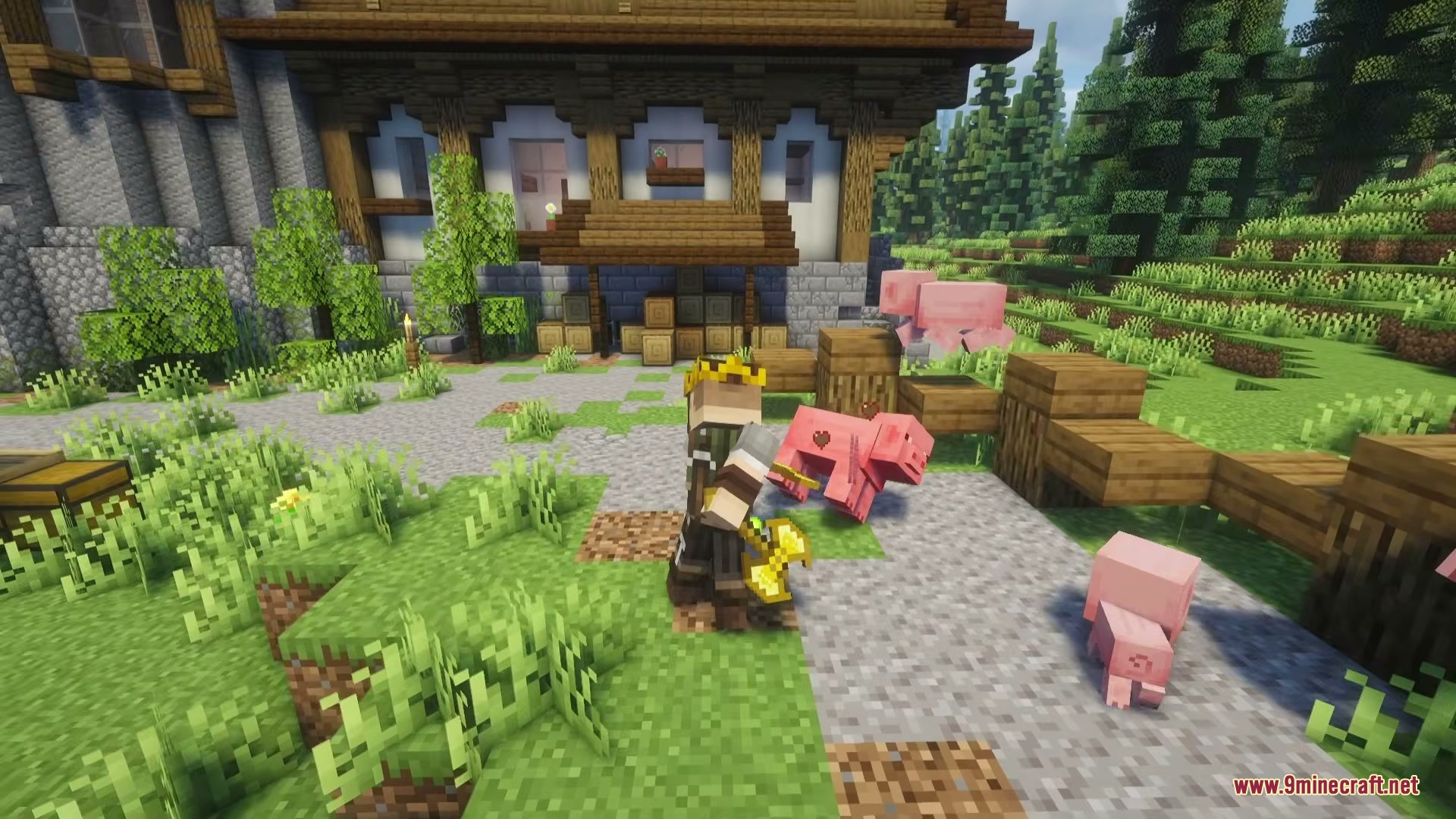
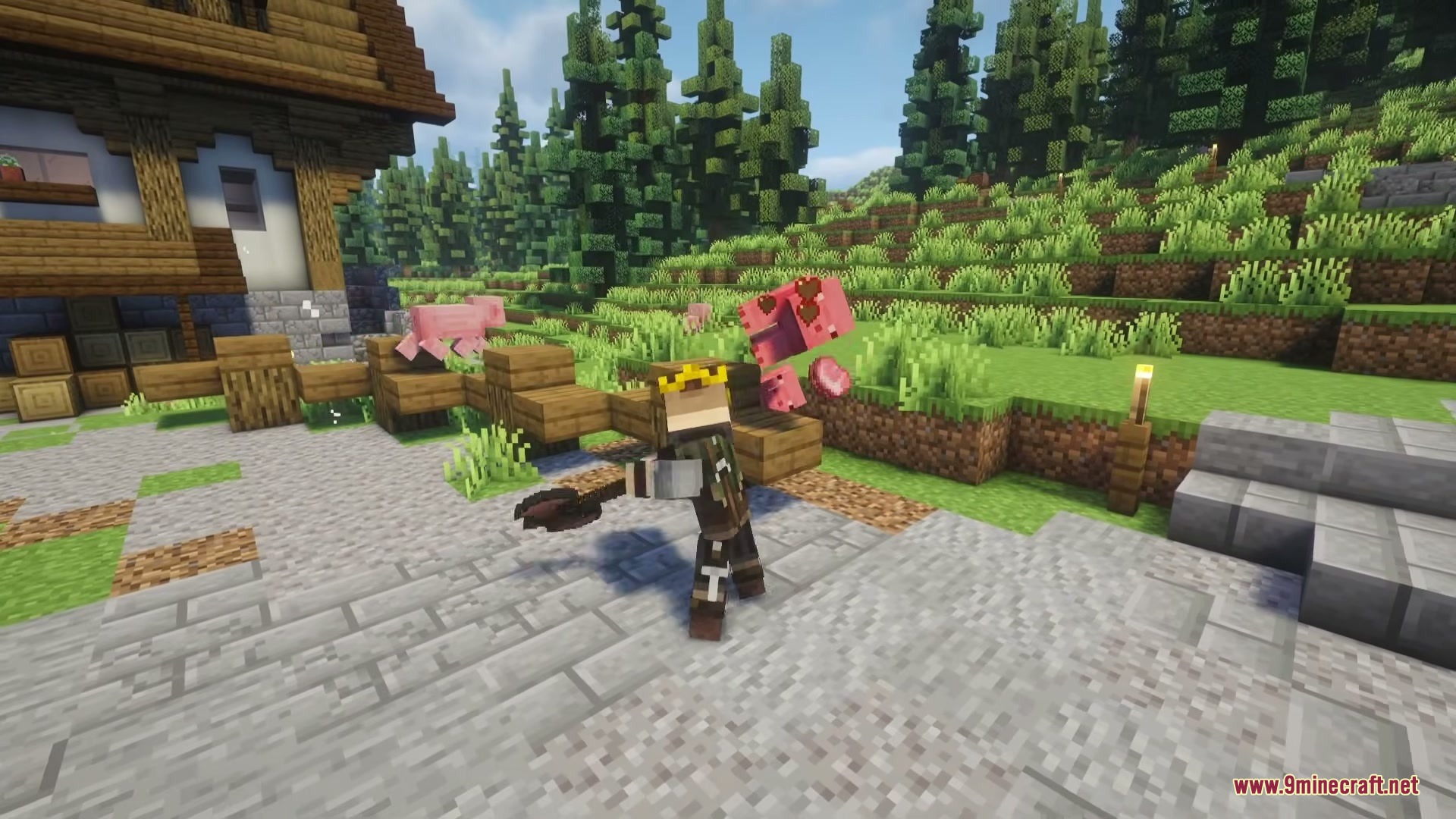
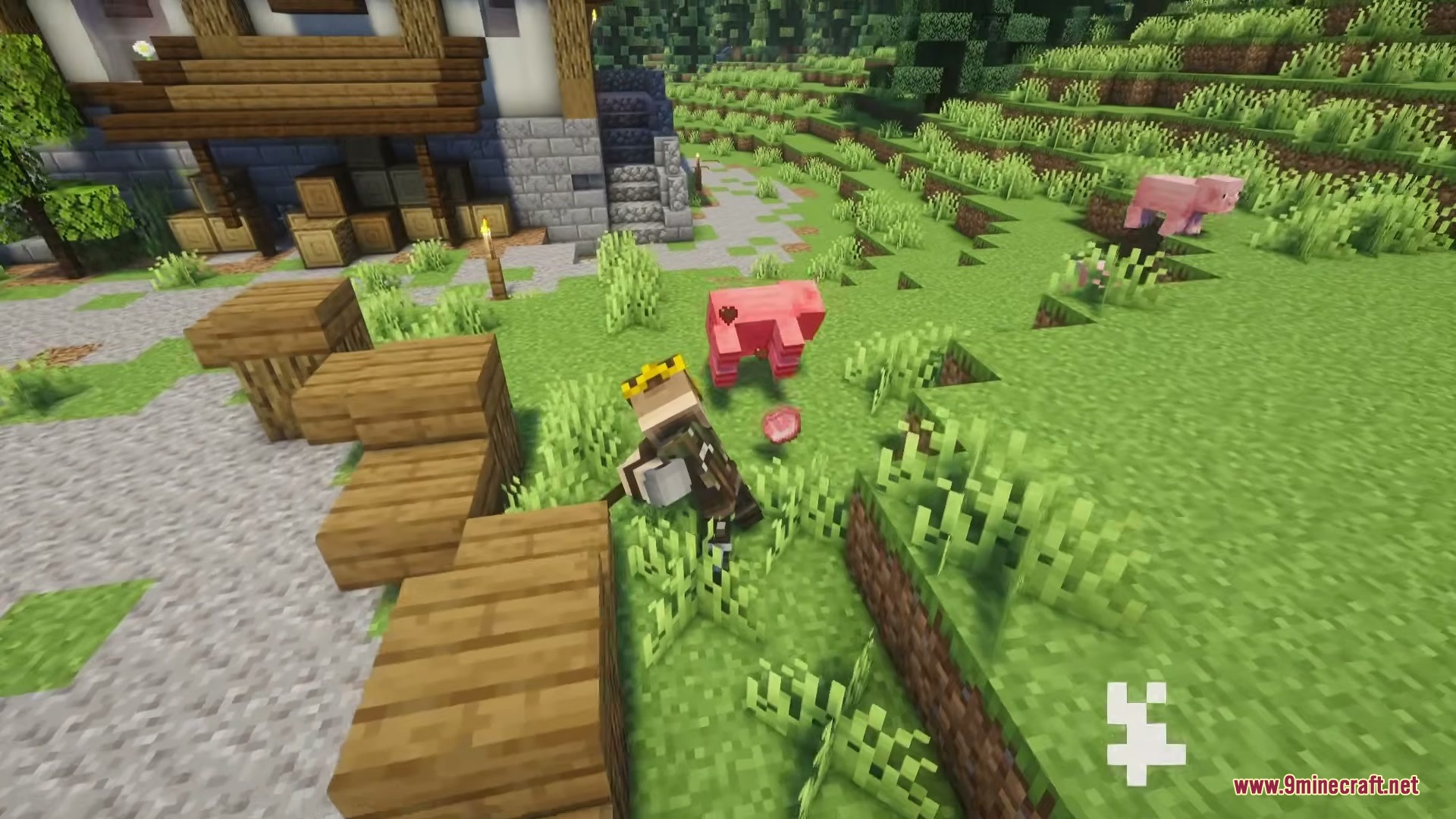
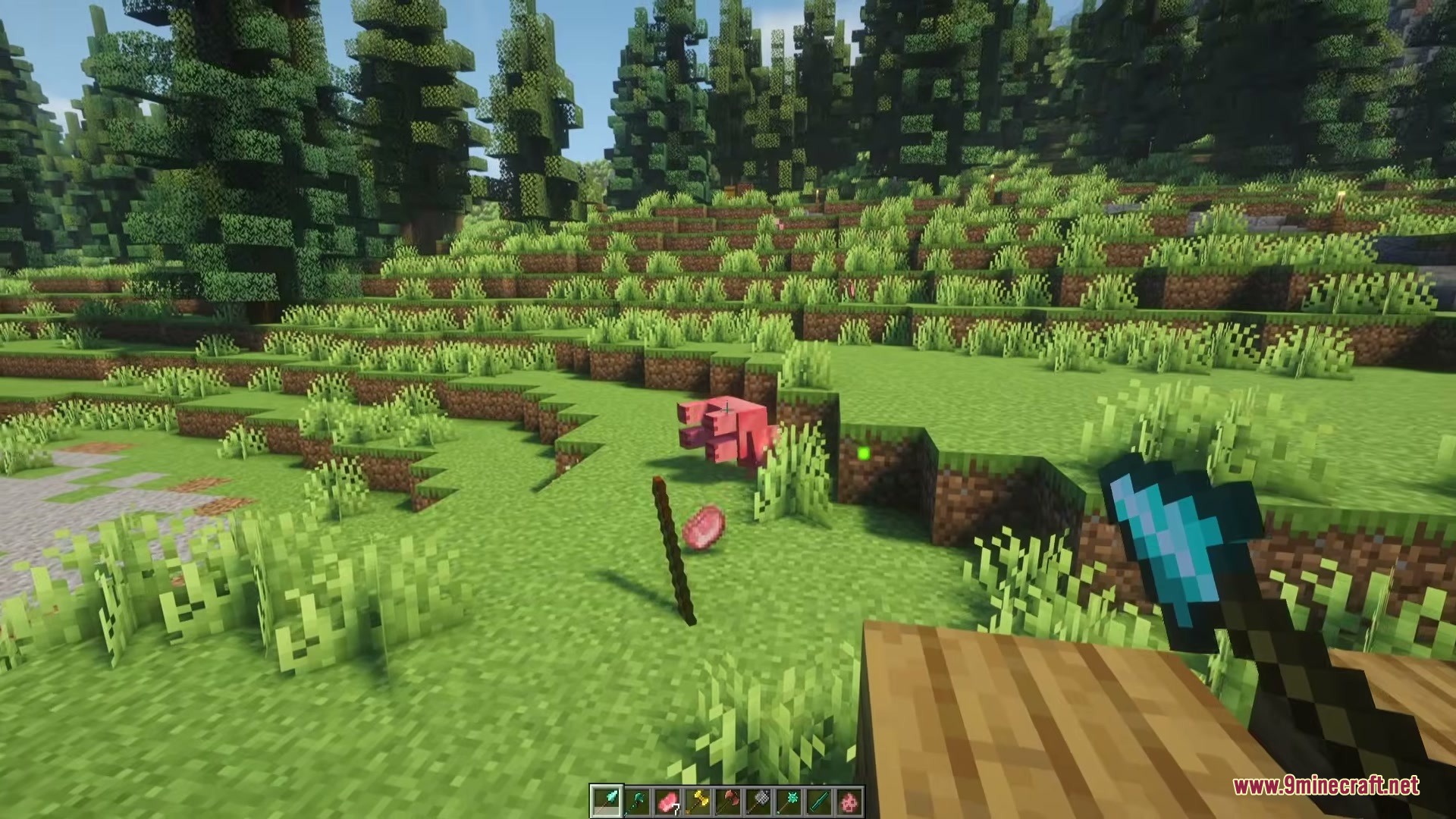
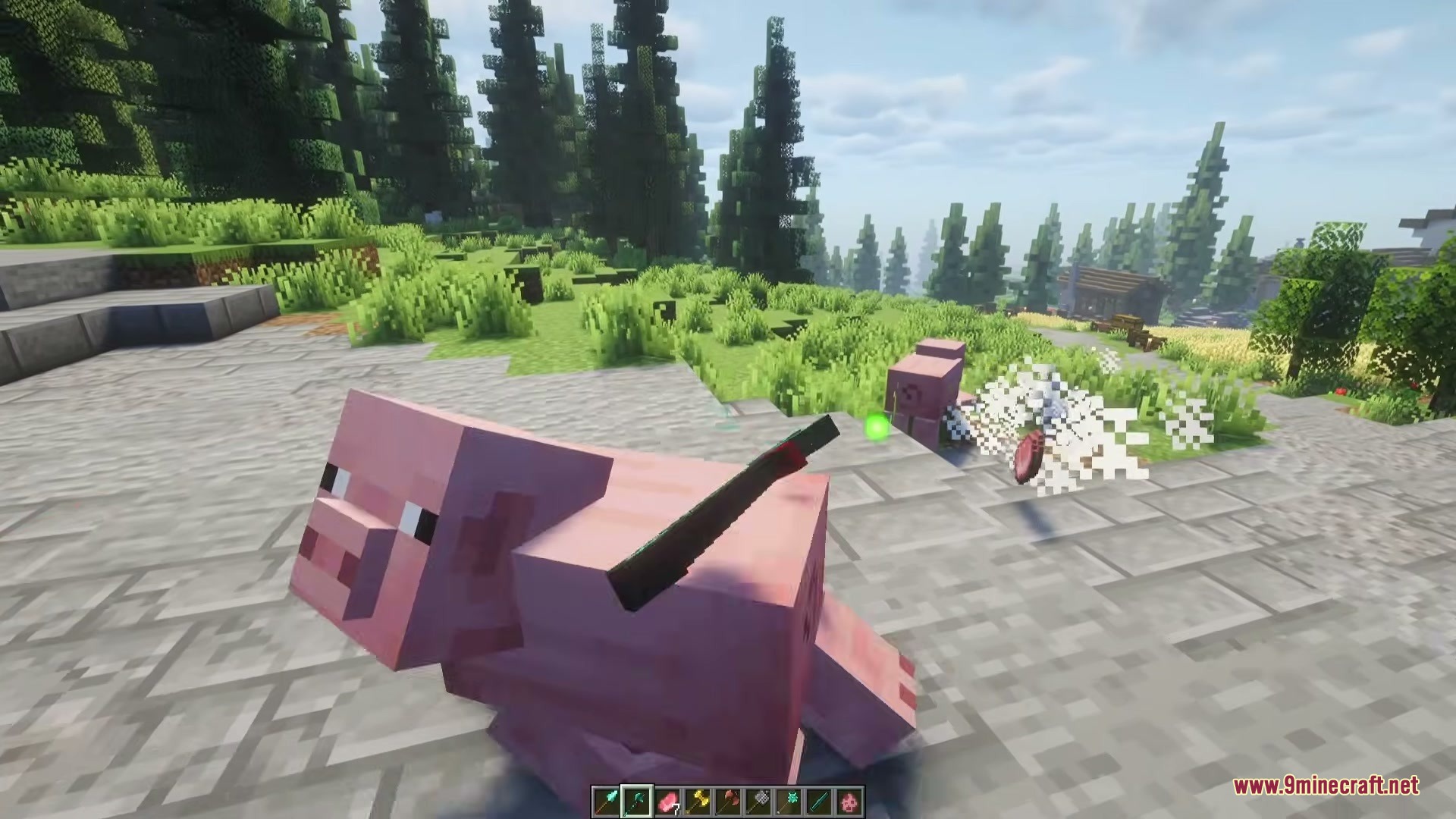
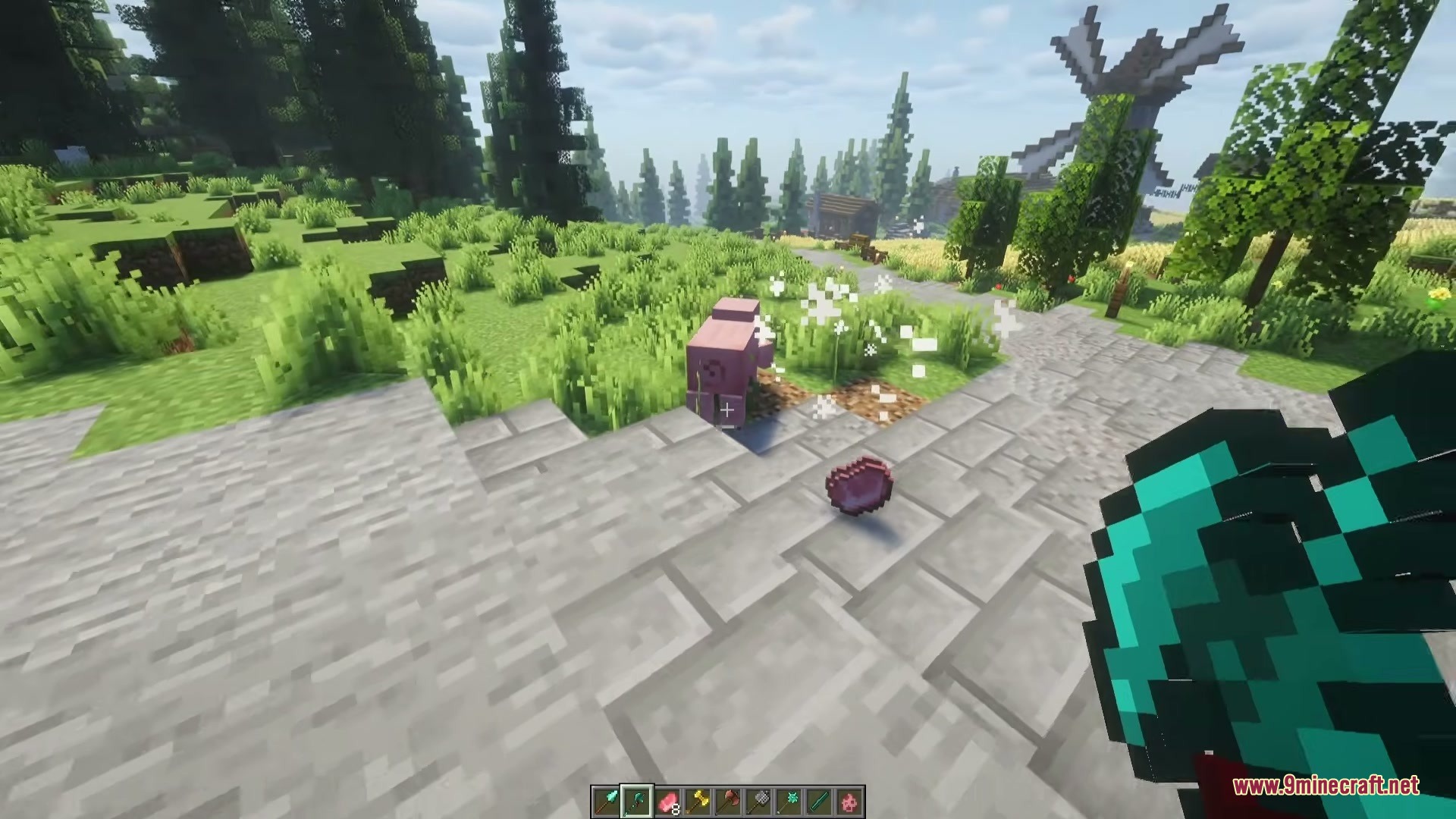
Vanilla Armory Mod expands your combat choices with seven new melee weapons. The mod gives each weapon its own unique fighting style, attack speed, and damage. You get to choose between heavy two-handed weapons for big hits or quick one-handed weapons for fast attacks. It also brings new attack animations so every swing feels powerful and natural in the game.
Features:
- Custom attack animations: Gives every weapon a unique swinging or smashing motion during fights.
- Vanilla material upgrades: Lets you craft all weapons using standard resources from wood up to netherite.
- Adds distinct fighting styles so you can switch between one-handed and two-handed combat.
- Includes full support for standard game enchantments and item durability.
- Matches the normal game style perfectly with custom pixel-art textures.
Heavy Two-Handed Weapons:
- Greatsword: Deals more damage than a normal sword but swings much slower.
- Great Axe: Hits single targets extremely hard but takes time to recover after a swing.
- Warhammer: Features powerful overhead attacks and a heavy impact effect that knocks back nearby enemies.
Quick One-Handed Weapons:
- Battle Axe: Hits harder than a regular sword while staying faster than a great axe.
- Mace: Offers strong close-range damage in a small, easy-to-swing package.
Long-Reach Weapons:
- Halberd: Keeps enemies away with sweeping attacks and a special forward thrust.
- Spear: Works as a long-reaching melee weapon that you can also charge up and throw at distant targets.
How to Use:
- Craft your new weapons using normal materials like wood, stone, iron, or diamond.
- Hold the Halberd and press Right Click to do a long-distance forward thrust.
- Equip the Warhammer and hold Right Click to charge up a massive slam attack.
- Hold the Spear and charge it up to throw it at enemies from far away.
Screenshots:
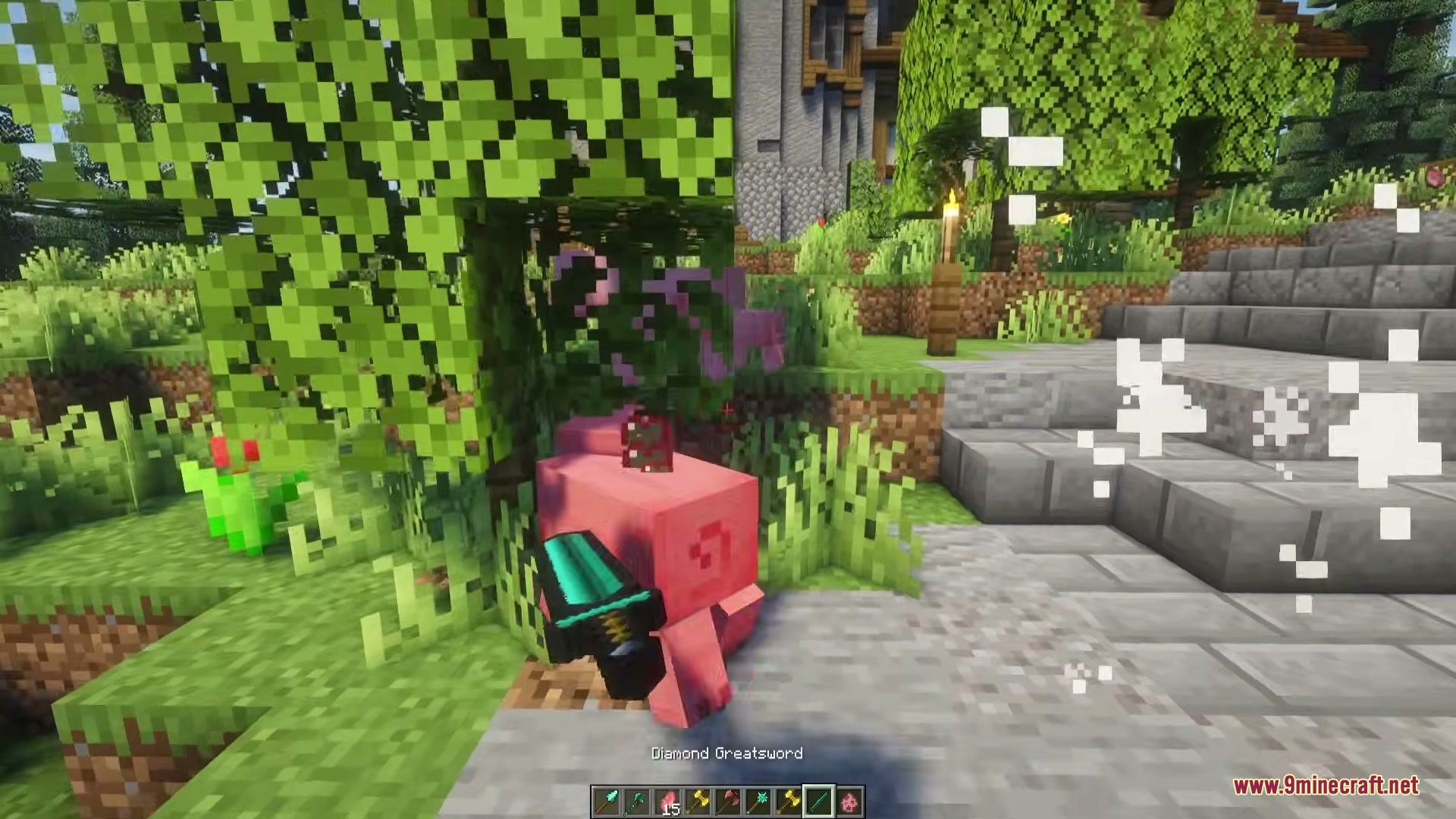
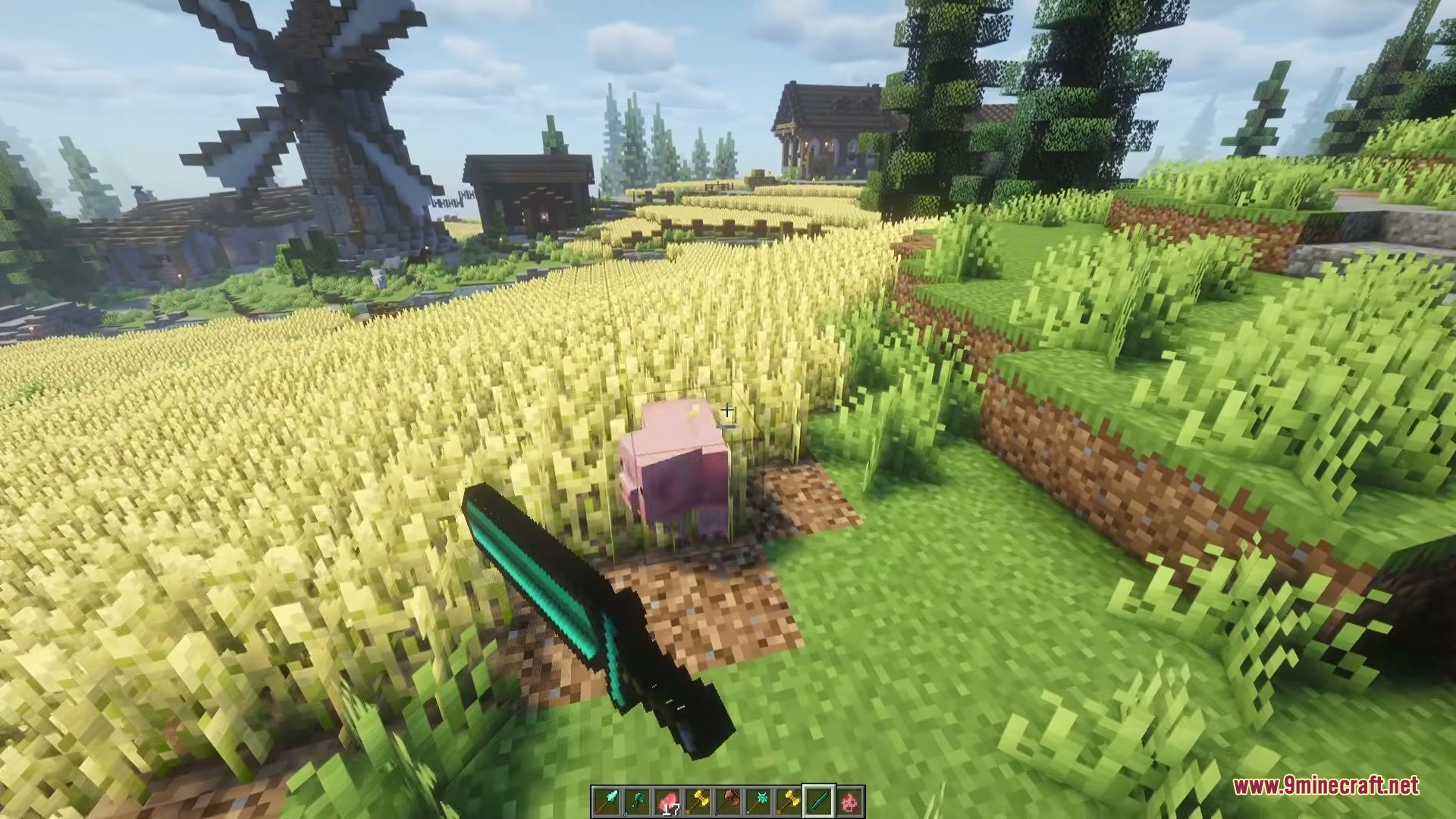
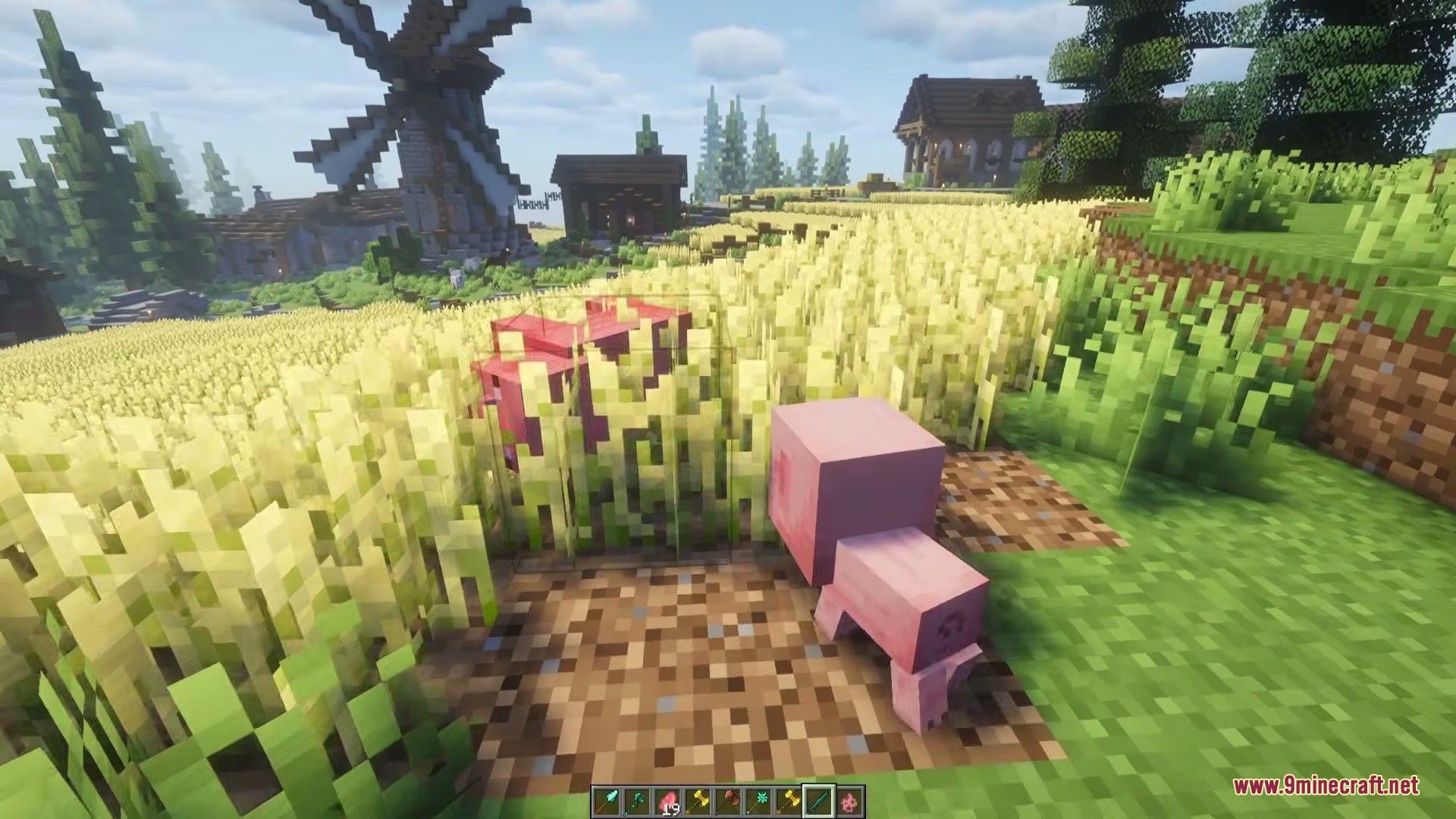
Vanilla Armory Mod Download Links
Quick facts
- Edition: Minecraft Java
- File type: .jar
- Minecraft version listed: 1.20.1
- How to install: Install the matching mod loader (Forge, Fabric or NeoForge) for your Minecraft version. → Download the .jar. → Put it in the .minecraft/mods folder and launch that loader profile.
- Where to get it: In MC Java Mods, or directly above on this page.
Install steps are the general flow for this file type — How to install Minecraft Java mods & modpacks walks through it step by step.
File checked by MCModsHub
- Downloads as 440441.mcaddon
- Download size: 123 KB
- Download link checked 24 Sept 2026 — working
- Mirrored on our own servers — the download does not depend on the original host
These come from our own check of the pack file, not from the source page.