
ModsJava
Cobblemon Picnic Mod (1.21.1) – Hunt Shiny Pokémon Without Leaving Camp
Java mod listed for Minecraft 1.21. Downloads from the MC Java Mods app on Android.
⬇ Download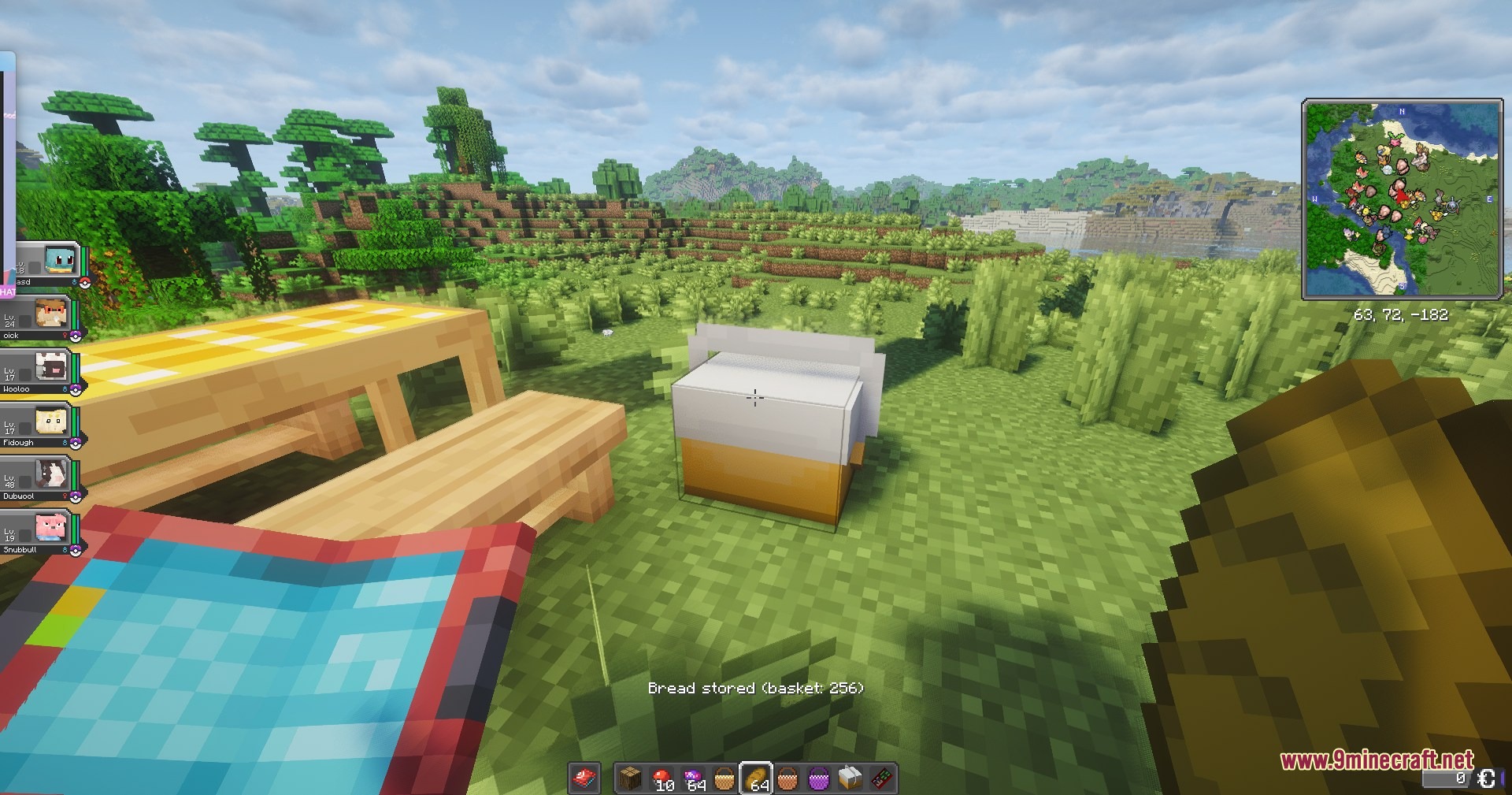
Cobblemon Picnic Mod adds a fun spawn-refreshing mechanic for Cobblemon. It gives you a special picnic table that instantly swaps out all the wild Pokémon around you for a fresh group. You no longer have to run across the whole map just to find the exact creature you want. The mod also turns your camp into a safe zone where hostile mobs run away, letting you relax and play with your team.
Features:
- Instant Spawns: Left-click the table to clear out nearby wild Pokémon and bring in a brand new group.
- Shiny Boost: Sit at the table to increase your chances of finding a shiny, with even better odds when the table is full.
- Six Table Types: Upgrade your setup from Basic to Glamping, or craft special tables for underwater, the Nether, and the End.
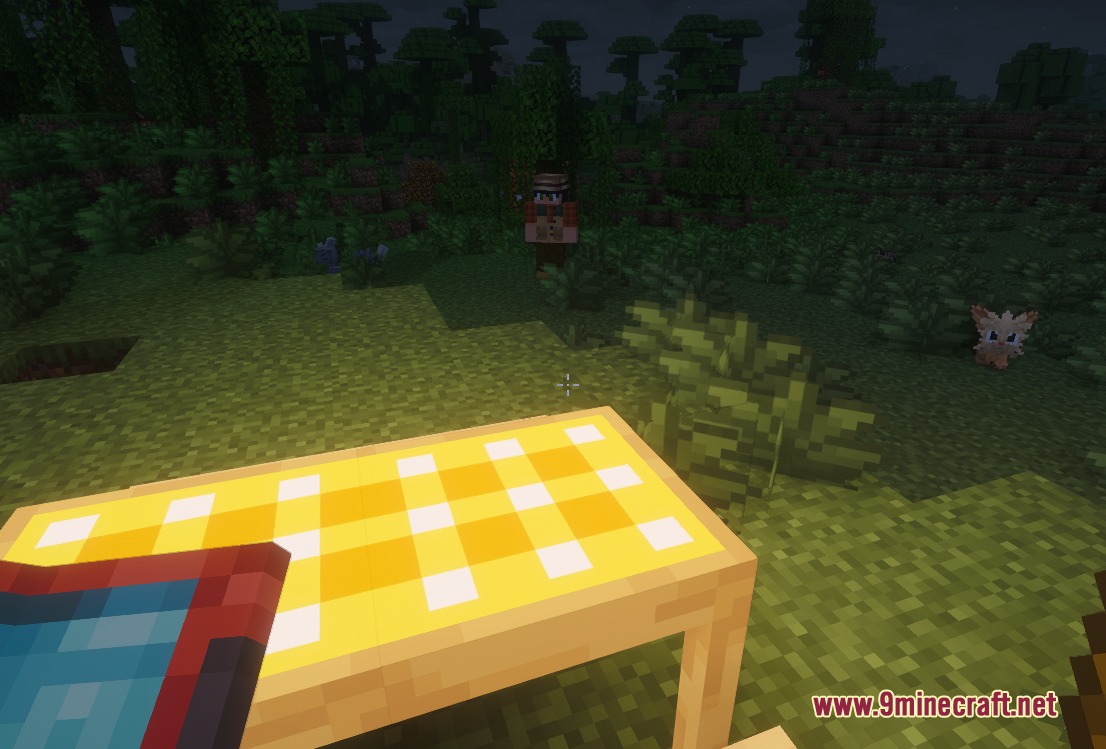
- Hostile mobs like zombies and creepers run away from the table while someone is sitting there.
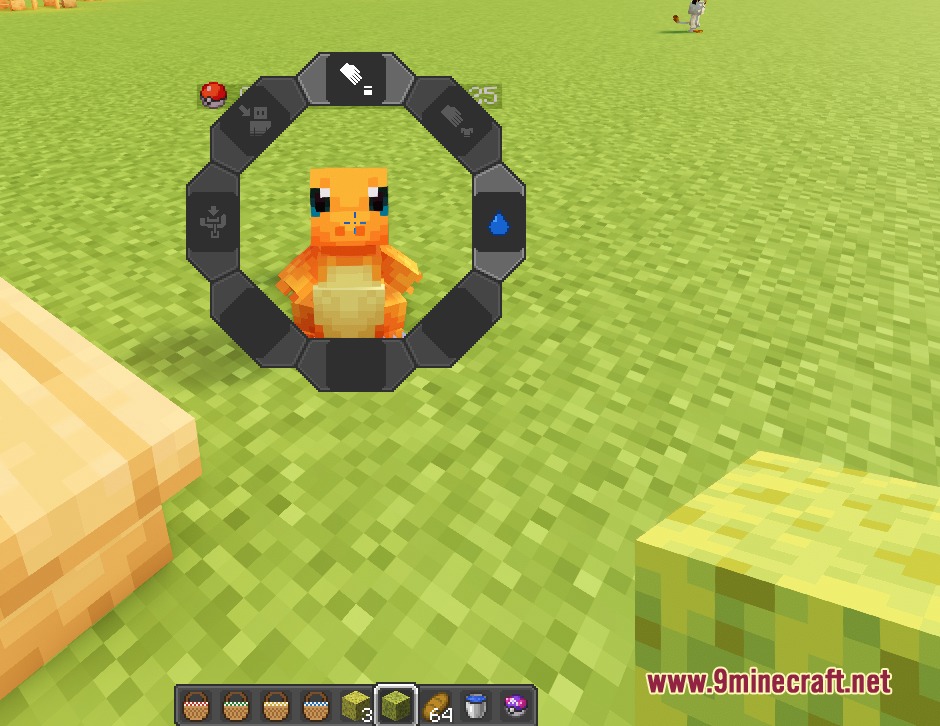
- You can wash your Pokémon with a wet sponge to make them happier.
- Players can throw a slime ball to play fetch with their team.
- The mod keeps rare catches safe by stopping legendaries and shinies from disappearing when you clear the area.
- Adding a Battle Seeker to a high-level table summons random trainers for you to fight.
- Includes extra decorative items like wooden benches and picnic baskets to make your campsite look nice.
- Keeps track of your hunting stats, showing you how many shinies or rare species you have seen.
How to Use:
- Place down your crafted picnic table and add some seats around it.
- Left-click the table to refresh the wild Pokémon in your area.
- Right-click the table to open its settings menu.
- Sit in one of the seats to activate the shiny boost and keep hostile mobs away.
- Use a wet sponge or slime ball on your Pokémon to interact with them while resting.
Screenshots:
Cobblemon Picnic Mod Download Links
Quick facts
- Edition: Minecraft Java
- File type: .jar
- Minecraft version listed: 1.21.1
- How to install: Install the matching mod loader (Forge, Fabric or NeoForge) for your Minecraft version. → Download the .jar. → Put it in the .minecraft/mods folder and launch that loader profile.
- Where to get it: In MC Java Mods, or directly above on this page.
Install steps are the general flow for this file type — How to install Minecraft Java mods & modpacks walks through it step by step.
File checked by MCModsHub
- Downloads as 440443.mcaddon
- Download size: 594 KB
- Download link checked 23 Sept 2026 — working
- Mirrored on our own servers — the download does not depend on the original host
These come from our own check of the pack file, not from the source page.