ModsJava
Endless Backrooms Mod (1.20.1) – Survive Terrifying Infinite Horror Dimensions
Java mod listed for Minecraft 1.20. Downloads from the MC Java Mods app on Android.
⬇ Download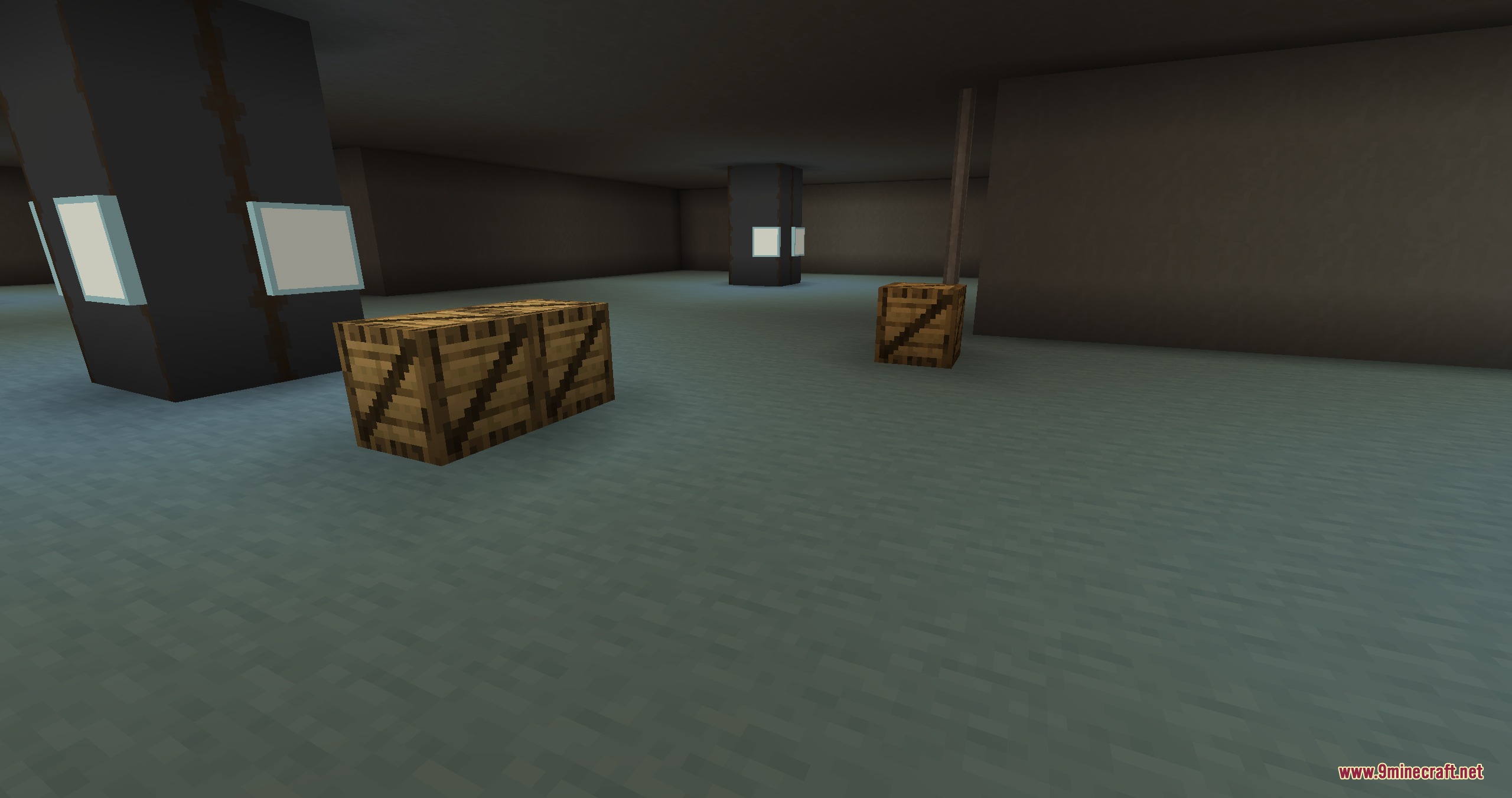
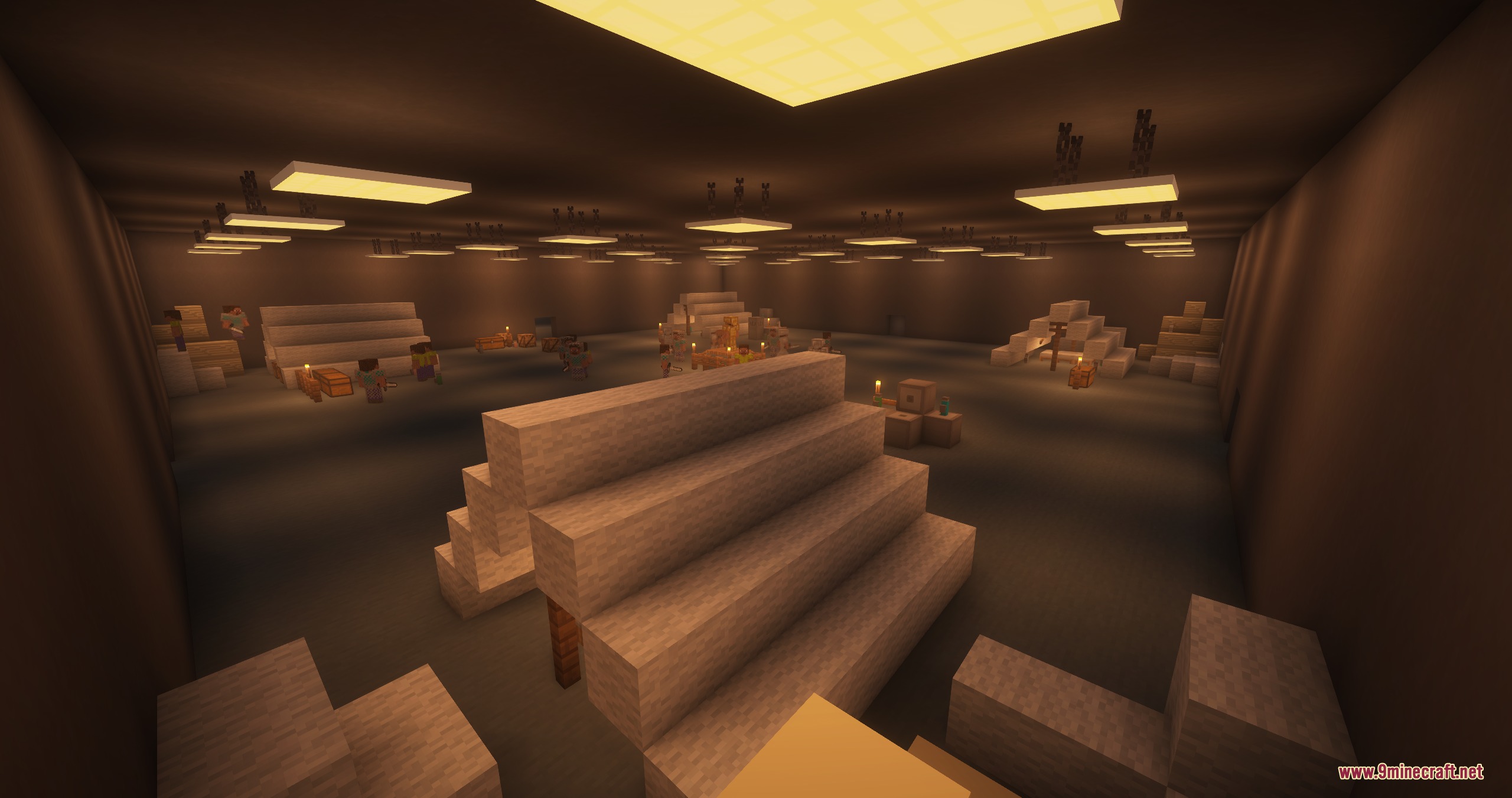
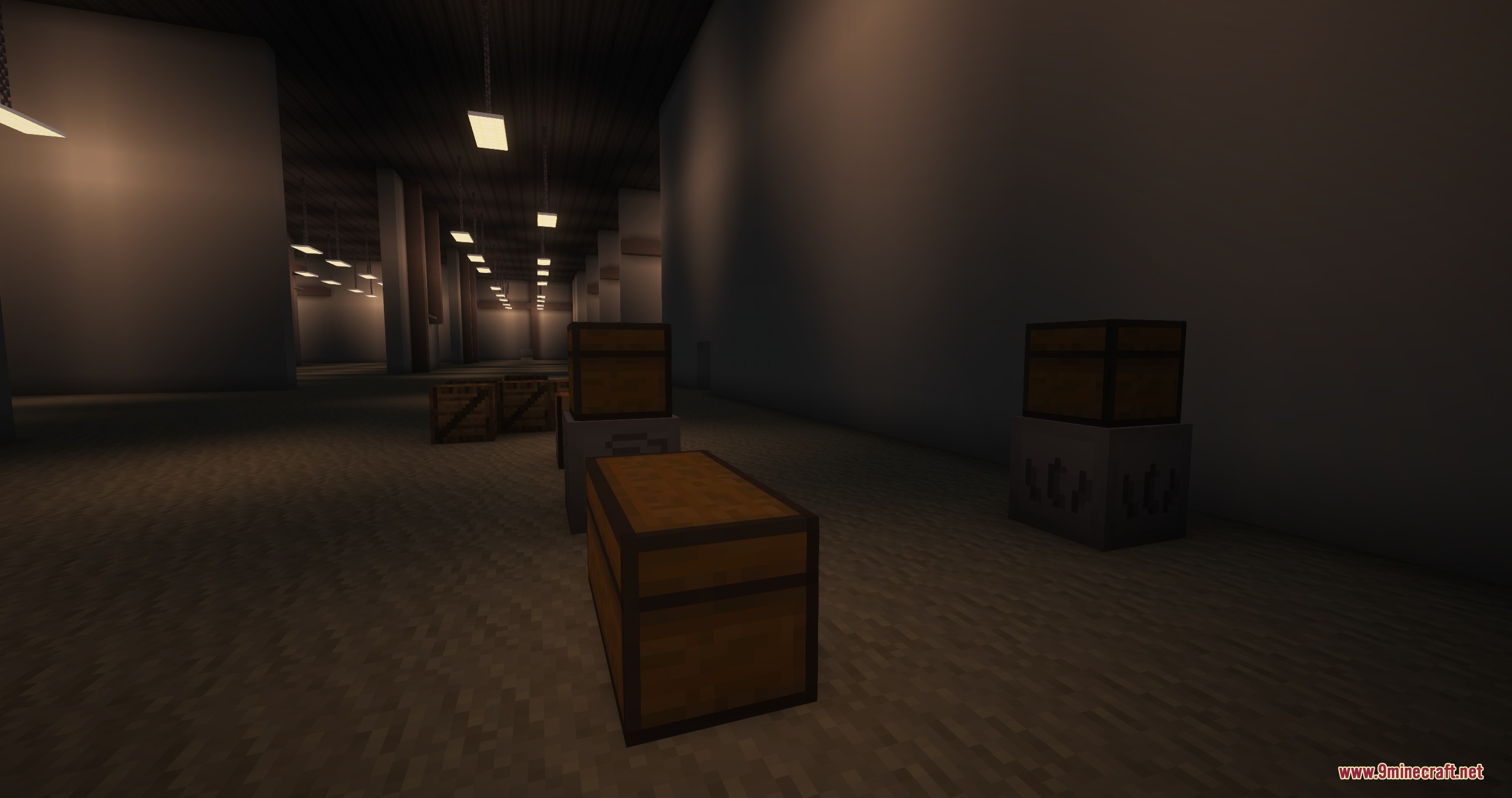
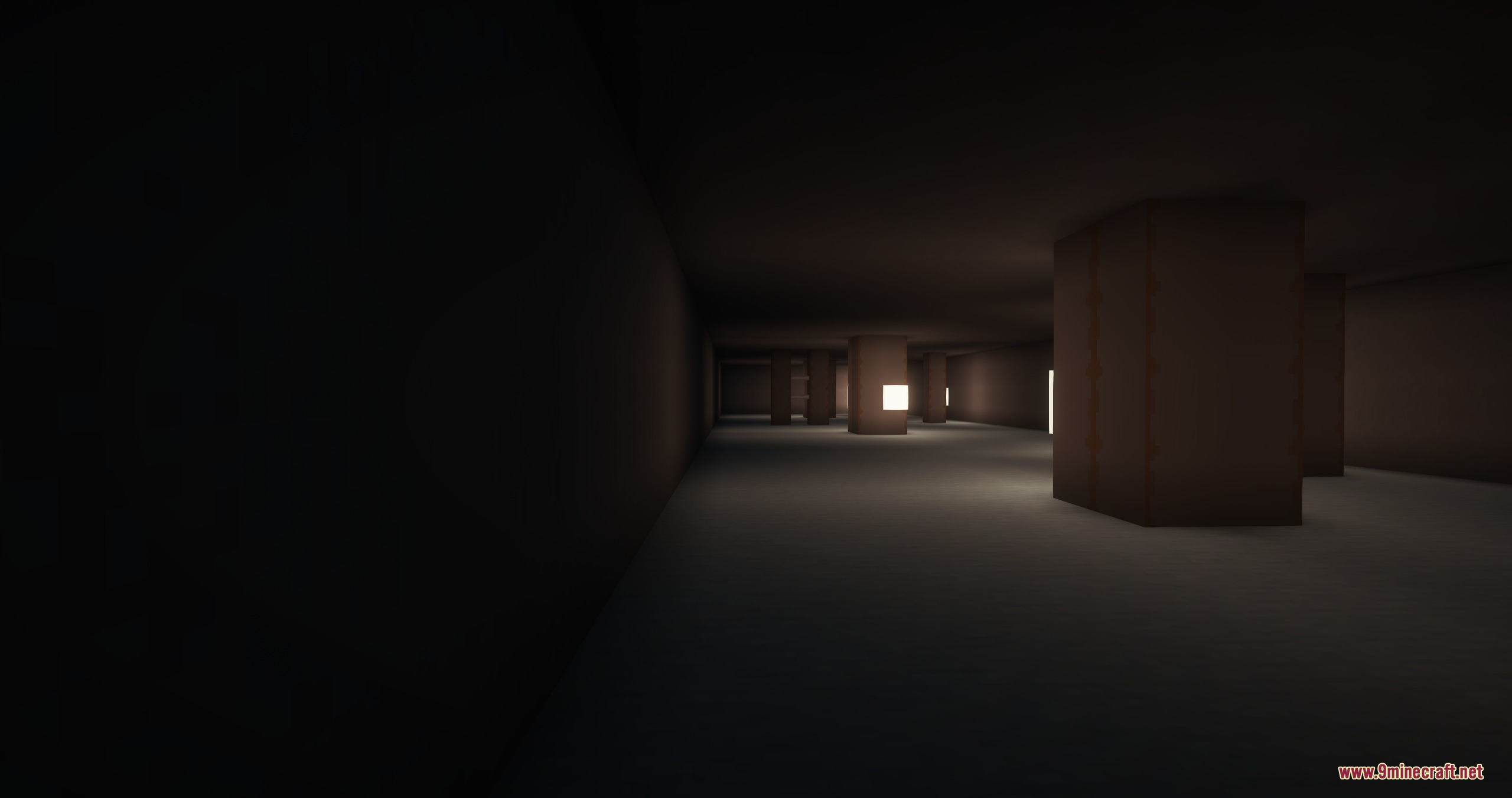
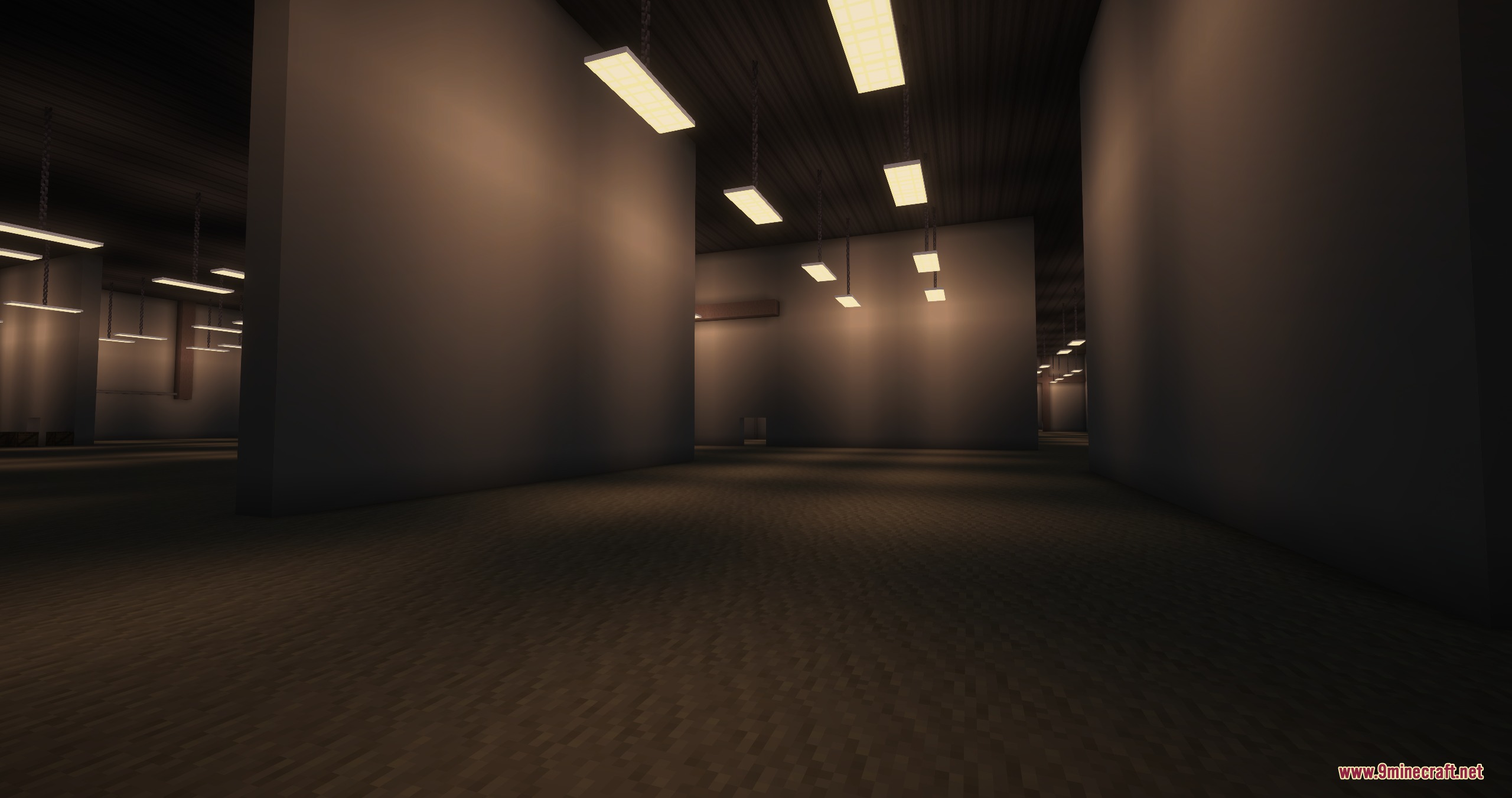
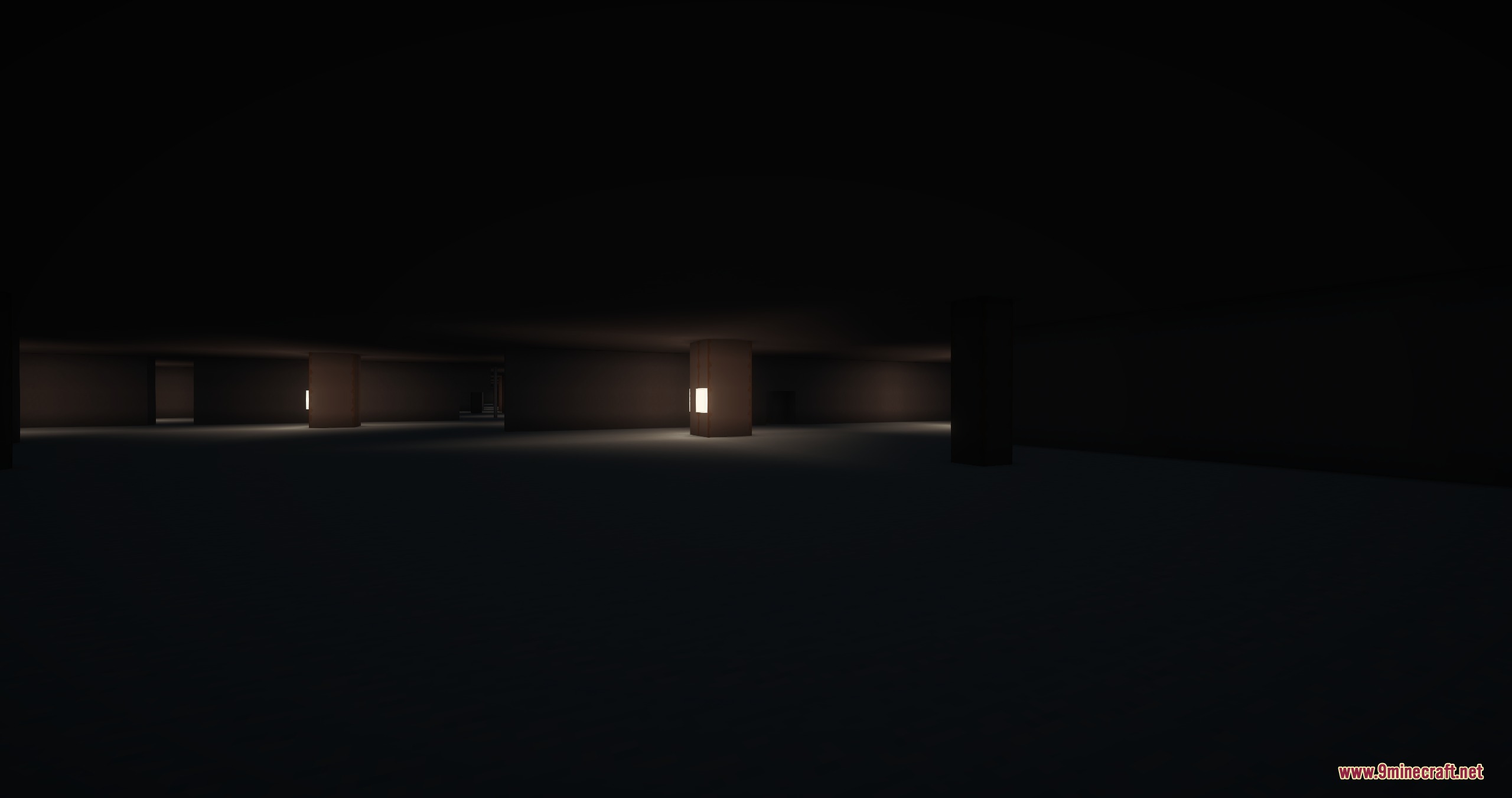
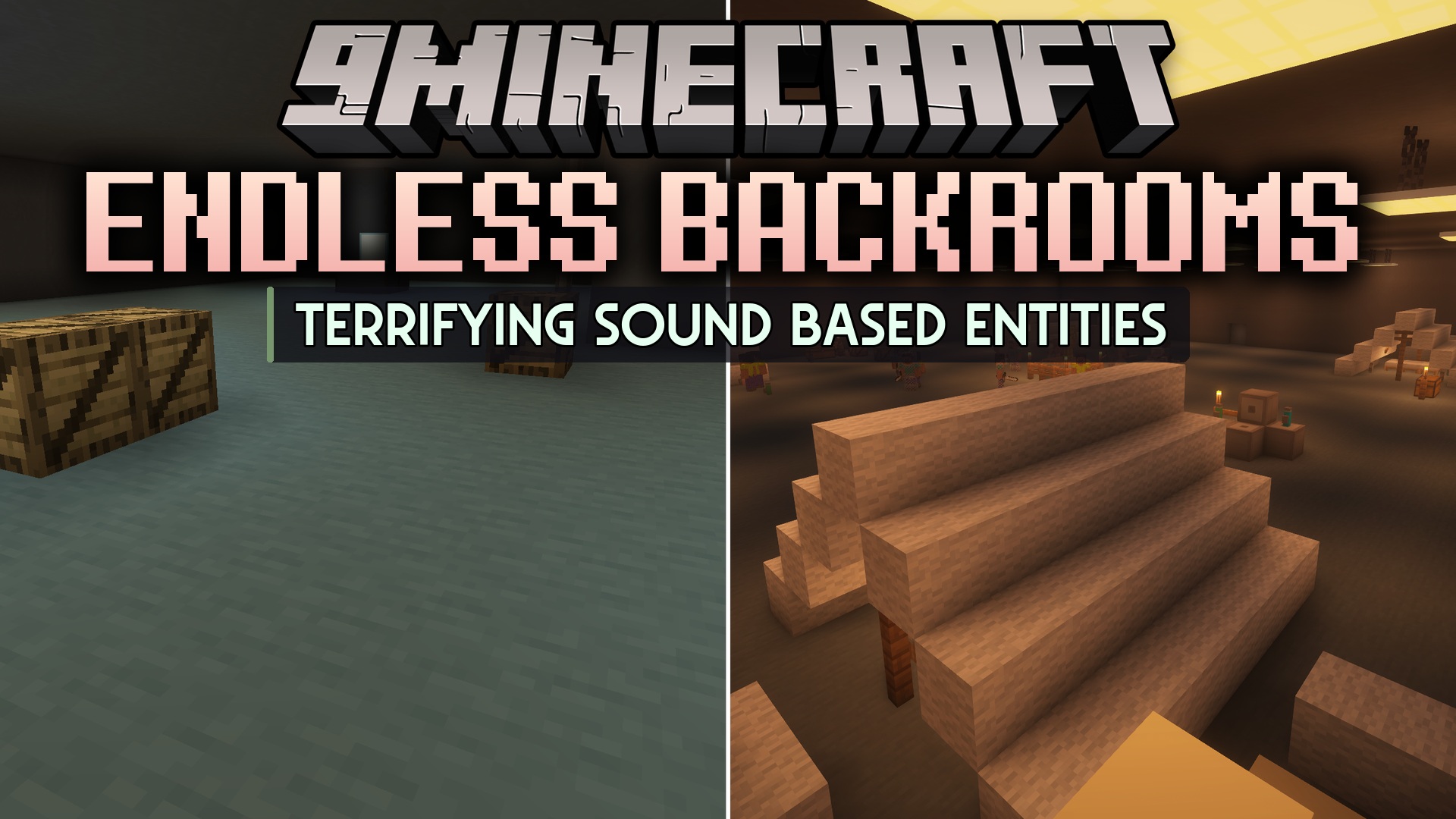
Endless Backrooms Mod drops you into a terrifying survival horror world right inside Minecraft. This mod adds infinite, creepy dimensions filled with strange rooms and hidden dangers. You have to gather resources and avoid scary monsters lurking in the shadows while trying to find a way out.
Features:
- Adds the famous Backrooms dimensions to the game for a scary survival challenge.
- Spawns creepy monsters that hide in the dark corners of the map.
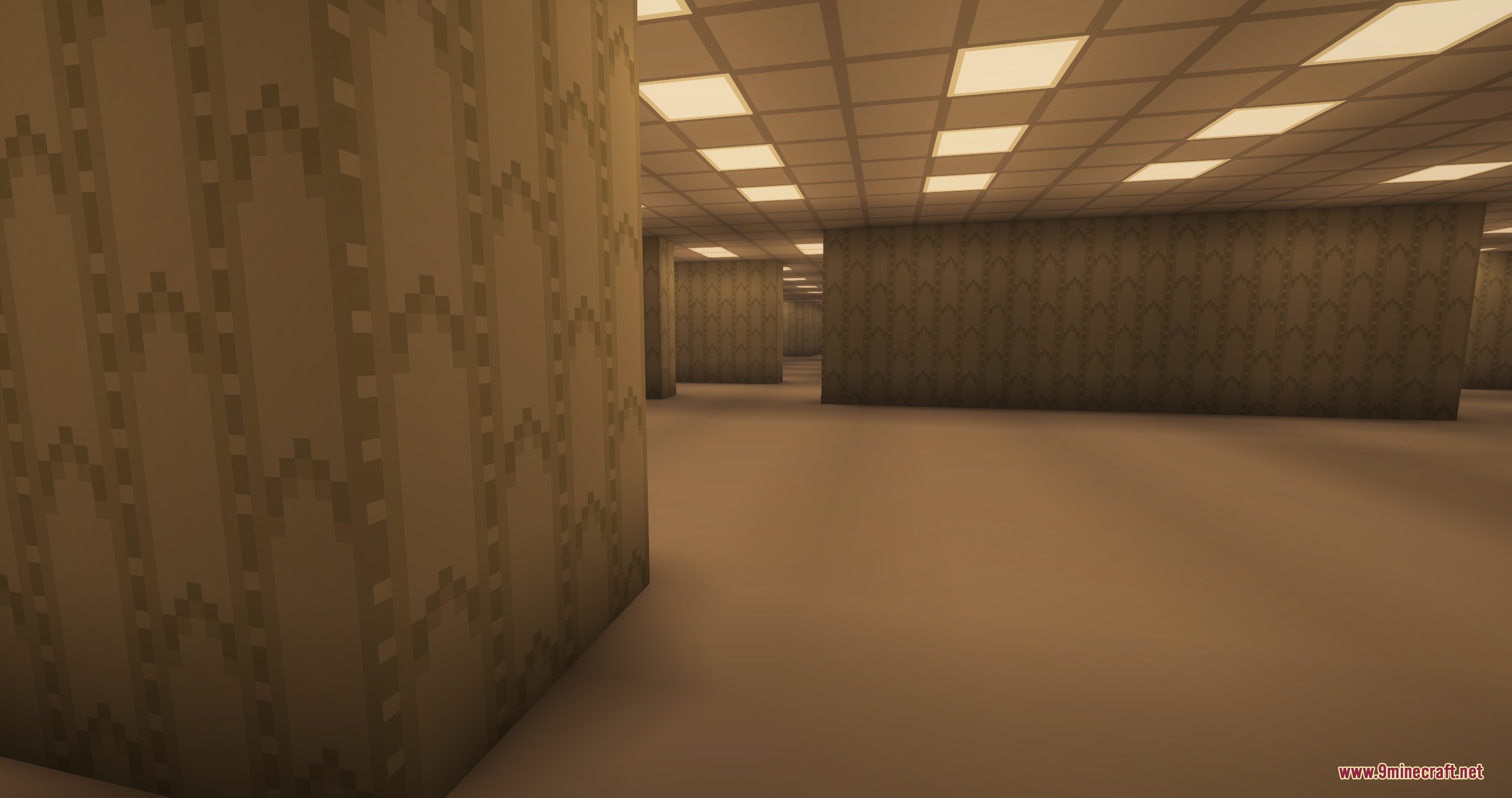
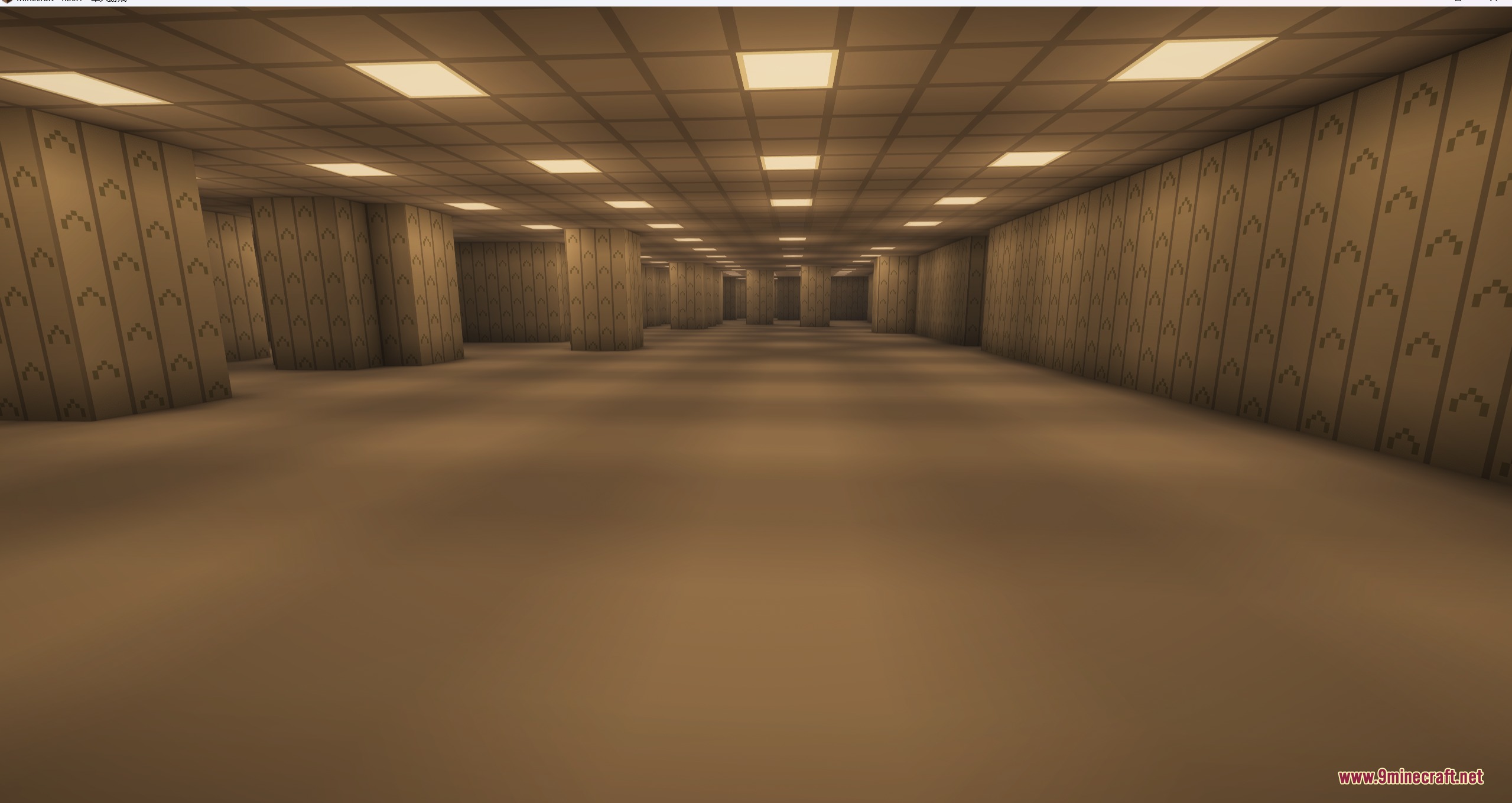
- Lets you explore Level 0, a huge area with endless yellow walls and buzzing lights.
- Generates wooden crates in Level 1 that hold helpful items and resources.
- Places strange glitchy stones in Level 0 that teleport you to the next level when you right-click them.
- Allows you to build and set up working machines in specific safe zones.
- Features a special M.E.G. Base Alpha area where you can catch your breath.
Available Levels:
- Level 0: The starting point with endless yellow rooms and glitchy stones.
- Level 1: A darker area featuring the Aquila Sector, Gild Sector, and M.E.G. Base Alpha.
- Level 2: A deeper, more dangerous zone to explore.
How to Play:
- Start a normal survival world.
- Find a way to trap yourself inside solid blocks like sand or gravel.
- Wait until your character runs out of air and takes suffocation damage.
- Die from suffocation to noclip straight into Level 0.
- Search for glitchy stones and right-click them to move to Level 1.
Screenshots:
Endless Backrooms Mod Download Links
Quick facts
- Edition: Minecraft Java
- File type: .jar
- Minecraft version listed: 1.20.1
- How to install: Install the matching mod loader (Forge, Fabric or NeoForge) for your Minecraft version. → Download the .jar. → Put it in the .minecraft/mods folder and launch that loader profile.
- Where to get it: In MC Java Mods, or directly above on this page.
Install steps are the general flow for this file type — How to install Minecraft Java mods & modpacks walks through it step by step.
File checked by MCModsHub
- Downloads as 440452.mcaddon
- Download size: 4.5 MB
- Download link checked 25 Sept 2026 — working
- Mirrored on our own servers — the download does not depend on the original host
These come from our own check of the pack file, not from the source page.