
Chroma Keys by Arspective
Java mod listed for Minecraft 1.21. Downloads from the MC Java Mods app on Android.
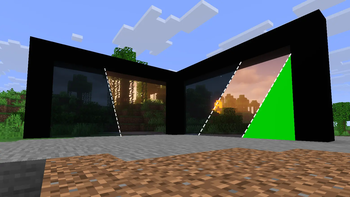
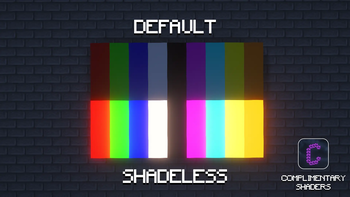
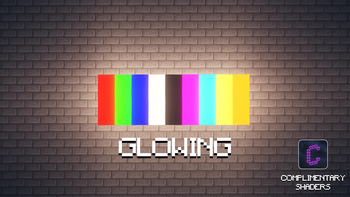
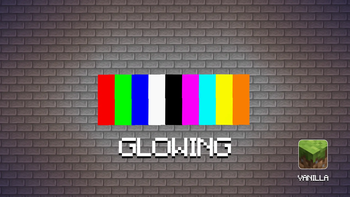
Adds 27 chroma key blocks (9 colors × normal / glowing / no-shadow) for clean green-screen backdrops - perfect for filming, and screenshots.
⬇ Download on Modrinth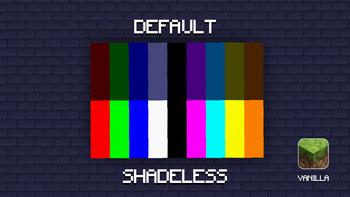
Chroma Keys by Arspective
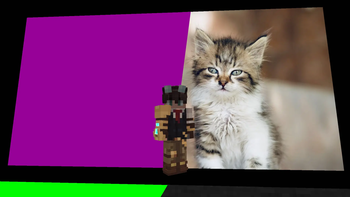
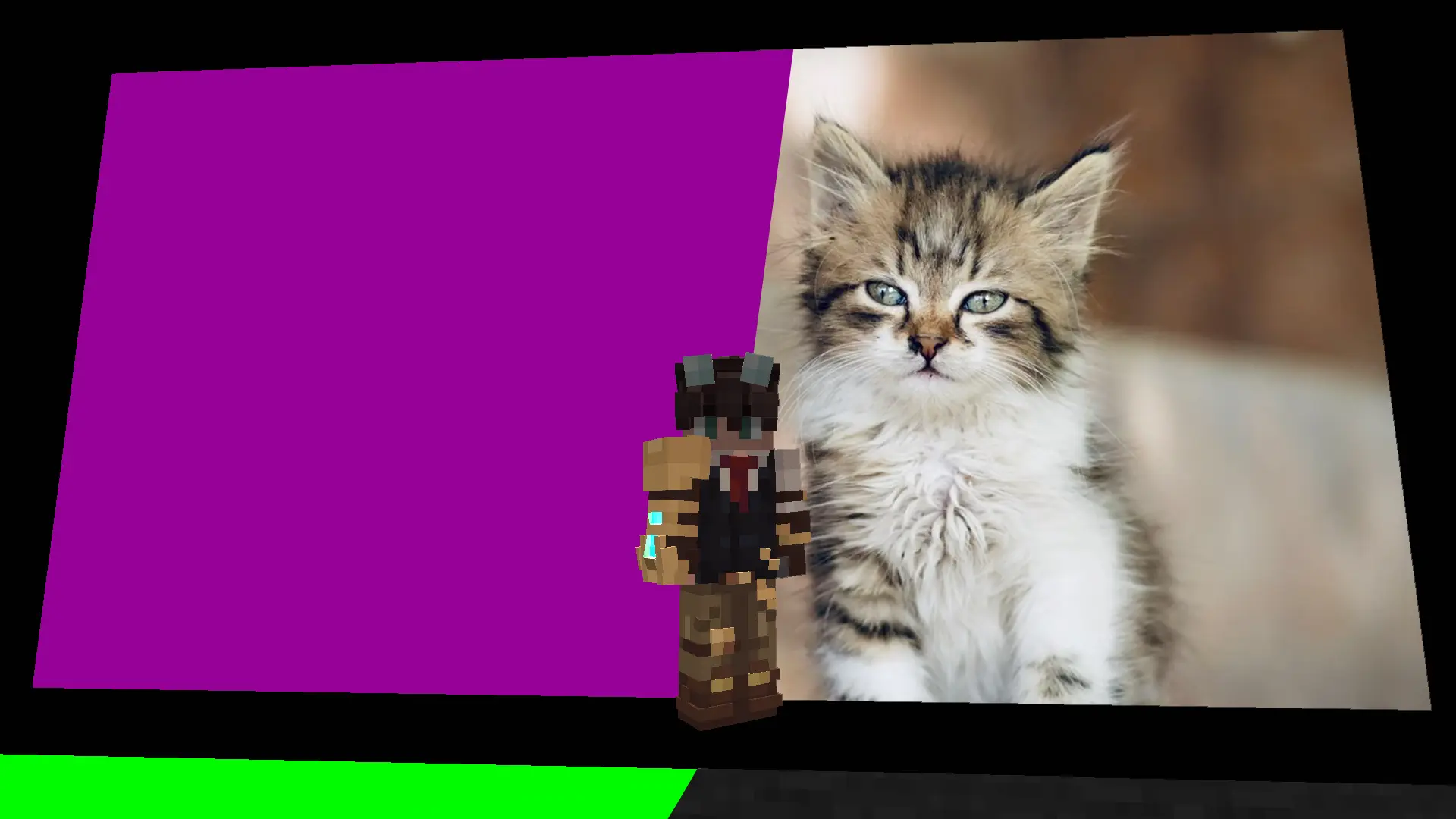
A lightweight utility mod that adds ready-to-use chroma key blocks to Minecraft - solid, pure-color backdrops designed for content creators who film machinima, record footage for green-screen compositing, or want clean, distraction-free backgrounds for screenshots and thumbnails.
No gameplay changes, no crafting complexity - just place a block and start filming.
🎨 9 pure colors
Each color uses a clean, saturated hex value so it keys reliably in editing software:
Red #FF0000 | Green #00FF00 | Blue #0000FF | White #FFFFFF | Black #000000 **| **Magenta #FF00FF | Cyan #00FFFF | Yellow #FFFF00 | Orange #FF8000
🧱 3 variants per color (27 blocks total)
Normal - a standard block, behaves like any other decorative block. Glowing - a true light source (full light level), lighting up the surrounding area. Useful for keeping a backdrop lit evenly without extra torches. No Shadow - always renders at full, consistent brightness on itself, regardless of time of day or nearby light - but unlike the Glowing variant, it does not cast light onto its surroundings. Purely a visual fix so the backdrop itself never darkens or shows uneven shading.
🗂️ Dedicated creative tab
All 27 blocks are grouped together in their own creative inventory tab, so you're not digging through Building Blocks to find them.
📋 Requirements
- Minecraft 1.21.11
- Fabric Loader
- Fabric API 💡 Why chroma key blocks?
Standard wool or concrete blocks are never quite the "right" color for a proper green screen, and their color varies with lighting. Chroma Keys by Arspective solves both problems: pure, keyable colors, and a no-shadow variant that stays visually flat and consistent no matter your build's lighting setup - perfect for a clean backdrop in front of the camera.
- Edition: Minecraft Java
- File type: .jar
- Minecraft version listed: 1.21.11
- How to install: Install the matching mod loader (Forge, Fabric or NeoForge) for your Minecraft version. → Download the .jar. → Put it in the .minecraft/mods folder and launch that loader profile.
- Where to get it: Opens on Modrinth — not every file is mirrored on our own servers.
Install steps are the general flow for this file type — How to install Minecraft Java mods & modpacks walks through it step by step.
- Ships as Chroma Keys by Arspective-1.0.1.jar — drop this file into the mods folder
- Download size: 77 KB
- Download link checked 15 Oct 2026 — working
These come from our own check of the pack file, not from the source page.