
NPC Studio
I don't know my version
🎬 NPC Studio
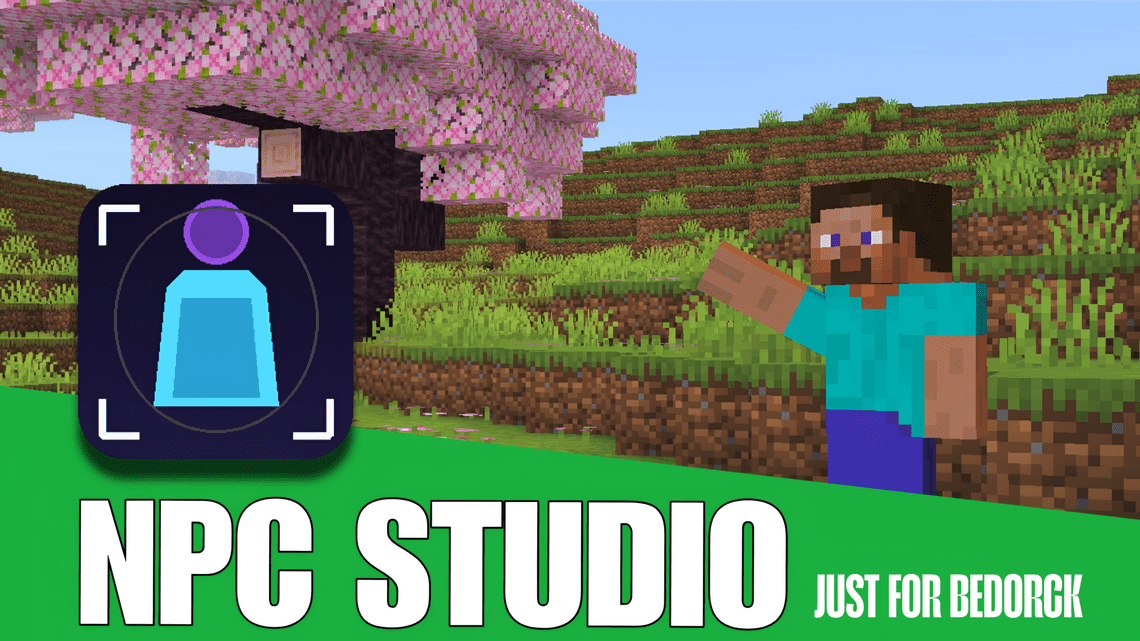
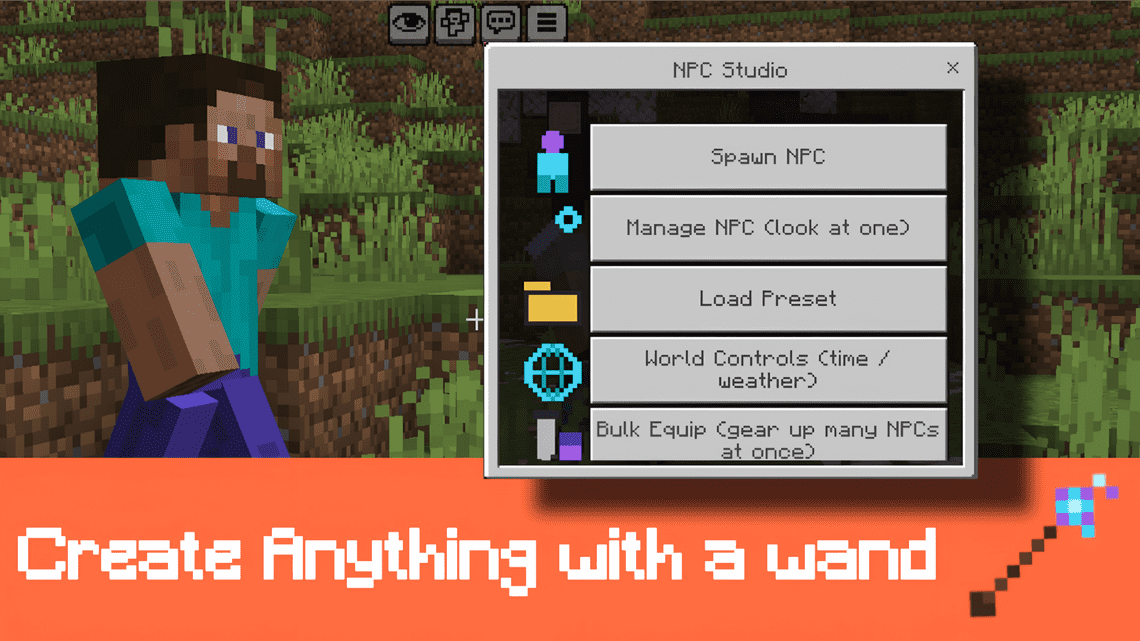
Build Minecraft thumbnails and cinematic shots entirely in-game. Spawn NPCs, pose them, dress them, put them on horses and film it all. No commands, no outside tools, everything is in clean in-game menus.
By NoxeelMC · 📺 youtube.com/@NoxeelMC
🎨 Make your own NPC skins: free Skin Pack Builder
Drop in your skin PNGs, preview them on a 3D character, and download a ready-to-import pack. It runs in your browser, nothing gets uploaded.
👉 noxeelmc-art.github.io/npc-studio-skins
✨ What's inside
🧍 NPCs
- 12 themed skins + 20 custom skin slots for your own skins, with classic or slim (Alex) arms
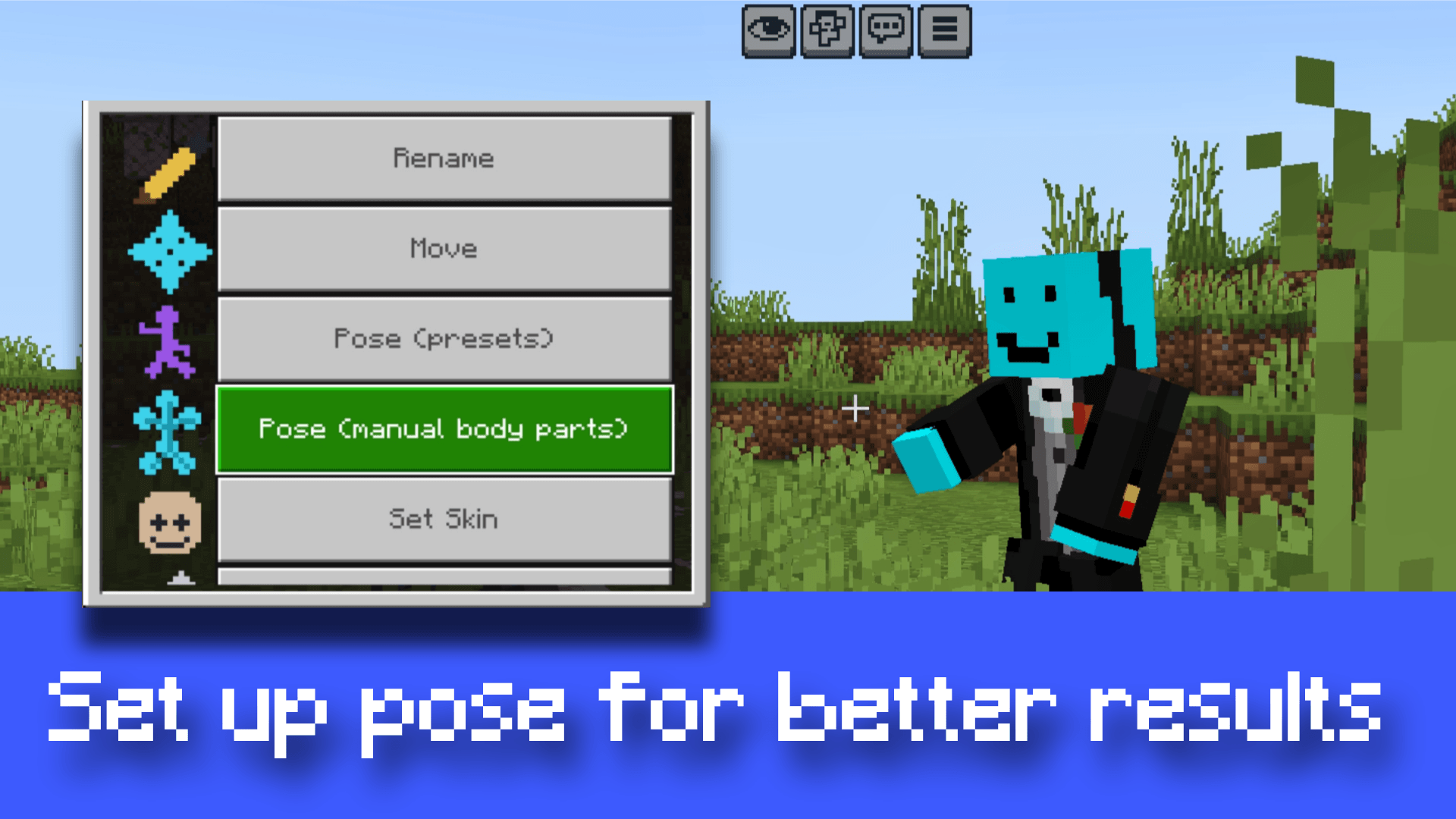
- Rename, move, clone, lock and save/load presets (skin + pose + gear together)
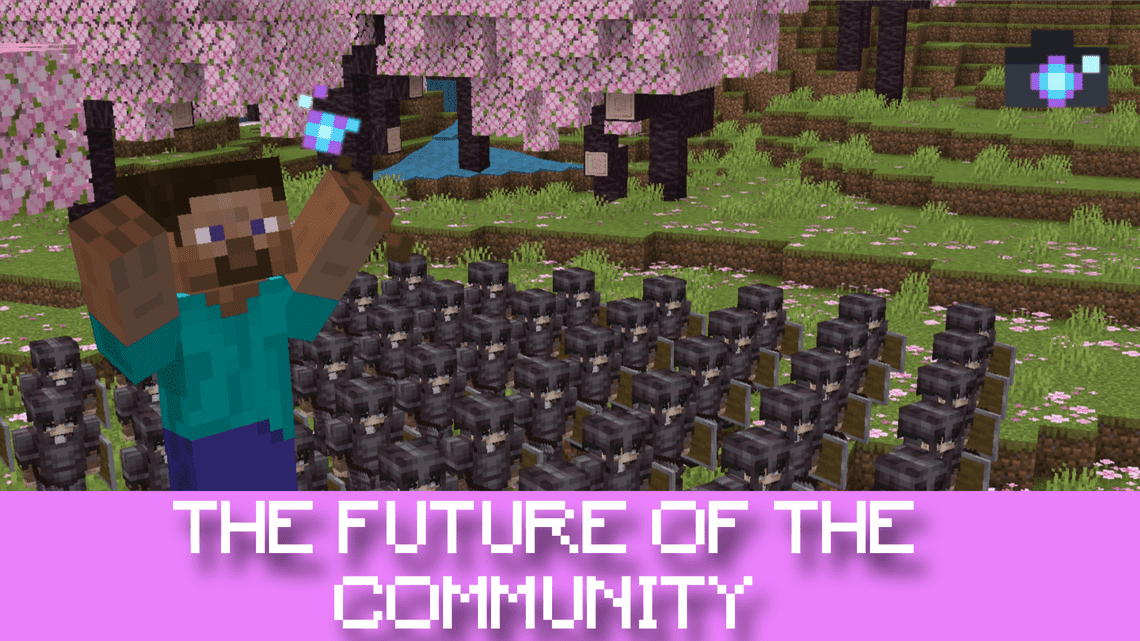
- Bulk tools: spawn up to 50 NPCs at once or apply a preset to every NPC nearby, so you can build a whole crowd or army in seconds
- Size 10% – 500%
🎯 Posing
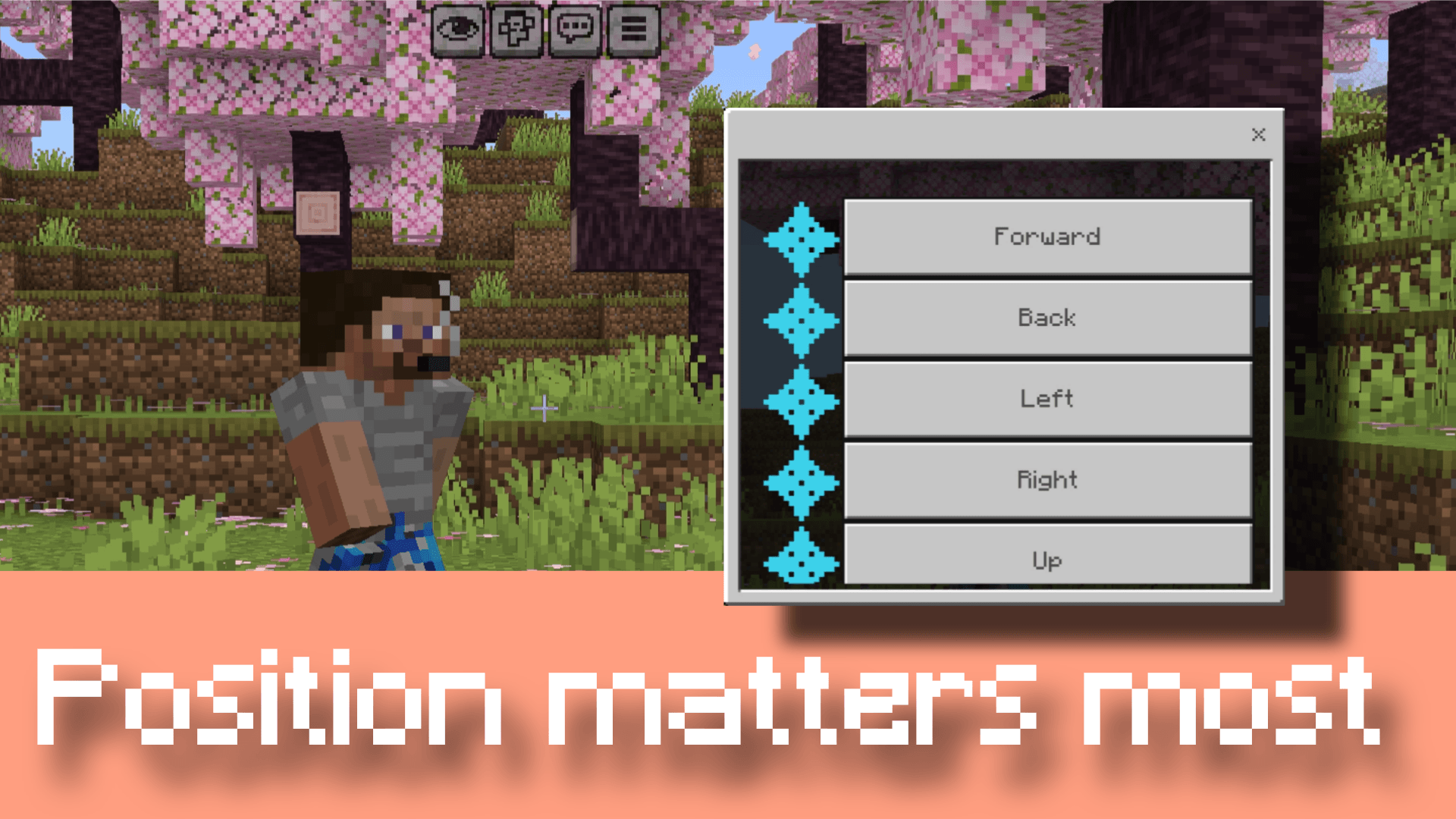
- Pose Mode: look at a body part, then rotate or move it with the gizmo on your hotbar
- 45+ ready poses: idle, running, fighting, sitting, lying down, flying, kneeling, waving, emotes, riding…
- Precise sliders, mirror left/right, copy/paste poses, undo/redo, your own pose library
🛡️ Armor & items
- Armor trims + enchant glint with Trim Studio (every pattern, every material)
- Copy My Outfit: the NPC gets your exact armor, with enchants, trims, names and dye
- Search Item: type a name like "totem" or "diamond sword", and items from other add-ons work too
🎞️ Animation
- 19 looping animations: breathing, walking, running, waving, talking, dancing, sword swing…
- Keyframe Animator and Record My Movement (walk a path, the NPC replays it)
- Look At Players: the NPC's head follows you
🎥 Camera
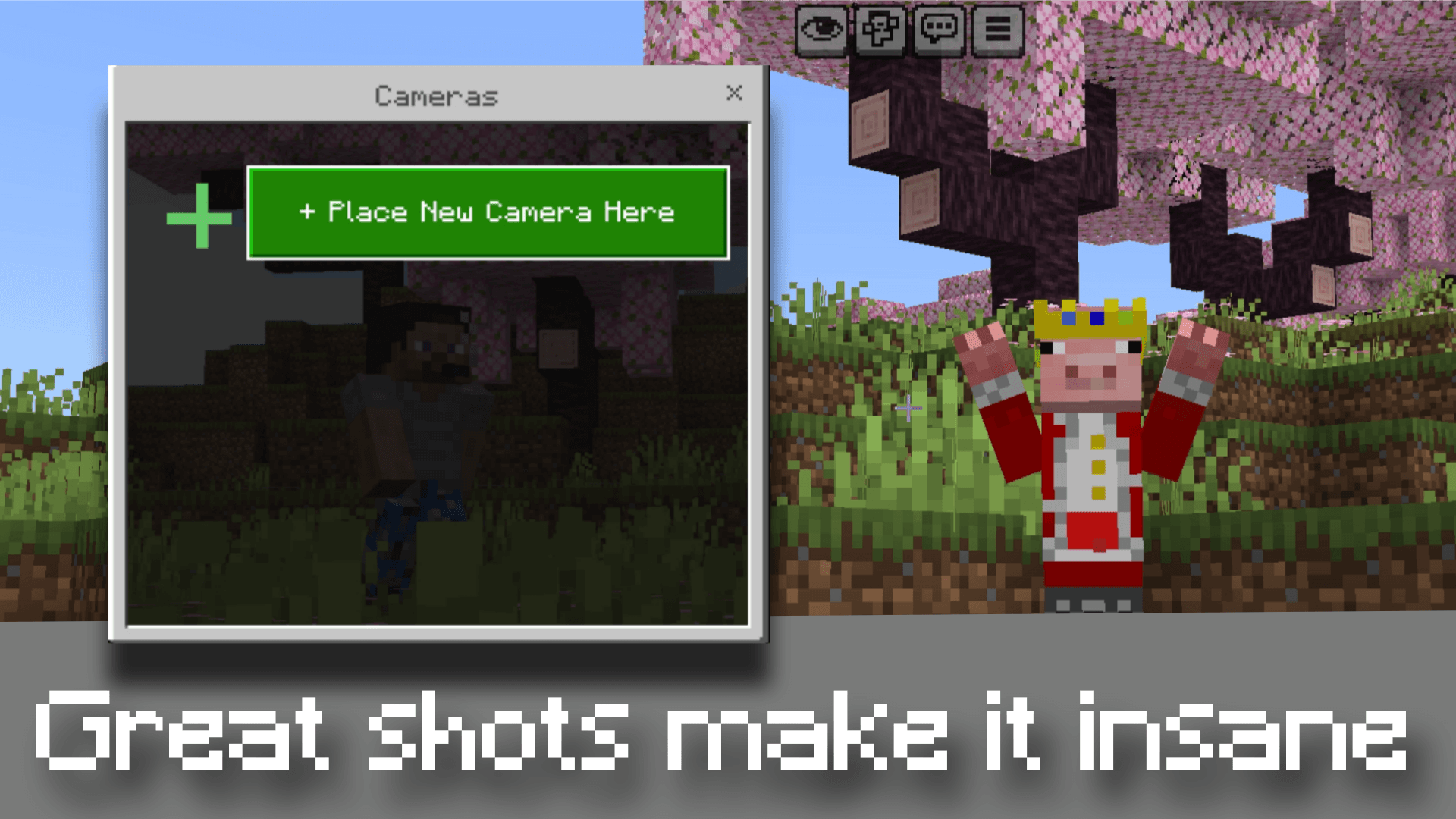
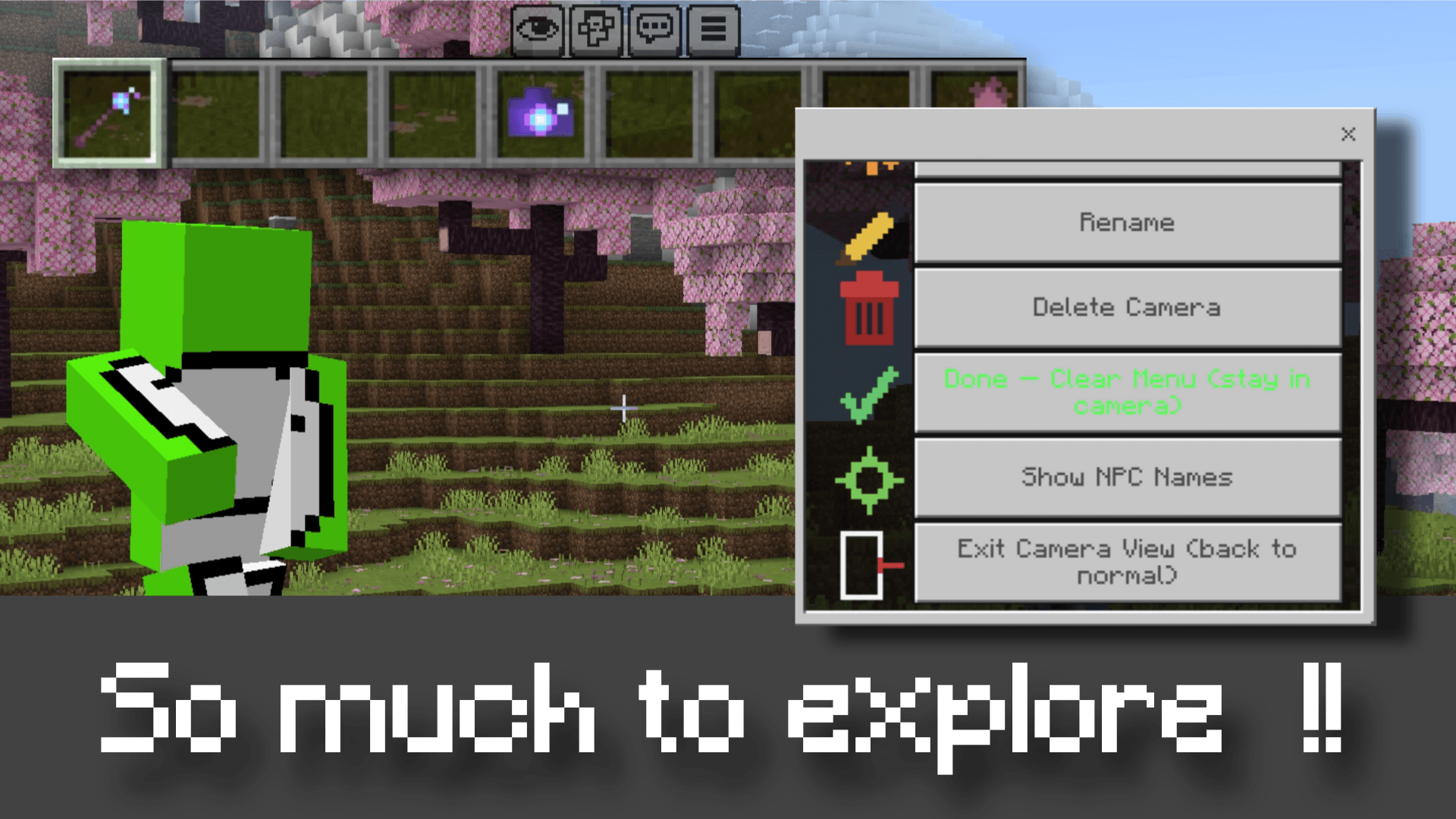
- Fly Cam: fly the camera with your joystick, tap the screen to lock the shot
- 30 cinematic shots: orbit, dolly zoom, crane, drone fly-by, bird's eye, over-the-shoulder, duel shots…
- Named cameras with FOV, smooth paths, aim at / follow an NPC and camera shake
- Clean shots: your body, held items, name tags and the HUD disappear while filming
🐴 Mobs
- Beast Whistle: spawn vanilla mobs as props and freeze them in place
- NPCs ride mobs: horses, camels, wolves and more
- Mob poses: horse rearing, wolves/cats sitting, fox sleeping, warden roar…
🌤️ World
Quick time-of-day and weather controls from the menu.
📖 Handbook
An in-game book that explains every feature, handed to every new player.
🚀 Getting started
- Import the
.mcaddonand activate NPC Studio V2 on your world (both packs) - Join the world. You get the Director's Baton, Cine Camera, Beast Whistle and the Handbook
- Tap the air with a tool to open its menu, or tap an NPC, camera or mob to edit it
Commands: /npcstudio:npc · /npcstudio:exitcam · /npcstudio:lockcam · /npcstudio:cameras · /npcstudio:handbook
⚙️ Requirements
- Minecraft Bedrock 26.30 or newer
- ✅ No Beta APIs / experiments needed anymore
📜 License
Free to use in your videos, worlds and servers, and to share the .mcaddon as-is with credit to NoxeelMC.
Don't reuse, modify or repackage the scripts without permission. Full terms are in LICENSE.md inside the download.
📺 Subscribe: youtube.com/@NoxeelMC
- Edition: Minecraft Bedrock
- File type: .mcpack or .mcaddon
- Minecraft versions listed: 26.0.02, 26.0, 26.3
- How to install: Download the .mcpack or .mcaddon file. → Open it — Minecraft imports it. → In your world: Behavior Packs → Available → Activate, then the same under Resource Packs.
- Where to get it: Opens on CurseForge — not every file is mirrored on our own servers.
Install steps are the general flow for this file type — How to install Minecraft Bedrock addons & mods walks through it step by step.
- Pack type: .mcaddon — behaviour and resource pack in one file
- Manifest requires Minecraft 1.21.90 or newer
- Complete pack — everything it depends on is inside the file
- Download size: 3.8 MB
- Download link checked 25 Sept 2026 — working
These come from our own check of the pack file, not from the source page.