Ryzen Dynamic Lights
Dynamic lighting for Minecraft Bedrock — carry light with you using torches, lanterns, redstone sources, and realistic miner helmets.
⬇ Download on CurseForgeThe author built this one for Minecraft 26.30. On other versions it may install and then do nothing.
# Ryzen Dynamic Lights
**Carry your own light. Explore the darkness without constantly stopping to place torches.**
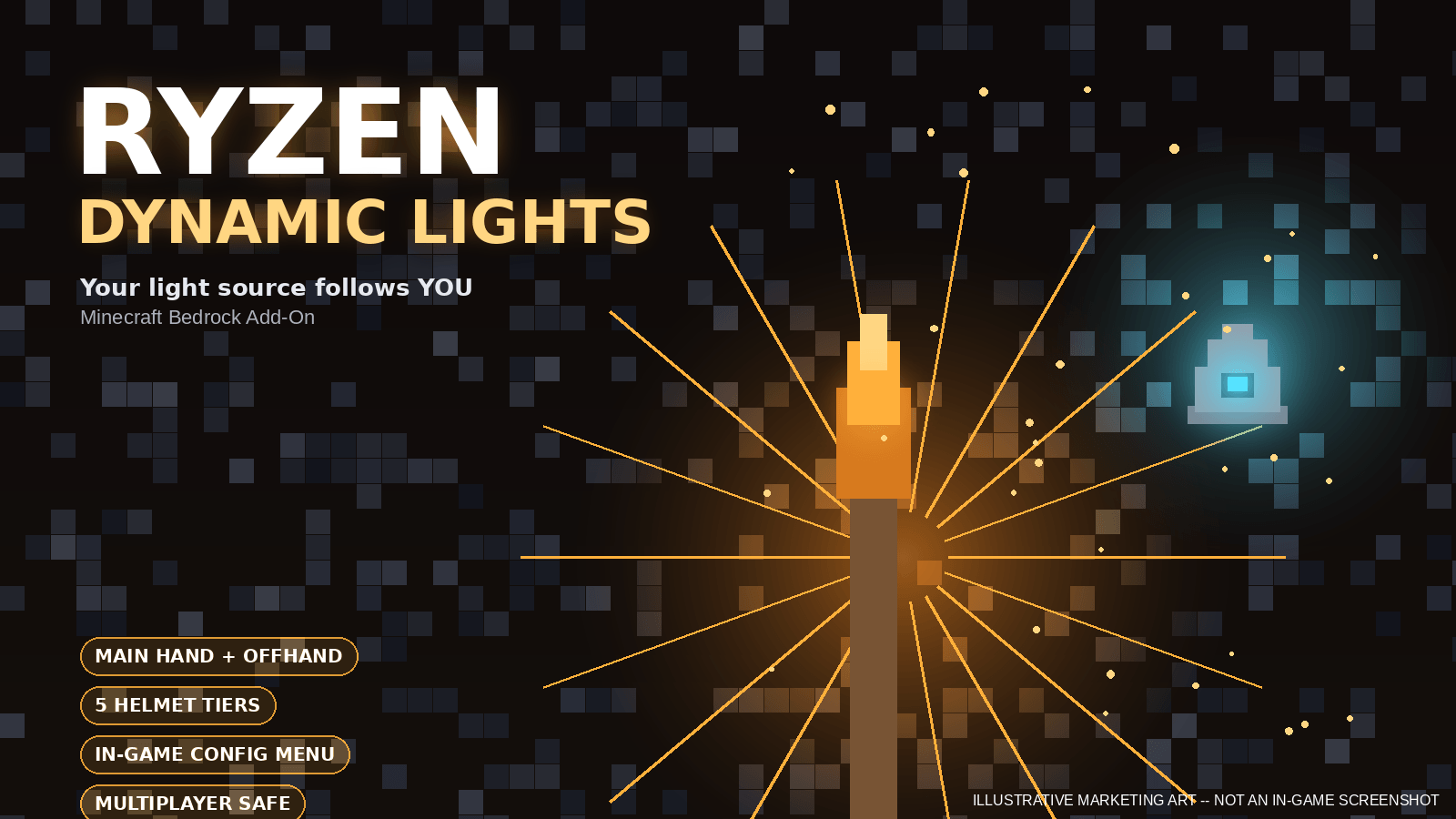
Ryzen Dynamic Lights brings immersive, simulated dynamic lighting to Minecraft Bedrock Edition. Hold a torch, lantern, redstone source, or another supported light-producing item and light up the world around you as you move.
Whether you're exploring massive caves, mining deep underground, traveling through dangerous areas at night, or simply building in dark environments, Ryzen Dynamic Lights makes lighting feel much more natural.
No more placing a torch every few blocks just to see where you're going — **carry the light with you.**
---
## ✨ Features
### 🔥 Main-Hand Dynamic Lighting
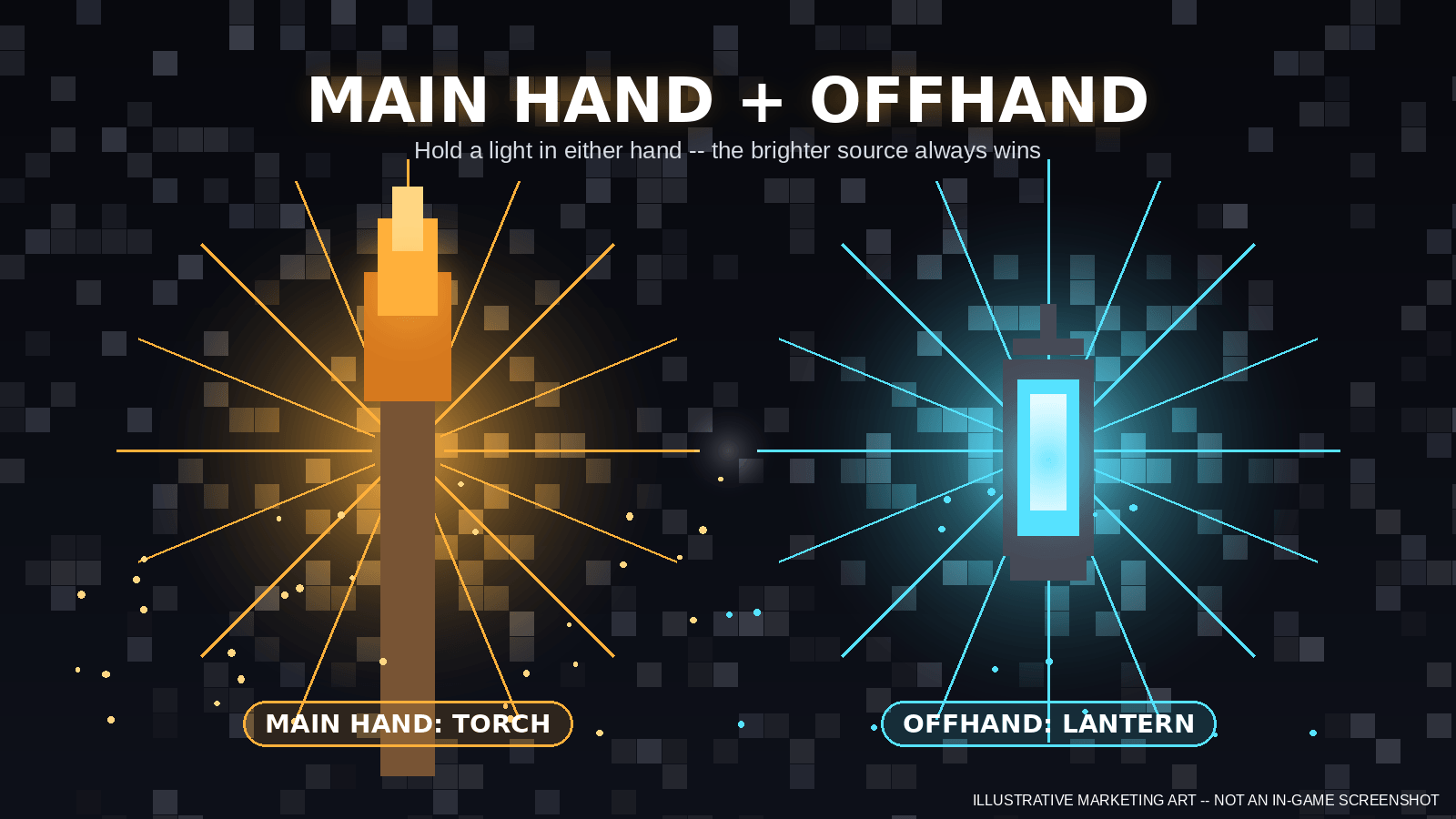
Hold a supported light source in your main hand and a dynamic light follows you as you move.
The lighting automatically updates as you:
- Walk
- Run
- Jump
- Explore caves
- Change dimensions
- Switch items
- Change light sources
The system continuously manages the light so you don't have to manually place or remove anything.
---
### 🖐️ Offhand Dynamic Lighting
Supported light sources can also provide dynamic lighting from the offhand.
When both hands contain supported light sources, Ryzen Dynamic Lights uses its brightness-priority system to determine which source should illuminate the player.
**The brighter source wins.**
This allows you to combine normal gameplay items with a light source without losing your ability to illuminate the environment.
---
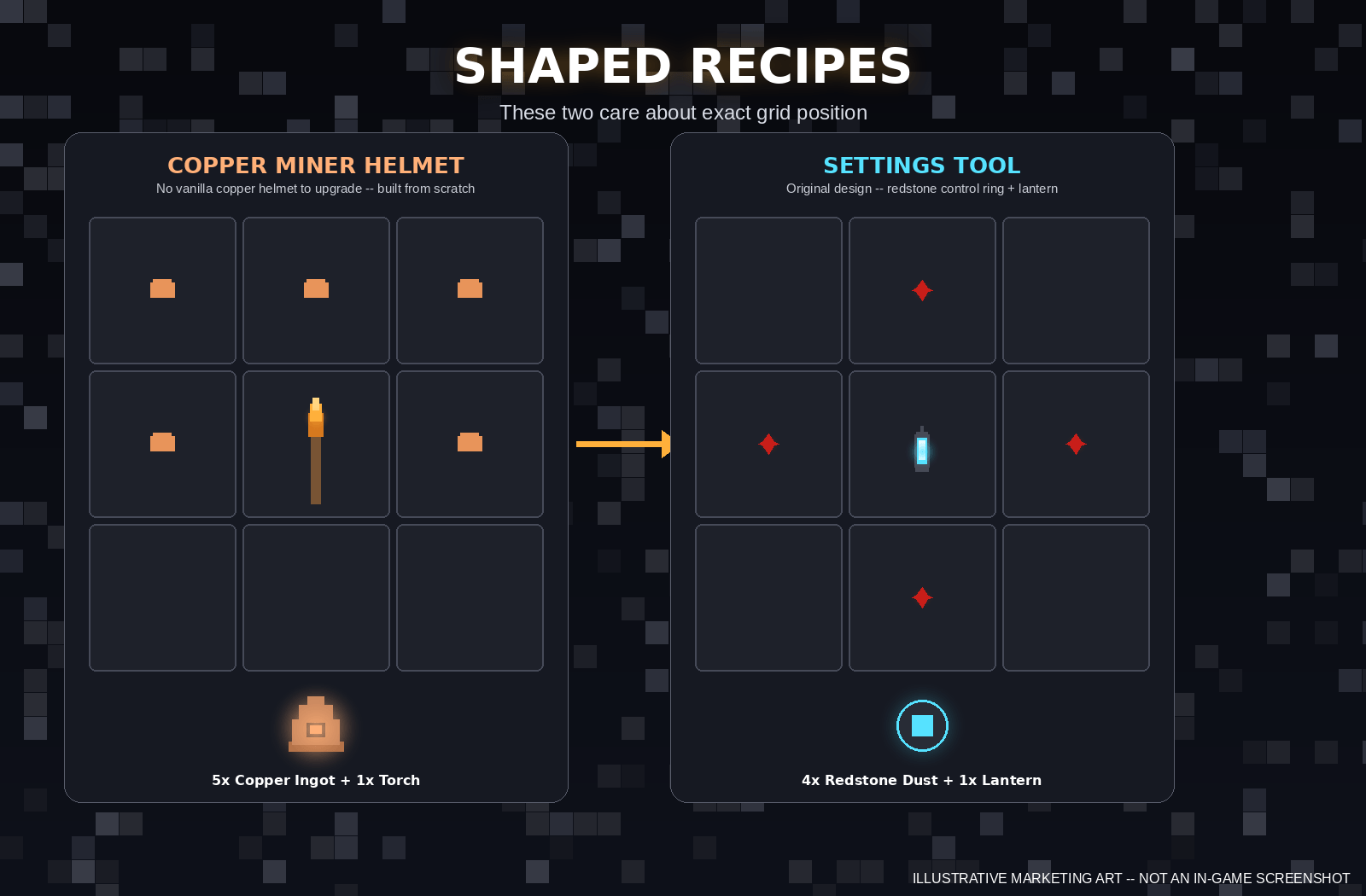
## ⛏️ Ryzen Miner Helmets
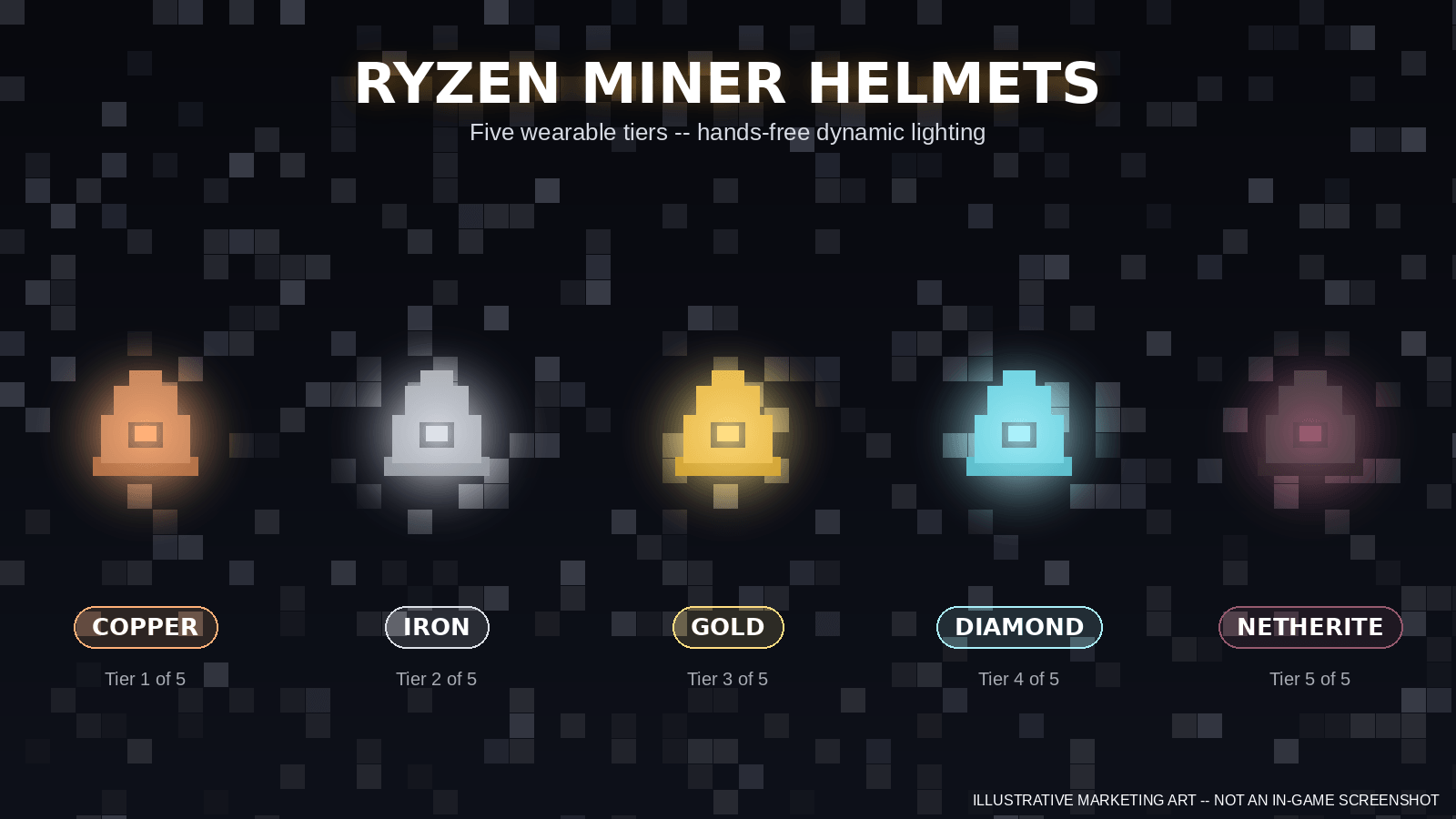
Ryzen Dynamic Lights includes **5 custom Miner Helmet tiers**:
- Copper Miner Helmet
- Iron Miner Helmet
- Gold Miner Helmet
- Diamond Miner Helmet
- Netherite Miner Helmet
Each helmet provides hands-free illumination, allowing you to explore while keeping both hands available.
The helmets are designed to look like proper Minecraft-style mining equipment and are visibly worn by the player.
### Hands-free cave exploration
Wear your Miner Helmet and keep your hands free for:
- Pickaxes
- Weapons
- Building blocks
- Food
- Tools
- Other items
Your helmet's headlamp provides the light while you work.
---
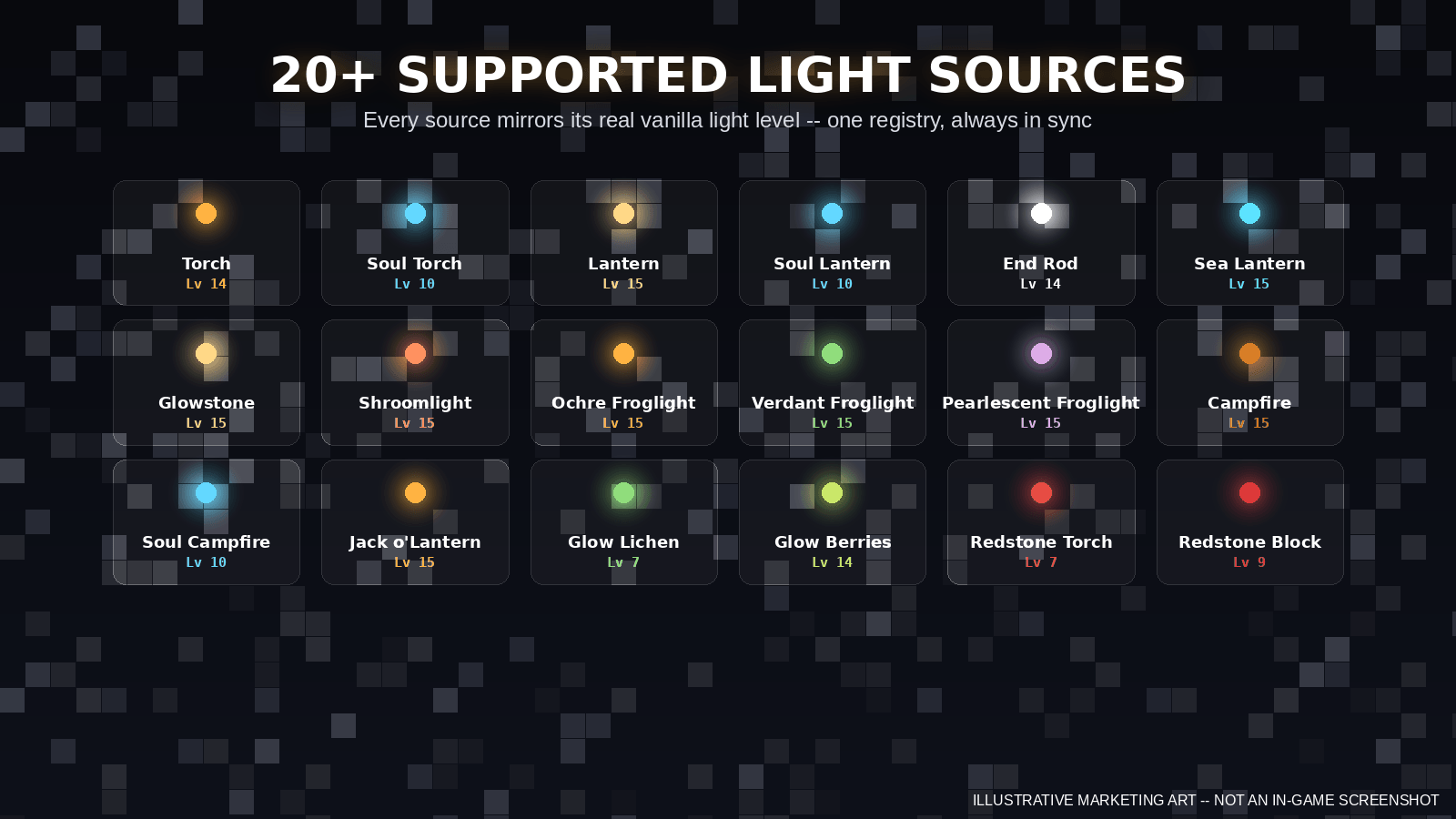
## 💡 Supported Light Sources
Ryzen Dynamic Lights supports a wide range of vanilla Minecraft light-producing objects.
### Torches
- Torch
- Soul Torch
### Lanterns
- Lantern
- Soul Lantern
### Other Light Sources
- End Rod
- Sea Lantern
- Glowstone
- Shroomlight
- Ochre Froglight
- Pearlescent Froglight
- Verdant Froglight
- Campfire
- Soul Campfire
- Glow Lichen
- Glow Berries
- Jack o'Lantern
### Redstone Sources
- Redstone Torch
- Redstone Block
**Redstone Block uses custom dynamic-light behavior because vanilla Minecraft does not normally treat the Redstone Block as a light-emitting source.**
### Custom Sources
- Copper Miner Helmet
- Iron Miner Helmet
- Gold Miner Helmet
- Diamond Miner Helmet
- Netherite Miner Helmet
---
# 🌟 Smart Brightness System
Not every light source produces the same amount of light.
Ryzen Dynamic Lights uses different brightness levels for supported sources instead of making every item produce identical lighting.
For example:
- Lanterns are brighter than torches.
- Soul lights produce their own lower brightness level.
- Miner Helmets provide hands-free illumination.
- Multiple available sources can be resolved using the configured priority system.
This makes the dynamic lighting feel closer to the actual properties of the items.
---
# ⚙️ In-Game Configuration
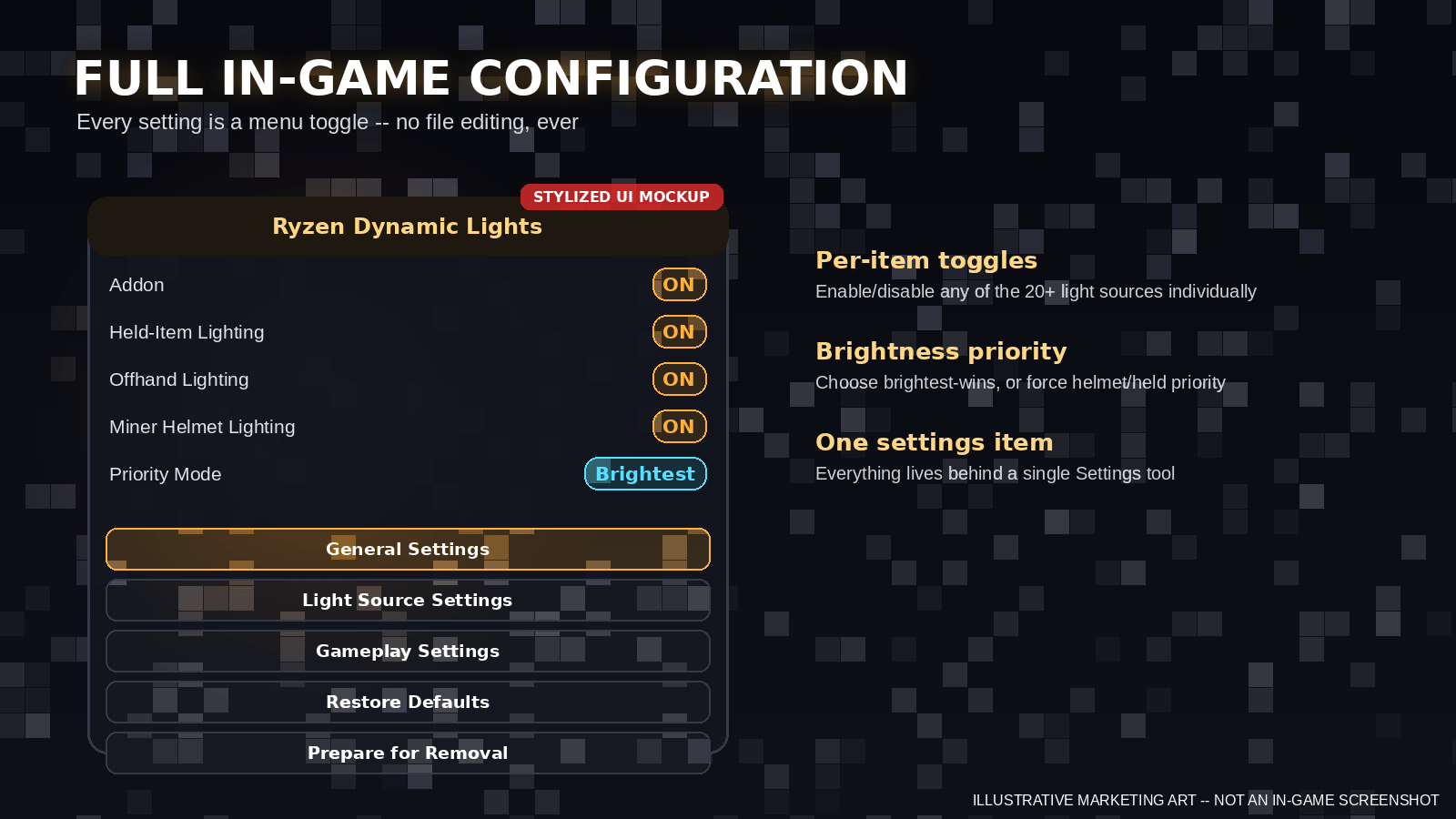
Ryzen Dynamic Lights includes an in-game configuration system.
You don't need to open files or manually edit JavaScript configuration.
Use the included Settings item to configure the addon directly from inside your world.
Depending on the available settings, you can control things such as:
- Dynamic lighting master switch
- Main-hand lighting
- Offhand lighting
- Miner Helmet lighting
- Brightness priority
- Other lighting behavior
Changes can be managed directly from the world.
---
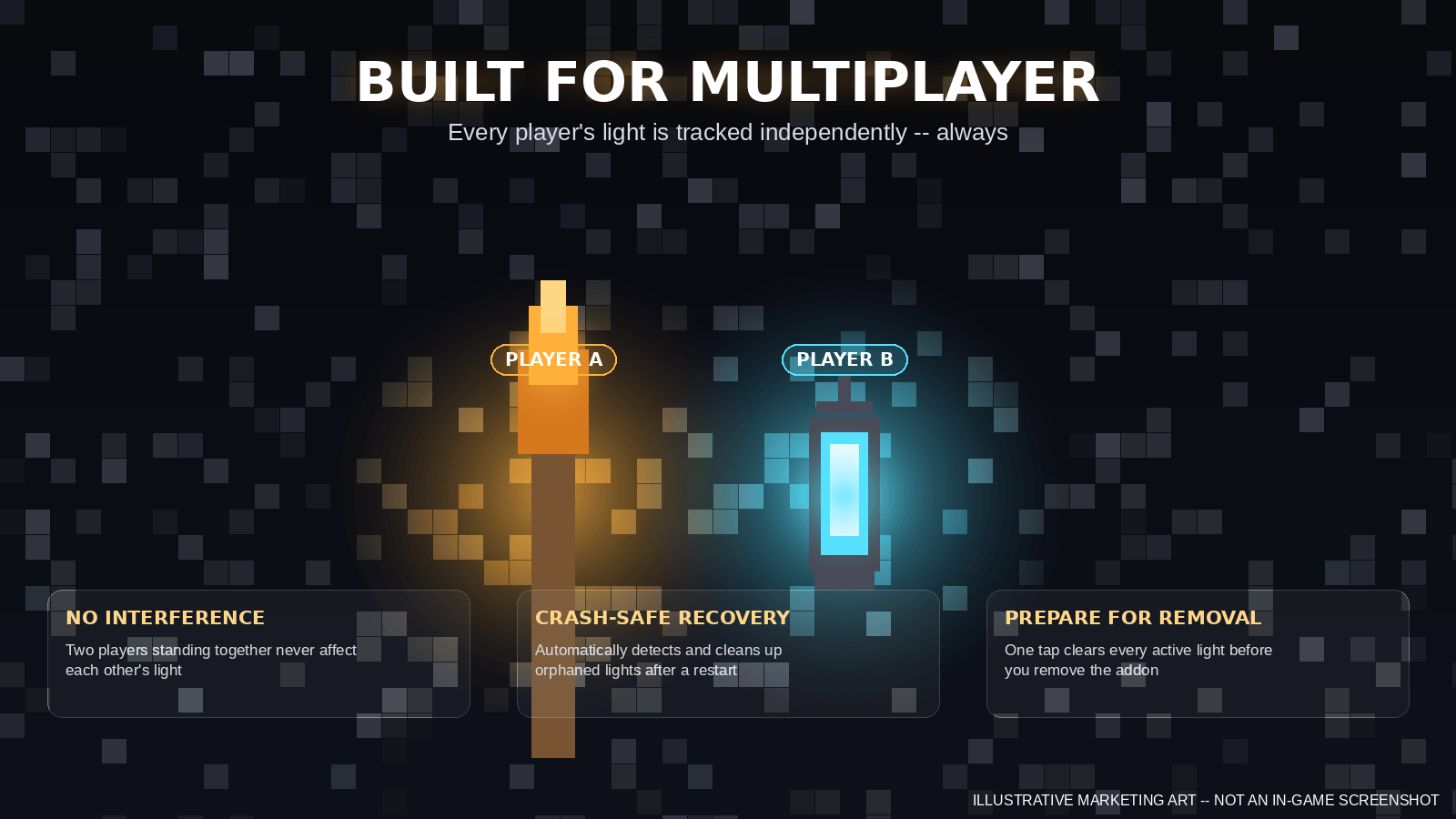
# 👥 Multiplayer Safe
Ryzen Dynamic Lights was designed with multiplayer in mind.
Each player's dynamic lighting is tracked independently.
This means one player's light should not accidentally become another player's light, and player-specific cleanup is handled separately.
The system also handles important multiplayer lifecycle situations such as:
- Players joining
- Players leaving
- Player death
- Respawning
- Dimension changes
- Item changes
- Light source changes
Your friends can use their own light sources without interfering with yours.
---
# 🧹 Automatic Cleanup & Recovery
Dynamic lighting systems can potentially leave temporary light blocks behind if something goes wrong.
Ryzen Dynamic Lights includes cleanup and recovery systems designed to reduce this problem.
The addon tracks its dynamic lights and performs cleanup when the light is no longer required.
It also includes recovery behavior for situations such as:
- Changing light sources
- Removing a light source
- Player death
- Player leaving
- Dimension changes
- Script interruptions
- Reload/recovery situations
The goal is simple:
**No unnecessary permanent light blocks left behind by the addon.**
---
# 🗑️ Prepare for Removal
Ryzen Dynamic Lights includes a dedicated **Prepare for Removal** option.
Before uninstalling the addon from a world:
1. Open the Ryzen Dynamic Lights configuration menu.
2. Select **Prepare for Removal**.
3. Confirm the action.
4. The addon clears its currently tracked dynamic lights.
5. You can then remove the addon from the world.
This is especially useful when removing the addon from an existing survival world.
> Minecraft Bedrock does not provide a post-removal hook that allows an addon to execute code after its Behavior Pack has already been removed. Because of this, using **Prepare for Removal** before uninstalling is the safest supported workflow.
---
# 🌊 Water-Aware Lighting
Ryzen Dynamic Lights also considers the environment when placing dynamic lighting.
This helps the system behave more naturally around water and other situations where blindly placing a light block could interfere with the environment.
---
# ⚡ Performance & Optimization
Ryzen Dynamic Lights is designed to provide dynamic lighting without unnecessarily running expensive operations.
The system uses:
- Per-player tracking
- Brightness prioritization
- Controlled light updates
- Cleanup systems
- Multiplayer-safe state management
- Optimized equipment detection
- Automatic removal of unnecessary lights
The goal is to provide useful dynamic lighting while keeping the addon lightweight enough for normal gameplay.
---
# 🚫 No Entity Lighting
Ryzen Dynamic Lights intentionally does **not** add dynamic lighting to mobs or other entities.
The project focuses on player-carried and player-worn light sources.
This keeps the system focused, predictable, and easier to optimize.
---
# 🎮 Designed for Minecraft Bedrock
Ryzen Dynamic Lights is specifically designed for:
**Minecraft Bedrock Edition**
It does not require Java Edition mods or Java-specific systems.
The addon uses a simulated dynamic-lighting system because Minecraft Bedrock does not provide a universal built-in dynamic lighting API for addons.
---
# 📦 Installation
### Using the `.mcaddon`
1. Download the latest Ryzen Dynamic Lights `.mcaddon`.
2. Open the file with Minecraft Bedrock Edition.
3. Wait for Minecraft to import the addon.
4. Create a new world or edit an existing world.
5. Open **Behavior Packs**.
6. Activate **Ryzen Dynamic Lights**.
7. Open **Resource Packs**.
8. Activate the corresponding Ryzen Dynamic Lights Resource Pack.
9. Enter the world.
10. Obtain the Settings item and configure the addon.
### Important
Always use the Behavior Pack and Resource Pack from the **same release/version**.
---
# 📋 Requirements
**Minecraft Bedrock Edition 1.26.30+**
Compatibility with future Minecraft versions may depend on changes to Minecraft's Bedrock Script API and resource/behavior pack formats.
---
# 🔧 Compatibility
Ryzen Dynamic Lights is designed to coexist with other addons whenever possible.
However, compatibility may vary with addons that modify:
- Vanilla light sources
- Player equipment
- Miner Helmet items
- Attachables
- Render controllers
- Light blocks
- Related item behavior
If another addon modifies the same Minecraft systems, conflicts may occur.
---
# 🌑 Why Ryzen Dynamic Lights?
Minecraft caves can be huge, dark, and dangerous.
Normally, exploring them means repeatedly placing torches everywhere you go.
Ryzen Dynamic Lights changes that experience.
Carry a torch.
Wear a Miner Helmet.
Hold a lantern.
Bring your light source with you.
**The light follows you.**
Explore deeper.
Mine faster.
Keep your hands free.
And never lose yourself in the darkness again.
---
# 🚀 Future Development
Ryzen Dynamic Lights is designed as an actively evolving project.
Future releases may include additional improvements to:
- Lighting accuracy
- Performance
- Compatibility
- Miner Helmet visuals
- Configuration options
- Supported light sources
- Multiplayer behavior
- Recovery and cleanup
- User interface
---
# ❤️ Credits
**Ryzen Dynamic Lights**
Created by **Ryzen**
A Minecraft Bedrock addon focused on bringing immersive dynamic lighting to your world.
---
## ⚠️ Important Note
Ryzen Dynamic Lights uses simulated dynamic lighting rather than Minecraft Java Edition's native-style dynamic lighting system.
Performance and behavior can vary depending on the Minecraft version, device, world size, multiplayer environment, and other installed addons.
For the best experience, keep Minecraft updated and use the latest version of Ryzen Dynamic Lights that matches your Minecraft version.
---
# 💡 Ryzen Dynamic Lights
**Carry the light.**
**Explore the darkness.**
**Keep mining.**
- Edition: Minecraft Bedrock
- File type: .mcpack or .mcaddon
- Minecraft version listed: 26.30
- How to install: Download the .mcpack or .mcaddon file. → Open it — Minecraft imports it. → In your world: Behavior Packs → Available → Activate, then the same under Resource Packs.
- Where to get it: Opens on CurseForge — not every file is mirrored on our own servers.
Install steps are the general flow for this file type — How to install Minecraft Bedrock addons & mods walks through it step by step.
- Pack type: .mcaddon — behaviour and resource pack in one file
- Download size: 48 KB
- Download link checked 25 Sept 2026 — working
These come from our own check of the pack file, not from the source page.