Rebark
Bedrock add-on listed for Minecraft 1.21–26.x (behavior + resource pack). File opened and checked on 14 Aug 2026; installs from the MC Bedrock Mods app on Android.
⬇ Download on CurseForgeThe author built this one for Minecraft 26.40. On other versions it may install and then do nothing.
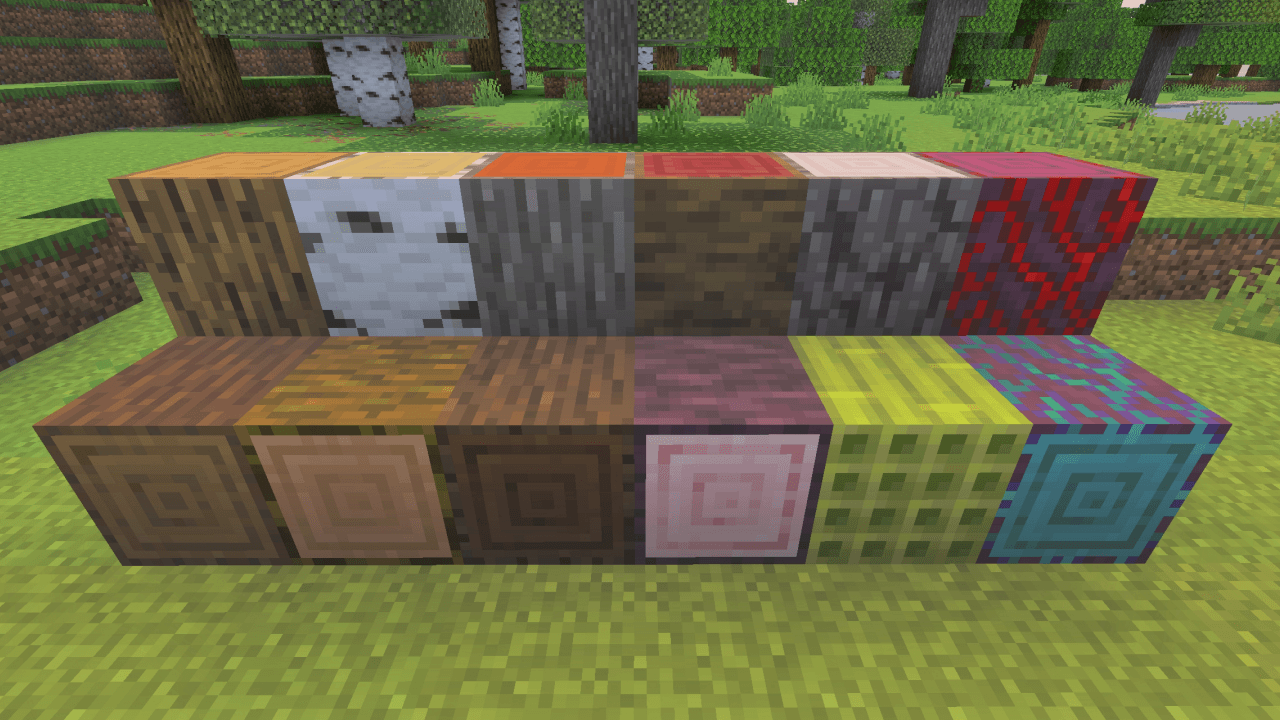
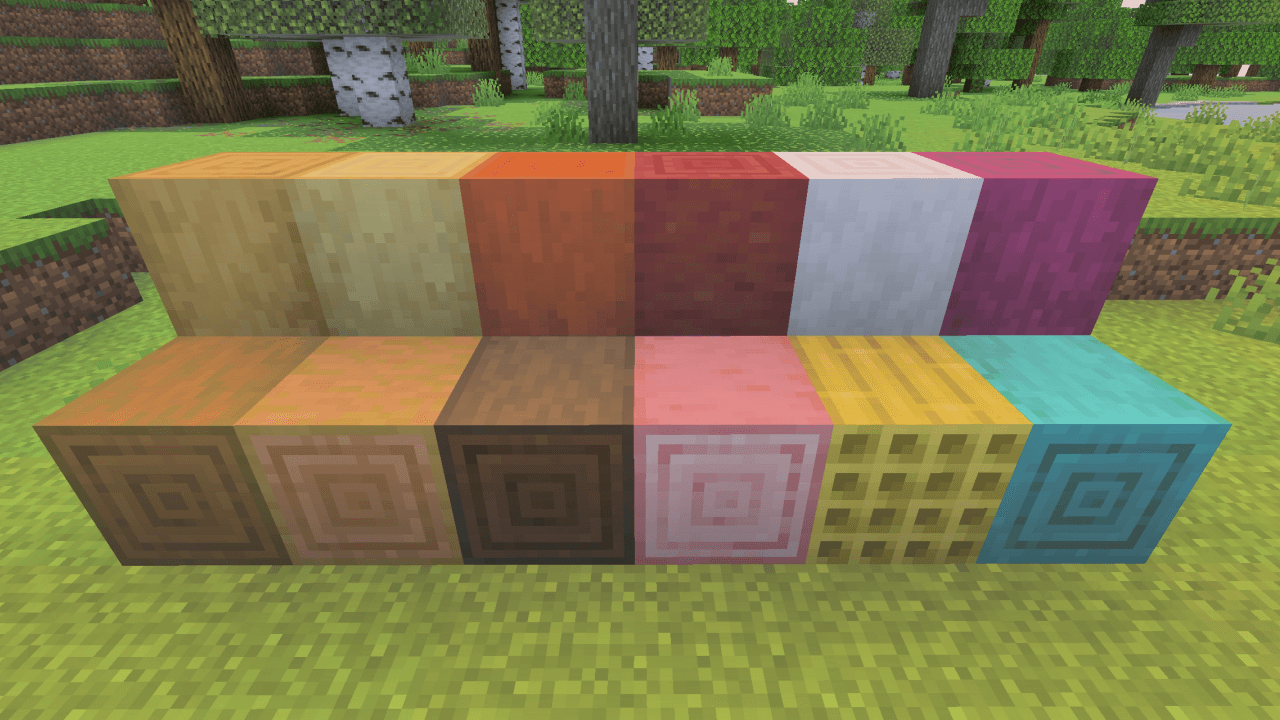
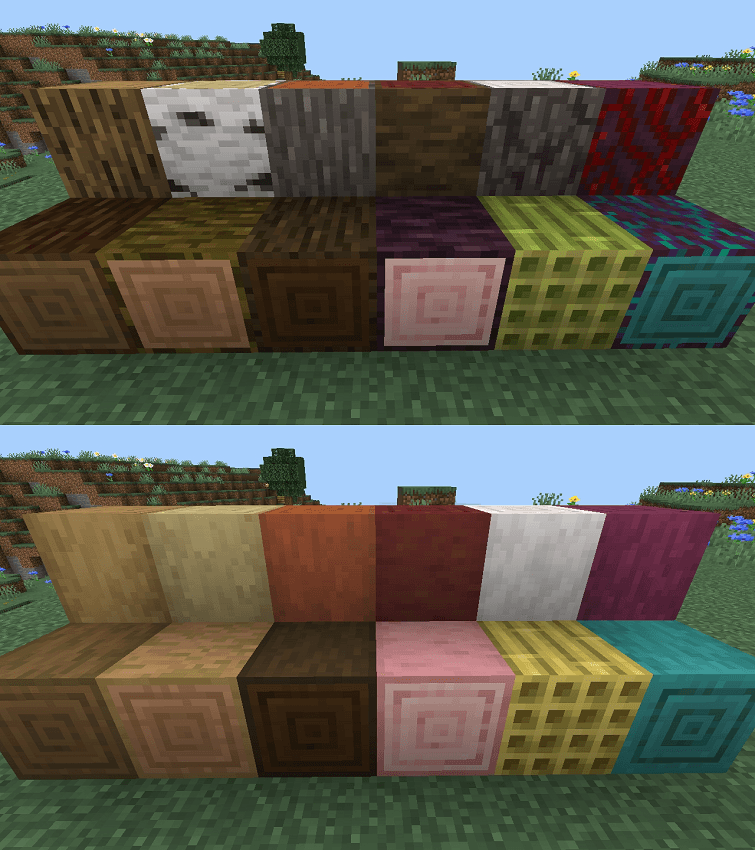
This add-on adds a simple way to regrow the bark of stripped logs and wood using Bone Meal. Instead of replacing stripped wood or breaking the entire tree, simply use Bone Meal on it to restore its bark and return it to its natural state.
✧✧✧
(v1.0)
Version: 1.0:
✧✧
Version: 1.0
- Stripped wood blocks can now regain their bark when used with Bone Meal.
- Compatibly with other add-on.
✧✧
✧✧✧
Features:
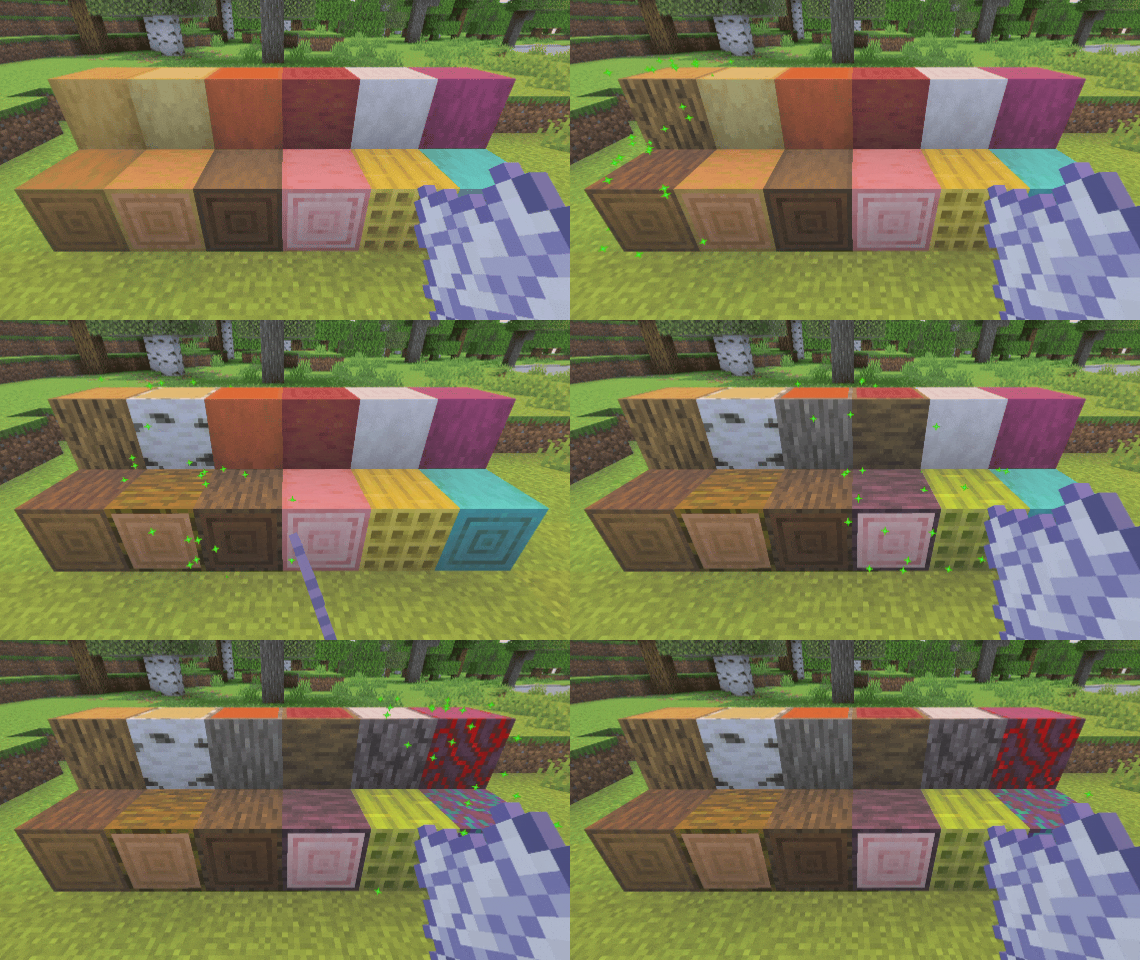
- 🌳 Regrow bark on stripped logs and wood.
- 🦴 Use Bone Meal to restore the bark.
- 🌱 Simple and vanilla-friendly mechanic.
- ♻️ Gives stripped wood a way to be naturally restored.
Compatibility
This add-on currently supports custom stripped wood blocks from other add-ons, including:
If you have another add-on that you would like Rebark to support, let me know!
For Add-on Creators
To make your custom stripped wood blocks compatible with Rebark, add the "ntk:rebarkable" tag to the block. The block's ID must also contain ":stripped_".
"minecraft:tags": {
  "tags": [
    "ntk:rebarkable"
  ]
}
This allows to support without requiring their block IDs to be added to this script.
✧✧✧
Add-on Notes
- Add-on may only be compatible with Minecraft version 26.40 or higher.
- This add-on is NOT using a 'player.json' file.
- This add-on is mostly compatible with other add-ons.
- Add-on will work on the realm or server; just make sure you install the correct files.
- Add-on is not tested yet on the beta and preview versions of Minecraft, so expect some bugs if you are using those versions.
- Remove the old packs before installing the new version of the packs.
- If you create a review, gameplay video, or showcase of this add-on, please remember to give credit and include the original link to this webpage.
- Do not provide any other download links.
✧✧✧
Installation!
- Download the 'Rebark (v1.0).mcaddon', or the seperated packs (Behavior Pack & Resource Pack).
- Import the packs into Minecraft and wait until the both behavior pack and resource pack are successfully imported.
- Make sure to install both the behavior pack and resource pack before entering you world.
- This add-on doesn't need any experimental options to toggle to on.
✧✧✧
Advertisement
Subscribe to my YouTube channel:
https://youtube.com/channel/UC6AGGpDtm45mhWyCWEjBItQ
Donation to keep me working on my add-ons:
https://ko-fi.com/dangelarts
Discord server for all my add-ons:
https://discord.gg/5RfKGtQA3S
✧✧✧
- Edition: Minecraft Bedrock
- File type: .mcpack or .mcaddon
- Minecraft version listed: 26.40
- How to install: Download the .mcpack or .mcaddon file. → Open it — Minecraft imports it. → In your world: Behavior Packs → Available → Activate, then the same under Resource Packs.
- Where to get it: Opens on CurseForge — not every file is mirrored on our own servers.
Install steps are the general flow for this file type — How to install Minecraft Bedrock addons & mods walks through it step by step.
- Pack type: .mcaddon — behaviour and resource pack in one file
- Manifest requires Minecraft 1.21.20 or newer
- Complete pack — everything it depends on is inside the file
- Download size: 55 KB
- Download link checked 25 Sept 2026 — working
These come from our own check of the pack file, not from the source page.