Cobblemon Model Viewing World Map (26.3, 1.20.1) – Study Monsters in Peace
Java map listed for Minecraft 1.20. File opened and checked on 16 Oct 2026; downloads from the MC Java Mods app on Android.
⬇ Download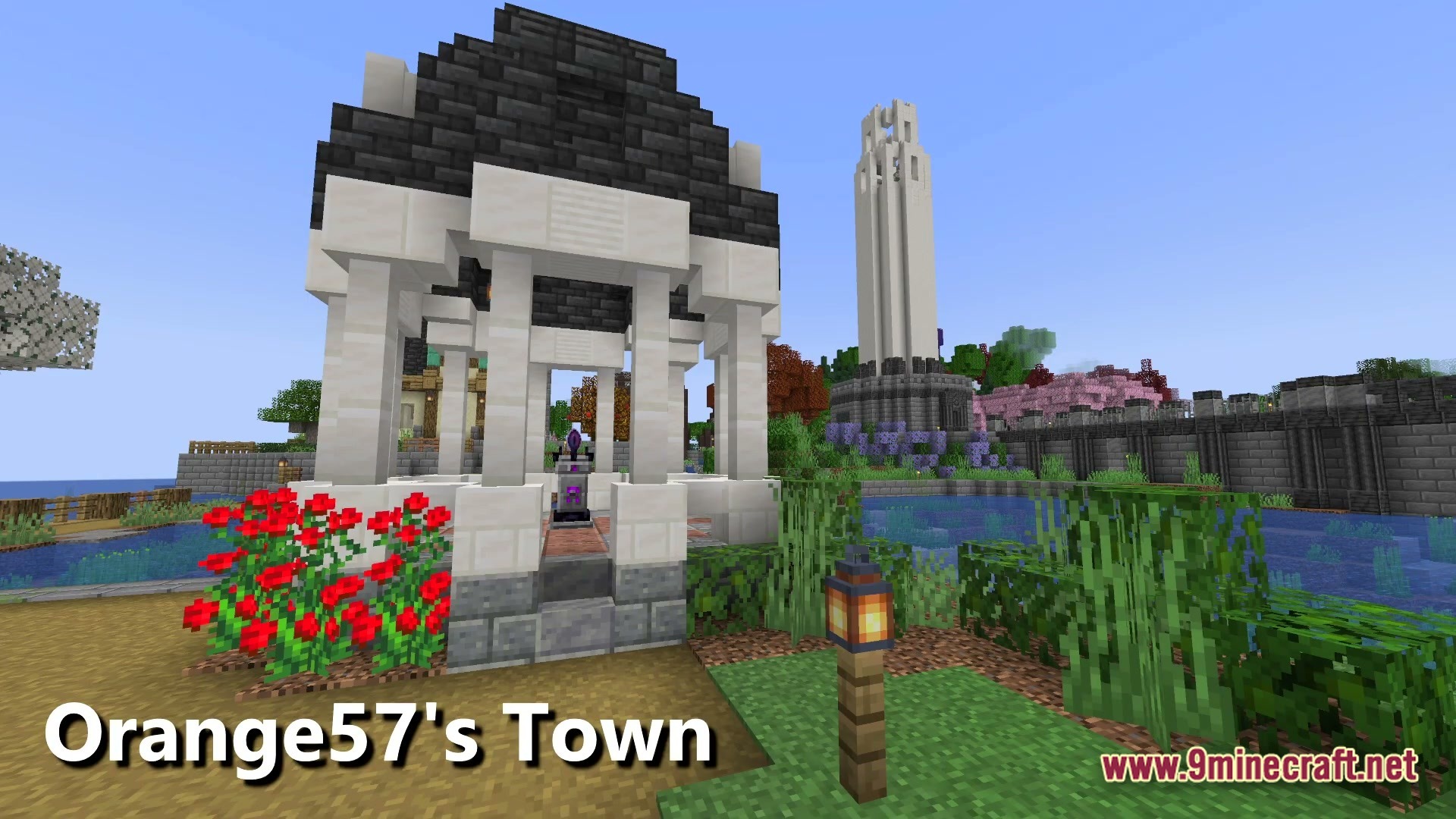
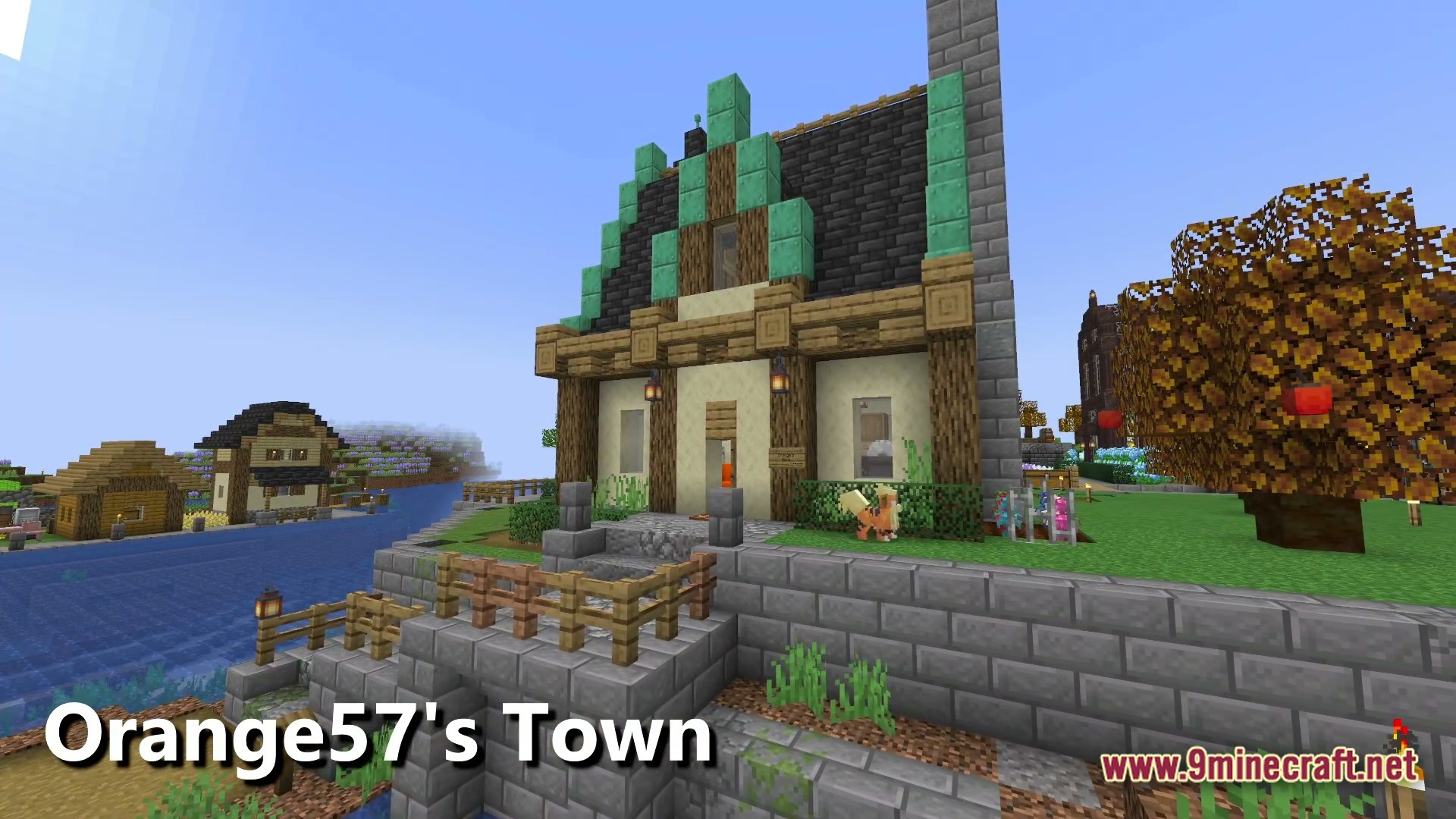
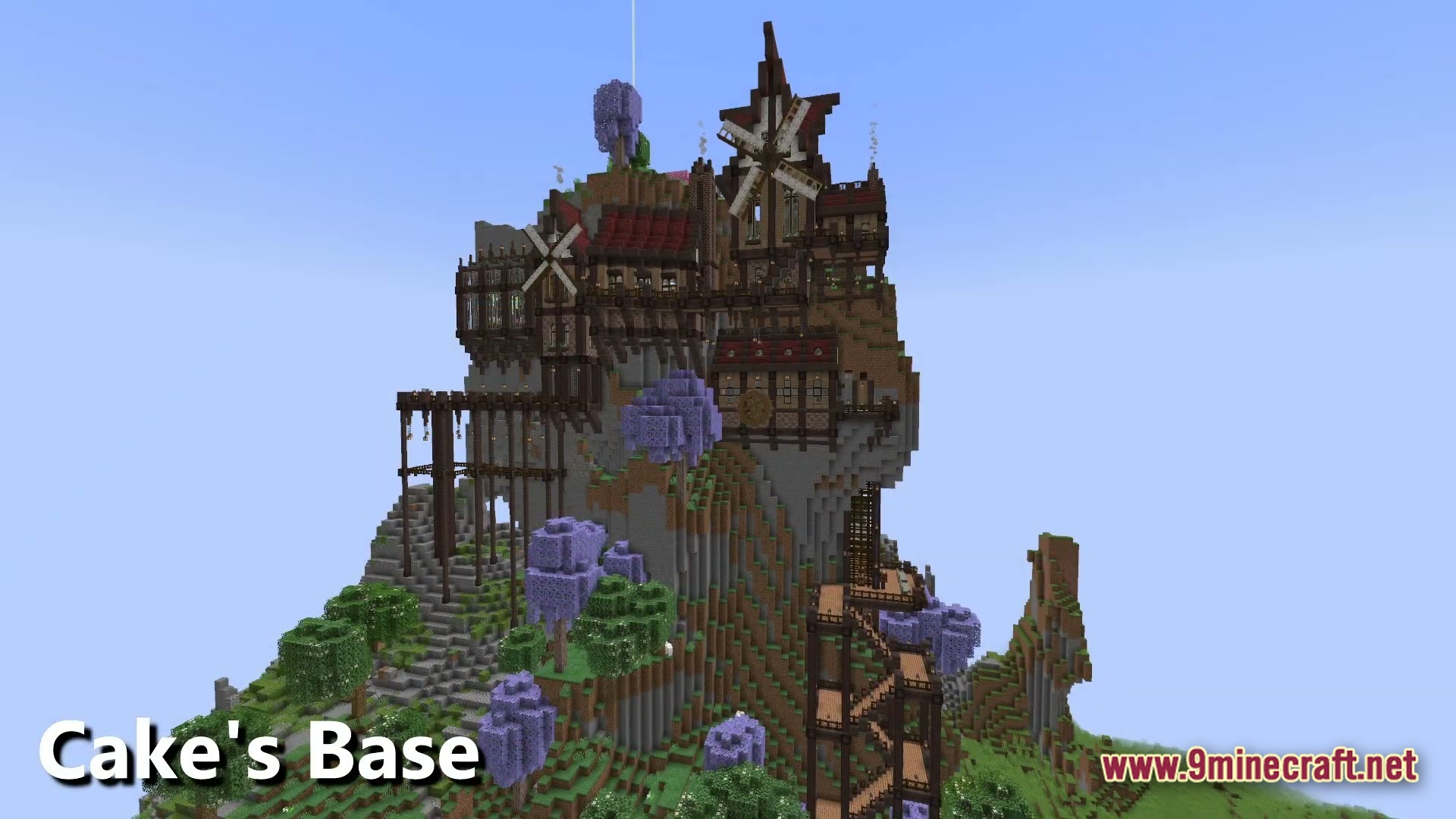
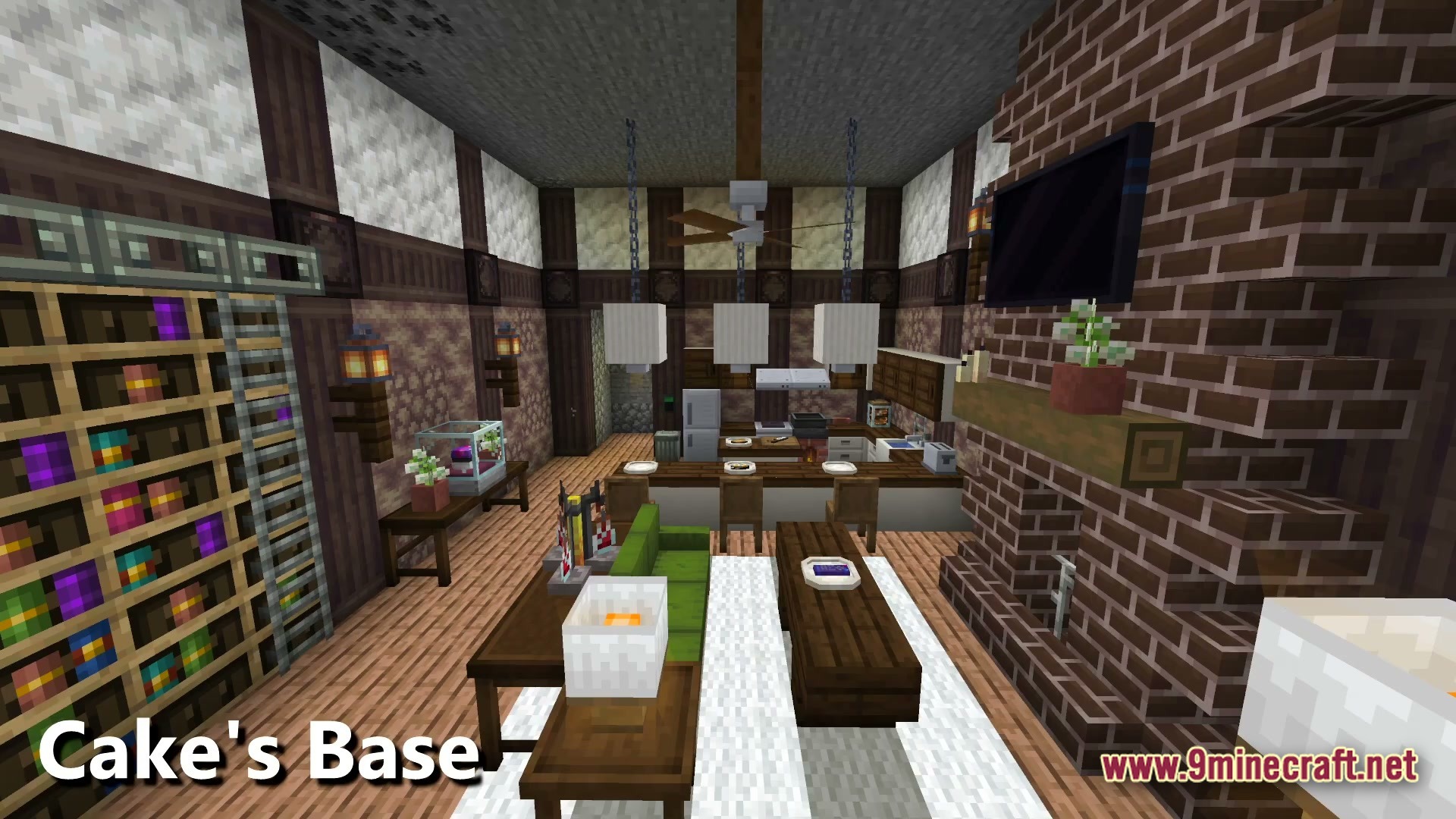
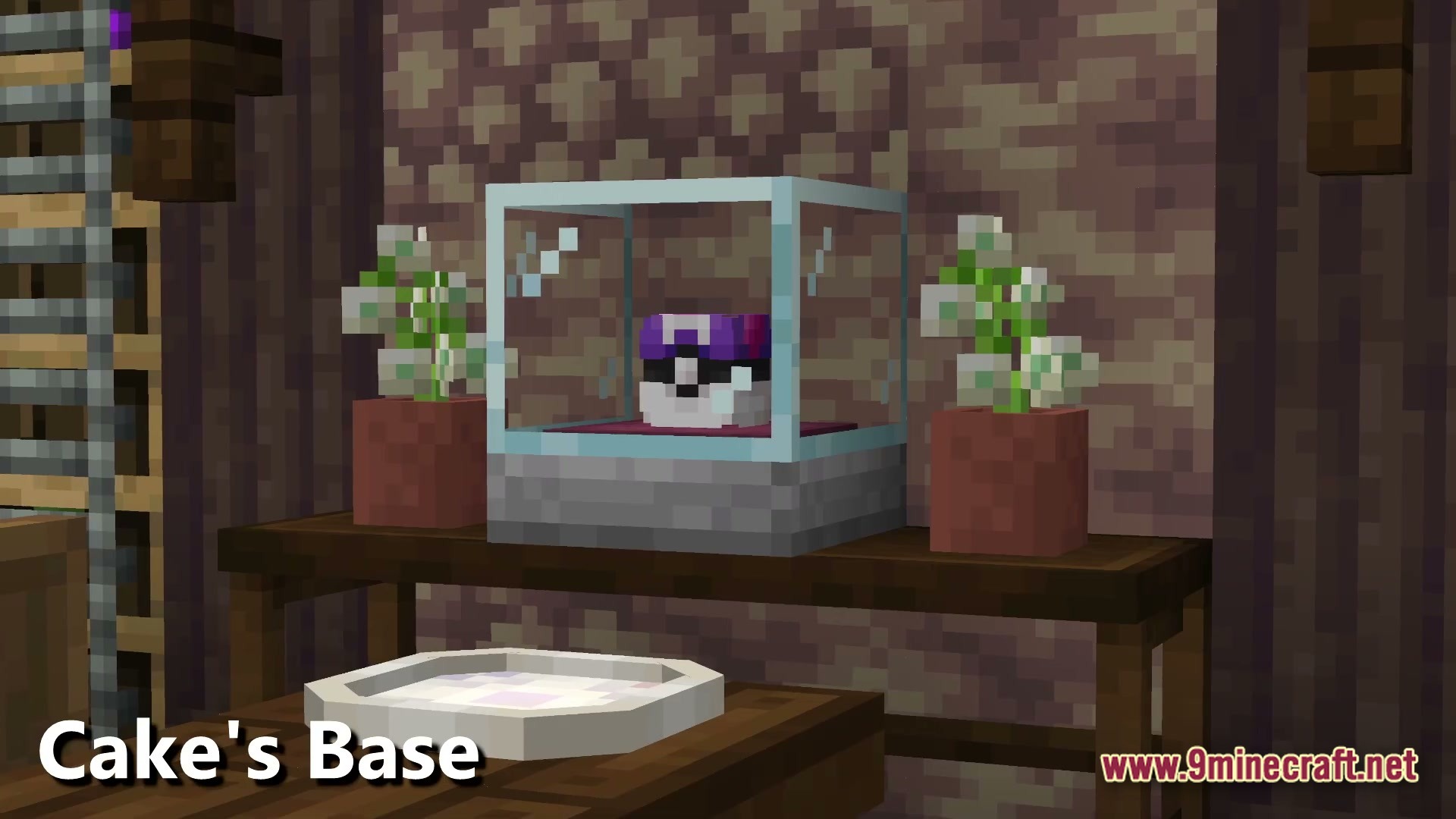
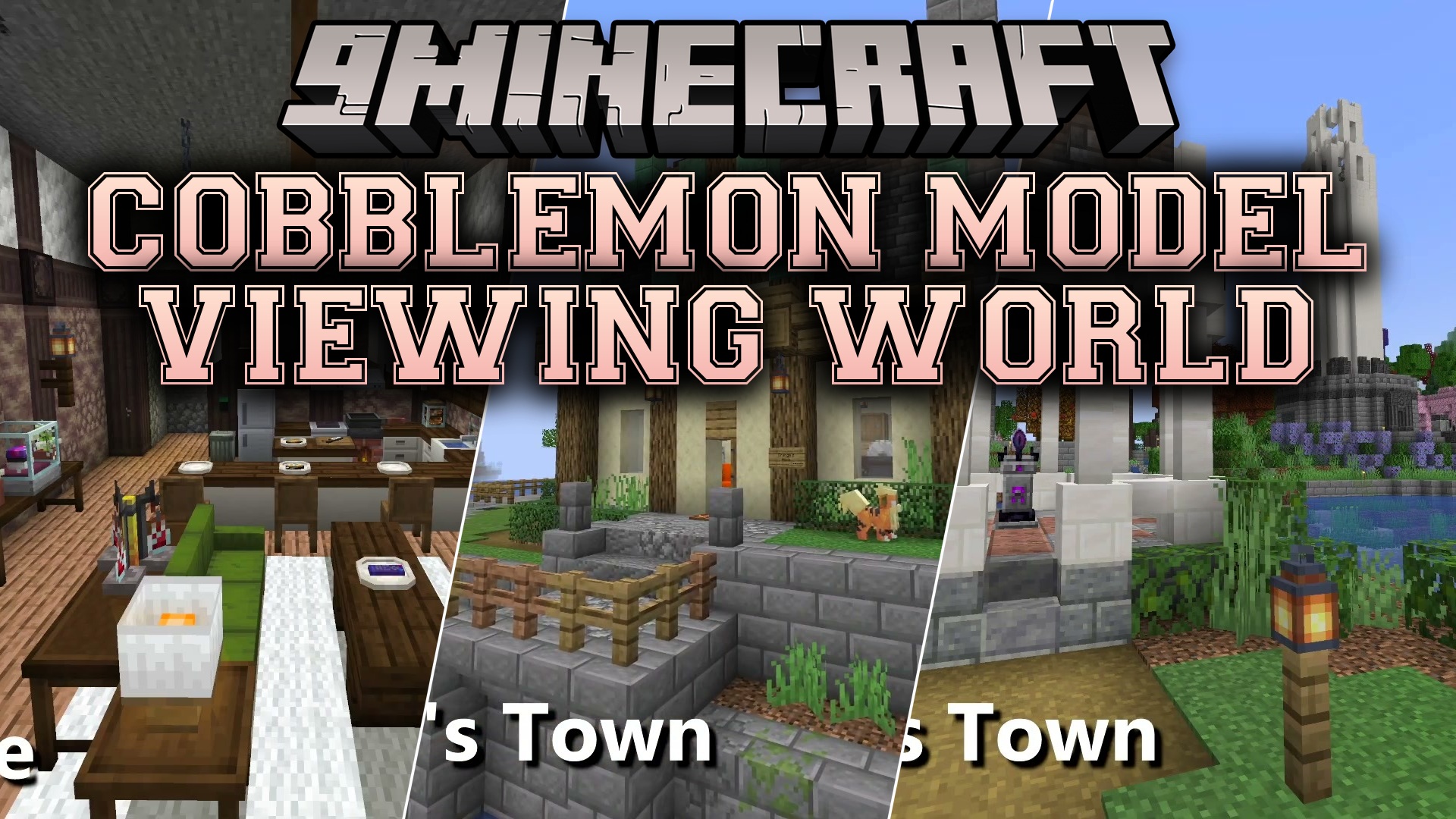
Cobblemon Model Viewing World Map drops you into a special space where you can look at all the Pokemon from the main mod. This map sets up a giant viewing area so you can watch every single creature up close. You get to see how they move, attack, and act without needing to hunt them down in the wild. It gives you a clear look at all the blocky monster designs in one easy place.
Features:
- All Pokemon Models: Displays every single creature added by the main mod in a neat lineup.
- Animation Showcase: Lets you watch how each monster walks, runs, and attacks in real time.
- Saves you the trouble of finding rare creatures just to see what they look like.
- Gives you a calm, safe space to study the designs without worrying about survival.
- Arranges everything carefully so you can easily walk from one display to the next.
How to Play:
- Load into the world and walk around the big viewing areas.
- Look at each Pokemon to see how they stand and move around.
- Watch their different animations to learn how they act.
- Take your time walking through the displays to find your favorite monster designs.
Screenshots:
Cobblemon Model Viewing World Map Download Links
- Edition: Minecraft Java
- File type: .zip (world save)
- Minecraft version listed: 1.20.1
- How to install: Download the .zip world. → Unzip it. → Move the folder into .minecraft/saves.
- Where to get it: In MC Java Mods, or directly above on this page.
Install steps are the general flow for this file type — How to install Minecraft Java maps & worlds walks through it step by step.
Cobblemon Model Viewing World Map (26.3, 1.20.1) – Study Monsters in Peace is a free Minecraft Java map. Compatible with Minecraft 1.20.1. Download it and open it directly in the game.