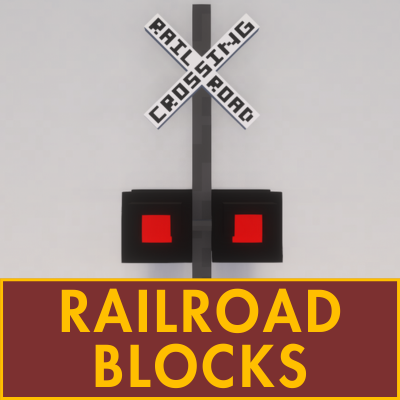
Railroad Blocks
Java mod listed for Minecraft 1.16–1.21. Downloads from the MC Java Mods app on Android.
I don't know my version or loader
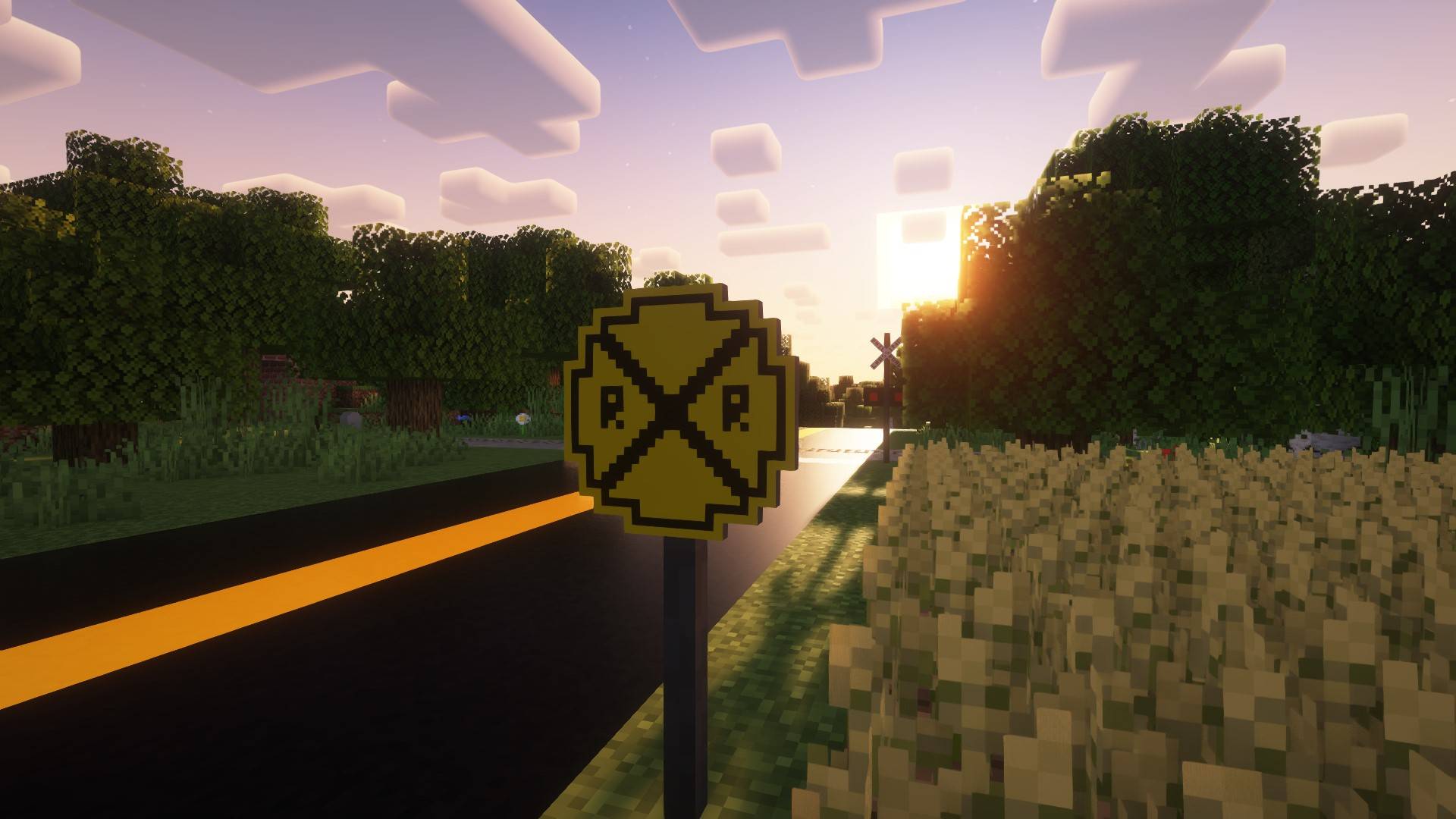

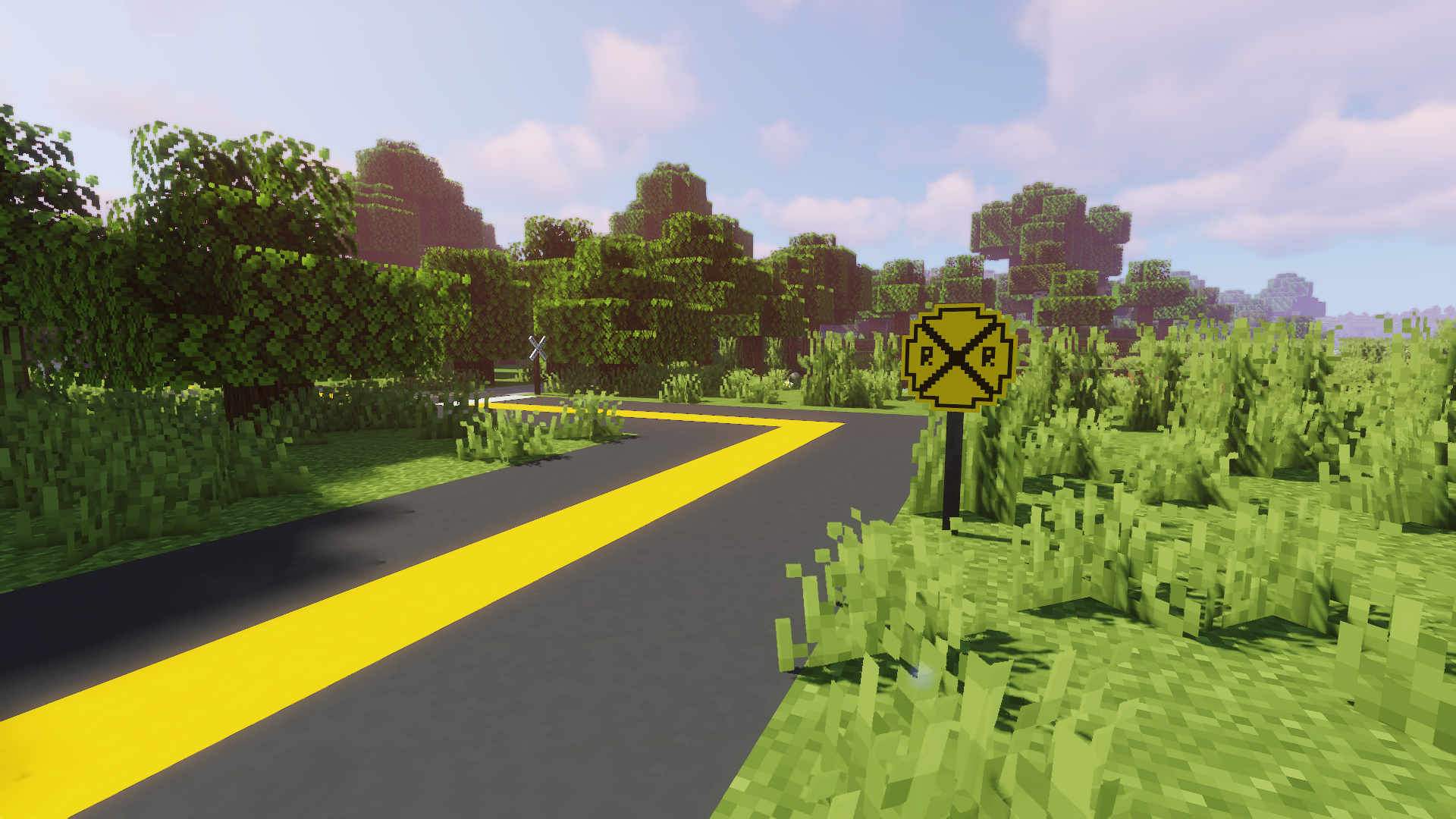
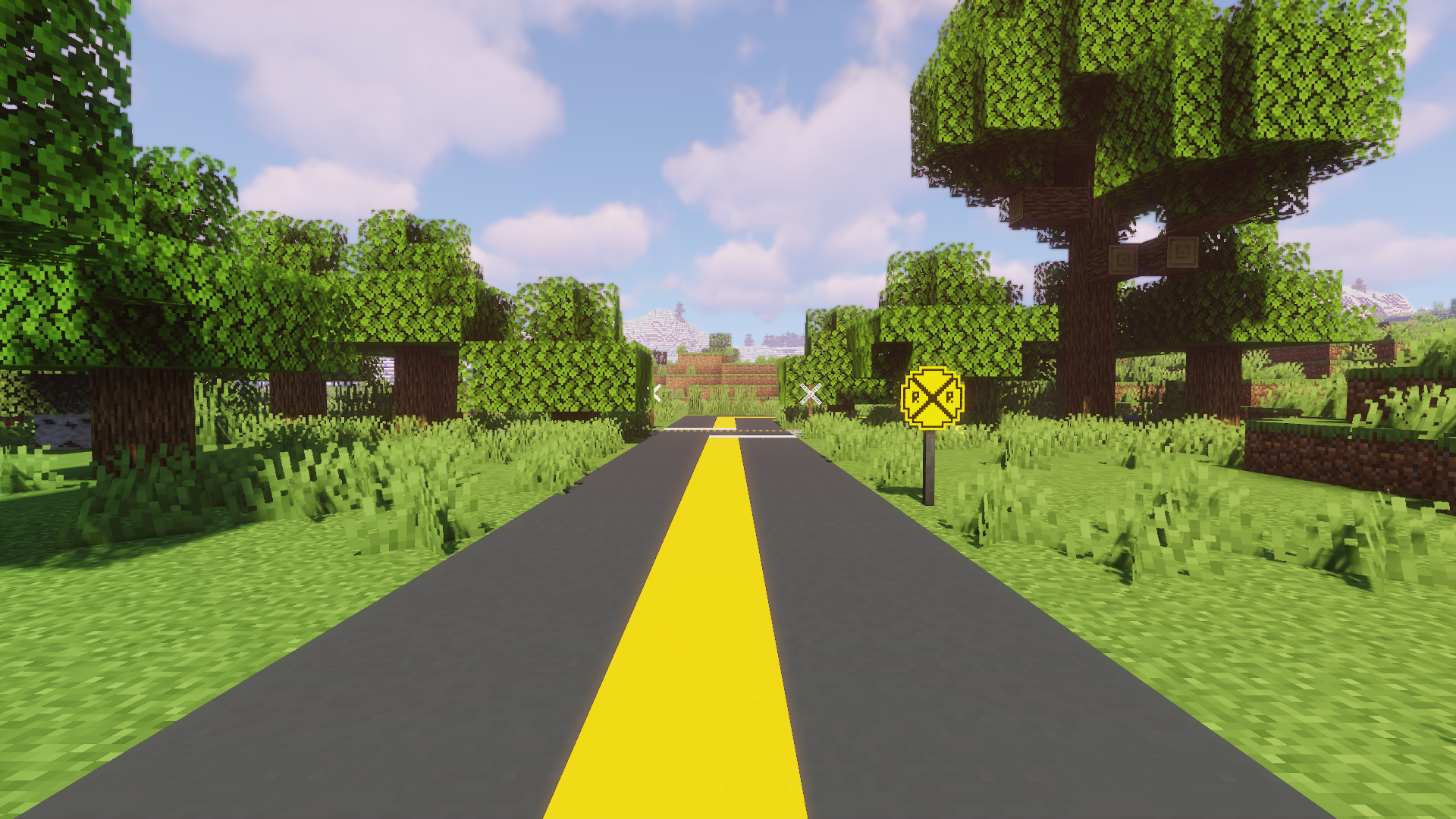
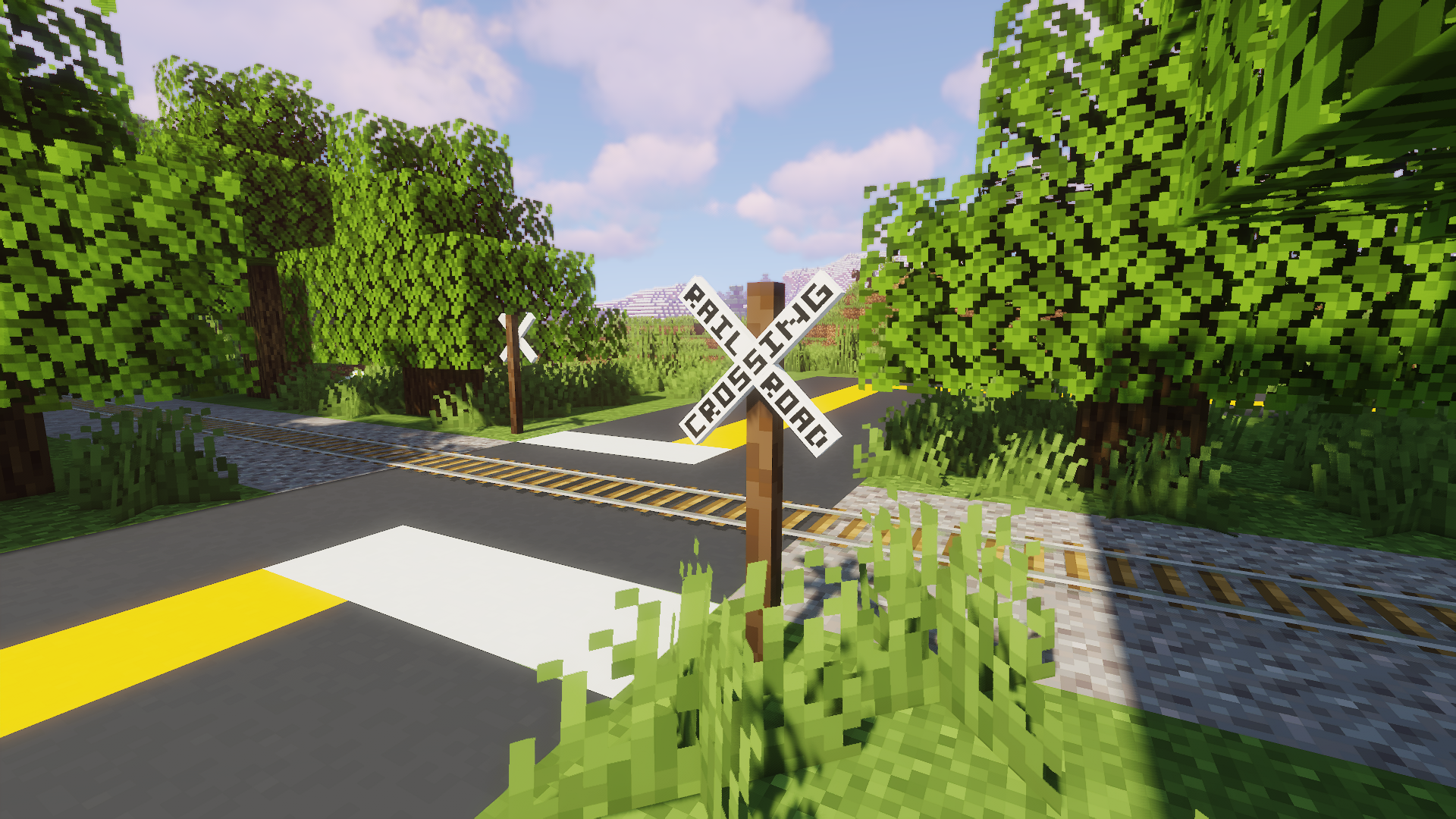
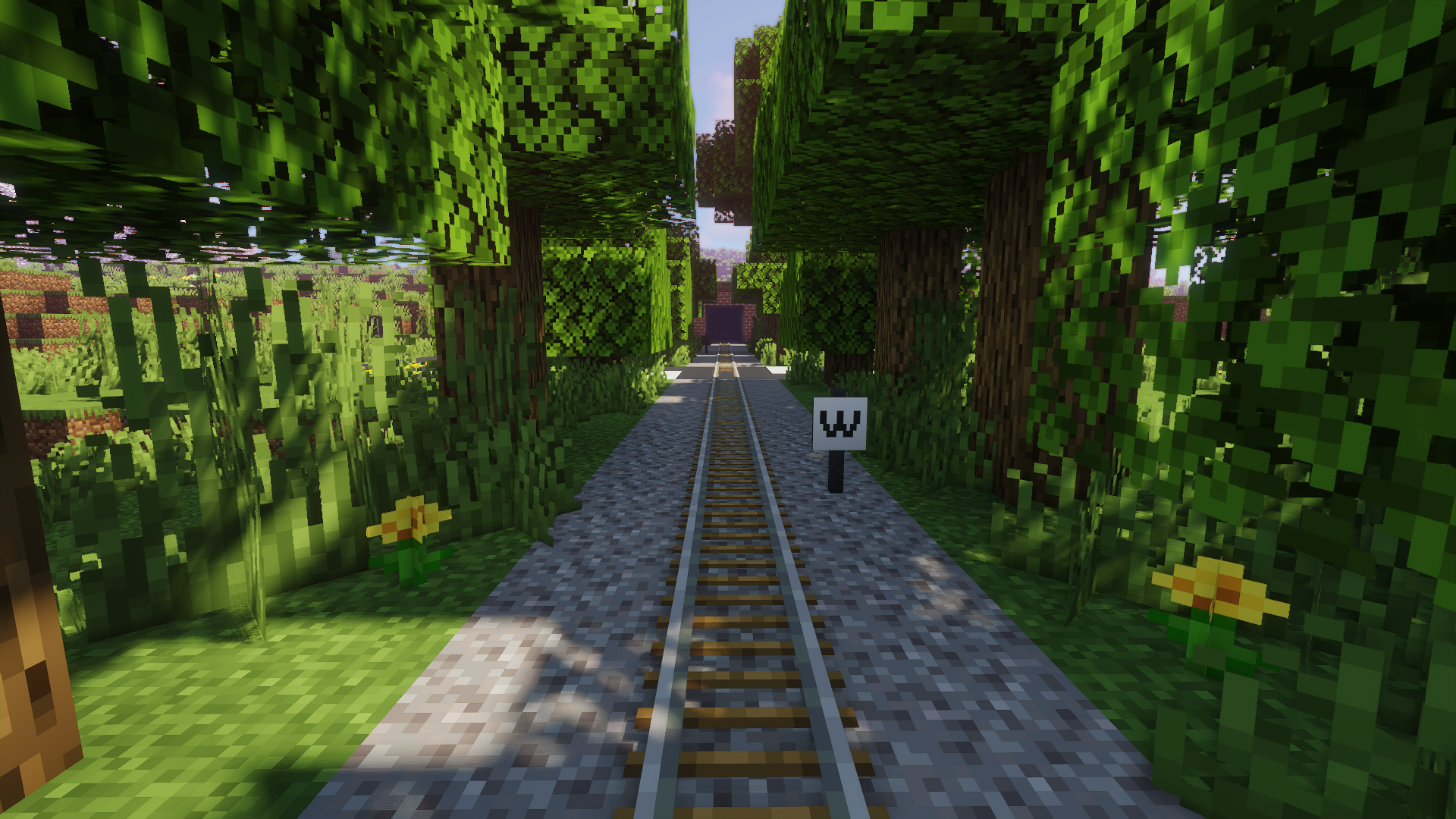

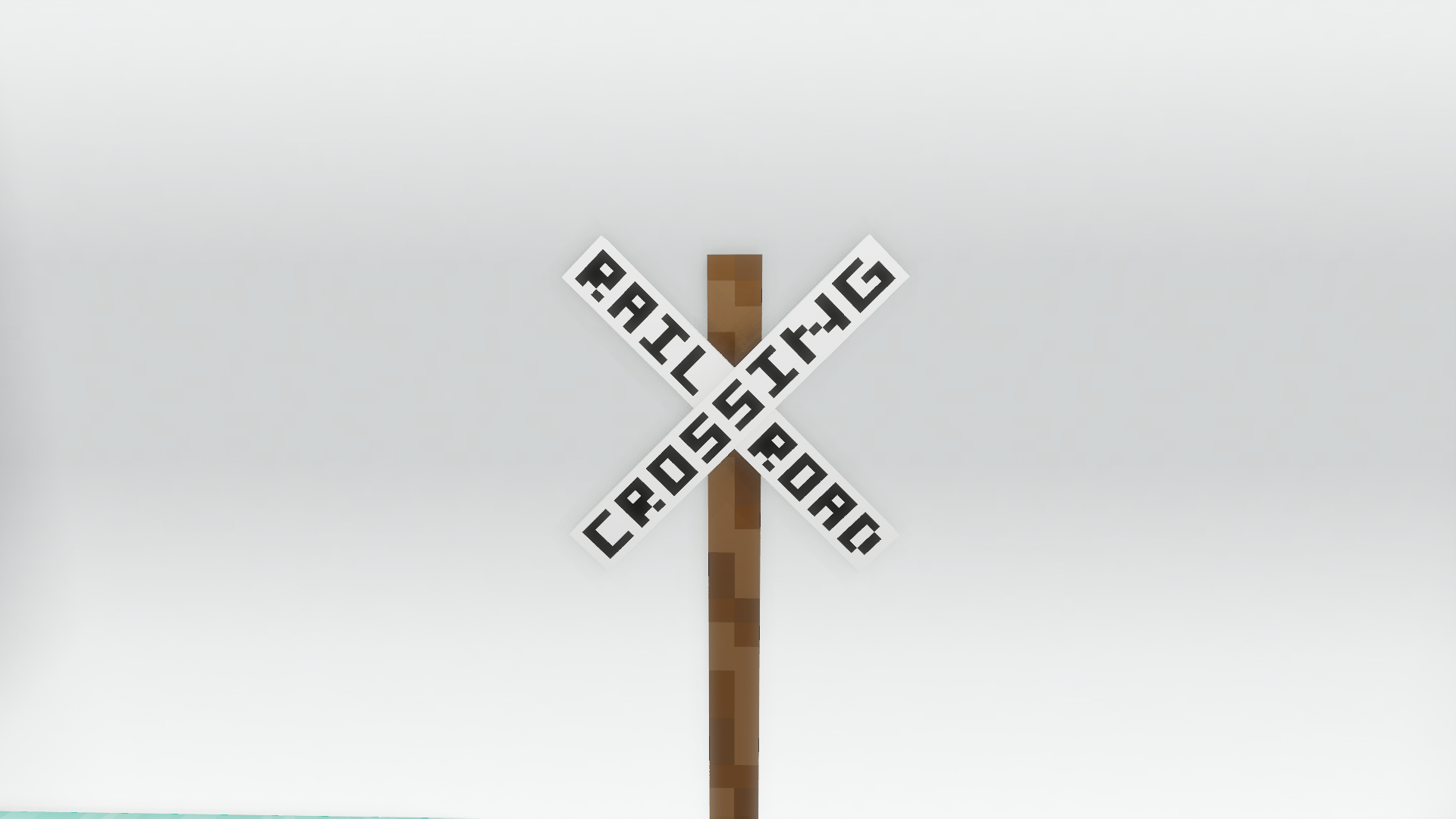





Railroad Blocks adds various railroad-themed blocks and items to Minecraft. The blocks are generally based on things from US railroads.
Railroad Blocks supports Minecraft versions 1.12.x, 1.16.x, 1.18.x, 1.19 - 1.19.2, 1.20 - 1.20.4, and 1.21 - 1.21.1.
Make sure to install the Fabric API when running on Fabric or Quilt! Architectury API not required on 1.12.x.
🟩 Blocks
The current version of Railroad Blocks includes the following blocks.
- Railroad Crossing Lights (Decorative)
- Dual Railroad Crossing Lights (Decorative)
- Iron Crossbuck
- Iron Pole
- Old Whistle Post
- Railroad Crossing Advance Warning Sign
- Whistle Post
- Wooden Crossbuck
- Wooden Pole
- Yard Limit Sign
🔨 Items
The current version of Railroad Blocks includes the following items:
- Blue Flag
- Green Flag
- Red Flag
- Yellow Flag
🌐 Languages
Railroad Blocks supports the following languages:
- 🇺🇸 American English
- 🇦🇿 Azerbaijan (92% Translated)
- 🇬🇧 British English
- 🇨🇦 Canadian English
- 🇨🇳 Simplified Chinese (71% Translated)
- 🇹🇷 Turkish (92% Translated)

⚠️ Issues

If you encounter any issues or bugs, please report them on our GitHub.
🔗 Other Resources





- Edition: Minecraft Java
- File type: .jar
- Minecraft versions listed: 1.21, 1.21.1, 1.20.2
- How to install: Install the matching mod loader (Forge, Fabric or NeoForge) for your Minecraft version. → Download the .jar. → Put it in the .minecraft/mods folder and launch that loader profile.
- Where to get it: Opens on CurseForge — not every file is mirrored on our own servers.
Install steps are the general flow for this file type — How to install Minecraft Java mods & modpacks walks through it step by step.
- Ships as railroadblocksaddon-0.4.0.jar — drop this file into the mods folder
- Download size: 73 KB
- Download link checked 25 Sept 2026 — working
These come from our own check of the pack file, not from the source page.