
Deep Pocket
Java mod listed for Minecraft 1.19. Downloads from the MC Java Mods app on Android.
⬇ Download on CurseForgeThe author built this one for Minecraft 1.19–1.19.2 on Forge. On other versions it may install and then do nothing.
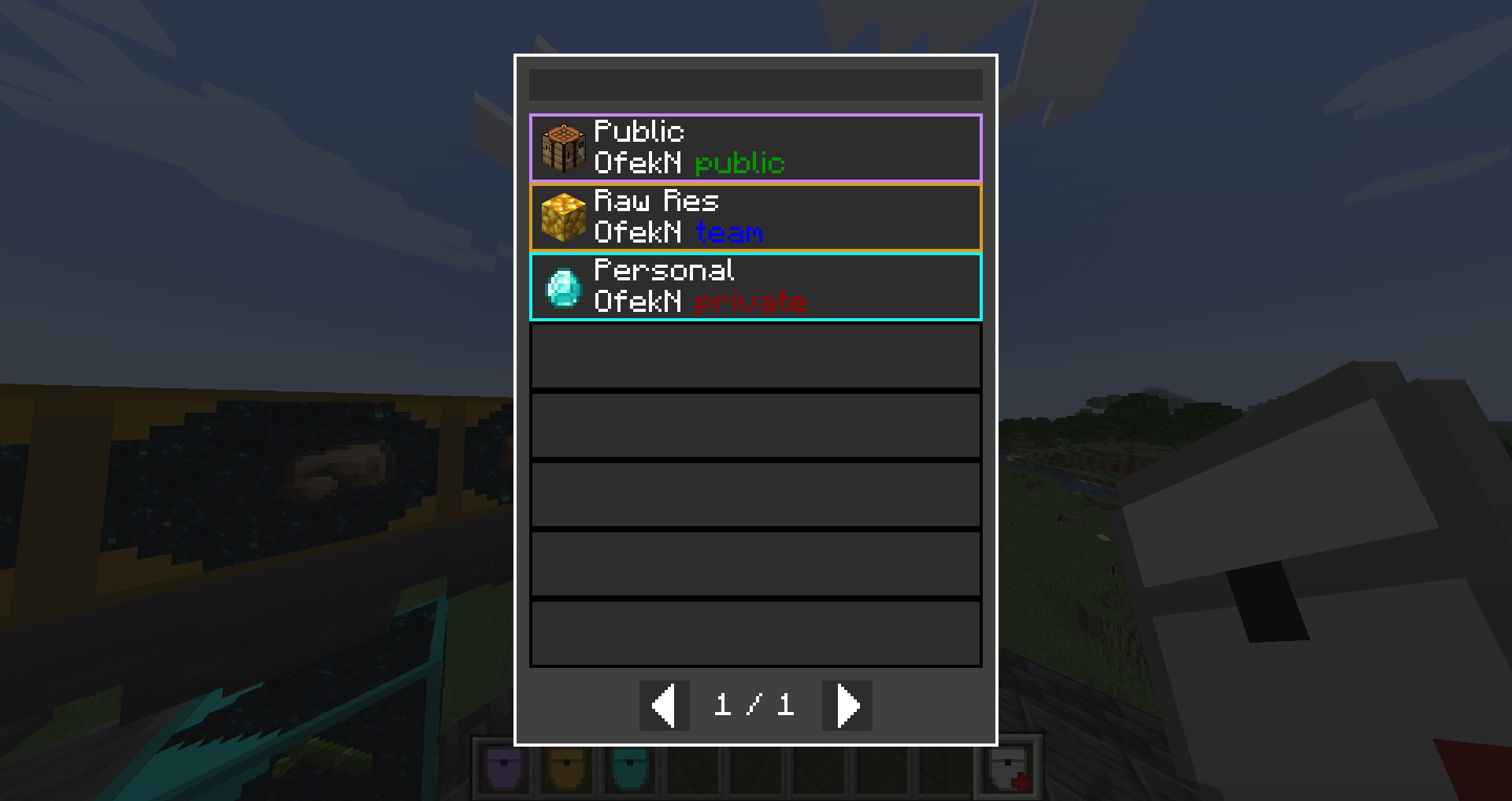
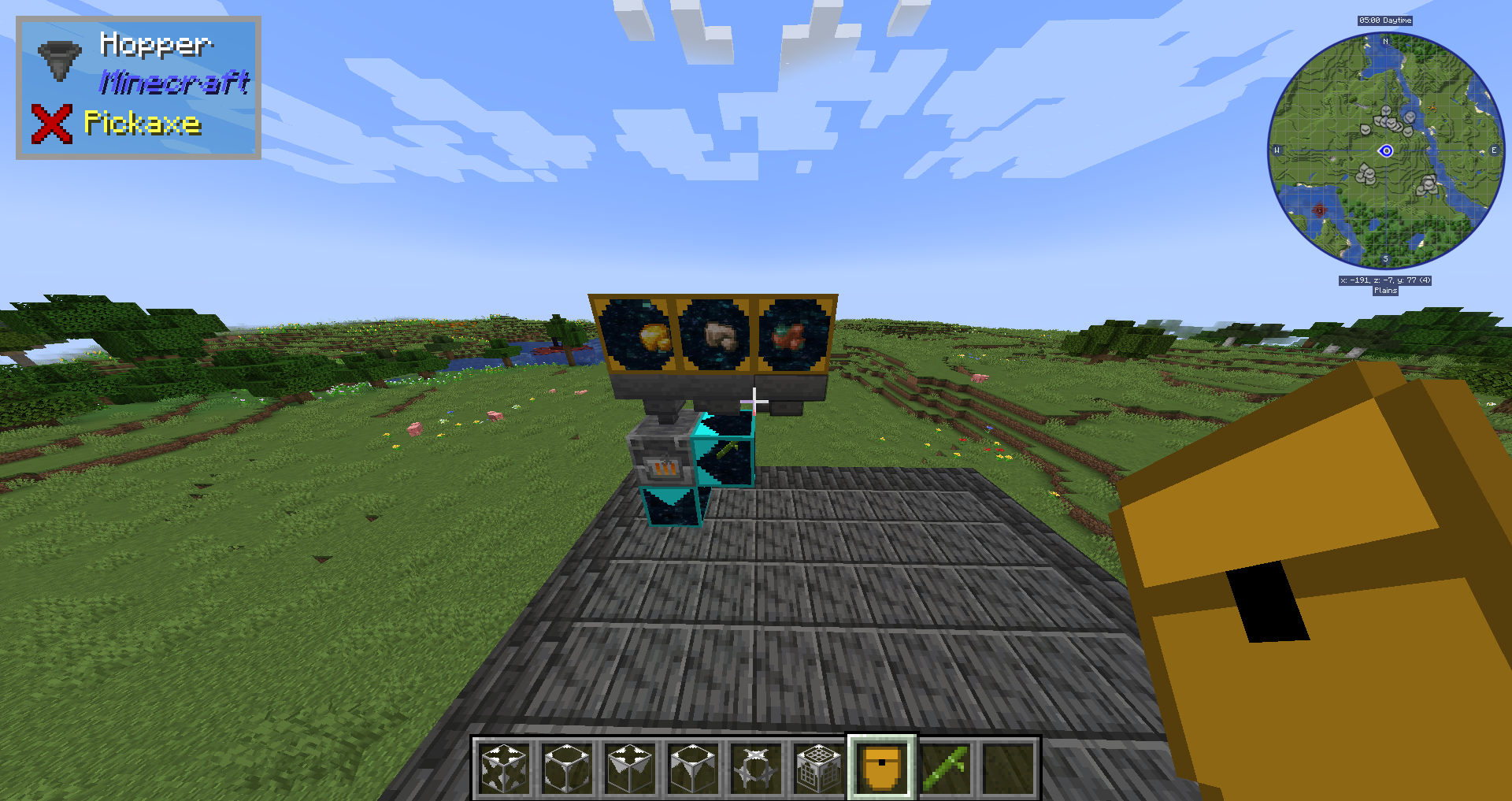
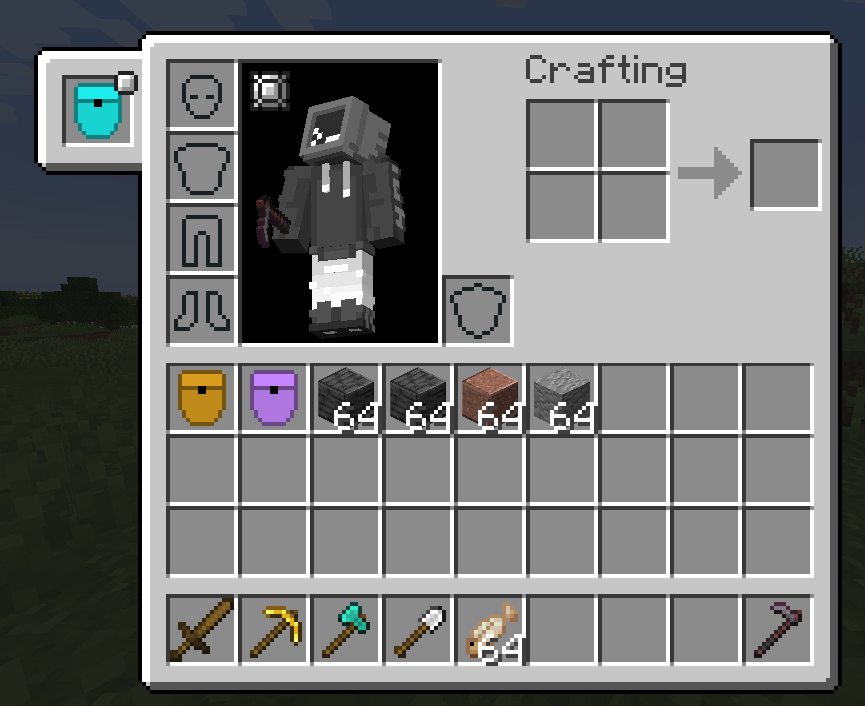
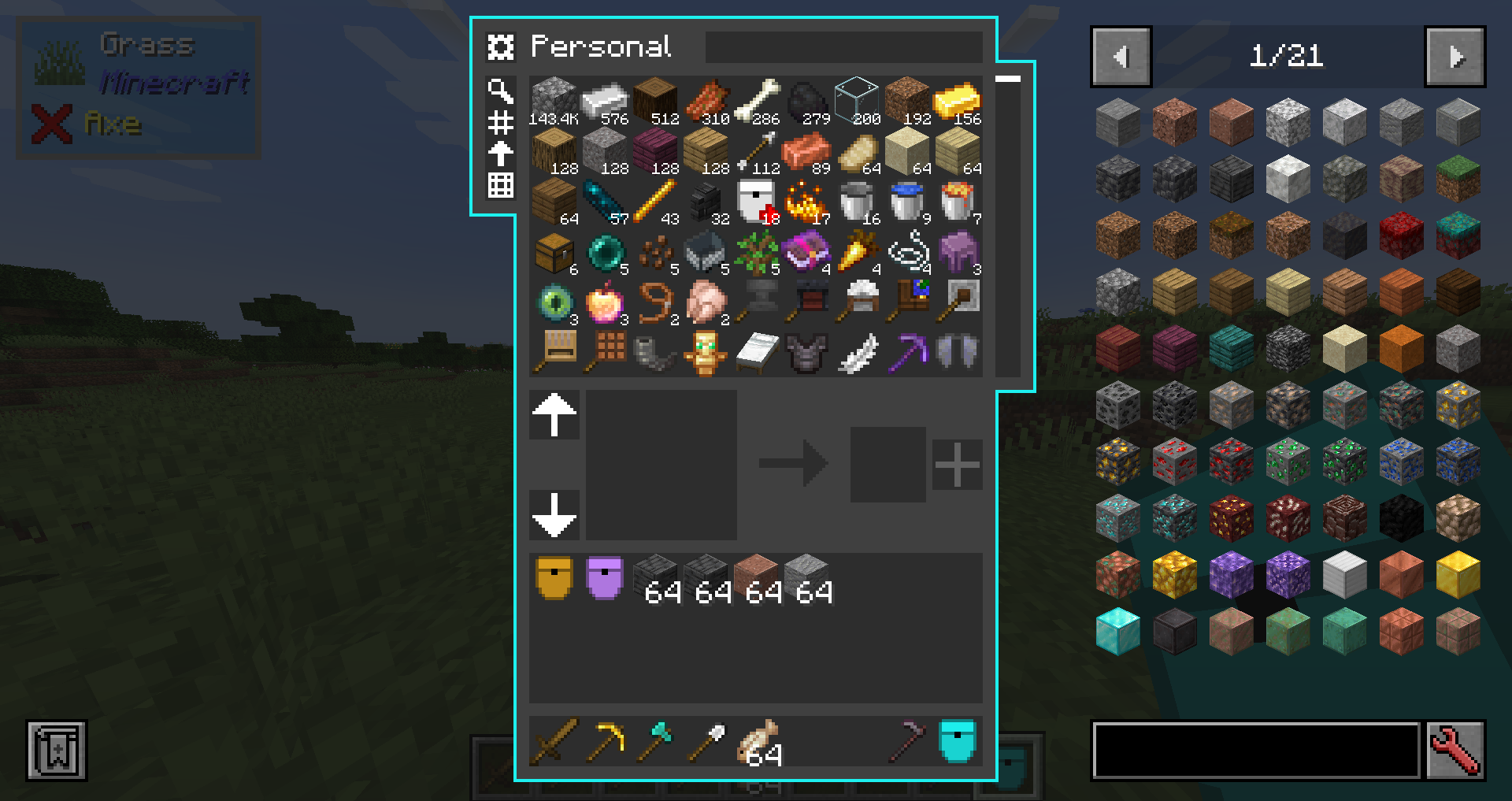
With this mod you can create pockets using a pocket factory.
Once you made a pocket you can put items in it, take items from it,
and use pocket importer and exporters for automations.
You can also share your pocket with friends, just make sure to set the pocket to public or team if you got ftb teams installed.
The pocket is similar to other mods that adds big storage, like refined storage, applied energistics, simple storage ect.
If you have curios, you would also have a "pocket" slot in your curios to put your pocket, and a keybind ('R' by default) will open it.
WARNING: this mod is in beta stage, it haven't been fully tested in multiplayer and I may missed a bug on singleplayer. backup your world.
I would appreciate any bug report here, in my discord server, or in discord DMs.
Items:
Pocket factory - right click with this to create a new pocket, pick name, icon, color and a security mode (who can access your pocket)
Pocket link - used in a lot of craftings, you can also right click with it to select an existing pocket that you got access to.
Blocks:
you will need to right click on the interfaces with a pocket to link them
on exporters you also need to click with an item to select what item it will export
Passive Pocket Importer - insert items into it using hopper or any other mod's pipe to fill your pocket.
Active Pocket Importer - will suck items from the inventory in front of it to the pocket.
Passive Pocket Exporter - extract items from it using hopper or any other mod's pipe to take a specific item from your pocket.
Active Pocket Exporter - will export specific item from your pocket to the inventory in front of it.
Pocket Signal - will output redstone signal based on condition.
Feel free to use this mod in your modpack.
Also check out Deep Pocket Conversions
My Discord Server: https://discord.gg/eTn5zzrWKa
Screenshots:


- Edition: Minecraft Java
- File type: .jar
- Minecraft versions listed: 1.19.2, 1.19.1, 1.19
- How to install: Install the matching mod loader (Forge, Fabric or NeoForge) for your Minecraft version. → Download the .jar. → Put it in the .minecraft/mods folder and launch that loader profile.
- Where to get it: Opens on CurseForge — not every file is mirrored on our own servers.
Install steps are the general flow for this file type — How to install Minecraft Java mods & modpacks walks through it step by step.
- Ships as deep-pocket-0-0-2.jar — drop this file into the mods folder
- Download size: 569 KB
- Download link checked 16 Oct 2026 — working
These come from our own check of the pack file, not from the source page.