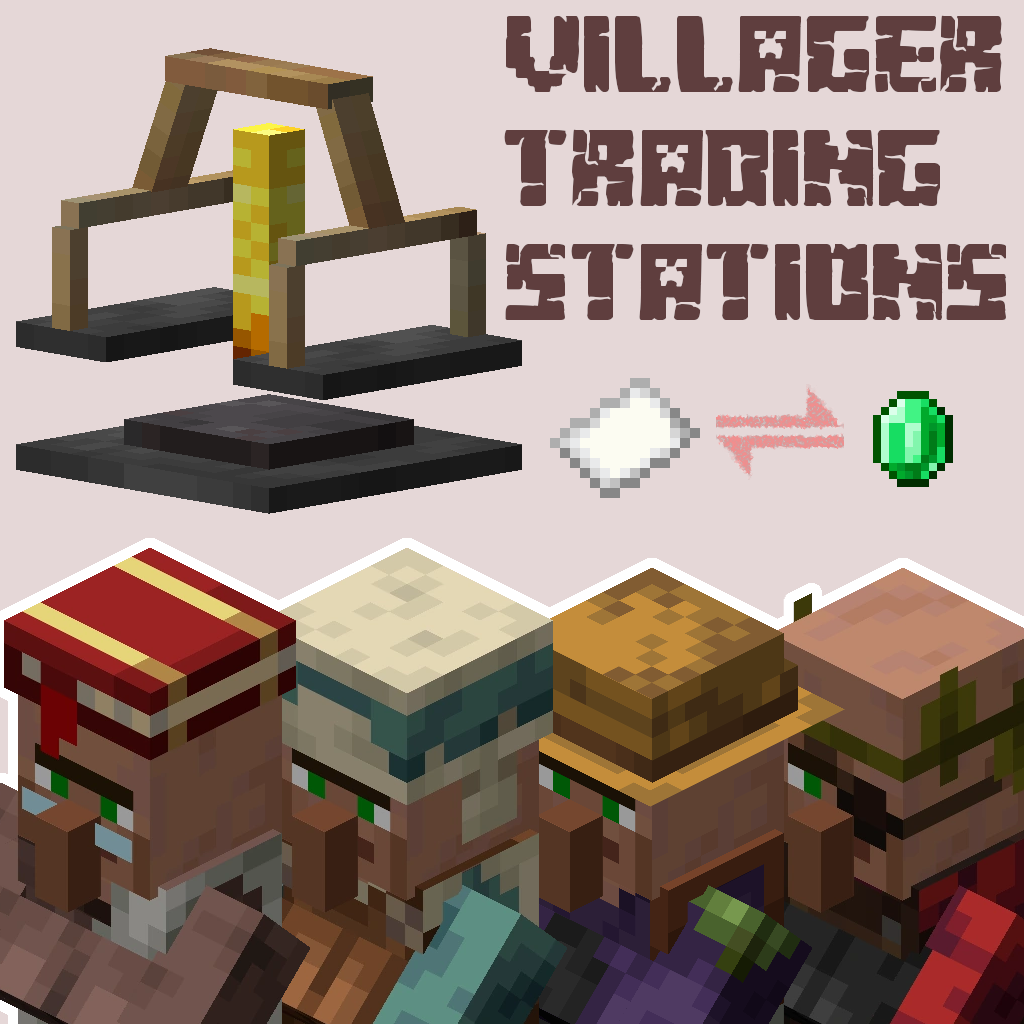
Villager Trading Station
Java mod listed for Minecraft 1.18–1.21. Downloads from the MC Java Mods app on Android.
I don't know my version or loader
Villager Trading Station
A simple block to automatically trade with villagers
Usage
Get a piece of paper and click on a villager trade while having the paper in your cursor, which will turn it into a
quote. Then craft a villager trading station and use the quote on the station to lock it in. Items then are to be then
piped into the station, and once a villager finds the station and completes the trade, items will be placed into the
output buffer which can be piped out
Click on the trade

You will be given a quote for that trade. Place it into a trading station to start trading

Right click the station for a management GUI

- Edition: Minecraft Java
- File type: .jar
- Minecraft versions listed: 1.21.11, 1.21.10, 1.21.5
- How to install: Install the matching mod loader (Forge, Fabric or NeoForge) for your Minecraft version. → Download the .jar. → Put it in the .minecraft/mods folder and launch that loader profile.
- Where to get it: Opens on CurseForge — not every file is mirrored on our own servers.
Install steps are the general flow for this file type — How to install Minecraft Java mods & modpacks walks through it step by step.
- Ships as villager_trading_station-1.9.0-neo.jar — drop this file into the mods folder
- Download size: 355 KB
- Download link checked 25 Sept 2026 — working
These come from our own check of the pack file, not from the source page.