
Perfectly Splendid
Java modpack listed for Minecraft 1.19. Downloads from the MC Java Mods app on Android.
⬇ Download on CurseForgeThe author built this one for Minecraft 1.19.2 on Forge. On other versions it may install and then do nothing.
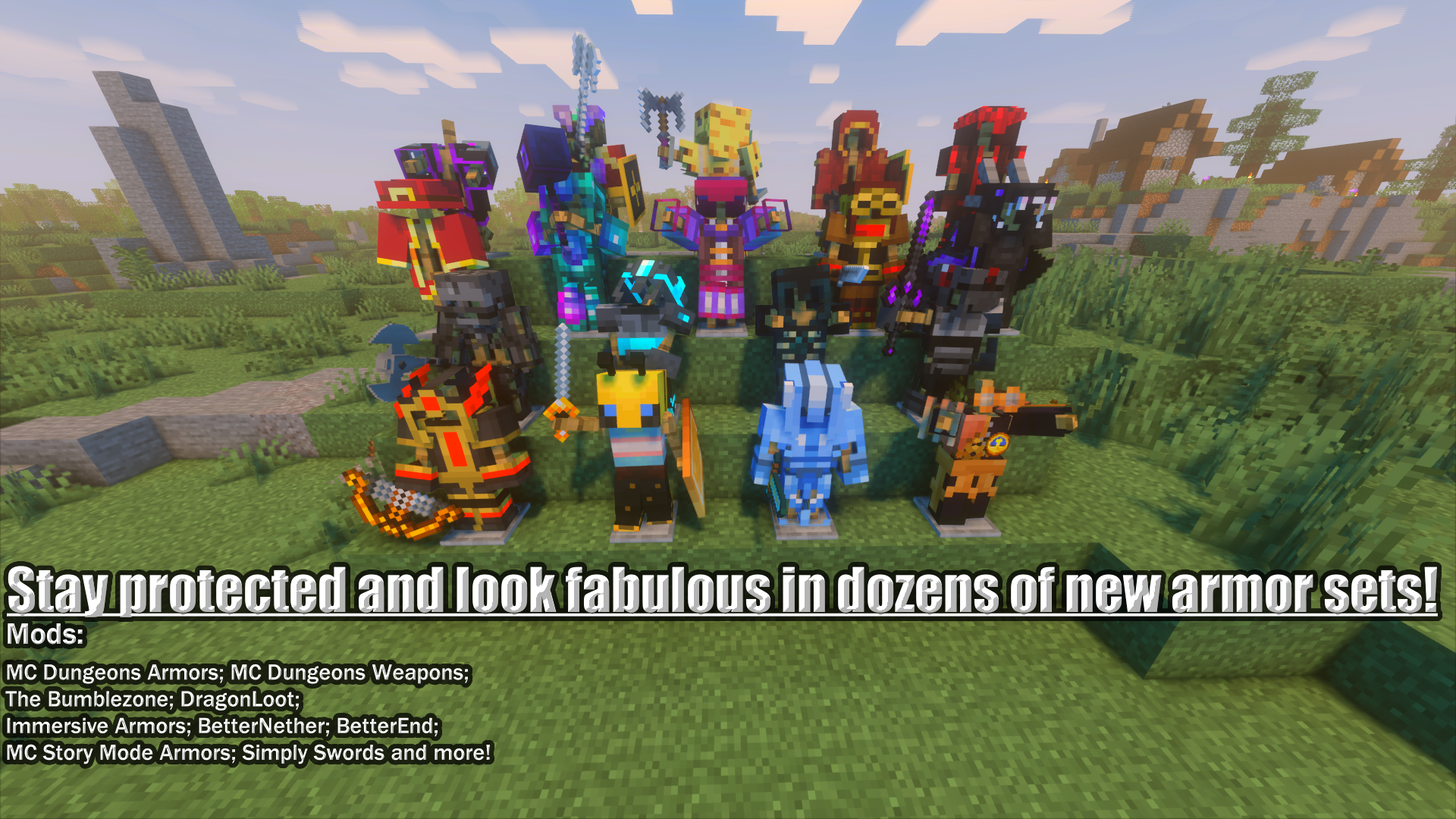

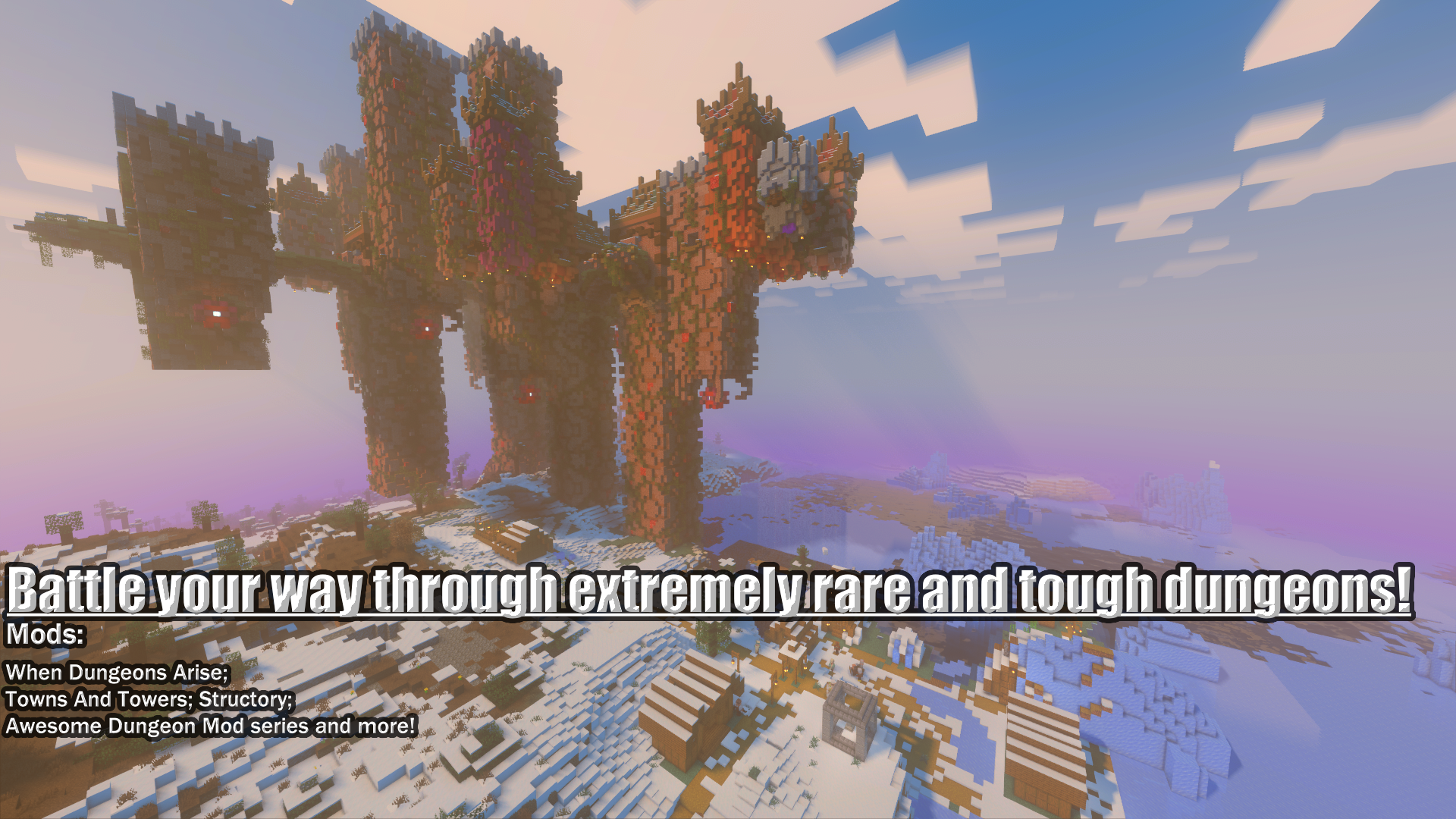

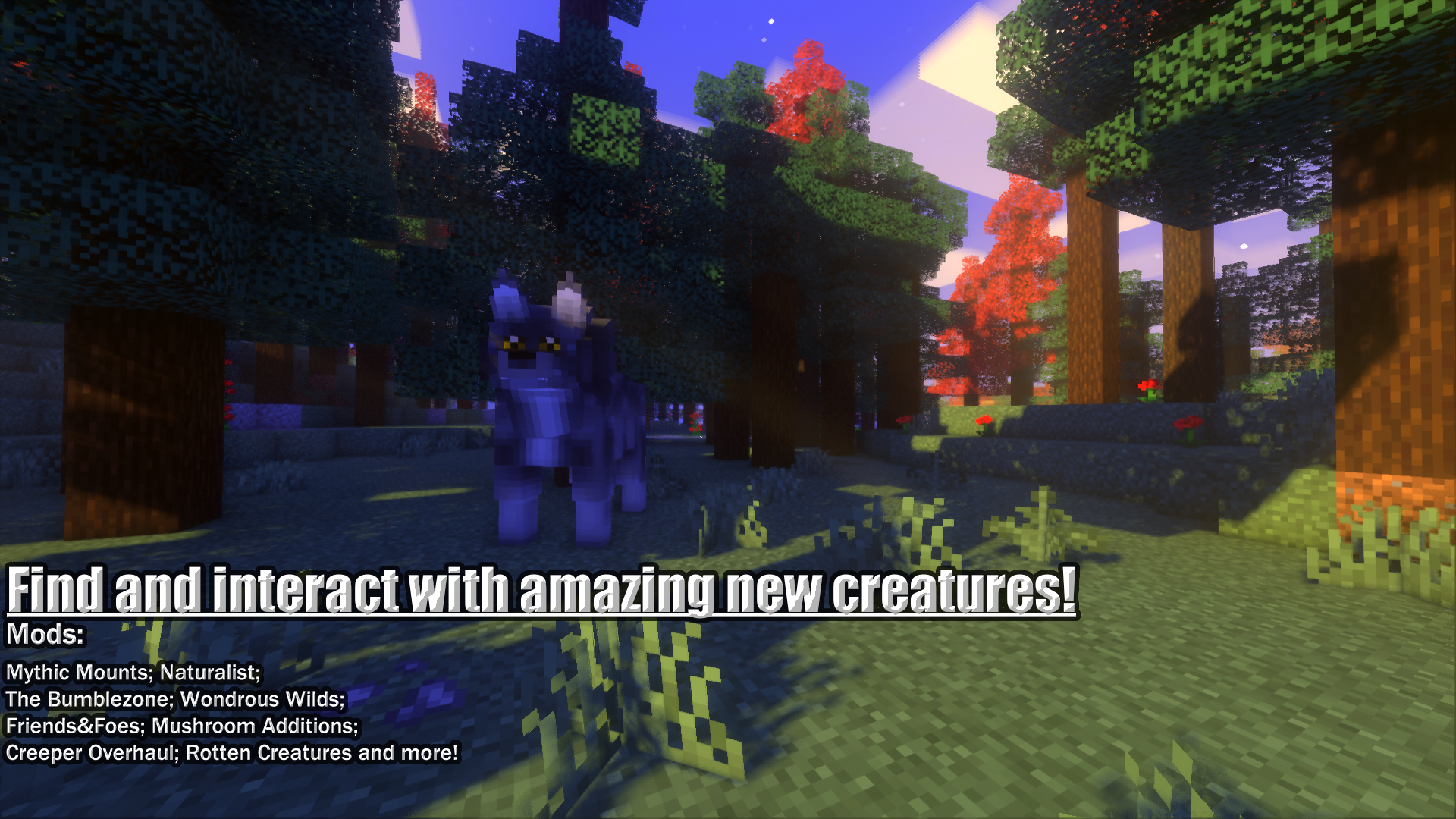
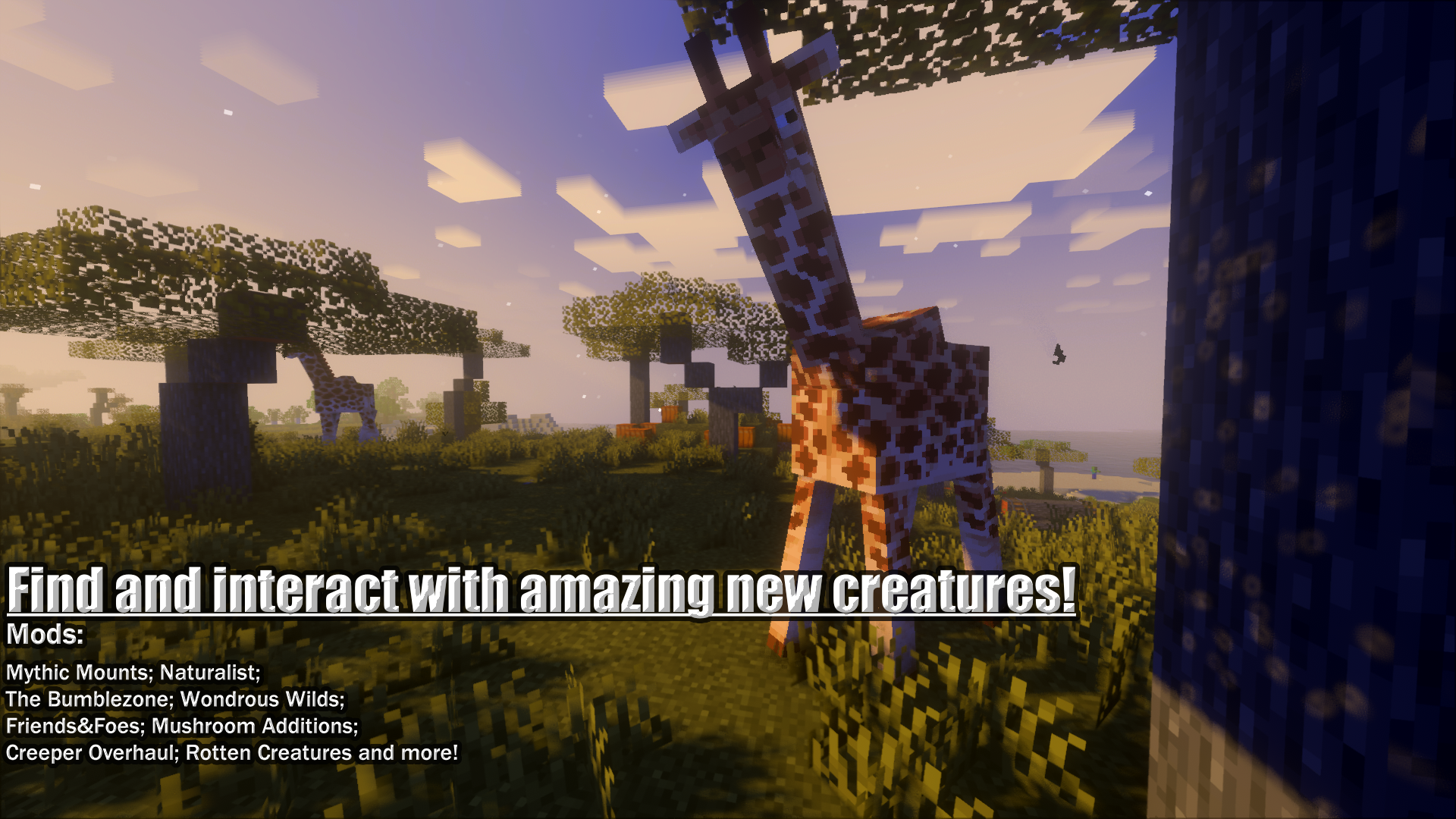
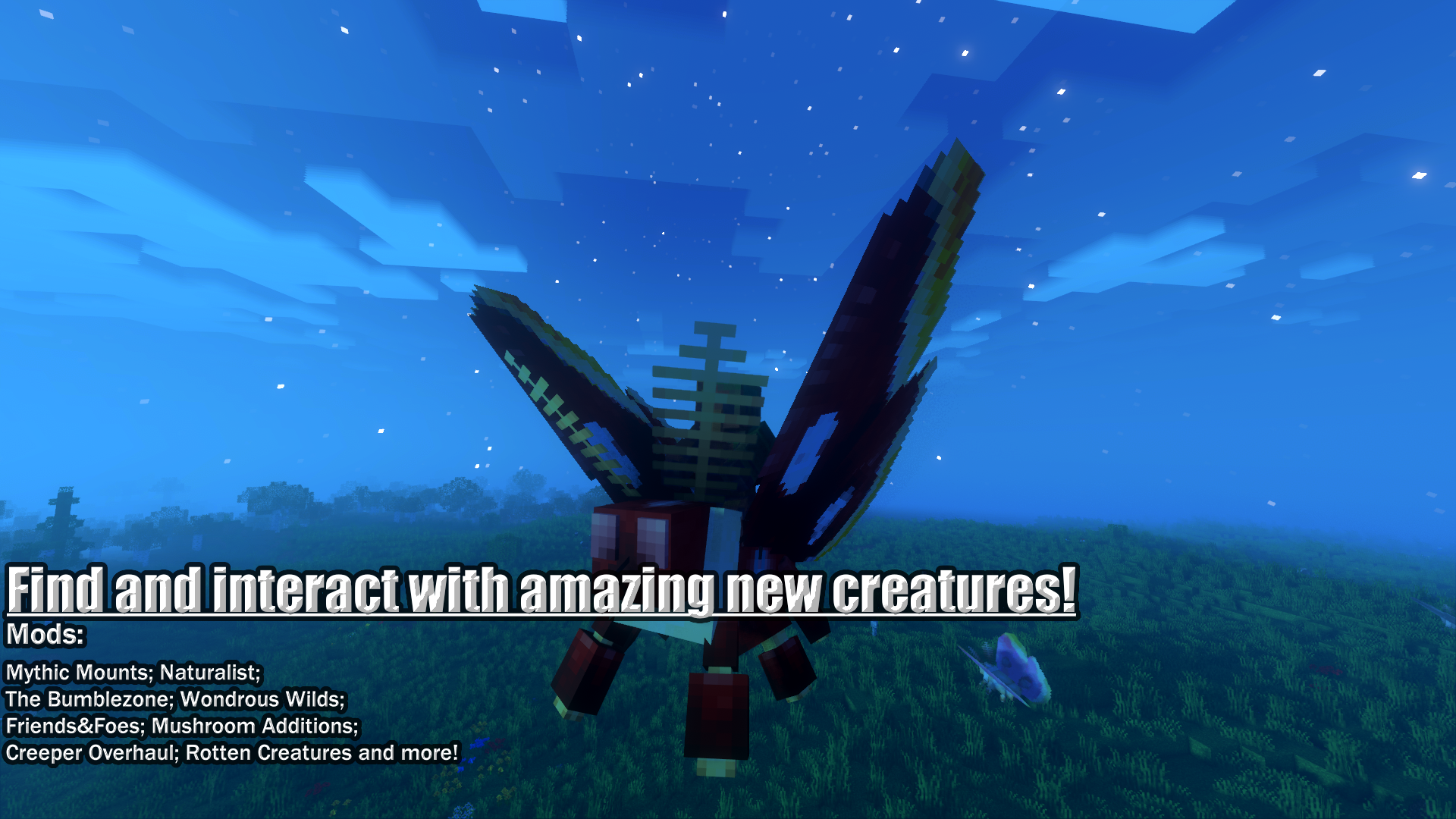

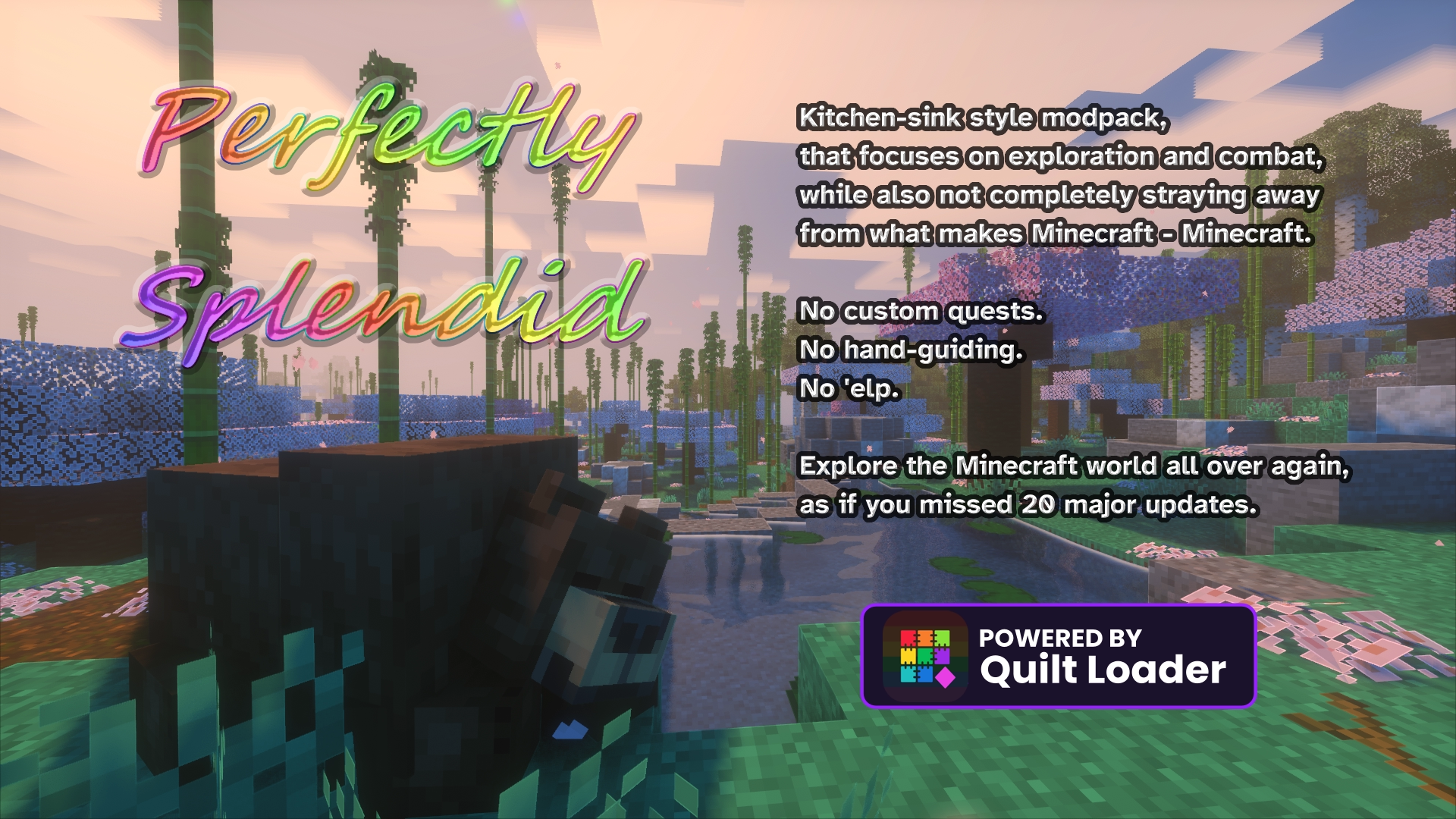
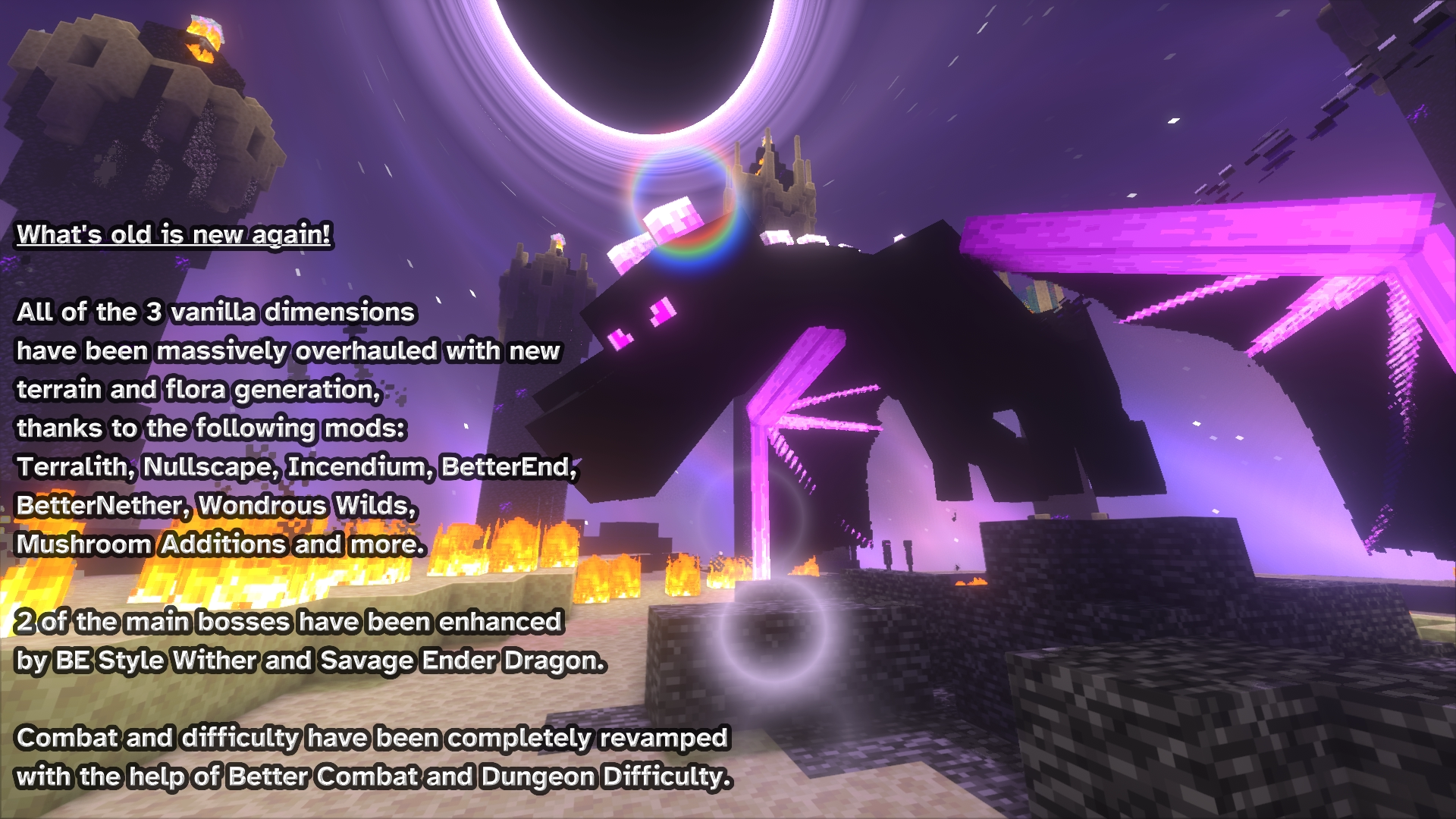
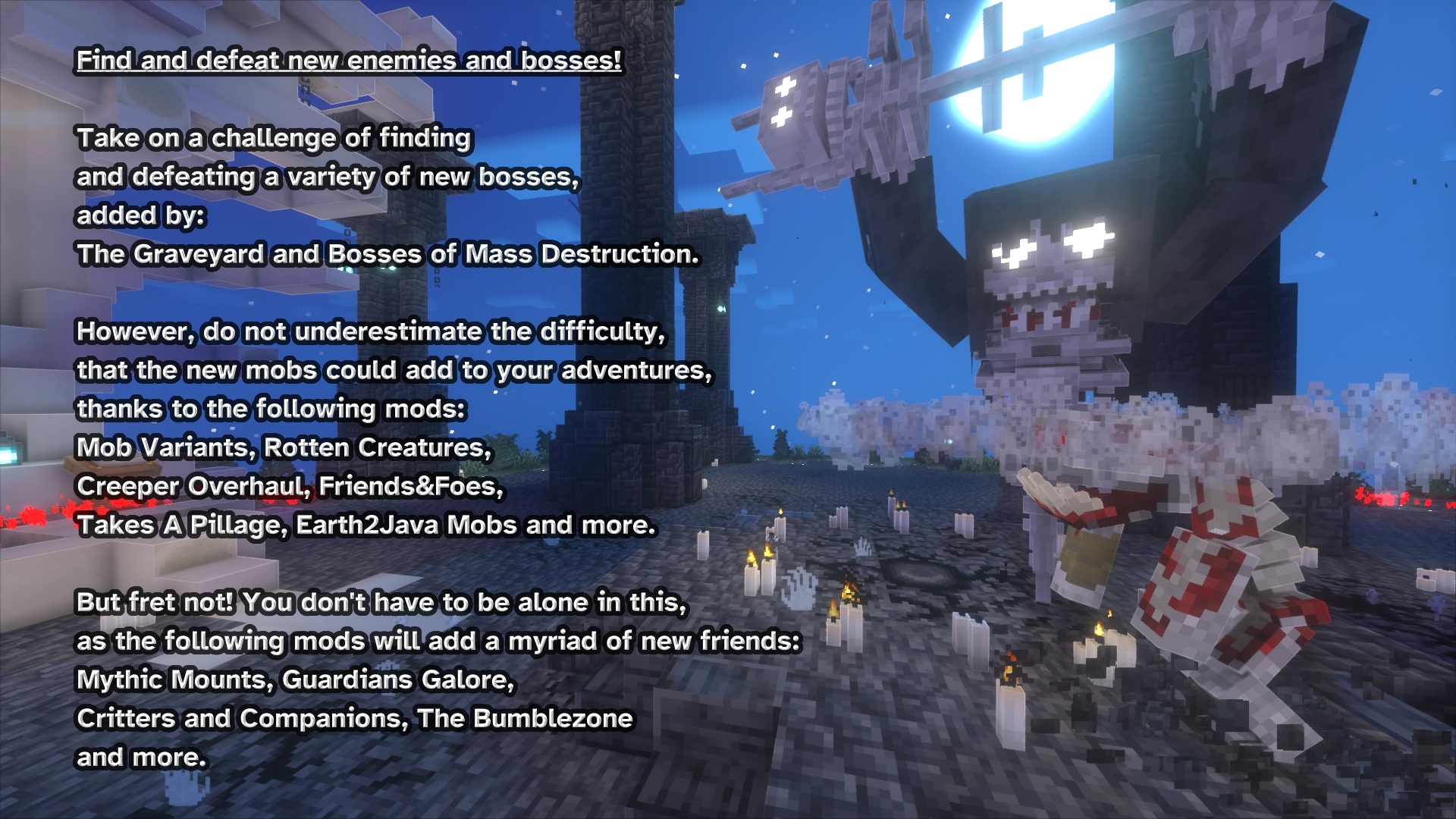
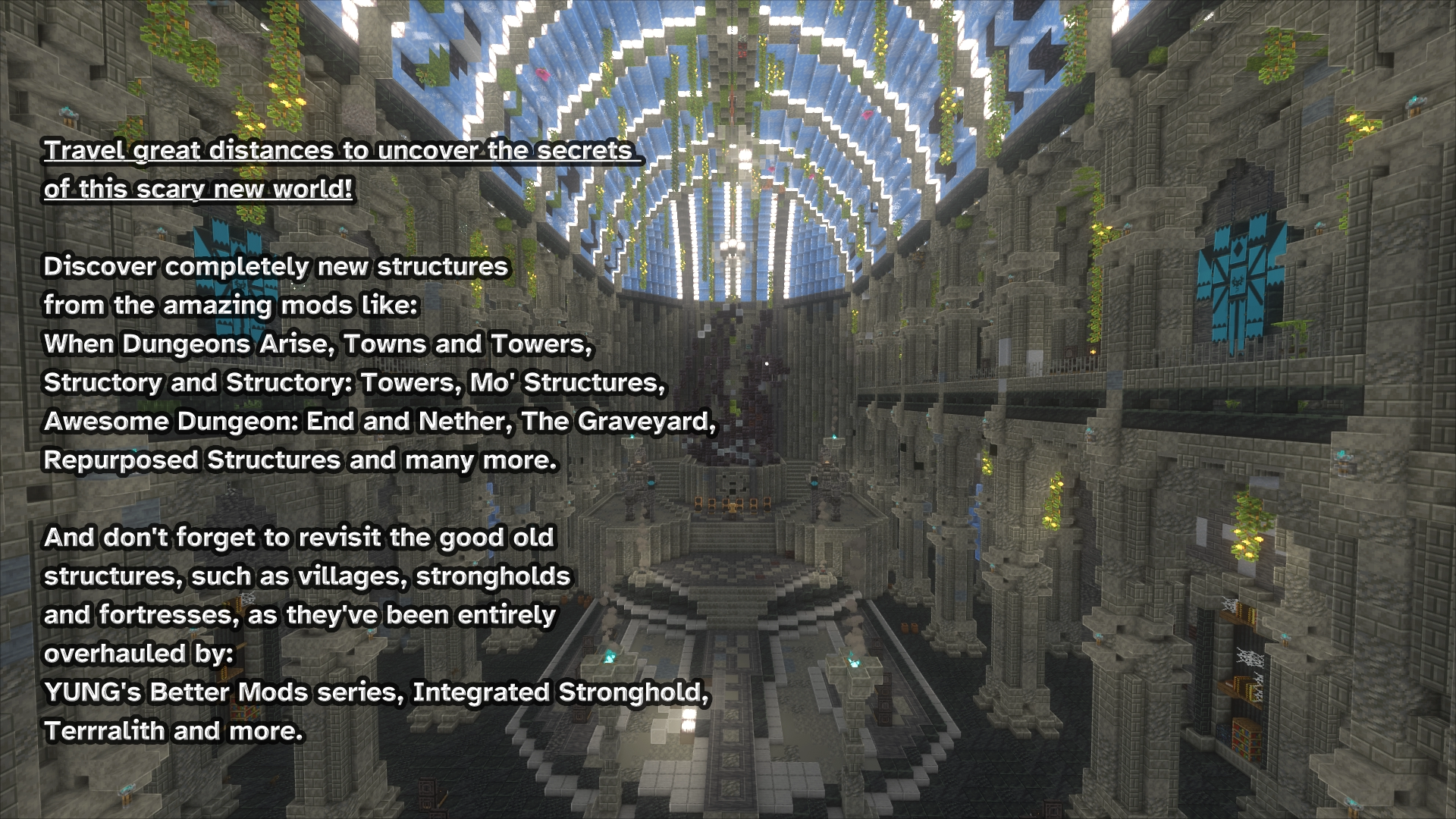
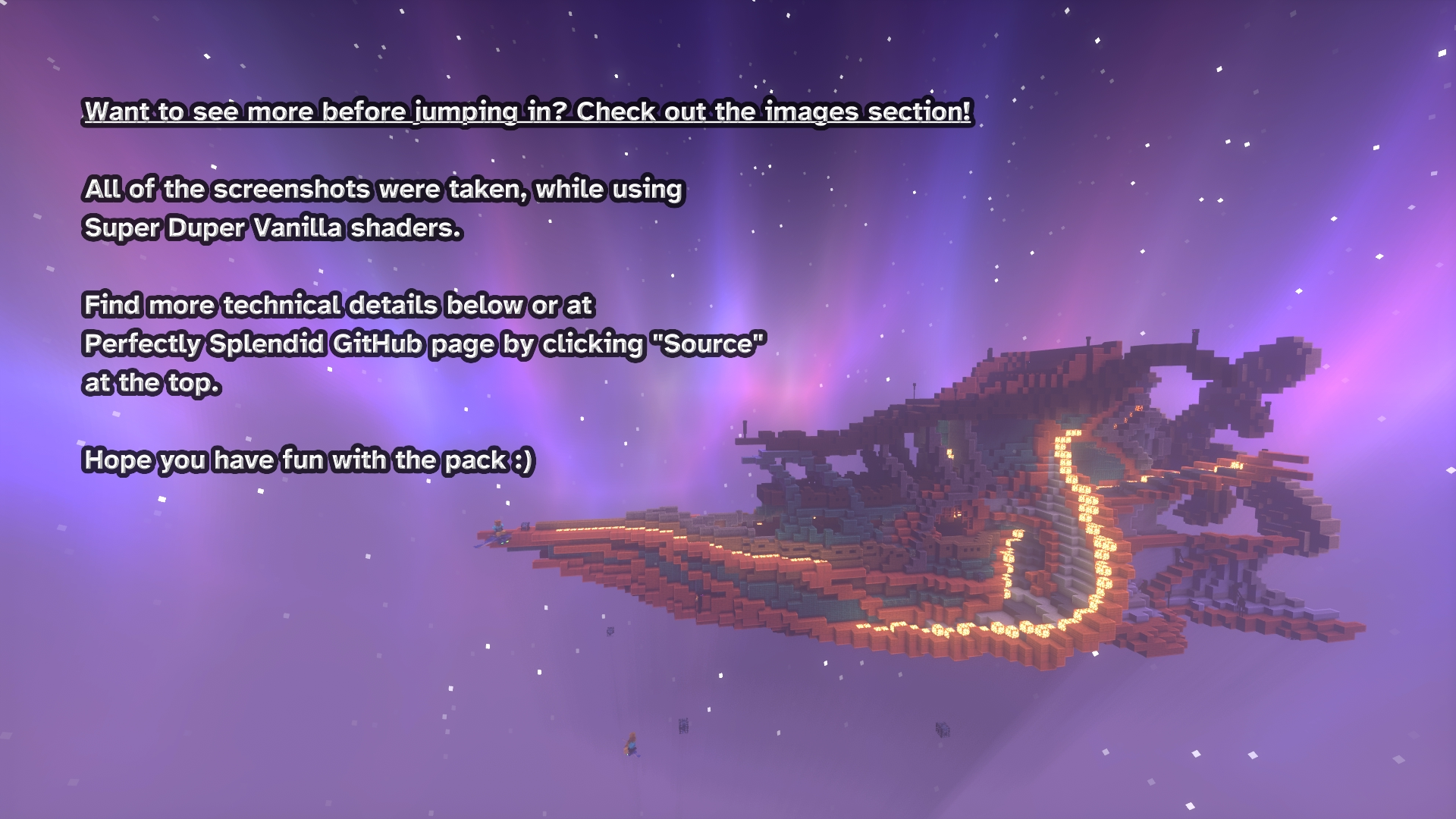
What to expect from Perfectly Splendid
🔨 Technical details
ATTENTION! Unfortunately, due to the way CurseForge currently handles modpacks, I am no longer able to maintain the pack. Prior to recent changes, it was possible to include files from any modloader to the pack, but now it has to be tagged as specifically supported by the modloader in question. Since it would require me to go around over 200 mods and ask people to tag their mods as Quilt-supported, I'm simply no longer going to update the pack until this change is reversed. It's quite disheartening, as I had big plans for the future of the pack, but it's completely unrealistic for me to ask over 200 devs to tag their mods as Quilt-compatible. Thank you everyone, who decided to check out Perfectly Splendid!
Recommended JVM arguments
Using my recommendations is not necessary, but it might significantly boost your performance, when generating new chunks and running garbage collection.
The pack was tested on default Java installations shipped with vanilla launcher and CF app, as well as Adoptium JDK 17 and Oracle GraalVM 17.
The pack was tested with default Java arguments provided by vanilla launcher and CF app.
Absolute maximum required allocated memory for the pack is 12GB
10GB is recommended, if you use Super Duper Vanilla shaders (default)
8GB is recommended, if you don't use any shaders
6-8GB is recommended, if your world is pregenerated or you play on a server
The recommended memory allocation for servers is 10-12GB
The lower your RAM, the longer it will take for the game to load and generate chunks!
I highly recommend using Oracle GraalVM as your Minecraft JVM: https://www.graalvm.org/. Using specifically this version significantly speeds up the initial game loading time, as well as chunk generation.
If using Oracle GraalVM - leave JVM flags empty! Only set up your RAM usage and you are good to go.
In most other cases, letting JVM do its thing is the best option, as well. However, if you are willing to experiment with different flags, I recommend reading up on all the information in this guide: https://github.com/brucethemoose/Minecraft-Performance-Flags-Benchmarks.
Prism users may also tick "Skip Java compatibility checks", if using any version of Java 17.
You can also try increasing your pagefile size, if you are on Windows and struggling with loading times. I'm using 40GB for other games' modpacks, but you can probably set it to something like 10-15GB for Minecraft.
💭 Already tried Perfectly Splendid? Would like to report an issue or send feedback?
- If you encounter any issues with the pack or have a suggestion, open an issue on Perfectly Splendid GitHub.
- Feel free to ask any questions in the comment section.
❔ If you have more questions before installing I might've already answered some of them here!
📌 Known issues
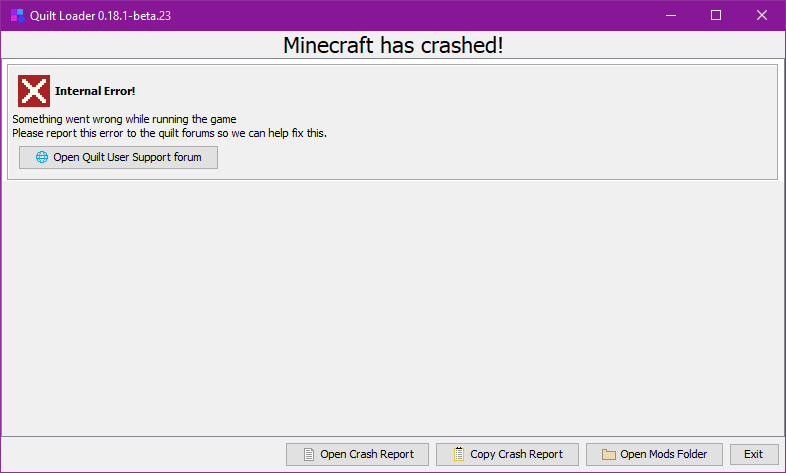
First ever launch "crashes" with an "internal error" message.
Status: ✅ Fixed in the next update.
Severity: Low.
Workarounds: Simply launch the game again. I think this is due to JumpQuilt technically being run on Forge to download Quilt. You don't need to report this to Quilt, as it says. The next update should use the native Quilt loader support.
Log Begone is only partially working in Update 6 and above.
Status: ❌ Reported.
Severity: Low.
Workarounds: None convenient. You'd need to downgrade your Quilt Loader to a version, that works with Log Begone, but I can't guarantee old QL versions will work with the pack anymore.
Glass pane culls incorrectly with connected glass pane blocks.
Status: ✅ Intended.
Severity: Low.
Workarounds: You can enable a built-in Continuity resource pack called "glass pane culling fix", however, doing so will break culling for unconnected double stacked glass panes and similar blocks (see Continuity GitHub for pictures).
The Bumblezone is completely dark, when using shaders.
Status: ❌ The developer is aware.
Severity: Low.
Workarounds: Simply disable shaders, when travelling there.
Graveyard Biomes are way too bright with shaders.
Status: ❌ Not reported.
Severity: Low.
Workarounds: Again, just disable shaders, when in those biomes.
Spawn eggs aren't grouped in REI.
Status: ❌ Reported.
Severity: Low.
Workarounds: Disable Inspecio.
Sometimes the saving world screen gets stuck.
Status: 🔳 Not consistently reproducible.
Severity: Low.
Workarounds: Feel free to just force close the game, if your console logging stopped at "Saving chunks", your world should be fully saved at this point. Or disable C2ME.
Stair blocks require jumping to get up on them.
Status: ✅ Fixed in the next update.
Severity: Low.
Workarounds: Disable Step It Up or enable it's function in the config.
@Credits:
- telepathicgrunt for compatibility datapacks between YUNG's mods and others.
- eldeston for Super Duper Vanilla Shaders.
- OpenClipart-Vectors for the background picture I use for the datapack icons.
3rd party mods with permissive licenses. If you are a developer of one of the following mods and wish for me to take it down - contact me by any means and I will remove your mod from my pack:
- Babies Forever by Roundaround
- Better Nether Map by Jummit
- Iris by IMS212
- Rotation Locker by Beefox
🌈 Thank you for playing Perfectly Splendid! 🌈
- Edition: Minecraft Java
- File type: .jar
- Minecraft version listed: 1.19.2
- How to install: Install the matching mod loader (Forge, Fabric or NeoForge) for your Minecraft version. → Download the .jar. → Put it in the .minecraft/mods folder and launch that loader profile.
- Where to get it: Opens on CurseForge — not every file is mirrored on our own servers.
Install steps are the general flow for this file type — How to install Minecraft Java mods & modpacks walks through it step by step.
- Downloads as Perfectly Splendid-v1.0.1.1.zip
- Download size: 18.3 MB
- Download link checked 26 Sept 2026 — working
These come from our own check of the pack file, not from the source page.