
TheGoodOldDays
Minecraft Java modpack. Downloads from the MC Java Mods app on Android.
⬇ Download on CurseForge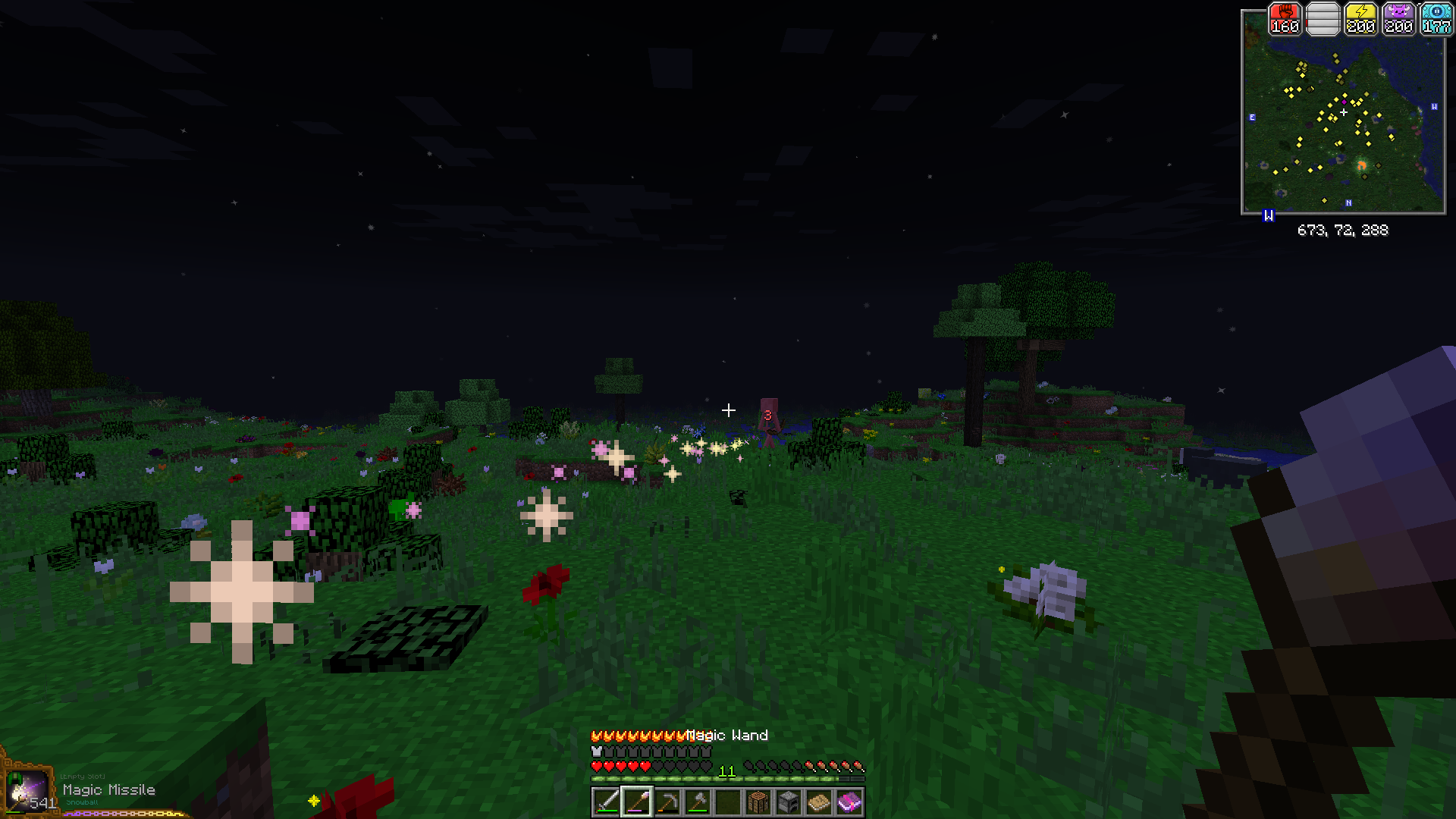
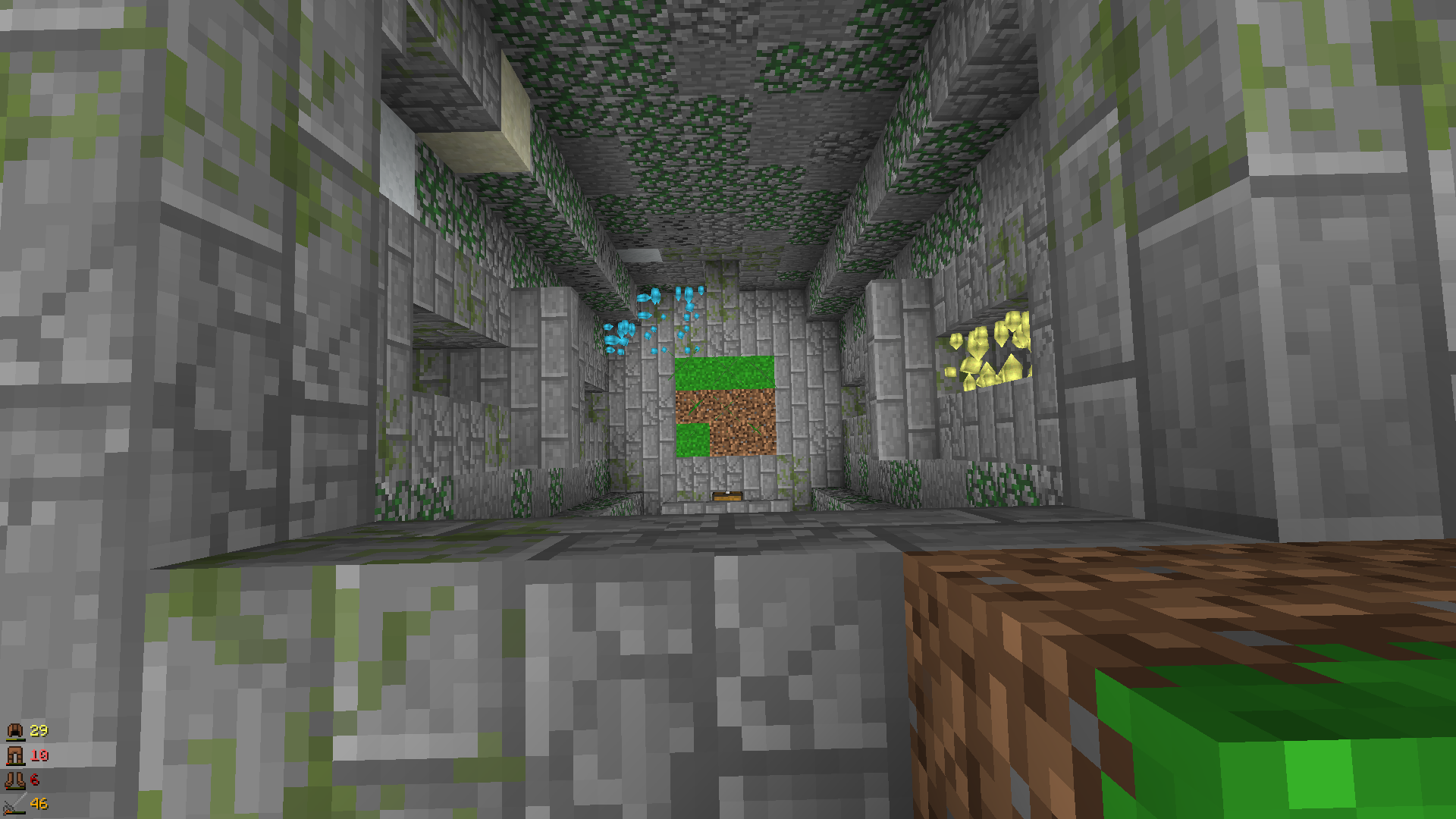
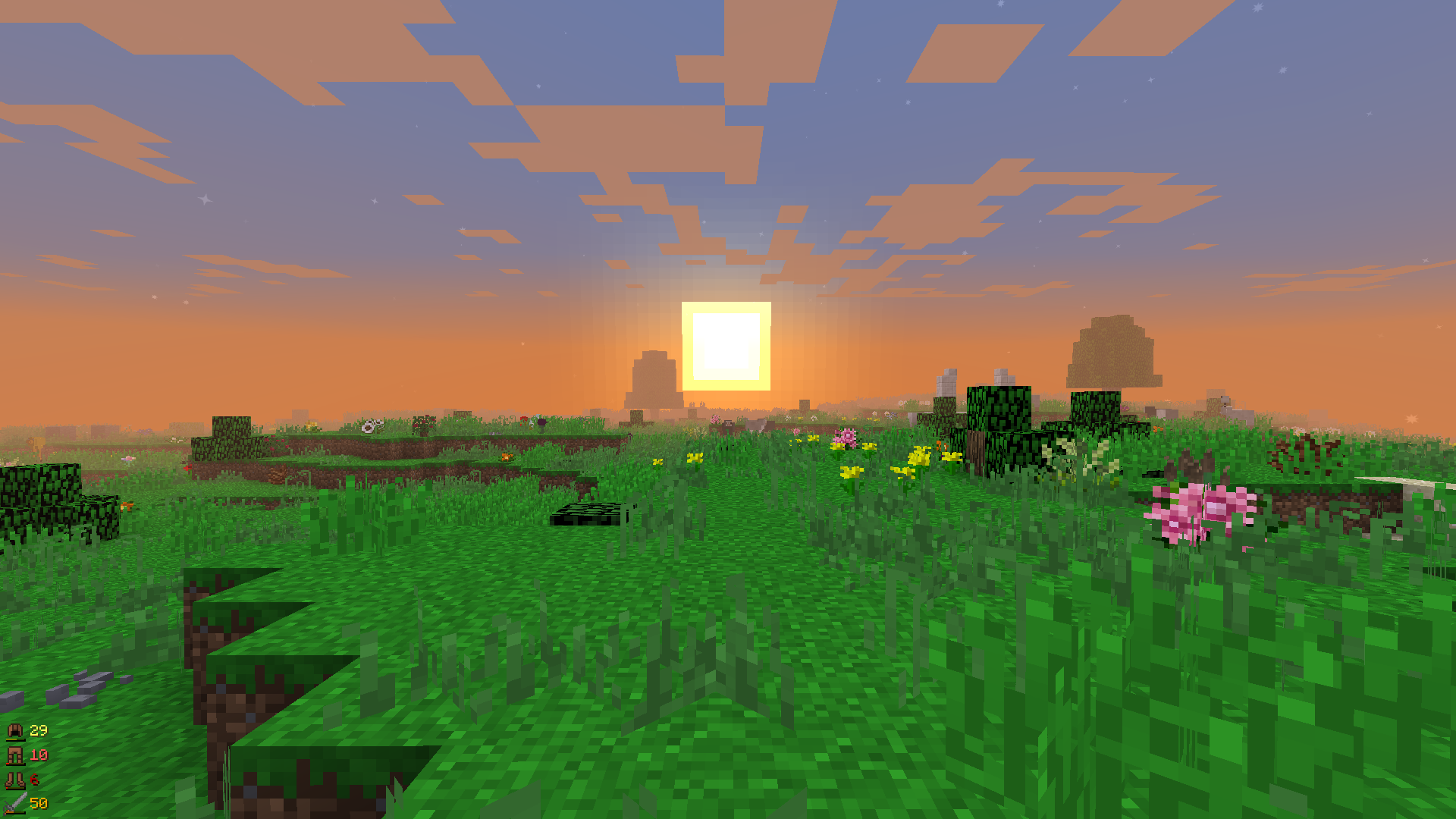
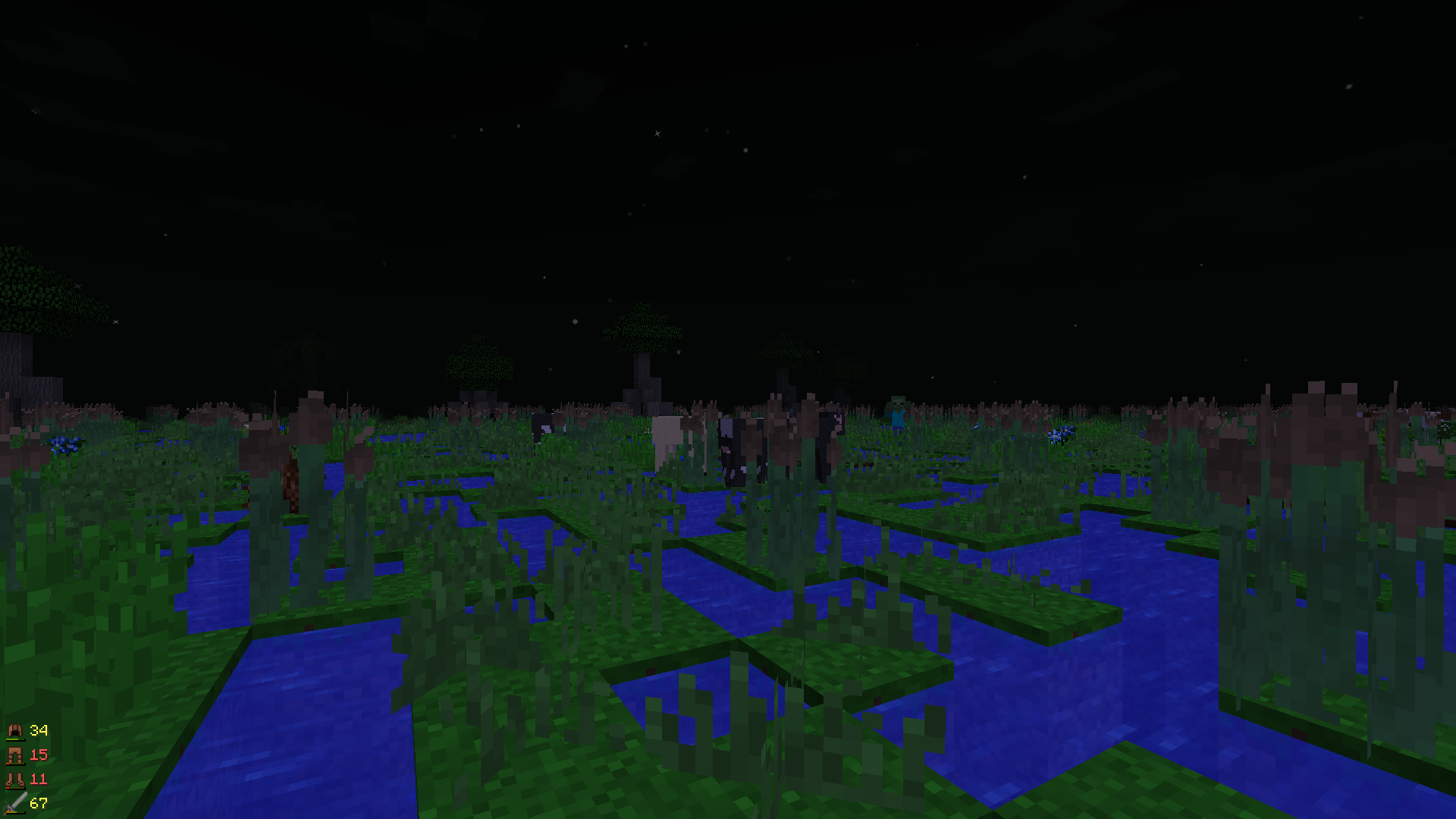
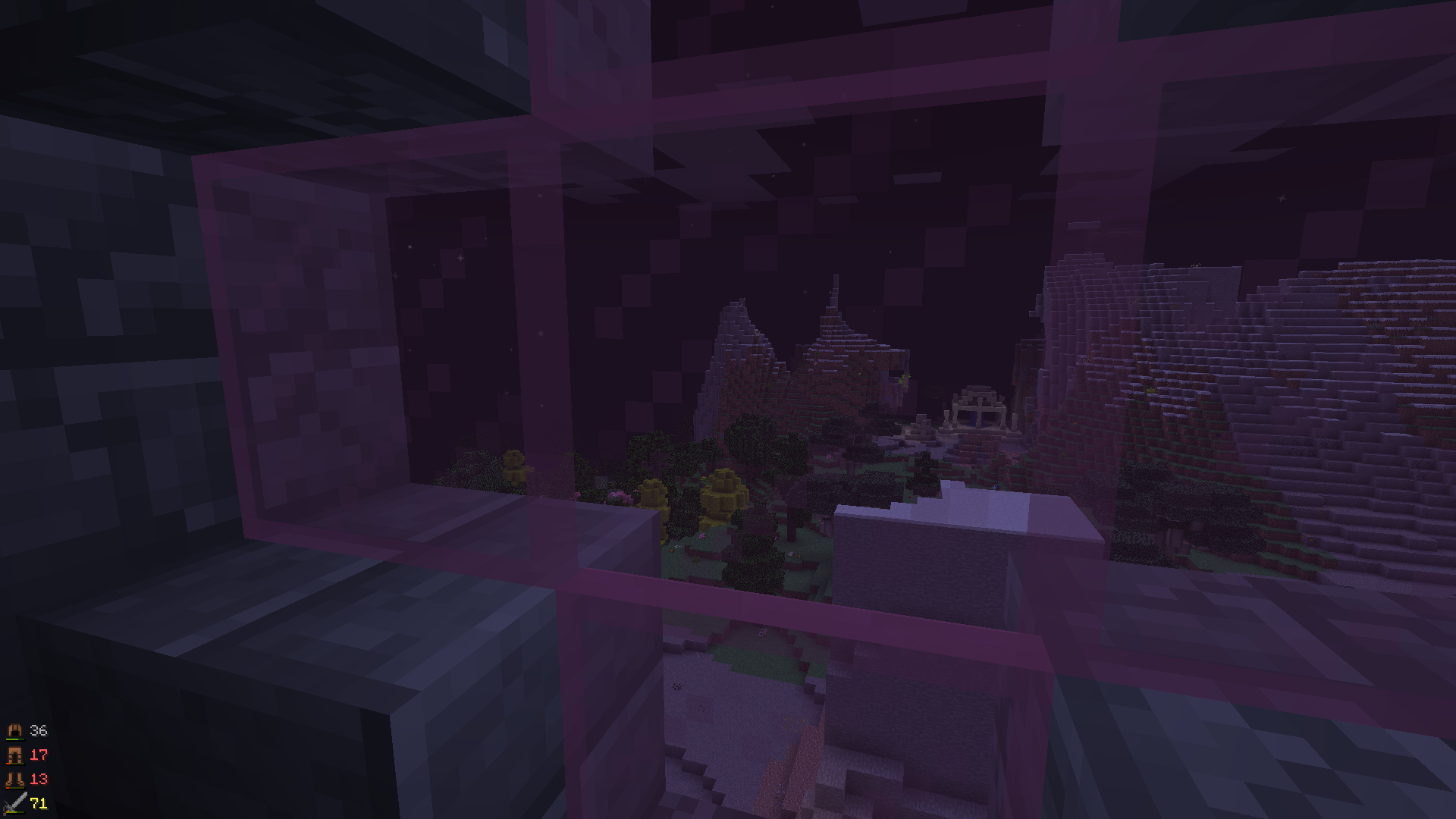
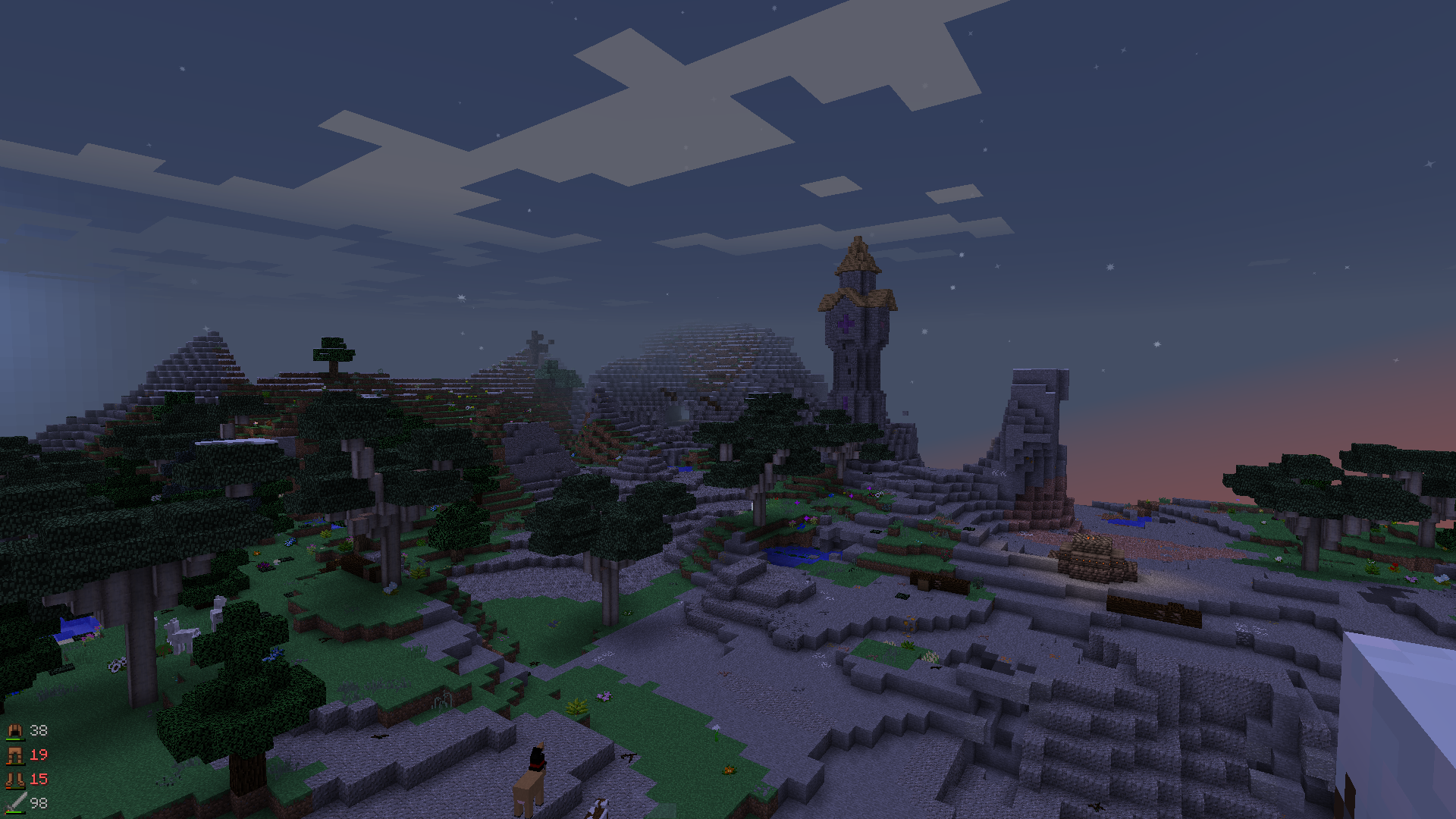
Do you want to slay dragons from Ice and Fire and conquer dimensions from Advent of Ascension?
Do you want to simplify tasks and kill dangerous enemies by using powerful magic from Thaumcraft and Electroblob's Wizardry?
Do you want to make factories consisting of hundreds of machines and pipes from Thermal Expansion and EnderIO to automate everything?
Do you want to go to space using a rocket from Galacticraft?
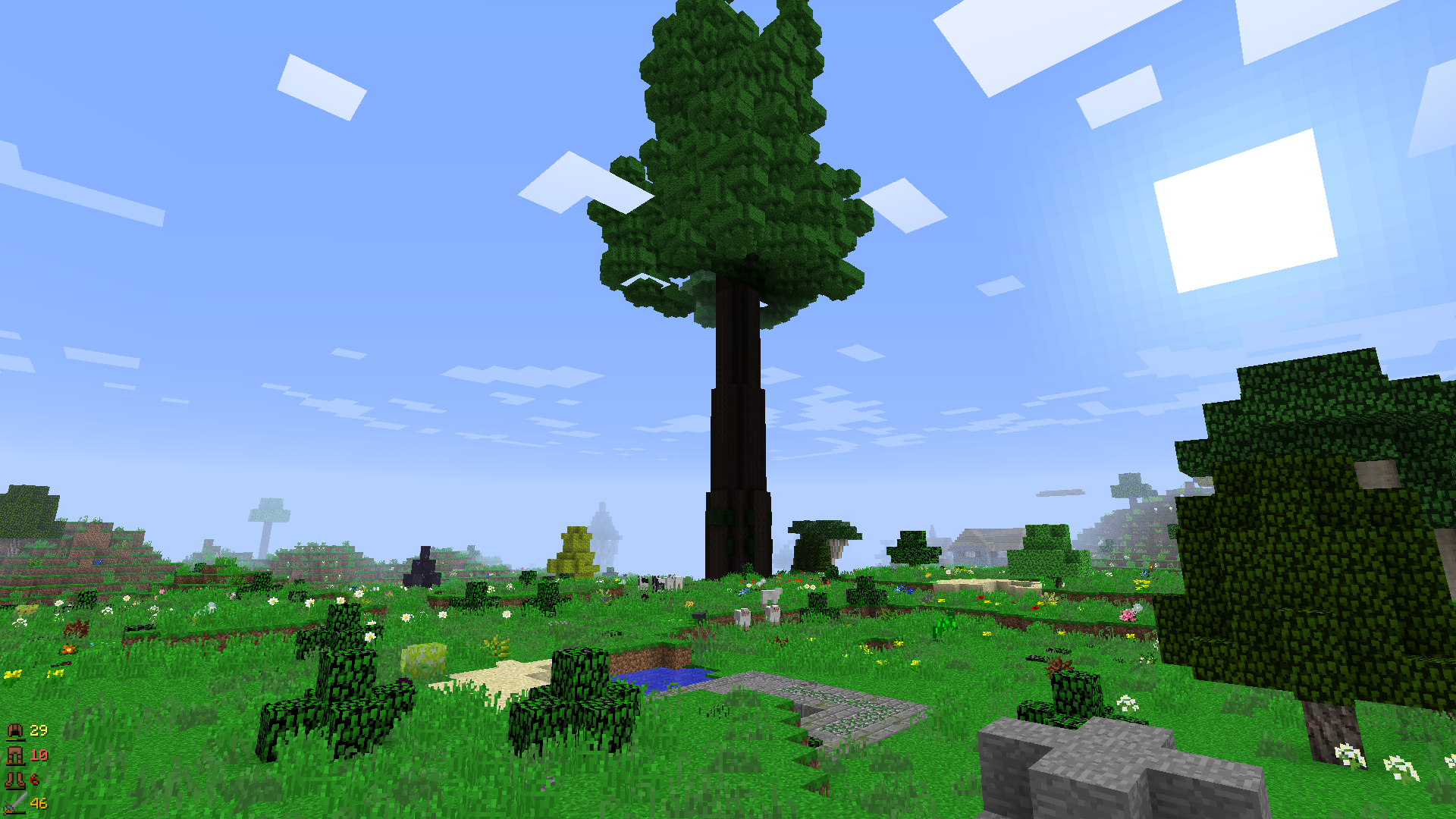
Do you want to build beautiful buildings using various blocks from Quark?
Do you want to cook 5 star dishes from Pam's Harvestcraft and make various alcoholic drinks from Rustic?
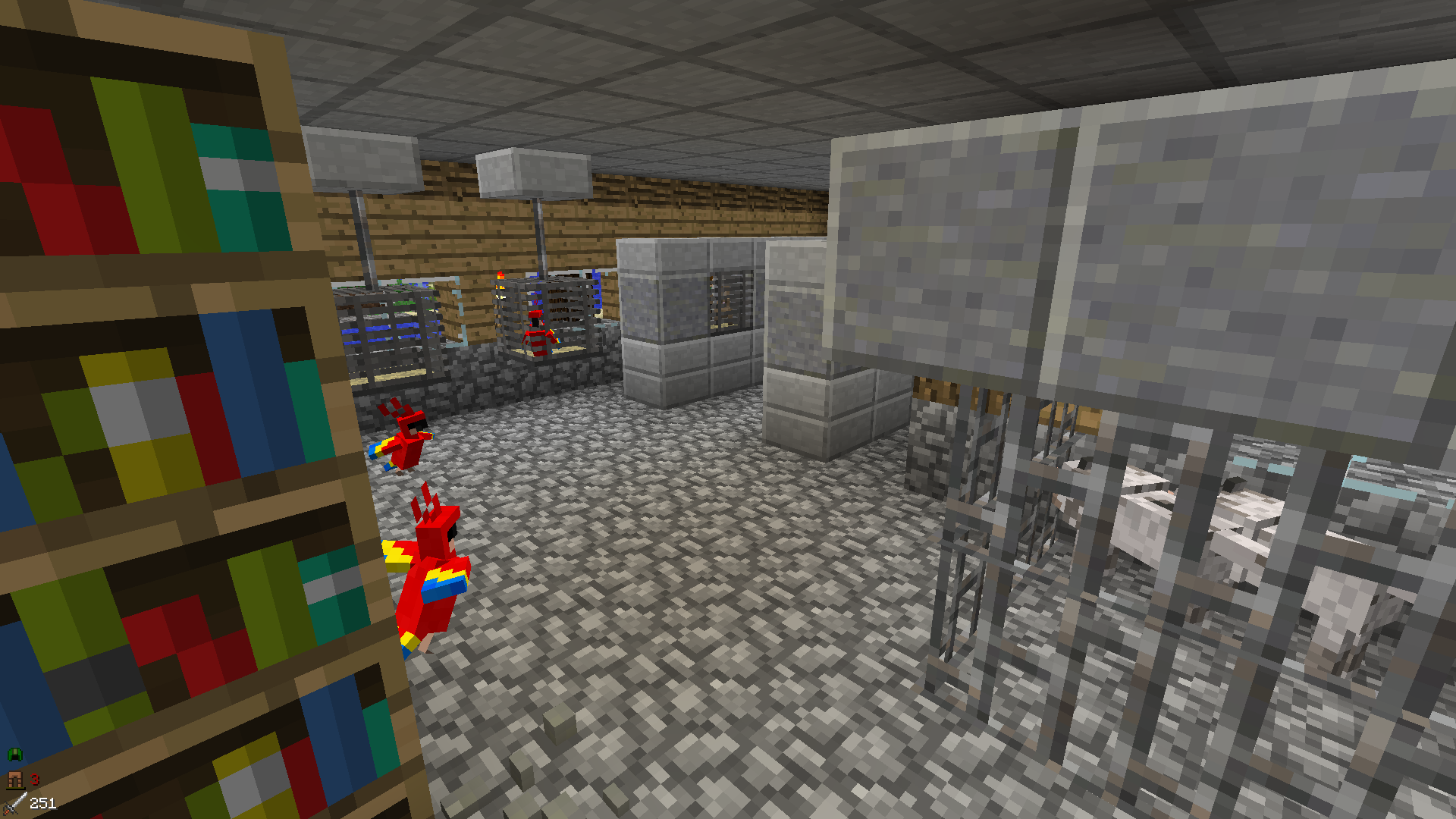
Or do you want to tame funni rodents from Rats and make them collect resources for you?
Well then this modpack is for you!
This modpack has over 180 mods so you will need something better than a potato to run it
Mods that are included (but not limited to) in this modpack:
- Advent of Ascension
- The Aether
- Galacticraft
- Actually Additions
- Thaumcraft
- Botania
- Roots
- EnderIO
- Thermal Expansion
- Project: Vibrant Jouneys
- Traverse
- Auxiliary Biomes
- The Twilight Forest
- The Betweenlands
- The Erebus
- Industrial Foregoing
Having issues with lag spikes caused by memory cleaning?
Try these JVM arguments now!
-XX:+AggressiveOpts -XX:+UseConcMarkSweepGC -XX:+UseParNewGC -XX:+CMSConcurrentMTEnabled -XX:ParallelGCThreads=4 -Dsun.rmi.dgc.server.gcInterval=1800000 -XX:+UnlockExperimentalVMOptions -XX:+ExplicitGCInvokesConcurrent -XX:MaxGCPauseMillis=50 -XX:+AlwaysPreTouch -XX:+UseStringDeduplication -Dfml.ignorePatchDiscrepancies=true -Dfml.ignoreInvalidMinecraftCertificates=true -XX:-OmitStackTraceInFastThrow -XX:+OptimizeStringConcat -XX:+UseAdaptiveGCBoundary -XX:NewRatio=3 -Dfml.readTimeout=90 -XX:+UseFastAccessorMethods
The JVM arguments option should be found somewhere in your launcher.
For GDLauncher open instance manager, toggle "Override Java Arguments" on and paste the JVM arguments found in the spoiler above there.
And don't forget! Botania is a tech mod!
- Edition: Minecraft Java
- File type: .jar
- How to install: Install the matching mod loader (Forge, Fabric or NeoForge) for your Minecraft version. → Download the .jar. → Put it in the .minecraft/mods folder and launch that loader profile.
- Where to get it: Opens on CurseForge — not every file is mirrored on our own servers.
Install steps are the general flow for this file type — How to install Minecraft Java mods & modpacks walks through it step by step.
- Downloads as TheGoodOldDays_-1.9.1.zip
- Download size: 4.3 MB
- Download link checked 26 Sept 2026 — working
These come from our own check of the pack file, not from the source page.