
Laboratory
Java mod listed for Minecraft 1.19. Downloads from the MC Java Mods app on Android.
⬇ Download on CurseForgeThe author built this one for Minecraft 1.19.2 on Forge. On other versions it may install and then do nothing.
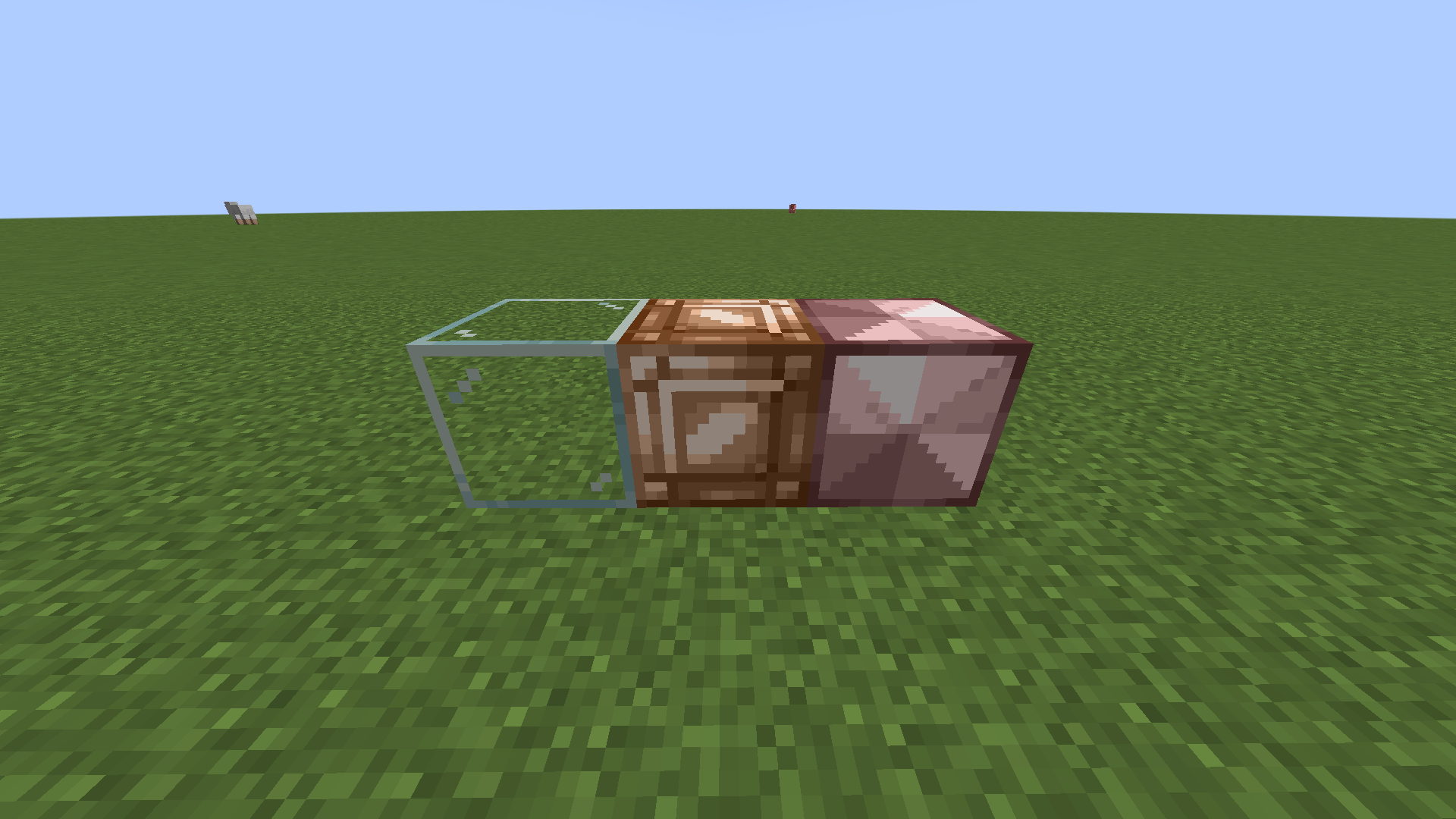
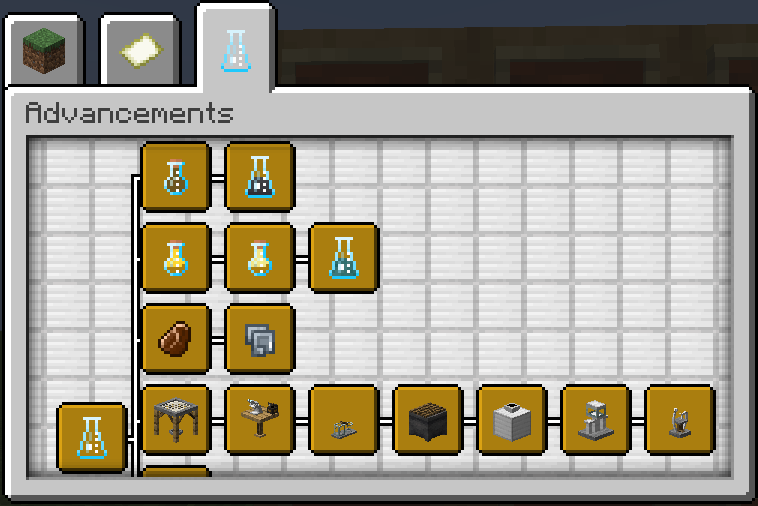
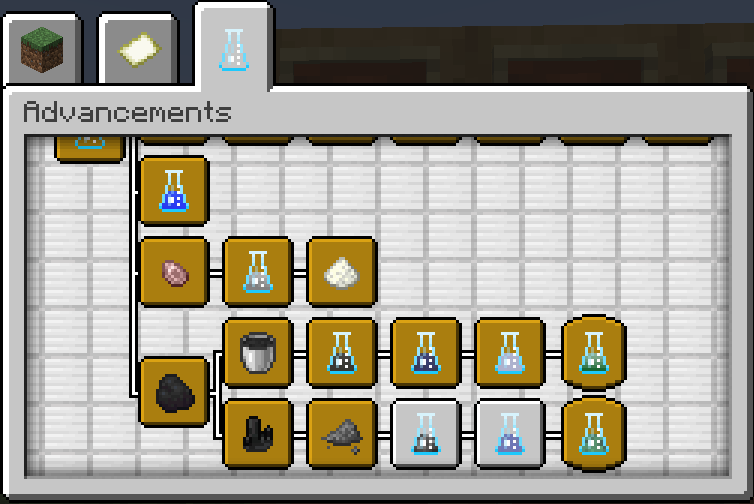
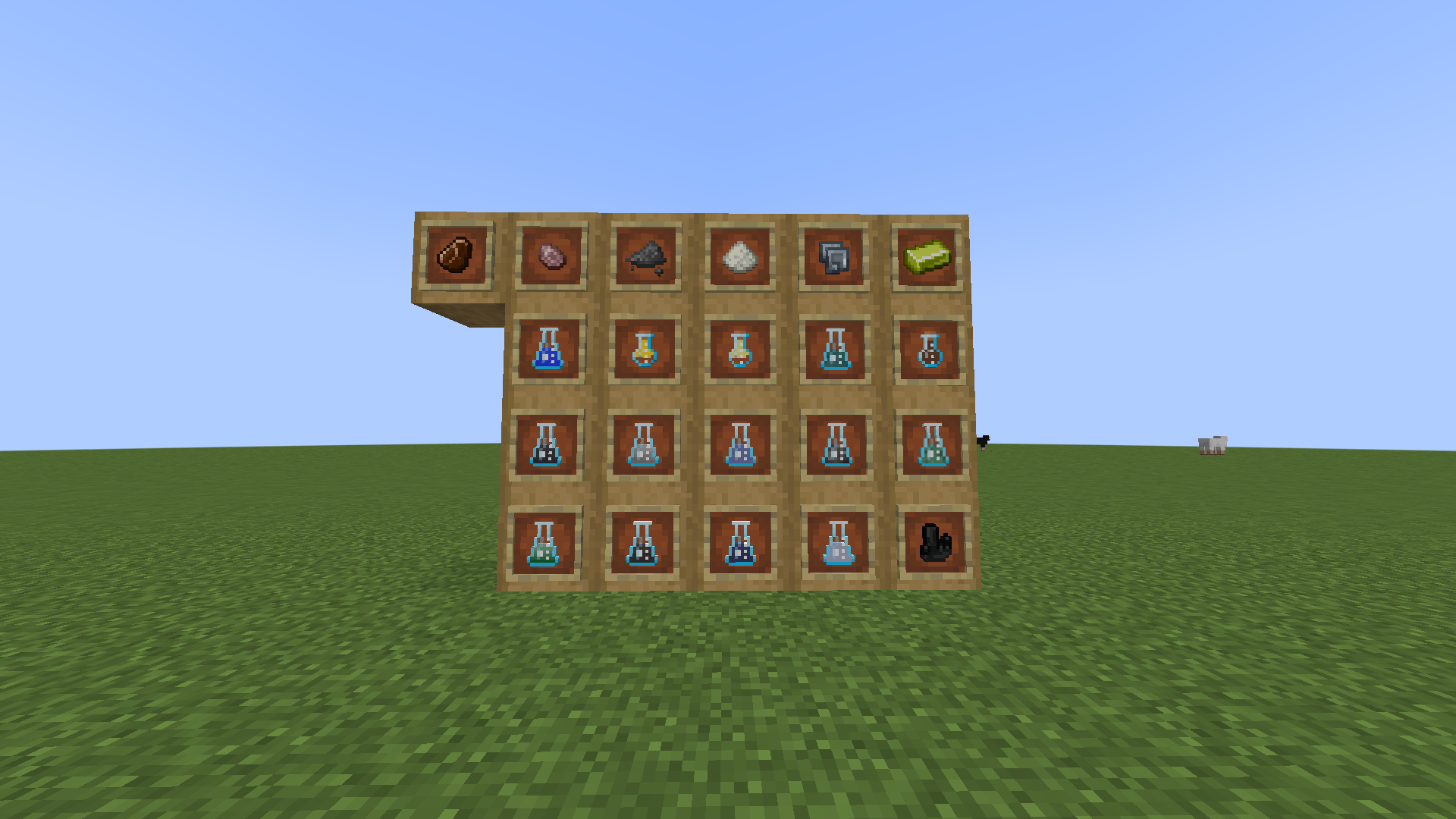

Laboratory Mod
Features
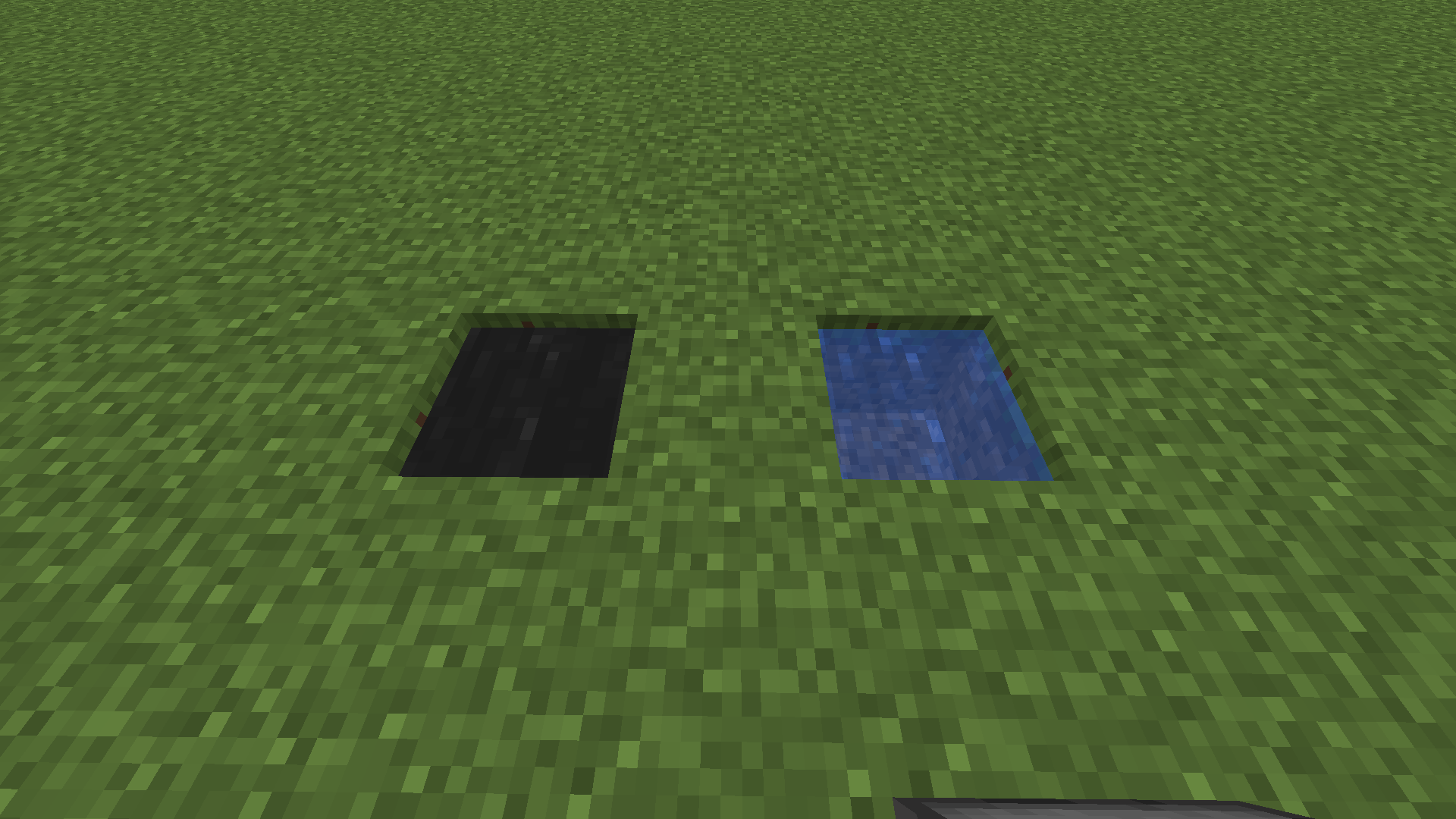
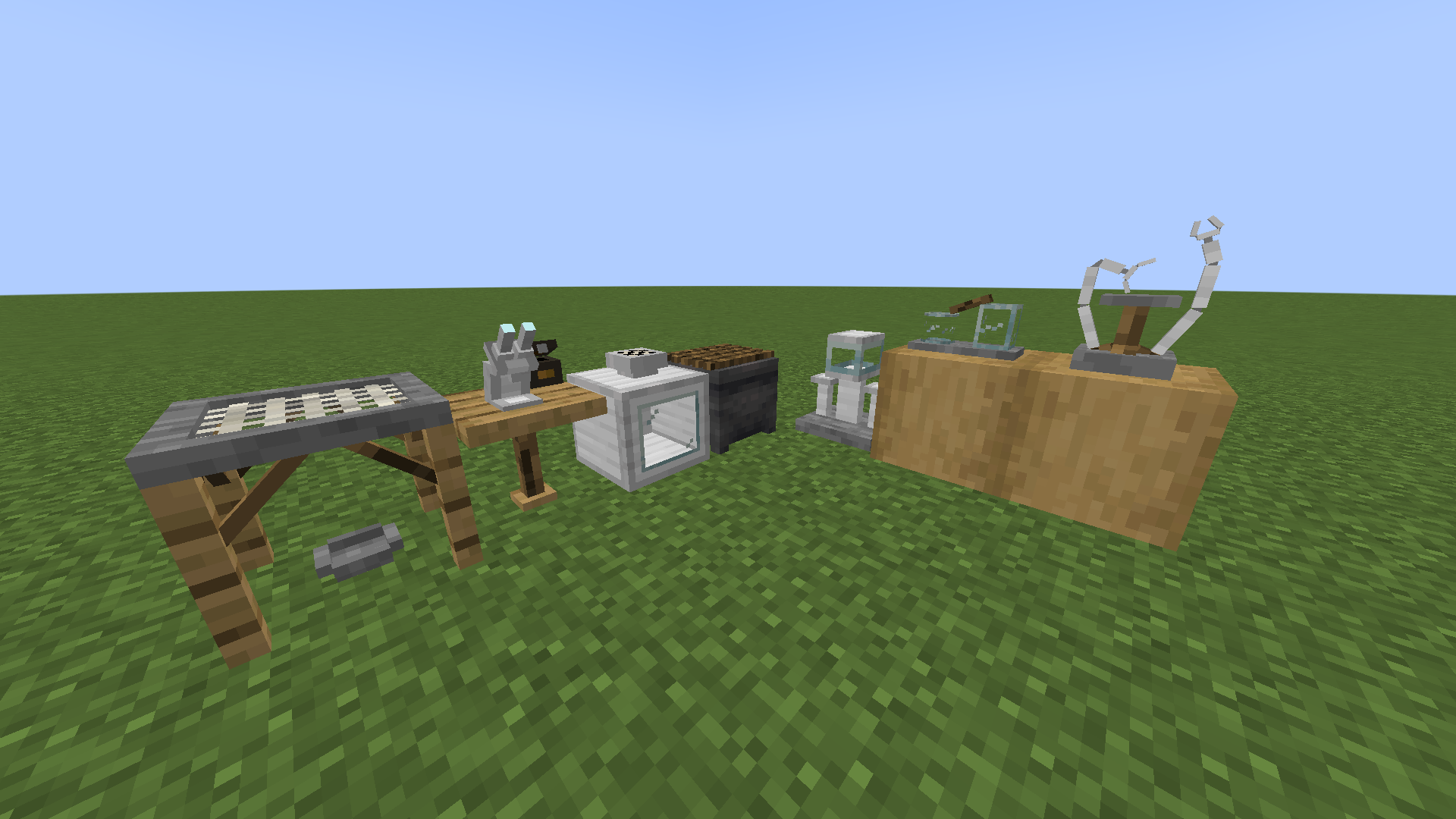
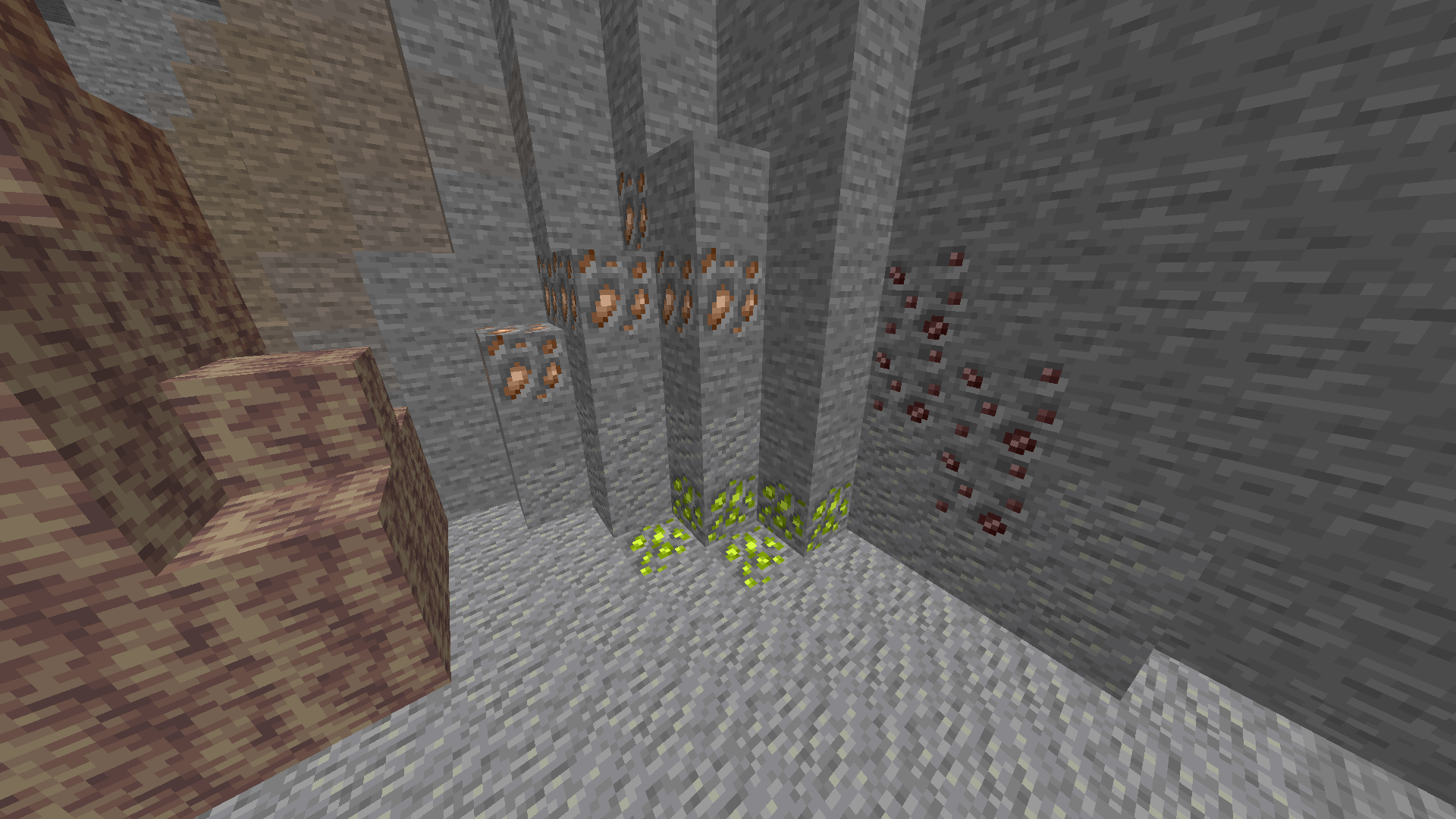
A Minecraft mod that adds chemical elements, compounds, and the ability to conduct experiments might include features such as:
- A new in-game chemistry table where players can access a periodic table of elements and create new compounds by combining different elements together.
- The ability to create and customize lab equipment, such as beakers, test tubes, and Bunsen burners, to help players conduct experiments in the game.
- New chemistry-related items and blocks that can be used in the game world, such as acids, bases, and chemicals with different properties and effects.
- A chemistry-themed crafting system that allows players to create new items and materials by combining different chemicals and compounds together.
- A chemistry-based quest system that challenges players to solve puzzles and complete tasks using their chemistry skills and knowledge.
- The ability to conduct real-world chemistry experiments in the game, such as creating solutions, conducting reactions, and analyzing data.
Overall, this mod would offer players a fun and immersive way to learn about chemistry and conduct experiments within the world of Minecraft.
This is what the mod aims to become before its final version.
Requirements
Actually only 1.19.2 forge and Minecraft.
Alerts
This mod is a Beta, you may meet problems, in case contact Ortug_17#1208 on discord or use the comment section of this site.
Some textures are taken from ChemLib.
Planned Features
I started to create a wiki on fandom.com for the mod, so everything can be clear and easy.
In a future version i am gonna release the possibility to create plastics, starting from PET (Polyethylene terephthalate)
About me
I'm a novice chemist but while learning I decided to develop a mod that brings chemistry into a game without it, like Minecraft.
Twitter
- Edition: Minecraft Java
- File type: .jar
- Minecraft version listed: 1.19.2
- How to install: Install the matching mod loader (Forge, Fabric or NeoForge) for your Minecraft version. → Download the .jar. → Put it in the .minecraft/mods folder and launch that loader profile.
- Where to get it: Opens on CurseForge — not every file is mirrored on our own servers.
Install steps are the general flow for this file type — How to install Minecraft Java mods & modpacks walks through it step by step.
- Ships as 1.0.0 Alpha.jar — drop this file into the mods folder
- Download size: 526 KB
- Download link checked 6 Nov 2026 — working
These come from our own check of the pack file, not from the source page.