Higher World Deeper Ocean
Java mod listed for Minecraft 1.18–1.19. Downloads from the MC Java Mods app on Android.
I don't know my version or loader
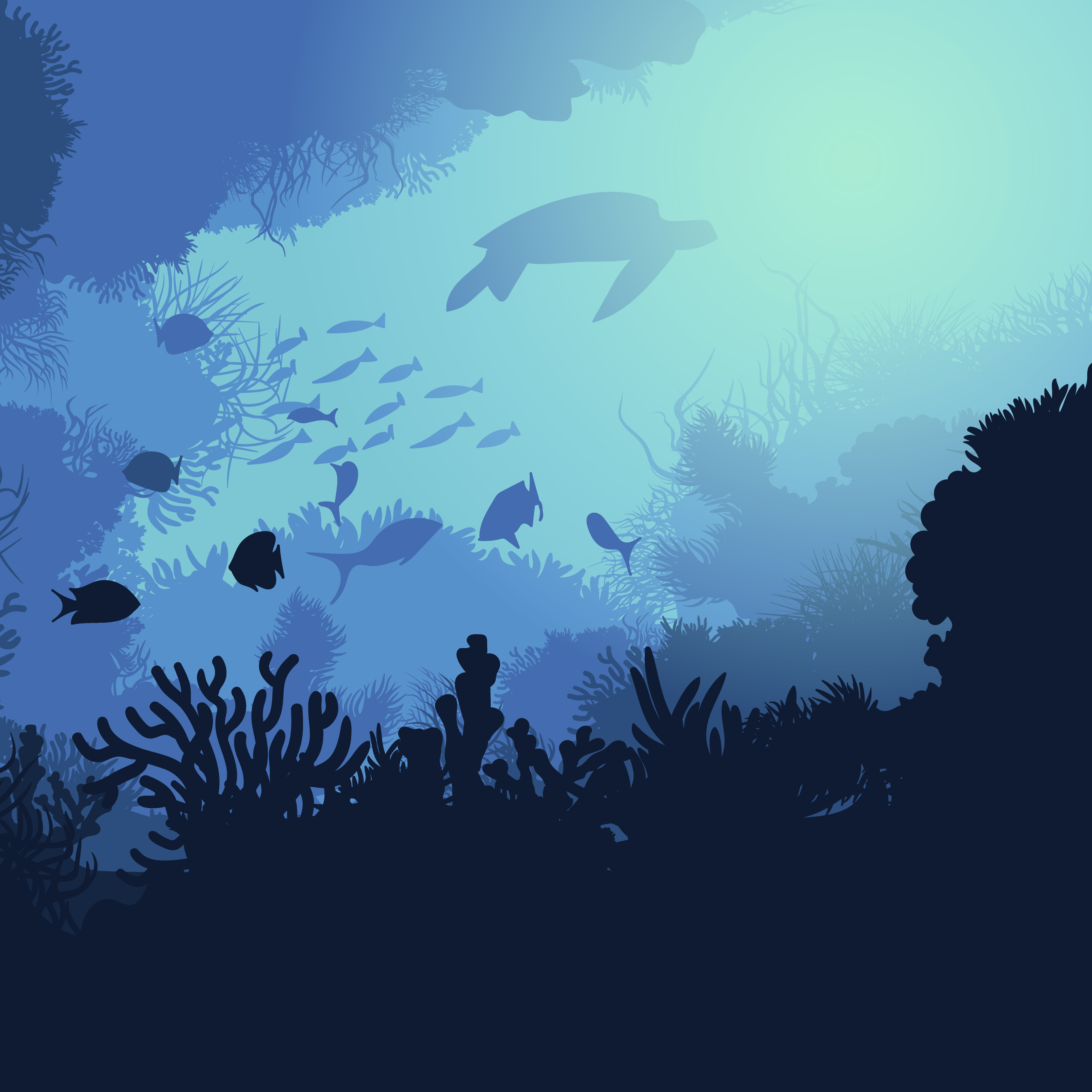
While sailing with your boat, have you ever had the sensation of being in a real ocean?
Me neither!
During my explorations I always have the feel of being in a large lake rather than a actual ocean. With this mod I aim to solve the problem by increasing the height of the world by 32 blocks, by this I mean that everything that was previously at y level 64 will now be at Y 95. Which means that sea level will start at Y 94 but the bottom level will stay the same, which means more blocks between the surface and the bottom!
In addition, increasing the Y level of the world by 32 blocks means you don't have to loose cave layers to have deeper oceans.
This mod is compatibile with:
- Terralith (Forge Only)
- Biomes O' Plenty
- Oh The Biomes You'll Go
- The Graveyard Biomes
Let me know in the comments if you find any incompatibilities
This mod wouldn't have been possible without the help of apollounknowndev, who assisted me in its development. I invite you to take a look at her mods, including Deeper Oceans, which increases the depth of oceans without modifying the world height.

Click on the picture above, select plan, use my code TYP to get 25% off your first month and enjoy playing with your friends!
Hello everyone! We hope you're having a great day. As you may know, we work hard to create high-quality modpacks, mods, and resource packs for our community. This requires a lot of time, effort, and resources. If any of you would like to support us and show appreciation for the work we do, you could consider buying us a coffee by making a donation at this link ko-fi.com/crifstudios. Even a small donation can make a difference and would motivate us to continue creating content for you. Thank you in advance for your support and for taking the time to read this message.
- Edition: Minecraft Java
- File type: .jar
- Minecraft versions listed: 1.18.1, 1.18.2, 1.18
- How to install: Install the matching mod loader (Forge, Fabric or NeoForge) for your Minecraft version. → Download the .jar. → Put it in the .minecraft/mods folder and launch that loader profile.
- Where to get it: Opens on CurseForge — not every file is mirrored on our own servers.
Install steps are the general flow for this file type — How to install Minecraft Java mods & modpacks walks through it step by step.
- Ships as HigherWorldDeeperOceans-1.18.x.jar — drop this file into the mods folder
- Download size: 18 KB
- Download link checked 25 Sept 2026 — working
These come from our own check of the pack file, not from the source page.