
Better Vault Menu Pack! - VaultHunters
Java resource pack listed for Minecraft 1.18. Download on the author's site.
⬇ Download on CurseForge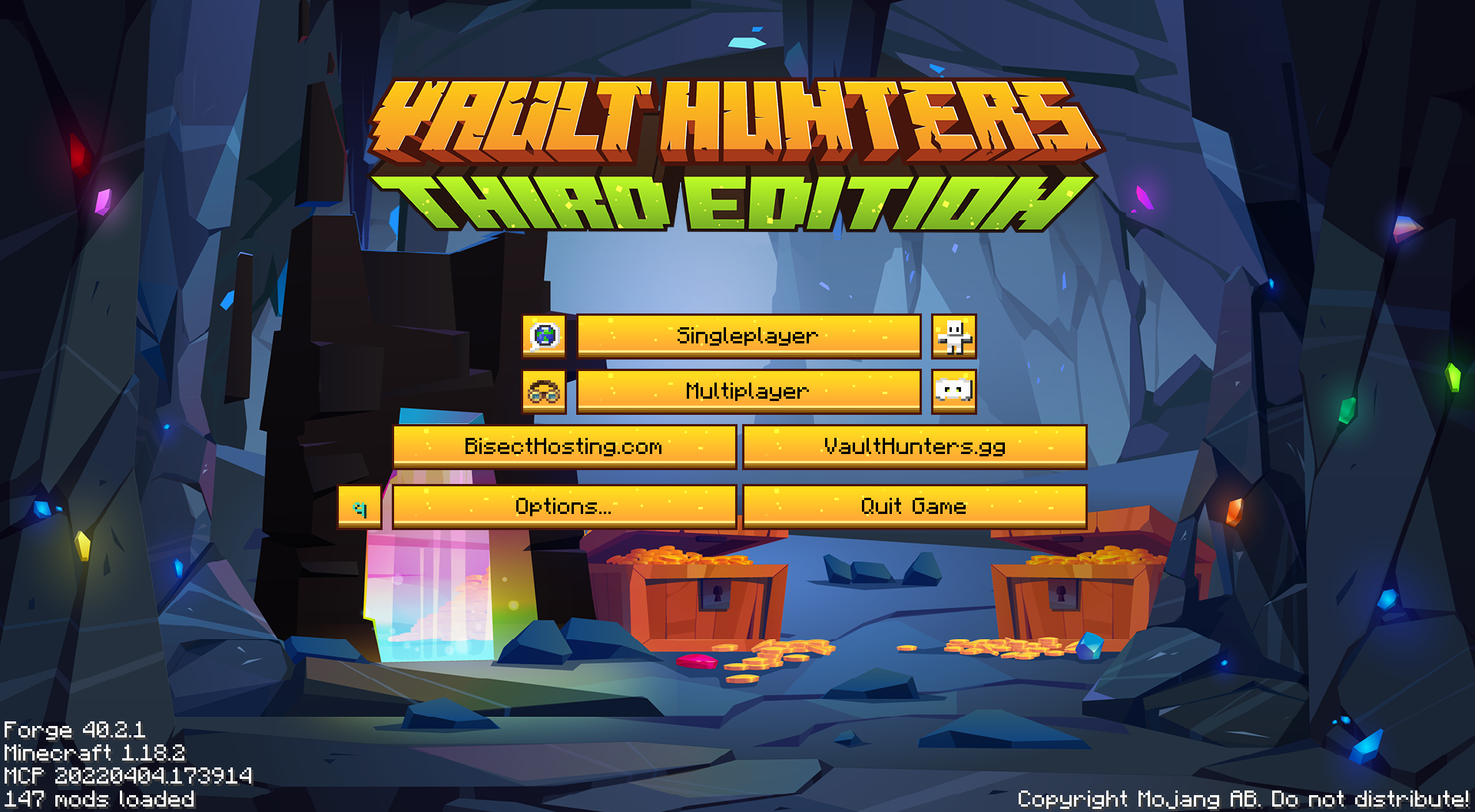
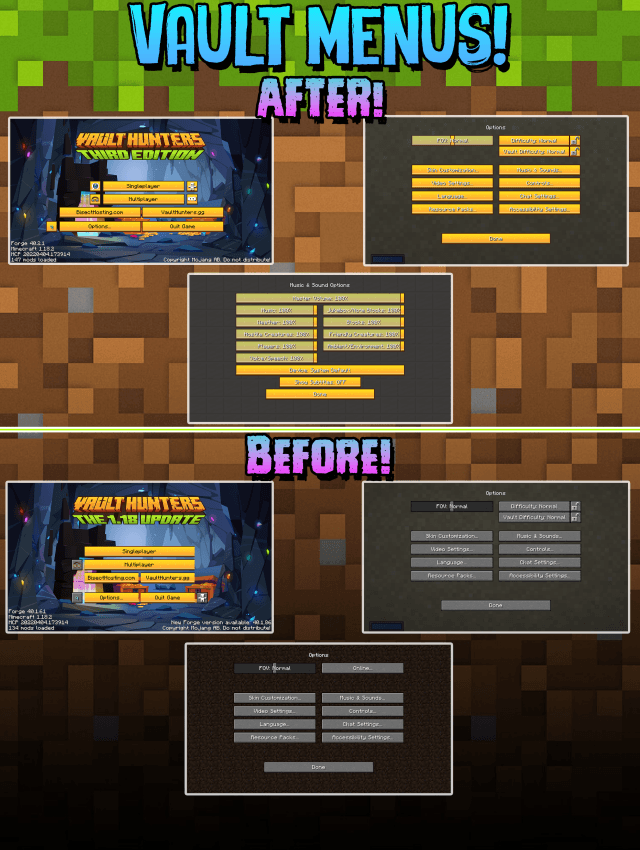
This Pack Upgrades the Menu of Vault Hunters!
REMEMBER this only Works with VaultHunter's ModPack
NOW UPDATED TO 1.18 - Update 15
No more Boring old Vanilla MENUS~
How to install:
- Go to the escape menu and press "Options"
- Then press "Resource Packs"
- In here, press "Open Pack Folder" This should open a folder.
- Drag and drop the resource pack in that folder
- The resource pack should now be available in the menu

IMPORTANT : To get the Create button to be in the exact place as image,
extract the pack you will find the Config file place it your profile config & Restart the Client
Use this as you wish & if you use this a stream/video Please Provide Credits!
ThankYou -DGA
- Edition: Minecraft Java
- File type: .zip (resource pack)
- Minecraft version listed: 1.18.2
- How to install: Download the .zip resource pack — do not unzip it. → Put it in .minecraft/resourcepacks. → Enable it in Options → Resource Packs.
- Where to get it: Opens on CurseForge — not every file is mirrored on our own servers.
Install steps are the general flow for this file type — How to install Minecraft Java resource packs walks through it step by step.
Better Vault Menu Pack! - VaultHunters is a free Minecraft Java resourcepack. Compatible with Minecraft 1.18.2. Downloaded 995 times (via CurseForge). Download it and open it directly in the game.