
Gameshark (for Pixelmon)
Java mod listed for Minecraft 1.16. Downloads from the MC Java Mods app on Android.
⬇ Download on CurseForgeThe author built this one for Minecraft 1.16.5 on Forge. On other versions it may install and then do nothing.
Gameshark, a Pixelmon addon which allows you to hunt down Pokémon and other points of interest with ease!
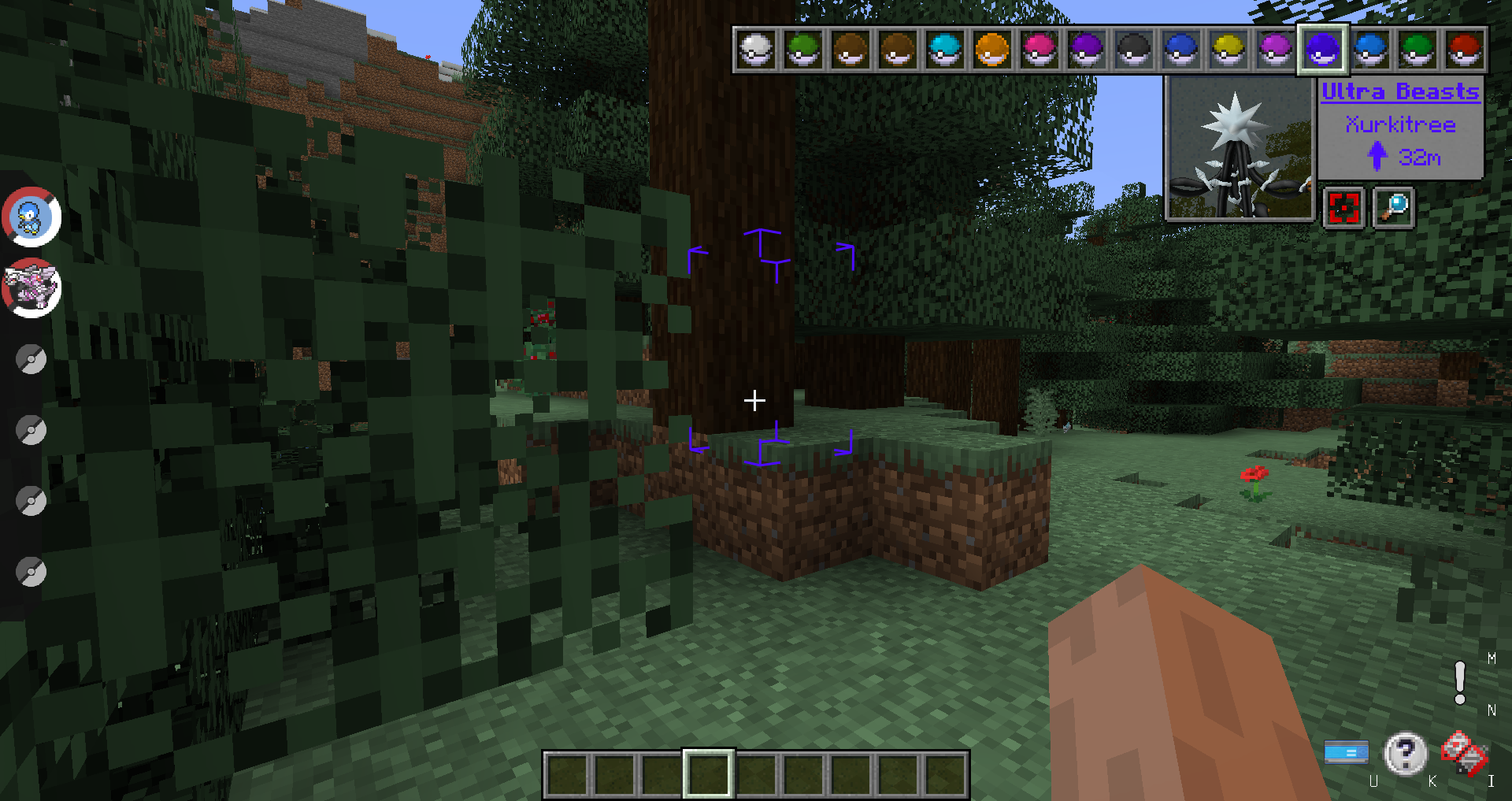
A total revamp for 1.16, Gameshark has been rethought from top to bottom, from the look of the addon to how it works in the back.
Gameshark still respects server settings first. For Gameshark to work on servers, it must be both installed and enabled there.
Search types can now be placed behind permission nodes to allow Gameshark to be used as an administration tool, and can be created for a more wider variety of objects.
The custom search type has also been expanded to support Pixelmon Pokémon specifications!
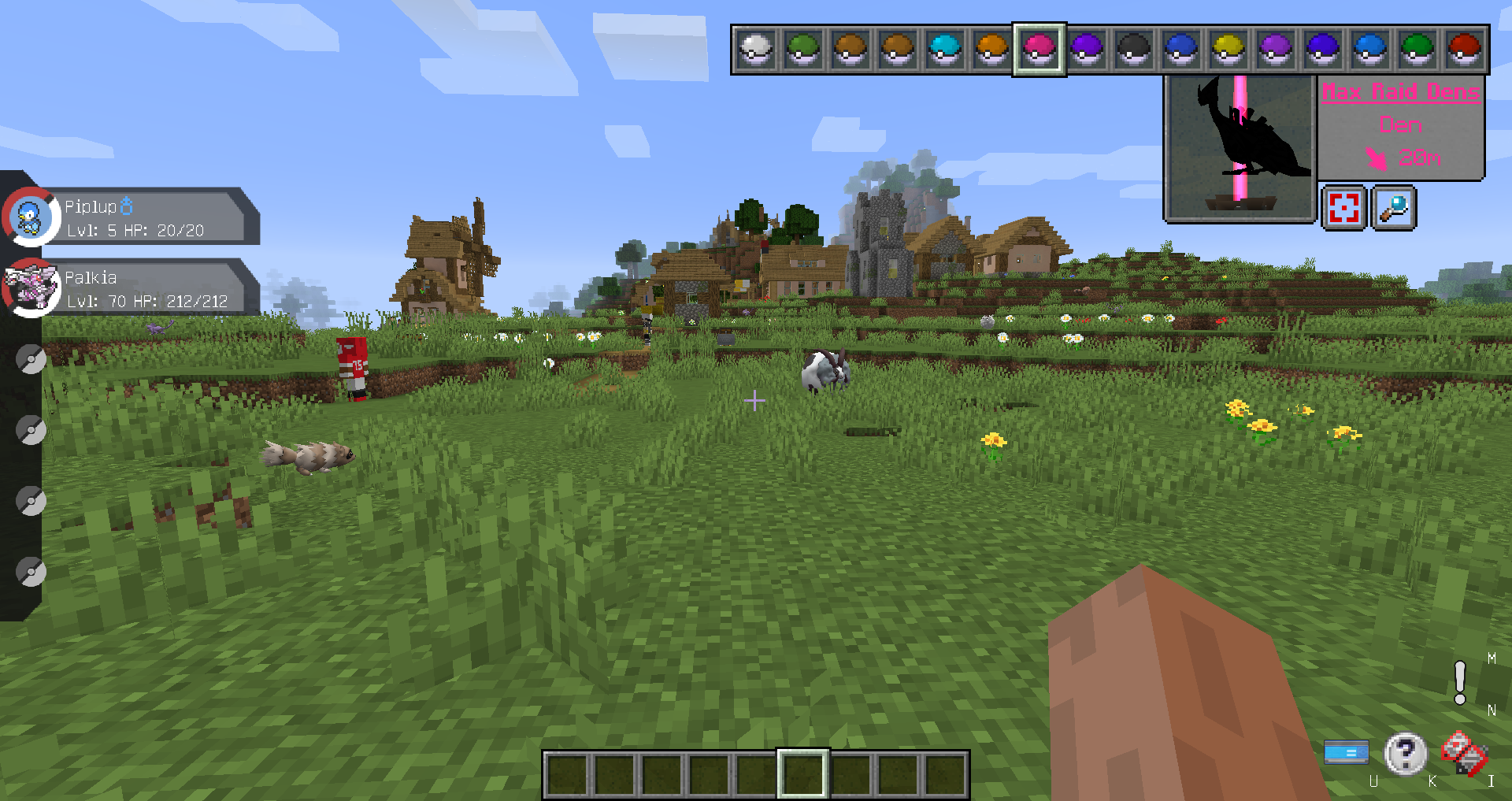
By default, Gameshark can find the following: legendaries, shinies, bosses, Ultra Beasts, special palettes (e.g. alter), quest givers, trainers, players, Ultra Wormholes, Max Raid Dens, Poké Loots, Poké Stops, chests, chests in minecarts, Zygarde cores and cells, and custom search specifications.
Powered by Atlantis. Required for both server and client installations.
New search types can be created, or existing ones changed or removed, by editing the configuration file in the ./config/gameshark folder.
Made for Pixelmon.

Commands:
/gameshark reload - gameshark.admin - Reload Gameshark's settings.
/gameshark update - gameshark.admin - Send changes to Gameshark's settings to players.
Default controls:
\ - Toggle Gameshark
, - Toggle search type
- and = - Switch search type
. - Minimize search overlay
; - Toggle crosshairs
' - Open custom search menu
- Edition: Minecraft Java
- File type: .jar
- Minecraft version listed: 1.16.5
- How to install: Install the matching mod loader (Forge, Fabric or NeoForge) for your Minecraft version. → Download the .jar. → Put it in the .minecraft/mods folder and launch that loader profile.
- Where to get it: Opens on CurseForge — not every file is mirrored on our own servers.
Install steps are the general flow for this file type — How to install Minecraft Java mods & modpacks walks through it step by step.
- Ships as Gameshark-1.16.5-1.0.2-universal.jar — drop this file into the mods folder
- Download size: 119 KB
- Download link checked 16 Oct 2026 — working
These come from our own check of the pack file, not from the source page.