TimoshQ's additional blocks for cities
Java mod listed for Minecraft 1.19. Downloads from the MC Java Mods app on Android.
⬇ Download on CurseForgeThe author built this one for Minecraft 1.19.2 on Forge. On other versions it may install and then do nothing.
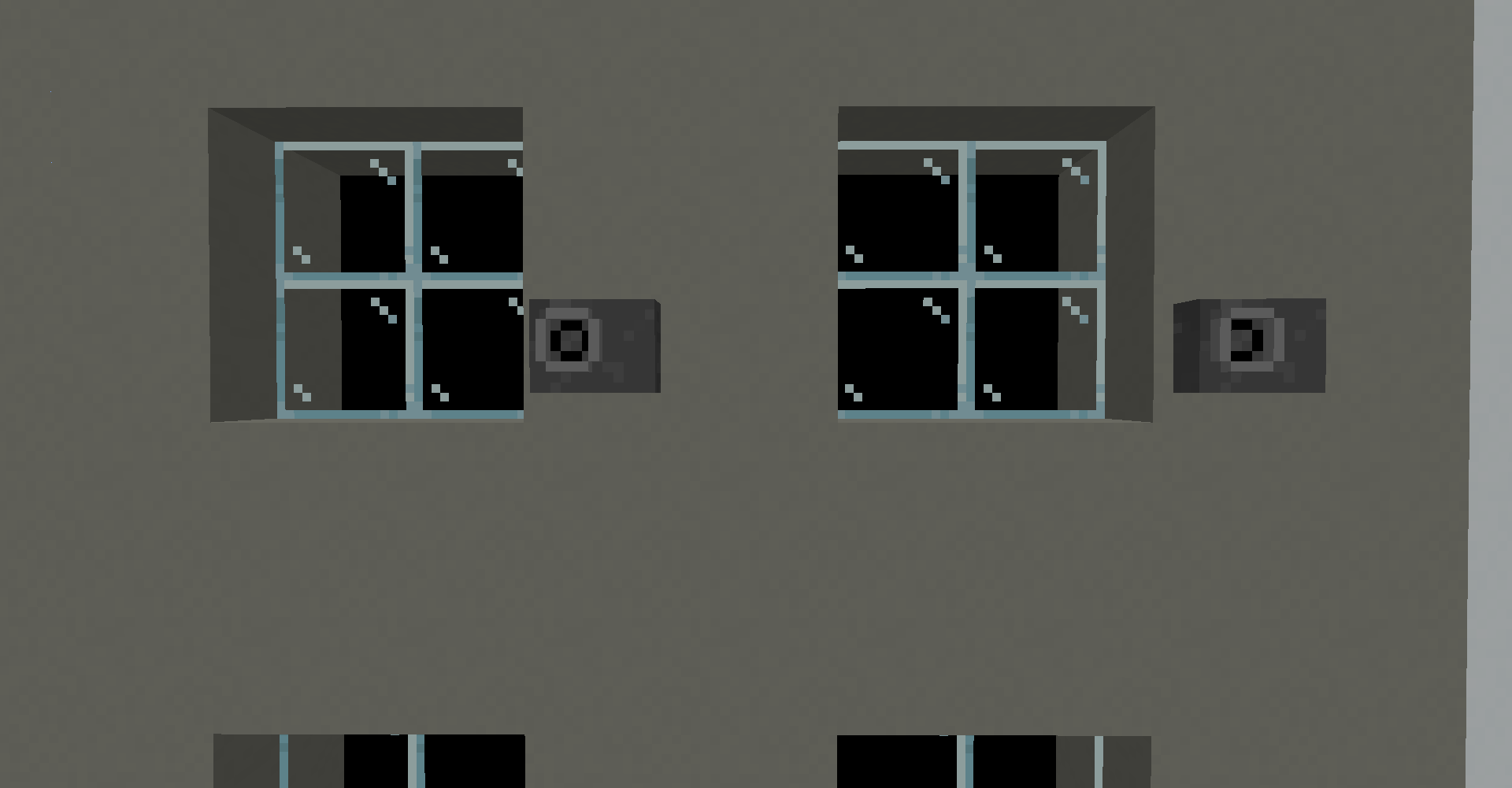
This is my first ever mod, It will add some blocks to build city
Do you ever build a city. It started great but after turned out empty with some things that not fit with each other. This mod can change that, It will add some blocks that can help you! You can make windows with black background. Or make some office building with air conditioners on it. This mod will get more updated soon and you will have a lot more blocks to build you city.
-You can give any suggestion in commentary section. Yours suggestion wont be skipped.
-Feel free to report bugs or give ideas for improvements in commentary section.
-Have fun!
-Now have blocks:
Air conditioner
Window background
- Edition: Minecraft Java
- File type: .jar
- Minecraft version listed: 1.19.2
- How to install: Install the matching mod loader (Forge, Fabric or NeoForge) for your Minecraft version. → Download the .jar. → Put it in the .minecraft/mods folder and launch that loader profile.
- Where to get it: Opens on CurseForge — not every file is mirrored on our own servers.
Install steps are the general flow for this file type — How to install Minecraft Java mods & modpacks walks through it step by step.
- Ships as TimoshQ cities mod V1.jar — drop this file into the mods folder
- Download size: 18 KB
- Download link checked 16 Oct 2026 — working
These come from our own check of the pack file, not from the source page.