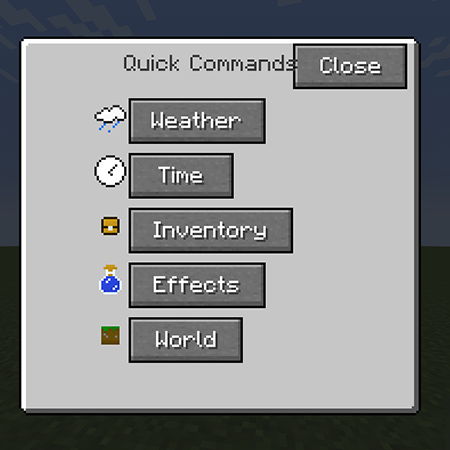
Quick Commands Menu
Java mod listed for Minecraft 1.19. Downloads from the MC Java Mods app on Android.
⬇ Download on CurseForgeThe author built this one for Minecraft 1.19.2 on Forge. On other versions it may install and then do nothing.
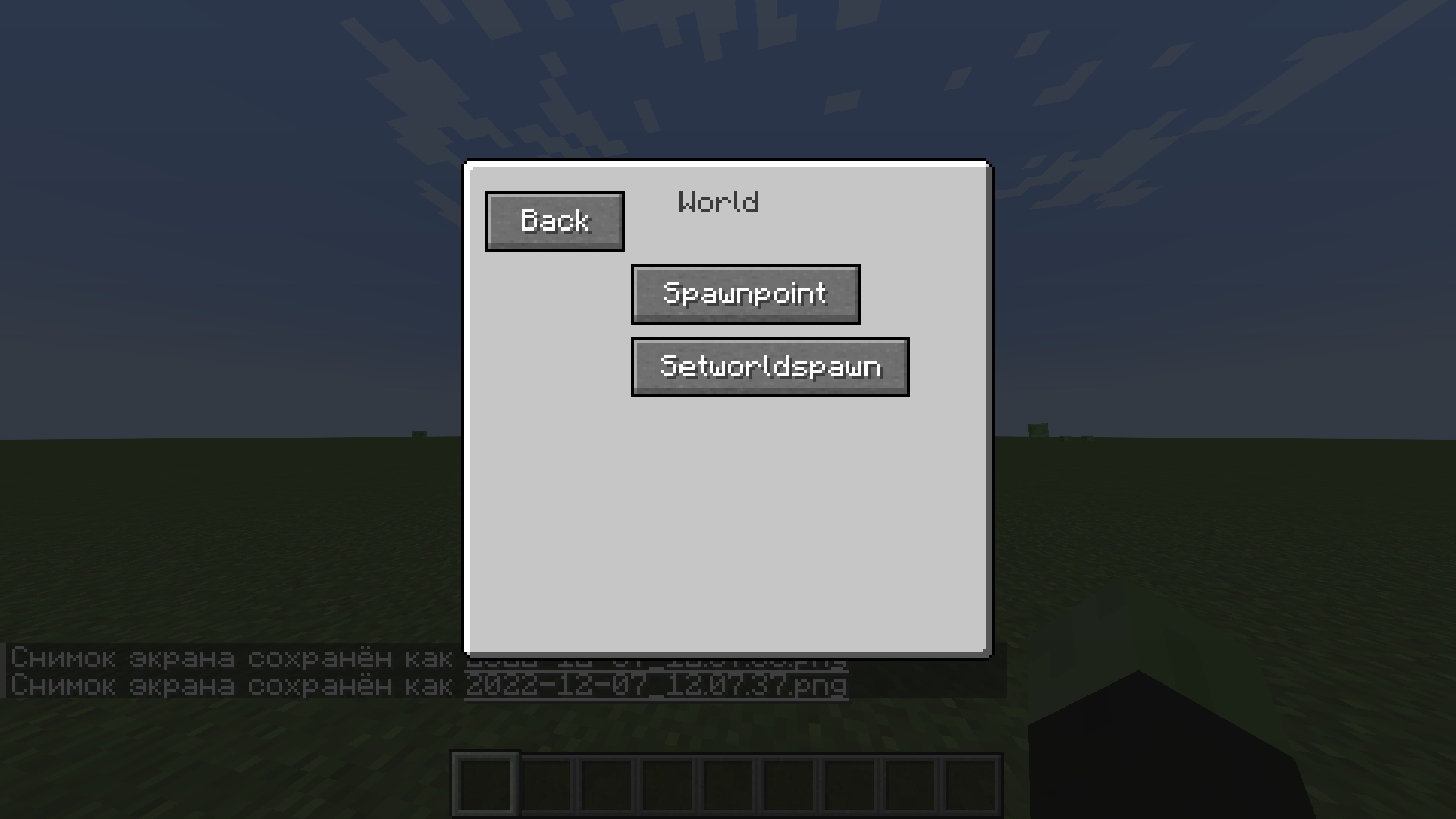
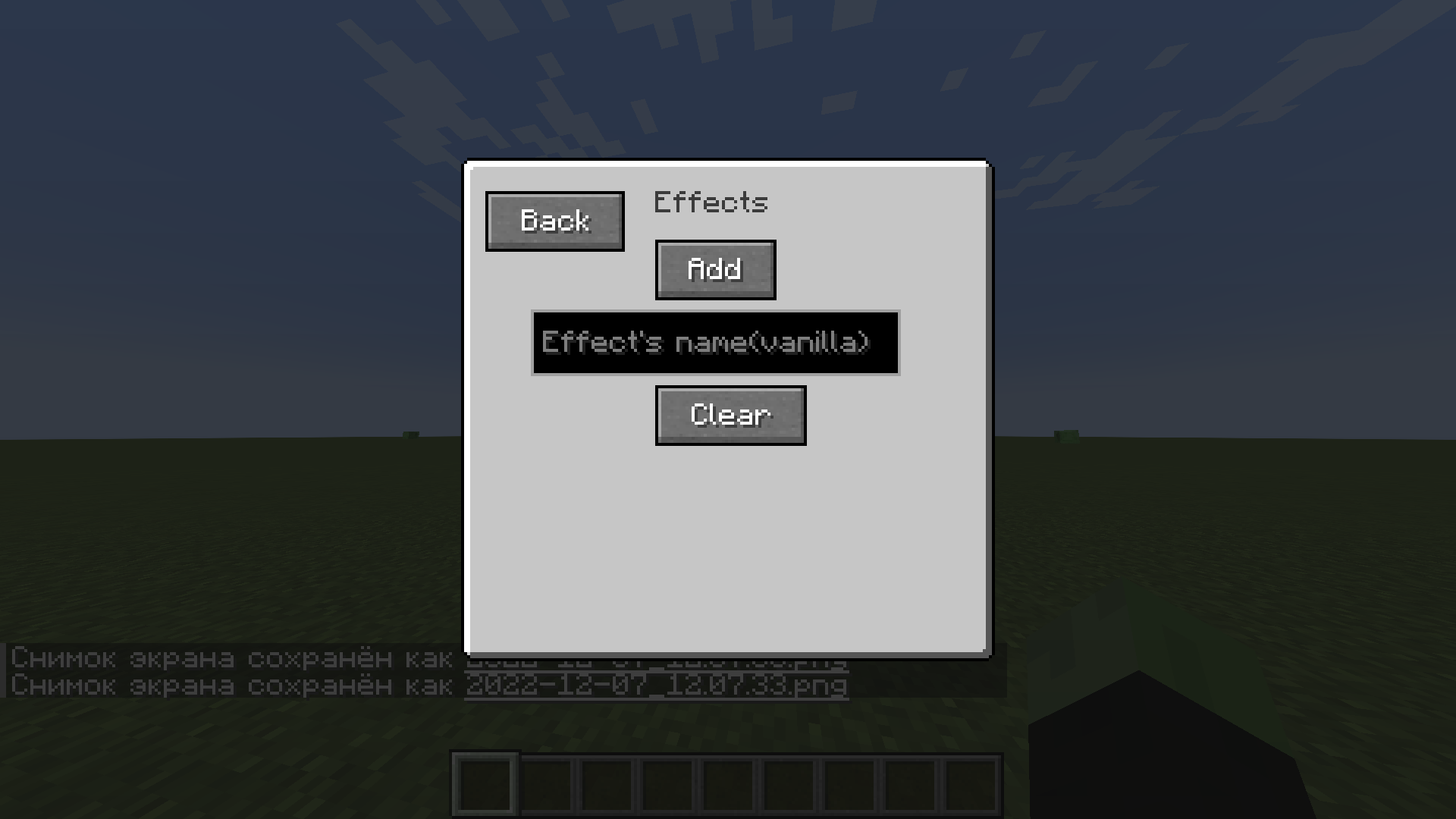
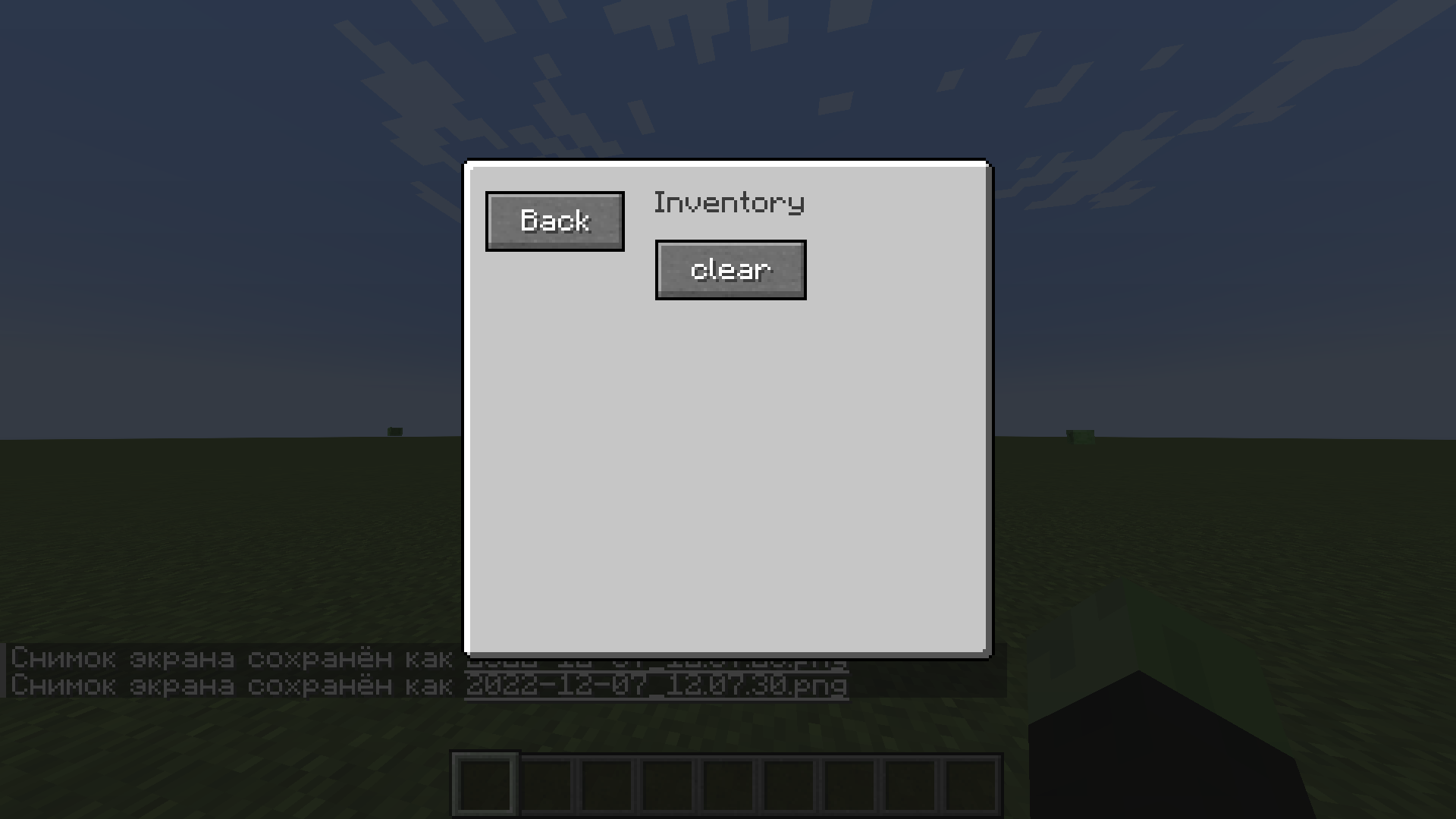
Quick Commands Menu adds a menu of quick commands, as well as hotkeys to some of them.
To access the menu, press v.
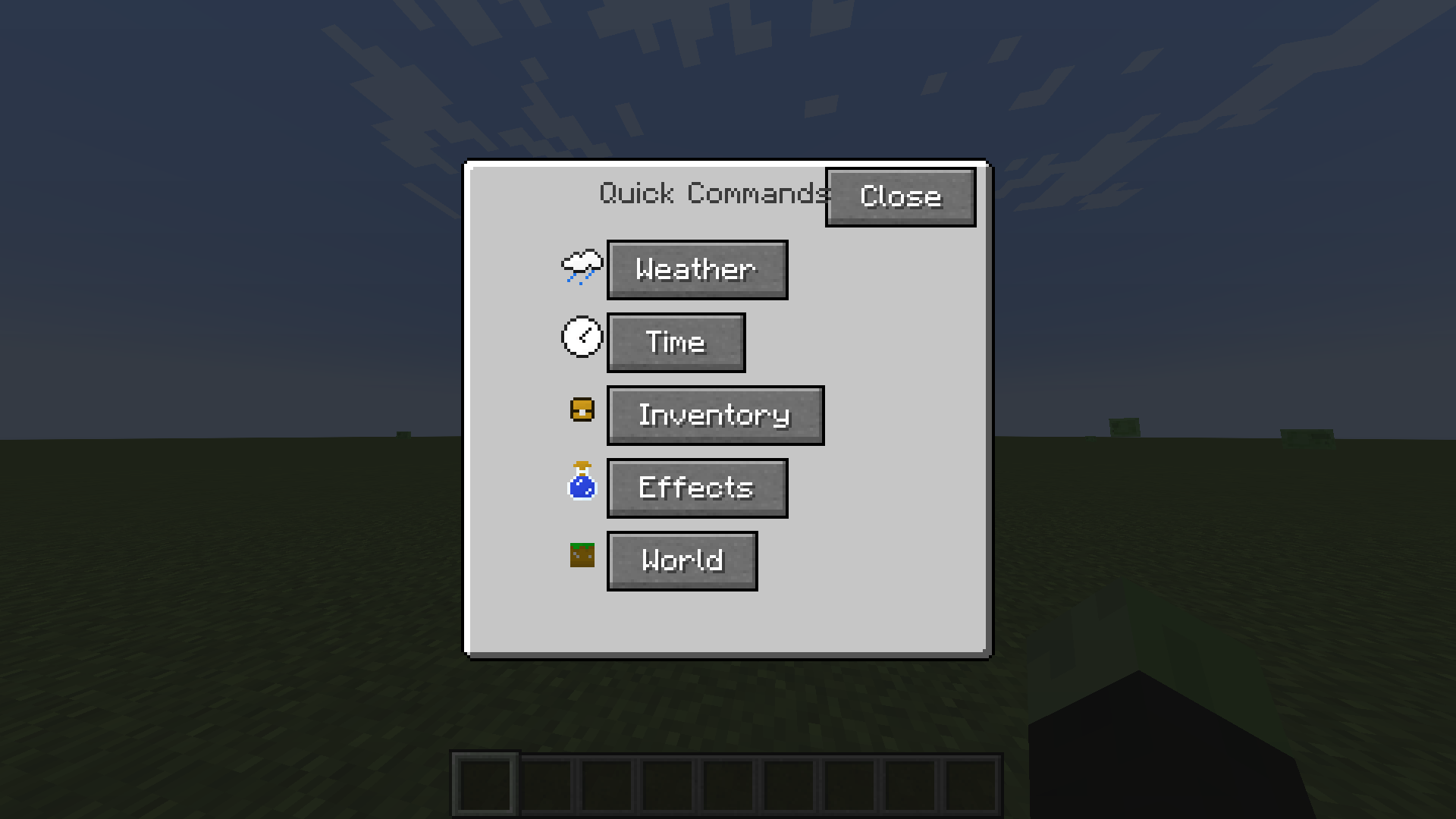
The interface will open in front of you, there will be 5 categories: weather, time, inventory, effects and the world.
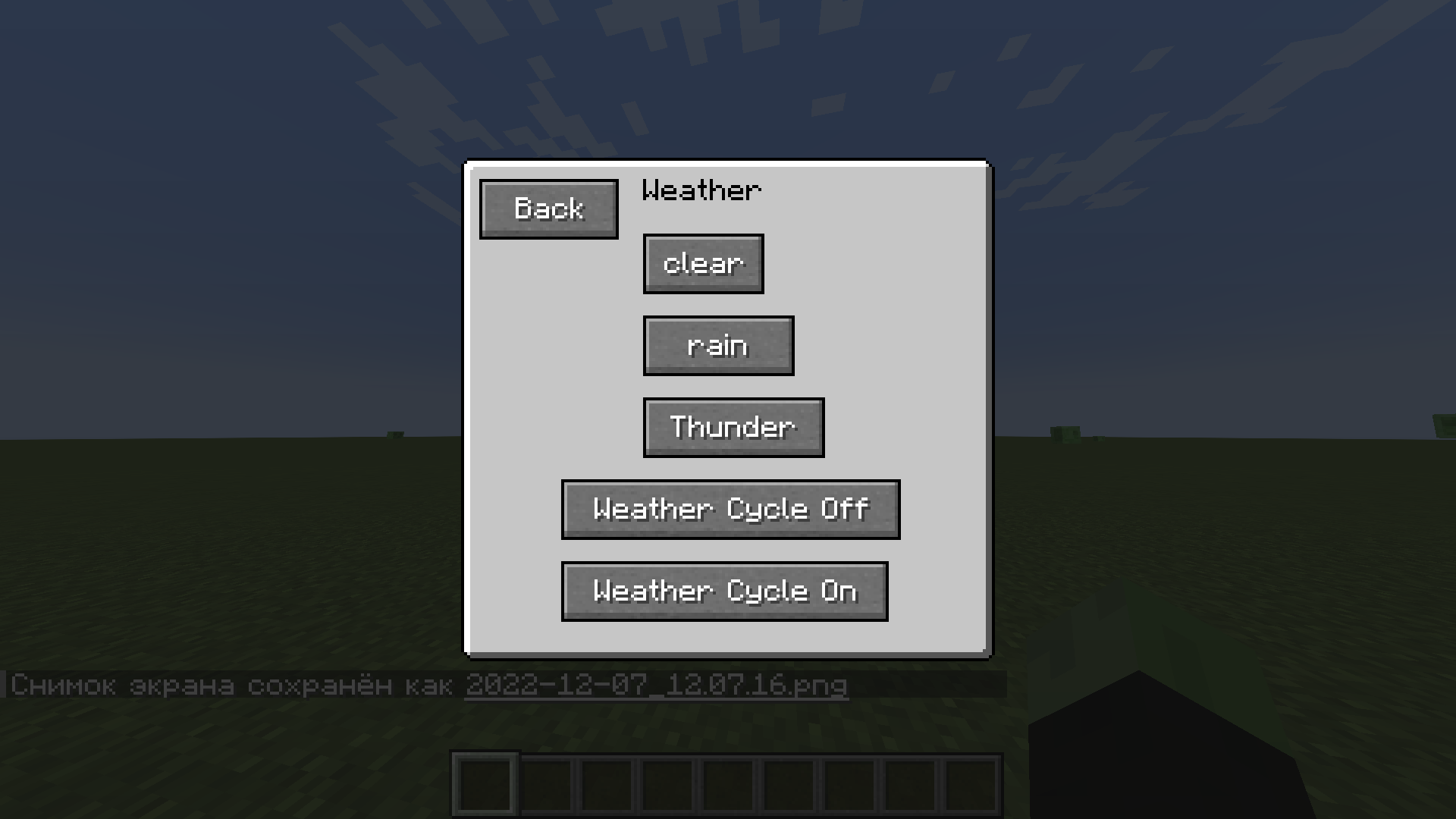
There will be 5 commands available in the weather category: clear, rain, thunderstorm, weather cycle off/on.
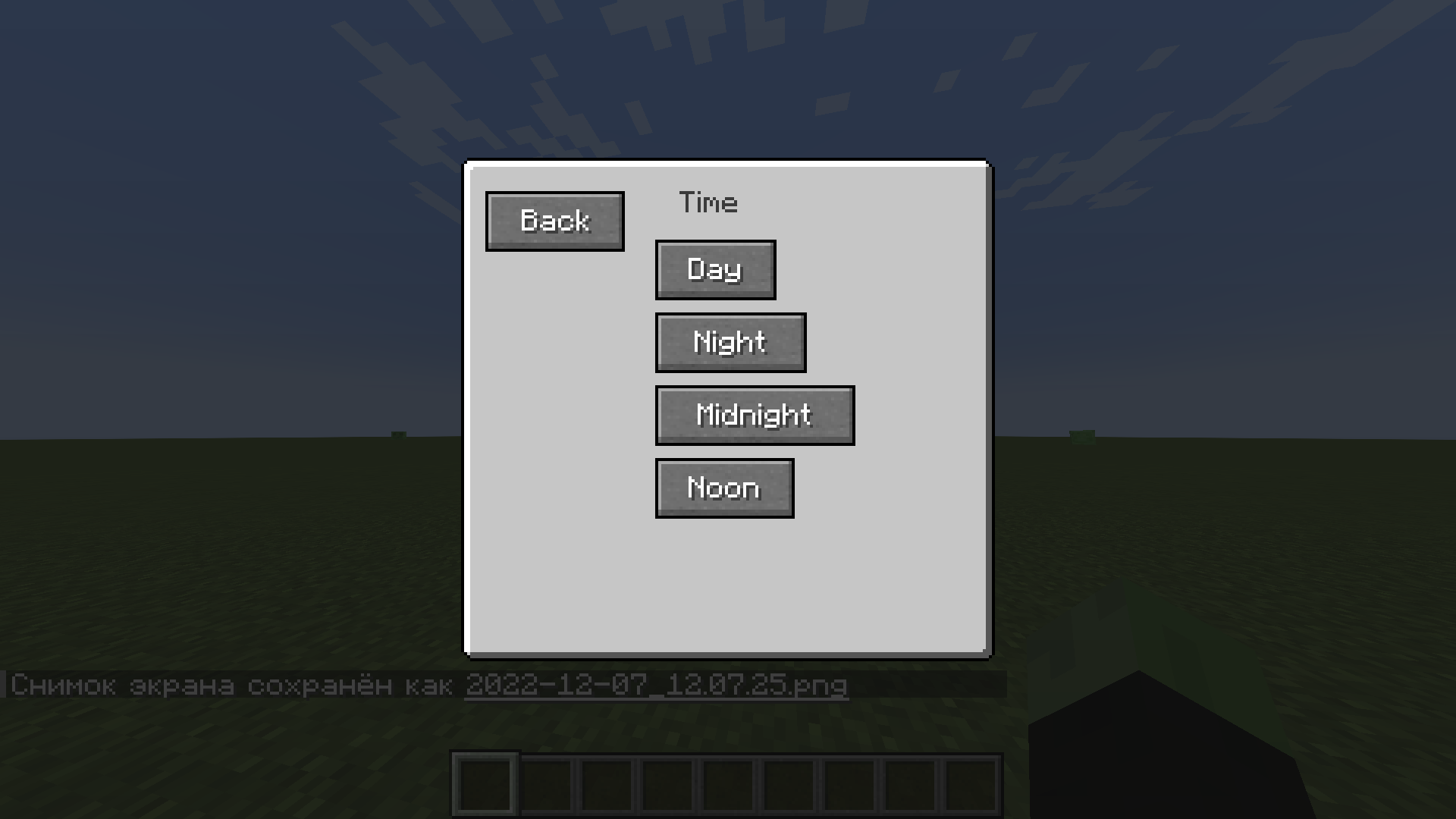
There will be 4 teams in the time category: day, night, midnight and noon.
In the inventory category, there is only 1 command - clear.
There are 2 commands in the effects category - add (only vanilla effects are available) and clear.
There are 2 teams in the world category - spawnpoint and worldspawn.
There are also hotkeys for some commands (NumLock): day - 1, night - 2, clear - 3, rain - 4, clear effects - 5 and spawnpoint - 6.
- Edition: Minecraft Java
- File type: .jar
- Minecraft version listed: 1.19.2
- How to install: Install the matching mod loader (Forge, Fabric or NeoForge) for your Minecraft version. → Download the .jar. → Put it in the .minecraft/mods folder and launch that loader profile.
- Where to get it: Opens on CurseForge — not every file is mirrored on our own servers.
Install steps are the general flow for this file type — How to install Minecraft Java mods & modpacks walks through it step by step.
- Ships as Quick Commands Menu BETA 0.0.1.jar — drop this file into the mods folder
- Download size: 113 KB
- Download link checked 6 Nov 2026 — working
These come from our own check of the pack file, not from the source page.