ModsJava
Miner3D's Bobstruct (Bobert's Building Expansion)
Java mod listed for Minecraft 1.19–1.20. Downloads from the MC Java Mods app on Android.
I don't know my version or loader
Open the Minecraft launcher and look at the profile you play on — it names both, like fabric-loader-1.21.4. The version also shows in the bottom-right corner of the game's main menu.
No loader in the profile name? Then it's plain Minecraft, and these mods won't run — you need Fabric or NeoForge installed first.
Warning: This Mod is currently being completly rewritten to support more features and faster updating, until than this mod is deprecated.
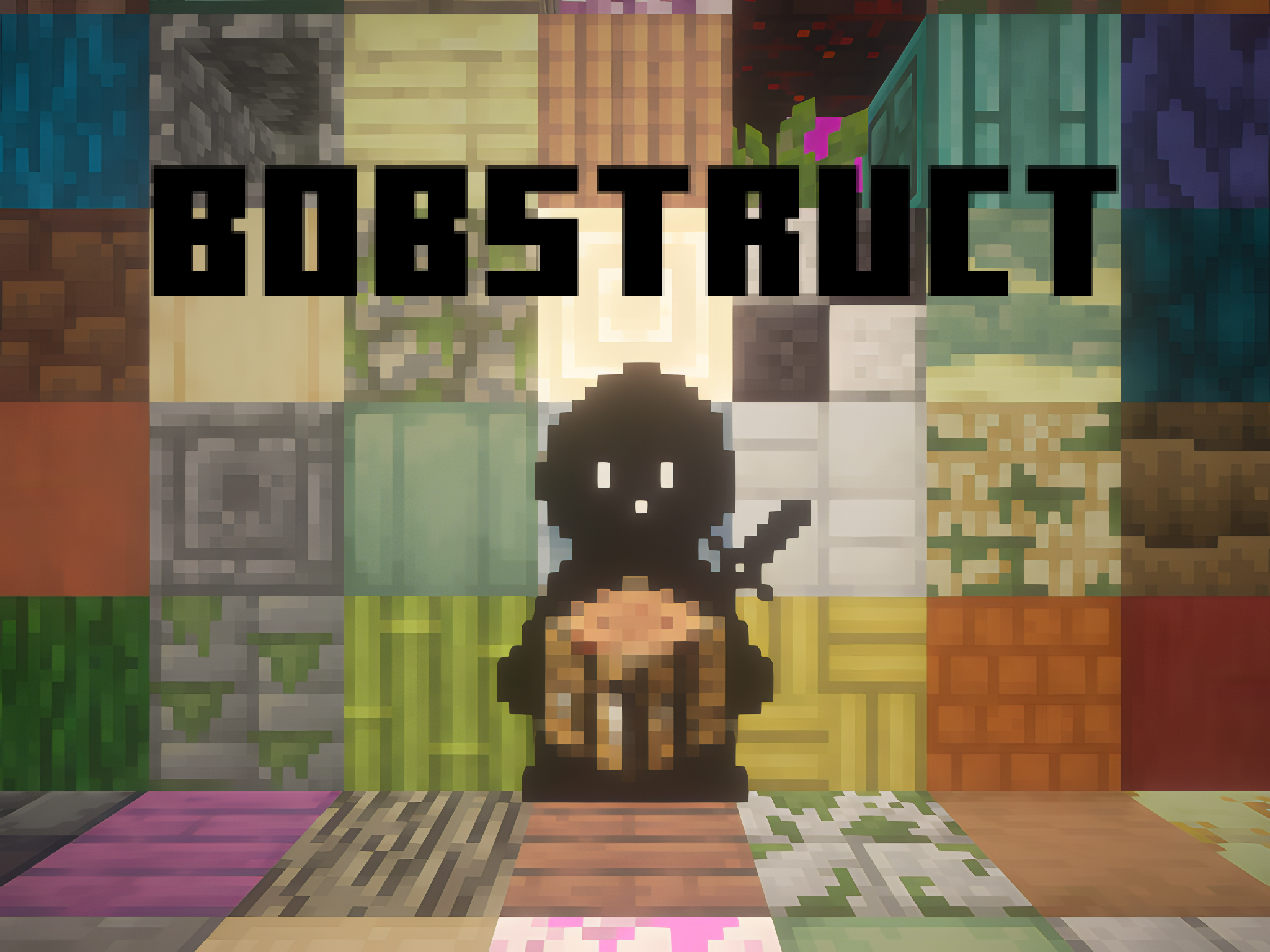
Bobstruct: Expanding the Minecraft Block Palette
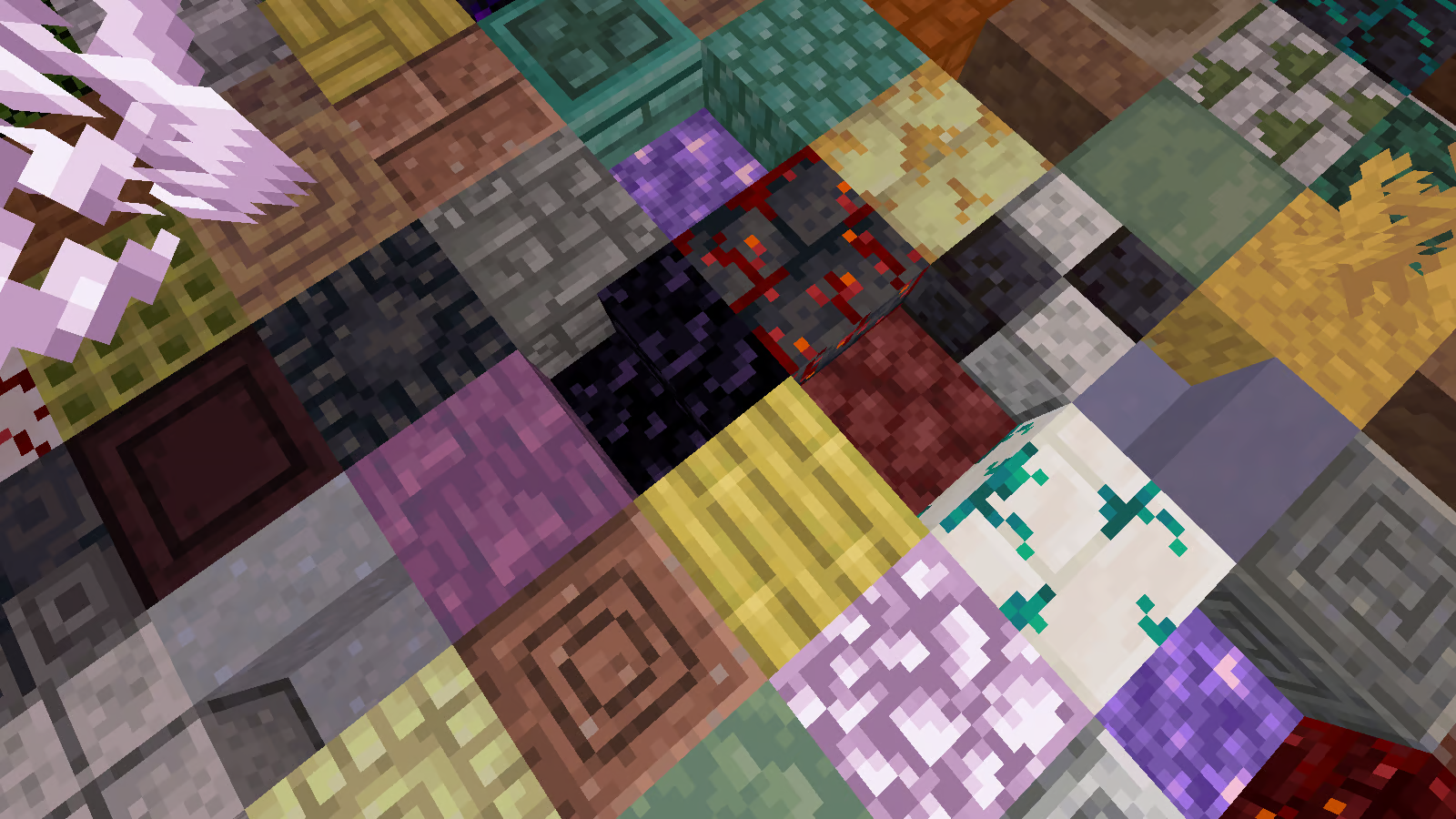
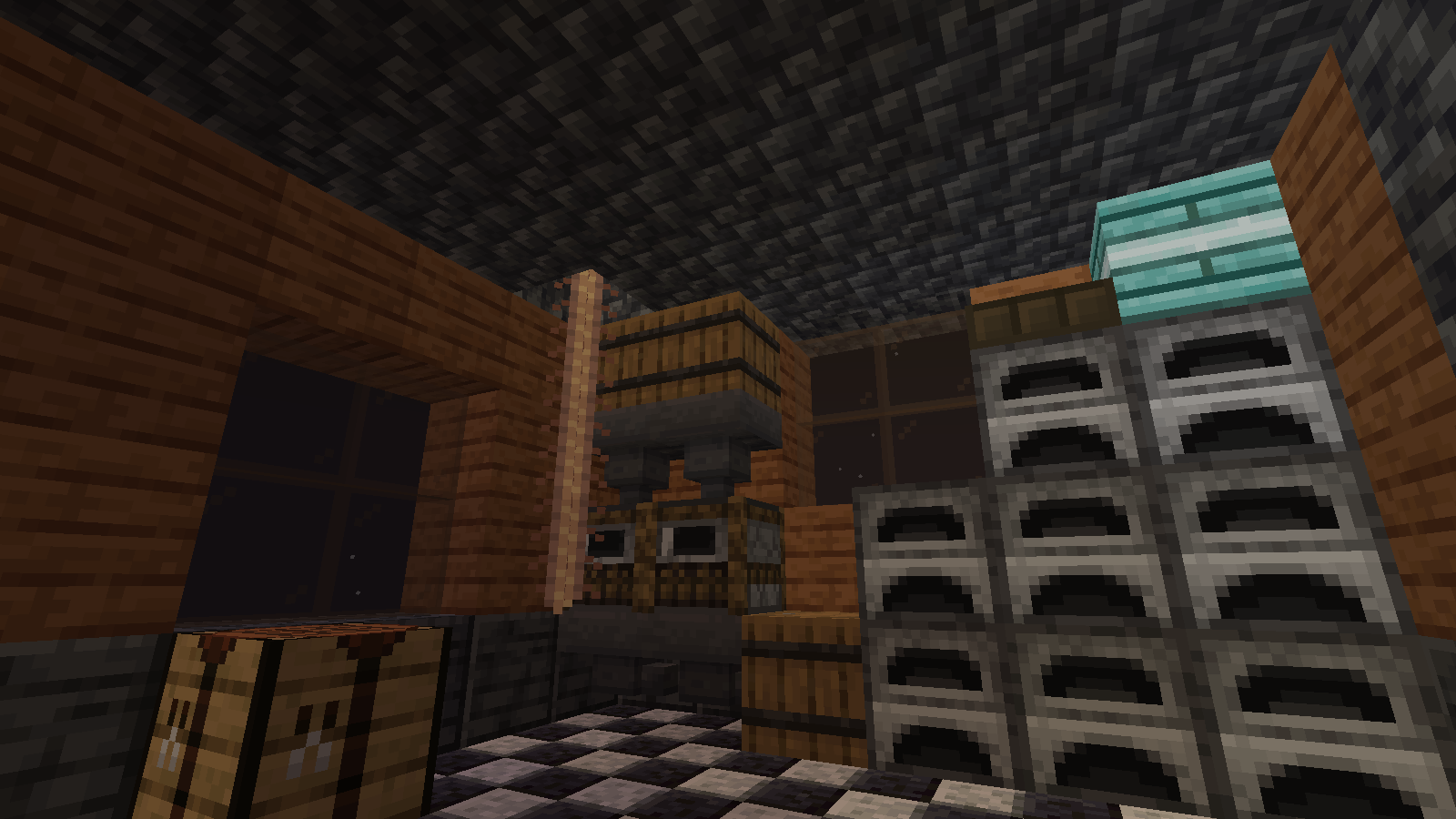
Enhance your Minecraft experience with Bobstruct, a mod that adds a wide range of new blocks to spice up your building adventures without trying to be intrusive.
With over 600 new and previously missing blocks, including an array of stairs, slabs, walls, and other new blocks, Bobstruct tries to bring a new little wave of creativity and color into Minecraft's block palette.
Bobstruct is requires to be installation on both the server and client.
For some example pictures, just go to the 'Images' tab
undefined
Bobstruct supports these mods:
(This doesn't just mean Bobstruct doesn't crash with these mods but rather that it adds to them or even fixes bugs they have)
Ecologics
Biome O' Plenty
Quark
Selectable Paintings
Just Enough Painting Previews (JEPP)
BiomeBackport
Corail Woodcutter - Only Partial SupportAs the sole developer and tester of Bobstruct, I greatly appreciate your support. I encourage you to report any bugs you come across during your gameplay experience. Your feedback is valuable and will help me improve the mod.
Quick facts
- Edition: Minecraft Java
- File type: .jar
- Minecraft versions listed: 1.20.4, 1.20.2, 1.20.3
- How to install: Install the matching mod loader (Forge, Fabric or NeoForge) for your Minecraft version. → Download the .jar. → Put it in the .minecraft/mods folder and launch that loader profile.
- Where to get it: Opens on CurseForge — not every file is mirrored on our own servers.
Install steps are the general flow for this file type — How to install Minecraft Java mods & modpacks walks through it step by step.
File checked by MCModsHub
- Ships as [Bobert'sBuildingBlocks0.2.0].jar — drop this file into the mods folder
- Download size: 6.1 MB
- Download link checked 25 Sept 2026 — working
These come from our own check of the pack file, not from the source page.