Voidcore Tweaks
Java mod listed for Minecraft 1.20–1.21. Downloads from the MC Java Mods app on Android.
I don't know my version or loader

This mod adds a little bit of everything.
It's main use is with my modpack Voidcore and server, so any features that I add to this mod will be what I feel is currently missing or small easy pieces that I feel is unecessary to add yet another mod for. It's also basically for fun.
Features
- Adds a few recipes for vanilla Minecraft, Create and what I think is needed.
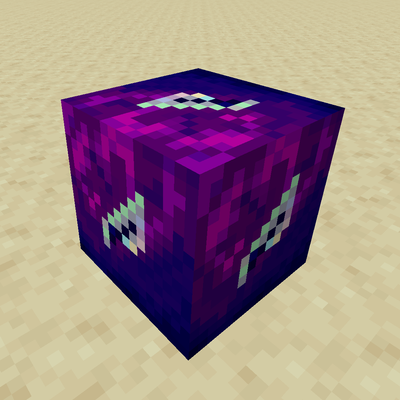
- Angel block that you can place in the air, pretty much like the Extra Utilities angel block.
- A pacifier item to remove the crossbow from Pillagers.
- An item to break bedrock.
- Smite command to send lightnings at players (configs available).
- Command to check your stats on server like /playtime and /dc (death count).
- A /shrug, /tableflip & /untableflip (Like you see in Discord) command.
- Proto Blade, a sword that becomes better the more you kill with it.
- And probably more that I've forgotten to write about…
Credits
Item Textures:
- https://pixelodyssey.itch.io/2500-fantasy-rpg-icons
- https://kazzresources.itch.io/sci-fi-icon-pack
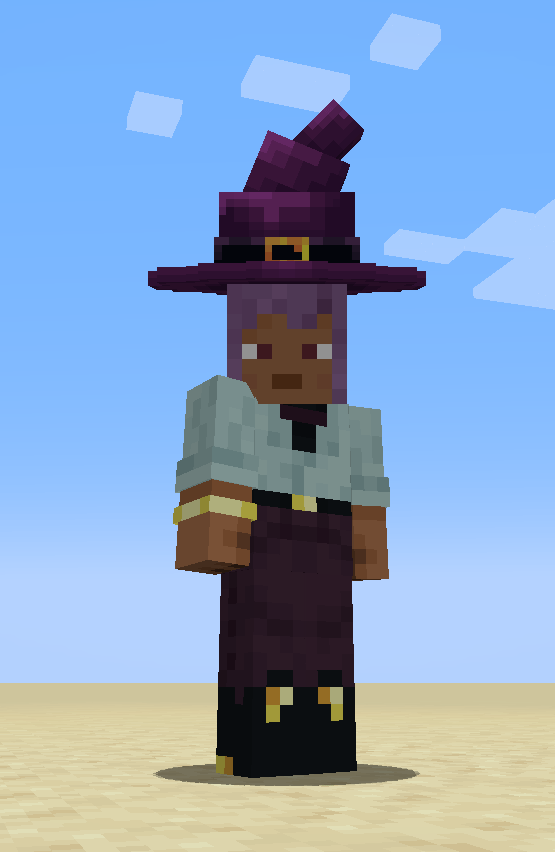
- https://mcmodels.net/products/9896/purple-world-set
- https://mcmodels.net/products/11157/halloween-hat
AI was used as a coding assistance in the making of this project.
But all code have however been written by me, as I want to know what's going on and not be lost in the project. I rather write terrible code than rely on AI to do it all.
The textures are from the links above, and as far as I know they're not AI generated. But if something slipped by then please let me know so I can replace it.
- Edition: Minecraft Java
- File type: .jar
- Minecraft versions listed: 1.21.1, 1.21, 1.20.1
- How to install: Install the matching mod loader (Forge, Fabric or NeoForge) for your Minecraft version. → Download the .jar. → Put it in the .minecraft/mods folder and launch that loader profile.
- Where to get it: Opens on CurseForge — not every file is mirrored on our own servers.
Install steps are the general flow for this file type — How to install Minecraft Java mods & modpacks walks through it step by step.
- Ships as EternallyRandom-1.20.1-1.0.1.jar — drop this file into the mods folder
- Download size: 314 KB
- Download link checked 16 Oct 2026 — working
These come from our own check of the pack file, not from the source page.