Cave Maps (Better Nether Map Port)
Java mod listed for Minecraft 1.16–1.20. Downloads from the MC Java Mods app on Android.
I don't know my version or loader
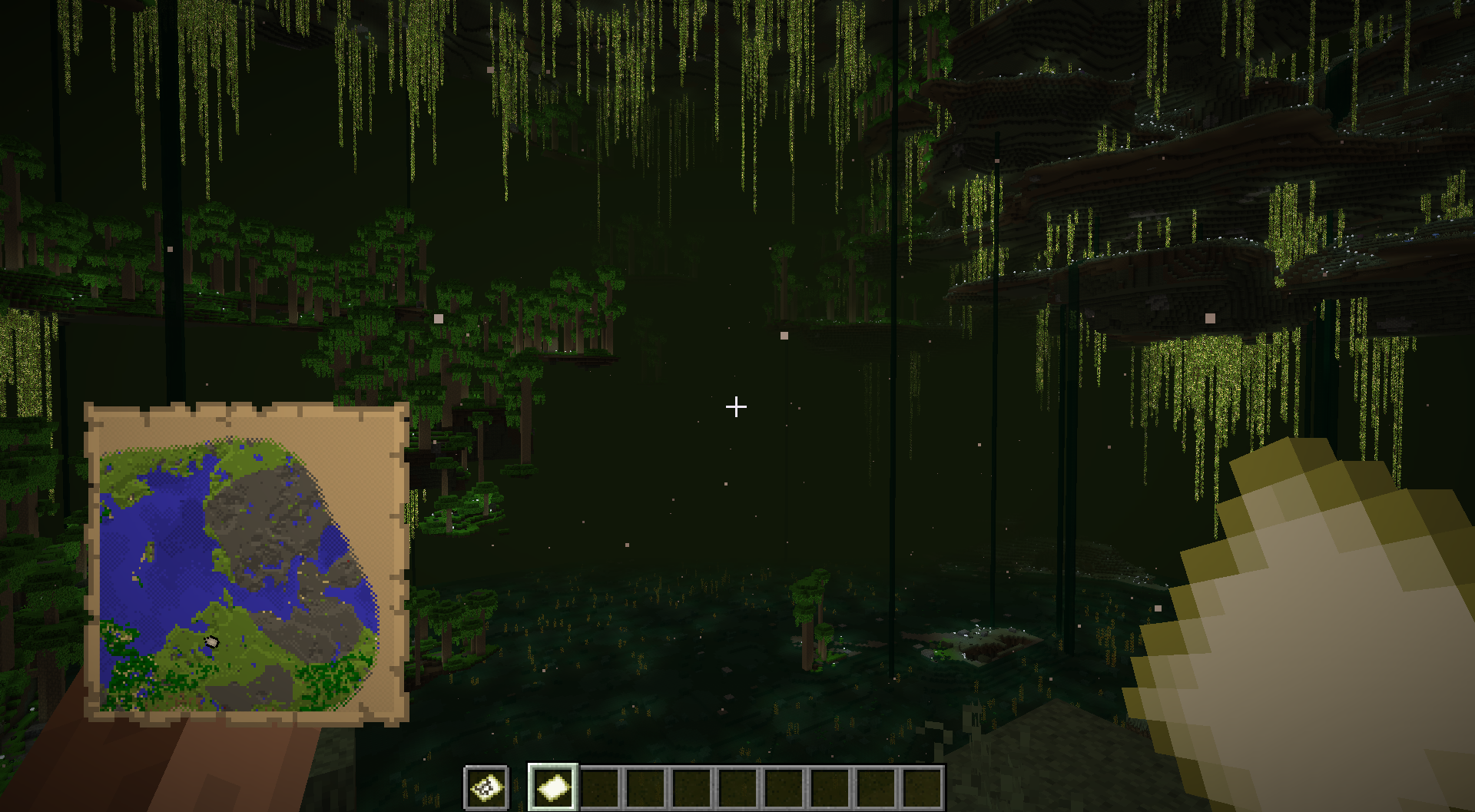
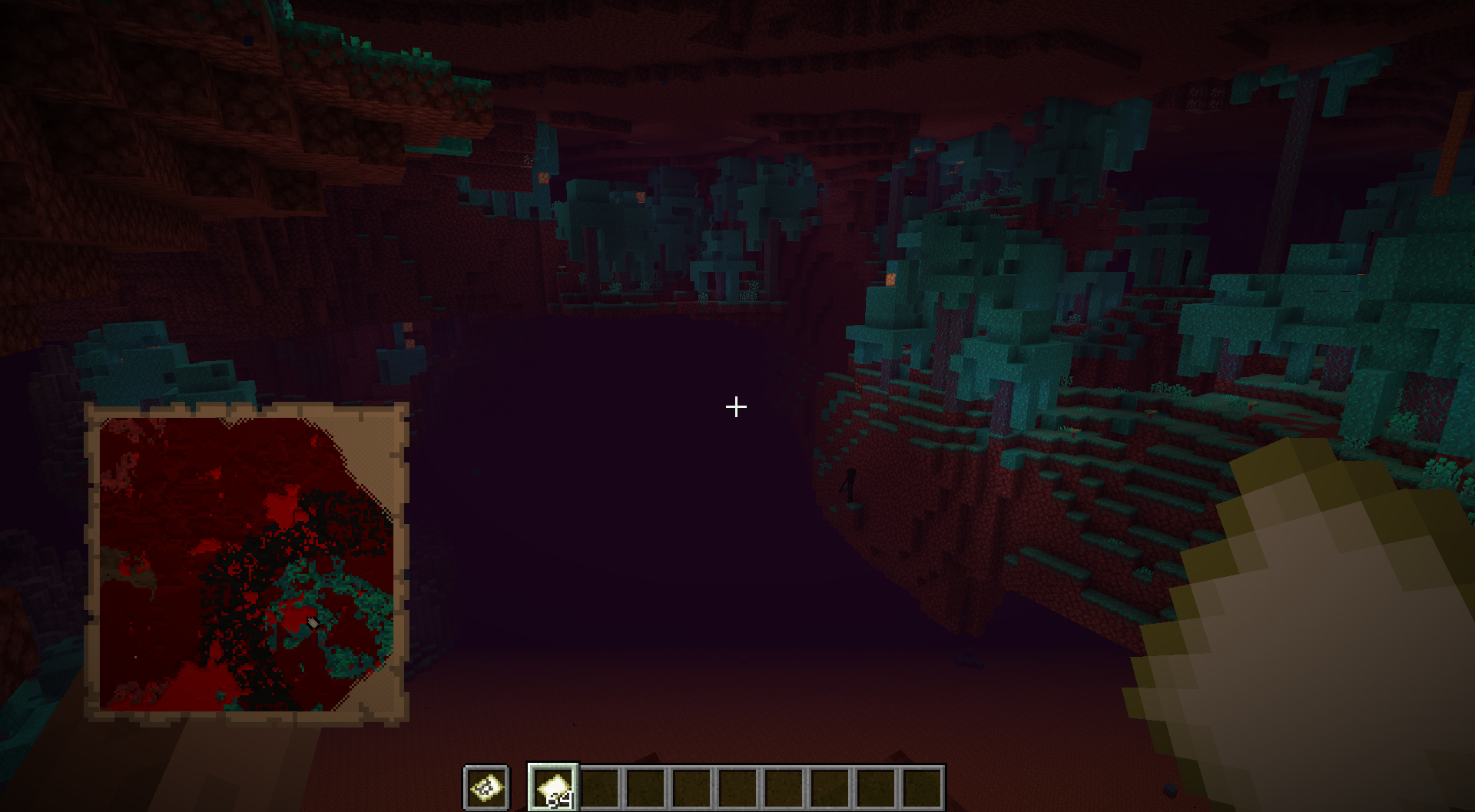

This is a Forge port of Jummit's Better Nether Map mod. (Check out the link for their Fabric version, and their Modrinth page for their other stuff!)
With this mod installed, maps can be used in cave dimensions. There are three main ways this can work; this can be chosen in config.
MAP MODES
FIXED MODE: Each dimension has a specific (configurable) Y value that all maps created in it are locked to.
SNAP MODE: Each dimension has a list of configurable Y values. A newly created map will 'snap' to the listed Y value closest to your current position.
VARIABLE MODE: Maps display the Y value they were created at. More freedom, but they're not going to line up quite as well. (You can configure a minimum Y-level for each dimension, and also a modifier that gets applied to your height when creating a map. For instance, you can put it a few blocks over your head to give a clear map of your current surroundings.)
Can't decide? You can independently enable three alternate map items, craftable using blank maps. These correspond to each of the modes above, so you can pick Fixed Mode as the default for normal empty maps and then have maps that use Snap and Variable Modes craftable as well. These are otherwise identical to normal maps.
Crafting Recipes:


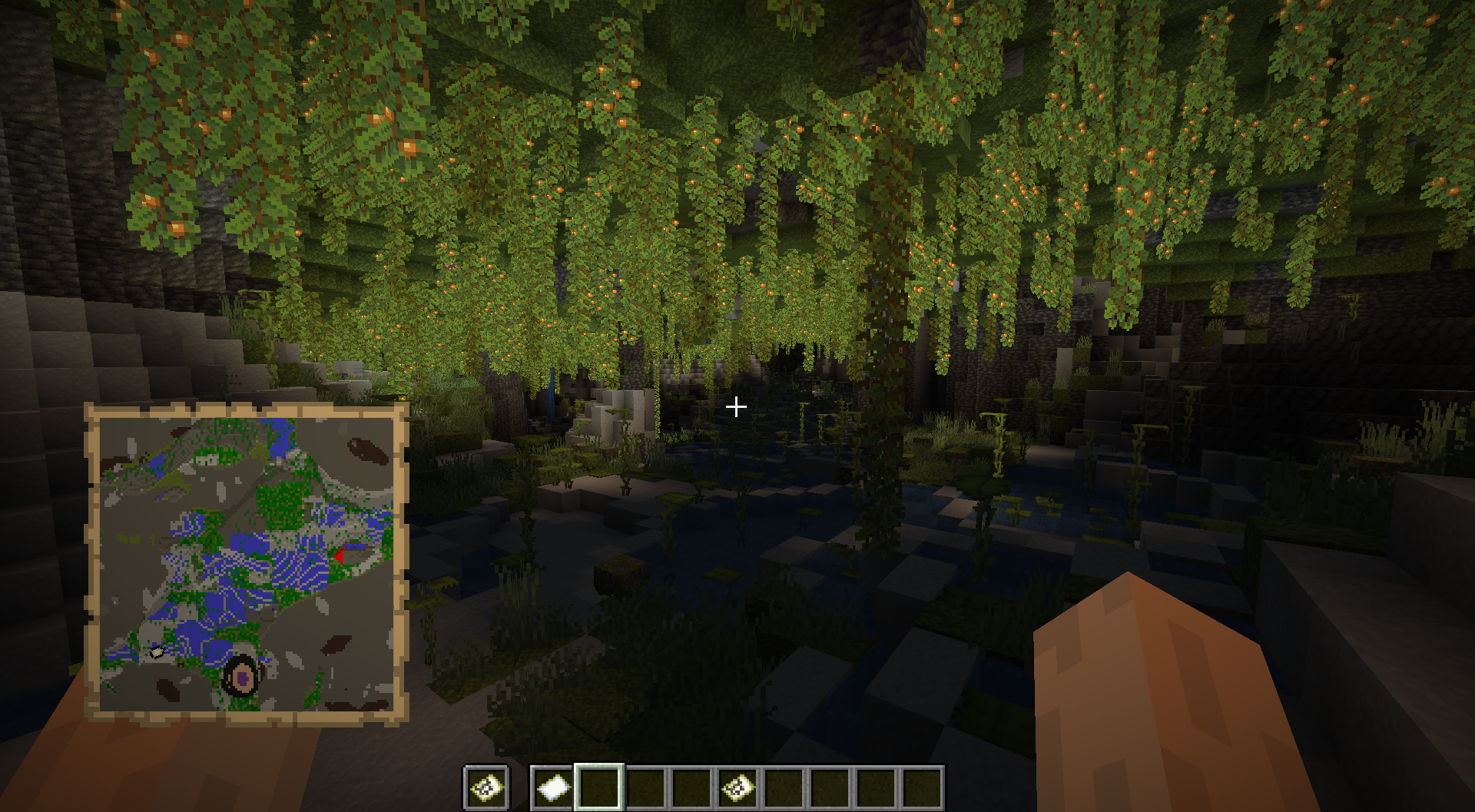
1.18+: CAVE MAPS
In 1.18+, you can allow using alternate map types in the Overworld to map caves. Vanilla maps will still function normally.
OTHER
There's also a config option to disable the random spinning of the player location marker, to make navigation easier.
CONFIGURABILITY
You can add your own dimensions and configure their fixed and snap points independently. Make sure to follow the correct format from the config!
CREDITS
Once again, this is a port of Jummit's mod. Thanks to them for allowing it!
- Edition: Minecraft Java
- File type: .jar
- Minecraft versions listed: 1.20.1, 1.19.3, 1.19.2
- How to install: Install the matching mod loader (Forge, Fabric or NeoForge) for your Minecraft version. → Download the .jar. → Put it in the .minecraft/mods folder and launch that loader profile.
- Where to get it: Opens on CurseForge — not every file is mirrored on our own servers.
Install steps are the general flow for this file type — How to install Minecraft Java mods & modpacks walks through it step by step.
- Ships as betternethermap-1.2-1.20.1.jar — drop this file into the mods folder
- Download size: 42 KB
- Download link checked 25 Sept 2026 — working
These come from our own check of the pack file, not from the source page.