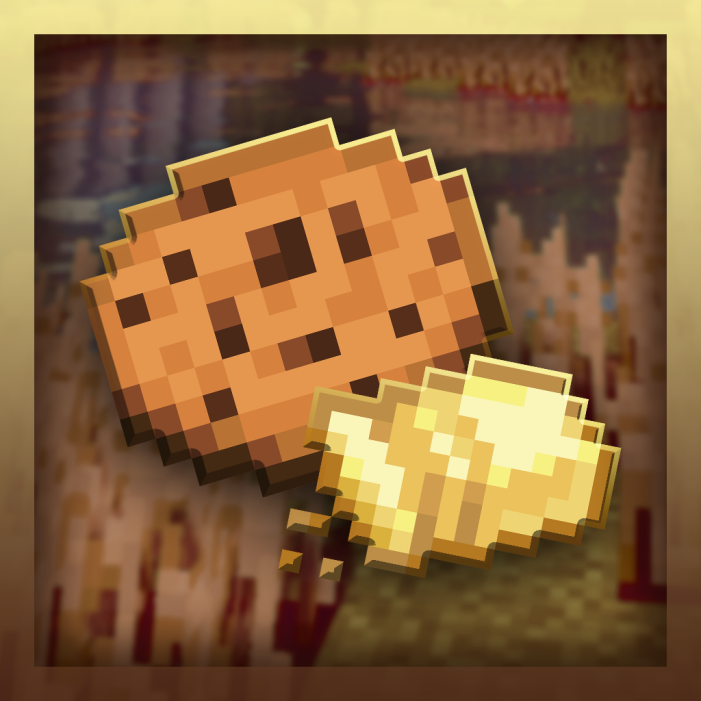
Cookietology: Rebaked
Java mod listed for Minecraft 1.19. Downloads from the MC Java Mods app on Android.
I don't know my version or loader


[🍪] Welcome to Cookietology.
Minecraft cookies were always bad, right? Their nutritional properties are extremely poor and the crafting recipe is boring...
Cookietology attempts to fix this in a fun way!
Now YOU are the one who controls the properties of the cookies. Through simple machines and formulas you can create the ideal cookie for every situation.
Let's get started.


- Butterator
Soft Butter is probably the most important item in Cookietology. Butterator's task is to create it.
The butterator needs a fan and some milk to operate. The fan is a block and is placed on top of the machine, while milk should be placed through buckets in its GUI.
Once everything is ready, the butterator will start to consume milk, while displaying different statuses:
- Missing Fan

- Time Left

- Cooldown (when it creates the butter)

The butterator outputs a random of Soft Butter, between 1 and 4.


- Butterator Fan
It's the butterator second part, mandatory to work.
Once the butterator enters the cooldown stage, its fan has a 20% chance of breaking. To fix it, simply use an iron ingot on it.

- Mixing Bowl
Accepts 6 items, if they form a recipe then you can mix them.
To mix the ingredients crouch and right click the bowl several times until something pops out.

- Baker
Like a furnace, but with 2 ingredient slots!
Here you will bake a final Shaped Dough with cocoa beans, creating the cookie of your dreams. This cooking process may take a little longer than a normal furnace.

Alright, so you want to start making custom cookies.
The first thing you'll need is Soft Butter, the above page already explains how to make it, so I'll assume you already have some of them. After that create some flour on the crafting table, the recipe is easy (Make a 4x4 with wheat).
Grab a Mixing Bowl and place it on the ground, here we'll mix some ingredients to make the base dough:

As you can see doughs have stats: Brilliance and Thickness.
At the moment of baking, these two will define all the properties of our final cookies (Eat Speed, Saturation, and Nutrition).
The short explanation for the formula:
- More thickness means more nutrition but less saturation.
- More brilliance means more saturation but less nutrition.
- Eat speed is the sum of thickness and brilliance values.
Anyways, here is the math if you want to be precise:

So... How I Increase the brilliance and thickness of my doughs?
- To increase the brilliance put your dough with soft butters on a crafting table, the brilliance will be increased by one point for each butter .
Max Brilliance value is 10.
- To increase the thickness put your dough with more doughs on a crafting table, these will fuse and the thickness points will be added.
Max Thickness value is 50.
[!] If you mess something up you can always clean your dough by mixing it with flour in the bowl.
That's it, once you have the perfect dough create a Cookie Mold and use it with your dough. (Crafting Table)
At this step there is no turning back, a Cookie Shaped Dough is unmodifiable.
Everything ready, time to bake.
Grab your Cookie Shaped Dough and some cocoa beans, put them on a Baker and turn it on. Wait until cooked!
That's all, you have a round of 8 fresh cookies with the stats you want. Enjoy them and make any experiments you want.
- Edition: Minecraft Java
- File type: .jar
- Minecraft version listed: 1.19.2
- How to install: Install the matching mod loader (Forge, Fabric or NeoForge) for your Minecraft version. → Download the .jar. → Put it in the .minecraft/mods folder and launch that loader profile.
- Where to get it: Opens on CurseForge — not every file is mirrored on our own servers.
Install steps are the general flow for this file type — How to install Minecraft Java mods & modpacks walks through it step by step.
- Ships as cookietology-1.1.1.jar — drop this file into the mods folder
- Download size: 637 KB
- Download link checked 16 Oct 2026 — working
These come from our own check of the pack file, not from the source page.