
The Flower Pot Extension
Java mod listed for Minecraft 1.18–1.21. Download on the author's site.
Forge, NeoForge and Fabric ( ) Items can be added to a pot by right clicking and removed by shift right clicking with an empty hand Supported items are…
⬇ Download on CurseForge
Forge, NeoForge and Fabric (https://throne.me/wallywhip)
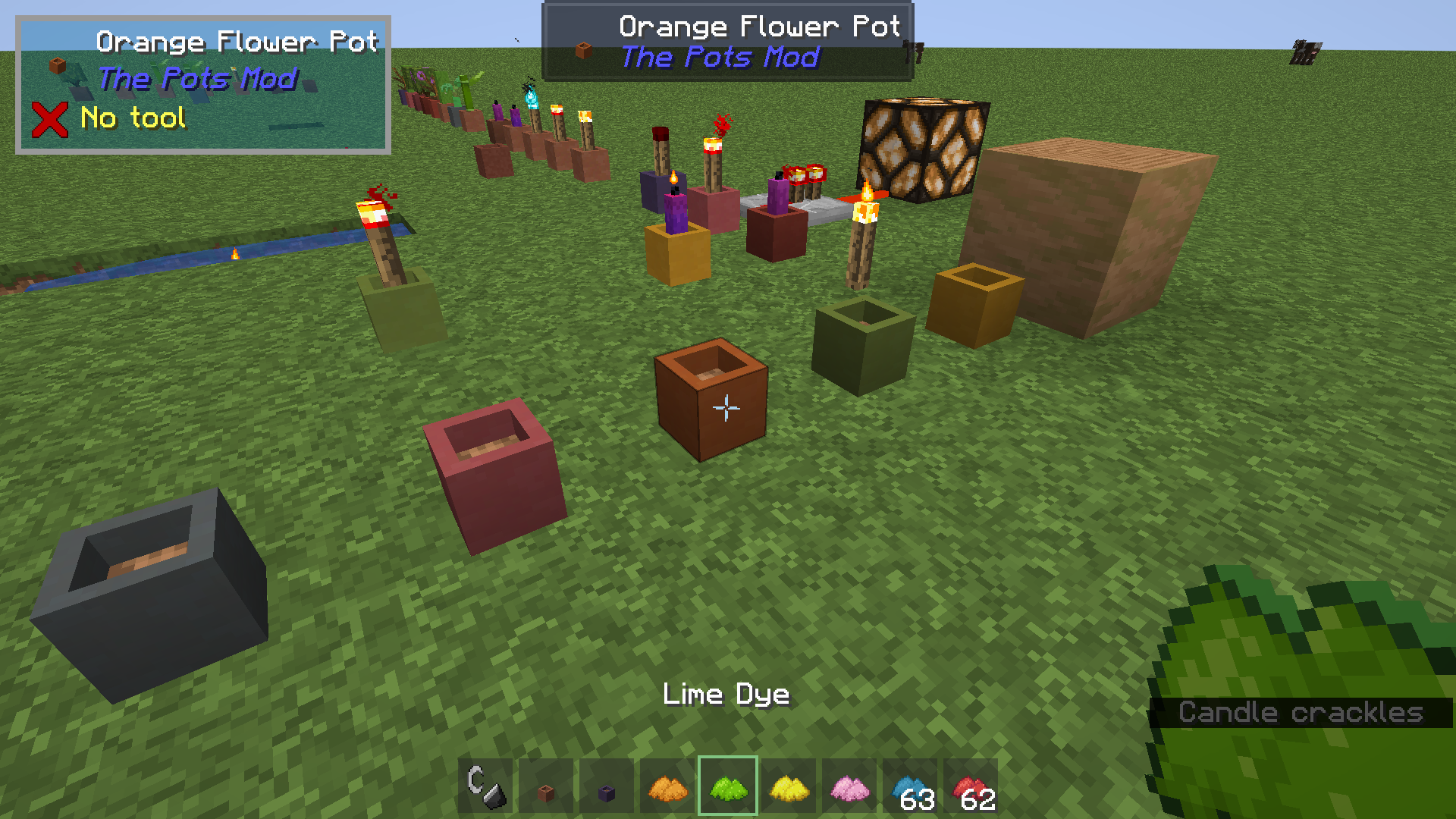
Items can be added to a pot by right clicking and removed by shift right clicking with an empty hand
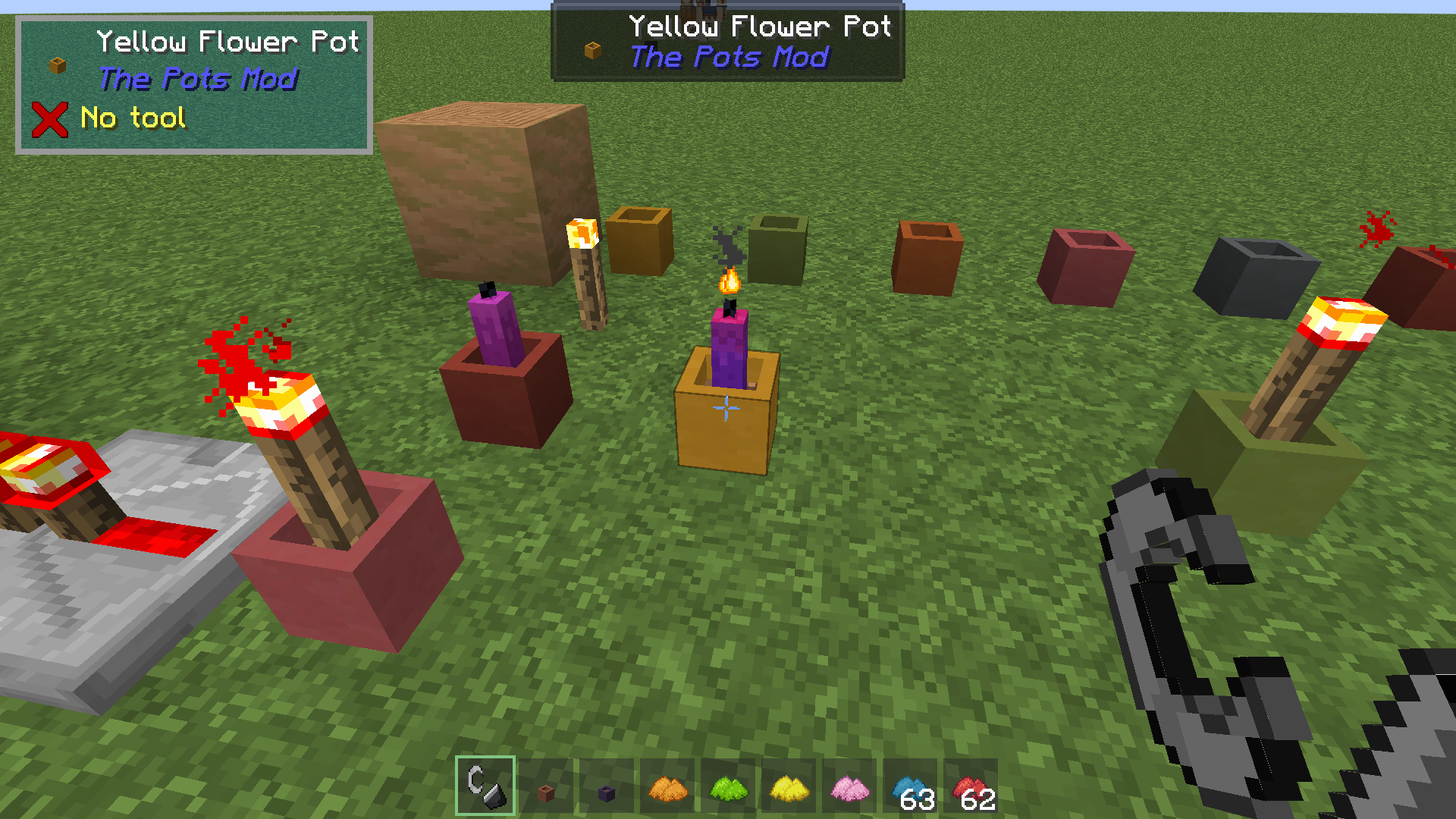
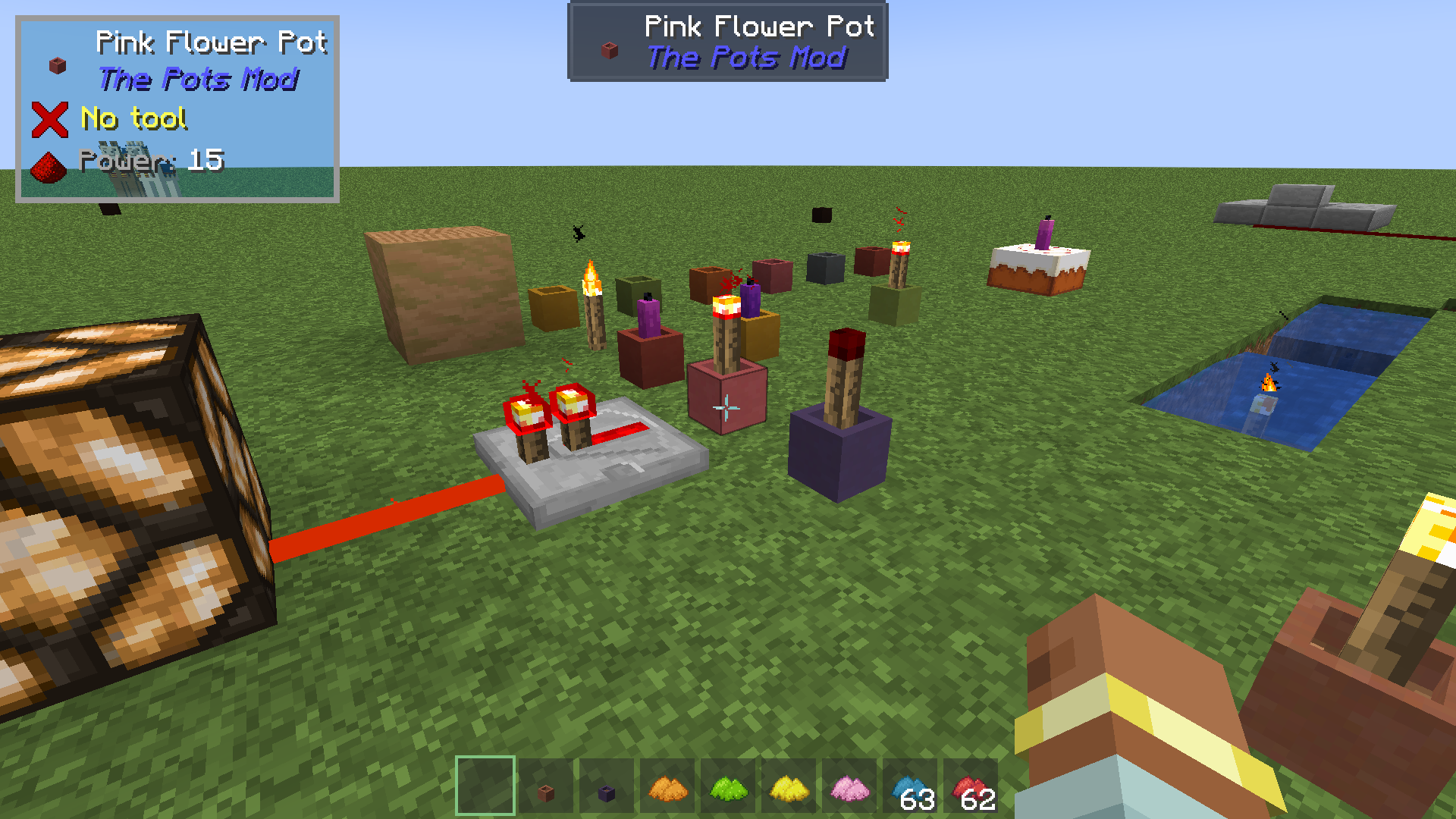
Supported items are: Torch, Redstone Torch, Soul Torch, Vanilla Saplings, Vanilla Flowers, Dead Bush, Bamboo, Cactus, Mangrove Propagule,
Azalea Bushes and Candles
Watch this awesome mod showcase by TayJay: https://youtu.be/gw_dxfJAgC4
Pots and Stuff
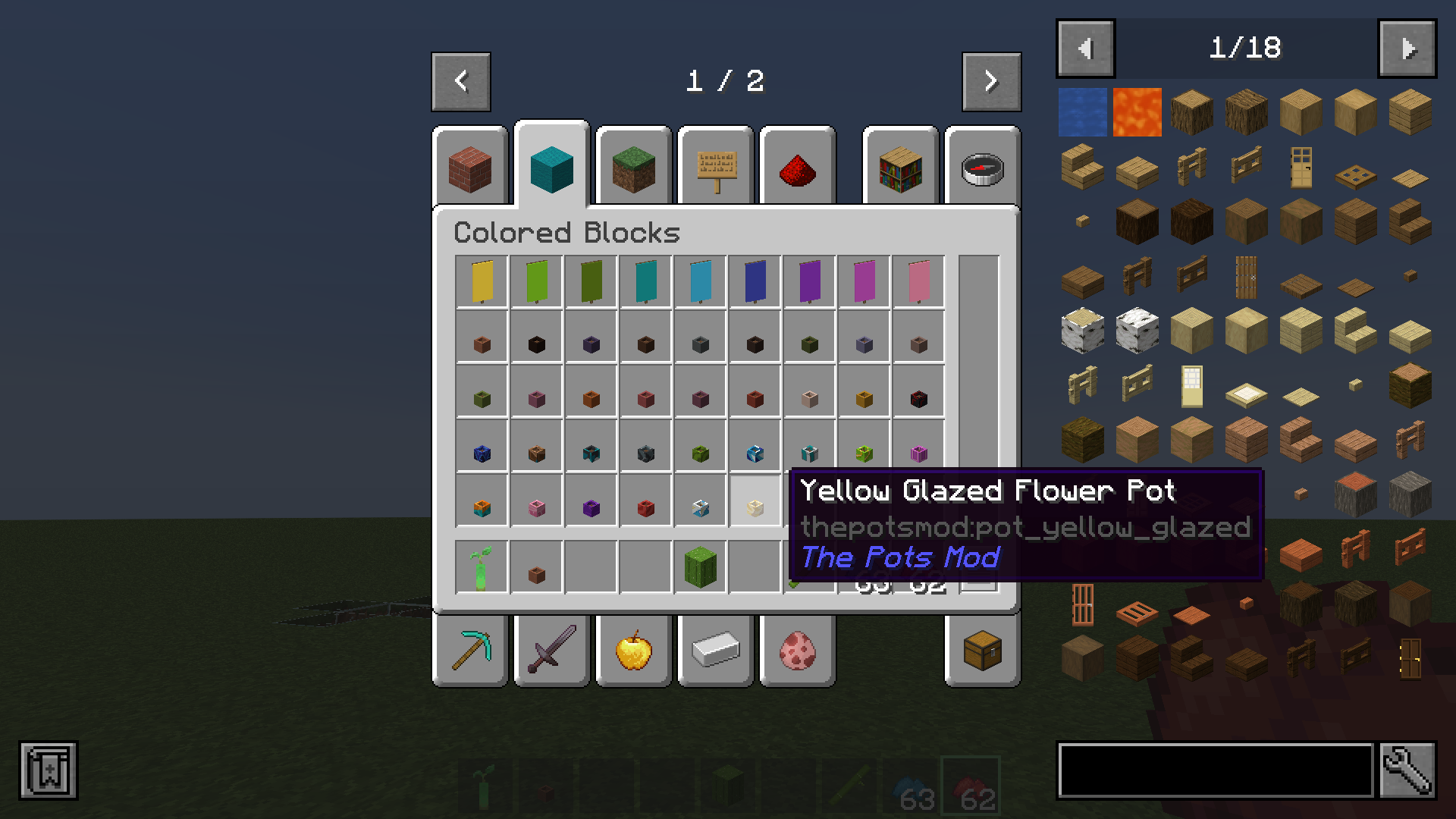
Coloured and Glazed Flower Pots
Flower pots with Redstone Torches can be turned on/off by right clicking the pot
You can change the colour of the pots by right clicking dye onto them
Right clicking candle pots with a Flint & Steel will light the candle. Right clicking with an empty hand will extinguish the candle
- Edition: Minecraft Java
- File type: .jar
- Minecraft versions listed: 1.21.4, 1.21.1, 1.20.6
- How to install: Install the matching mod loader (Forge, Fabric or NeoForge) for your Minecraft version. → Download the .jar. → Put it in the .minecraft/mods folder and launch that loader profile.
- Where to get it: Opens on CurseForge — not every file is mirrored on our own servers.
Install steps are the general flow for this file type — How to install Minecraft Java mods & modpacks walks through it step by step.
The Flower Pot Extension is a free Minecraft Java mod. Compatible with Minecraft 1.21.4, 1.21.1, 1.20.6, 1.20.4 and newer. Downloaded 63,886 times (via CurseForge). Download it and open it directly in the game.