
Project MMO XP Bottles!
Java mod listed for Minecraft 1.18–1.21. Downloads from the MC Java Mods app on Android.
I don't know my version or loader

Overview
Welcome to PMMO XP Bottles, an immersive and rewarding mod designed to enhance your Minecraft experience by integrating seamlessly with the Project MMO (PMMO) mod. This mod introduces a variety of custom XP bottles, each tailored to specific skills in PMMO, offering unique effects and benefits to enrich your gameplay. Whether you're delving into the depths of the mines, engaging in fierce combat, or honing your crafting skills, PMMO XP Bottles has something to offer for every adventurer.
Note: (This mode was re-written as of 1.20.1 this description page is solely for 1.20.1 + all previous versions are
different)
Key Features
Custom XP Bottles
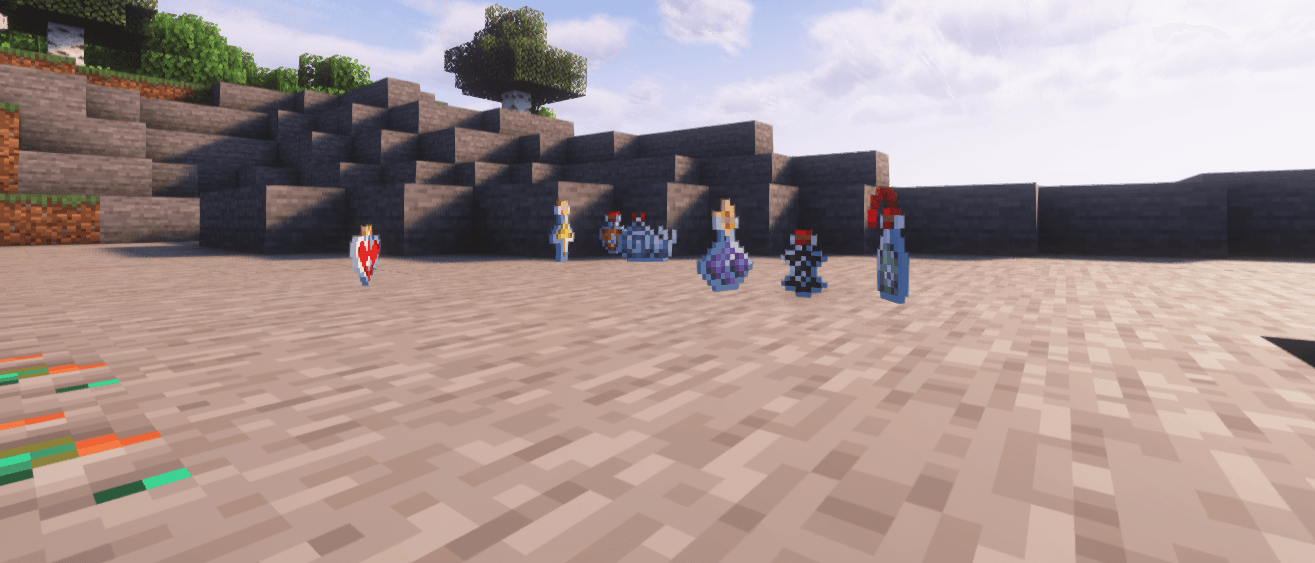
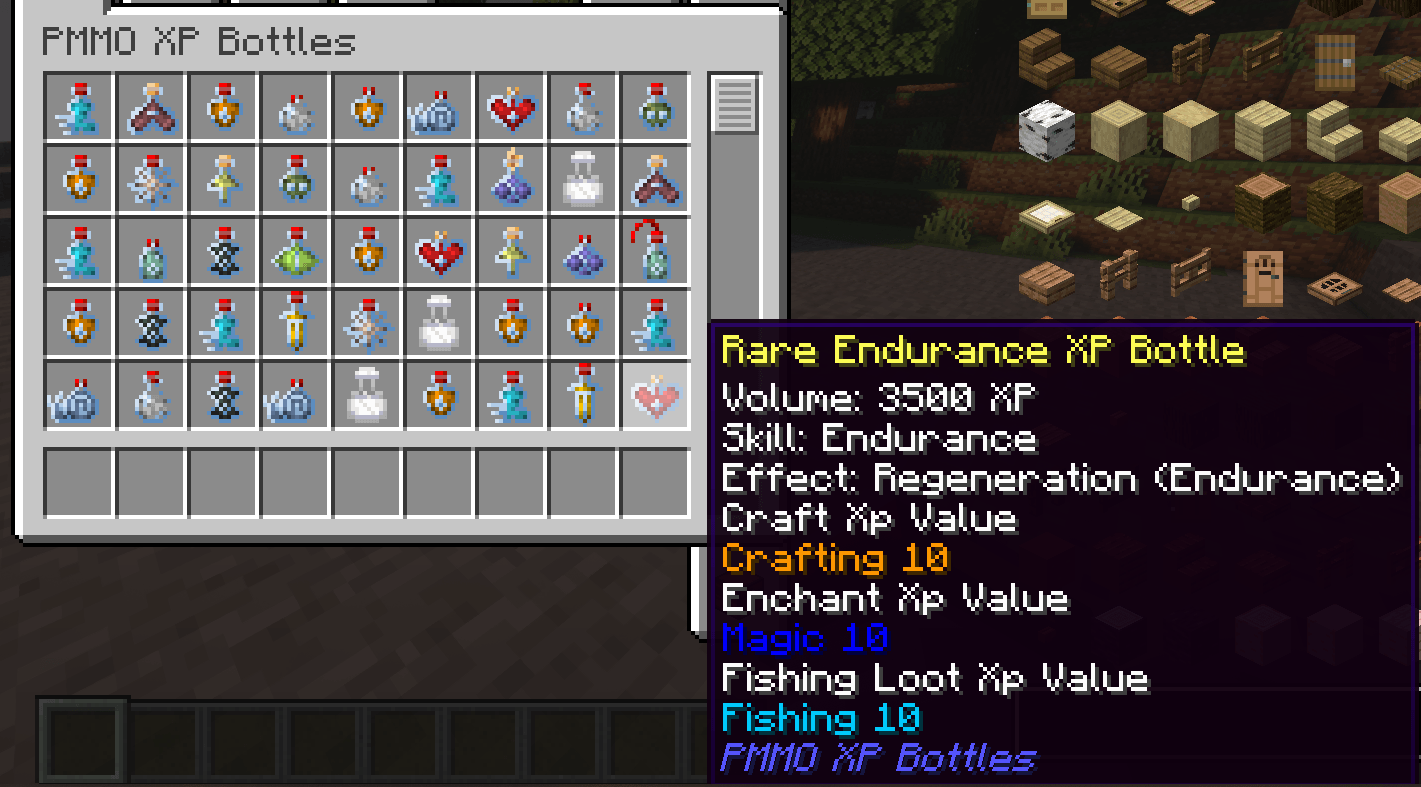
PMMO XP Bottles introduces a comprehensive collection of custom XP bottles, each corresponding to a different skill in Project MMO. These bottles come in three tiers: Common, Rare, and Epic, providing varying amounts of XP and benefits:
- Common Bottles: Grant 500 XP and basic effects.
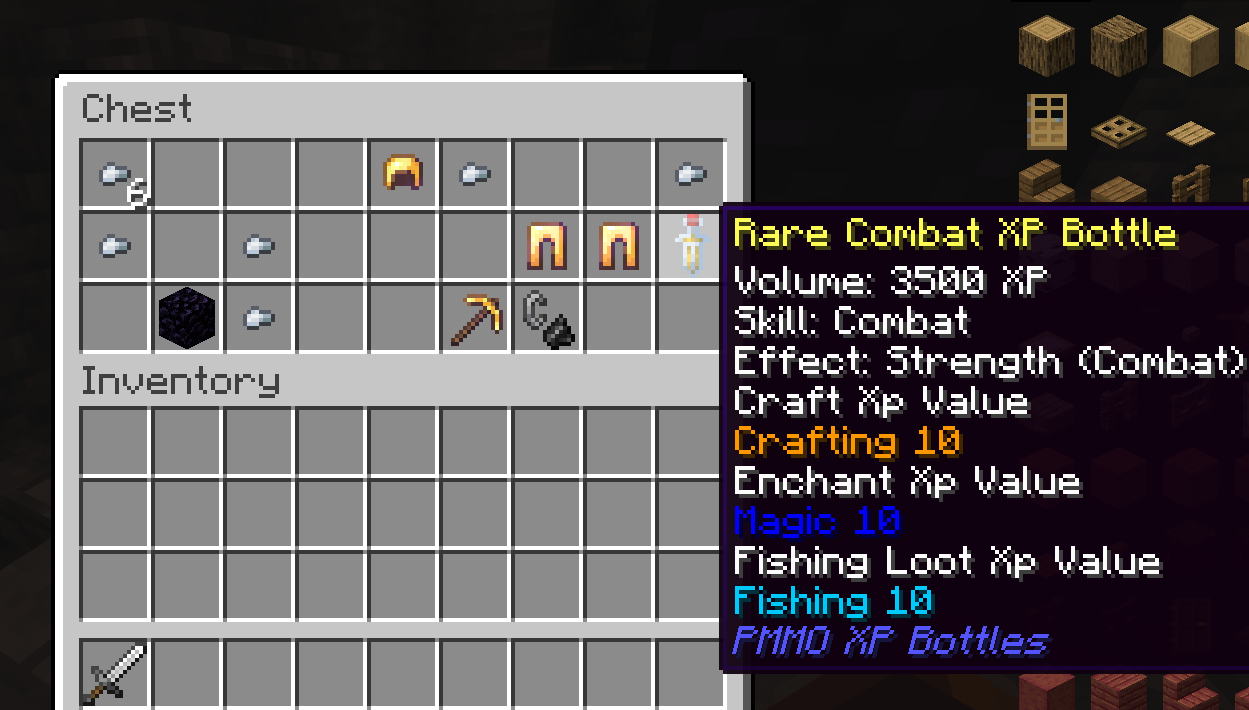
- Rare Bottles: Grant 3,500 XP and enhanced effects.
- Epic Bottles: Grant 9,000 XP and powerful effects.
( you can give yourself xp bottles with whatever amount you want for quests or whatever you see fit with commands /give @p pmmo_xp_bottles:[skill]_[tier]_bottle{amount:[amount]} )
Skill-Specific Effects
Each XP bottle not only grants experience points but also bestows beneficial effects tailored to the associated skill, helping you become a master in your chosen disciplines:
- Mining: Receive a Haste effect to speed up your mining endeavors.
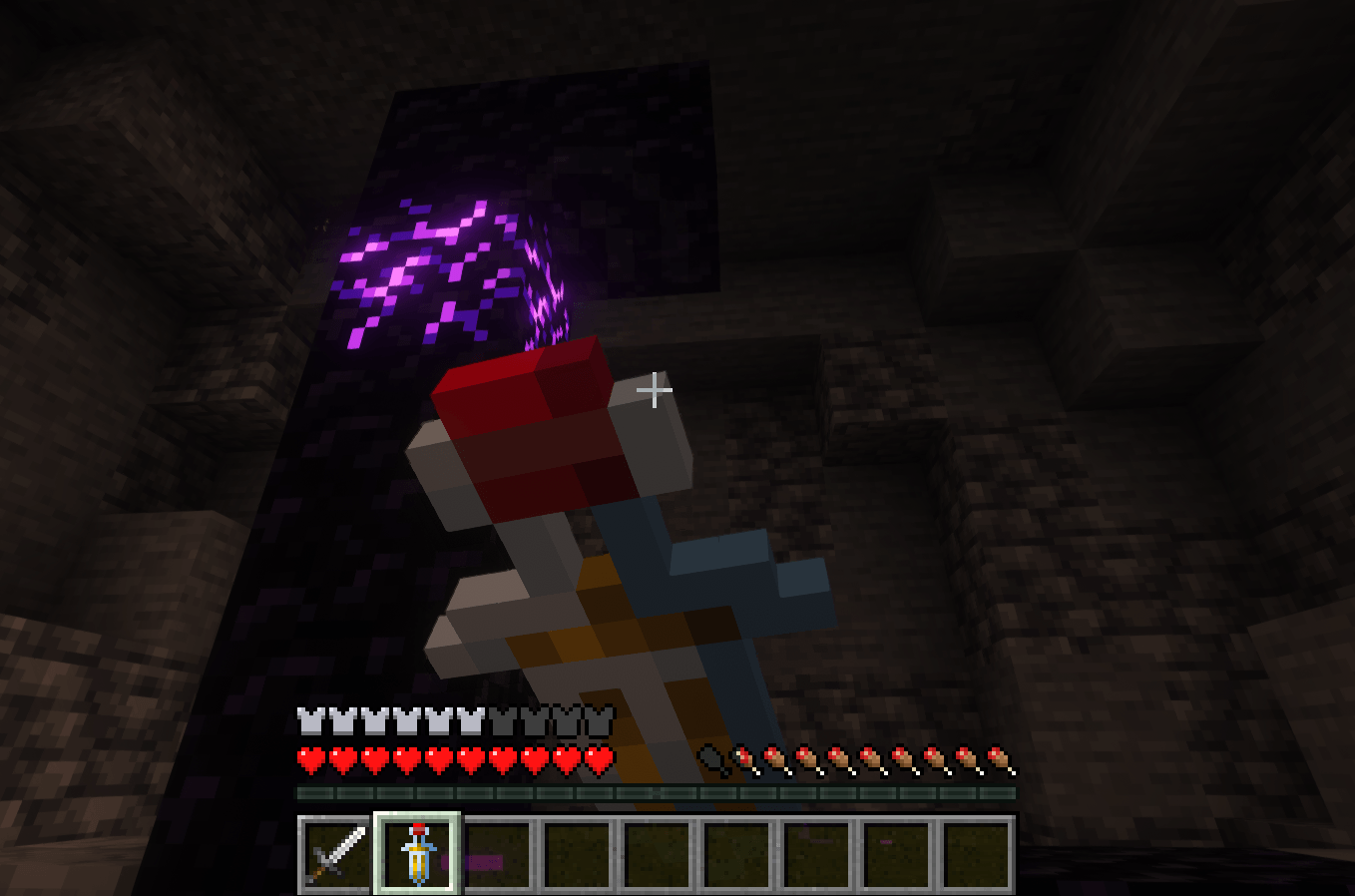
- Combat: Gain a Strength effect to overpower your foes.
- Farming: Enjoy a Luck effect, increasing your chances of finding rare drops.
- Fishing: Boost your fishing luck with an enhanced Luck effect.
- Endurance: Experience regeneration, keeping you healthy during long battles.
- Agility: Get a Speed boost to navigate the world swiftly.
- Magic: Benefit from Night Vision, illuminating your surroundings.
- Swimming: Gain Water Breathing to explore underwater realms with ease.
Integration with Project MMO
PMMO XP Bottles is designed to work seamlessly with Project MMO, enhancing the progression and leveling experience:
- XP Bottles for All PMMO Skills: XP bottles are available for all PMMO skills, including Archery, Woodcutting, Building, Excavation, Gunslinging, Smithing, Crafting, Slayer, Hunter, Taming, Cooking, Alchemy, Engineering, Sailing, and more.
- Balanced Gameplay: The varying tiers of XP bottles ensure a balanced progression system, allowing players to gradually enhance their skills without overpowering the game.
Loot Integration
Find these custom XP bottles as rare treasures throughout your Minecraft world:
- Mob Drops: Certain mobs, such as zombies and skeletons, have a chance to drop combat-related XP bottles.
- Archeology: Suspesious Sand has a chance of finding a xp bottle!
- Chest Loot: Discover XP bottles in various chests, including village chests, dungeon chests, and more. The drop rates are balanced to provide an exciting and rewarding exploration experience.
How to Use
- Find XP Bottles: XP bottles can be found as loot in chests and from mob drops.
- Drink the XP Bottles: Right-click to drink the XP bottle and receive the corresponding XP and skill-specific effects.
- Enhance Your Skills: Use the gained XP to level up your PMMO skills and enjoy the benefits of the applied effects.
- When done with bottle you can craft it into a Glass Bottle! ( Empty or Full bottle )
Installation
- Install Minecraft Forge: Ensure you have Minecraft Forge installed for the corresponding Minecraft version.
- Install Project MMO: Download and install the Project MMO mod.
- Download PMMO XP Bottles: Download the latest version of PMMO XP Bottles from CurseForge.
- Place in Mods Folder: Place the downloaded jar file into your Minecraft
modsfolder. - Launch Minecraft: Start Minecraft with the Forge profile to enjoy your enhanced gameplay.
Future Plans
PMMO XP Bottles is an evolving project with plans for future updates and enhancements:
- Additional Effects: Introducing more unique effects for different skills.
- Expanded Loot Integration: Further balancing and expanding the loot system.
- Community Suggestions: Incorporating feedback and suggestions from the community to continuously improve the mod.
Feedback and Support
Your feedback is invaluable! If you encounter any issues or have suggestions for new features, please reach out on the CurseForge page or the issue tracker. Together, we can make PMMO XP Bottles even better!
- Edition: Minecraft Java
- File type: .jar
- Minecraft versions listed: 1.21.1, 1.20.1, 1.19.2
- How to install: Install the matching mod loader (Forge, Fabric or NeoForge) for your Minecraft version. → Download the .jar. → Put it in the .minecraft/mods folder and launch that loader profile.
- Where to get it: Opens on CurseForge — not every file is mirrored on our own servers.
Install steps are the general flow for this file type — How to install Minecraft Java mods & modpacks walks through it step by step.
- Ships as pmmo_xp_bottles-2.0.0-1.20.1-remake.jar — drop this file into the mods folder
- Download size: 171 KB
- Download link checked 25 Sept 2026 — working
These come from our own check of the pack file, not from the source page.