ModpacksJava
The Realm of Twilight
I don't know my version or loader
Open the Minecraft launcher and look at the profile you play on — it names both, like fabric-loader-1.21.4. The version also shows in the bottom-right corner of the game's main menu.
No loader in the profile name? Then it's plain Minecraft, and these mods won't run — you need Fabric or NeoForge installed first.
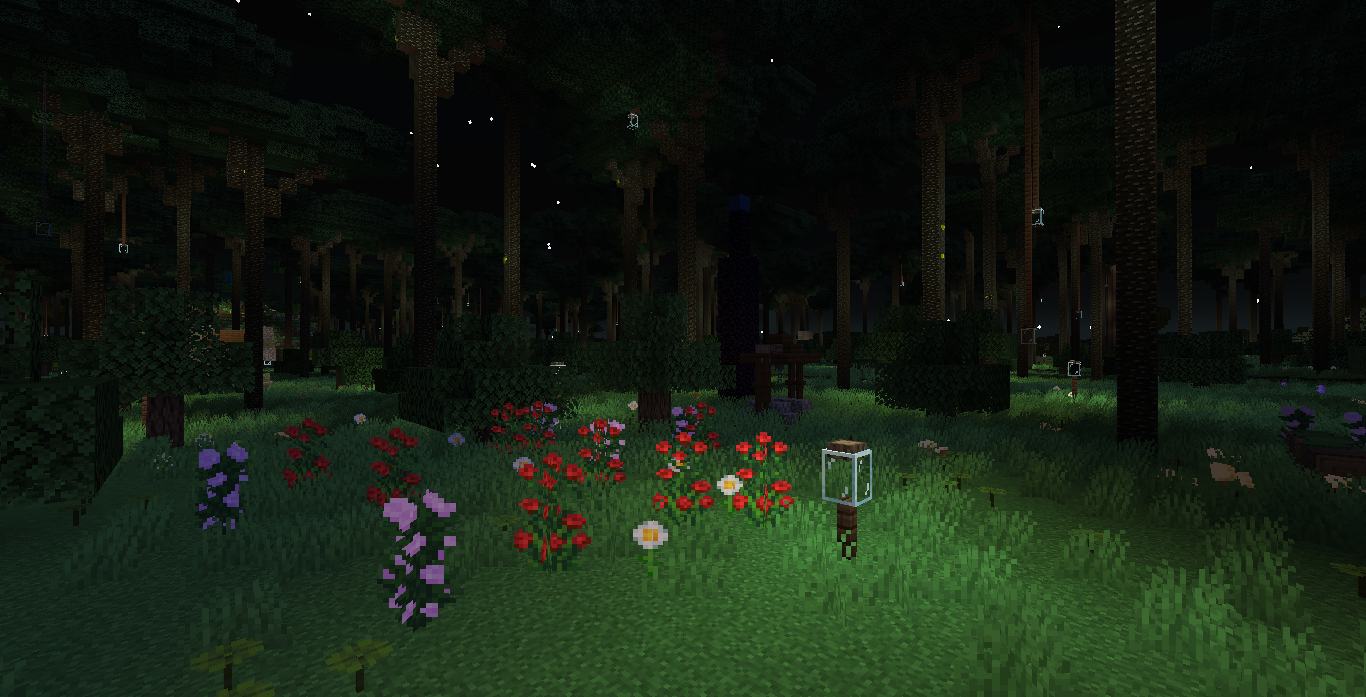
The Realm of Twilight
A Modpack for Playing Through The Twilight Forest Mod Without Any Other Mods Stealing The Spotlight.
This Pack Runs Much More Smoothly Than Vanilla, with Optifine Like Features Including Zooming and Several Optimizations to Improve FPS.
It also includes Some Vanilla+ Mods Like Quark and Nyf's Spiders Along with Sophisticated Backpacks, JEI, Simple Voice Chat and Neat.
Nyf's Spiders does make spiders a lot more scary so you may wish to remove it if you have arachnophobia.
Hope You Enjoy It!
Quick facts
- Edition: Minecraft Java
- File type: .jar
- Minecraft versions listed: 1.21.1, 1.20.1, 1.19.2
- How to install: Install the matching mod loader (Forge, Fabric or NeoForge) for your Minecraft version. → Download the .jar. → Put it in the .minecraft/mods folder and launch that loader profile.
- Where to get it: Opens on CurseForge — not every file is mirrored on our own servers.
Install steps are the general flow for this file type — How to install Minecraft Java mods & modpacks walks through it step by step.
Verified by MCModsHub
- Downloads as The Realm of Twilight-1.0.4.zip
- Download size: 2 KB
- Download link checked 26 Sept 2026 — working
These come from our own check of the pack file, not from the source page.