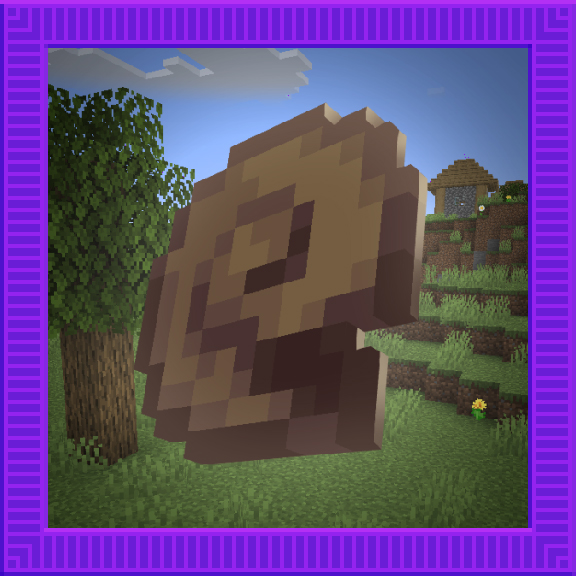
Overwhelmed
Java mod listed for Minecraft 1.19–1.20. Downloads from the MC Java Mods app on Android.
I don't know my version or loader
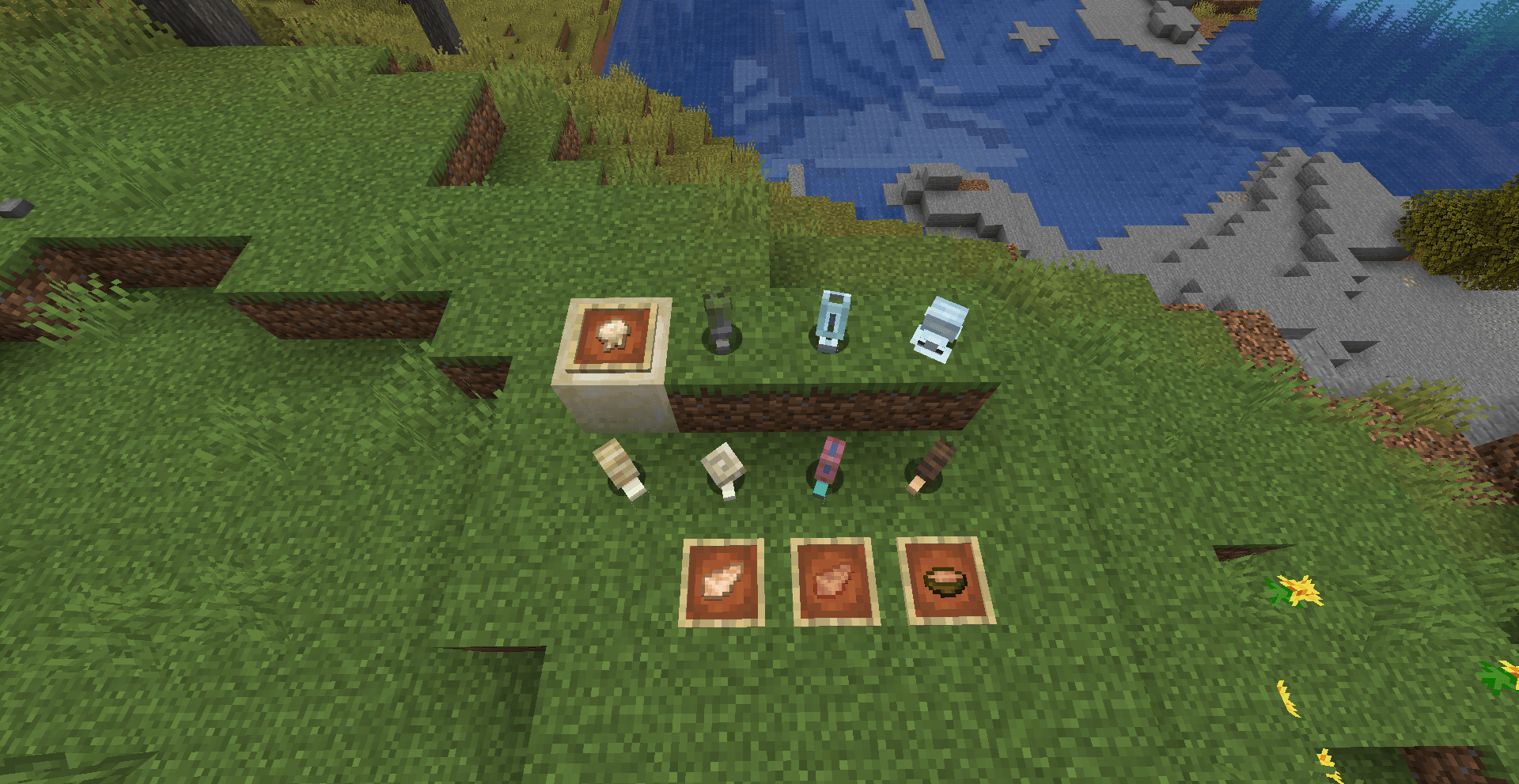
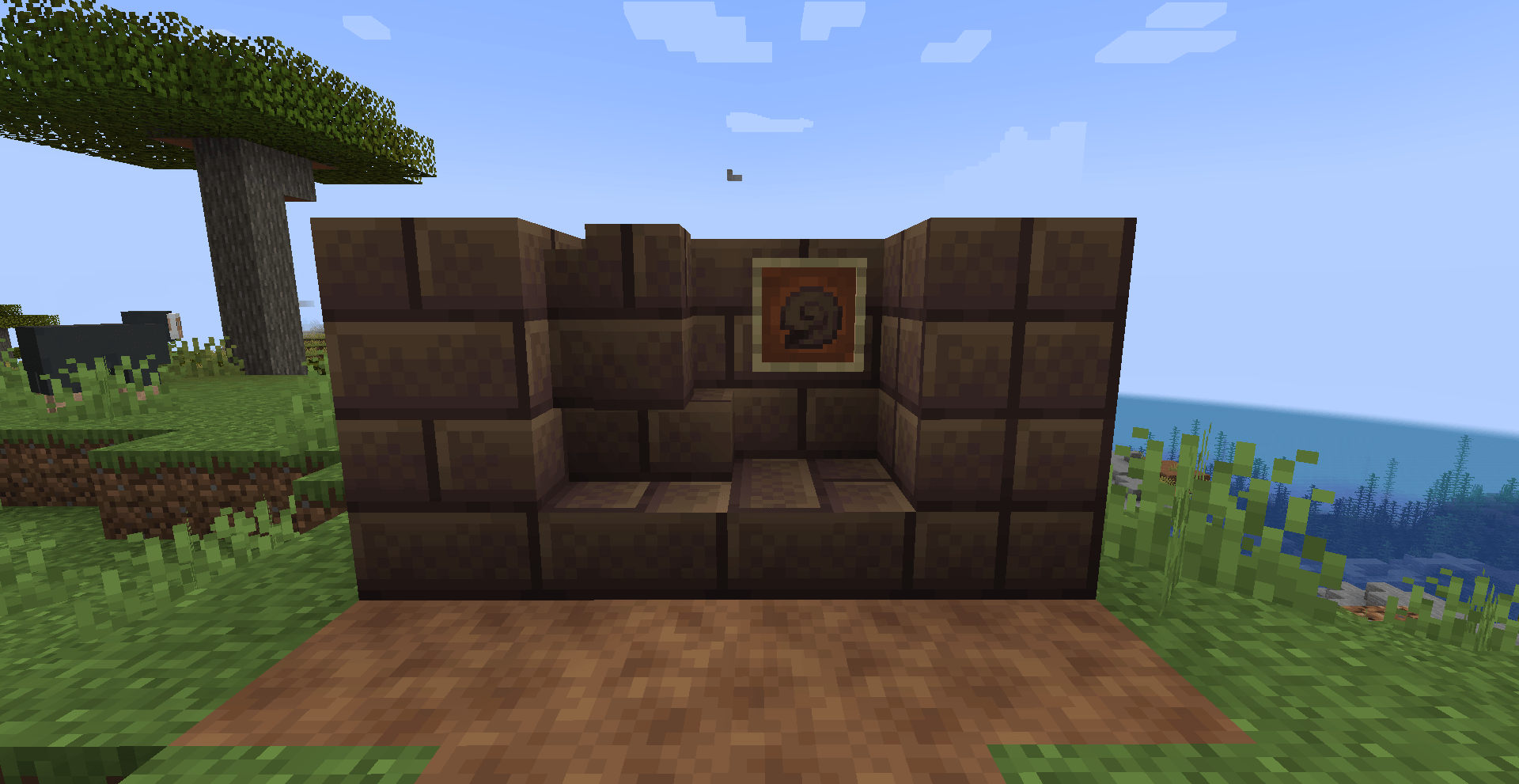
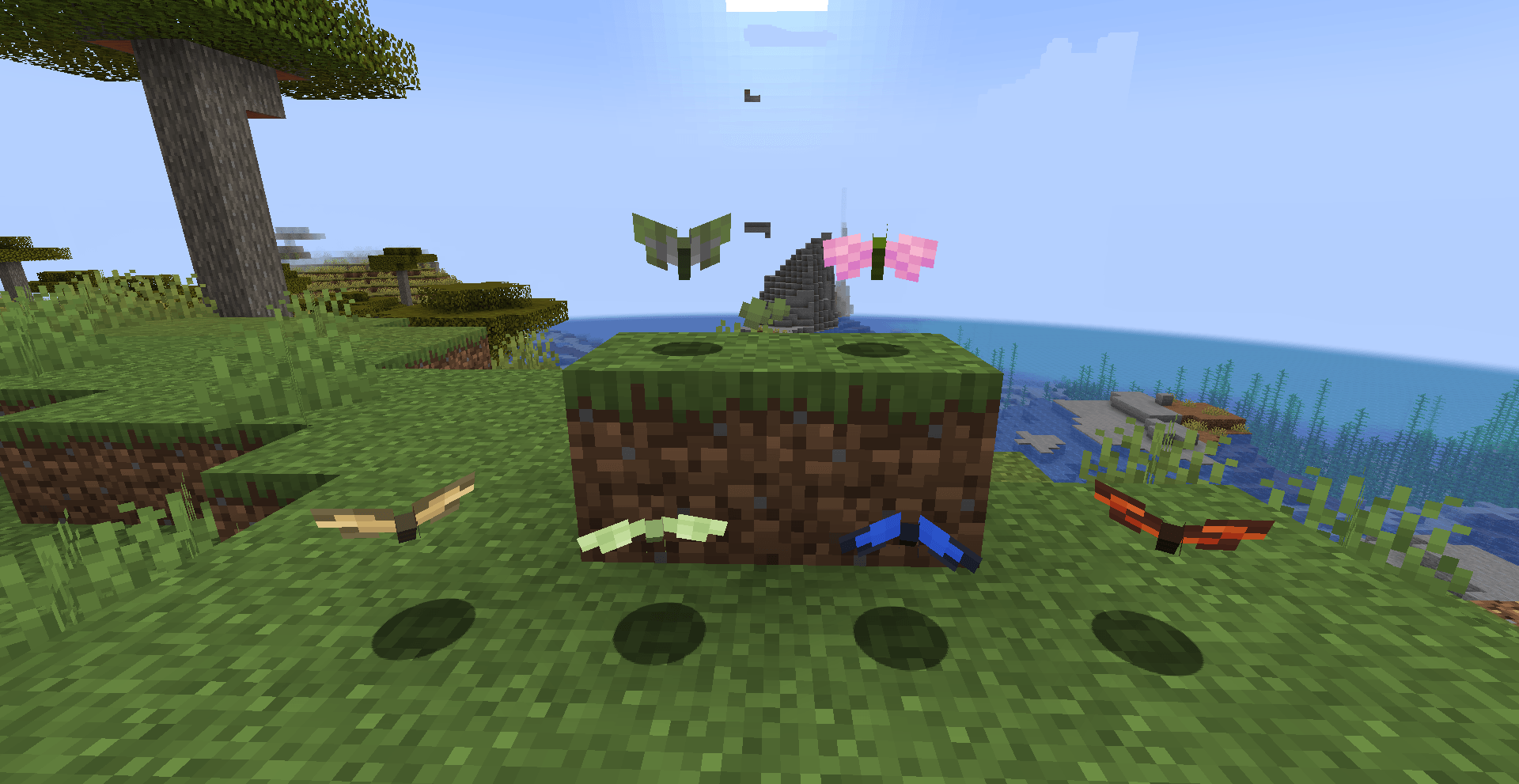
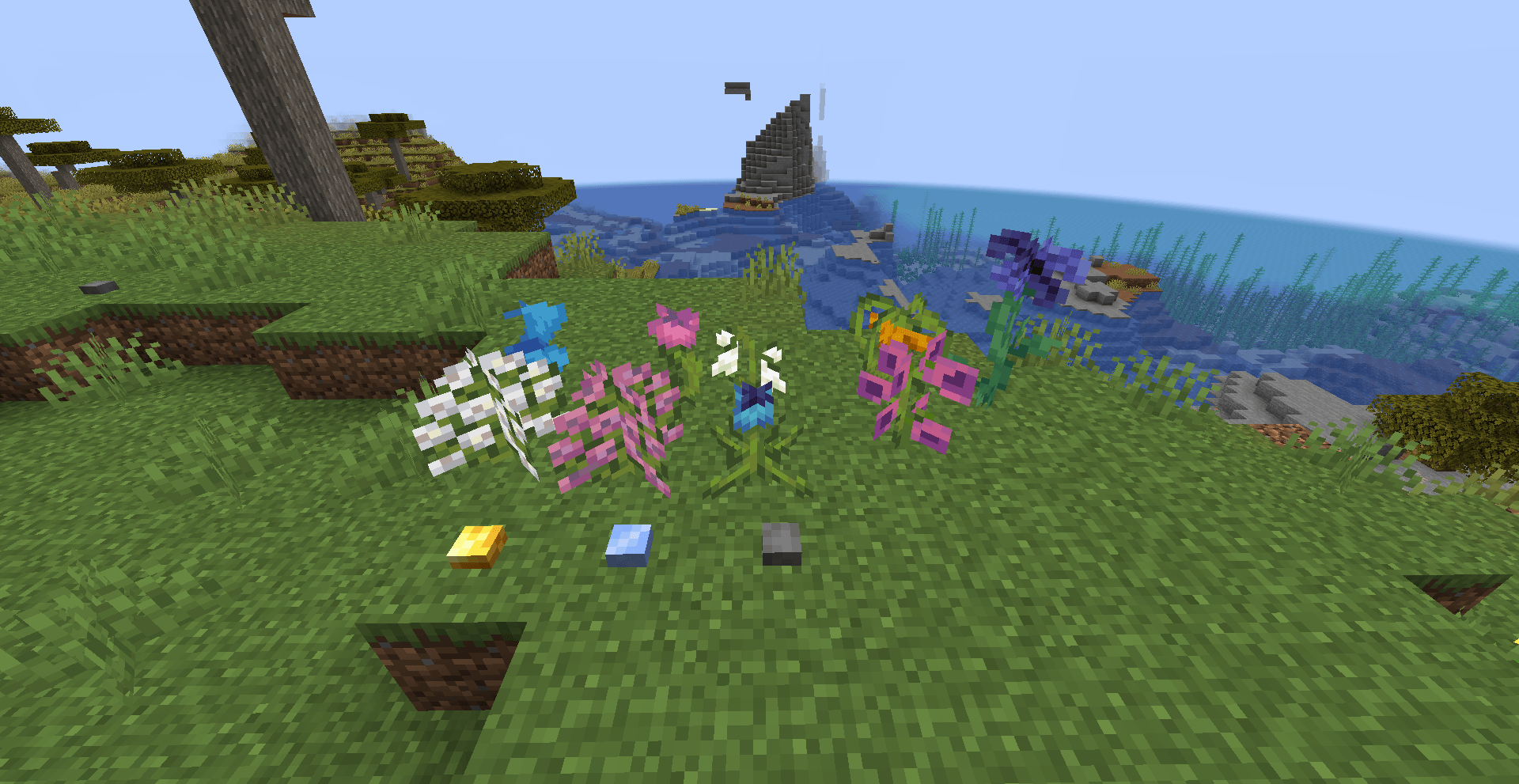



Overwhelmed is a Minecraft mod that focuses on enhancing the atmosphere and gameplay of Minecraft's Overworld surface. It achieves this by introducing new flora and fauna systems for ambience and adding new biomes to explore.

Features
- New flora system: Discover a wide variety of vibrant and immersive plant life, including colorful flowers, towering trees, and unique vegetation in different biomes.
- New fauna system: Encounter new animals and creatures in the game world, each with their own behaviors, sounds, and interactions.
- New biomes: Explore exciting and visually stunning biomes that offer unique terrain generation, environmental effects, and resources.
- Enhanced atmosphere: Immerse yourself in an enhanced Overworld experience with improved ambiance, realistic sounds, and visual effects.
- Improved gameplay: Enjoy a more dynamic and engaging gameplay experience with the addition of new features, such as interactive plants and wildlife.
Details:
Natural Blocks:
- Soil
- Floff (Flower)
- Paine (Flower)
- Pink Lavatera (Flower)
- White Lavatera (Flower)
- Squirl (Flower)
- Ringot (Flower)
- Snowdrop (Flower)
- Bell Sunflower (Flower)
- Widow (Flower)
- Gold Bead
- Ice Cube
- Pebble
- Goo Block
Building Blocks:
- Snail Shell Brick
- Snail Shell Brick Stairs
- Snail Shell Brick Slab
- Snail Shell Brick Wall
- Chiseled Snail Shell Bricks
Combat:
- Blowgun
- Paper Bullet
Food & Drinks:
- Raw Snail
- Cooked Snail
- Snail Stew
Ingredients:
- Gooball
Spawn Eggs:
- Butterfly Spawn Egg
- Snail Spawn Egg
Mobs:
Butterflies:
- Cabbage Butterfly
- Cherry Butterfly
- Liverwort Butterfly
- Monarch Butterfly
- Morpho Butterfly
- Sleepy Butterfly
Snails:
- Flat Snail
- Garden Snail
- Gary
- Glass Snail
- Limestone Snail
- Liverwort Snail
- Roman Snail
Installation
NeoForge
- Make sure you have NeoForge installed. If not, you can download it here.
- Download the latest version of Overwhelmed NeoForge from the CurseForge page.
- Locate your Minecraft mods folder. This is usually located in
%APPDATA%/.minecraft/modson Windows or~/Library/Application Support/minecraft/modson macOS. - Copy the downloaded mod files into the mods folder.
- Launch Minecraft with the NeoForge profile and enjoy the new features added by Overwhelmed!
Minecraft Forge
- Make sure you have Minecraft Forge installed. If not, you can download it here.
- Download the latest version of Overwhelmed MinecraftForge from the CurseForge page.
- Locate your Minecraft mods folder. This is usually located in
%APPDATA%/.minecraft/modson Windows or~/Library/Application Support/minecraft/modson macOS. - Copy the downloaded mod files into the mods folder.
- Launch Minecraft with the Minecraft Forge profile and enjoy the new features added by Overwhelmed!
Fabric
- Make sure you have Fabric Loader installed. If not, you can download it here.
- Download the latest version of Fabric API from the CurseForge or Modrinth page.
- Download the latest version of Overwhelmed Fabric from the CurseForge page.
- Locate your Minecraft mods folder. This is usually located in
%APPDATA%/.minecraft/modson Windows or~/Library/Application Support/minecraft/modson macOS. - Copy the downloaded mod files into the mods folder.
- Launch Minecraft with the Fabric profile and enjoy the new features added by Overwhelmed!
License and Modpack Usage Terms
Overwhelmed is licensed under the GPL 3.0 or Later License with the Minecraft Linking Exception. You are free to use, modify, and distribute this mod in accordance with the terms of the license. This also means you are free to use this mod in any modpack, as long as the modpack is licensed under the same license. In addition, all mods must be licensed under a GPL-compatible license.
Contributing
Contributions to Overwhelmed are welcome! If you want to contribute to the project, please follow these steps:
- Fork the repository and clone it to your local machine.
- Make your desired changes or additions.
- Test your changes to ensure they work as expected.
- Create a new pull request, providing a detailed description of your changes and the rationale behind them.
Issues and Feedback
If you encounter any issues while using Overwhelmed or have any suggestions or feedback, please open an issue on the GitHub Issues page. Your feedback is highly appreciated, and it helps improve the mod for everyone.
Credits
Overwhelmed is developed by Endurteam
- Edition: Minecraft Java
- File type: .jar
- Minecraft versions listed: 1.20.4, 1.20.1, 1.19.4
- How to install: Install the matching mod loader (Forge, Fabric or NeoForge) for your Minecraft version. → Download the .jar. → Put it in the .minecraft/mods folder and launch that loader profile.
- Where to get it: Opens on CurseForge — not every file is mirrored on our own servers.
Install steps are the general flow for this file type — How to install Minecraft Java mods & modpacks walks through it step by step.
- Ships as overwhelmed-fabric-0.3.0.jar.jar — drop this file into the mods folder
- Download size: 467 KB
- Download link checked 25 Sept 2026 — working
These come from our own check of the pack file, not from the source page.