ModsJava
Late Game Golems
Java mod listed for Minecraft 1.16–1.21. Downloads from the MC Java Mods app on Android.

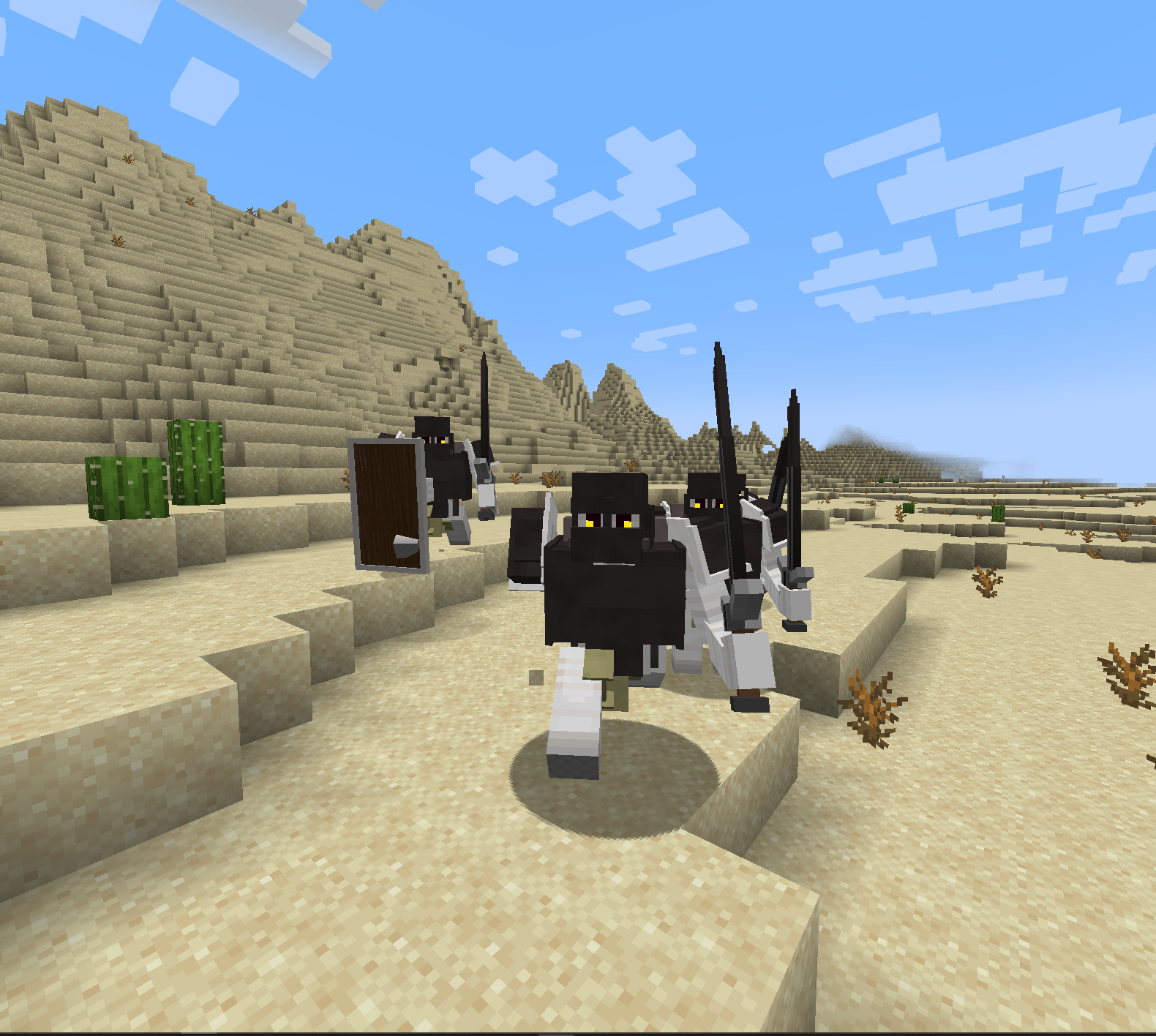
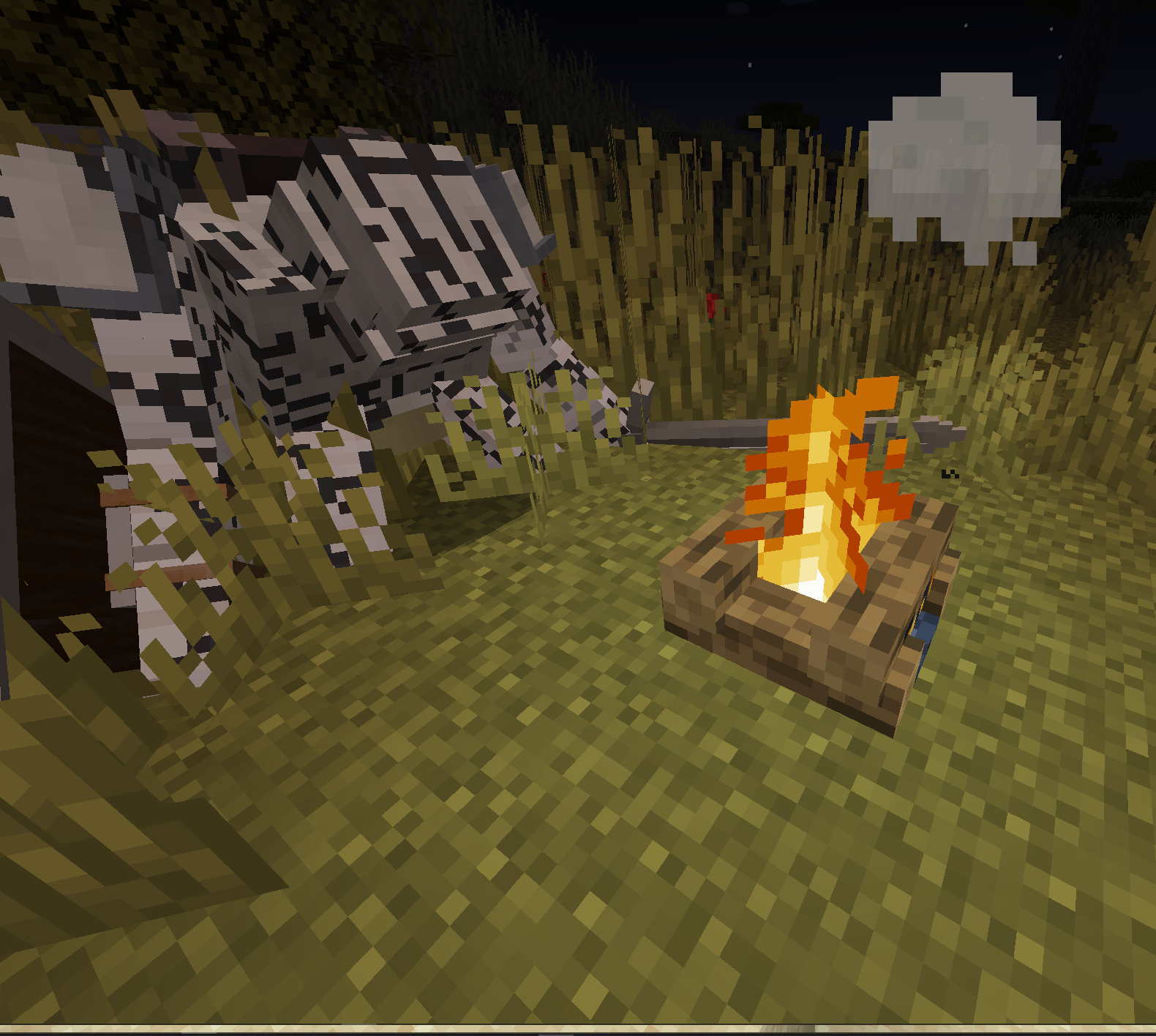
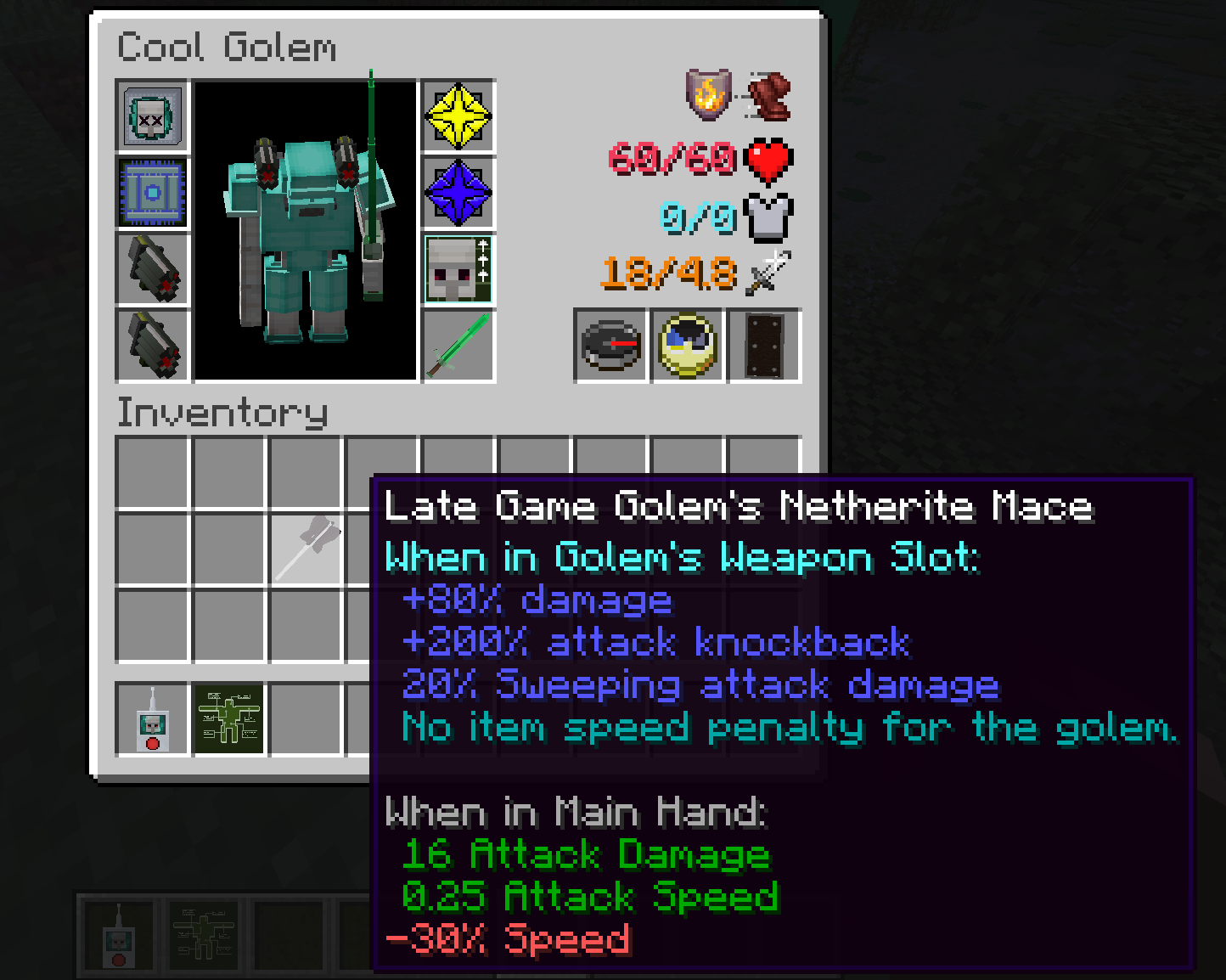
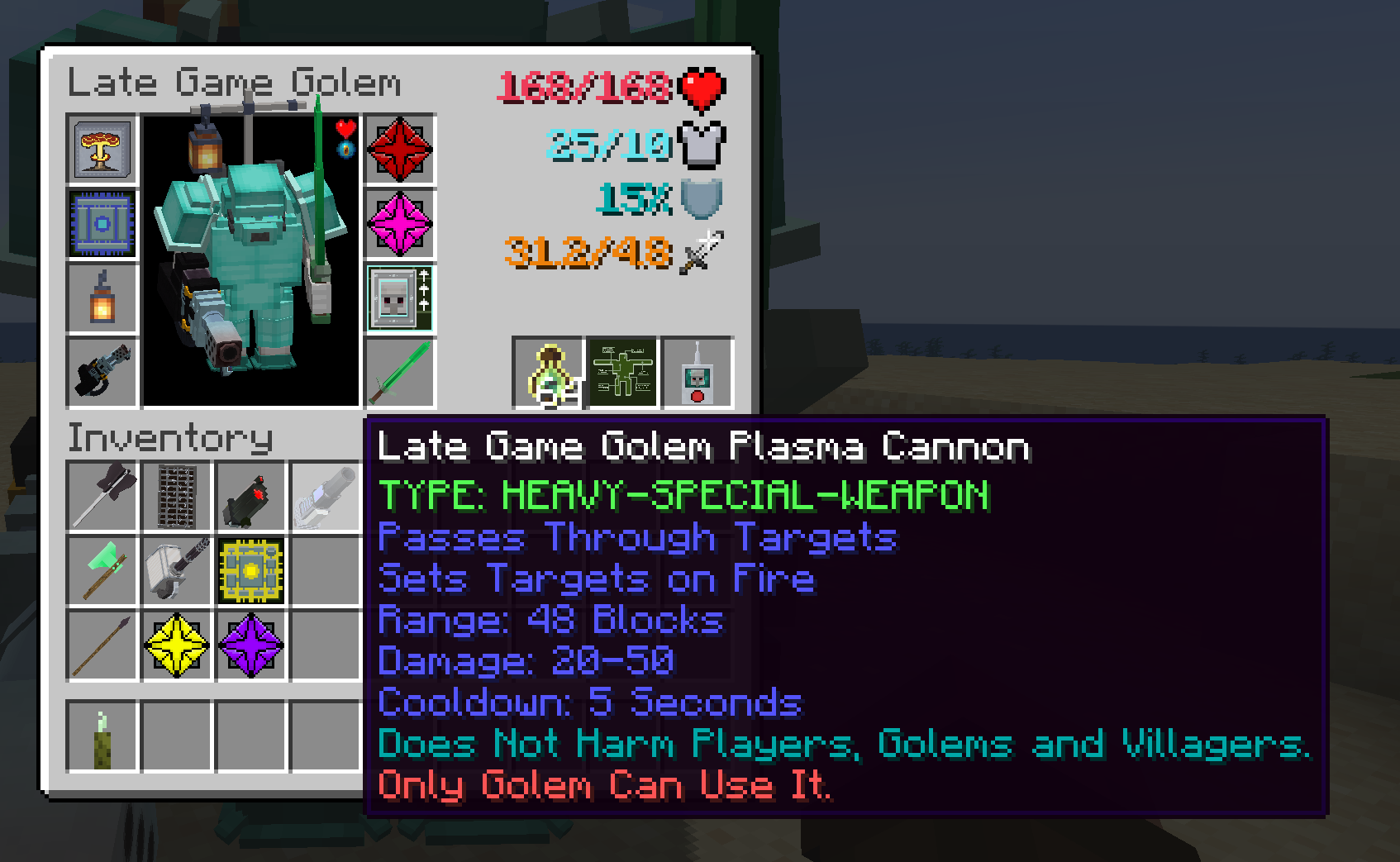

Allows you to upgrade Iron Golem's to use guns, shields, swords, maces, armors, change AI and other upgrades. Designs inspired by Warhammer 40k.
I don't know my version or loader
Open the Minecraft launcher and look at the profile you play on — it names both, like fabric-loader-1.21.4. The version also shows in the bottom-right corner of the game's main menu.
No loader in the profile name? Then it's plain Minecraft, and these mods won't run — you need Fabric or NeoForge installed first.
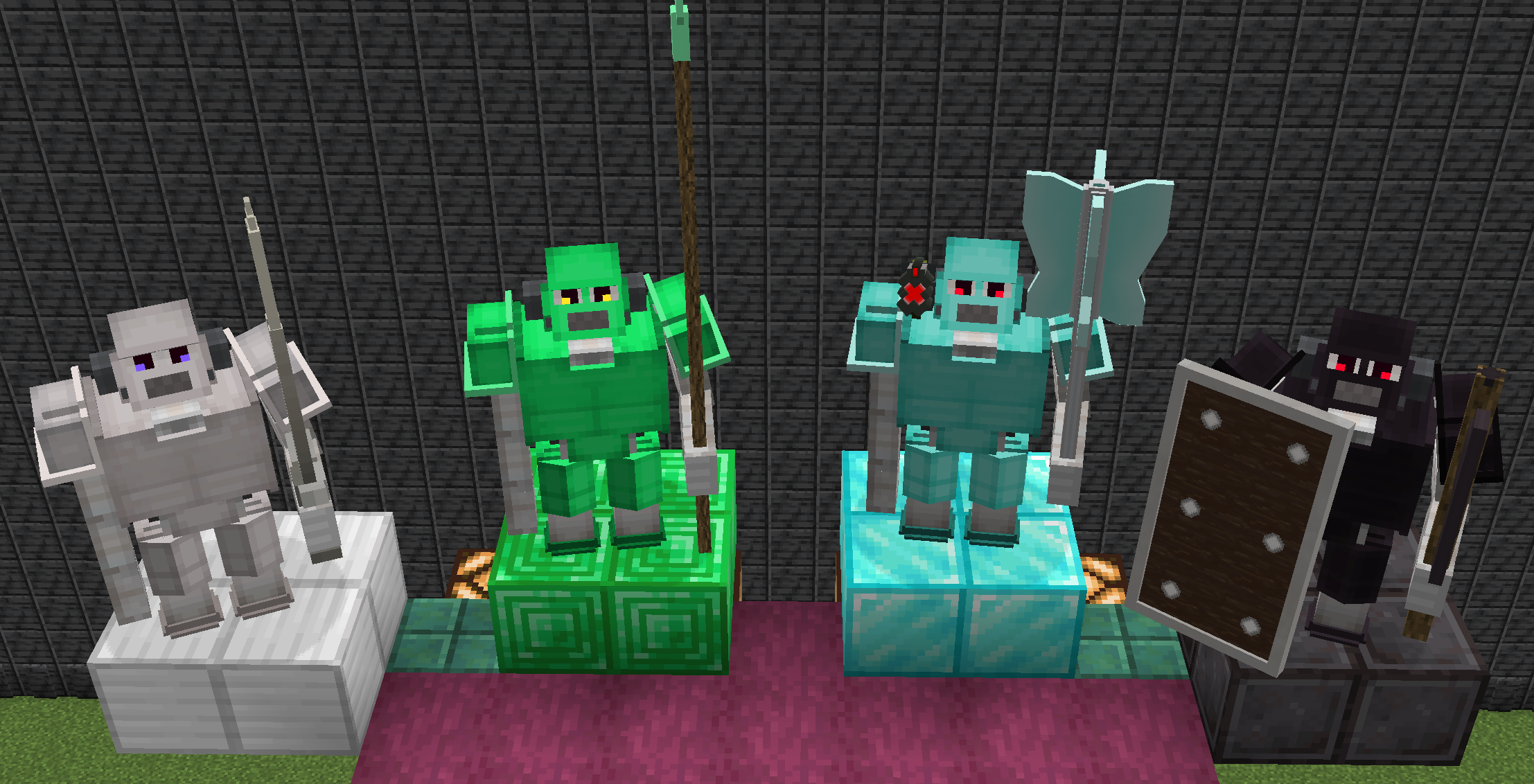

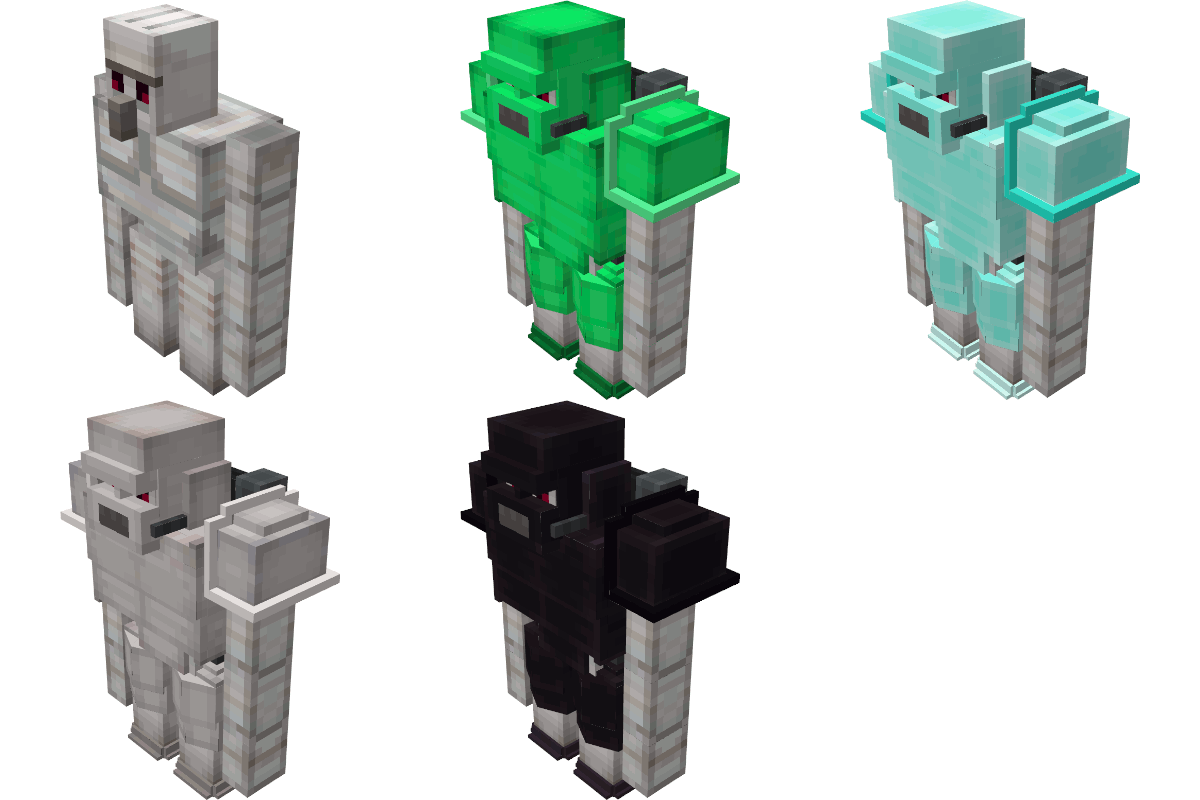
major update for [NeoForge]-1.21.1, [Forge]-1.20.1
Click here to submit a bug report
Modpack policy: you can add this to modpacks.
Client Config
#Settings for Late Game Golem
[upgraded_golem]
    #Display Death Message
    upgraded_golem_death_msg = false
Common Config
#Settings for Late Game Golem
[upgraded_golem]
    #Golem's target whitelist. Golem will not aggro at mob, Use modid to whitelist all entities from a mod, or modid:entityname to whitelist a specific entity only.
    entity_target_whitelist = ["modid", "modid:mobname"]
    #Golem's Retaliate whitelist. Golem will not retaliate against mob, Use modid to whitelist all entities from a mod, or modid:entityname to whitelist a specific entity only.
    entity_retaliate_whitelist = ["modid", "modid:mobname"]
    #Golem's target Blacklist. Golem will aggro at mob, Use modid to blacklist all entities from a mod, or modid:entityname to blacklist a specific entity only.
    entity_target_blacklist = ["modid", "modid:mobname"]
    #Item blacklist: if a player right-clicks a golem while holding an item in the blacklist, the inventory will not open. Use modid to ban all items from a mod, or modid:itemname to ban a specific item only.
    item_right_click_blacklist = ["mobbattle", "minecraft:bedrock"]

    #Golem Stats
    [upgraded_golem.stats]
        #stat change will not apply to existing golems
        #Golem Health Multiplier
        # Default: 1.0
        # Range: 0.001 ~ 1000.0
        health_multiplier = 1.0
        #Golem Ranged Damage Multiplier
        # Default: 1.0
        # Range: 0.001 ~ 1000.0
        ranged_damage_multiplier = 1.0
        #Golem Melee Damage Multiplier
        # Default: 1.0
        # Range: 0.001 ~ 1000.0
        melee_damage_multiplier = 1.0

    #Behavior
    [upgraded_golem.behavior]
        #If true, all monsters (or Enemy-type mobs) will be forced to target Upgraded Golems.
        #If false, only mobs that already target Iron Golems will gain Upgraded Golem targeting.
        all_monsters_target_golem = true
        #Golems can be angry at players.
        angry_at_player = false
        #Golem will target player that hurt golem's owner
        protect_owner = false
        #Only Golem's Owner can access its inventory
        owner_invetnory_lock = false
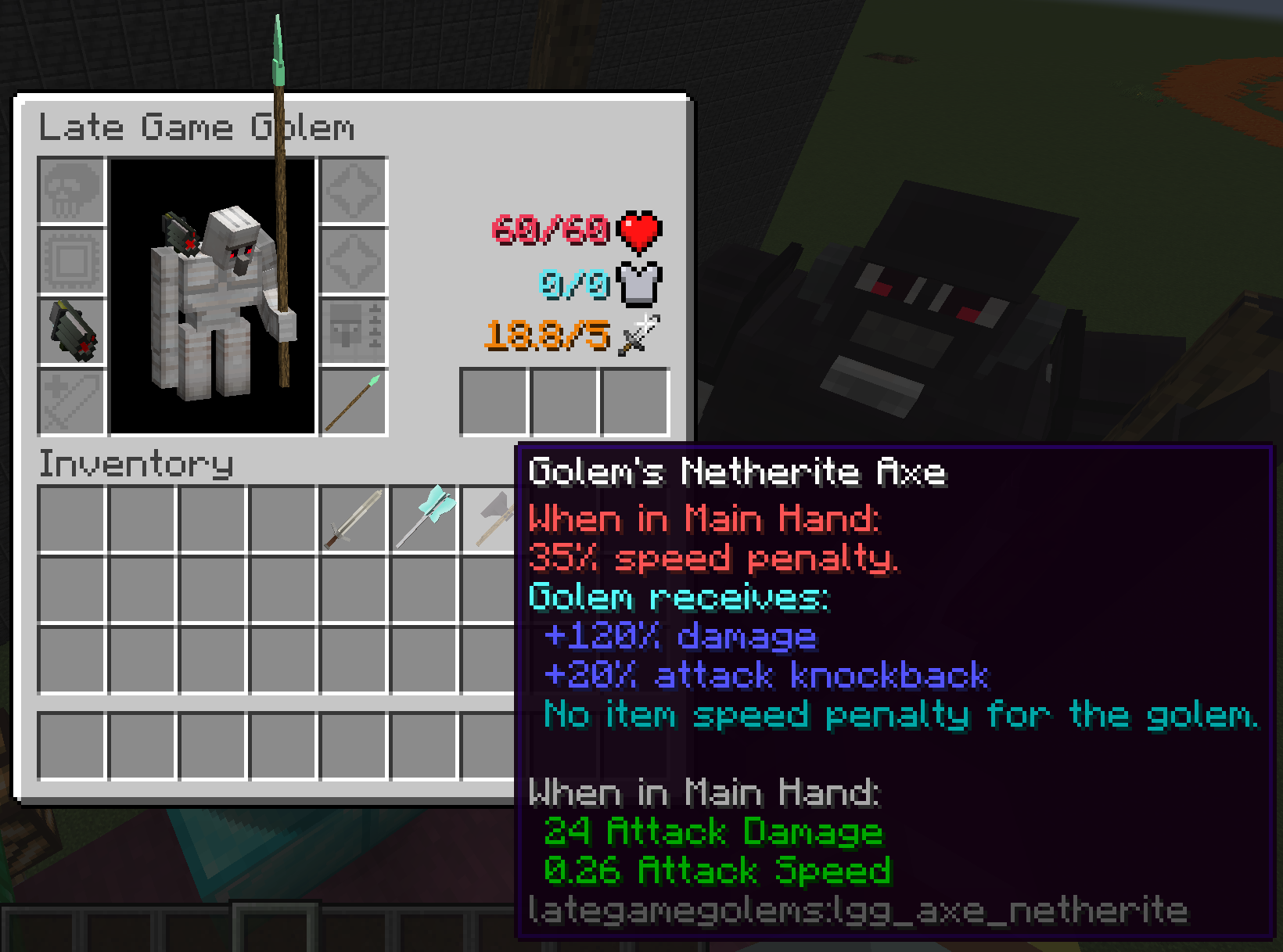

Upgrade iron golem into a Late Game Golem.

Upgrades include:
- Death Modules - which activate on golem's death.
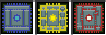
- AI Chips - which change golem's behavior.
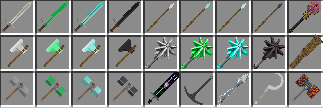
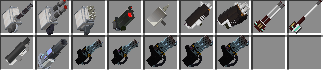
- Melee Weapons - golem can dual wield them.
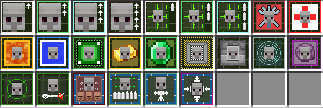
- Special Weapons - Guns, Shields, Lanterns.
- Upgrade - Improves stats and provides abilities.
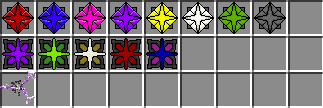
- Gems - additional stat improvements.



move control of entity in the Upgrade Painter Workshop UI.
- left click & drag to rotate entity,
- scroll wheel to zoom in and out.
- right click & drag to move entity position.
Gems
Shields

Melees
Upgrades
Guns
Death Modules

AI Chips
Misc

Quick facts
- Edition: Minecraft Java
- File type: .jar
- Minecraft versions listed: 1.21.1, 1.20.1, 1.19.2
- How to install: Install the matching mod loader (Forge, Fabric or NeoForge) for your Minecraft version. → Download the .jar. → Put it in the .minecraft/mods folder and launch that loader profile.
- Where to get it: Opens on CurseForge — not every file is mirrored on our own servers.
Install steps are the general flow for this file type — How to install Minecraft Java mods & modpacks walks through it step by step.
File checked by MCModsHub
- Ships as lategamegolems-1.20.1-forge-3.1.1.jar — drop this file into the mods folder
- Download size: 6.2 MB
- Download link checked 25 Sept 2026 — working
These come from our own check of the pack file, not from the source page.